 Alessandro Arcidiacono




Key Features
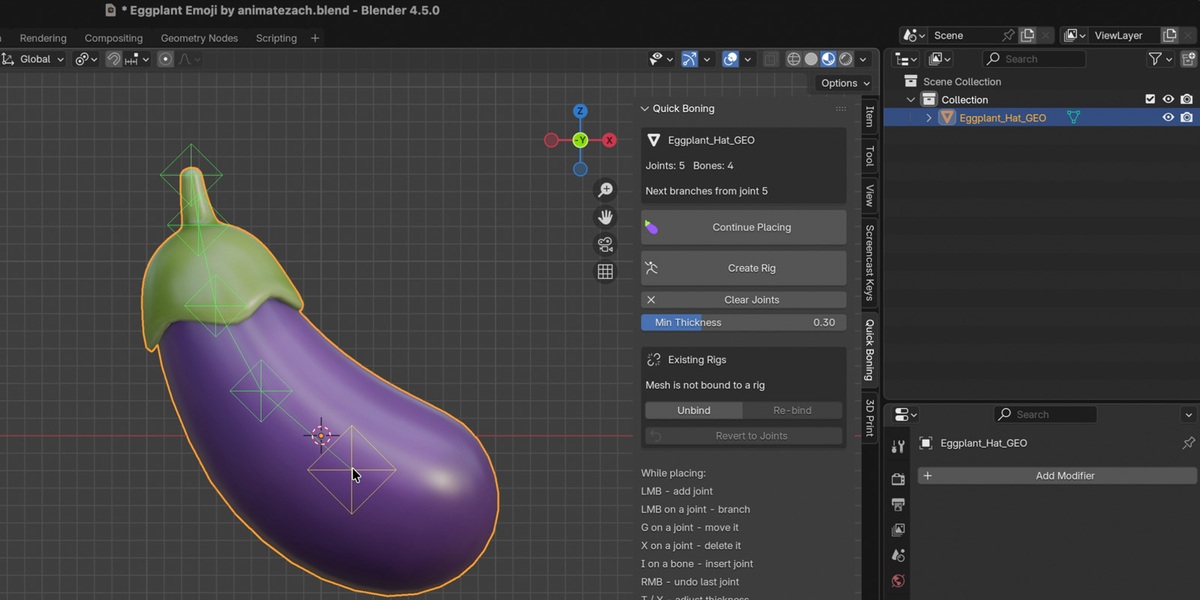
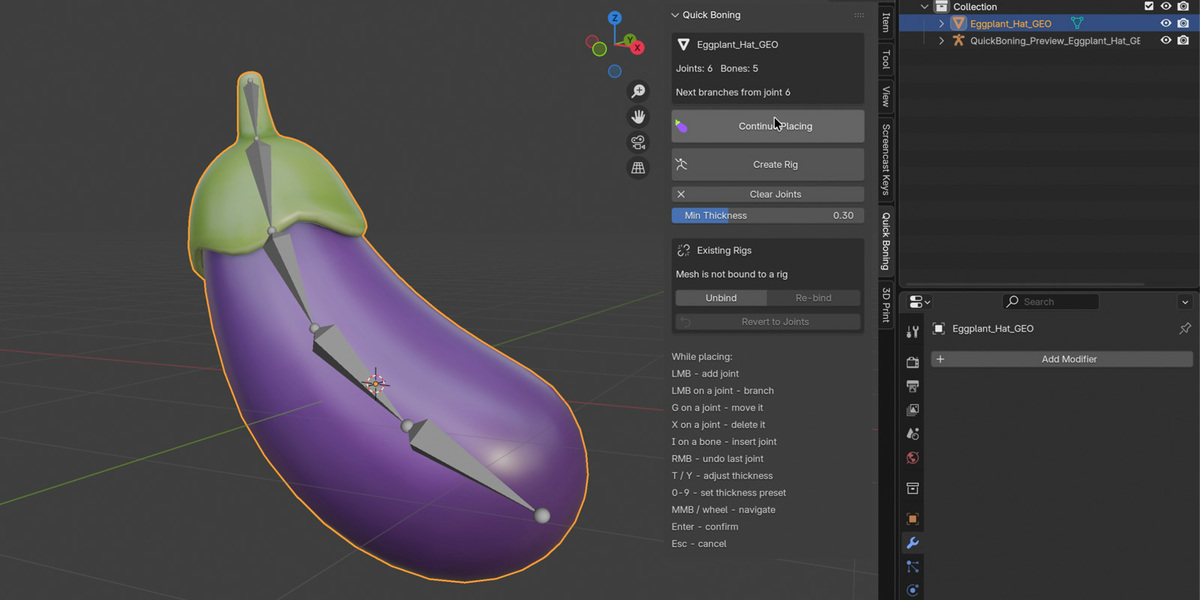
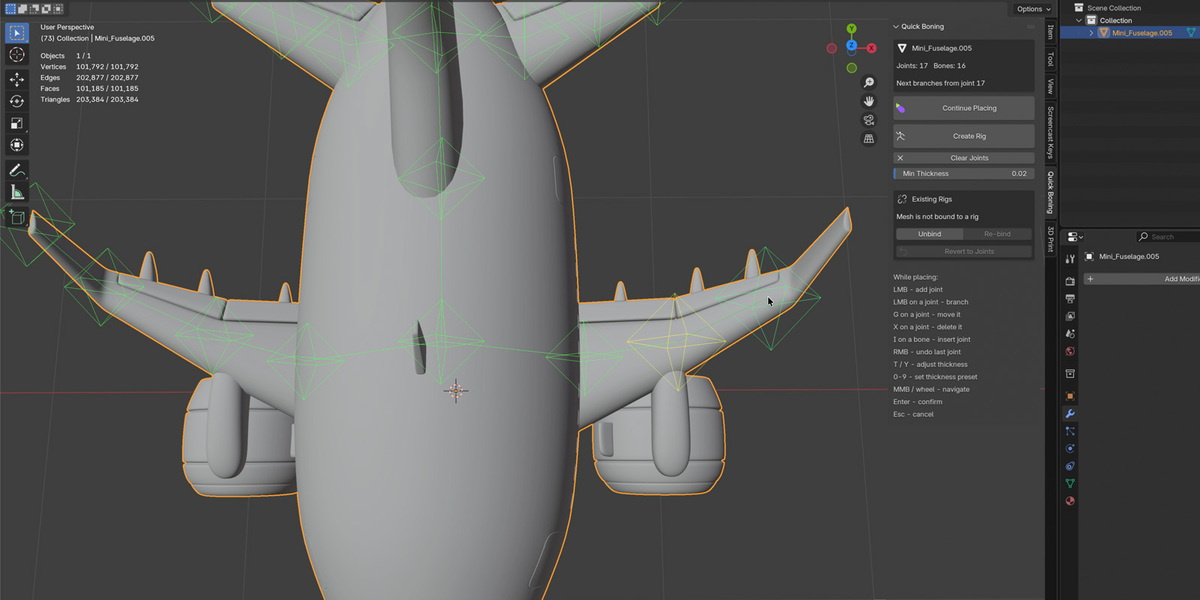
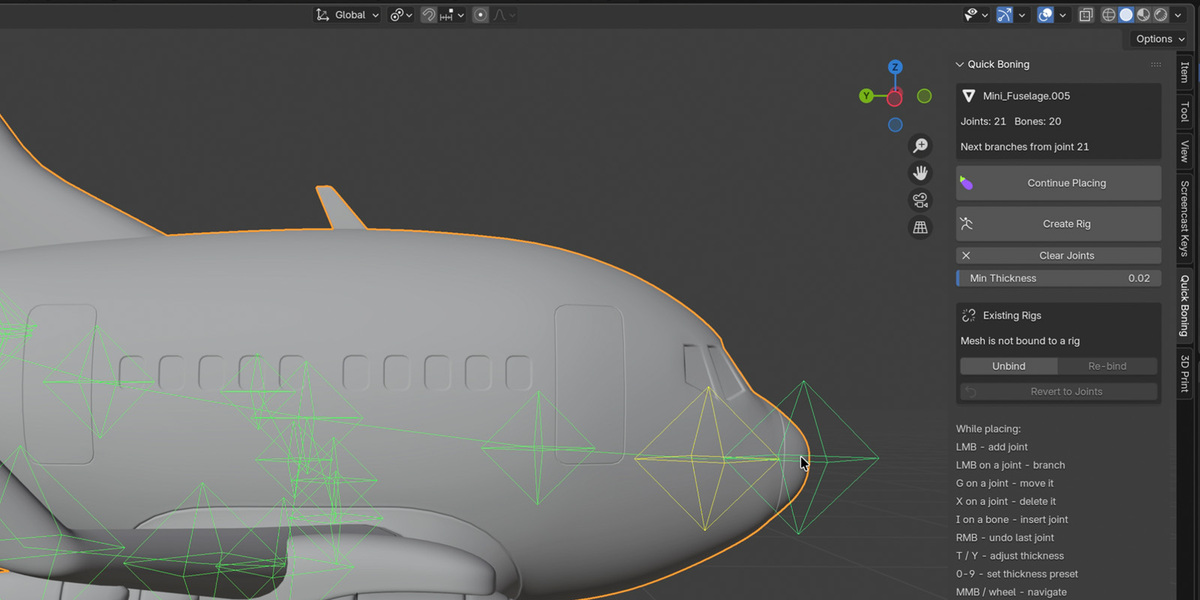
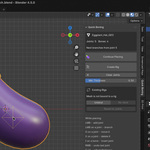
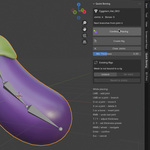
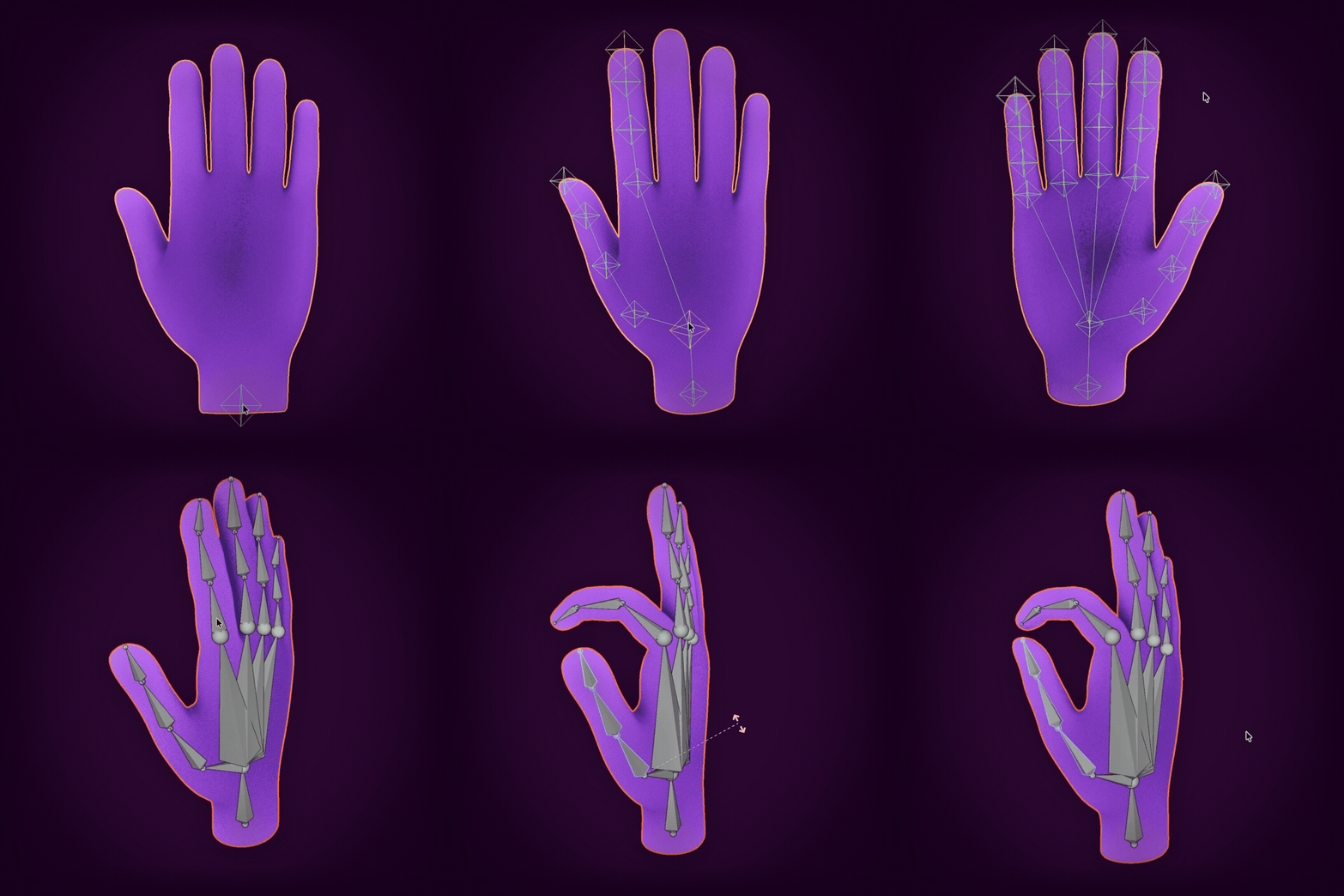
Click to PlaceJoints land inside the mesh volume, not on surfaces. No adjustment needed. | Live PreviewSee where joints will land before confirming. Real-time feedback at every step. | Modal EditingMove, delete, and insert joints with G, X, and I keys in one continuous workflow. |
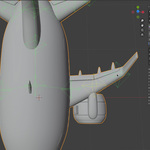
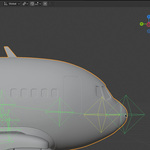
BranchingClick a joint to branch from it. Build multi-limb rigs easily. | Revert & RefineRevert any rig back to editable joints and rebuild without losing work. | Weight OptionsChoose auto weights or envelope weights with intelligent fallbacks. |
Shortcuts
| LMB Place joint | G Move joint | X Delete joint | I Insert on bone |
| T / Y Adjust thickness | 0-9 Thickness presets | Enter Confirm placement | Esc Cancel session |
Technical
- Blender 4.0+ (tested on 4.5 and 5.2 LTS)
- Works with any mesh complexity
- Supports branching, chains, and IK setup
Enjoy the easy rigging, you lazy!
