 chelik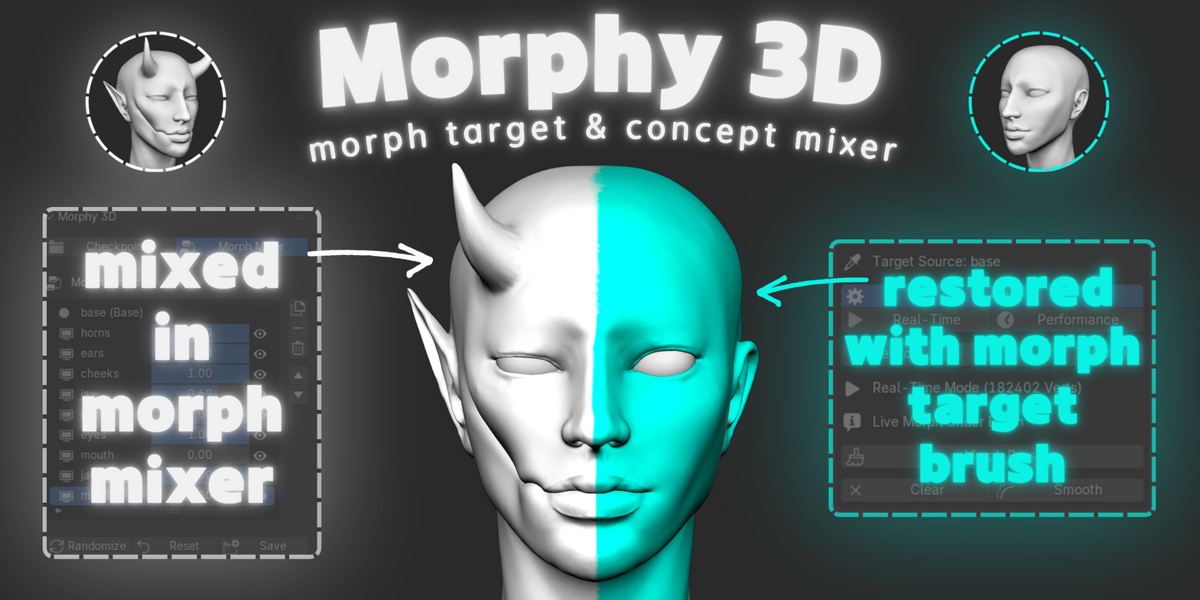
Morphy 3D
Sculpt without fear. Mix without limits.
Every 3d artist knows the feeling of sculpting a delicate face for hours, only to freeze when wanting to experiment. Pushing a jawline, adding horns, or testing expressions often means risking your hard-earned anatomy or cluttering your outliner with dozens of heavy duplicate meshes. Morphy 3D removes this fear completely. It turns Blender into a non-destructive sculpting sandbox where your baseline is permanently protected, variations are mixed parametrically, and any detail can be selectively transferred or restored with a brush.
//Parametric Concept Mixer
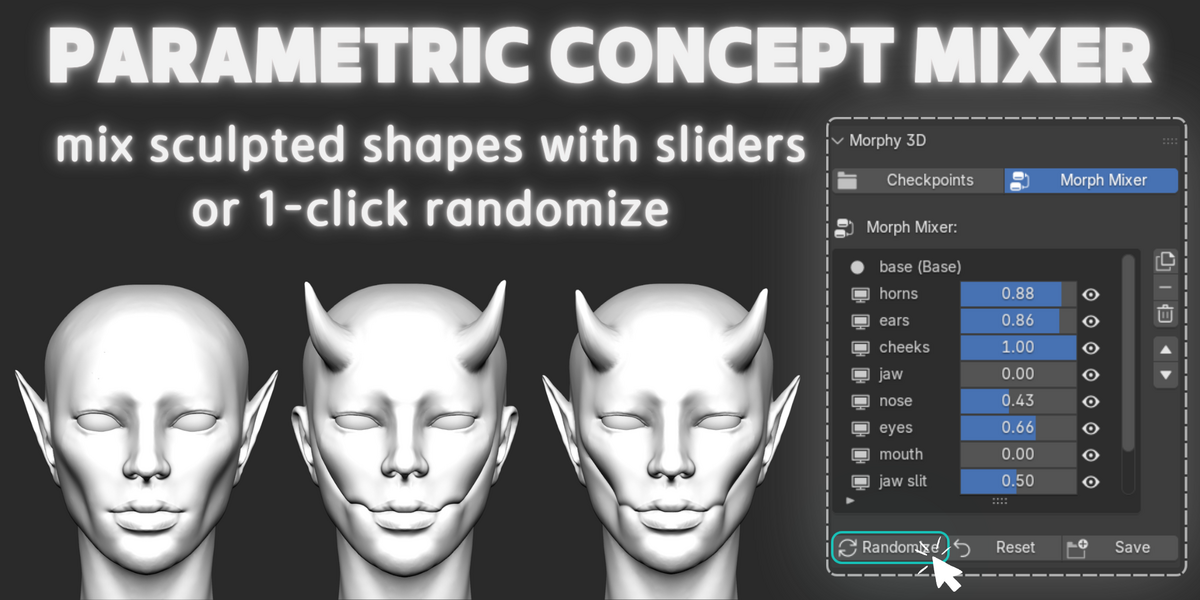
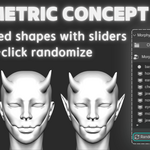
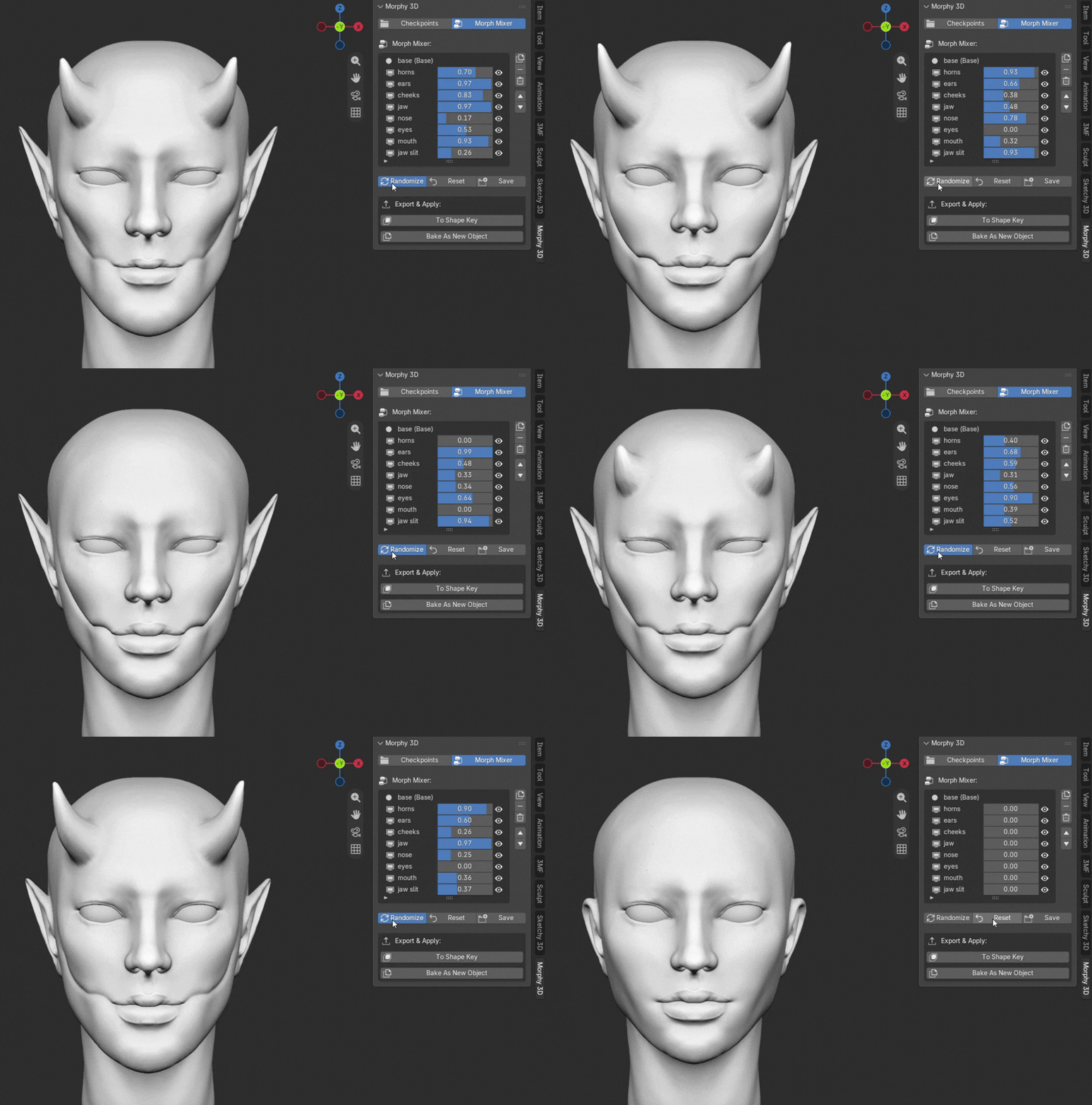
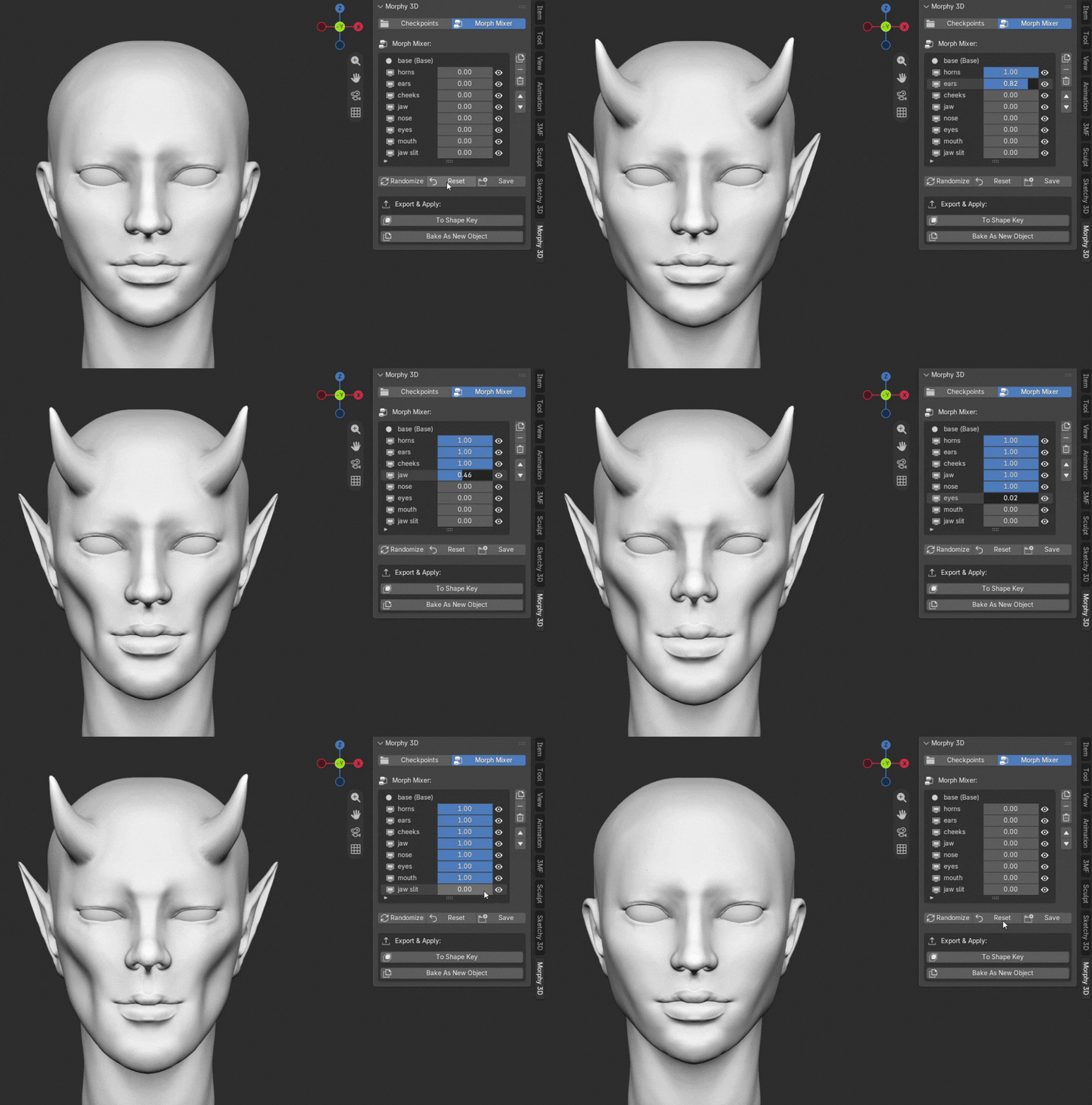
The morph mixer tab lets you blend your sculpted checkpoints with real-time parametric sliders from 0.0 to 1.0. Instead of choosing between different sculpt branches, you can combine features across multiple checkpoints simultaneously. Want to discover unexpected combinations? Hit the randomize button to shuffle your checkpoint weights into instant hybrid concepts, then hit save to bake your favorite mix into a clean new checkpoint.
1-Click Randomize
Real-Time Sliders
//Selective Morph Target Brush
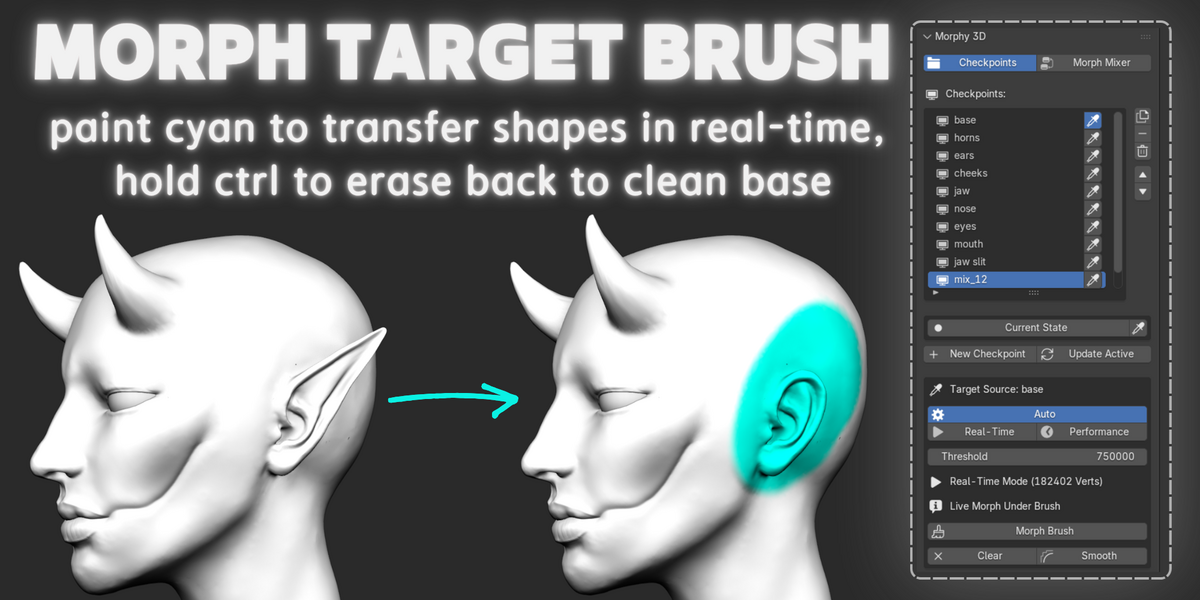
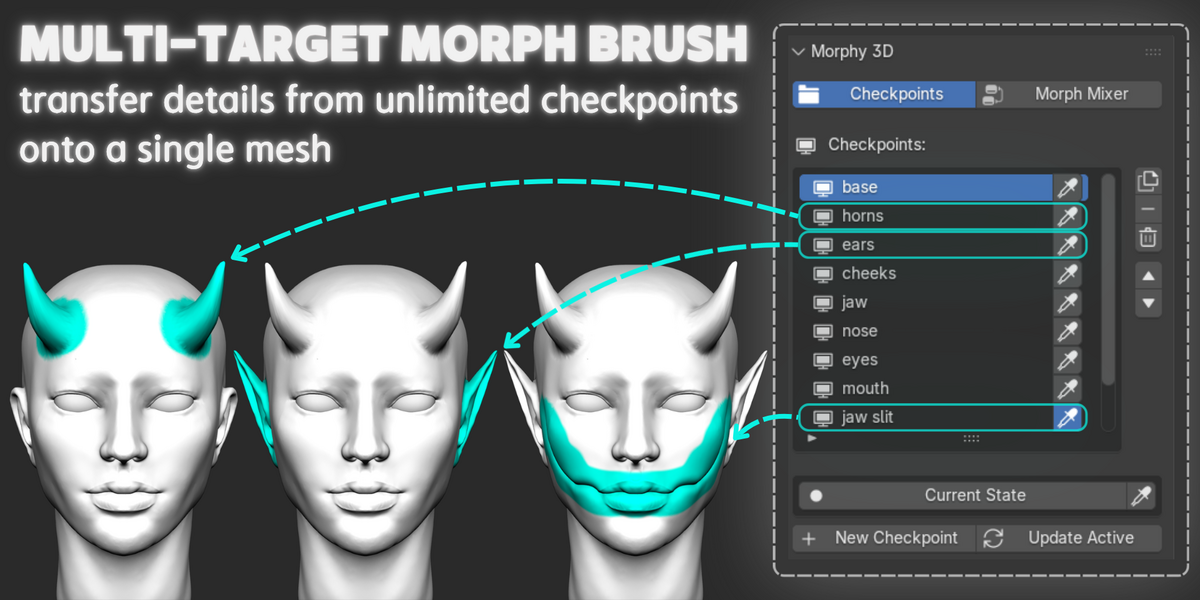
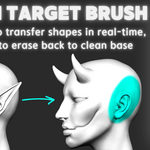
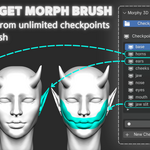
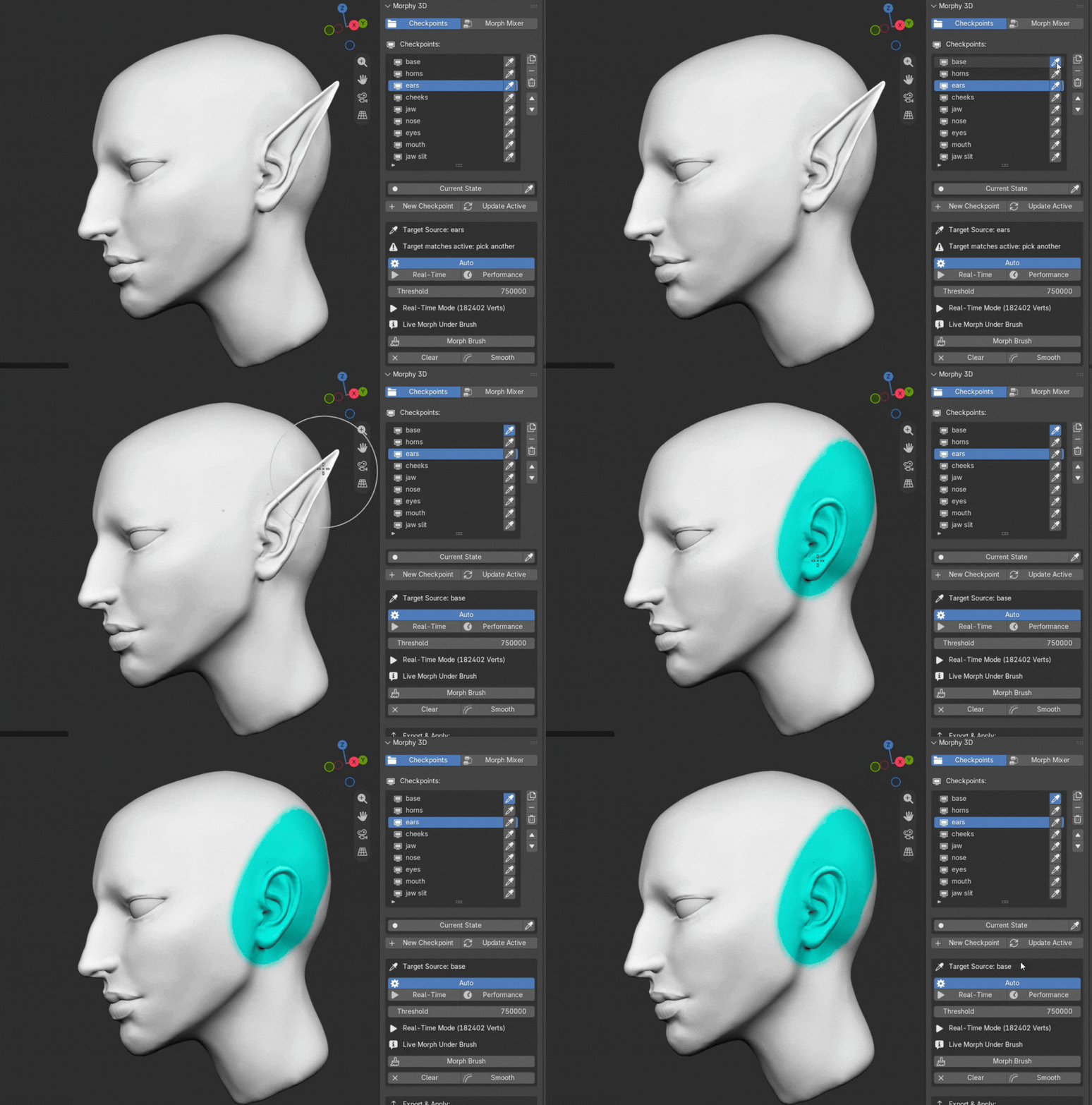
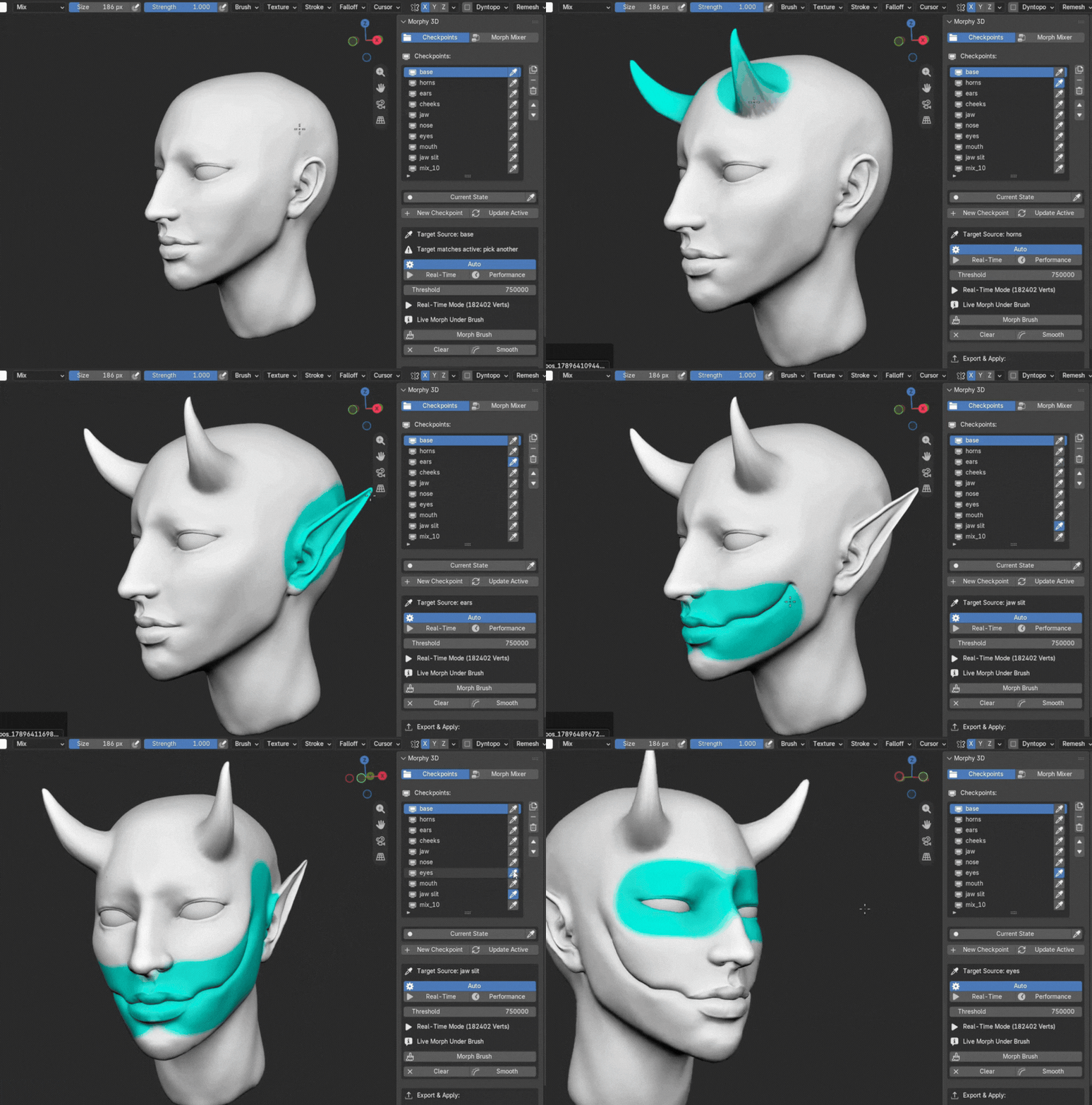
The non-destructive morph target brush gives you surgical control over where shapes are applied. Sample any checkpoint in your library with the one-click eyedropper, and the brush instantly equips with a glowing cyan stroke to paint and transfer shapes directly onto your active model. Because Morphy 3D supports unlimited checkpoints, you can sequentially transfer details from multiple checkpoints onto a single base mesh like a modular kit. Need to undo an experiment or restore anatomy? Sample your neutral base checkpoint and brush over the unwanted area to restore clean skin without affecting the rest of your sculpt, or hold ctrl to erase on the fly.
Selective Restore
Multi-Target Transfer
//Smart Stash Protection
Accidental progress loss is solved at the architecture level. If you sculpt fresh details on an active checkpoint and switch to another checkpoint without manually saving, Morphy 3D detects the vertex delta and automatically saves your live sculpting into the dedicated current state slot at the bottom of the list. You can browse your checkpoint gallery freely knowing your unbaked sculpting is always safely stored in current state and ready for one-click recovery.
//Production Export Suite
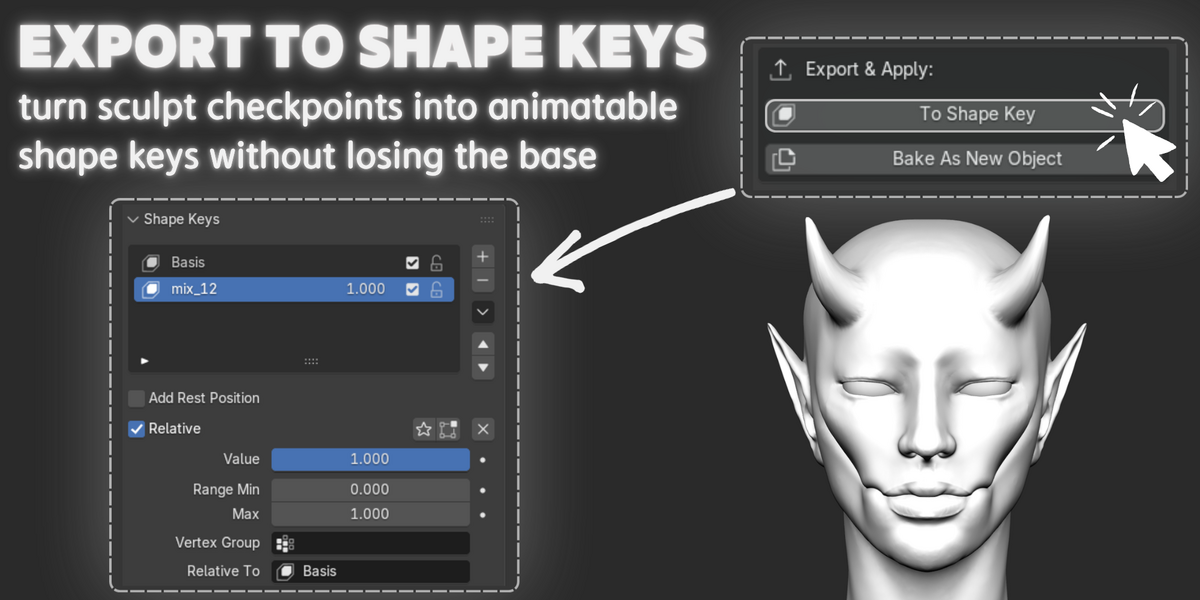
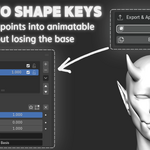
Morphy 3D integrates seamlessly into production pipelines. With a single click of to shape key, your active checkpoint or evaluated mix transfers directly into native Blender shape keys with automatic basis alignment and zeroed initial weights, ready for facial rigging, vrchat, unreal engine, and unity. Need an independent model? Bake as new object generates an in-place clean duplicate neatly organized inside a dedicated Morphy Bakes collection in the outliner.