 chelik
Frequently asked questions (FAQ)
FREQUENTLY ASKED QUESTIONS
Everything you need to know about morphy 3d workflow, remeshing, and export pipelines.
Does morphy 3d work with remeshing and dyntopo?
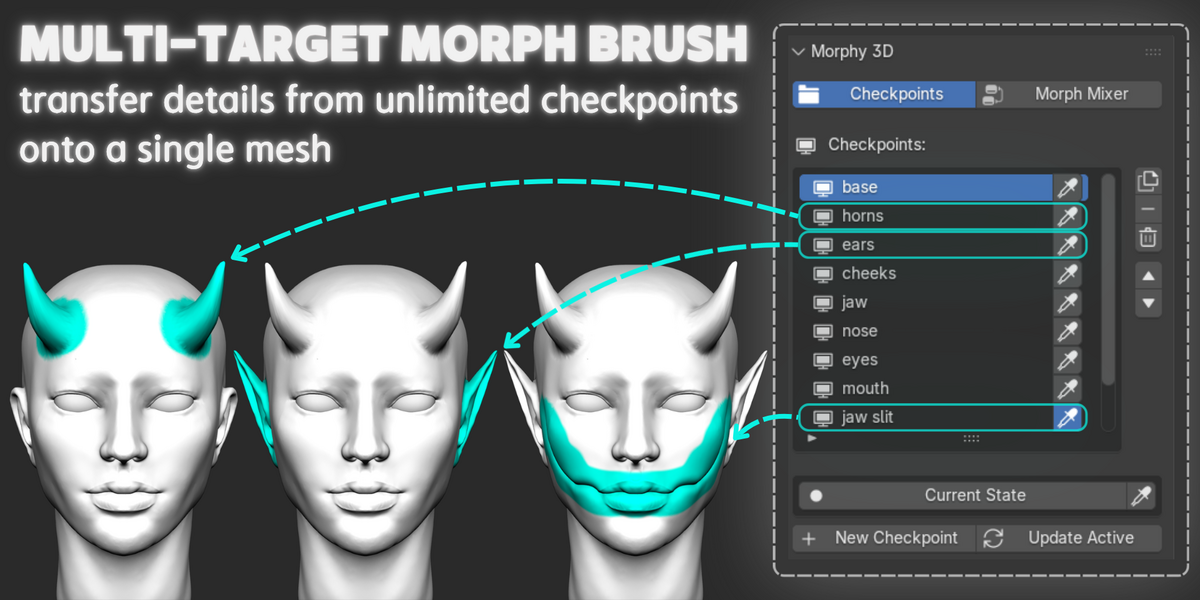
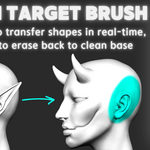
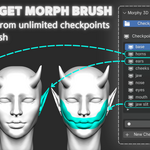
Blender voxel remeshing works completely fine. You can remesh your geometry at any time to build or change your base silhouette, and then save checkpoints on your new topology. Dynamic topology (dyntopo) is automatically disabled when using the tool, because morph targets require stable vertex counts during brush transfer to protect your layer data.
Can i export checkpoints to unreal engine, unity, or vrchat?
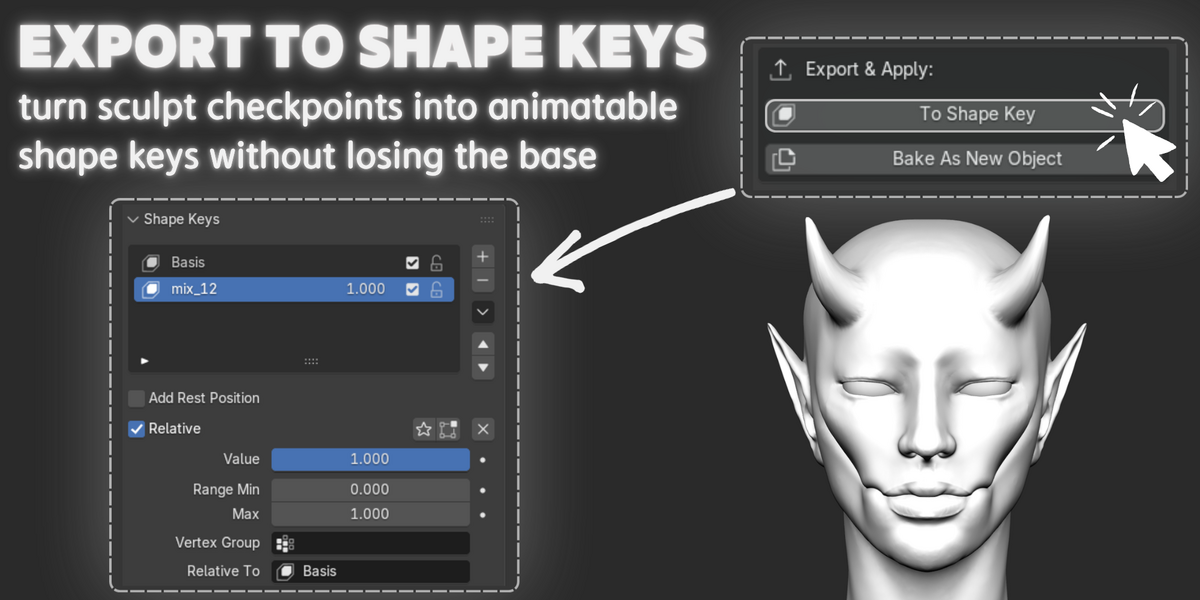
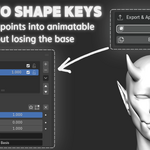
Yes. The to shape key button instantly converts any sculpt checkpoint or hybrid concept into native blender shape keys with automatic basis alignment. These shape keys export directly via fbx or gltf into game engines for facial rigging, character customization, and animation.
How does performance mode handle heavy high-poly meshes?
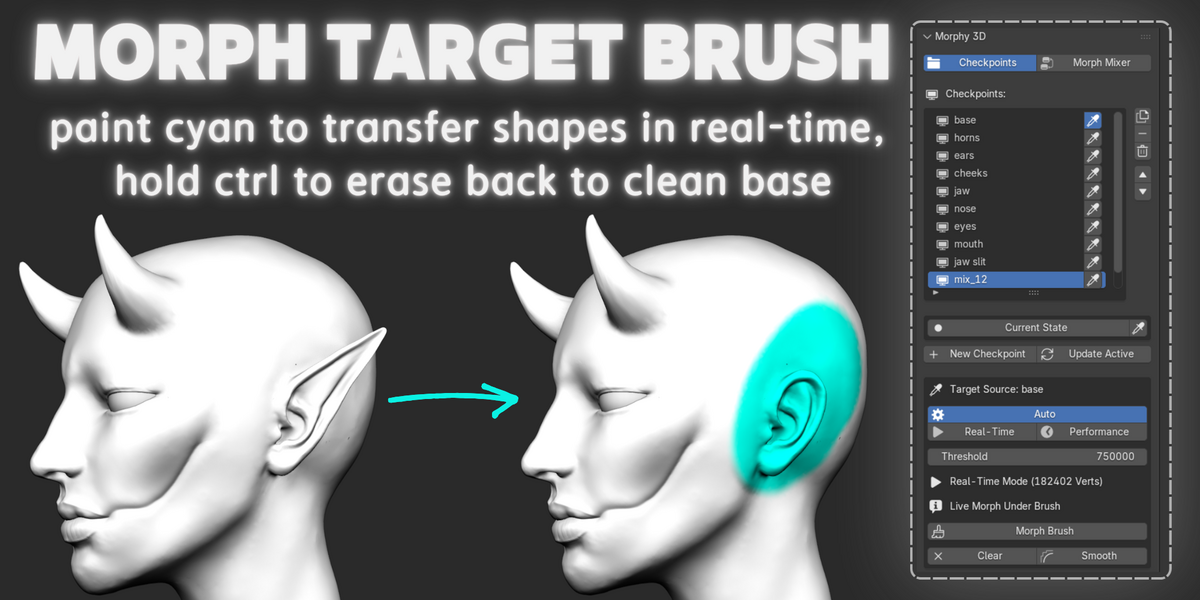
On dense multi-million polygon meshes, morphy 3d draws directly in the vertex color domain without active modifier overhead, preventing viewport freezes. Pressing [e] or clicking apply executes an instantaneous vector transfer directly into the mesh geometry via numpy.
Which blender versions and operating systems are supported?
Morphy 3d natively supports blender 4.2 lts, 4.3, 5.0, 5.2 and newer. Because the addon is built on pure python and numpy without platform-specific binaries, it runs seamlessly on windows, macos (both apple silicon and intel), and linux.
$22
Have questions about this product?
Login to message
Discover more products like this
blendshapes morph target anatomy Morph Sculpt concept art Workflow sculpting zbrush character shape keys Brush