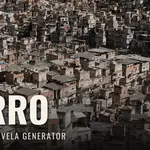
Morro - Procedural Favela Generator
 Paulo Antunes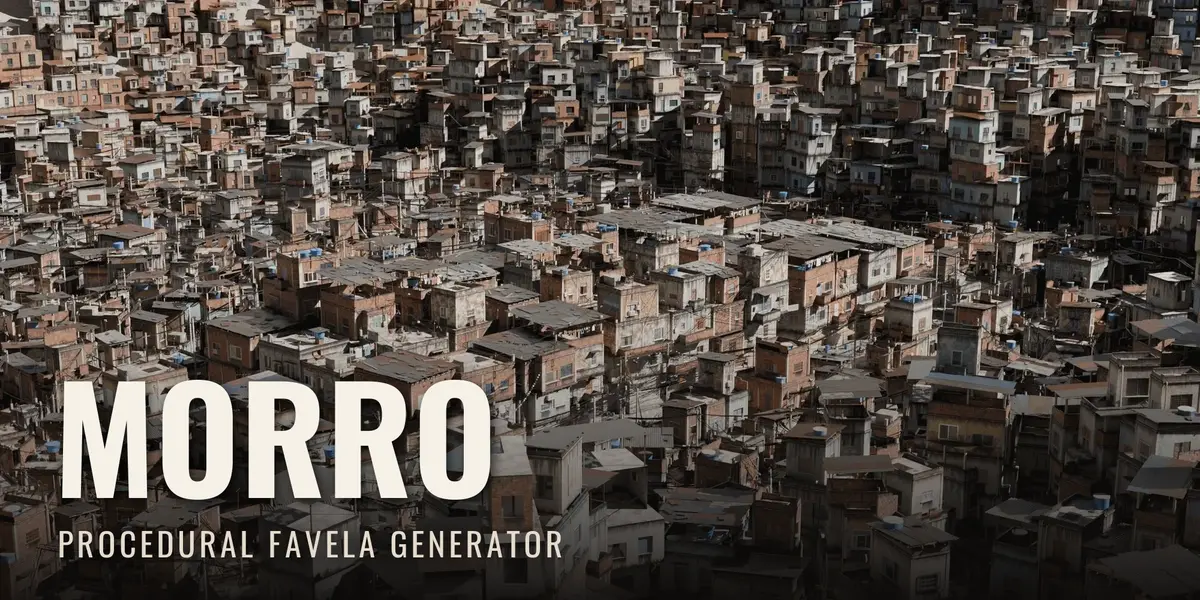
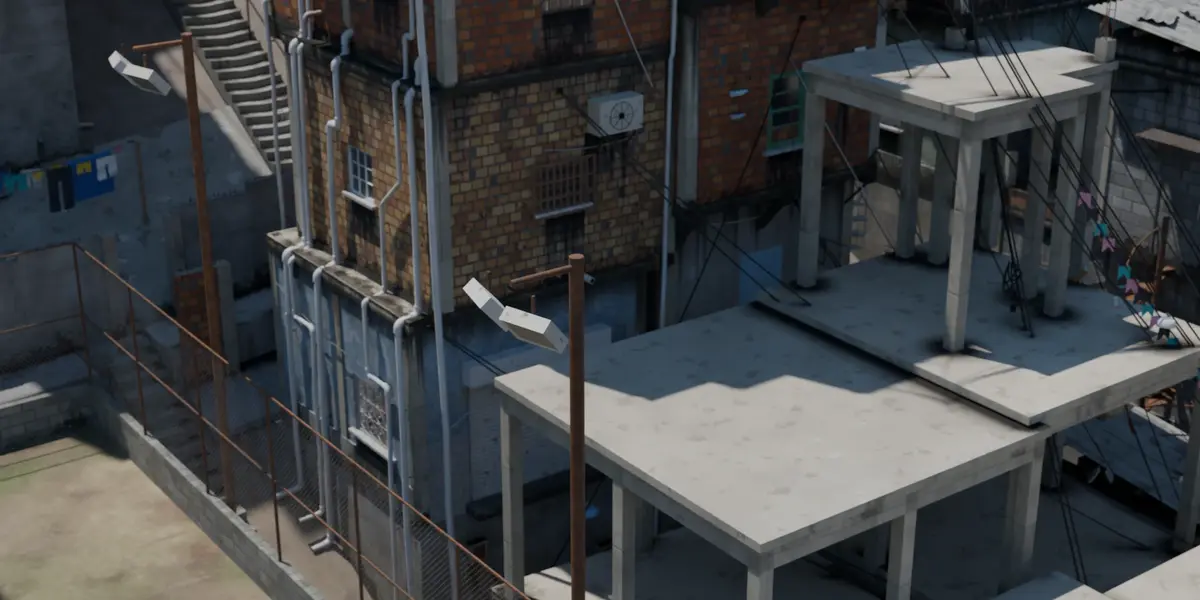
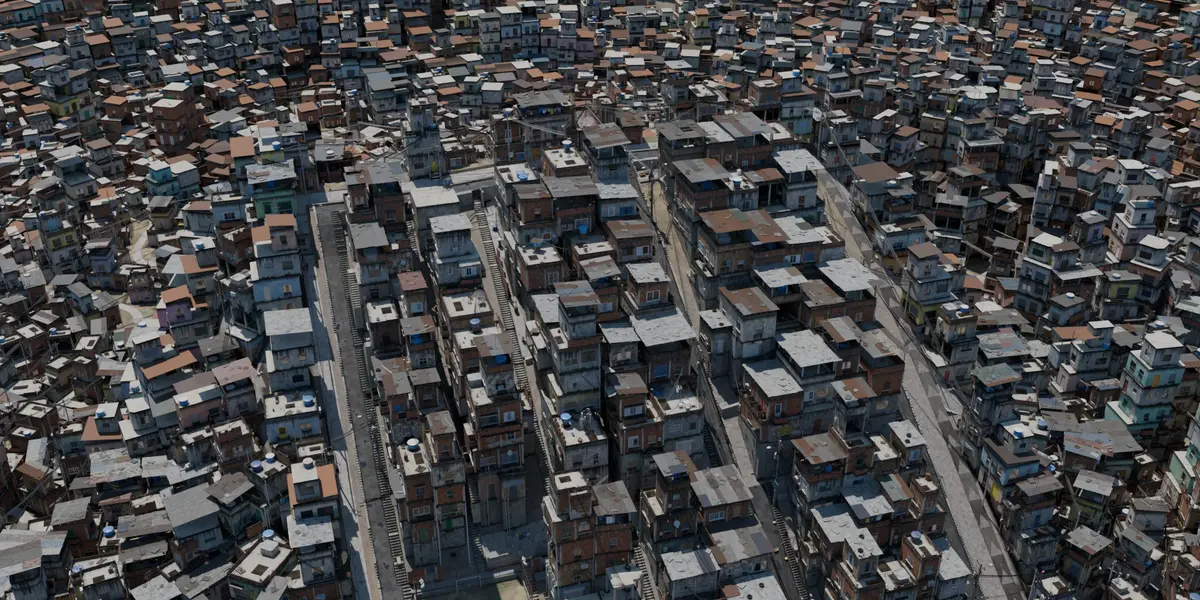
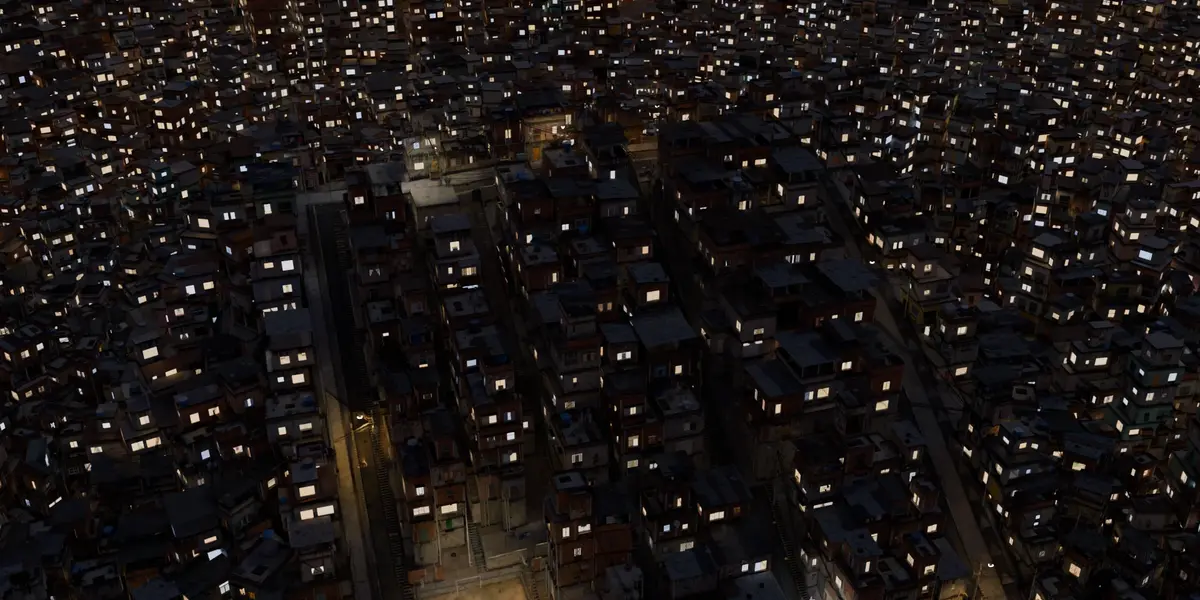
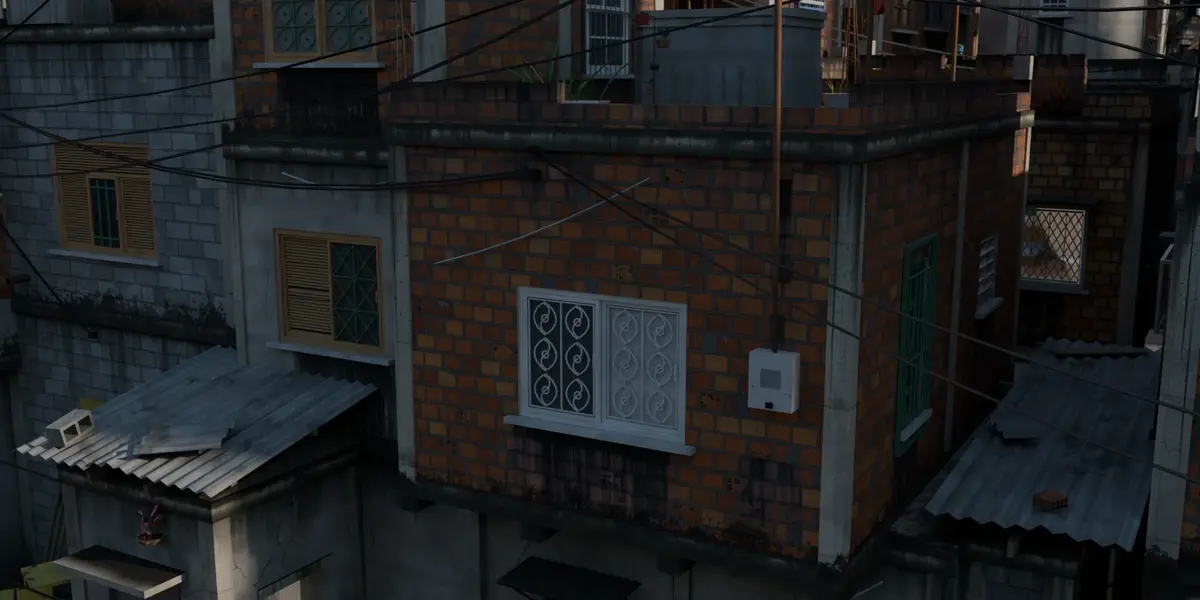
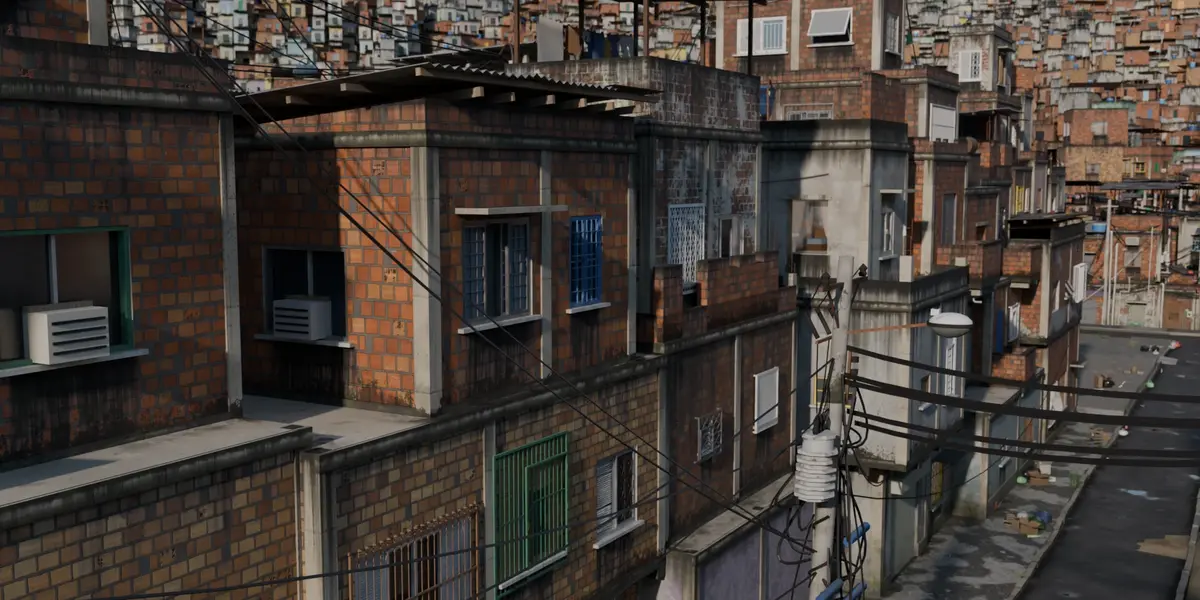
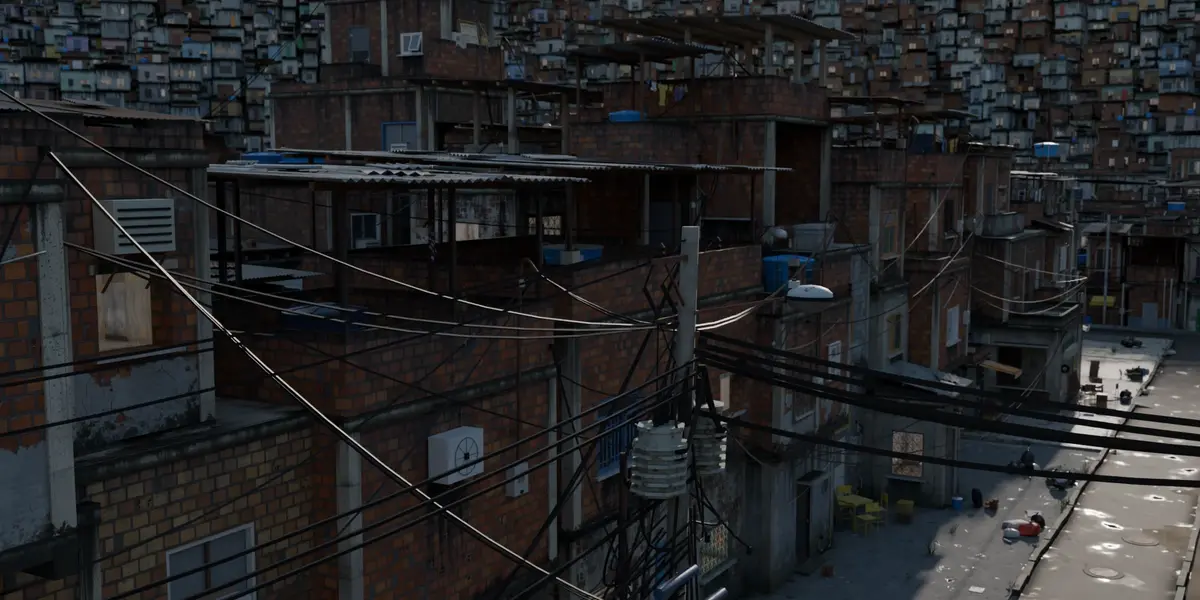
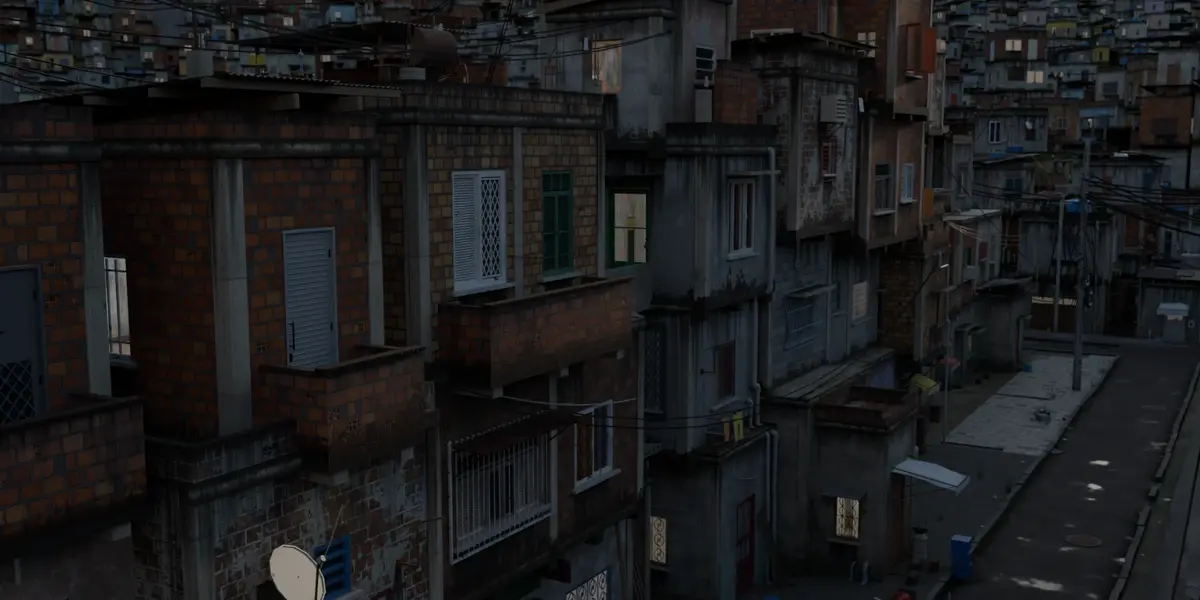
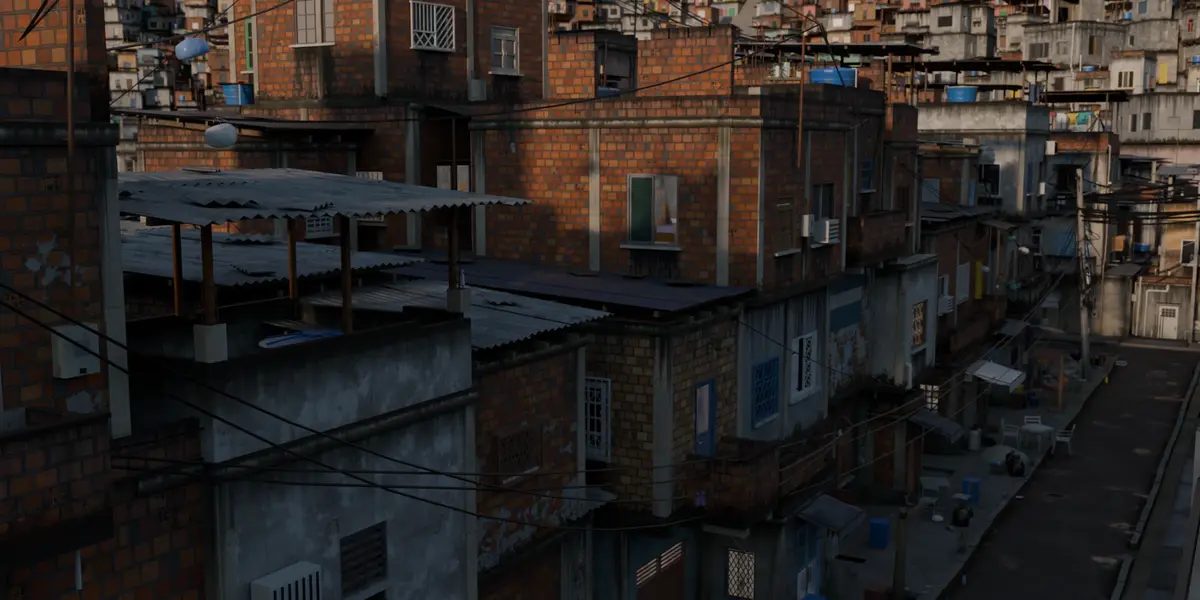
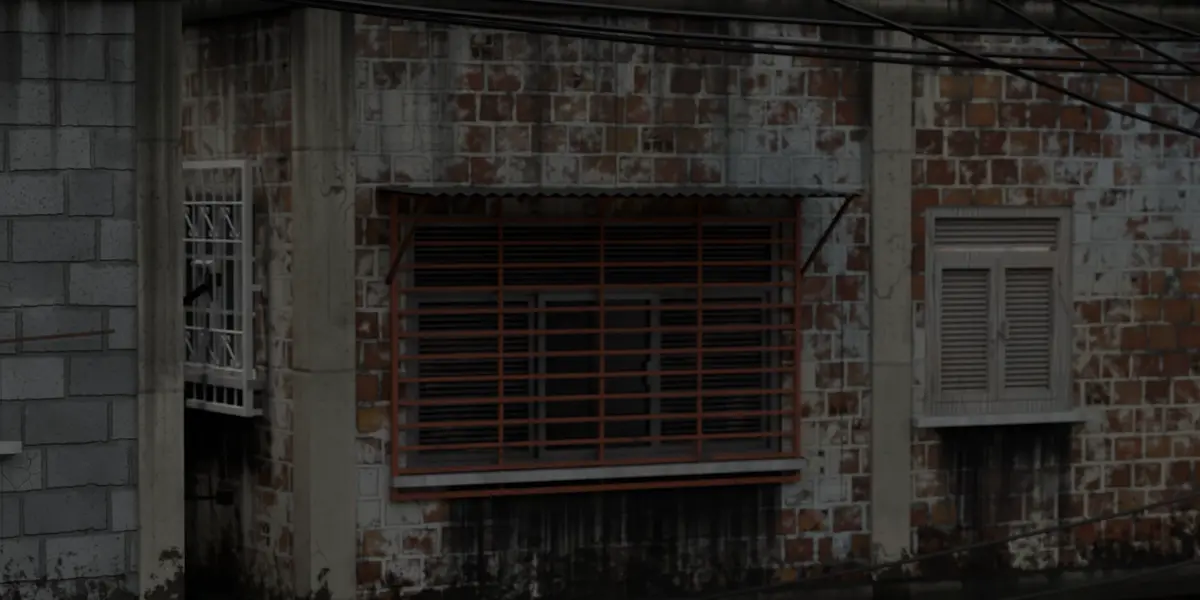
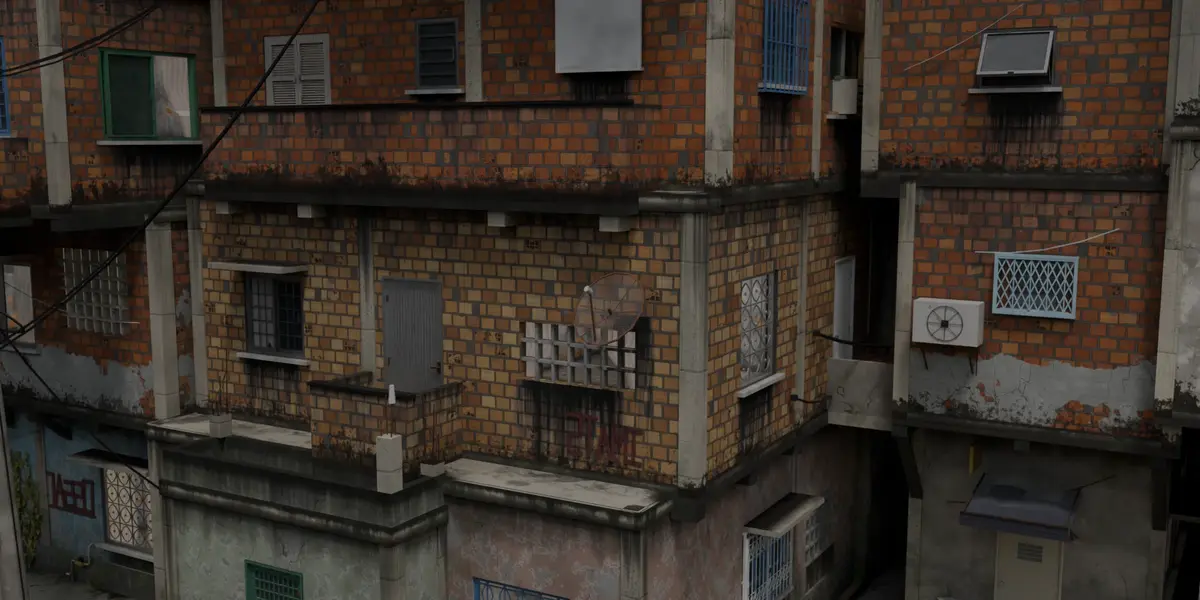
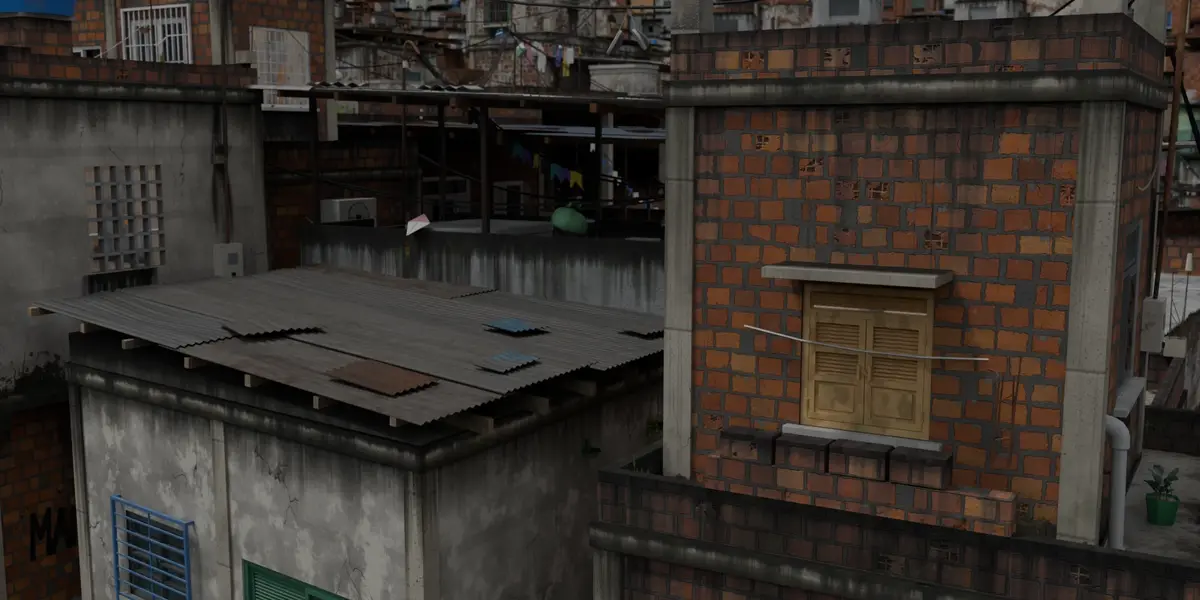
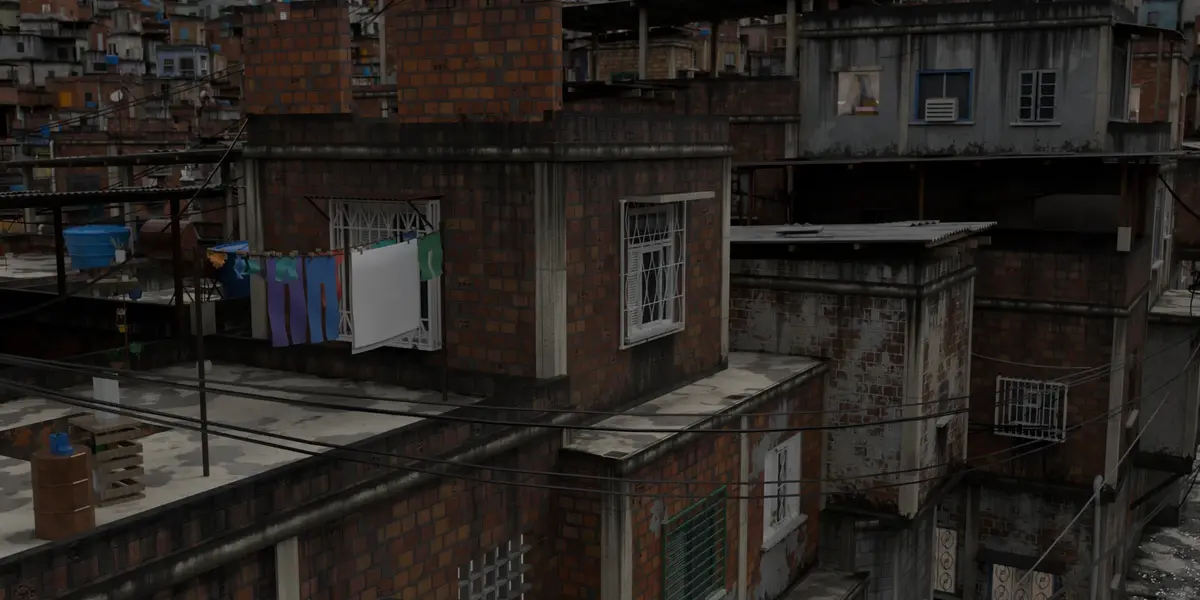
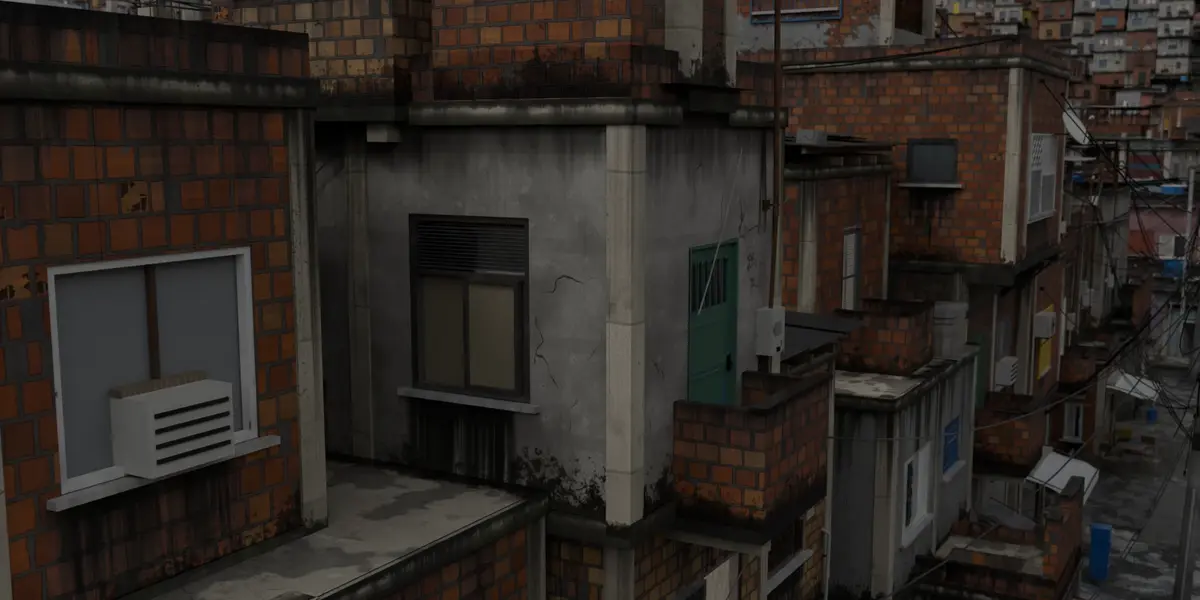
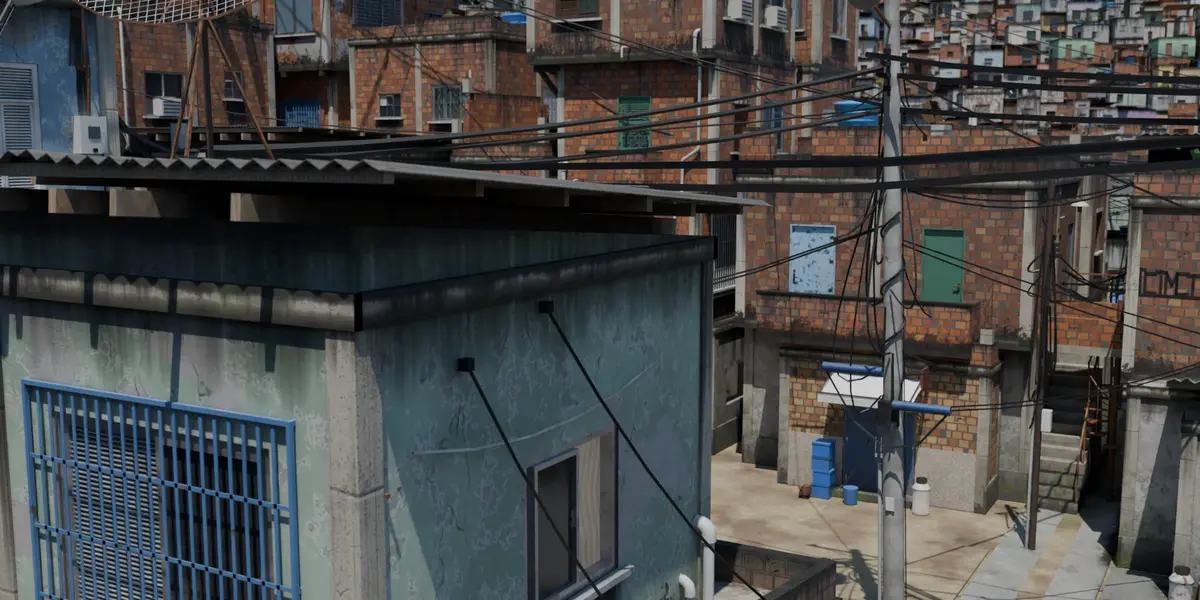
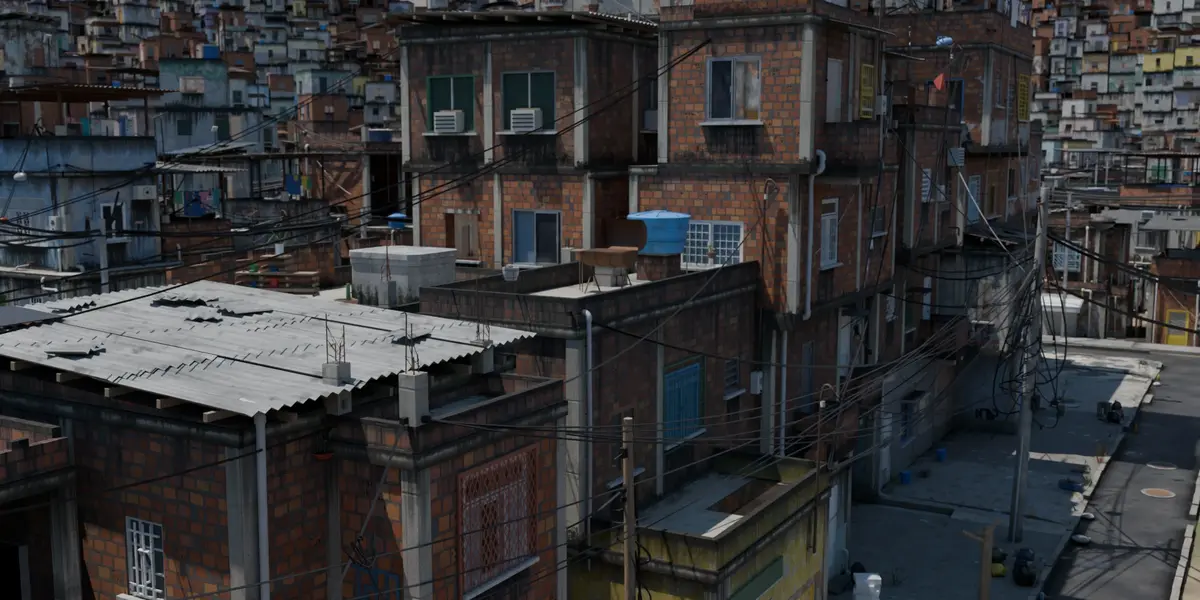
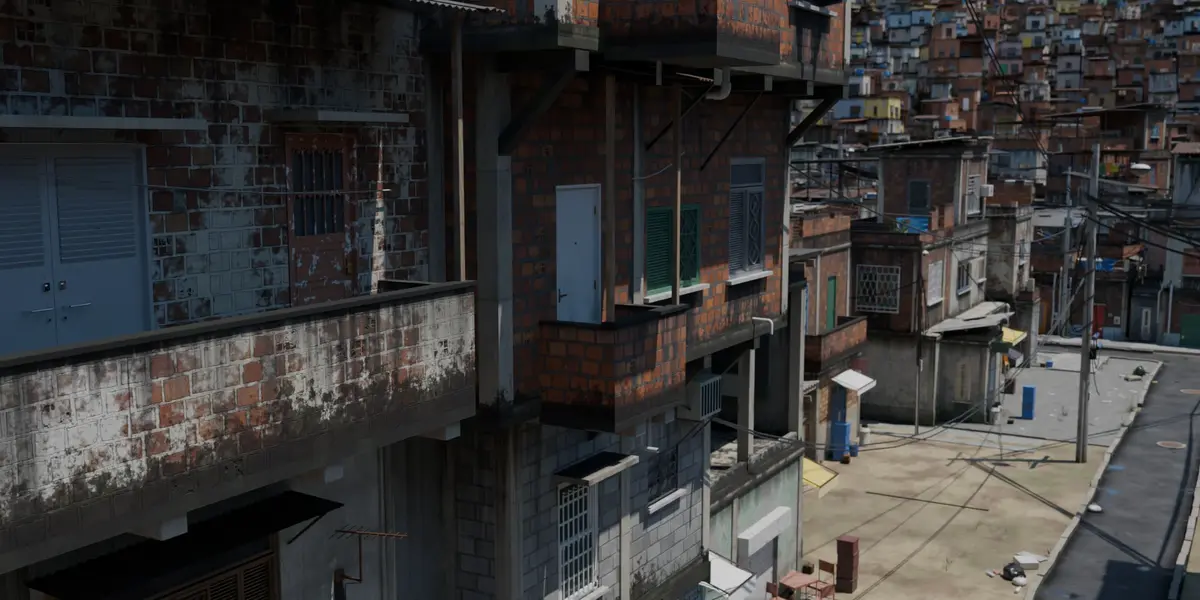



Installation
- Download the .zip from your Superhive library (do not unzip it).
- In Blender 5.2 or newer: Edit > Preferences > Get Extensions > Install from Disk and pick the .zip.
- The panel shows up in the 3D Viewport sidebar (press N), tab FAVELA.
Machine-wide options live in Edit > Preferences > Add-ons > Morro: the live-update time limit (2 s by default), the detail level a new file starts with, and a debug mode that prints a summary of each generation to the console.
Quick start
- Open the FAVELA tab and click Generate Favela. The refresh button next to it rolls a new seed.
- The main panel holds the settings for the NEXT building. To tweak a building already in the scene, select it and use the Selected construction panel: it regenerates in place, keeping its transform, parent, modifiers and name.
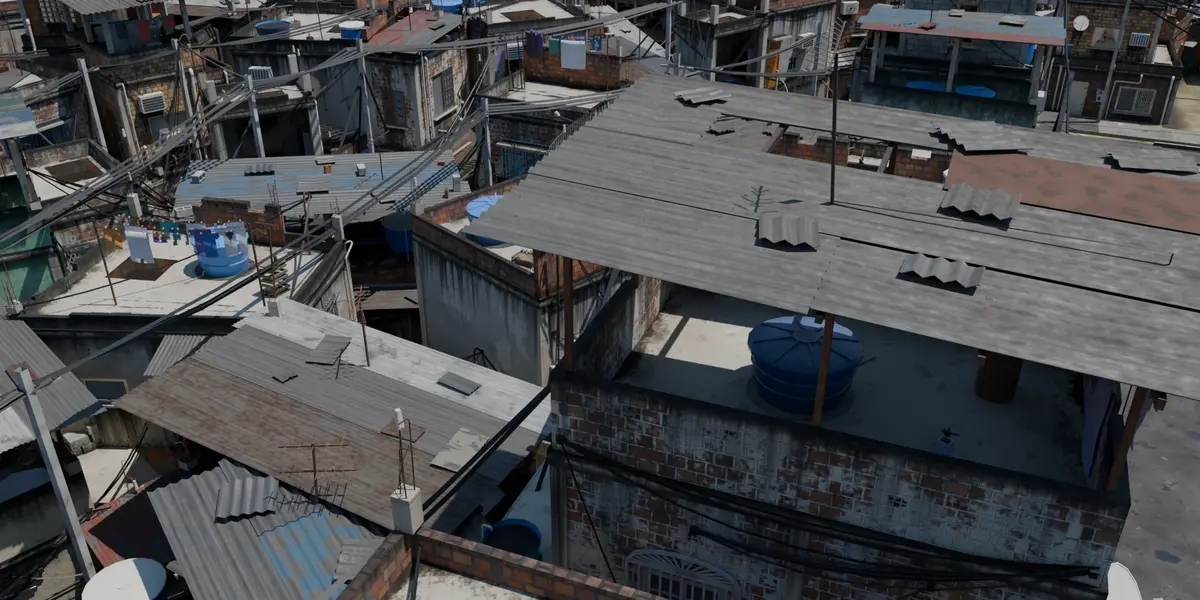
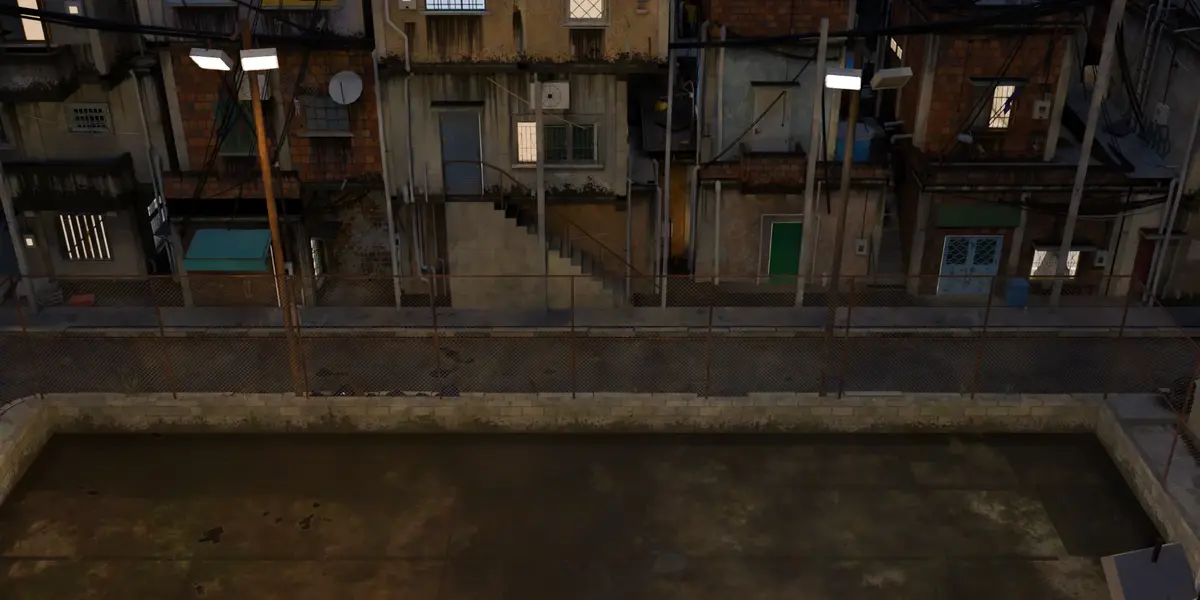
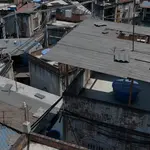
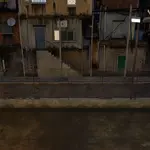
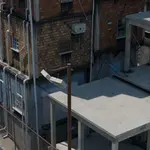
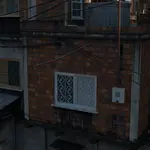
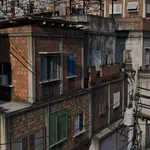
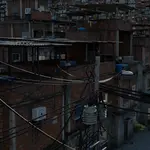
- Pick the detail level: LOW (volumes and openings), MED (+ frames, structure, roofs) or HIGH (+ props, rubble, wiring, stairs). Work in LOW/MED and switch to HIGH for the final render.
Main settings
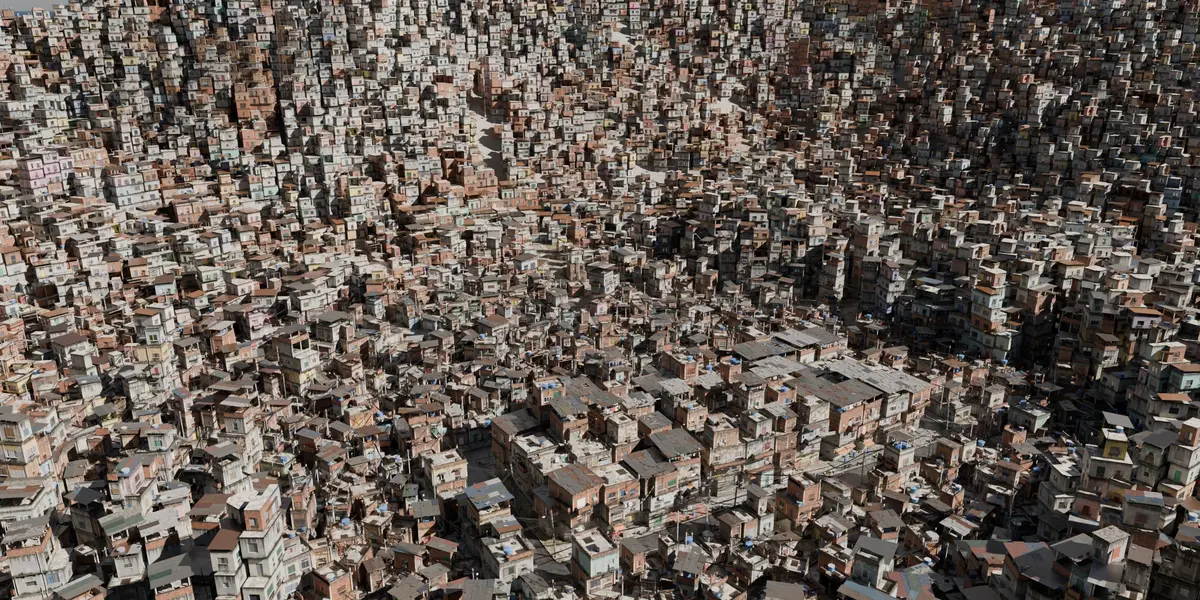
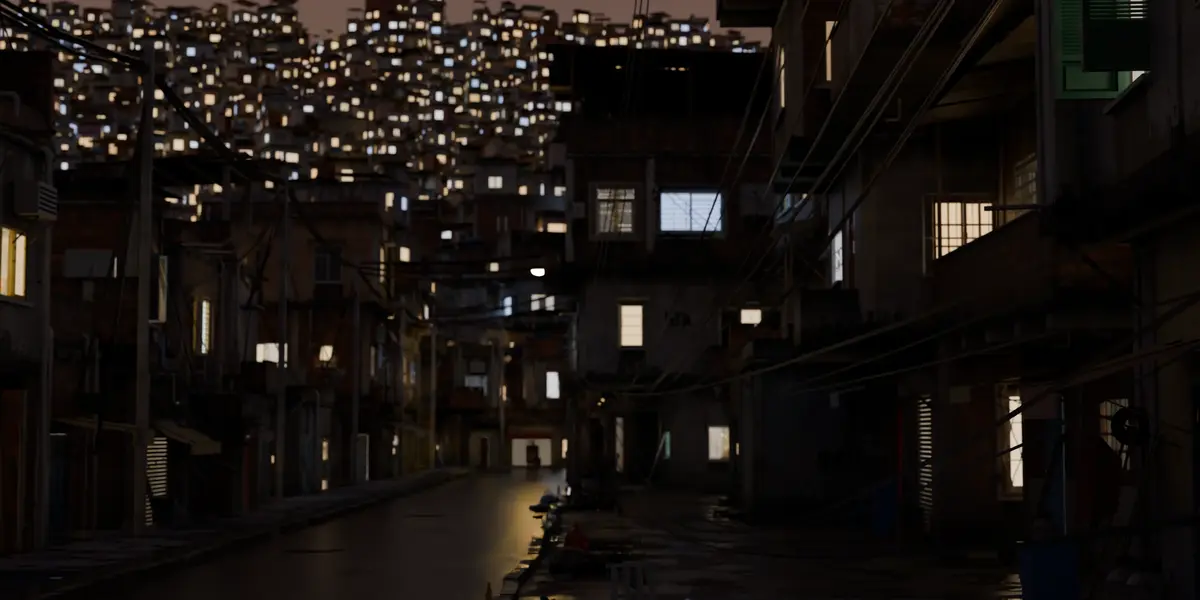
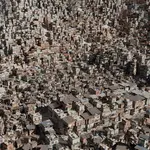
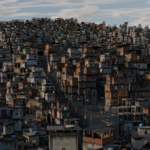
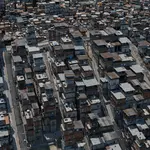
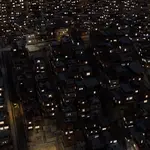
- Community: swap the single building for a whole neighbourhood, laid out on a Grid (blocks and streets) or along a Path (lots following a curve in your scene). Automatic layout path draws the street for you.
- Follow relief: houses and sidewalks settle on the terrain. Generate the hill or use any mesh object of your scene as the ground.
- Shape: number of floors, columns and rows (each building rolls its own size inside the range), alley width, neighbours and the gap between them, and Messiness for overhangs and add-ons.
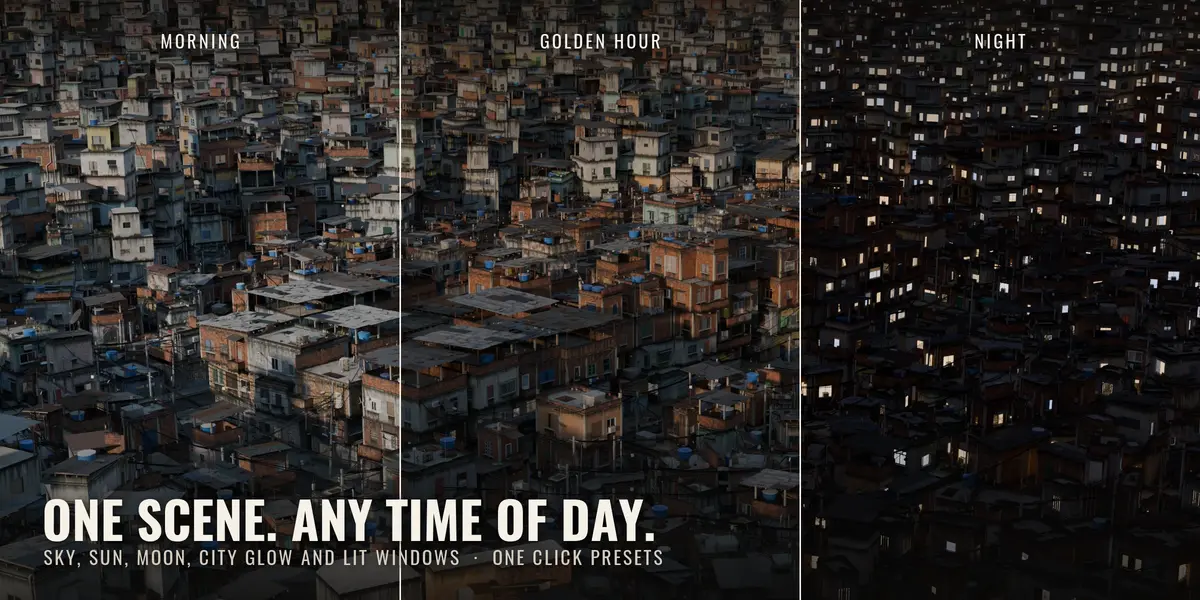
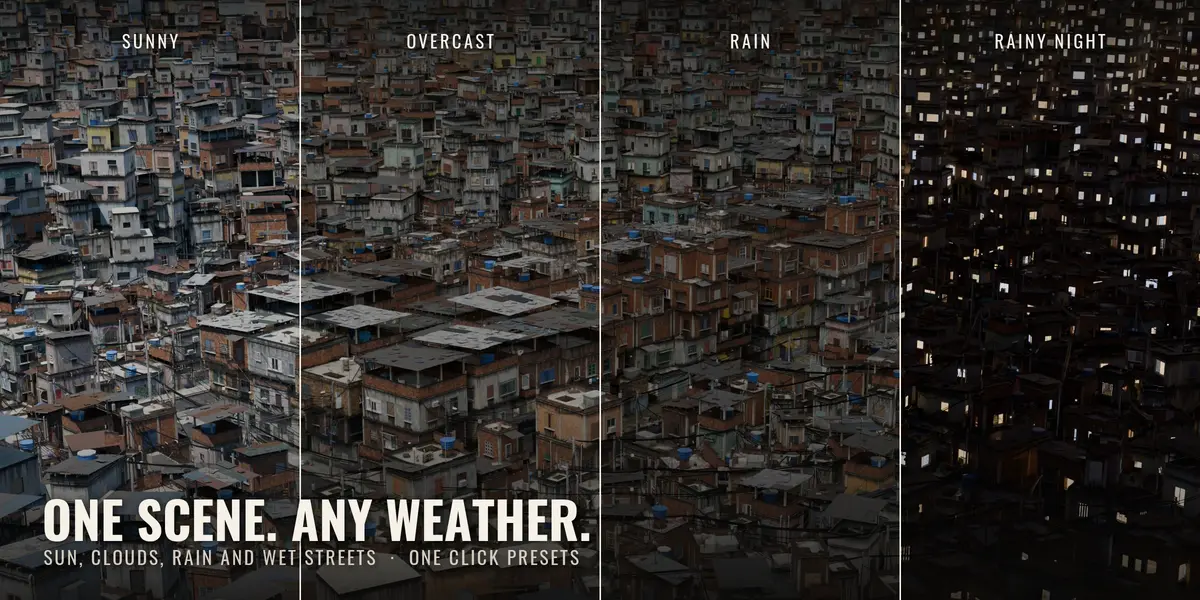
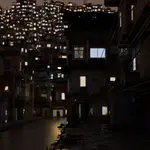
- Sky and weather: sky, sun, moon and clouds, with presets and a random sky.
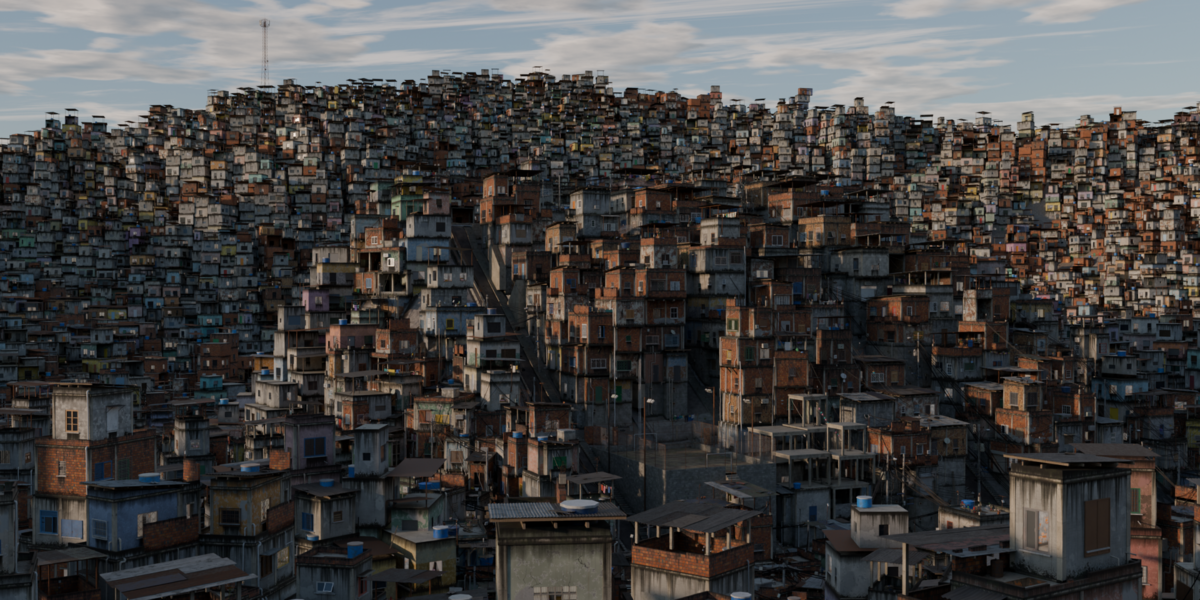
- Generate background: hills full of distant houses for the horizon, instanced with Geometry Nodes.
Rendering
All materials are node-based, with no external textures. Grime and moss use the Ambient Occlusion node: in EEVEE it needs Raytracing and Fast GI, and generating turns those two switches on for you. Nothing else in your render settings is touched. In Cycles, AO is native and the add-on leaves the scene alone.
Tips
- Same seed + same settings = the same building, every time. Note the seed of the ones you like, or save a preset.
- Freeze a building to stop it from regenerating, or Separate into objects to edit parts by hand.
- Big communities in HIGH are heavy: the live mode has a time limit, so the viewport never hangs. Raise it in the preferences if your machine can take it.
Have questions about this product?
Login to message
| Blender Extension Compatible | Yes |
| Published | about 7 hours ago |
| Blender Version | 5.2 |
| Extension Type | Add-on |
| Render Engine Used | Cycles, Eevee |
| License | GPL |

Discover more products like this
city generator urban architecture building generator favela kitbash brazil procedural environment geometry generator slum buildings