 NicoHartl
What it does
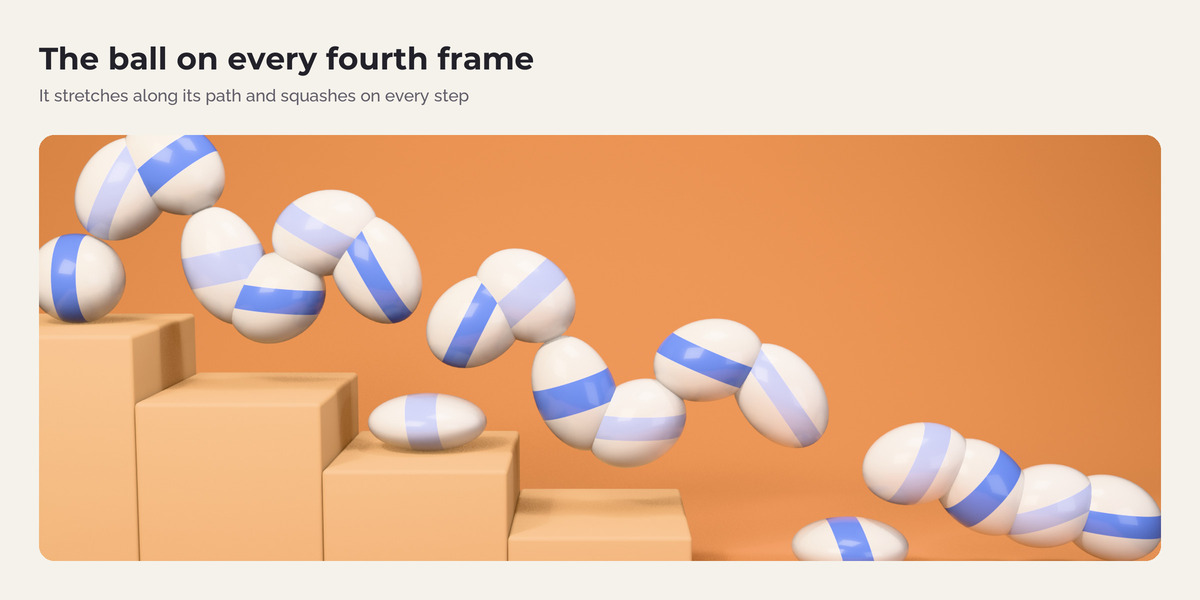
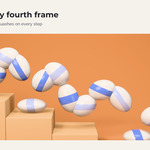
Stretch along the motion
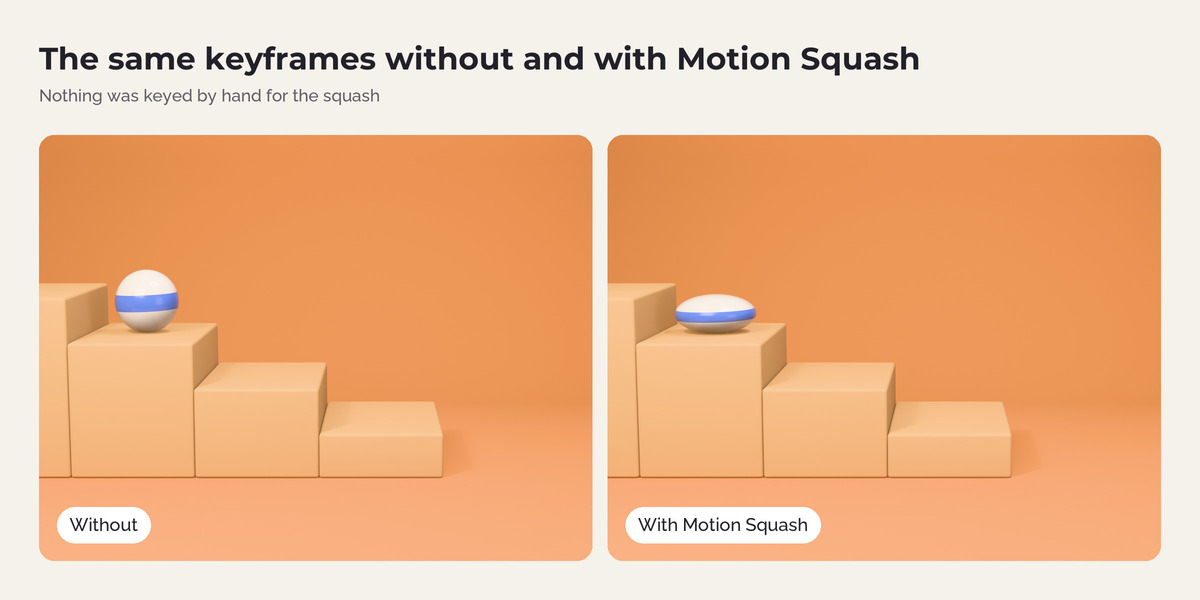
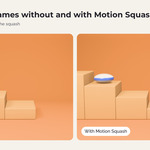
The object gets longer in the direction it moves and thinner across it, so the volume stays the same. The direction is measured in world space, so it works for objects that spin, follow a path or hang under a parent.
Squash on impact
A sudden change of speed or direction counts as an impact. The object squashes along that change, the side that hits stays in place, and it recovers with an adjustable wobble.
Anticipation
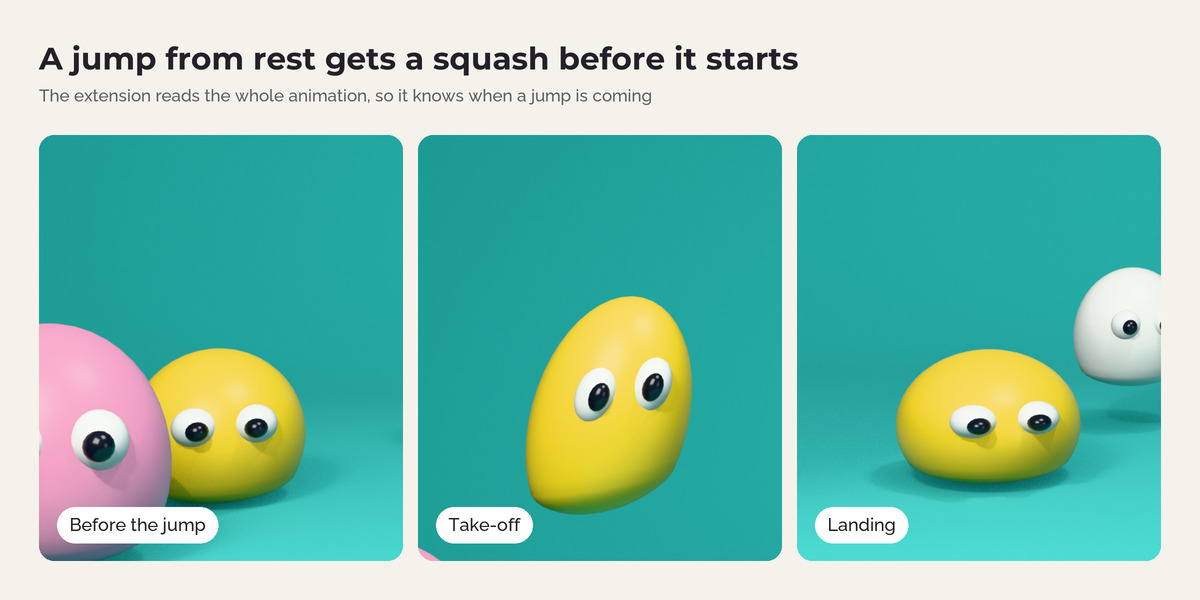
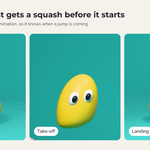
When an object starts from rest, it squashes a few frames before it moves. The extension reads the whole animation, so it knows when a jump is coming.
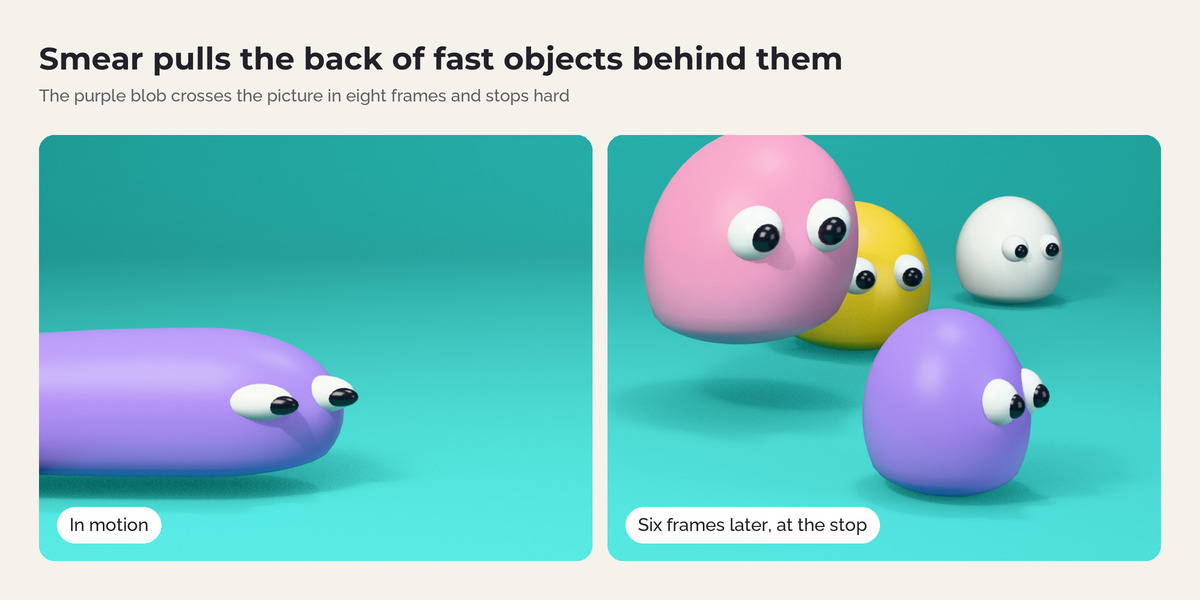
Smear
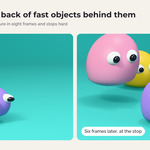
Fast objects pull their back half behind them, like the smear frames in 2D animation.
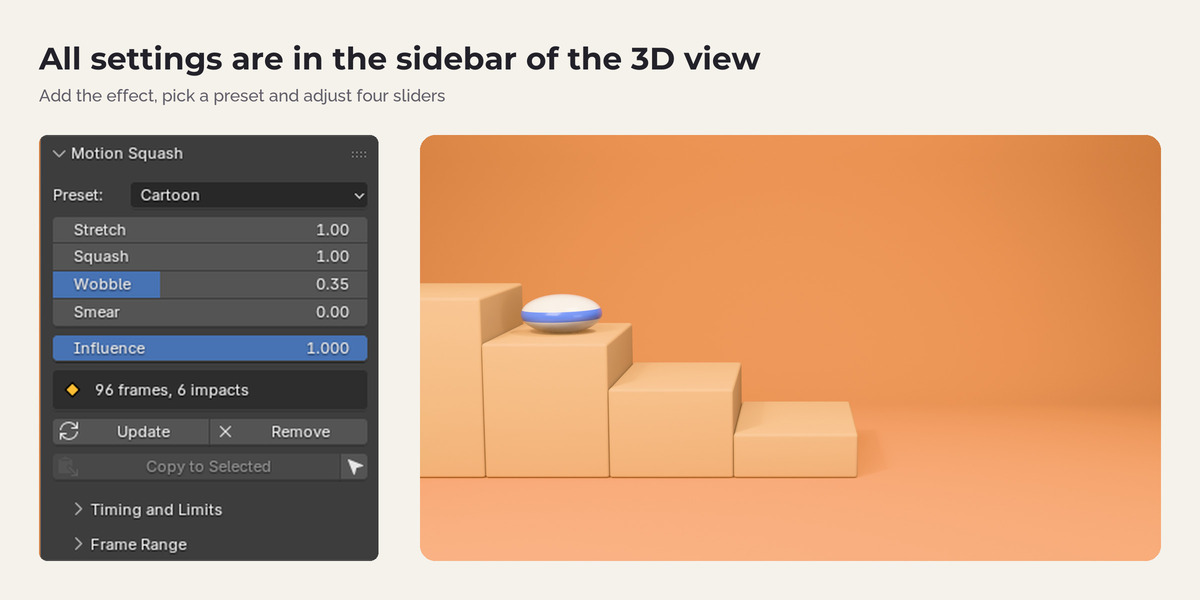
Presets
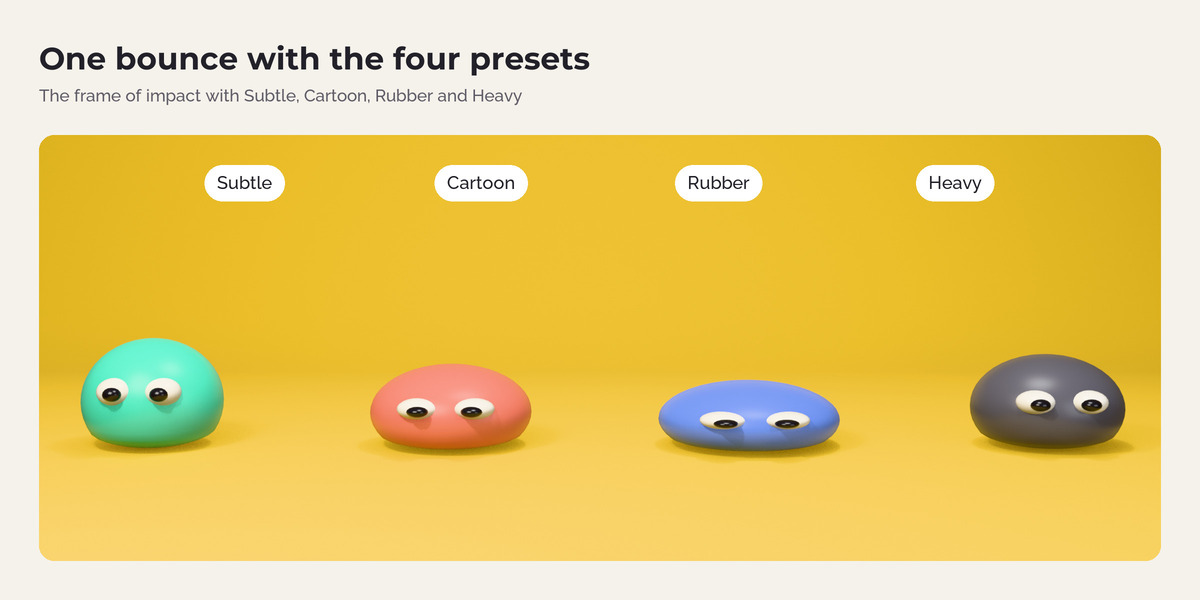
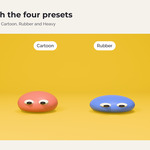
Subtle, Cartoon, Rubber, Heavy and Smear, plus sliders for stretch, squash, wobble, limits, timing and pivot.
Live update
Move a key, change the timing or drag a slider, and the result updates within a fraction of a second. It never runs during playback.
Your keyframes stay clean
The squash is stored in a separate node group. Your keys, the Timeline and the Dope Sheet look exactly as before, and the file renders on machines without the extension.
How it works
- Animate an object as usual.
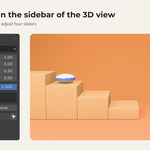
- Select it and click Add Squash & Stretch in the Squash tab of the 3D view sidebar (or press Shift Alt S).
- Pick a preset or adjust the sliders.
- Play, scrub and render as usual.
Works with
Mesh, curve and text objects. Keyframes, parents, Follow Path and other constraints, rigid body simulations, drivers and NLA strips. Several objects at once.
FAQ
Does it change my keyframes?
No. The squash lives in a separate node group that the modifier reads.
Do I need the extension to render?
No. Render farms and other computers render the same result.
Does it work on characters?
It squashes the whole mesh. That suits props, balls, logos and simple creatures. Bone-based squash for rigs is on the roadmap.
Can I export it to a game engine?
Alembic export keeps the deformation. A bake to shape keys is planned.
Why does nothing happen?
The object must move inside the scene frame range, and contact keys need sharp handles.
Does it send data anywhere?
No. No network access, no licence check.
Have questions about this product?
Login to message
| Published | 25 minutes ago |
| Blender Version | 4.5 - 5.2 |
| Extension Type | N/A |
| Render Engine Used | Cycles, Eevee |
| License | GPL |
Discover more products like this
keyframes geometry nodes squash and stretch bounce Motion design secondary-motion stylized motion graphics animation Cartoon