 benedetto battipede


MotionDeck 2
Ever wished Blender worked like After Effects? 🎬
I'm Benedetto, a motion designer. For years I'd build my scenes in Blender, then jump to After Effects for every title, every camera move, every last-minute client change. So I built the thing I kept wishing Blender had.
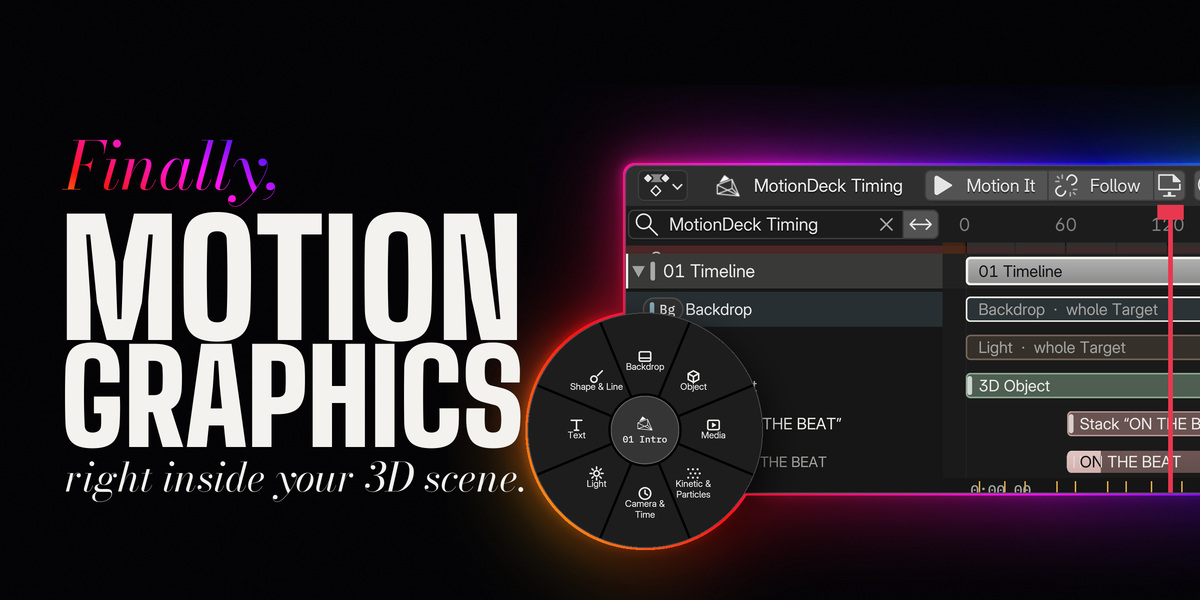
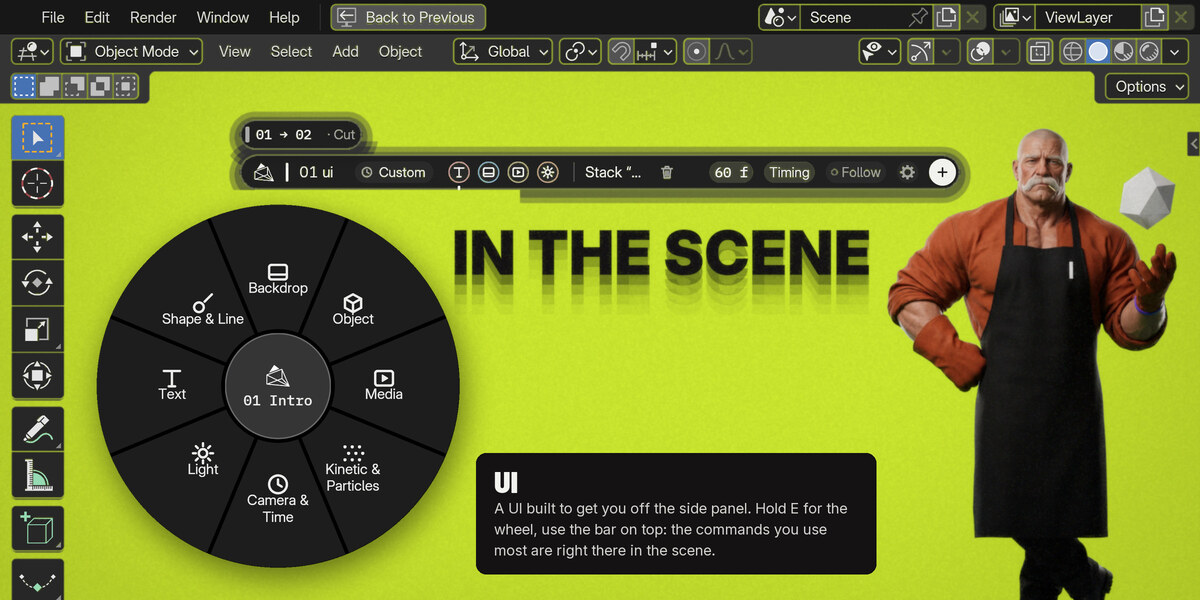
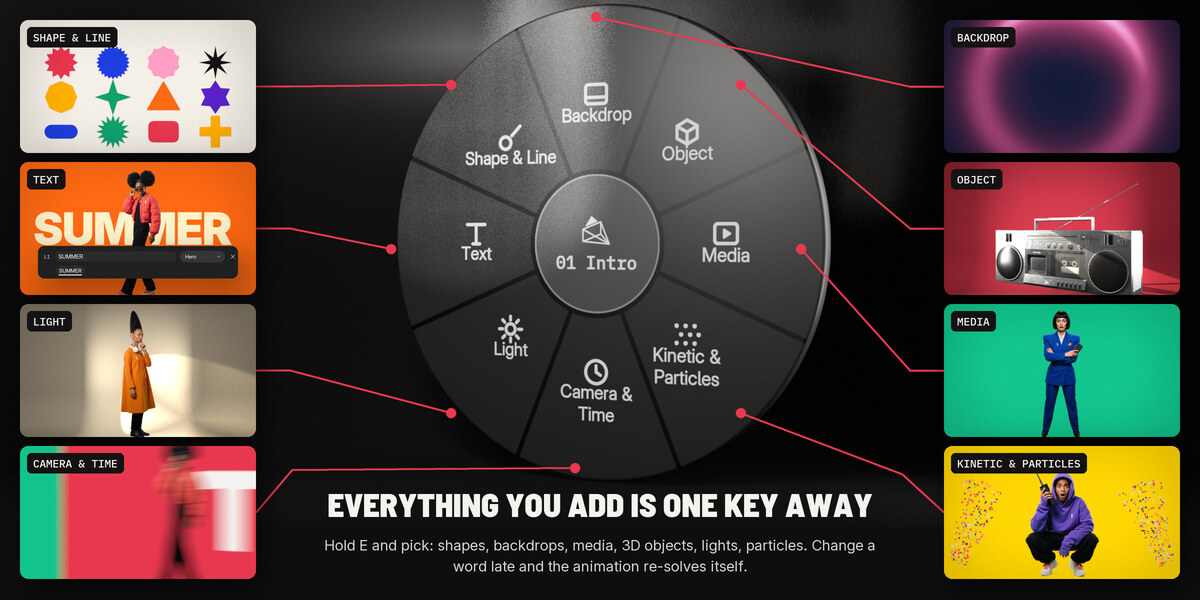
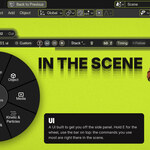
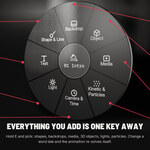
MotionDeck is one of the most complete tools for motion graphics in Blender, and it brings it all right into your scene. Text, entrance animations, camera moves, lights, timing: everything within reach, right in the viewport, from one little Pill. Stuff that always took a ton of time is now just a click away. ⚡
What you can do with it
Type it, then make it move.
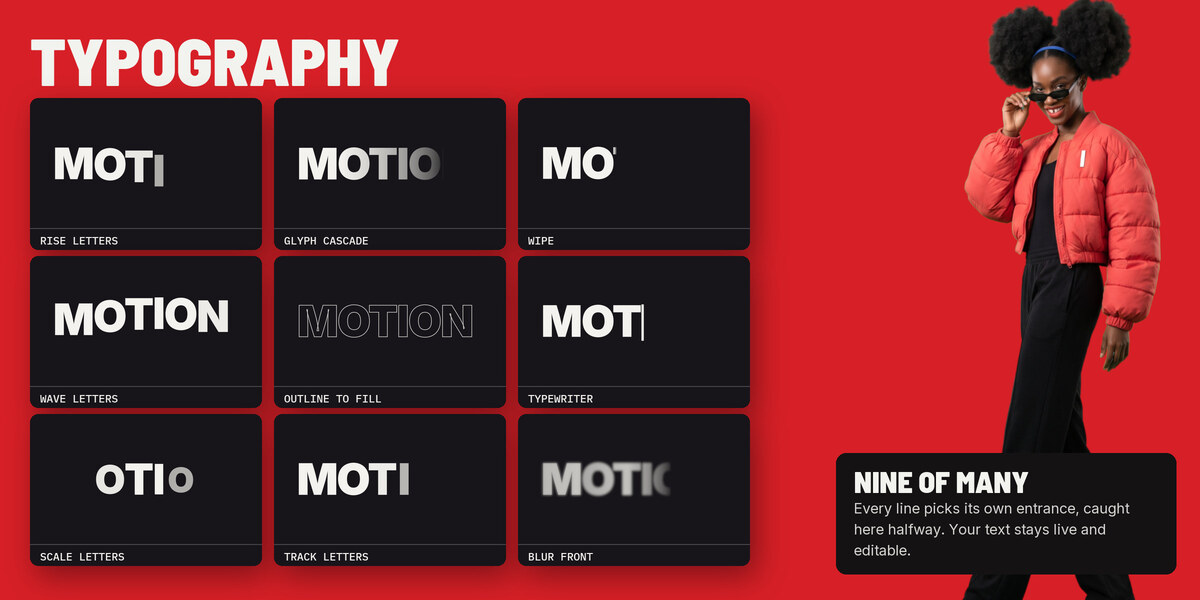
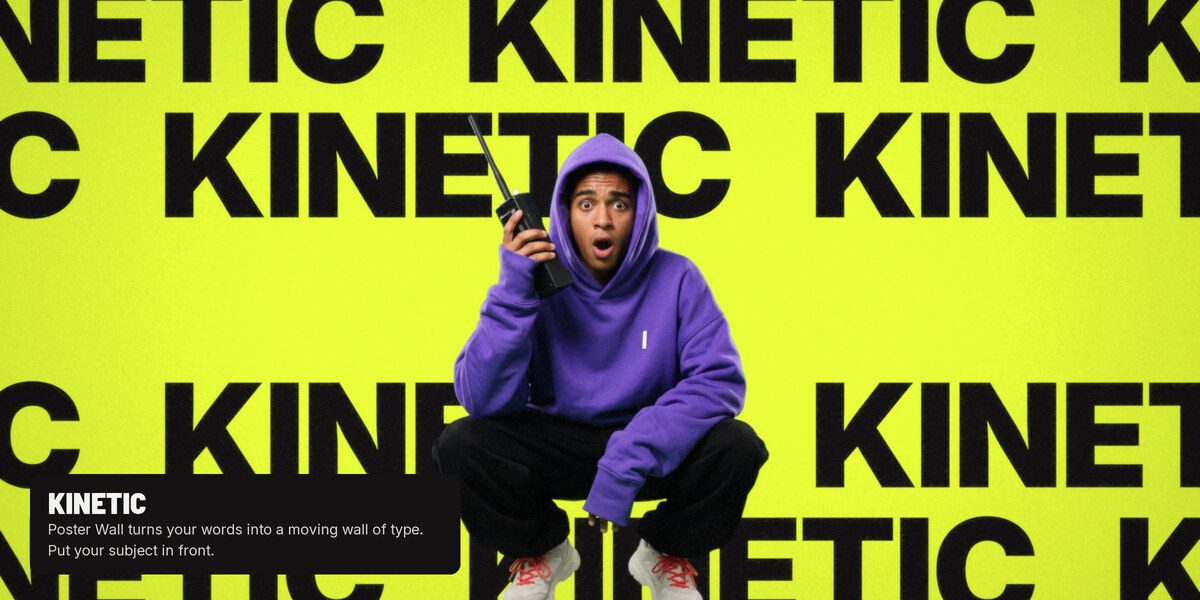
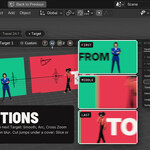
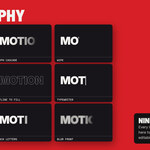
Write your title and pick how it comes in: 21 entrance animations, plus a straight cut. Fonts that breathe, text on arcs and waves, a trail of copies behind one word.
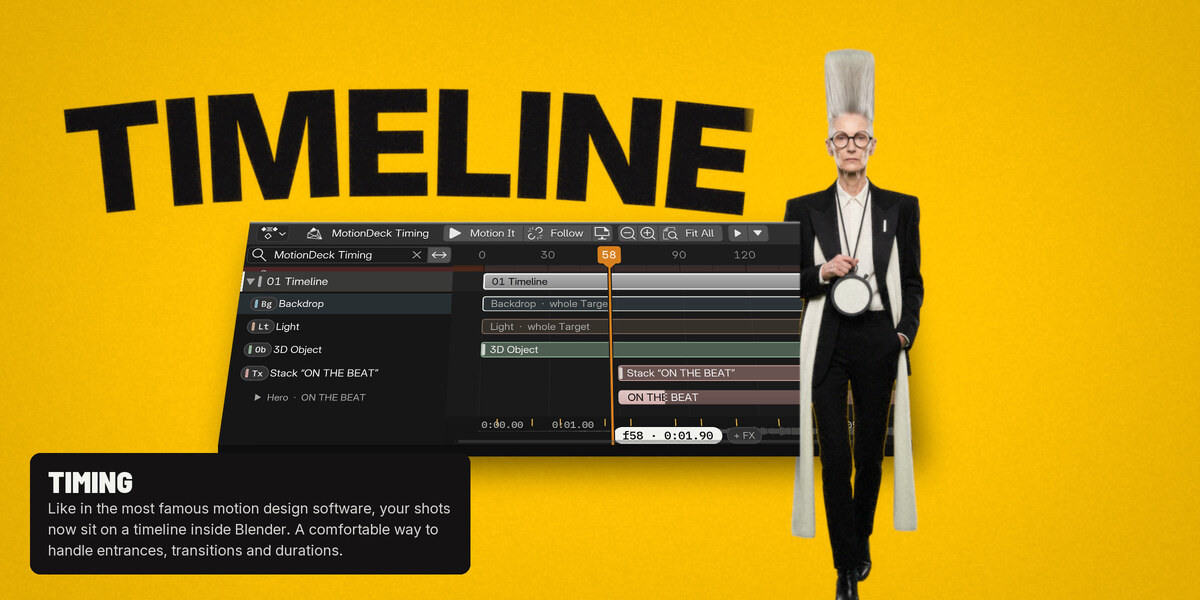
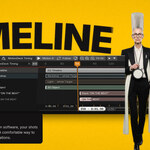
A real timeline, inside Blender.
Every shot, line and word gets its own bar. Drag it and it snaps to the beat of your music.
The client changed a word? No problem.
Retype it. The timing and the animation stay right where they were.
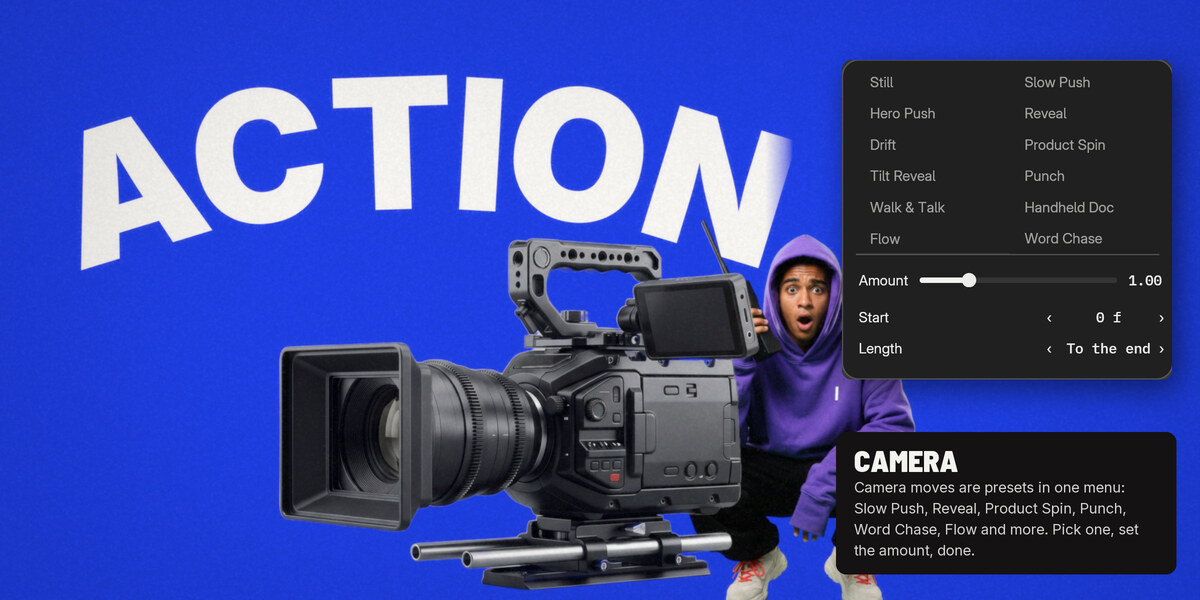
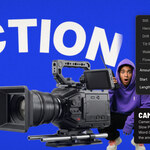
Camera moves that feel directed.
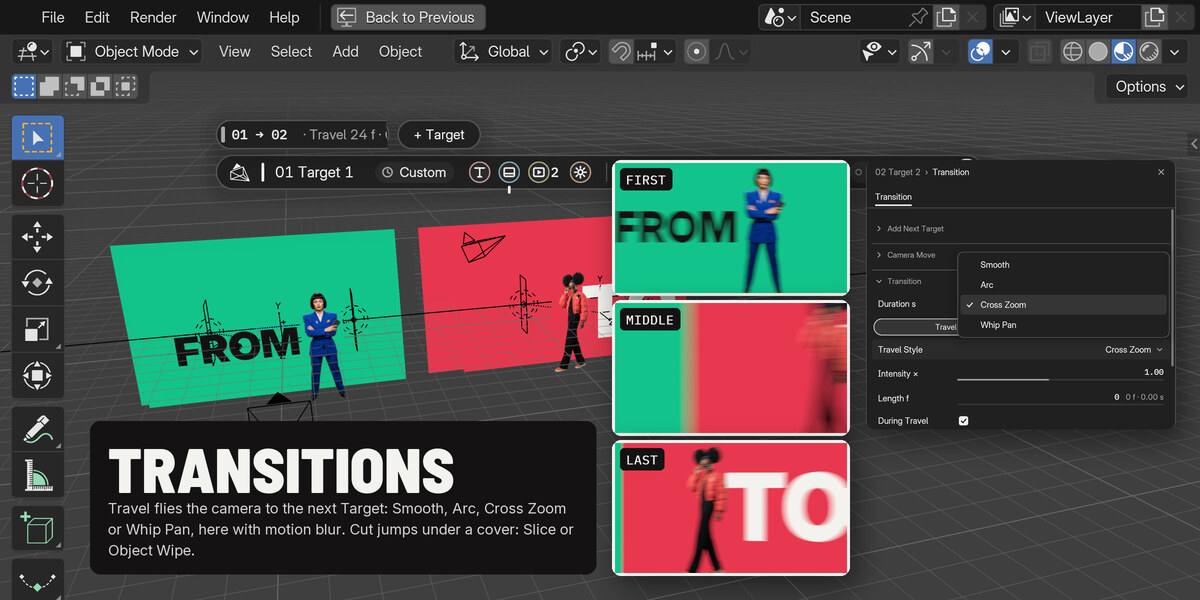
Push-in, Orbit, Punch on Word… it eases in and brakes at the end, like a real operator. No camera keyframes by hand.
Footage, 3D and type under the same light.
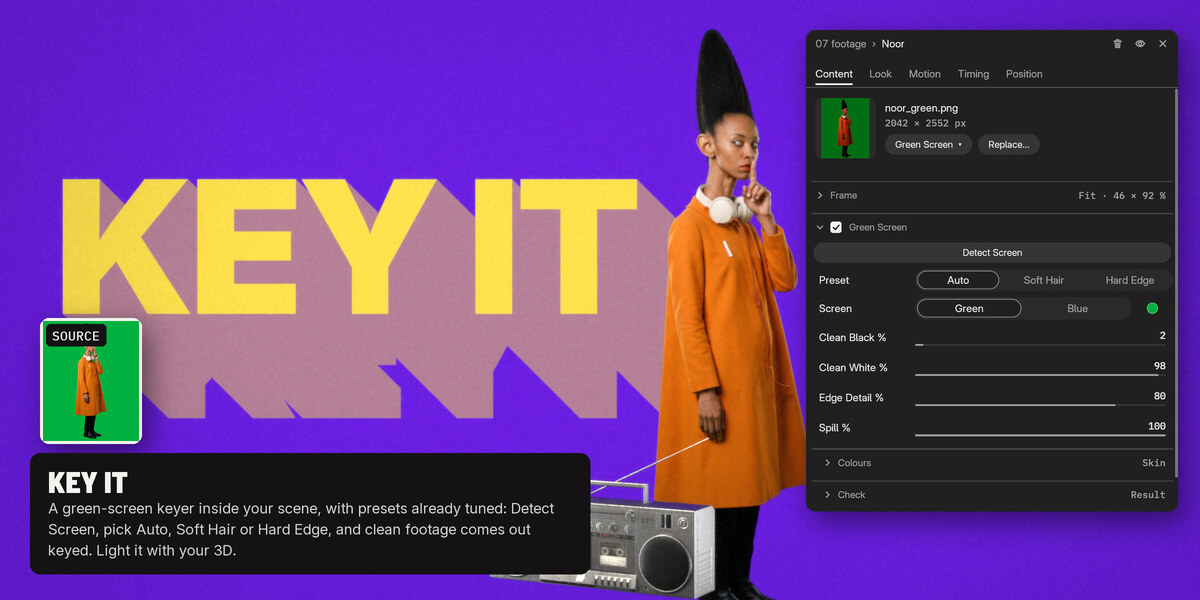
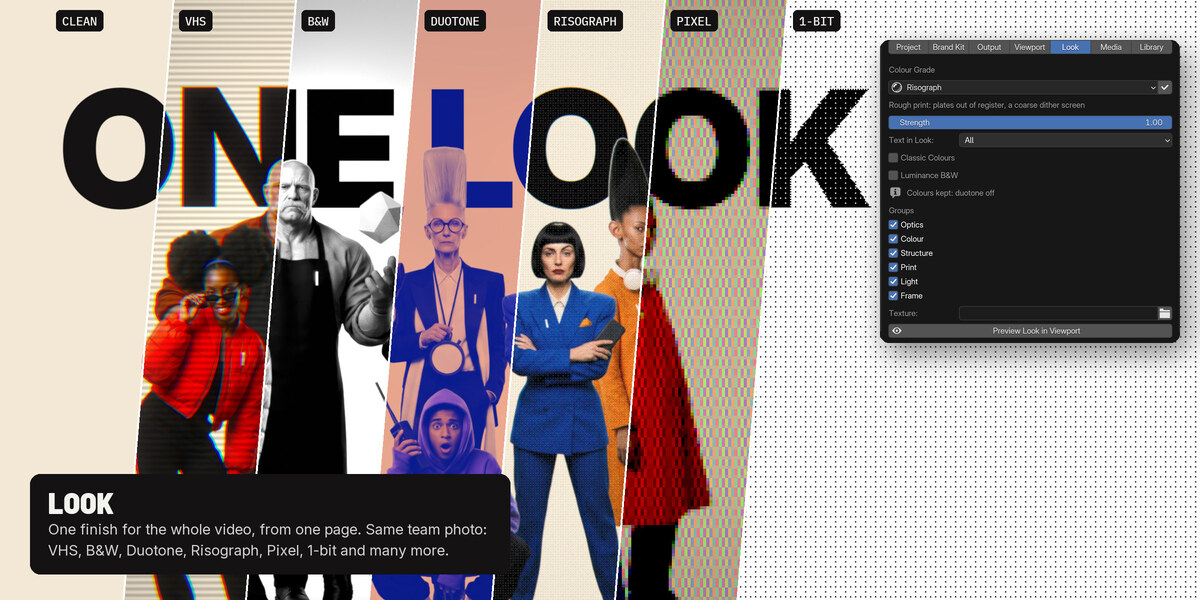
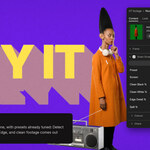
Drop in green screen footage and the green is gone. Put a 3D product next to your text, or your video on a phone screen. Gobos, light plates, grain and glow included.
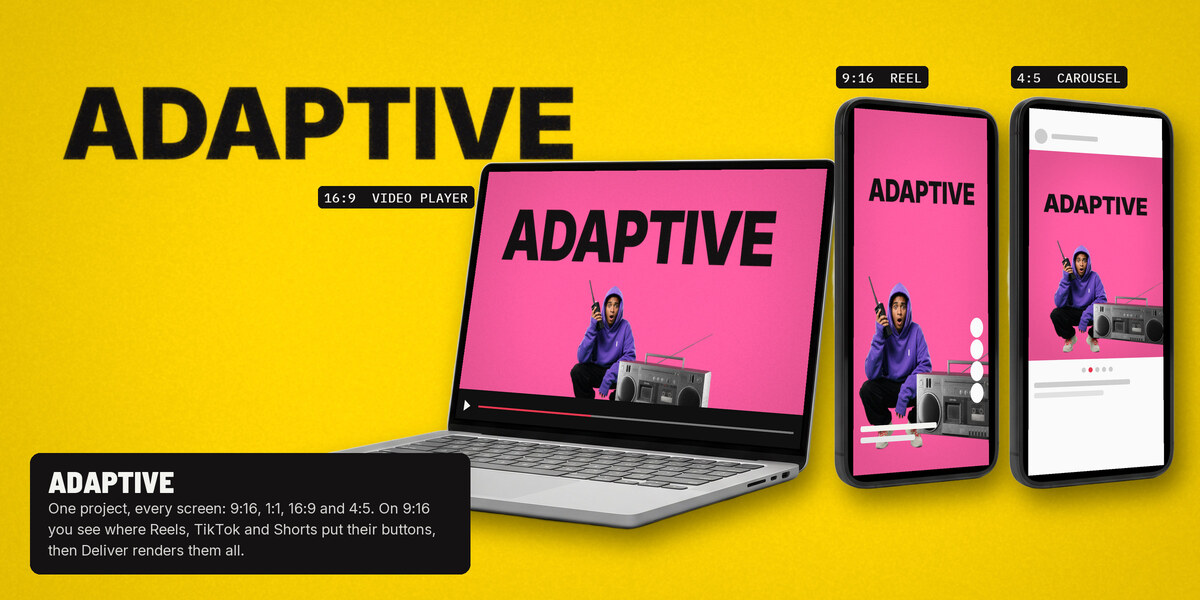
One project, every format.
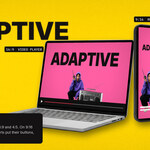
9:16, 1:1, 16:9 and 4:5 from the same file, in one go. MP4, ProRes 4444 or PNG sequence.
Under the hood it's all plain Blender: real objects, real cameras, EEVEE or Cycles.
If something doesn't work, or there's a feature you'd love, write me at [email protected]. I read everything myself.
Benedetto
Who it's for
- Motion designers who already use Blender and want shots and timing they can cut like a film.
- Blender artists who want titles and reels that look designed, without learning another app.
- Small studios and creators who turn out many versions: one project, four formats. Buy one seat per person.
- Product and app launches: your 3D product, a phone or laptop with your footage, counters and charts.
What's in the download
- The MotionDeck 2 extension: one ZIP of about 8 MB. Install it from Blender with Get Extensions › Install from Disk.
- An offline guide inside the add-on: open it from the sidebar or from Preferences › Add-ons › MotionDeck 2 › Open Guide. Short animated chapters, no internet needed. The clips are at motiondeck3d.com/guide.
- 20 gobos, the recipes and the Looks.
- 7 font families under the SIL Open Font License: Anton, Archivo Black, Barlow Semi Condensed, IBM Plex Mono, Instrument Serif, Inter, Poppins.
- LICENSE, LICENSE-ASSETS.txt, NOTICE.txt.
The full manual is online at motiondeck3d.com/manual.
Requirements
- Blender 5.2+. Tested on Blender 5.2 and 5.3. The extension declares Blender 5.2.0 as its minimum and won't install on Blender 4.x.
- Built and tested on macOS. Windows and Linux are supported through Blender 5.2: if anything doesn't work there, write to [email protected].
- Renders with EEVEE or Cycles. Glass seen through glass needs Cycles.
- Works offline. No account, no activation key, and MotionDeck sends no data. Buttons that open our website do so only when you click them.
- Interface in English.
Licences
- Code: the add-on's Python code is GPL-3.0-or-later.
- Assets (gobos, screen images, Looks, materials, example scenes and media): MotionDeck Assets Licence 1.2. One licence = one seat: one person, on all of their own computers. Teams and studios buy one seat per person. A seat can move to someone else when a person leaves the team, but can't be shared at the same time.
- Your work is yours: renders, videos and projects you make are yours for any use, commercial included, with no royalties. You can deliver .blend files to clients when the Assets are only part of your project.
- You may not resell, share or publish the Assets on their own or in another product, upload them to asset stores, or use them to train AI models.
- Owners of MotionDeck 1.x get MotionDeck 2 at no extra cost.
- Fonts: SIL Open Font License 1.1. NOTICE.txt in the download sums up the licences of the code, the assets and the fonts.
- "MotionDeck" and its logo identify our product and aren't licensed for your products; you may say your work was "made with MotionDeck". Blender is a trademark of the Blender Foundation. MotionDeck is an independent add-on, not made or endorsed by the Blender Foundation.
How it was made
Parts of the code were written with AI coding assistants, then reviewed, tested and integrated by the author. The product design, interface, motion rules, recipes and Looks are directed by Benedetto Battipede.
What MotionDeck 2 doesn't do
Better you know before you buy:
- It doesn't transcribe speech. Bring captions as SRT, WebVTT or words.json; word-exact timing needs words.json.
- It can't rescue a bad green screen. Clean footage keys cleanly.
- Glass behind glass needs Cycles.
- It doesn't convert MotionDeck 1.0 projects.
- Hand edits on the objects it builds don't stick. Make changes from MotionDeck's controls, or on an animation layer above.
- It isn't a cloud service. Everything runs on your machine.
FAQ
Which Blender version do I need? MotionDeck 2 works with Blender 5.2 and 5.3.
Have MotionDeck 1.0 installed? Disable it before enabling 2: both use E and Shift+E.