 Achat
Achat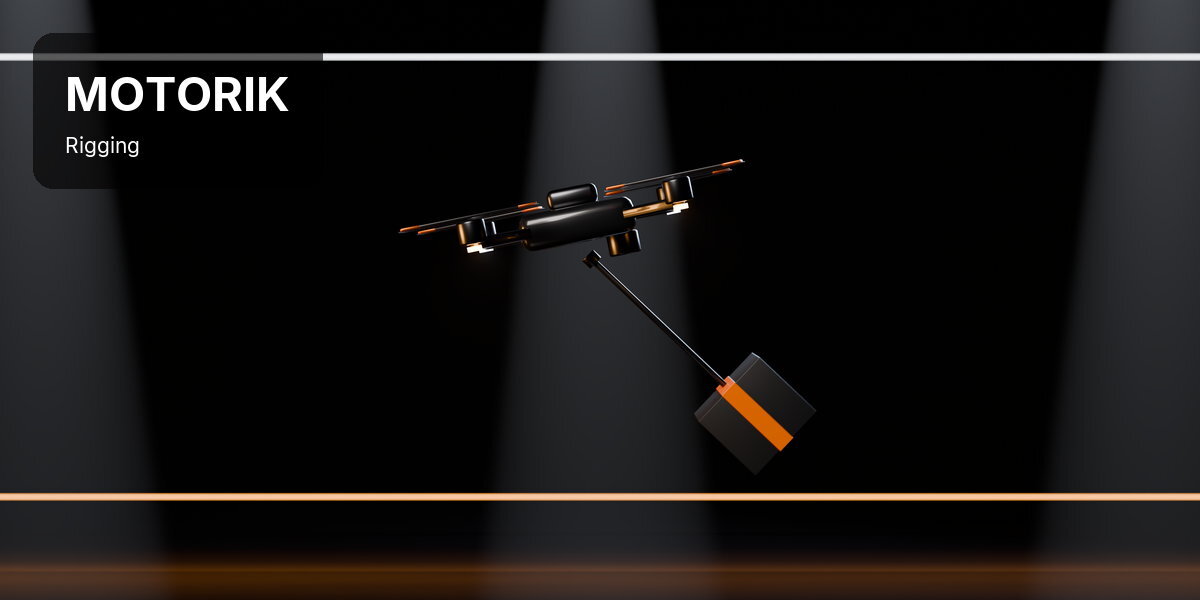

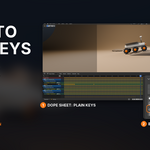
CLICK WHERE THE ENGINE GOES. IT FLIES.
Motorik is a Blender add-on that makes things move under their own power. Put the cursor where the engine goes and click: the ship flies. Select the wheels, then the body, and click: the rover drives.
Blender's rigid body motors can do all of this, but only by hand: a hidden anchor for every motor to push against, constraint empties aimed through the centre of gravity, motor frames turned 90 degrees to match their hinges, and a driver per motor so a slider can control it. It takes an evening per vehicle, and one wrong axis sends it spinning.
WHAT IT IS
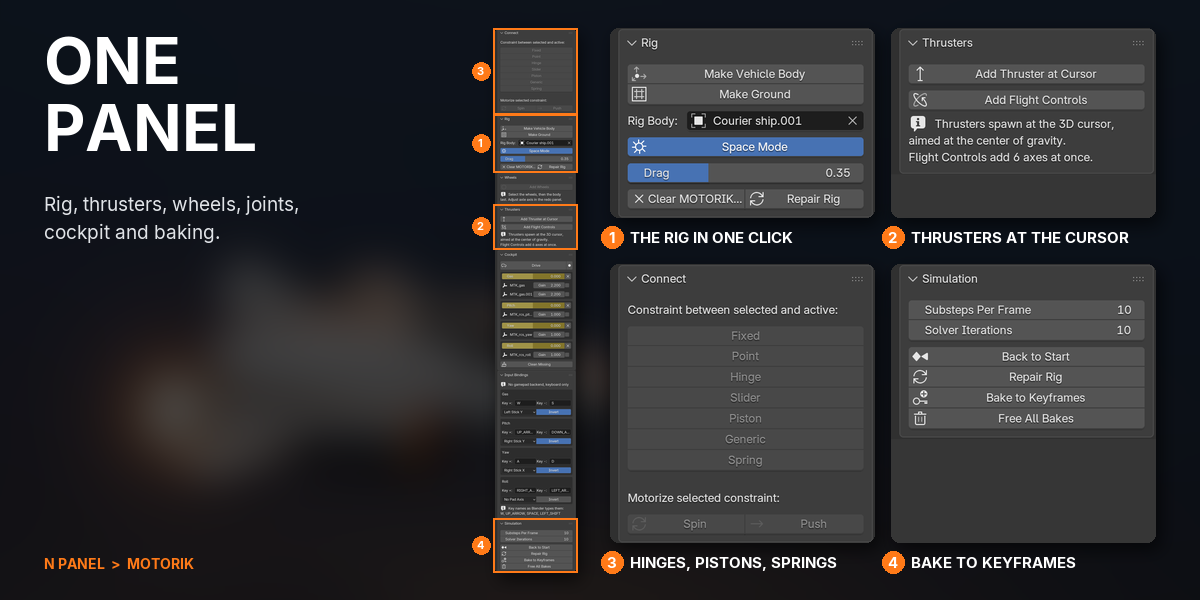
Motorik builds that rig for you, one click per part. Thrusters push a ship through its centre of gravity. Flight Controls add all six axes at once: thrust, strafe, lift, pitch, yaw and roll. Add Wheels hinges and drives every wheel you selected. Connect joins parts with a hinge, slider, piston or spring, and Motorize turns any joint into a motor. Every motor gets a slider in the Cockpit. Press Drive to steer with your keyboard or a gamepad while the simulation plays, record the take, and bake it to ordinary keyframes.
WHAT THIS DOES THAT BLENDER DOES NOT
Motorik doesn't replace Blender's physics: it sets it up. Everything it makes is a standard rigid body, constraint and driver.
| TASK | STOCK BLENDER | WITH MOTORIK |
|---|---|---|
| A thruster that pushes a ship | An anchor object, a Motor constraint, an empty aimed through the centre of gravity, two drivers | Cursor where the engine goes, Add Thruster at Cursor |
| Full flight control | Six motors on six axes, six drivers | Add Flight Controls: six sliders, keys pre-bound |
| A car or rover that drives | A hinge and a motor per wheel, each motor frame turned to match | Wheels, then the body, Add Wheels |
| A motorized door or piston | Rebuild the joint as a motor and turn its frame 90 degrees | Select the hinge, click Spin |
| Steer it live | Not without scripting | Drive with the keyboard or a gamepad, and record the take |
| Render on another machine | Rigs with Python drivers need Auto Run Scripts turned on | Simple drivers only: the file simulates without Motorik |
| Realistic car handling: suspension, steering, drifting | Not built in either | Not what it's for: wheels have no suspension or steering. Use a dedicated car rig |
COMPATIBILITY
| Blender | 4.2 and newer (tested on 5.1 and 5.2 LTS) |
| Operating System | Windows, macOS, Linux |
| Render Engines | Any (the result is ordinary keyframes) |
| Gamepad | Optional: a game controller SDL2 recognises, on Windows x64, macOS or Linux x64 |
FEATURES
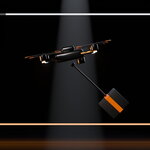
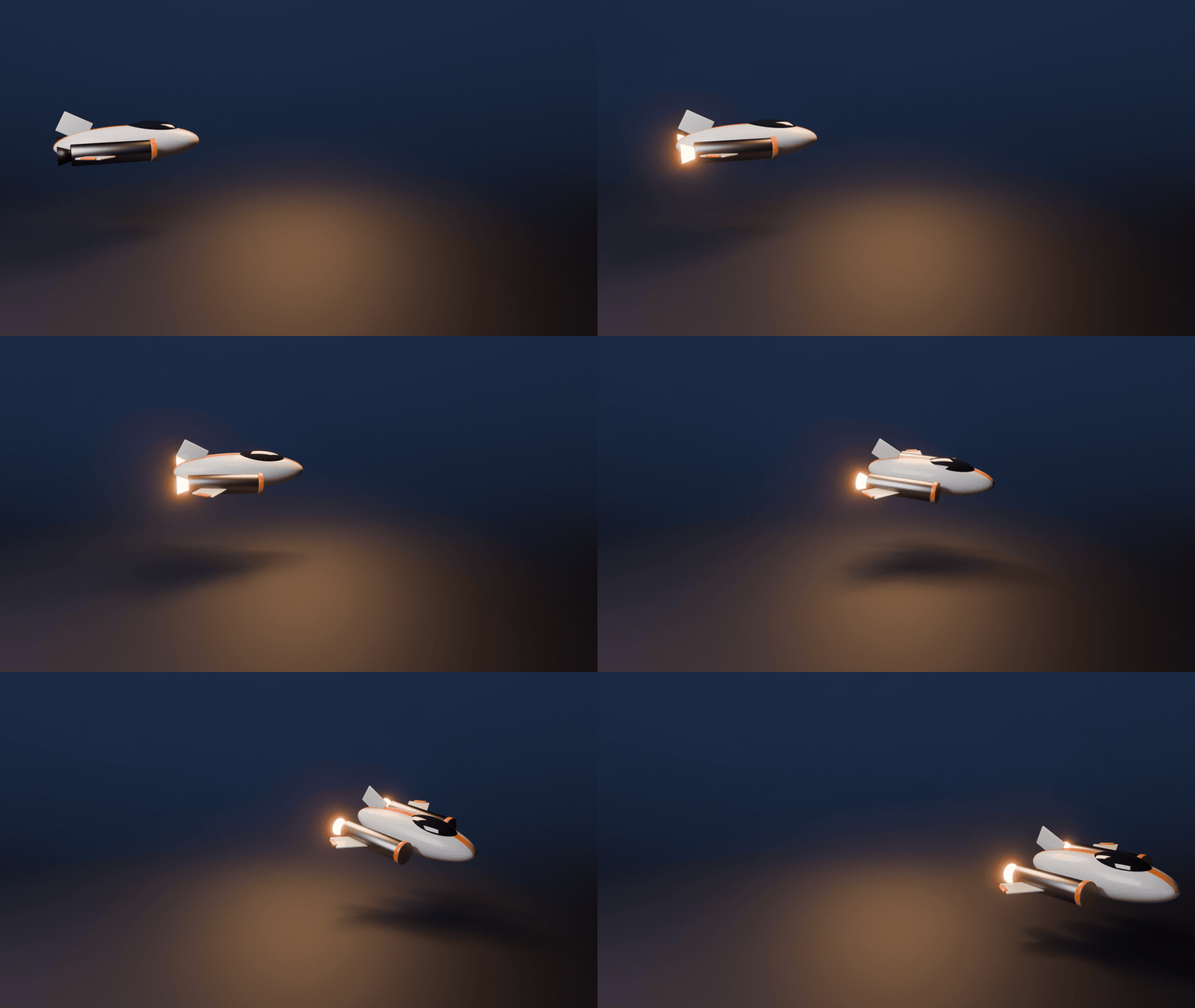
1A THRUSTER WHERE THE CURSOR IS

Place the 3D cursor where the engine sits and click Add Thruster at Cursor. It aims through the centre of gravity, so the ship flies straight and coasts when you let go. Space Mode turns gravity off in one click.


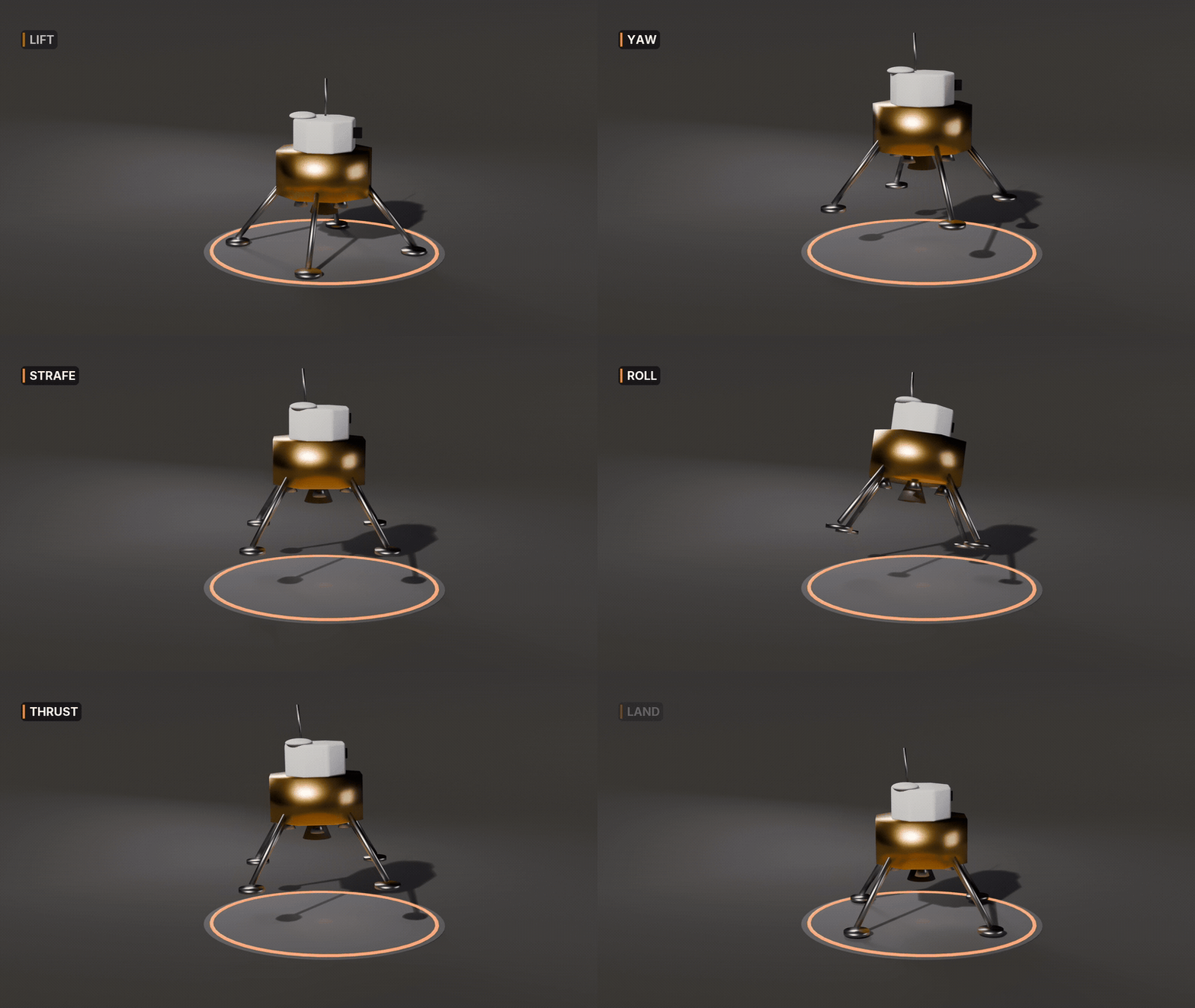
2SIX AXES OF FLIGHT
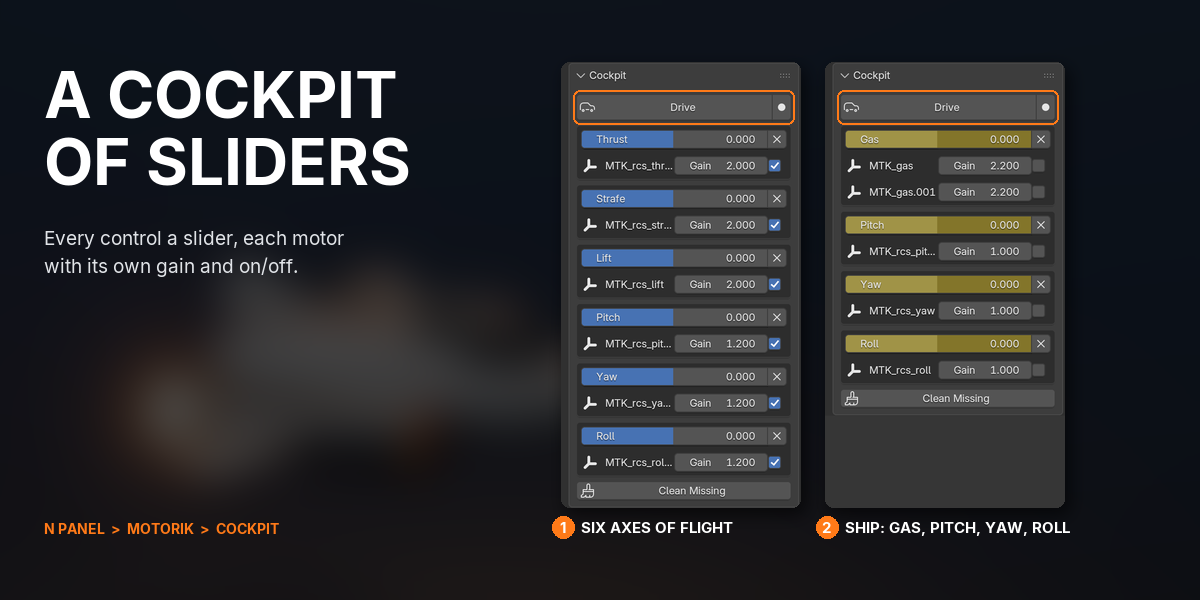
Add Flight Controls puts thrust, strafe, lift, pitch, yaw and roll on any body at once, each with its own slider and keys already bound.


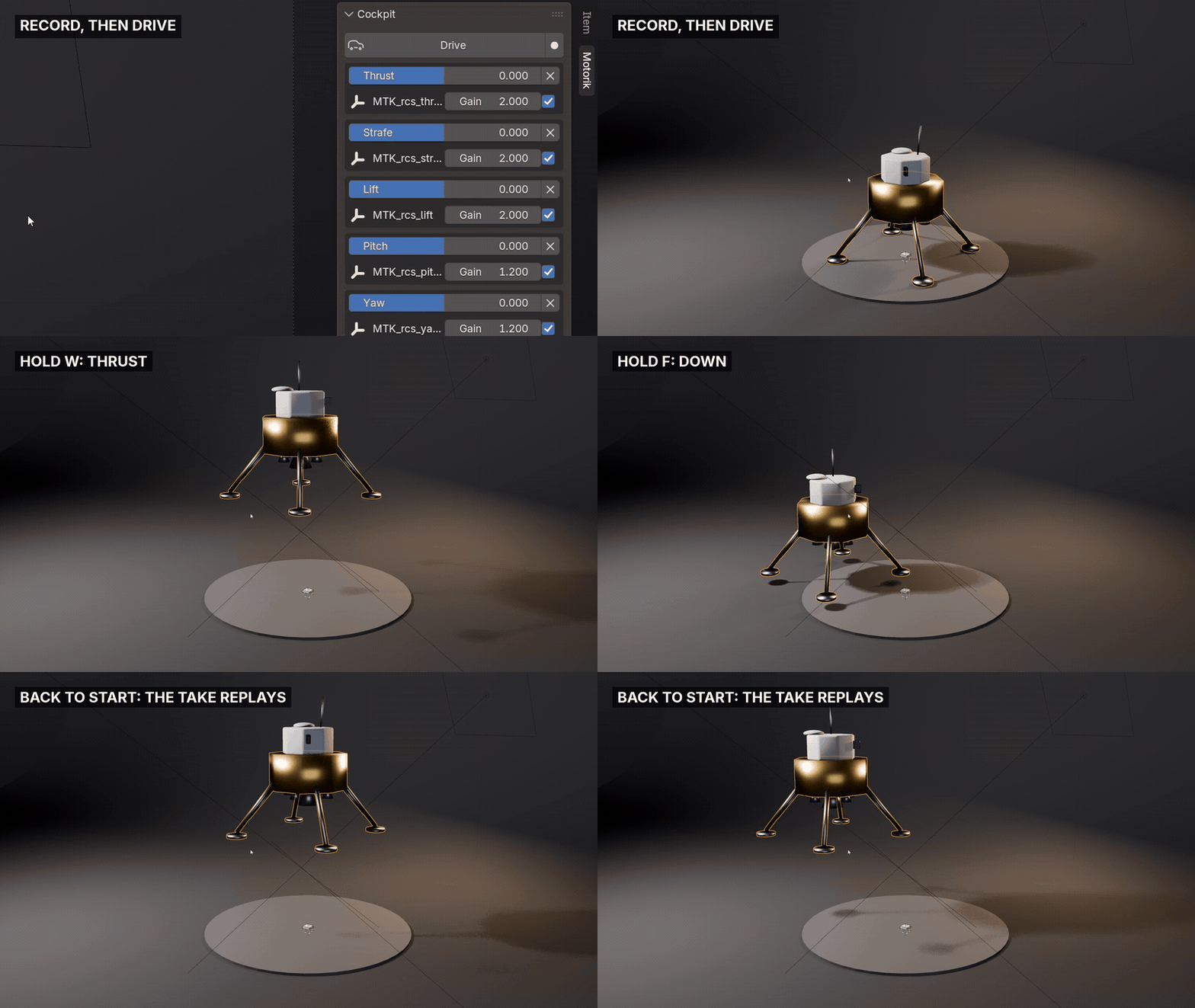
3DRIVE IT LIVE, KEEP THE TAKE
Press Drive and fly with your keyboard or a gamepad while the simulation plays. Turn on Record and the take is saved as keyframes, ready to replay and bake.
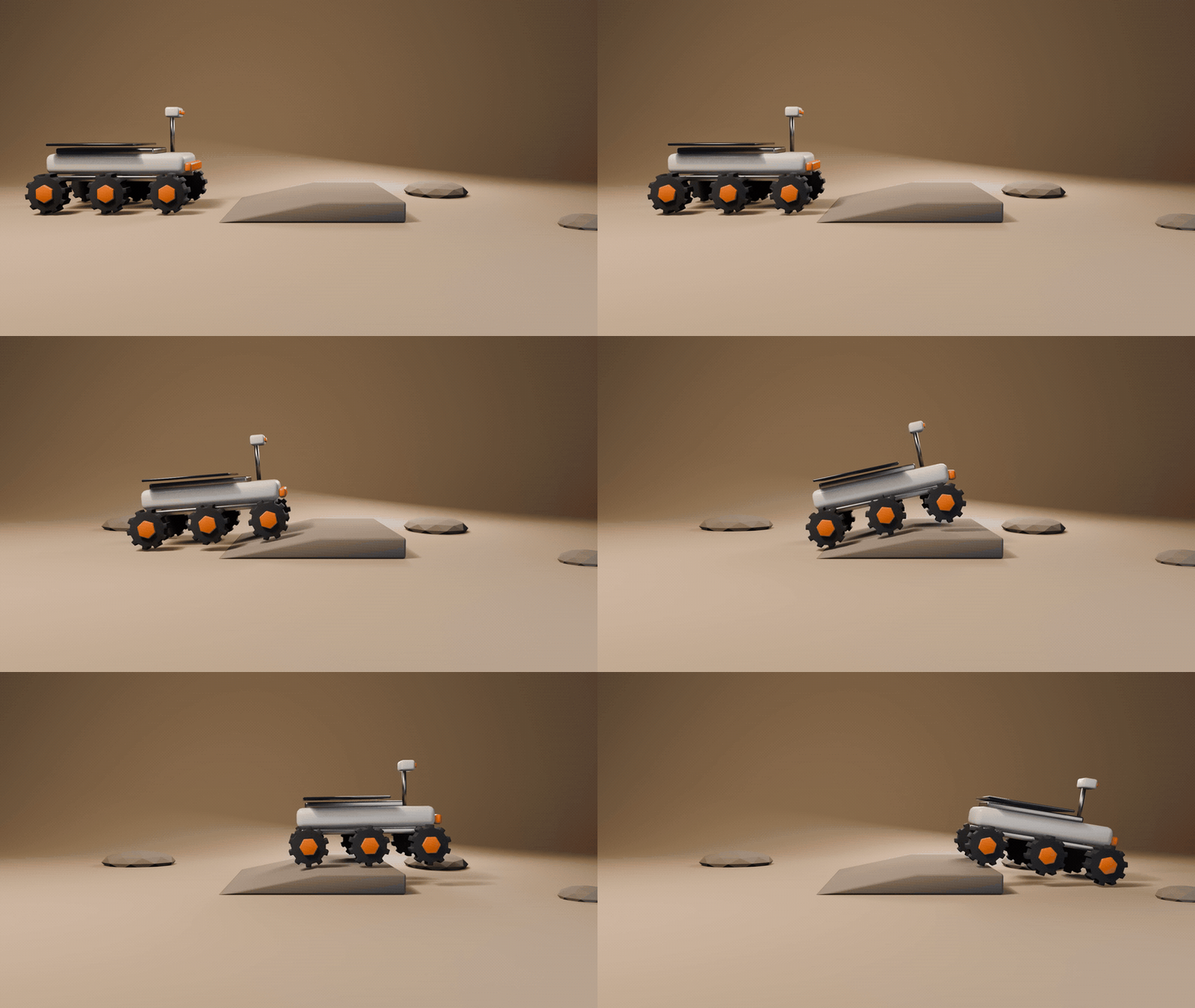
4WHEELS IN ONE CLICK

Select the wheels, then the body, and click Add Wheels. Every wheel gets an axle and a motor on one shared throttle, and mirrored wheels still spin the right way.

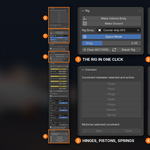

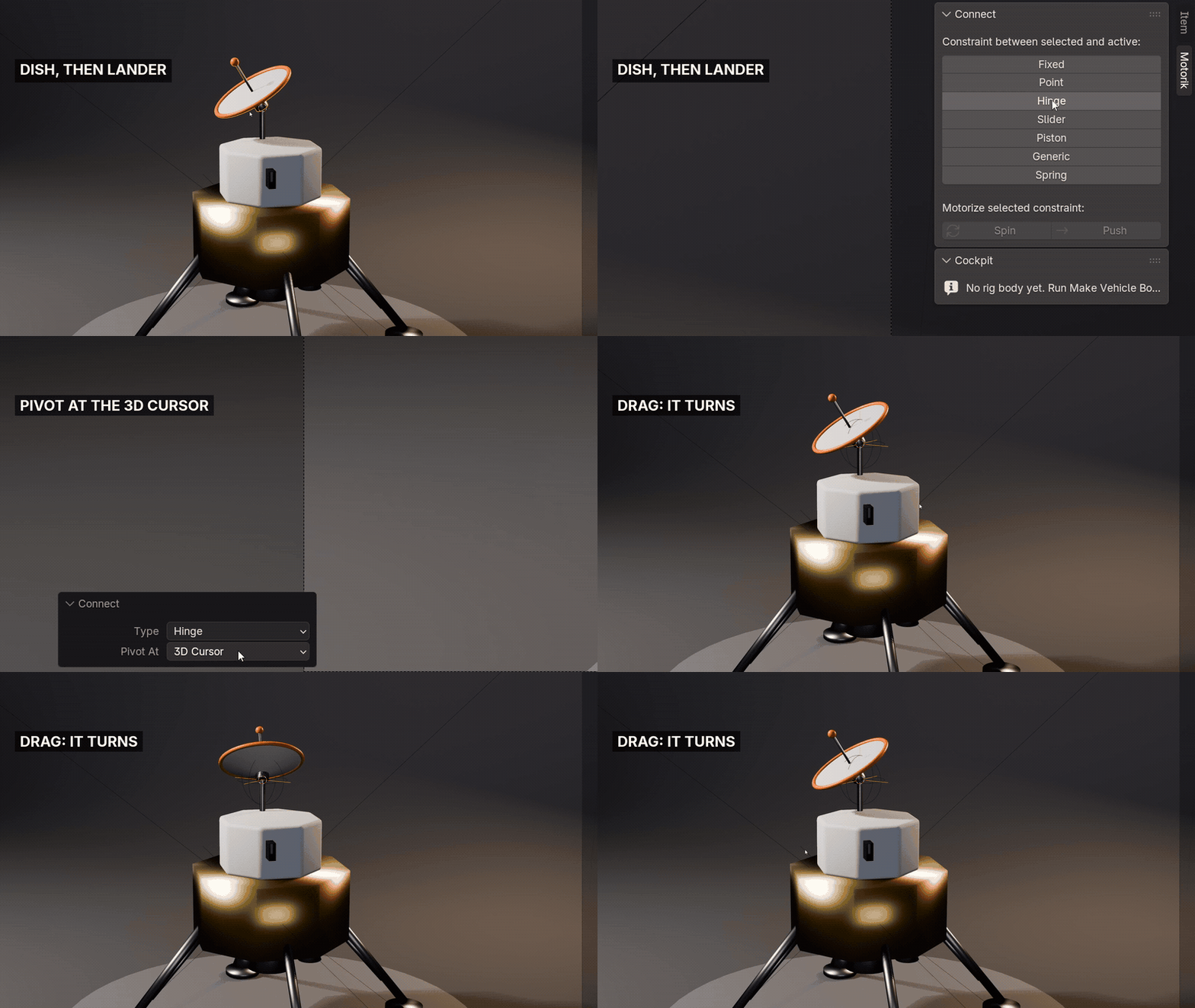
5HINGES, PISTONS AND SPRINGS
Seven joint presets connect any parts: fixed, point, hinge, slider, piston, generic and spring. Objects get physics automatically, with the pivot at the midpoint, the active object or the 3D cursor.
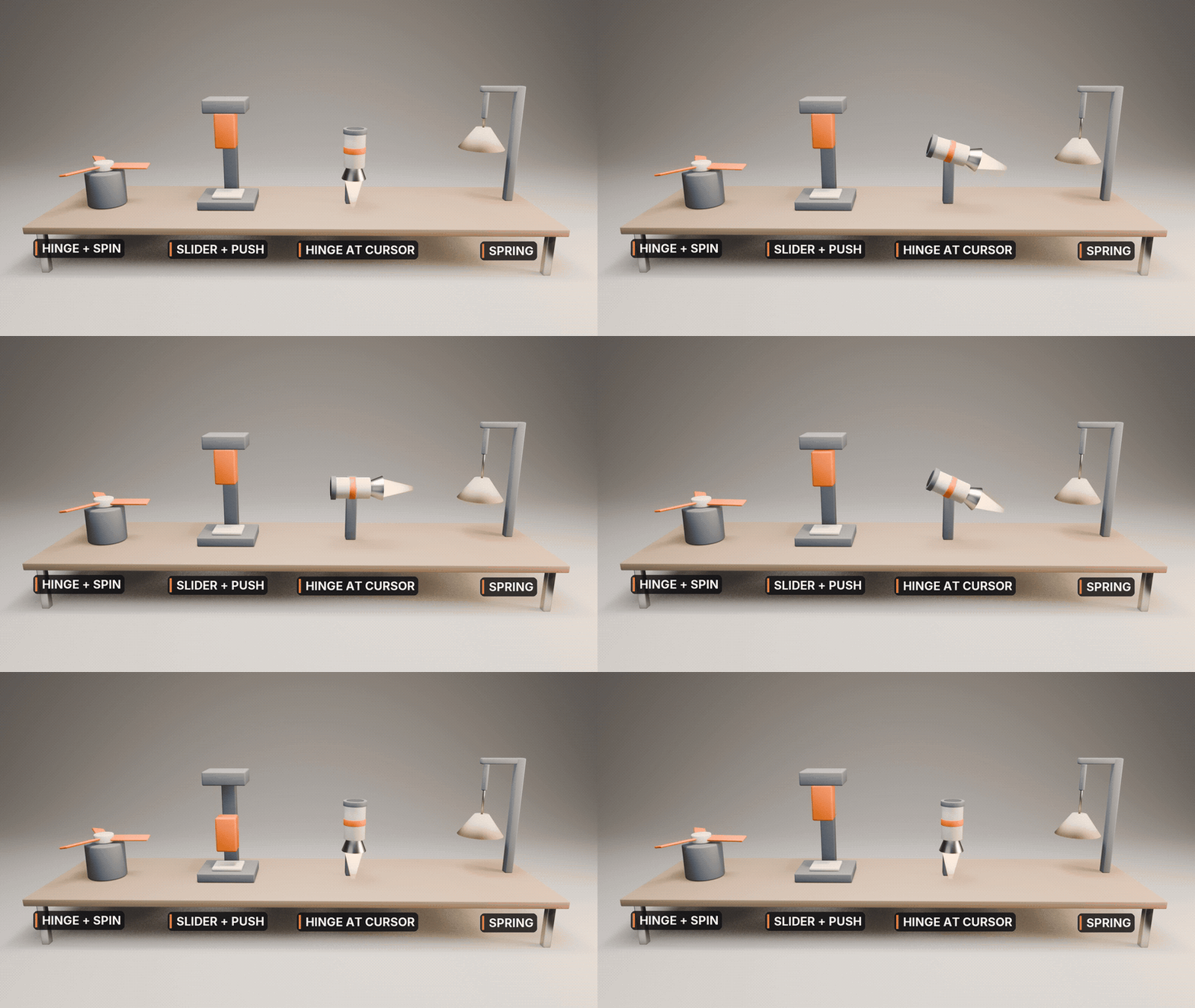
6MOTORIZE ANY JOINT
Select a hinge and click Spin, or a slider and click Push. It becomes a motor with its own slider, its frame already turned the right way.


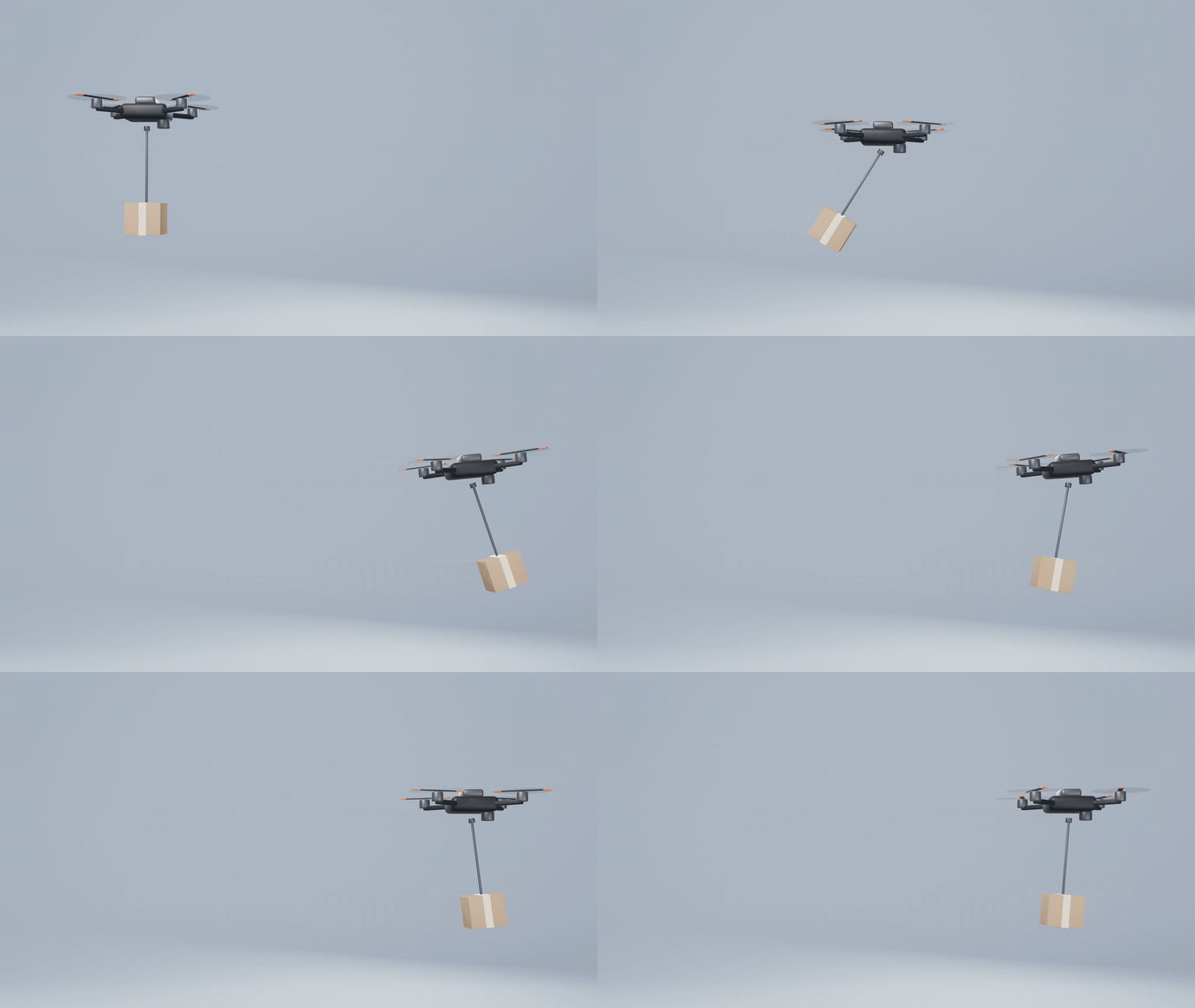
7SECONDARY MOTION BY ITSELF
Hang a parcel on a point joint or mount a lamp on a spring, and it swings and settles on its own whenever the vehicle moves.
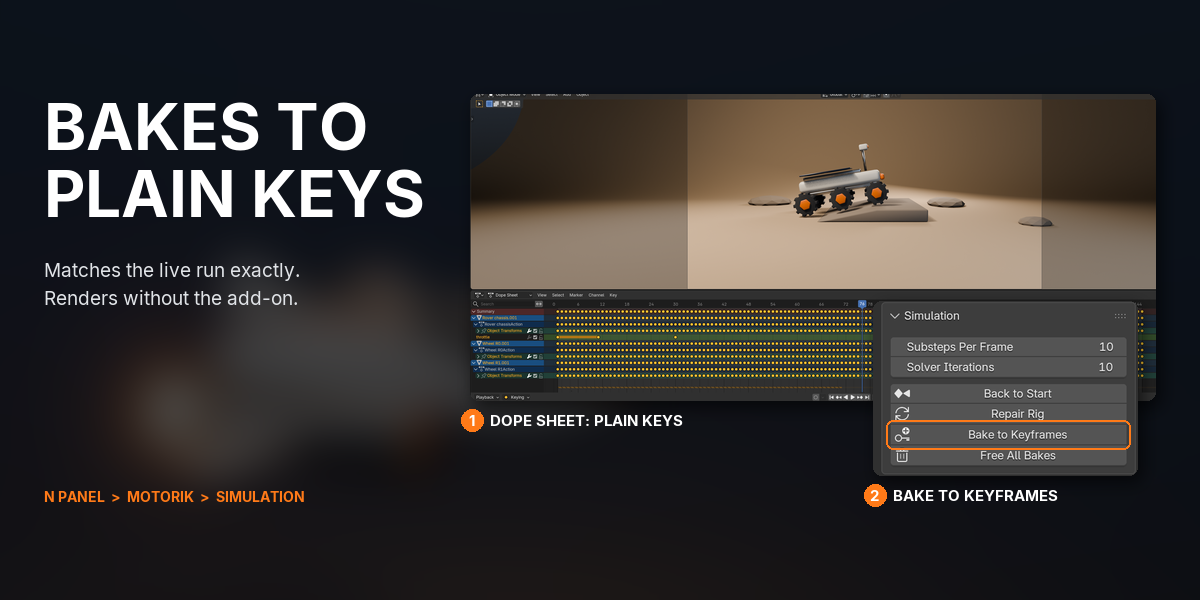
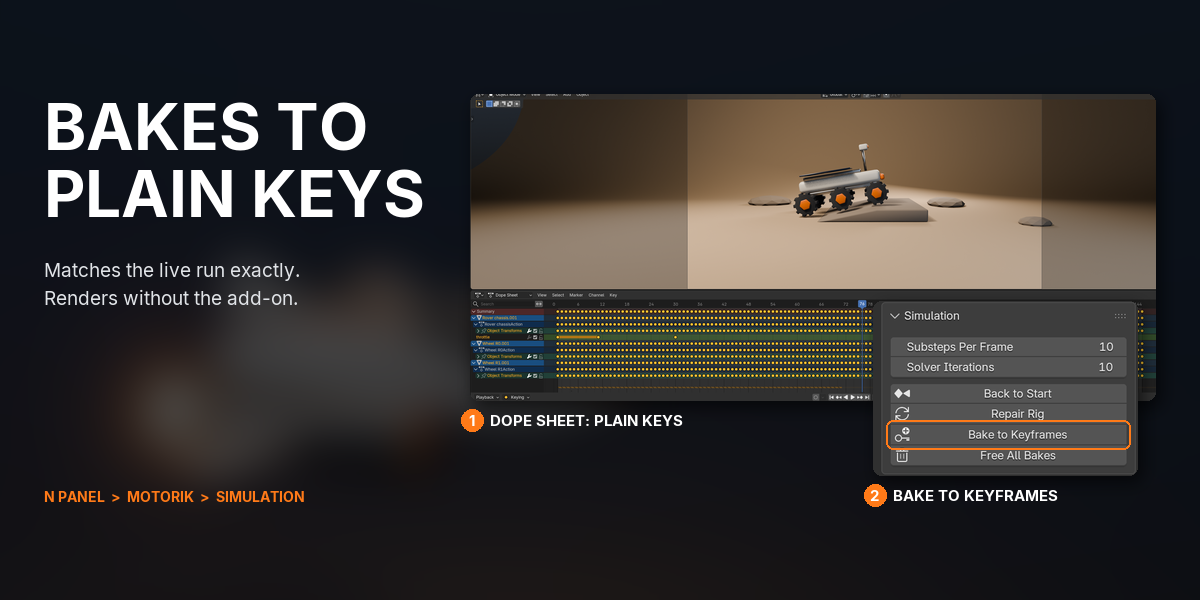
8BAKES TO PLAIN KEYFRAMES
Bake to Keyframes turns the simulation into ordinary location and rotation keys that match the live run exactly. The rig itself is plain Blender too, so it plays on a render farm without Motorik.
9A COCKPIT OF SLIDERS
Every control is a slider in one panel, with each motor's gain and an on/off switch beside it. Controls are custom properties, so you can keyframe them like any value.
WHAT YOU GET
- Motorik 1.1.1 as a Blender extension: drag the .zip into Blender to install
- 16 one-click tools in one sidebar tab
- Thrusters with their own or a shared throttle, and a six-axis flight set: thrust, strafe, lift, pitch, yaw, roll
- Driven wheels for any number of wheels, with automatic axle detection
- 7 joint presets (fixed, point, hinge, slider, piston, generic, spring) plus Spin and Push motors
- Drive Mode for keyboard and gamepad with take recording; SDL2 bundled for Windows, macOS and Linux
- Bake to Keyframes, Repair Rig and cleanup tools
- Full documentation and quick-start guides
- Direct email support from the developer
UPDATES AND SUPPORT
Updates install with one click inside Blender through Superhive's extension repository, and every update is free.
- Questions or problems: [email protected]
- Licence: GPL, source included. Use it on anything, commercial or not. The bundled gamepad library is PySDL2 (CC0) with SDL2 (zlib).
CHANGELOG
| 1.1.1 (2026-10-05) | Support contact is now [email protected]. |
| 1.1.0 (2026-07-07) | Thrusters, Flight Controls, wheels, joint presets with Motorize, Drive Mode with gamepad and Record, Bake to Keyframes, Repair Rig. |
BUY ONCE, DRAG THE .ZIP INTO BLENDER, AND FLY YOUR FIRST SHIP IN FIVE CLICKS: MAKE VEHICLE BODY, SPACE MODE, PLACE THE CURSOR, ADD THRUSTER AT CURSOR, PRESS SPACE.