 Shift4cube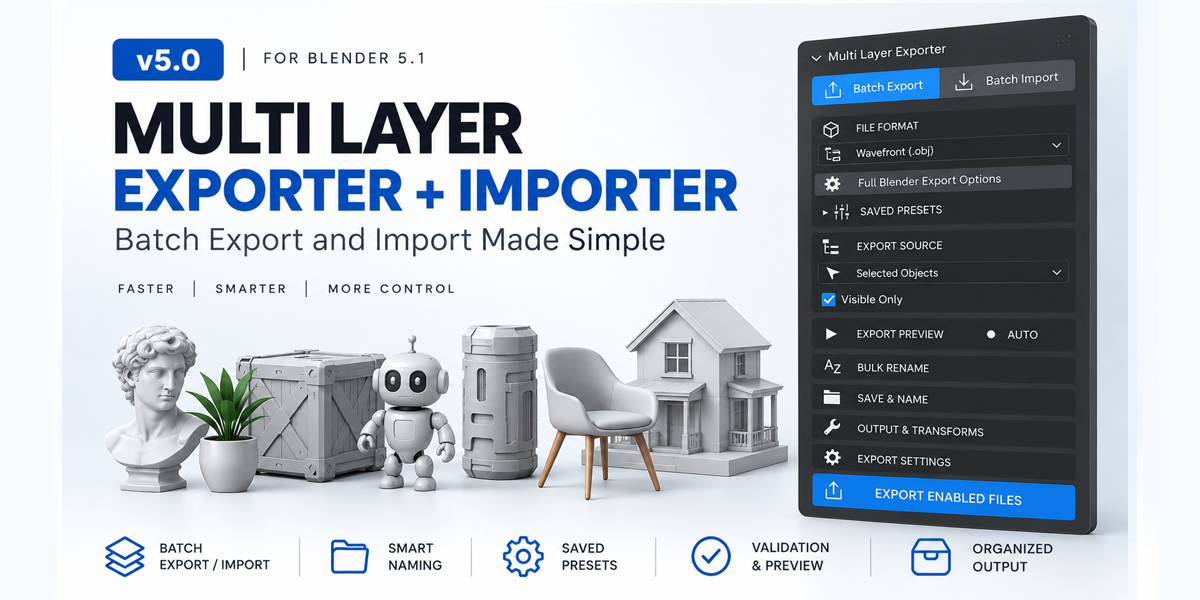
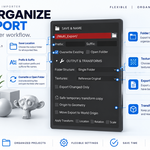
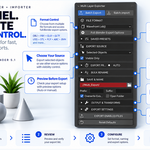
🚀 Multi Layer Exporter + Importer
Batch export and import made simple.
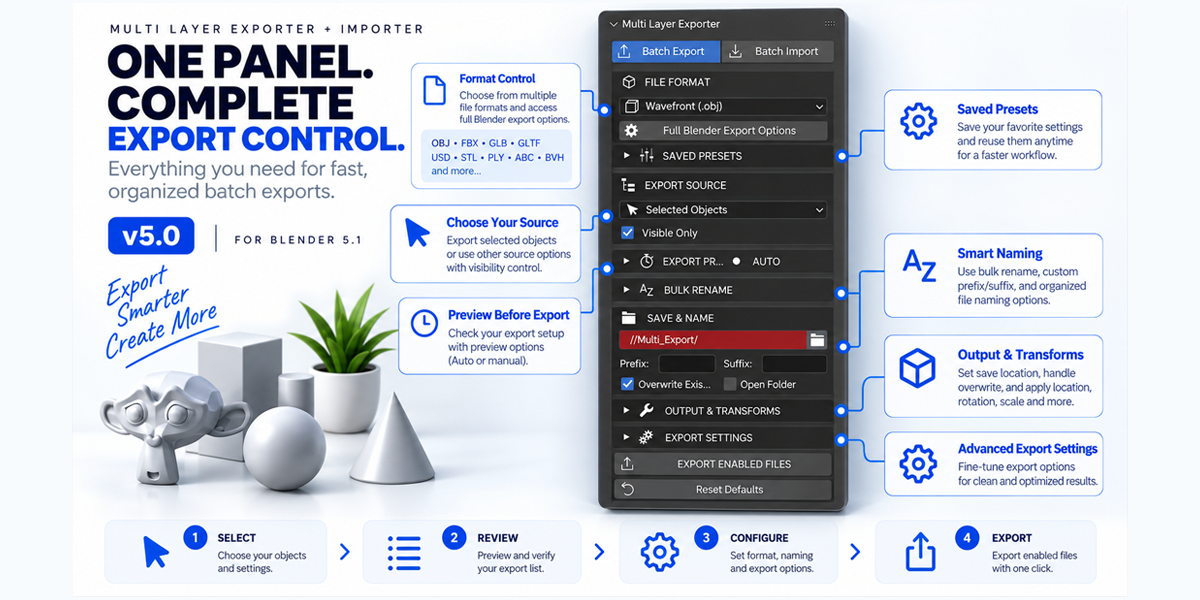
Stop exporting and importing assets one by one. Multi Layer Exporter + Importer v5.0 gives you a clean, preview-first workflow for managing multiple assets directly inside Blender 5.1.
Select your objects, review the export list, rename files, configure your output, and export everything with one click.
For importing, select multiple files, review them, choose your destination Collection, and bring your assets into Blender in an organized way.
⚡ What You Get
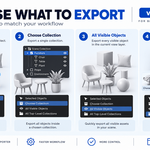
📤 Batch Export
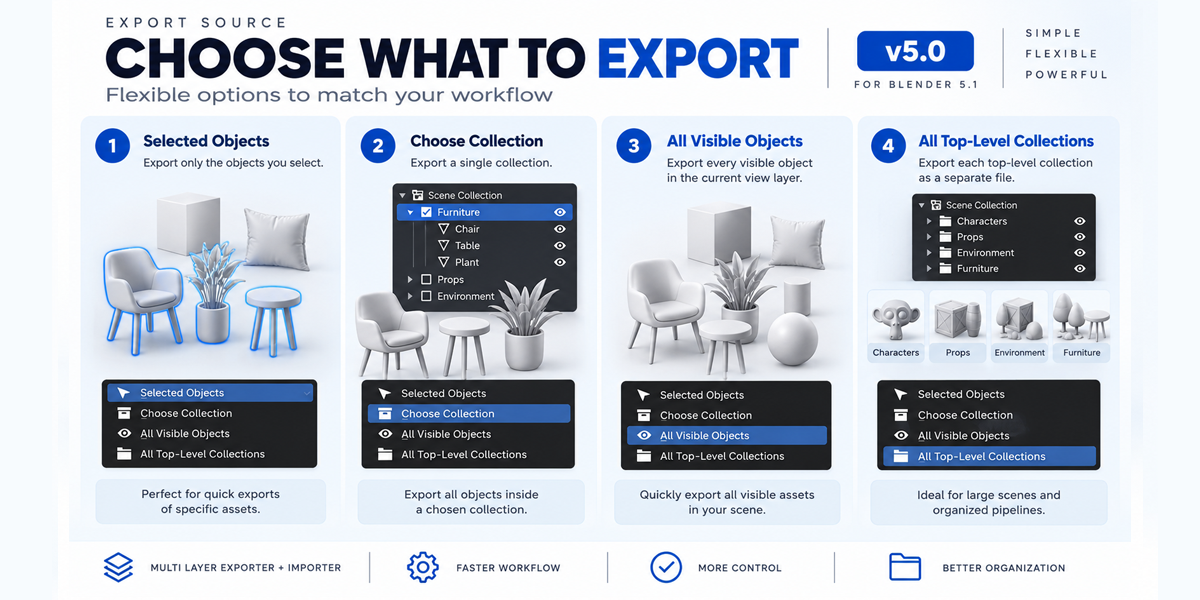
Export multiple assets from:
- Selected Objects
- Choose Collection
- All Visible Objects
- All Top-Level Collections
Choose whether to export assets individually or organize them by Collection.
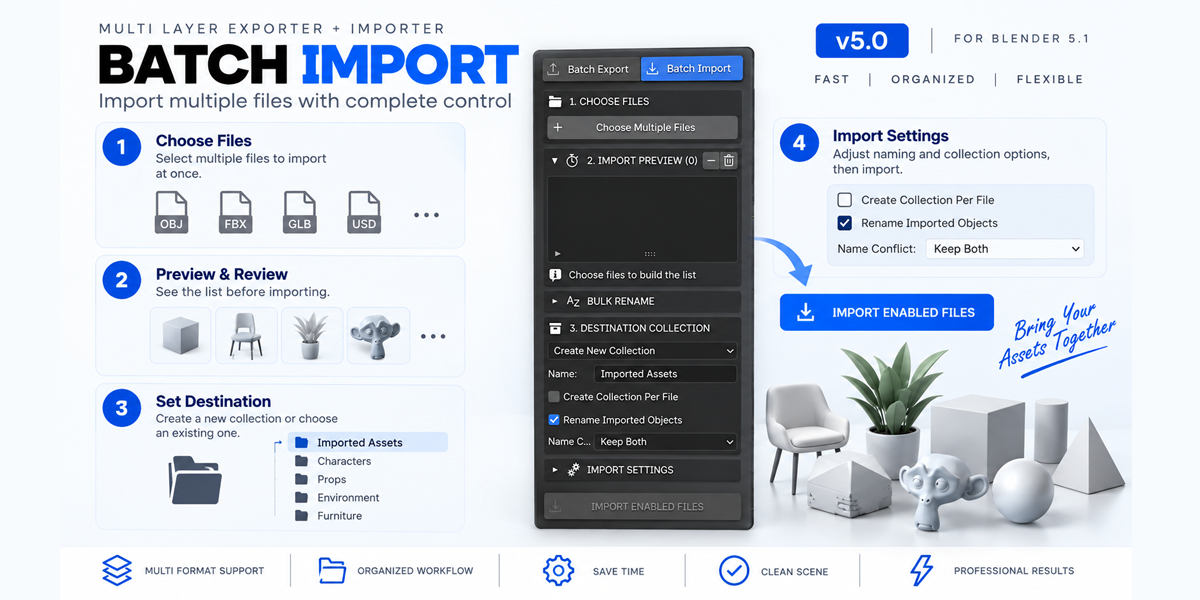
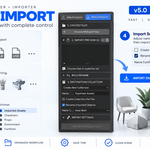
📥 Batch Import
Import multiple files at once with:
- Multi-file selection
- Import Preview
- Destination Collections
- Create New Collection
- Active Collection
- Collection Per File
- Rename Imported Objects
- Name conflict handling
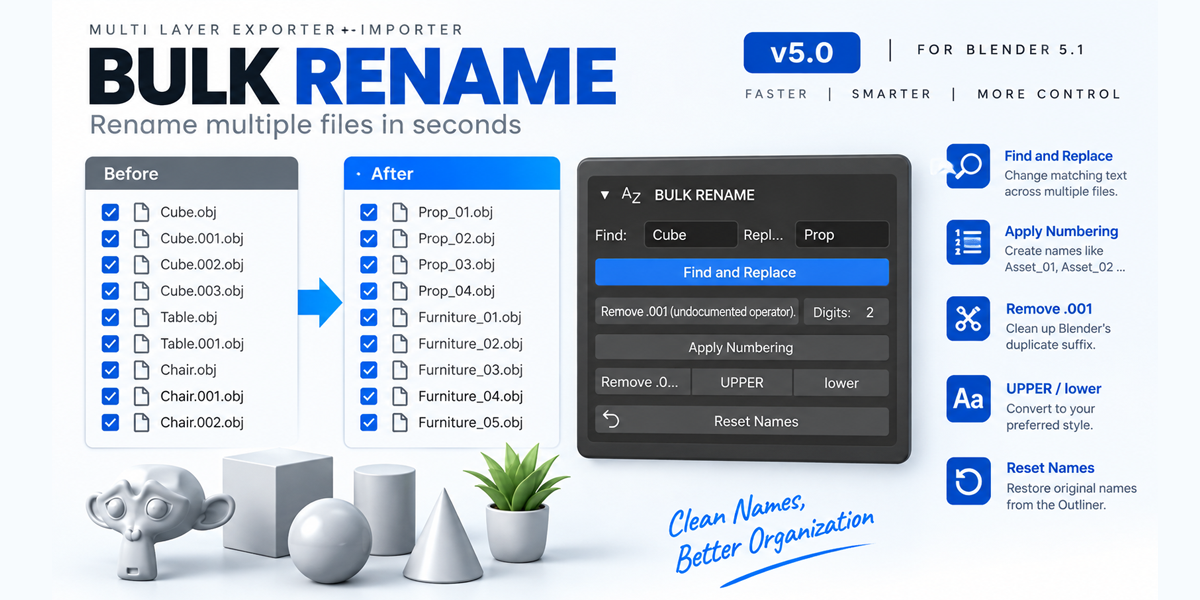
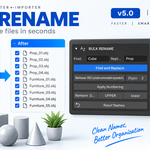
✏️ Smart Bulk Rename
Clean up large batches quickly:
- Find & Replace
-
Remove
.001suffix - Automatic numbering
- UPPERCASE
- lowercase
- Reset Names
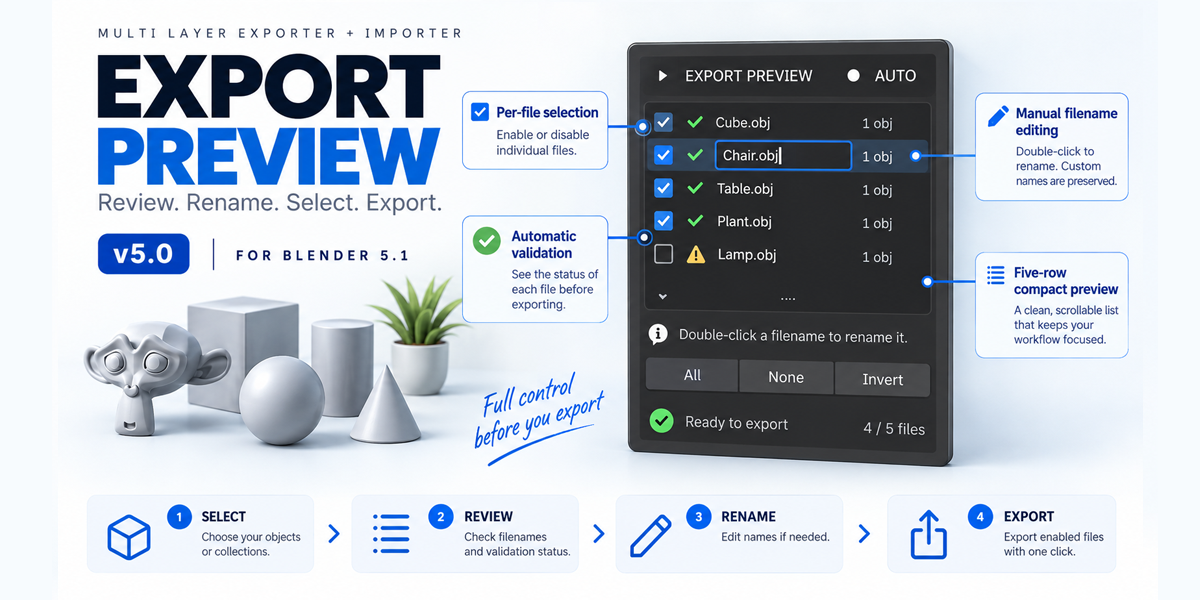
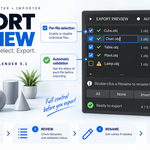
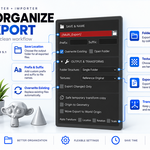
👁️ Preview Before Export
Review your files before exporting.
- Enable/disable individual files
- Automatic validation
- Warning and error detection
- Edit filenames directly
- Compact five-row preview
- All / None / Invert controls
⚙️ Saved Presets
Built-in starting presets for:
- CLO OBJ
- Unity FBX
- Web GLB
- Custom Presets
Save your own settings and reuse them across Blender projects.
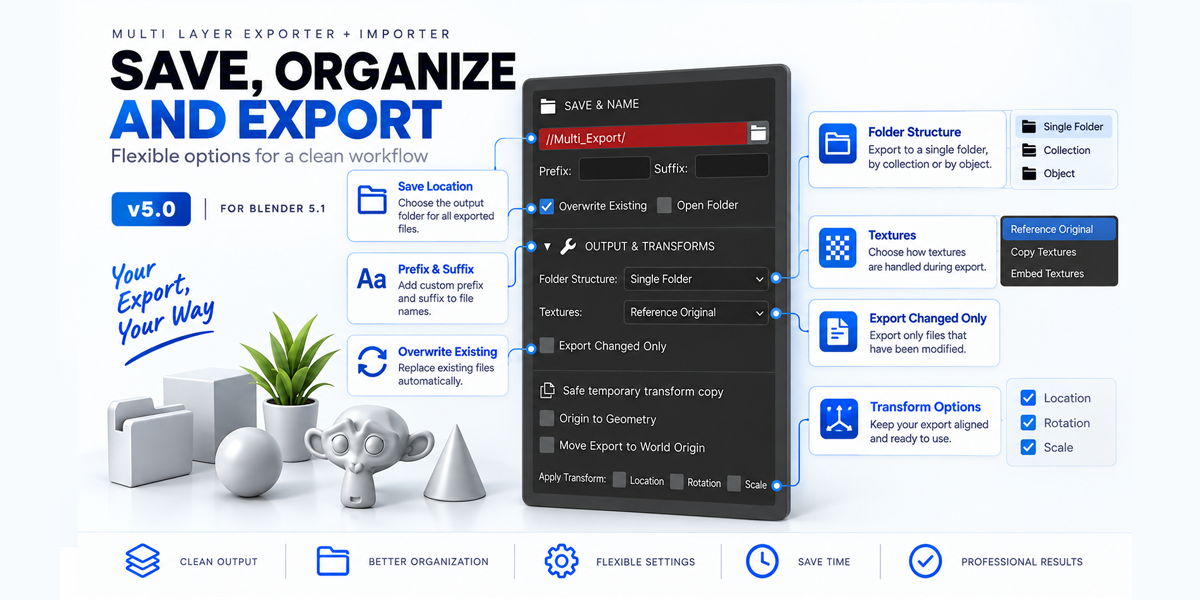
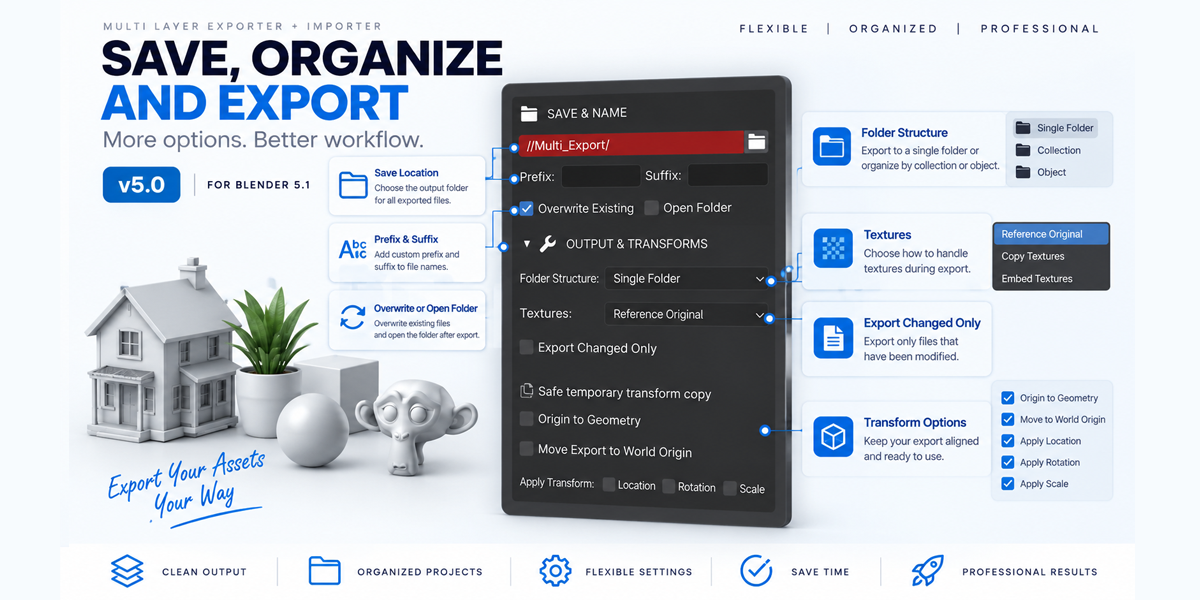
📁 Organized Output
Choose how your exported files are organized:
- Single Folder
- Folder per Collection
- Folder per Object
🖼️ Texture Handling
Choose how textures are handled:
- Reference Original
- Copy Textures
- Embed When Supported
- Missing texture detection
🔄 Safe Transform Tools
Export transformed copies without permanently modifying your original Blender objects.
Options include:
- Origin to Geometry
- Move Export to World Origin
- Apply Location
- Apply Rotation
- Apply Scale
🧠 Export Changed Only
For large asset libraries, export only assets that have changed since the previous successful export.
The addon tracks geometry, topology, transforms, modifiers, materials, export settings, format, and output information to determine whether an asset needs updating.
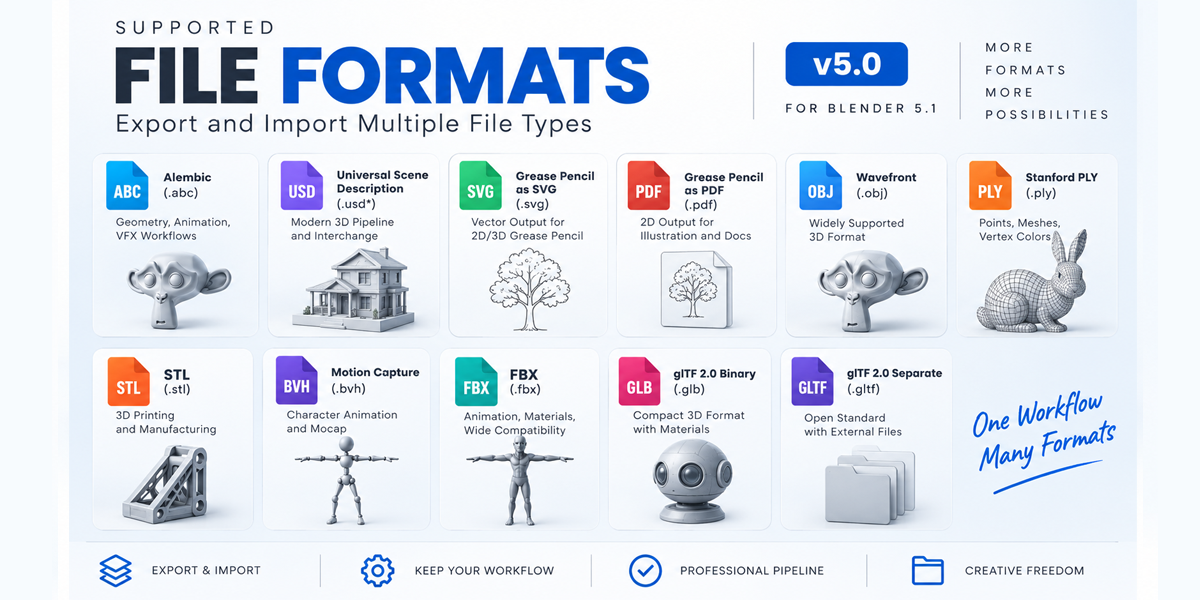
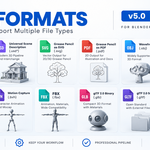
📦 Supported Formats
OBJ • FBX • GLB • GLTF • USD • STL • PLY • Alembic • BVH • SVG • PDF
Supported formats depend on the Blender installation and enabled extensions.
🎯 Perfect For
- 3D Artists
- Game Developers
- Asset Artists
- Technical Artists
- Freelancers
- Product Visualization
- Animation Pipelines
- VFX Workflows
- 3D Printing
- Large Asset Libraries
- Repetitive Export/Import Workflows
🛠️ Requirements
Blender 5.1
Multi Layer Exporter + Importer v5.0 is designed for Blender 5.1.
📥 Installation
- Download the addon ZIP.
- Open Blender → Edit → Preferences → Add-ons.
- Choose Install from Disk.
- Select the addon ZIP.
- Enable Multi Layer Exporter + Importer.
- Open the 3D Viewport Sidebar with N.
- Select the Multi Export tab.