Multi Layer Exporter + Importer — Batch Export & Import For Blender 5.1
 Shift4cube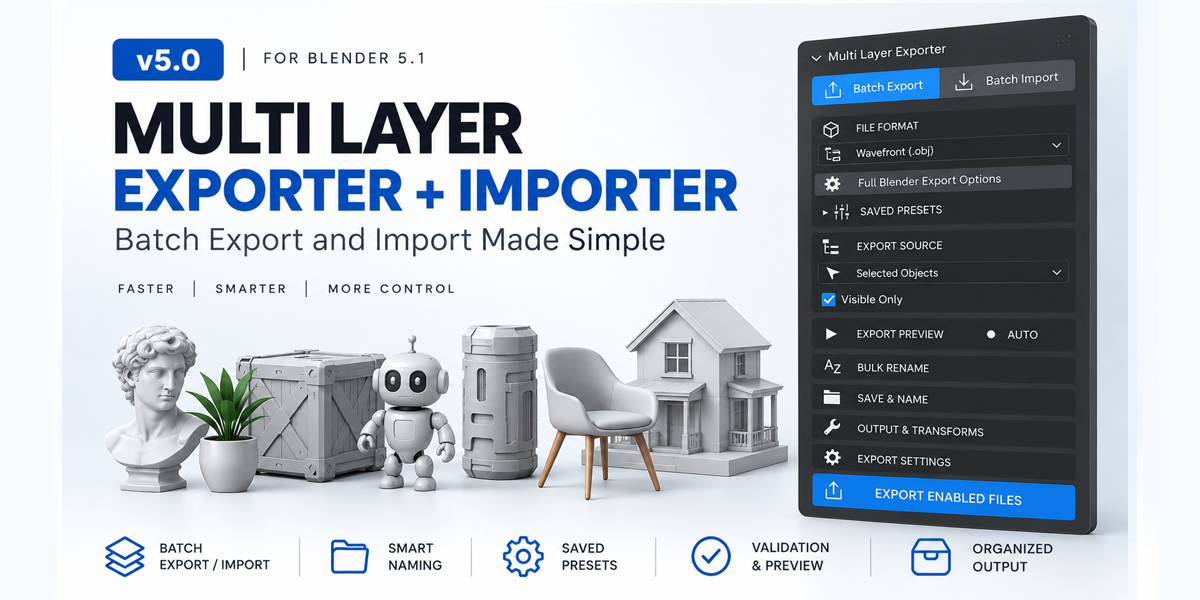
What happens if a file already exists?
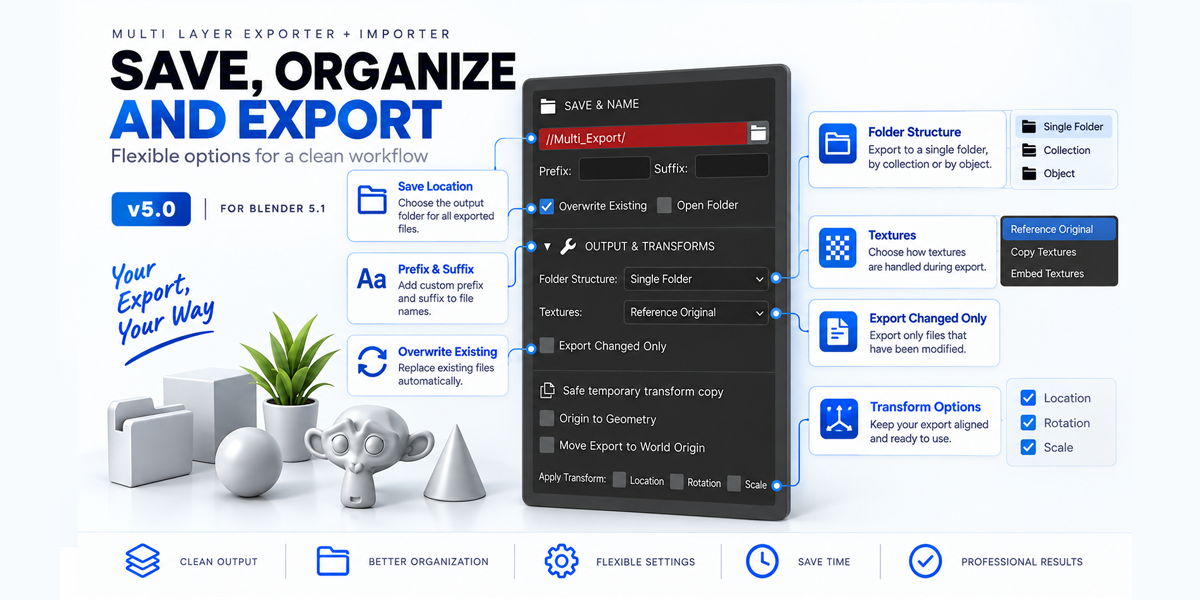
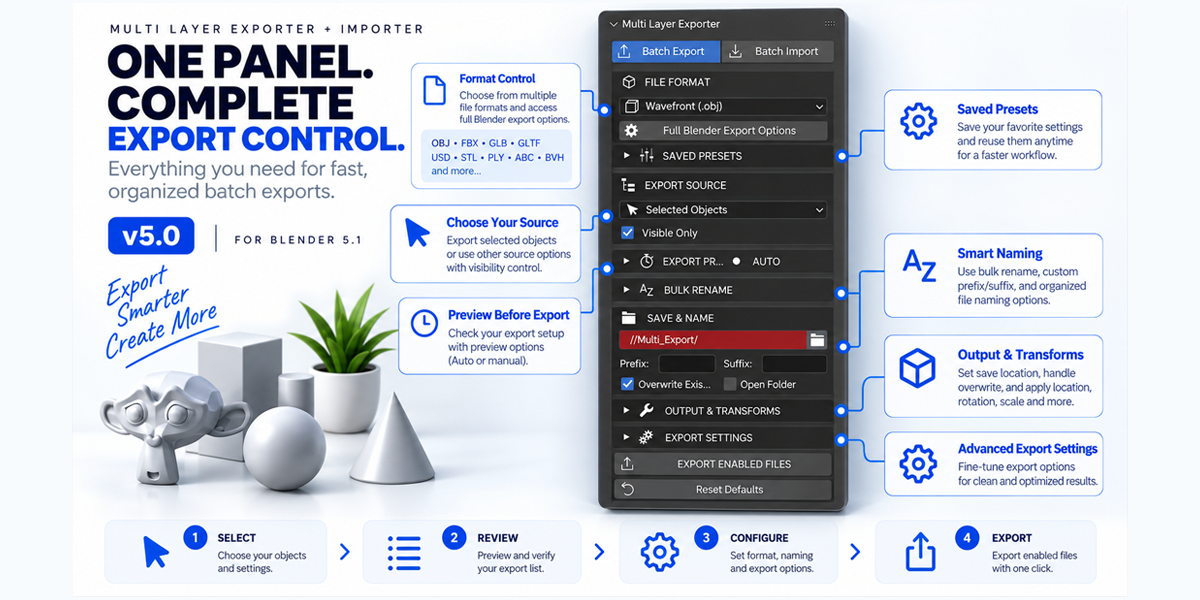
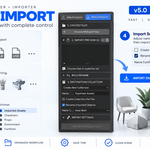
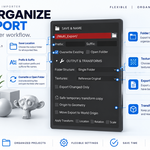
You can control overwrite behavior during export and choose import conflict options such as Keep Both, Skip Existing, Replace Existing, or Update Geometry.
Can I skip files that haven't changed?
Yes. Enable Export Changed Only after completing an initial successful export.
Does it support textures?
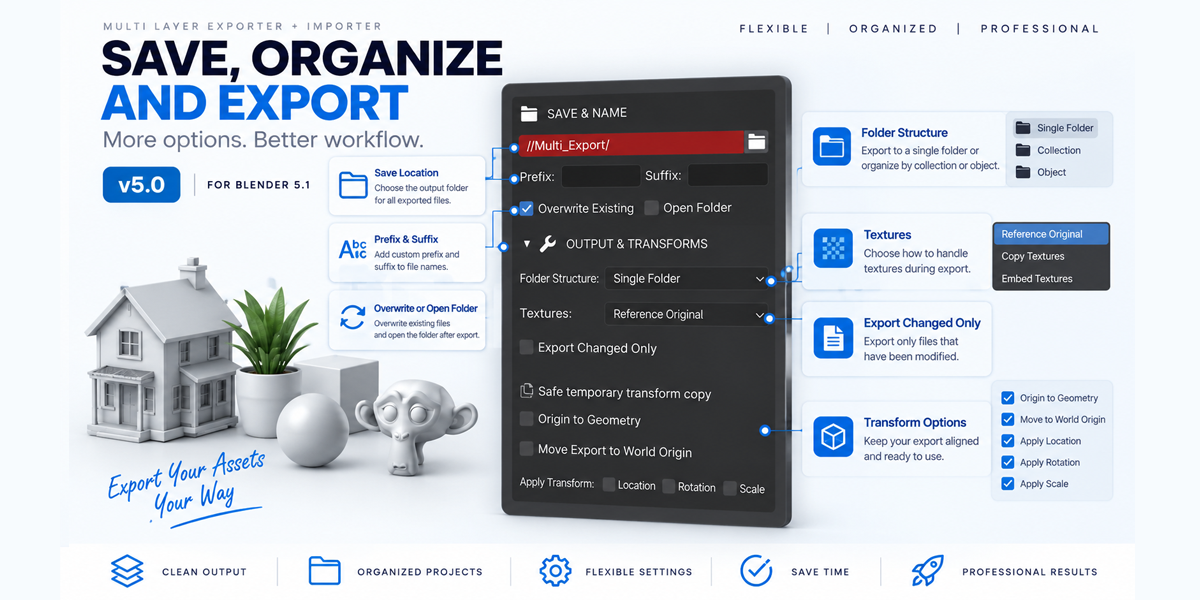
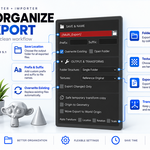
Yes. You can reference, copy, or embed textures where supported.
Does it modify my original objects when applying transforms?
No. Safe transform options use temporary geometry copies for supported geometry objects, leaving the original objects unchanged.
Can I use my own naming system?
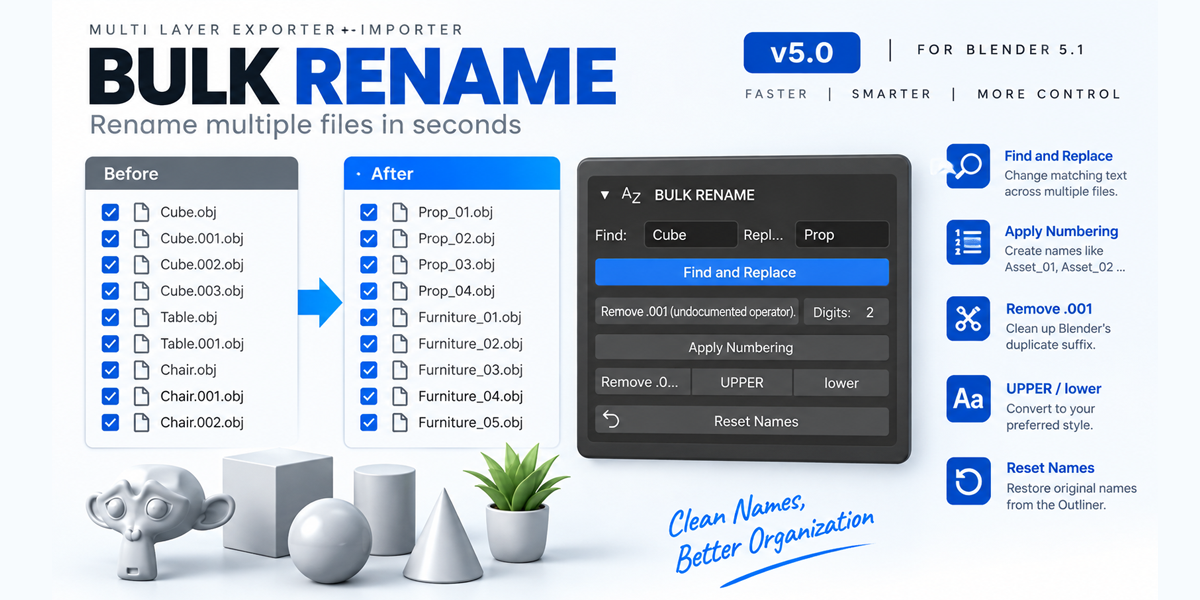
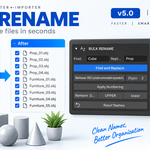
Yes. Prefix, suffix, bulk rename, numbering, Find & Replace, and case conversion are available.
Can I rename files before exporting?
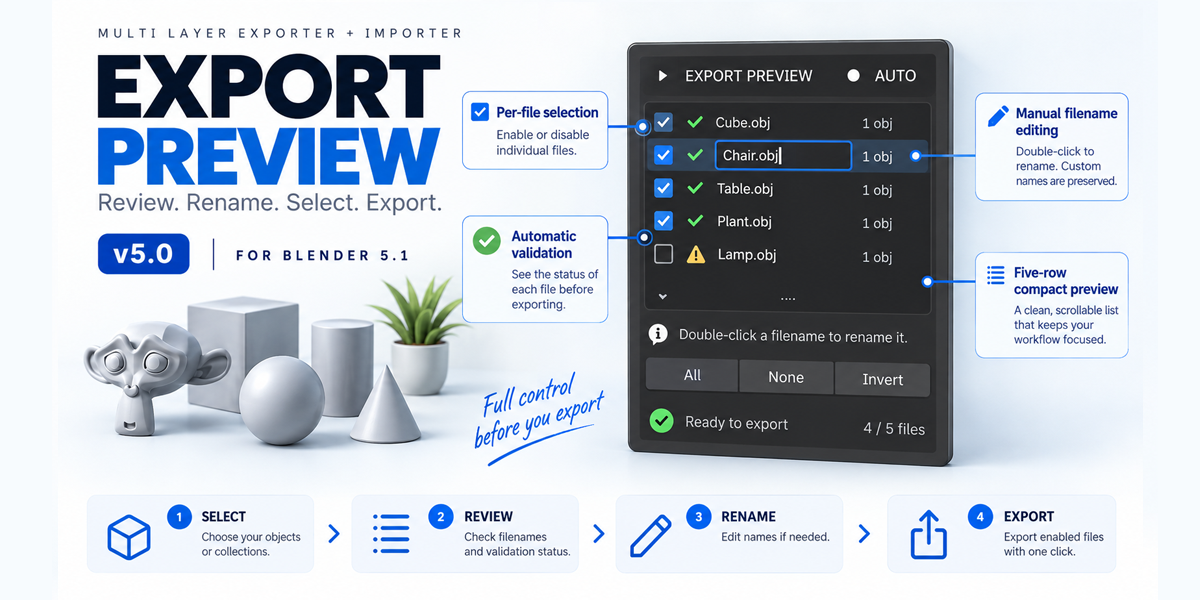
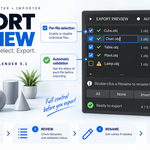
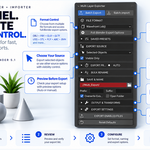
Yes. Double-click a filename in the Export Preview to edit it.
Does it support batch export?
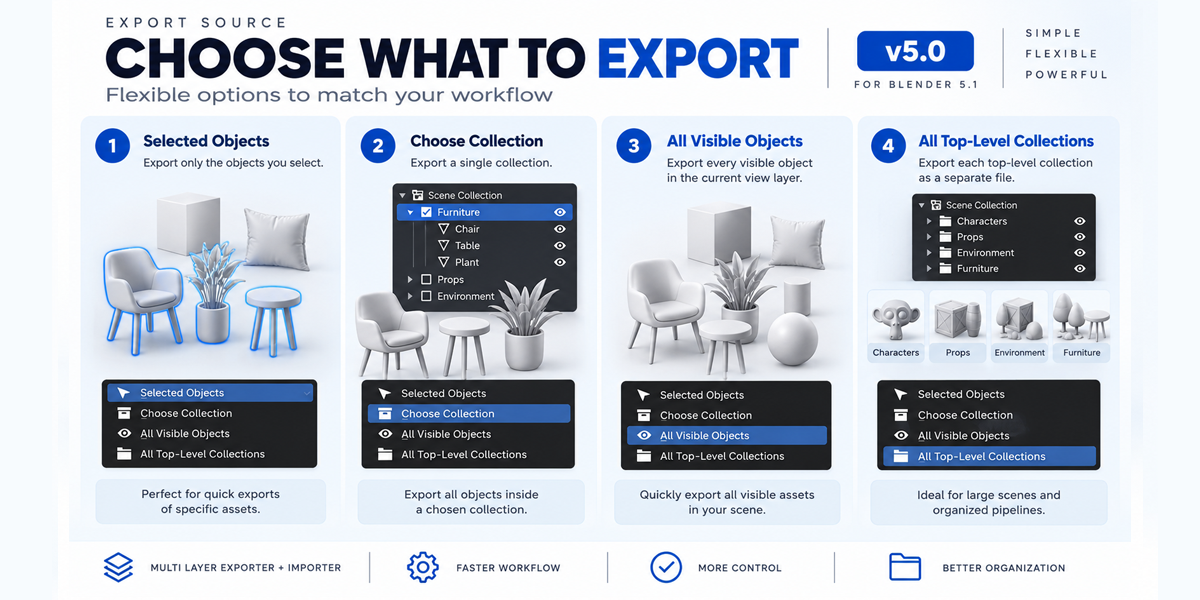
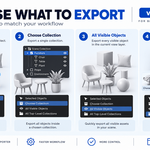
Yes. You can export multiple selected objects, Collections, visible objects, or top-level Collections.
Can I import multiple files?
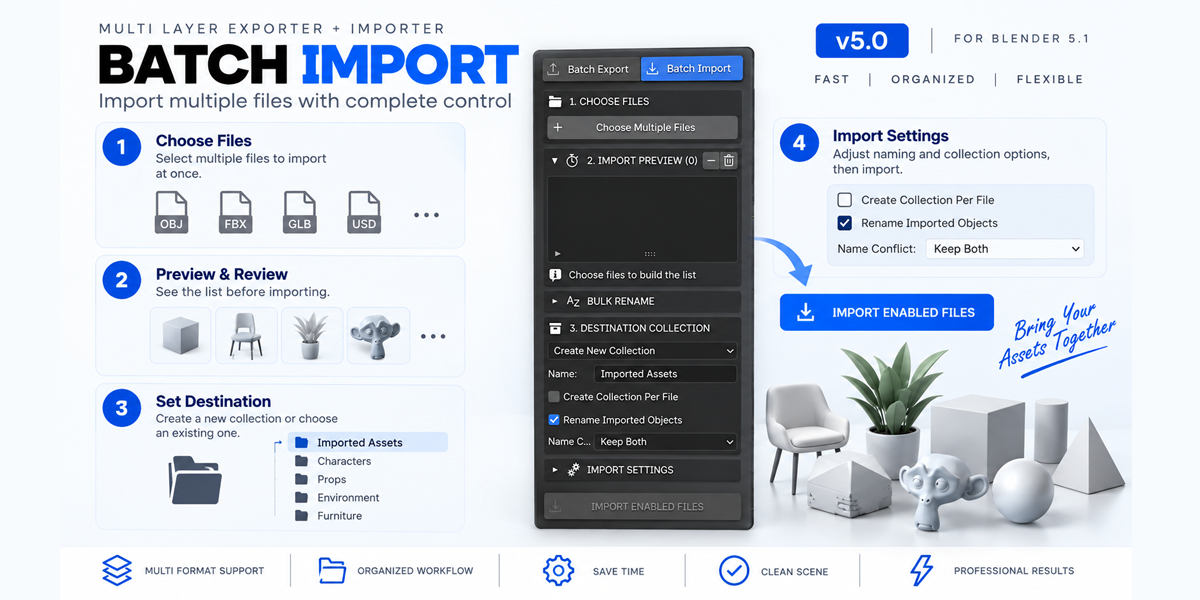
Yes. Batch Import lets you choose multiple supported files and review them before importing.
$2
Have questions about this product?
Login to message
| Published | 24 days ago |
| Blender Version | 5.0 - 5.2 |
| Extension Type | N/A |
| Render Engine Used | Cycles, Eevee |
| License | Mit |
Discover more products like this
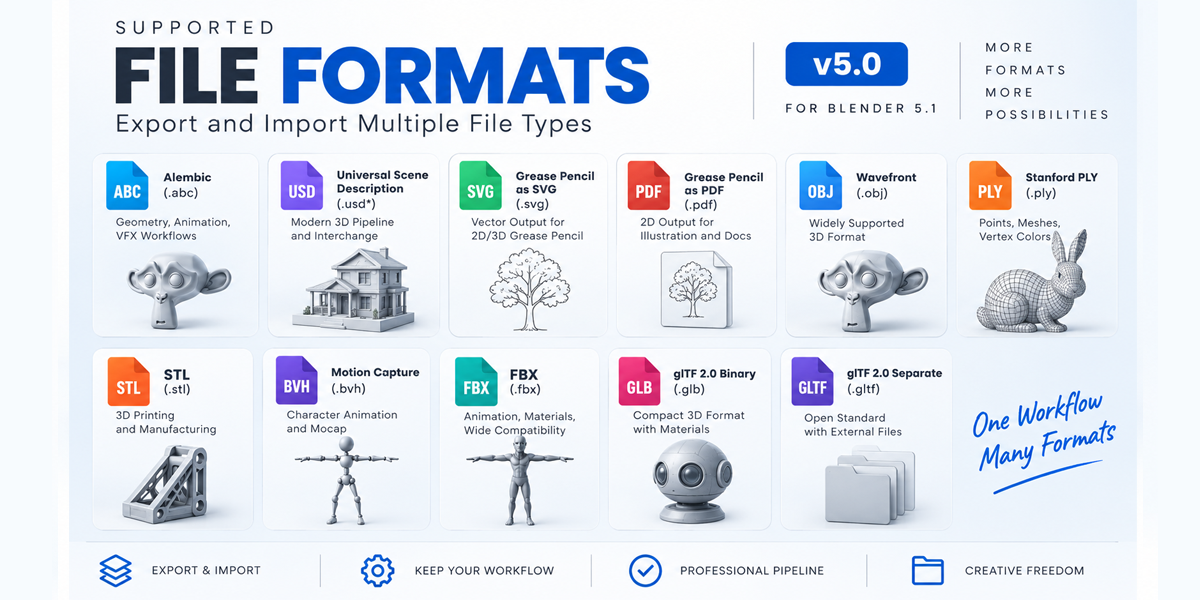
Obj batch-import glb blender gltf fbx 3d tools batch-export asset management 3D workflow blender addon 3D artist