Multi Objects Workflow - Sculpt, Paint & Weight Paint Multiple Meshes Non-Destructively
 blenderustad


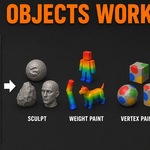
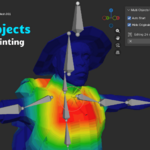
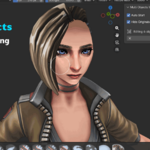
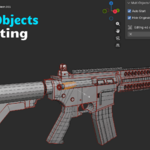
No. The addon never modifies your original objects during a session they are simply hidden. When you finish, only the edited data (vertex positions, weights, or attributes) transfers back. Modifiers, shape keys, UV maps, materials, and custom attributes remain exactly as they were. If you sculpt with shape keys present, edits apply to the basis mesh so all existing shape key offsets stay intact and relative.
Have questions about this product?
Login to message
| Blender Extension Compatible | Yes |
| Published | 4 months ago |
| Blender Version | 3.0 - 5.2 |
| Extension Type | Add-on |
| Render Engine Used | Blender-Internal, Blender-Game-Engine, Cycles, Eevee |
| License | Mit |

Discover more products like this
non-destructive multi mesh workflow blender sculpt multiple meshes weight paint multiple objects blender texture paint multiple objects blender multi object sculpt blender paint multiple objects simultaneously blender blender rigging weight paint addon sculpt across mesh boundaries blender blender modular asset workflow blender addon weight paint characters