Marco Capelli


Multi-Vertex Snap: The "Digital Zipper" for Blender
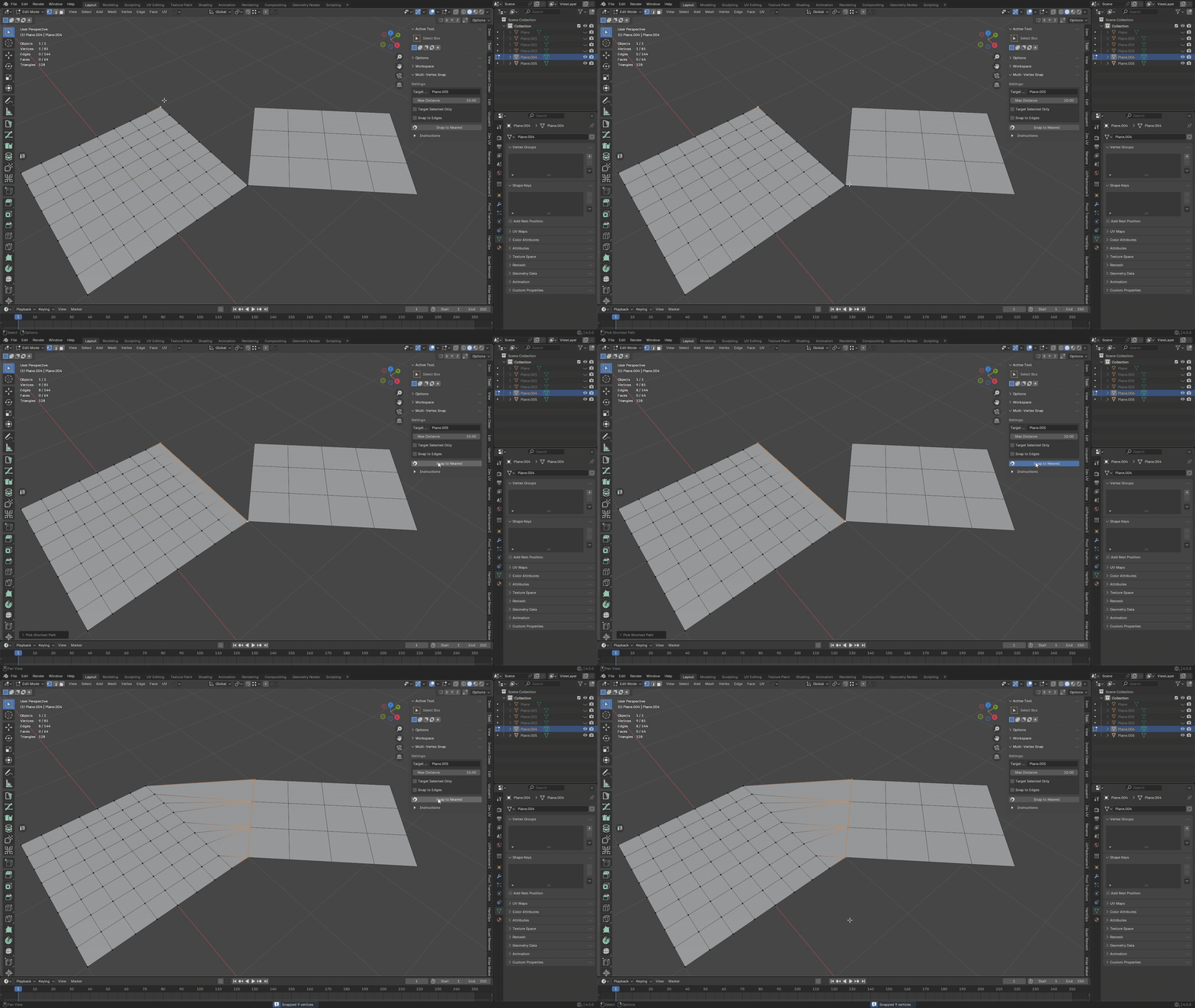
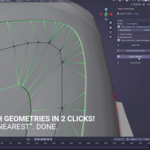
Stop moving vertices one by one. Close the gap in a single click.Multi-Vertex Snap (MVS) is the precision workflow tool that Blender forgot to include. It bridges the gap between the chaotic "Shrinkwrap Modifier" and the tedious manual snapping tool, giving you surgical control over how your meshes connect.
Whether you are stitching a character's head to a body, sealing gaps in modular terrain, or cleaning up retopology, MVS calculates the absolute nearest geometry in World Space and snaps your selection instantly.
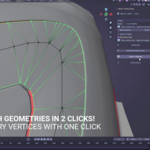
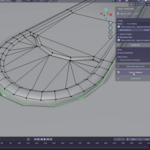
SEE IT IN ACTION in this small tutorial on a Racing Circuit!
Core Features
- Proximity Guard: Never worry about vertices flying off to infinity. The Max Distance threshold ensures only vertices close enough to the target are moved, keeping the rest of your mesh safe.
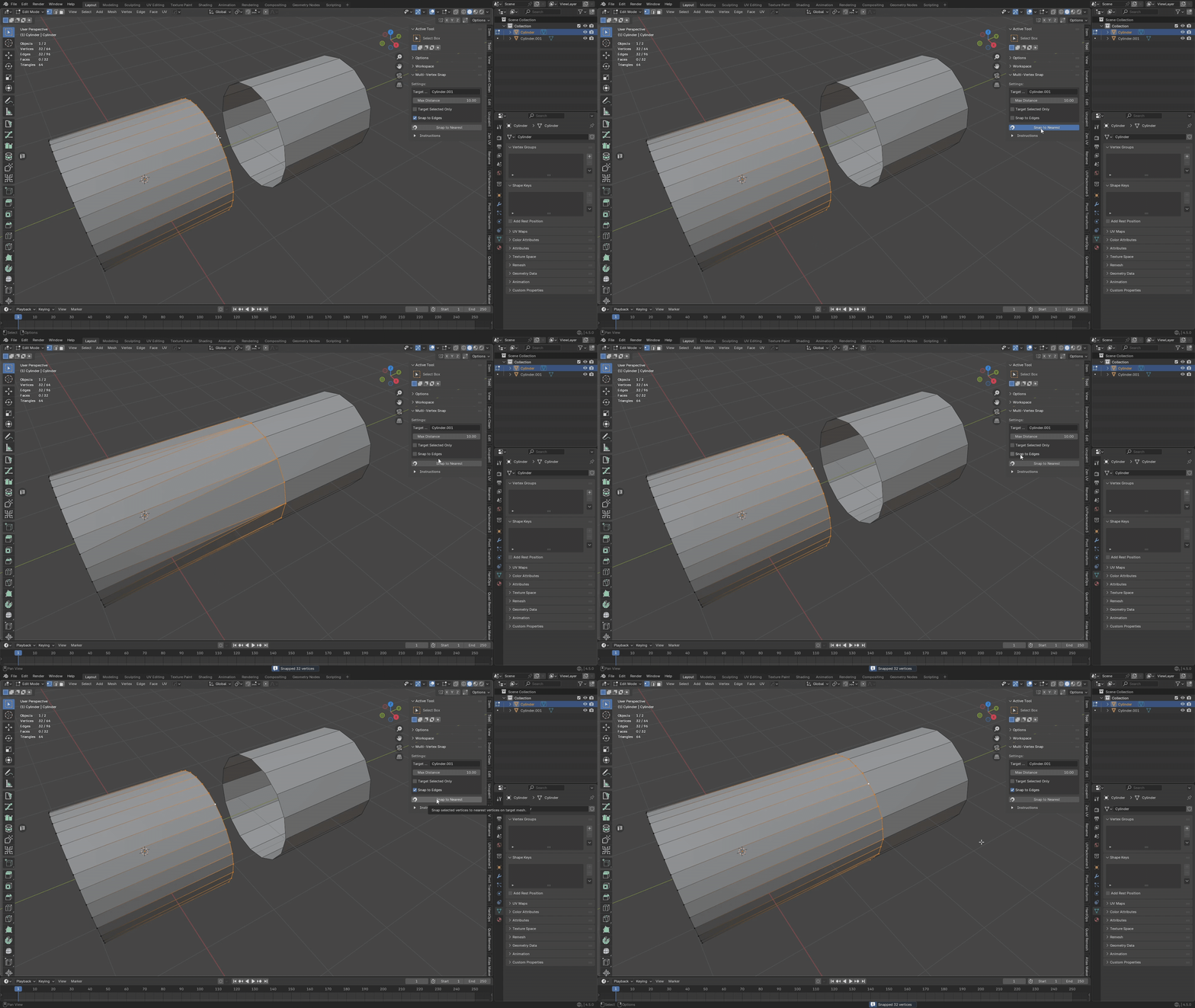
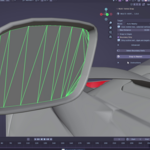
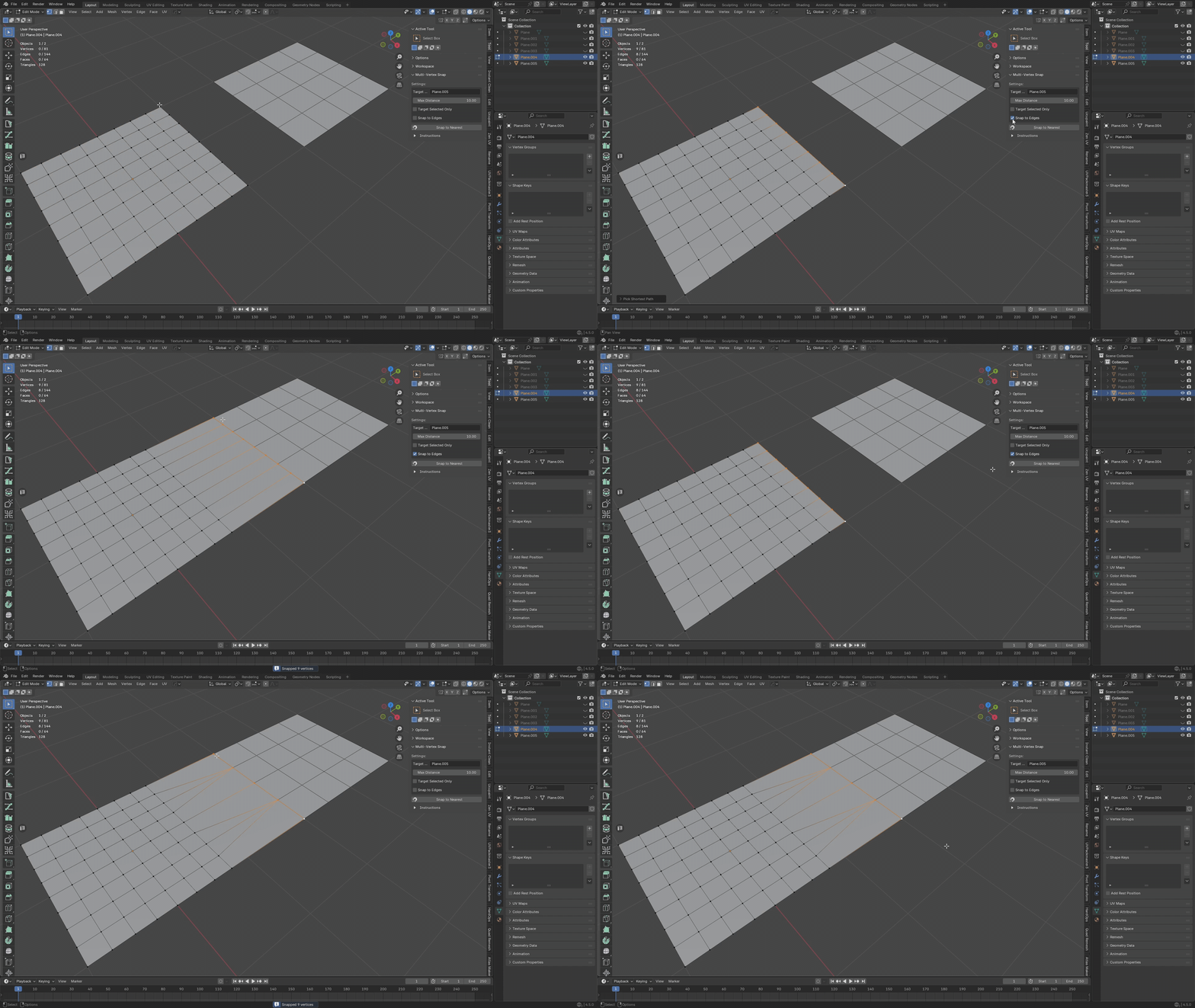
- Smart Edge Sliding: Don't just snap to corners. Enable Snap to Edges to project your vertices onto the nearest edge of the target mesh, perfect for sliding geometry along a rail or seam.
- Lightning Fast: Powered by a KDTree algorithm, MVS processes high-poly target meshes instantly without lagging your viewport.
- Selection Masking: Need to snap to a specific rim? Use Target Selected Only to ignore the rest of the target mesh and snap exactly where you want.
Use Cases
1. The "Frankenstein" Fix (Character Art)
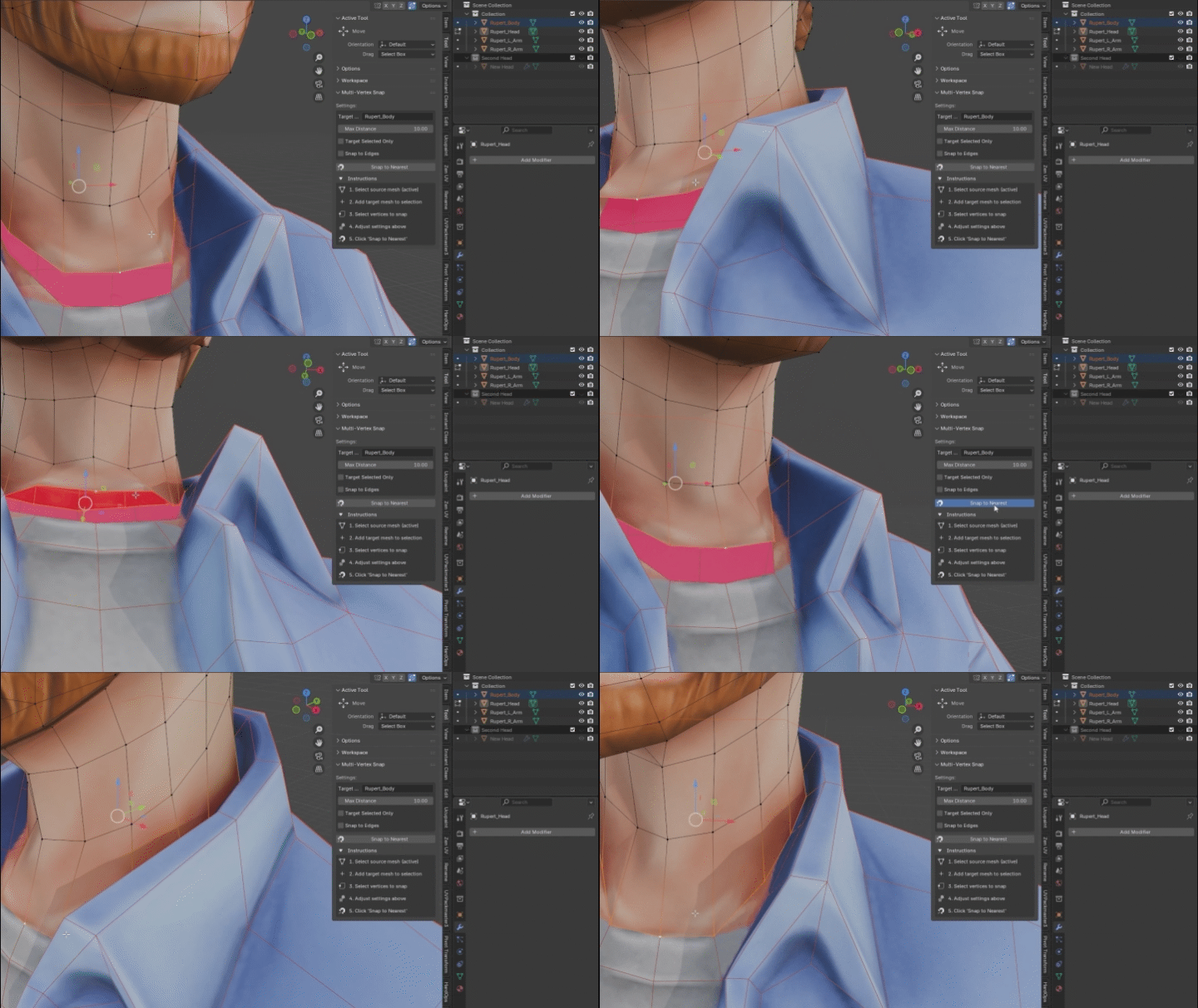
Stitching a high-res head onto a different body mesh? Select the neck loop, set a low distance threshold, and click Snap. MVS acts like a digital zipper, perfectly welding the seams without distorting the surrounding geometry.2. Modular Environment Stitching
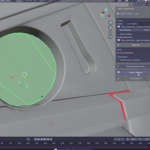
Building large worlds with modular floor or wall pieces? MVS is essential for eliminating those tiny, annoying "light leak" gaps between terrain chunks. Select your border edges and snap them flush to the neighbor tile instantly.
3. Precision Retopology
The Shrinkwrap modifier is great, but it applies to the entire object. MVS lets you work locally. Select a patch of your low-poly cage and snap it tight to the high-poly sculpt surface without affecting the rest of your flow.
4. Cloth & Wearables
Fitting a shirt or armor plate over a character? Don't push and pull vertices for 20 minutes. Select the inner lining of the clothing and snap it directly to the character's skin surface for a perfect, clip-free fit.