 lolpoly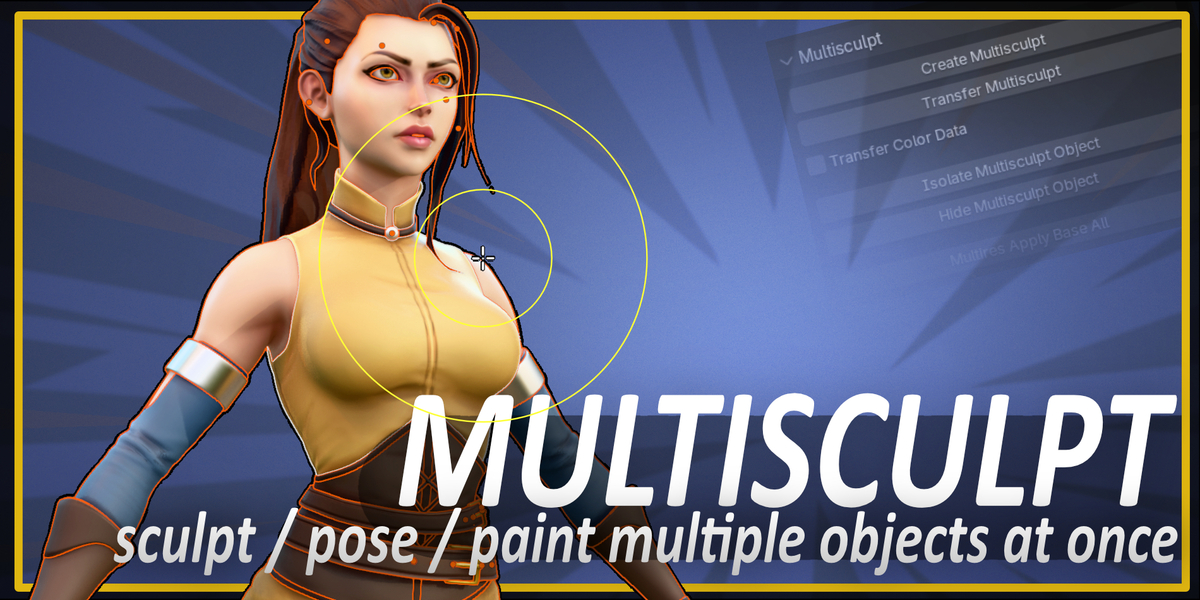

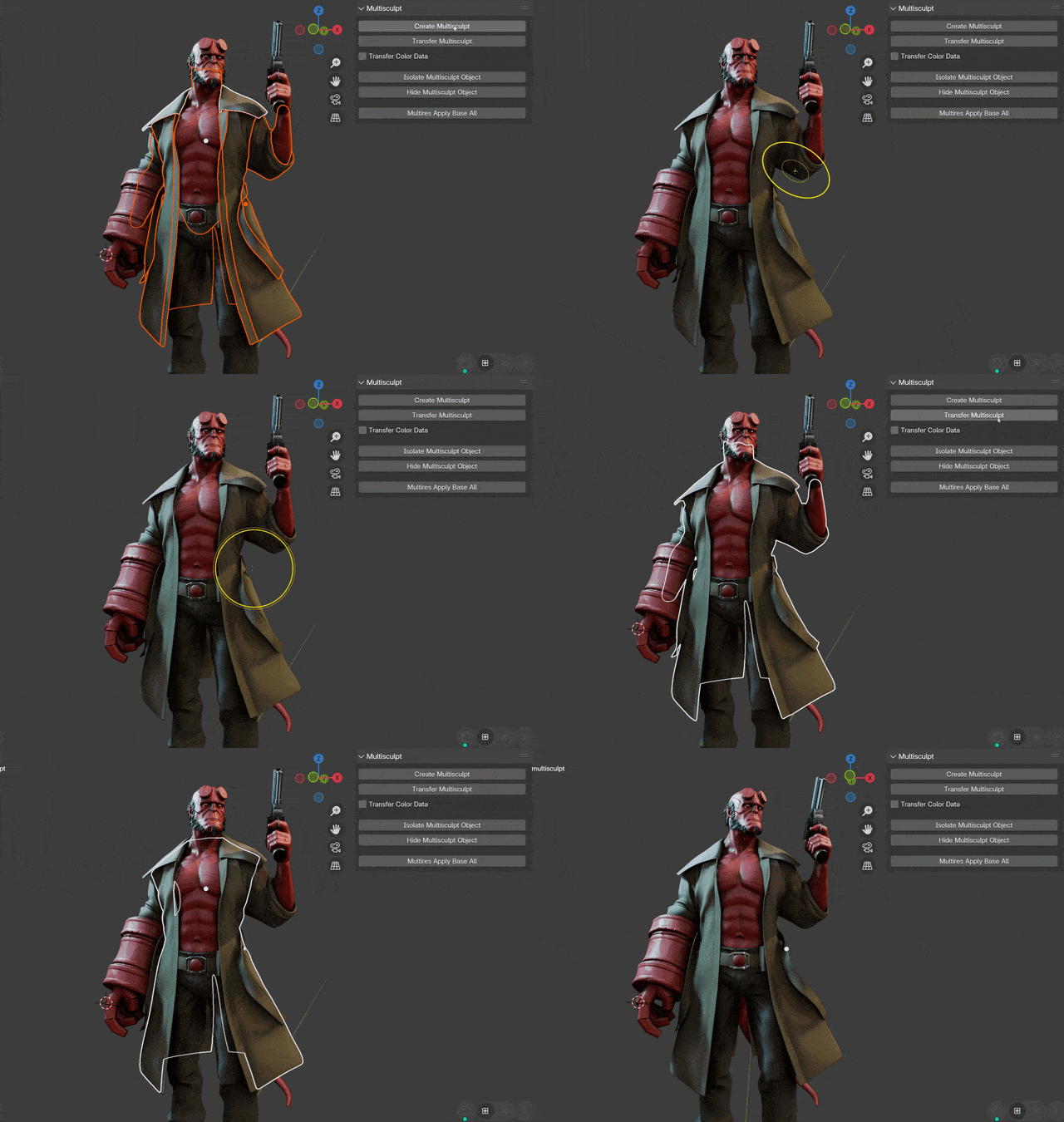
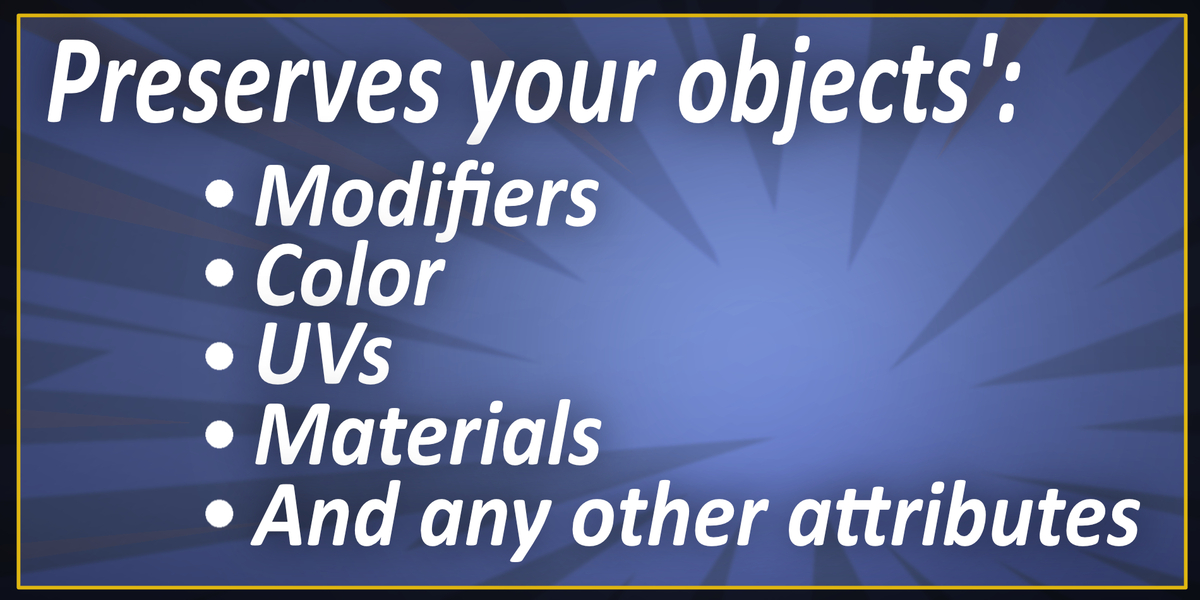
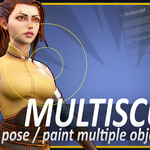
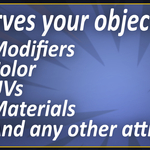
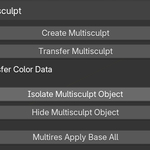
-Added option to transfer all shape keys from Multisculpt object to any shape keys with matching names on your original objects.
-Fixed bug where sometimes deformations weren't getting transferred back to original objects if the Multisculpt object has shape keys.
-Enabled option to create a new shape keys on objects that don't have any, whenever To Active shape key transfer is selected
NEW FEATURES:
1. Infinitely faster Multisculpt Transfer!
On a 20 million vert multisculpt mesh:
version 1.x - 10 minutes
version 2.0 - 0.7 SECONDS!
2. Pie Menu
You now have a Mode selection pie menu with automatic Multisculpt functionality, which effectively makes sculpting, painting, and weighting
multiple objects COMPLETELY SEAMLESS, just the way you always wished it worked!
3. Color Freedom: Now takes the active color layer from your original objects, instead of only the first one
And transfers back, again to the active color layer of each original object.
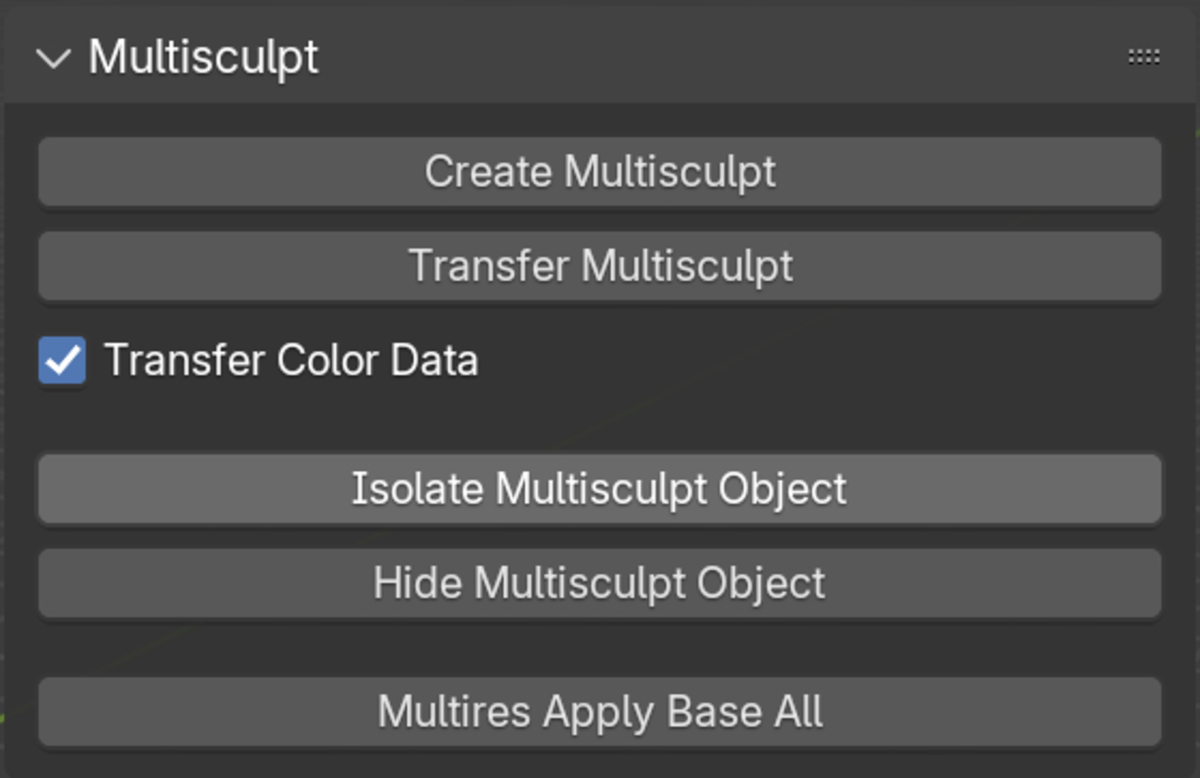
(Remember to turn color transfer on from the checkbox)
4. Automatic Isolate and Hide commands for your Multisculpt objects.
Select at least one or more of your original objects, and instantly swap visibility between your Multisculpt object and your original objects!
Perfect for quick before/after comparisons!
5. Now transfers your deformations to the Basis of any objects with shape keys, instead of a new shape key (a feature many users requested)
6. Various User experience improvements:
-Option to automatically delete
-Button to clear instancing for all objects in selection
-Option to auto clear instancing upon transfer
-Automatically applies to base on objects with a multires modifier
-Added option to transfer all shape keys from Multisculpt object to any shape keys with matching names on your original objects.
-Fixed bug where sometimes deformations weren't getting transferred back to original objects if the Multisculpt object has shape keys.
-Enabled option to create a new shape keys on objects that don't have any, whenever To Active shape key transfer is selected
NEW FEATURES:
1. Infinitely faster Multisculpt Transfer!
On a 20 million vert multisculpt mesh:
version 1.x - 10 minutes
version 2.0 - 0.7 SECONDS!
2. Pie Menu
You now have a Mode selection pie menu with automatic Multisculpt functionality, which effectively makes sculpting, painting, and weighting
multiple objects COMPLETELY SEAMLESS, just the way you always wished it worked!
3. Color Freedom: Now takes the active color layer from your original objects, instead of only the first one
And transfers back, again to the active color layer of each original object.
(Remember to turn color transfer on from the checkbox)
4. Automatic Isolate and Hide commands for your Multisculpt objects.
Select at least one or more of your original objects, and instantly swap visibility between your Multisculpt object and your original objects!
Perfect for quick before/after comparisons!
5. Now transfers your deformations to the Basis of any objects with shape keys, instead of a new shape key (a feature many users requested)
6. Various User experience improvements:
-Option to automatically delete
-Button to clear instancing for all objects in selection
-Option to auto clear instancing upon transfer
-Automatically applies to base on objects with a multires modifier
-Added option to transfer all shape keys from Multisculpt object to any shape keys with matching names on your original objects.
-Fixed bug where sometimes deformations weren't getting transferred back to original objects if the Multisculpt object has shape keys.
-Enabled option to create a new shape keys on objects that don't have any, whenever To Active shape key transfer is selected
NEW FEATURES:
1. Infinitely faster Multisculpt Transfer!
On a 20 million vert multisculpt mesh:
version 1.x - 10 minutes
version 2.0 - 0.7 SECONDS!
2. Pie Menu
You now have a Mode selection pie menu with automatic Multisculpt functionality, which effectively makes sculpting, painting, and weighting
multiple objects COMPLETELY SEAMLESS, just the way you always wished it worked!
3. Color Freedom: Now takes the active color layer from your original objects, instead of only the first one
And transfers back, again to the active color layer of each original object.
(Remember to turn color transfer on from the checkbox)
4. Automatic Isolate and Hide commands for your Multisculpt objects.
Select at least one or more of your original objects, and instantly swap visibility between your Multisculpt object and your original objects!
Perfect for quick before/after comparisons!
5. Now transfers your deformations to the Basis of any objects with shape keys, instead of a new shape key (a feature many users requested)
6. Various User experience improvements:
-Option to automatically delete
-Button to clear instancing for all objects in selection
-Option to auto clear instancing upon transfer
-Automatically applies to base on objects with a multires modifier
-
$16
Single seat license. Unlimited commercial use.
-
$45
Up to 5 seats. Unlimited commercial use.
-
$85
Up to 10 seats. Unlimited commercial use.
Have questions about this product?
Login to message
| Blender Extension Compatible | Yes |
| Sales | 900+ |
| Rating | 11 ratings |
| Dev Fund Contributor | |
| Published | over 1 year ago |
| Blender Version | 4.2 - 5.2 |
| Extension Type | Add-on |
| License | GPL |
