 DreamSfx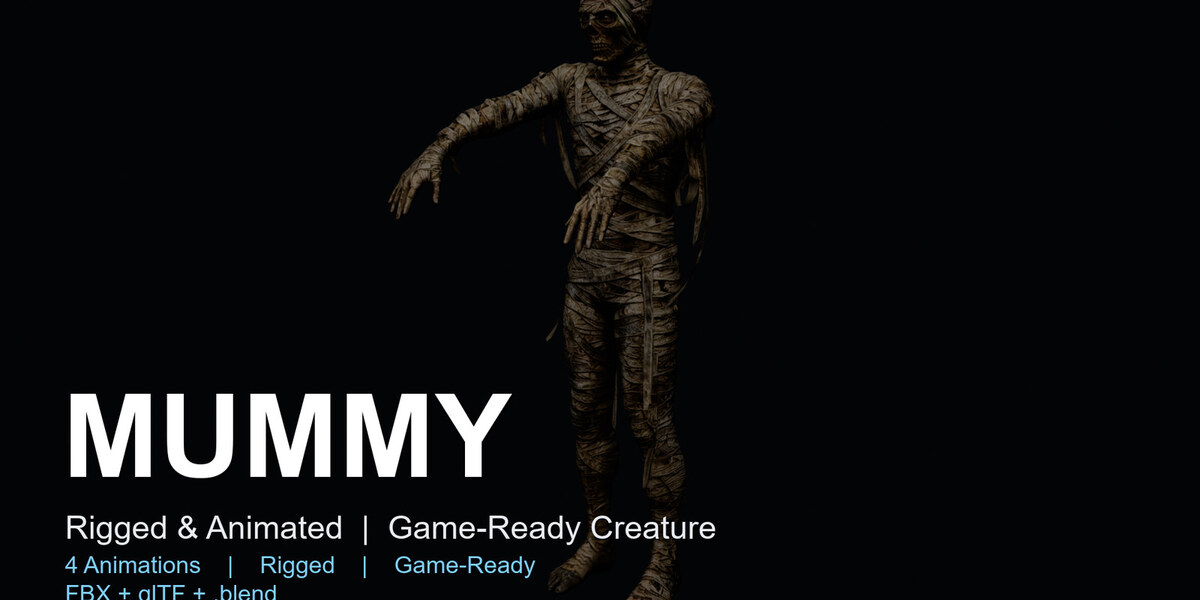
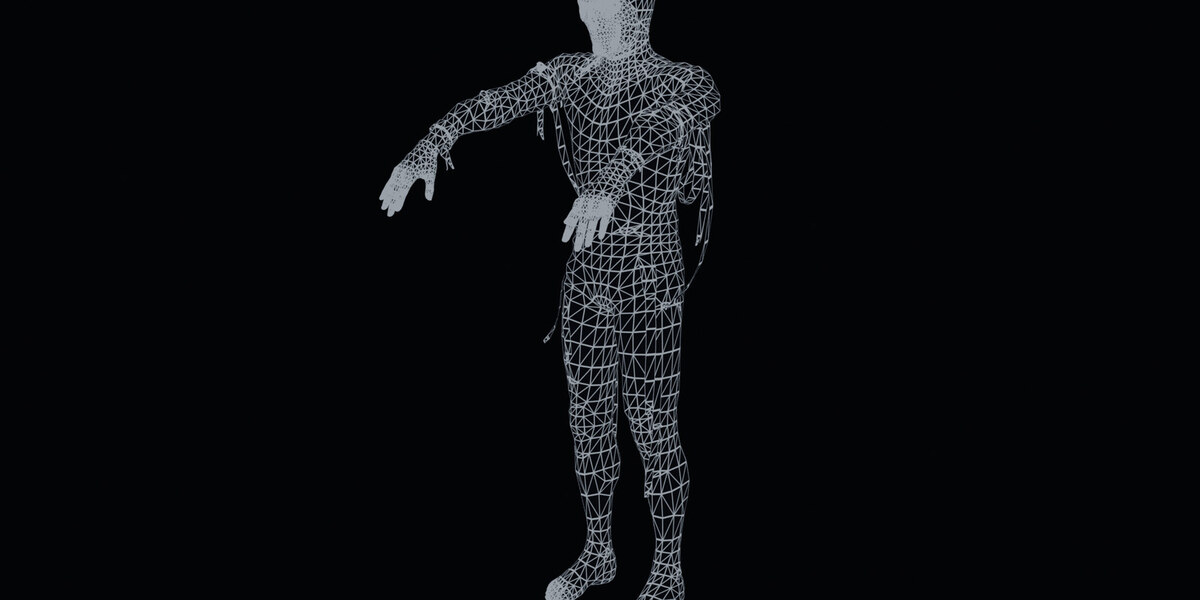
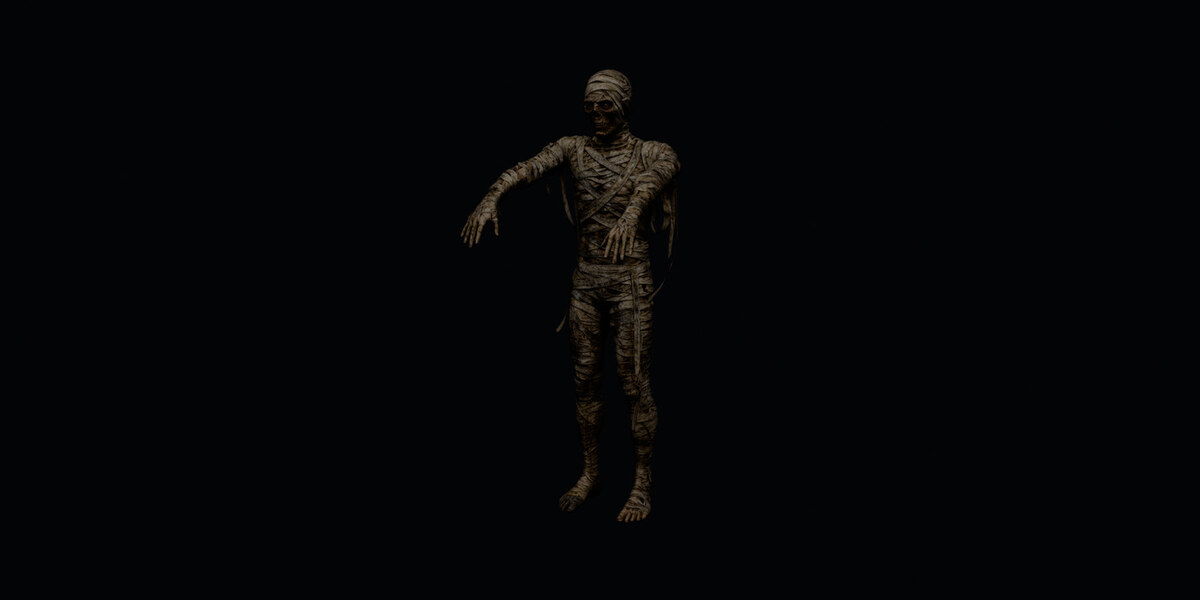
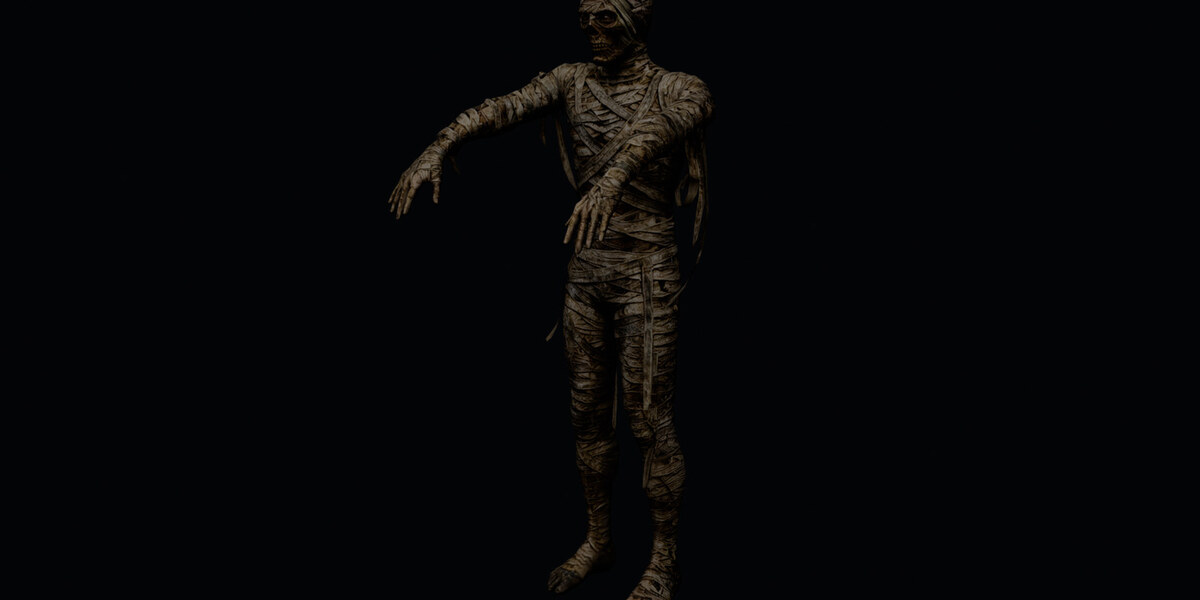

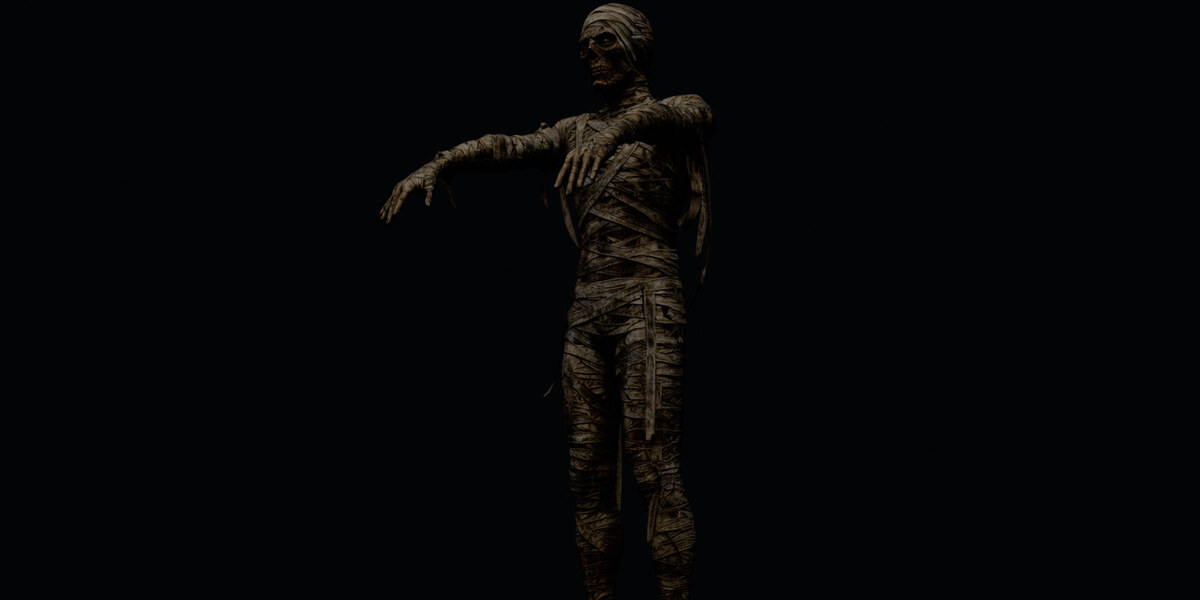
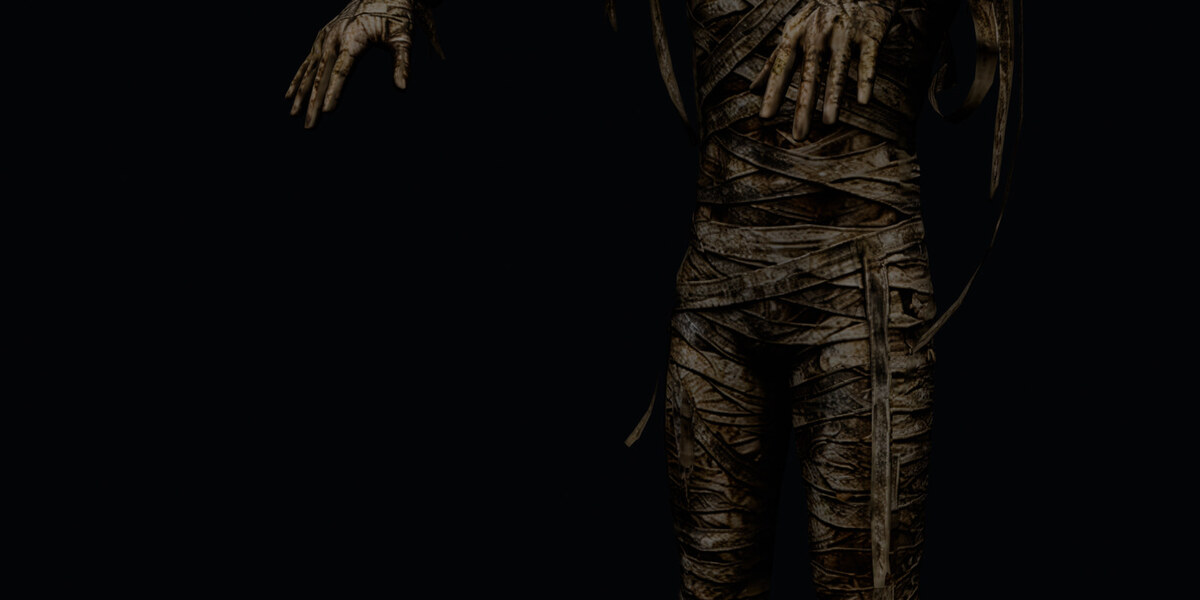
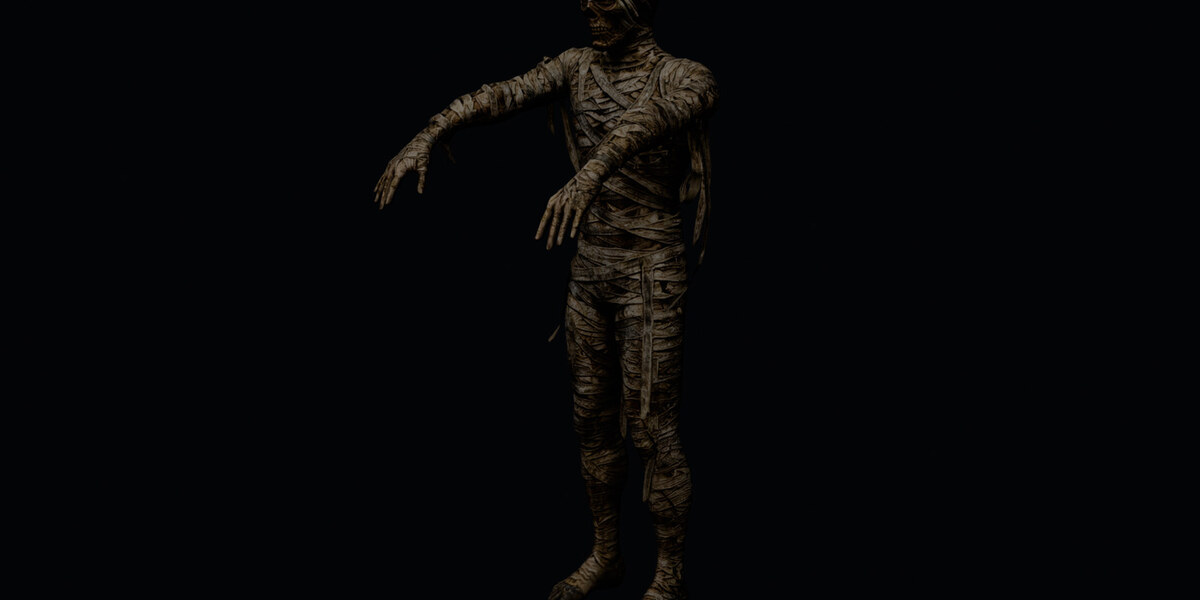
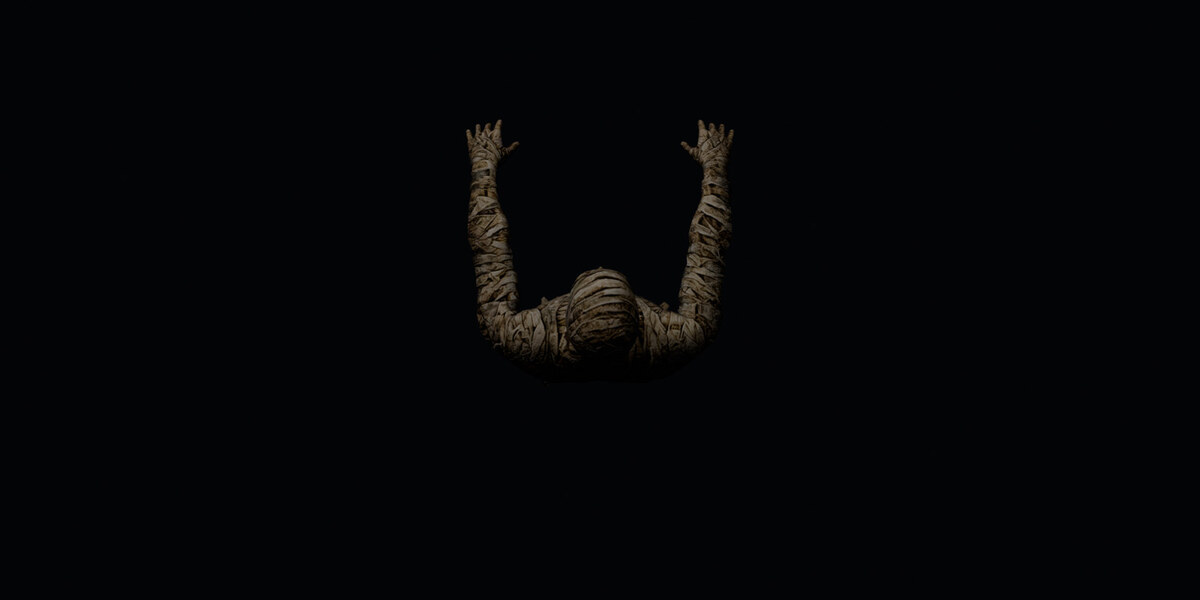
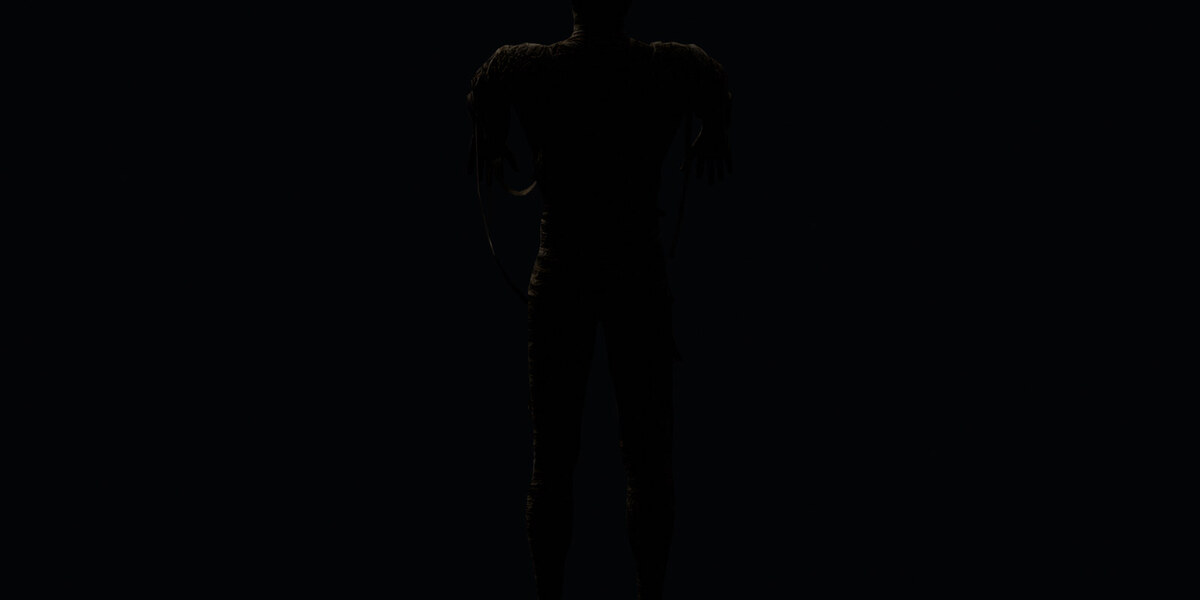
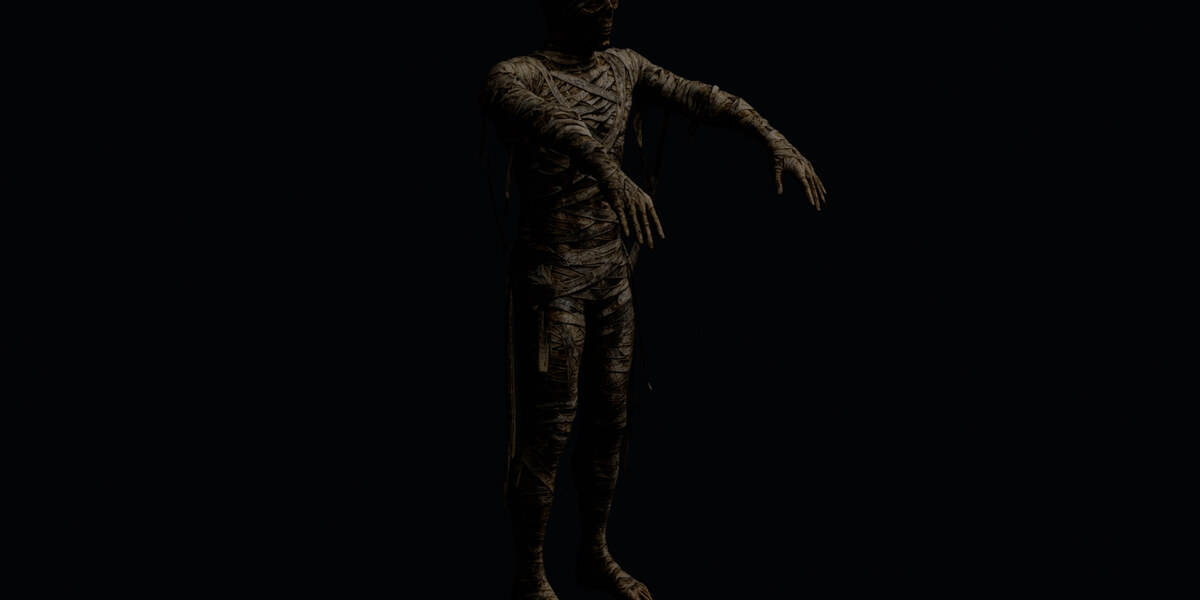
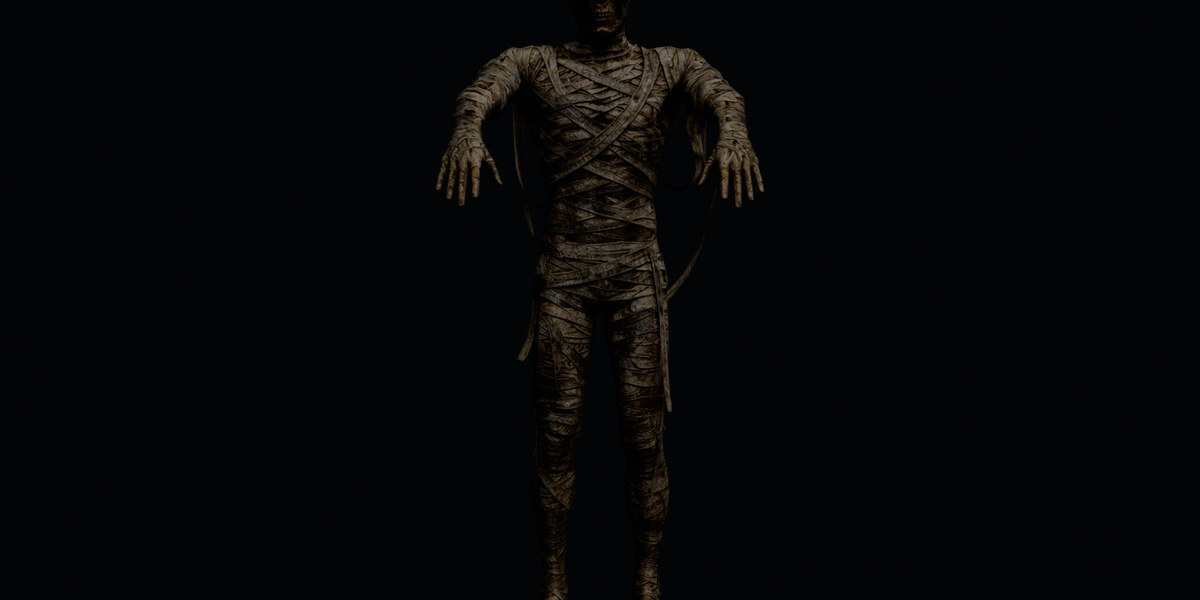
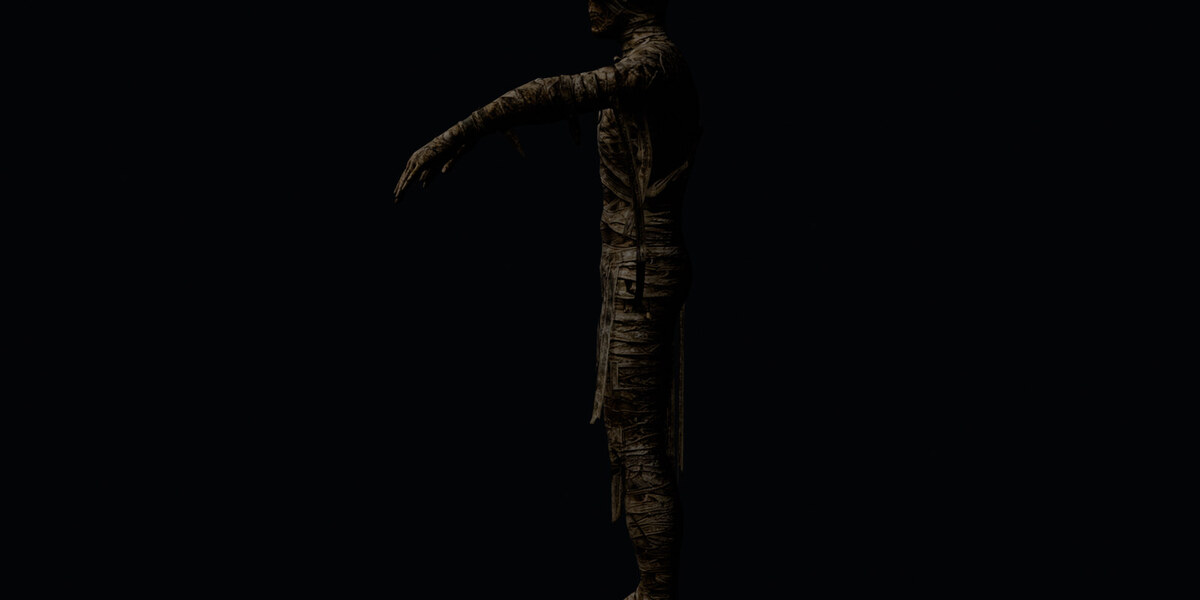
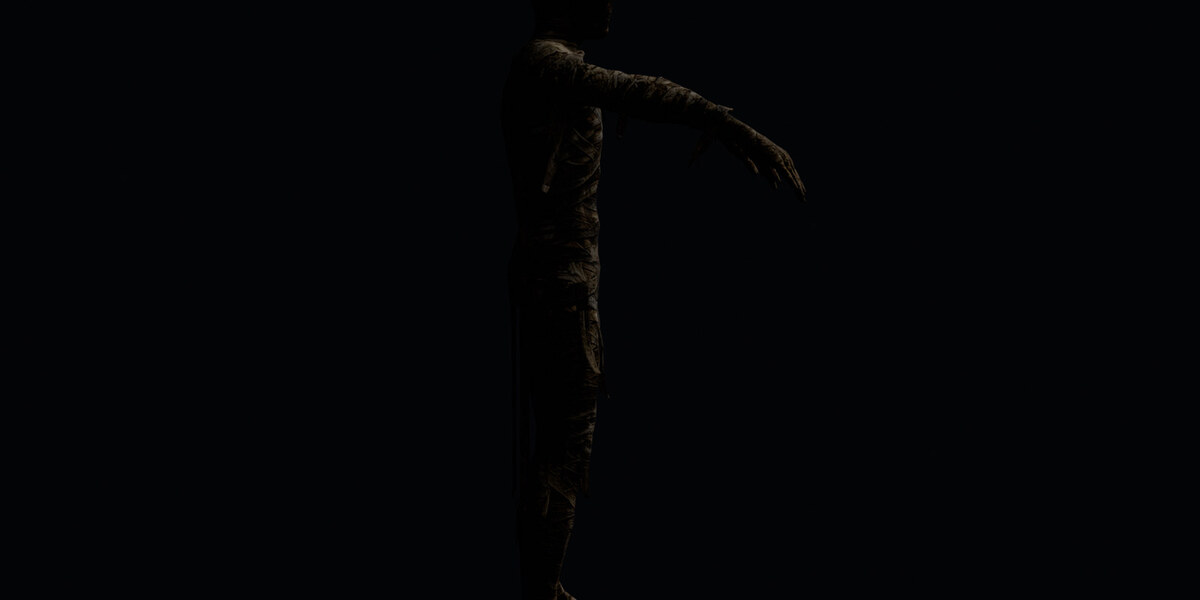

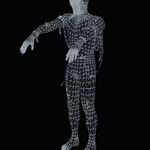
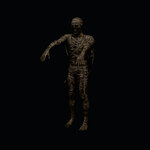
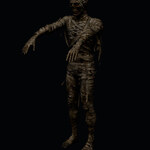

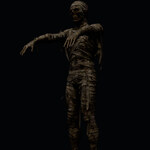
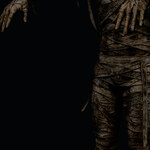
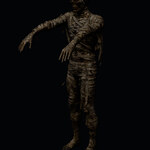
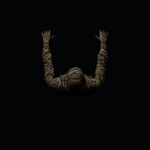

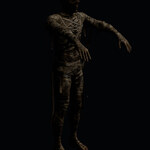
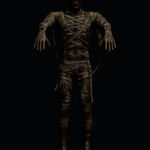
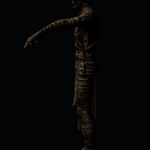
A detailed, game-ready Mummy with a clean humanoid FK rig and a special touch: the hanging bandage strips have their own bones, so they dangle and swing naturally instead of moving like rigid plastic.
The set ships with four animation clips, a high-quality PBR texture set and a Blender add-on to browse the clips.
What's included
- Model: skinned Mummy mesh, 5,308 vertices, 1 PBR material
- Textures: 8K base color + 2K normal map (relief on the bandages), both packed in the .blend and embedded in the FBX and GLB
- Rig: 34-bone humanoid FK skeleton (hips, spine, chest, neck, head, arms, hands, legs, feet) plus 6 floppy bandage chains, max 4 influences per vertex
-
4 animations (separated takes, 24 fps, in place, feet planted):
-
Mummy_Idle- slow sway, arms out front, bandages swaying (loop, 5.0 s) -
Mummy_Walk- shambling walk, arms outstretched forward (loop, 1.67 s) -
Mummy_Attack- leans forward, left arm reaches out to grab (one-shot, 2.08 s) -
Mummy_Death- buckles, collapses forward, head down, arms hanging (one-shot, 2.92 s)
-
-
Formats:
.blend(source),.fbx(all 4 clips as separate takes),.glb(all 4 clips as separate animations) and a lighterMummy_light.glb - Blender panel already inside the .blend (press N, tab "Mummy Anim"): browse and play the clips, toggle the bone display. No installation needed - a standalone add-on is included too
-
README.mdwith the full technical notes and import instructions
Technical details
- Vertices 5,308, one material, max 4 skin influences per vertex (game-ready)
- Bones: 34 (22 body + 12 bandage)
- Scale about 1.0 m tall, feet on the ground (Z = 0), centred on the origin
- Faces -Y; Y-up in FBX and GLB
- Loops are seamless (scanline-free: the duplicate end frame is included)
Animation notes
- All locomotion is in place: drive it forward with your own root motion.
- The bandage strips are on dedicated bones - add secondary or spring motion on the
Strip_*bones for extra life, or animate them by hand. - Feet are kept planted on the ground in every clip.
Import
- Unreal Engine: import the FBX - each take becomes a separate animation sequence.
- Unity: import the FBX as a Generic rig - each take becomes an AnimationClip.
-
glTF: the
.glbcontains the skeleton, skin, textures and 4 named animations. -
Blender: open
Mummy.blend- the "Mummy Anim" panel is already there. Blender 5.2 for the .blend; the FBX and GLB work in any version and in other engines.
Panel not showing?
The panel is embedded in the .blend as a registered text block. Turn on Auto Run Python Scripts in Preferences, Save & Load, then reopen the file; or open the Text editor, select Mummy_Animation.py and press Run Script. The standalone add-on is also included for your own projects.