 DreamSfx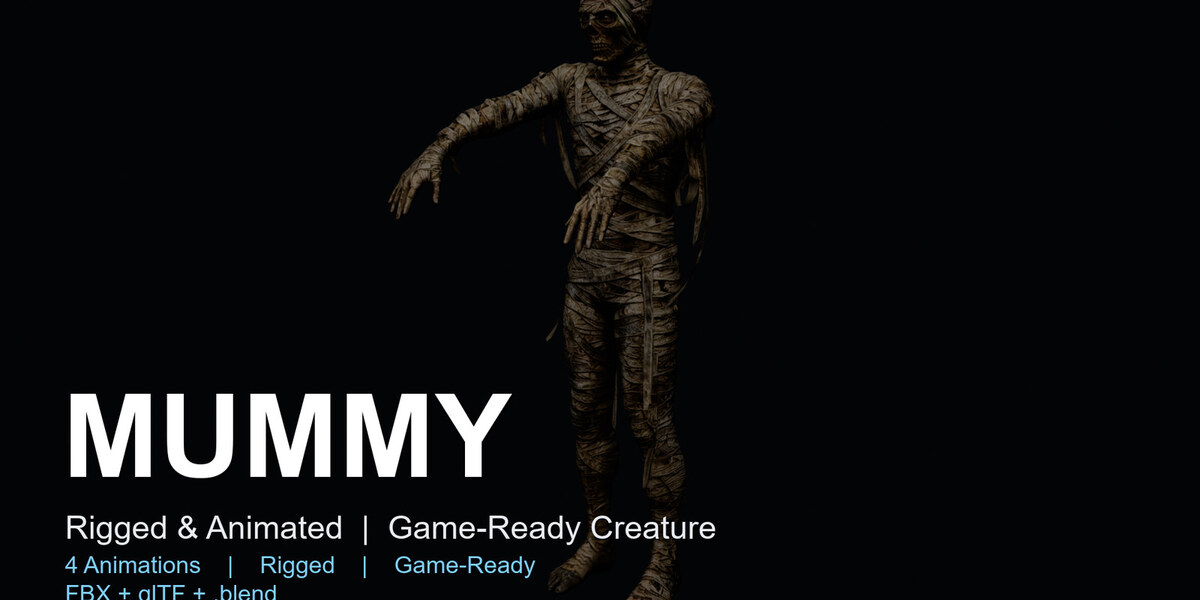
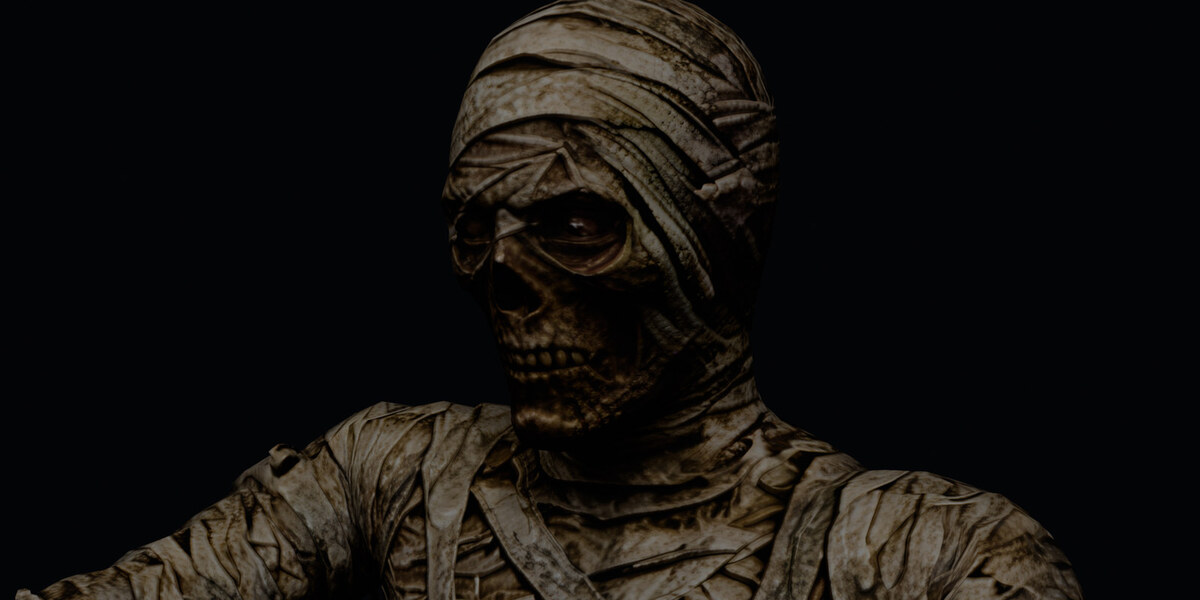
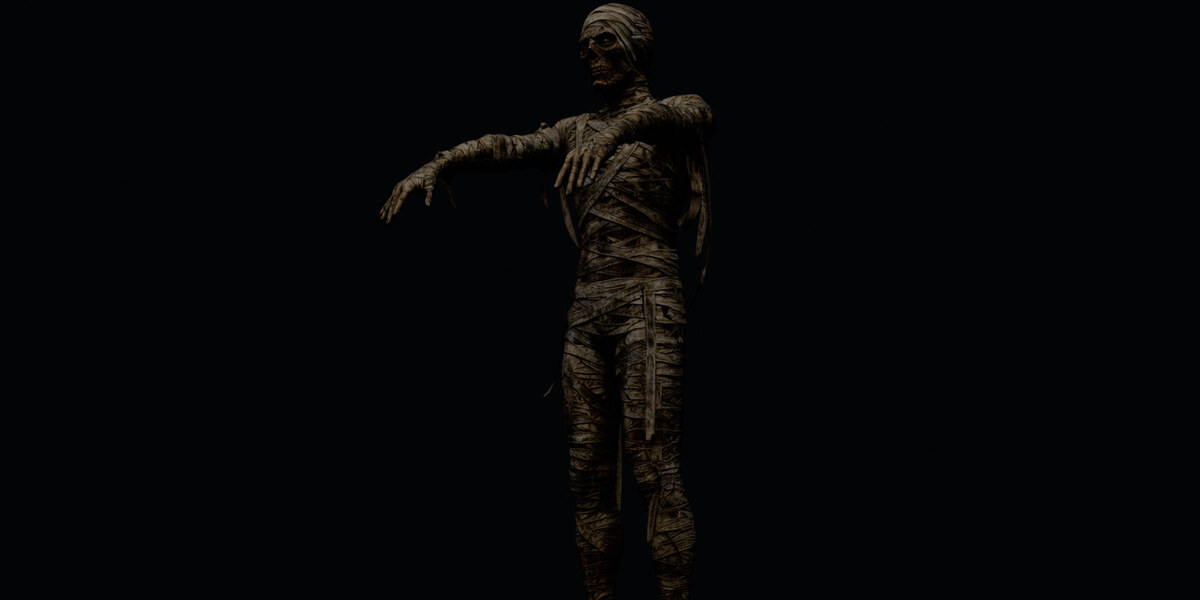
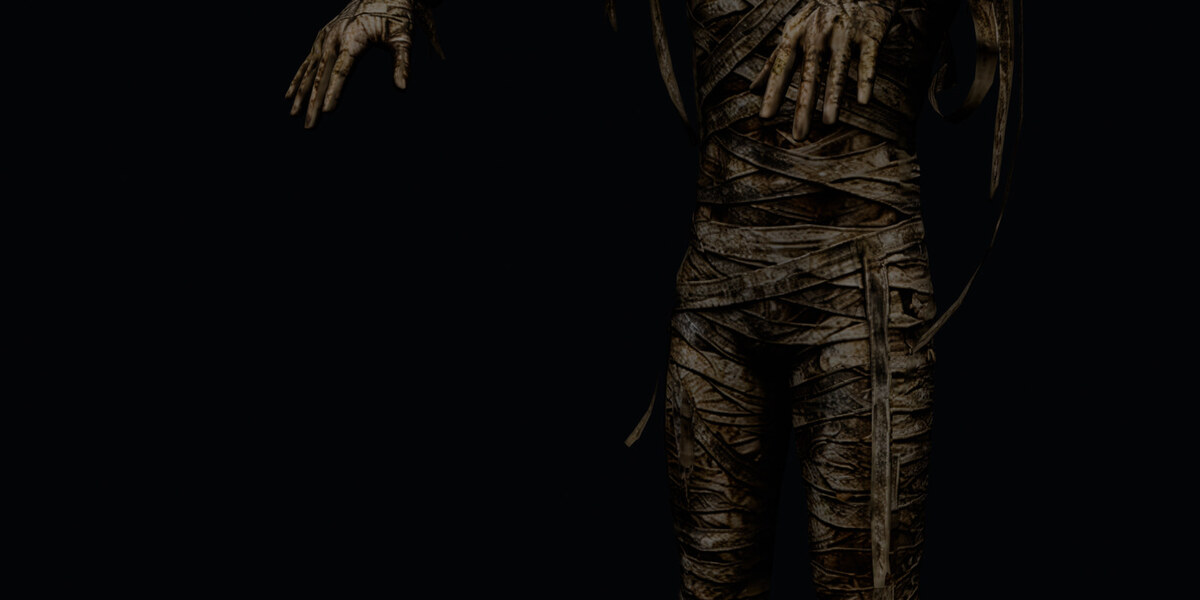
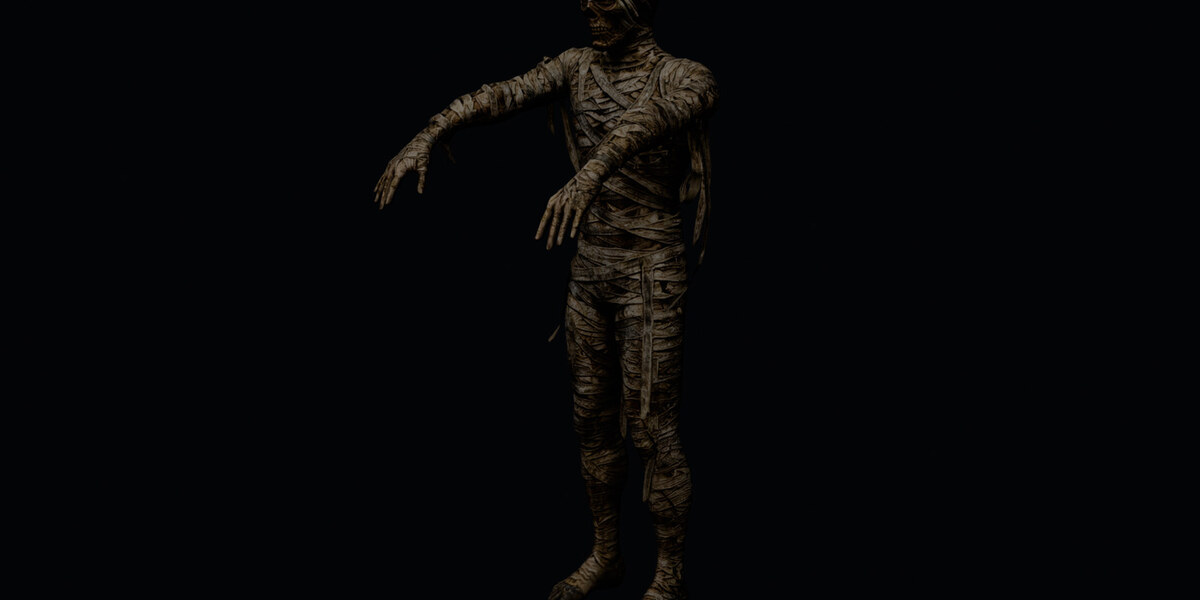
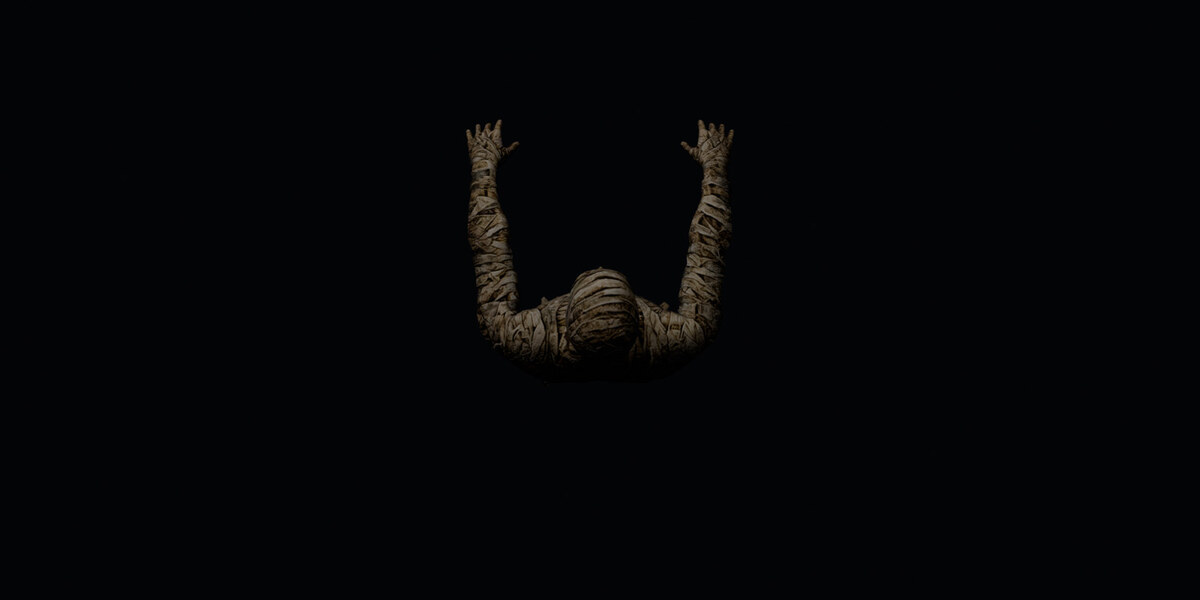
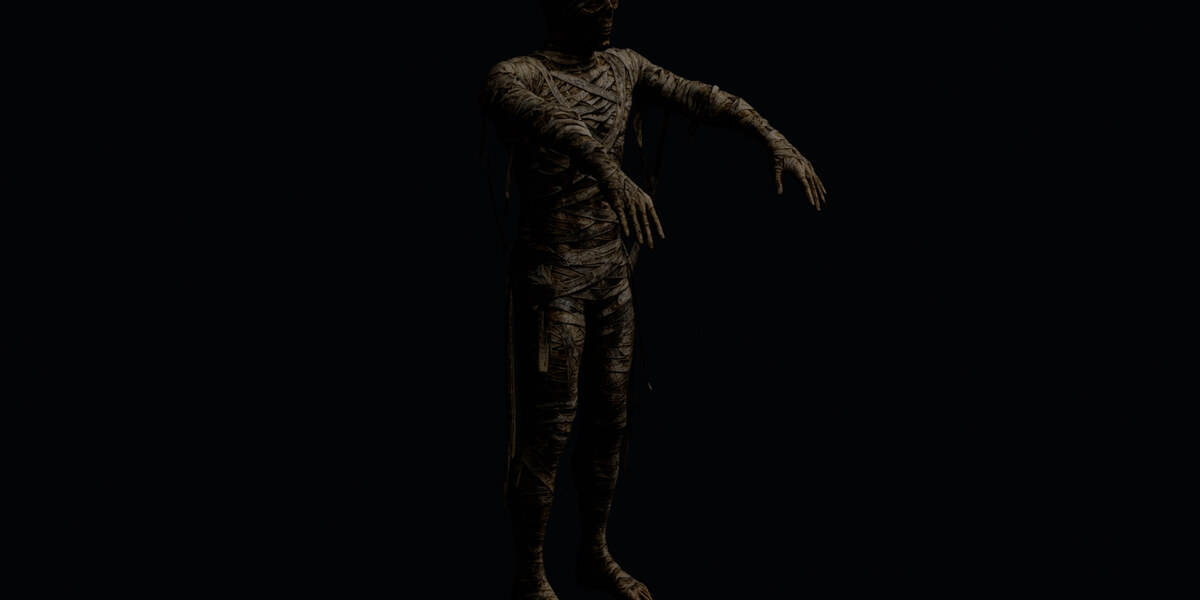
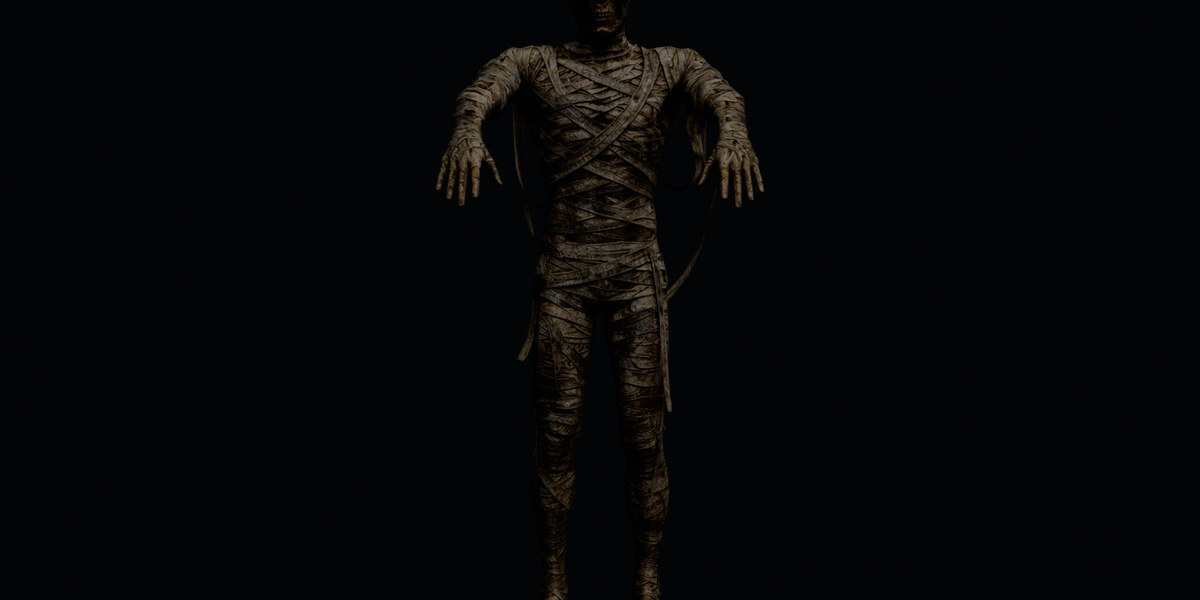

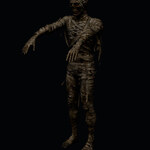
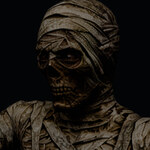
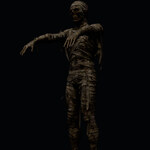
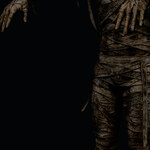
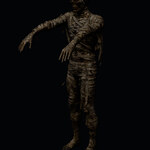
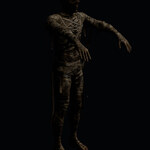
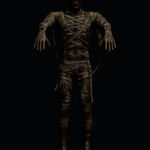
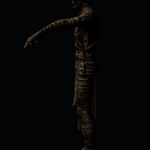
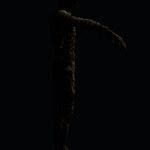
Mummy - Rigged & Animated
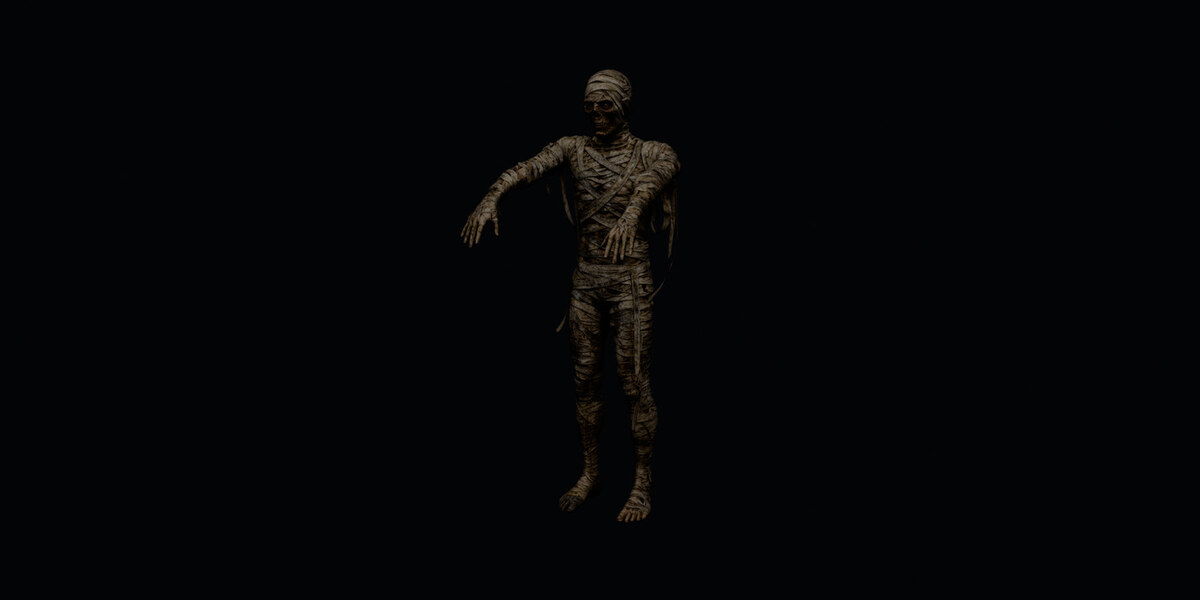
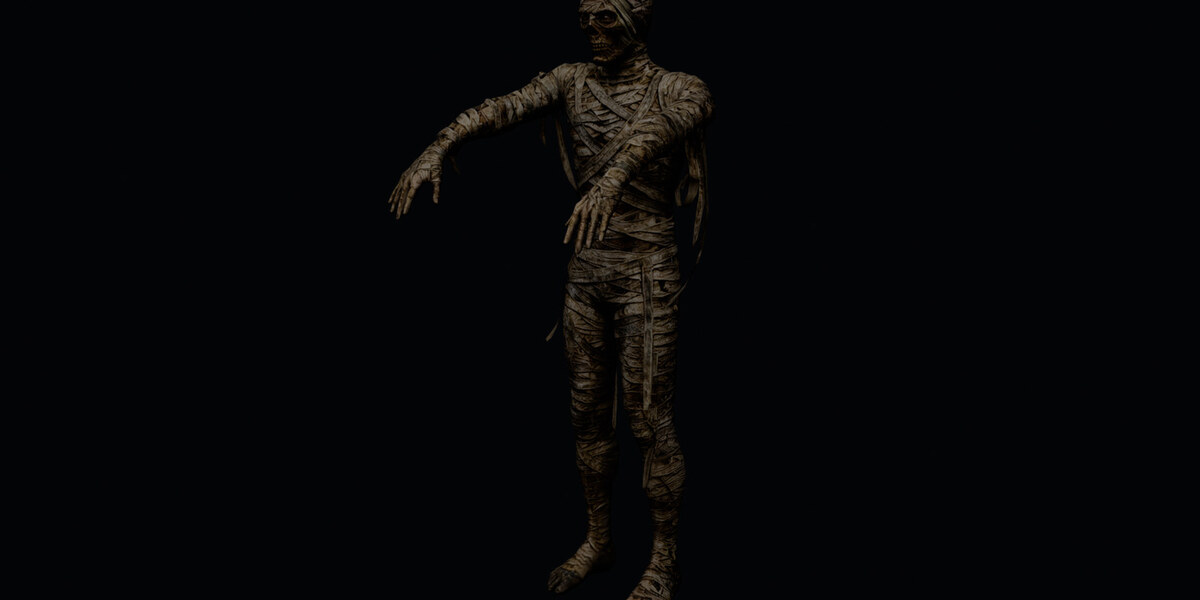
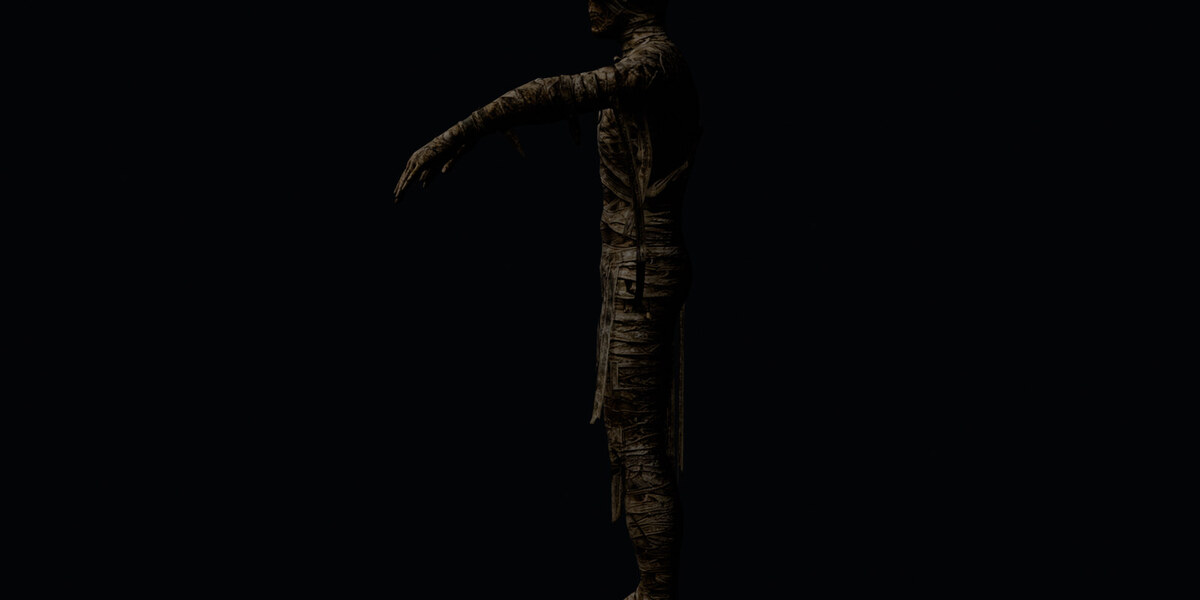
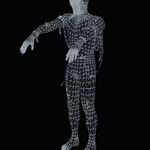
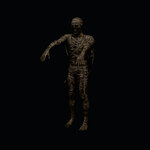
Game-ready Mummy with a clean humanoid FK rig, dedicated bones for the hanging bandages (they dangle and flop) and 4 animation clips. Textured with an 8K base color and a 2K normal map.
Files in the package
-
Mummy.blend- Blender 5.2: rig, mesh, material and the 4 actions, textures packed -
Mummy.fbx- FBX 7.4 (Y-up): all 4 clips as separate takes, textures embedded -
Mummy.glb- glTF 2.0: all 4 clips as separate animations, textures embedded -
Mummy_light.glb- a lighter GLB variant for web and mobile -
mummy_animation_switcher.py- standalone add-on with the panel (optional) -
README.mdandLicense.txt
Model
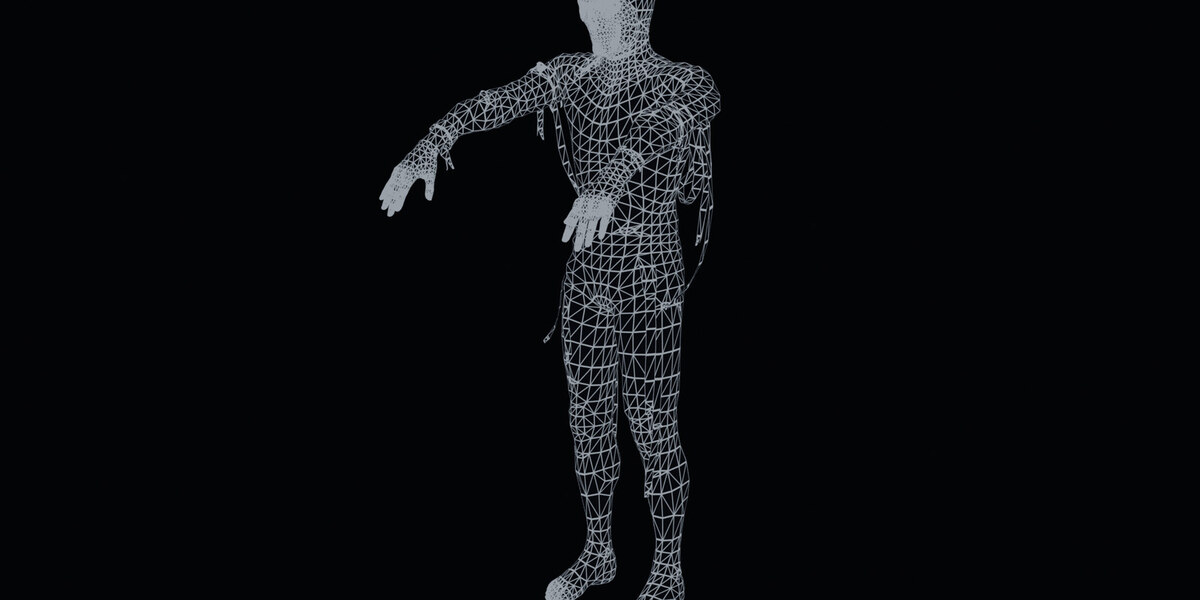
- Vertices 5,308, one PBR material
- Textures: 8K base color (sRGB) + 2K normal map (Non-Color), both packed in the .blend and embedded in the FBX and GLB
- About 1.0 m tall, feet on the ground (Z = 0), centred on the origin, faces -Y
Rig
- 34 bones, max 4 influences per vertex, normalised
-
Rootat the origin - Body:
Hips, Spine, Chest, Neck, Headplus, per side,Shoulder, UpperArm, LowerArm, Hand, UpperLeg, LowerLeg, Foot, Toe -
Floppy bandages: 6 hanging strips, each a 2-bone chain (
Strip_k_1 → Strip_k_2), weighted with a gradient (attach, mid, tip) so they swing with the body and can be animated for a loose, mummy look
Animations (24 fps, in place, feet planted)
-
Mummy_Idle- 120 frames, 5.00 s, loop: slow sway, arms out front, swaying bandages -
Mummy_Walk- 40 frames, 1.67 s, loop: shamble, arms outstretched forward (sleepwalker) -
Mummy_Attack- 50 frames, 2.08 s, one-shot: leans forward, left arm reaches out to grab -
Mummy_Death- 70 frames, 2.92 s, one-shot: buckles, collapses forward, head down, arms hanging
Import notes
- Unreal Engine: import the FBX - each take becomes an animation sequence.
- Unity: import the FBX as a Generic rig - each take becomes an AnimationClip.
- glTF: the .glb contains the skeleton, skin, textures and 4 named animations.
Blender panel (already inside the .blend)
Open Mummy.blend and the sidebar panel N → "Mummy Anim" is already there: browse and play the 4 clips and toggle the bone display. No installation needed.
If the panel does not appear when you open the file: turn on Preferences → Save & Load → Auto Run Python Scripts and reopen, or open the Text Editor, select Mummy_Animation.py and press Run Script.
A standalone add-on, mummy_animation_switcher.py, is also included - install it (Preferences → Add-ons → Install from Disk) if you want the panel in your own projects.
License
Royalty-free for personal and commercial projects. Redistribution as part of a derivative work is allowed; reselling the asset itself (or the animations) as-is is not. See License.txt for the full terms.
Have questions about this product?
Login to message
| Published | 2 days ago |
| Blender Version | 4.0 - 5.2 |
| Render Engine Used | Cycles |
| Misc Data | Uvs-Unwrapped, Rigged, Animated, Normal-Mapped, Textured |
| License | Royalty Free |