 AA - Artem Academy
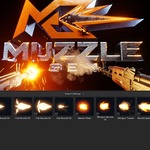
MUZZLE GEN
Gunfire effects, ready for your scene
Muzzle flashes, smoke, sparks, tracers, bullet impacts and shell casings — in one coordinated Blender workflow.
Three steps to fire
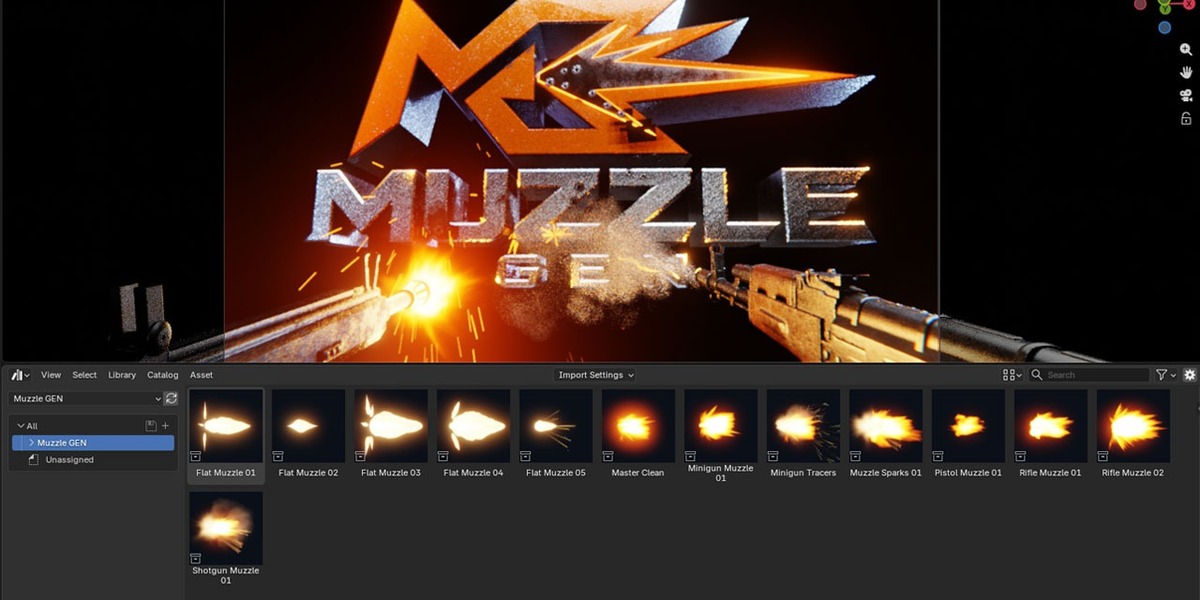
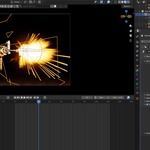
| 01 Add a preset Drag it from the Asset Browser into your scene. | 02 Place controllers Position them on the muzzle and ejection port of your weapon. | 03 Set the sequence Define the firing timing — every effect follows in sync. |
Everything a shot needs
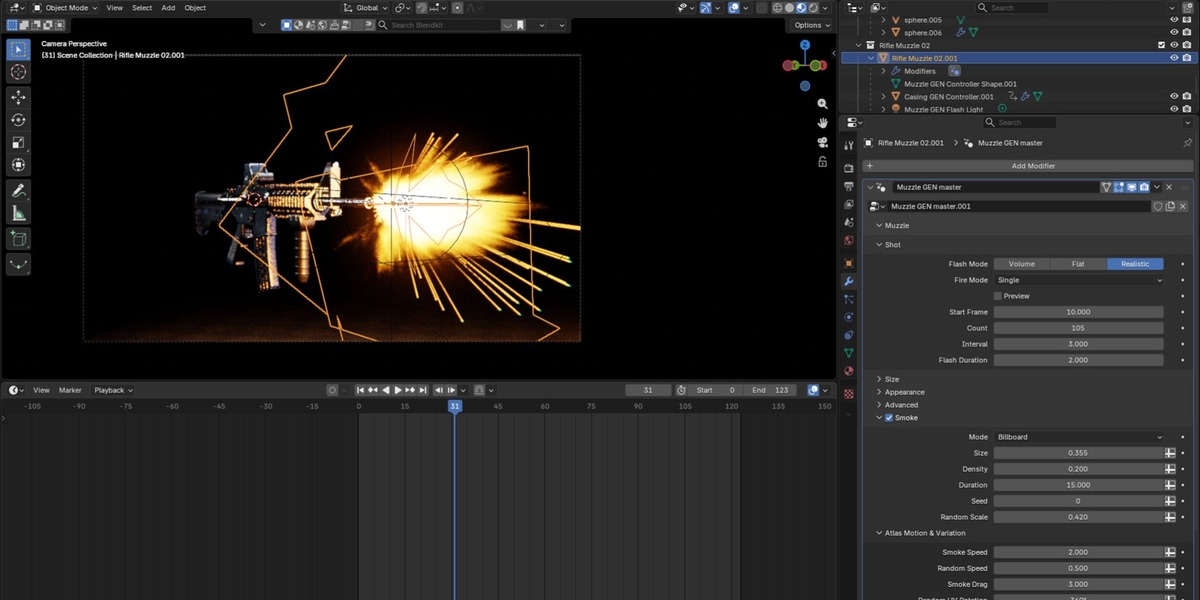
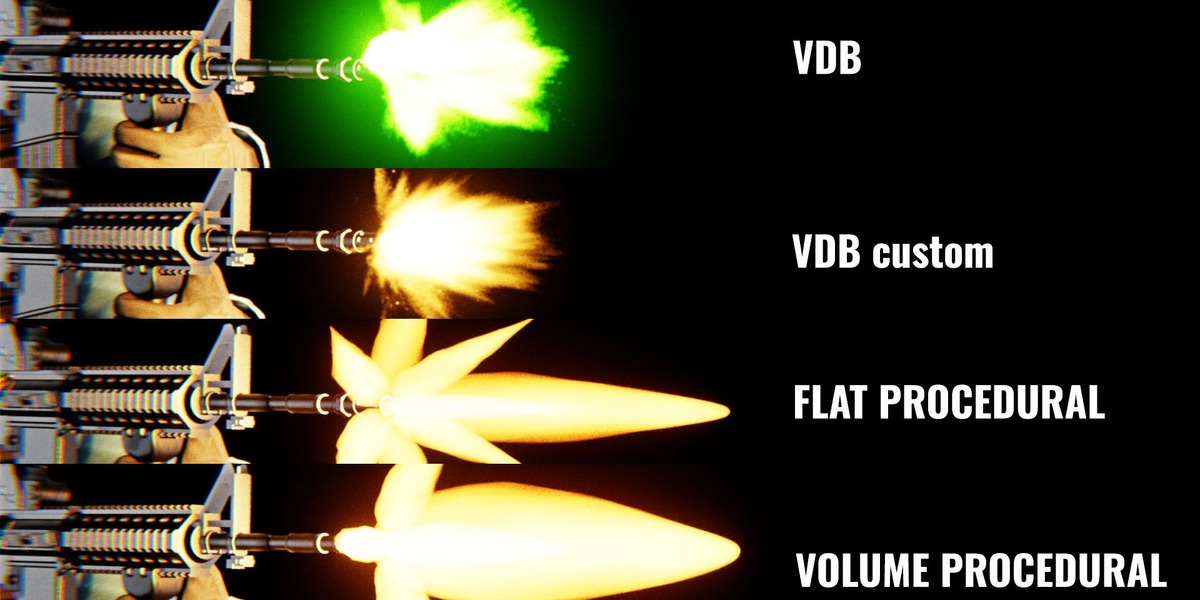
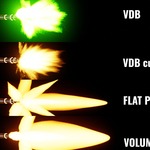
🔥 Muzzle flashVolume, Flat and baked VDB modes. Adjust size, shape, color and brightness, with random variation between shots. | 💨 SmokeVDB sequences, cross cards and camera-facing billboards. |
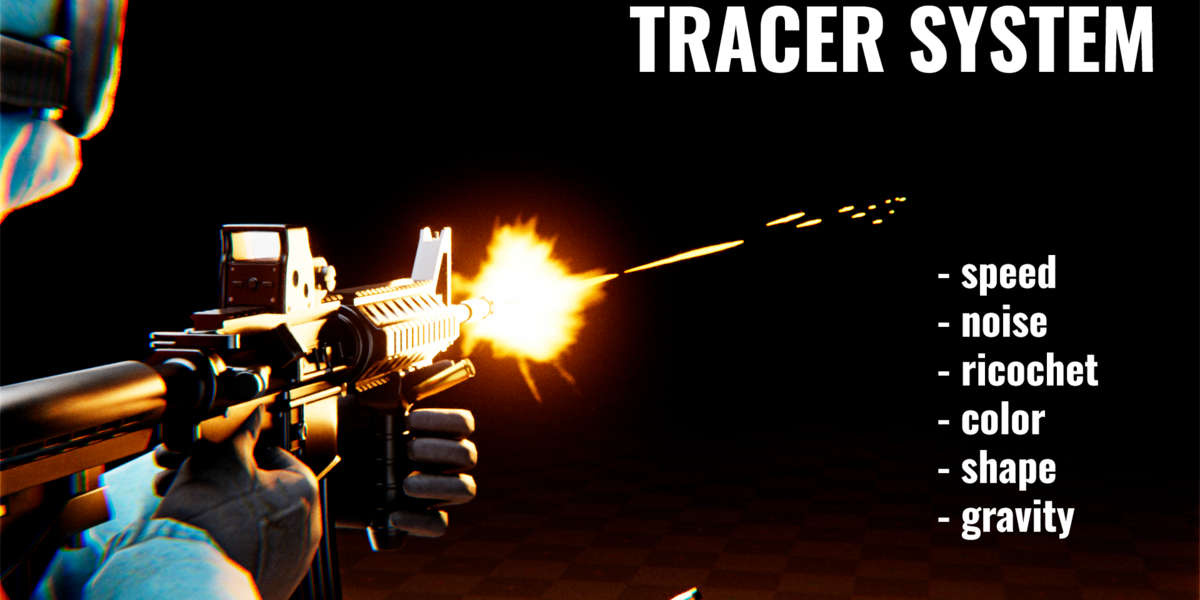
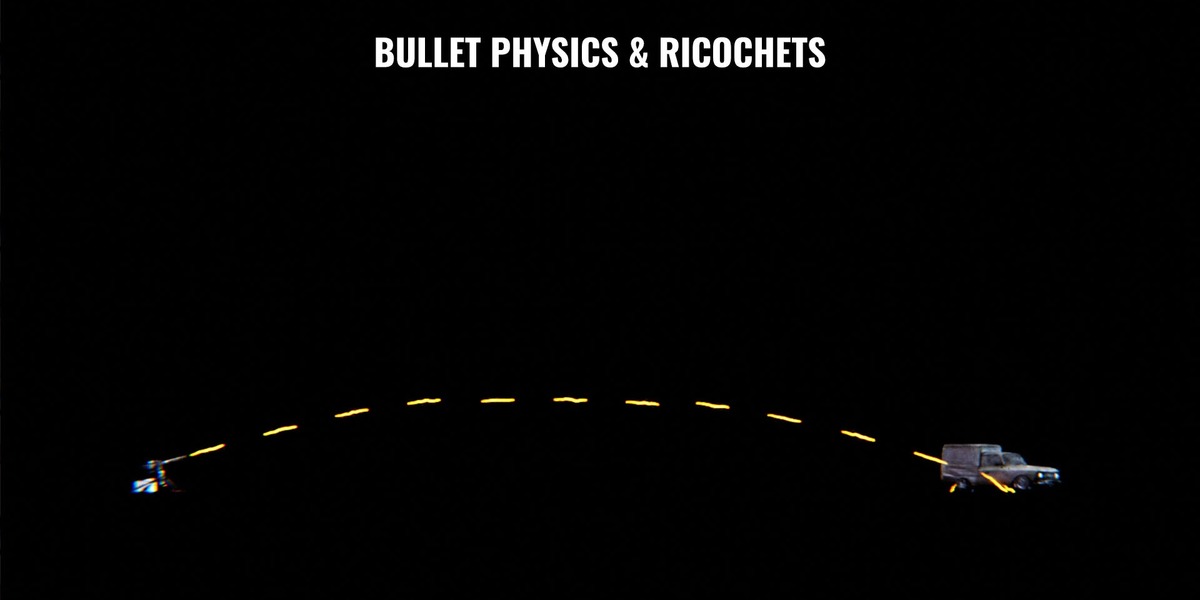
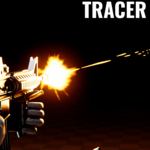
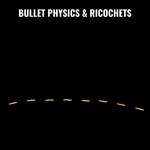
✨ SparksAdjustable colors, brightness, trails and split sparks. | ➶ TracersSpeed, length, thickness, noise, gravity and ricochet. |
⁂ Shotgun modeMultiple pellets with matching impacts and tracers. | 🔩 Shell casingsPistol, assault rifle, rifle and shotgun types, with synchronized timing and collection-based collisions. |
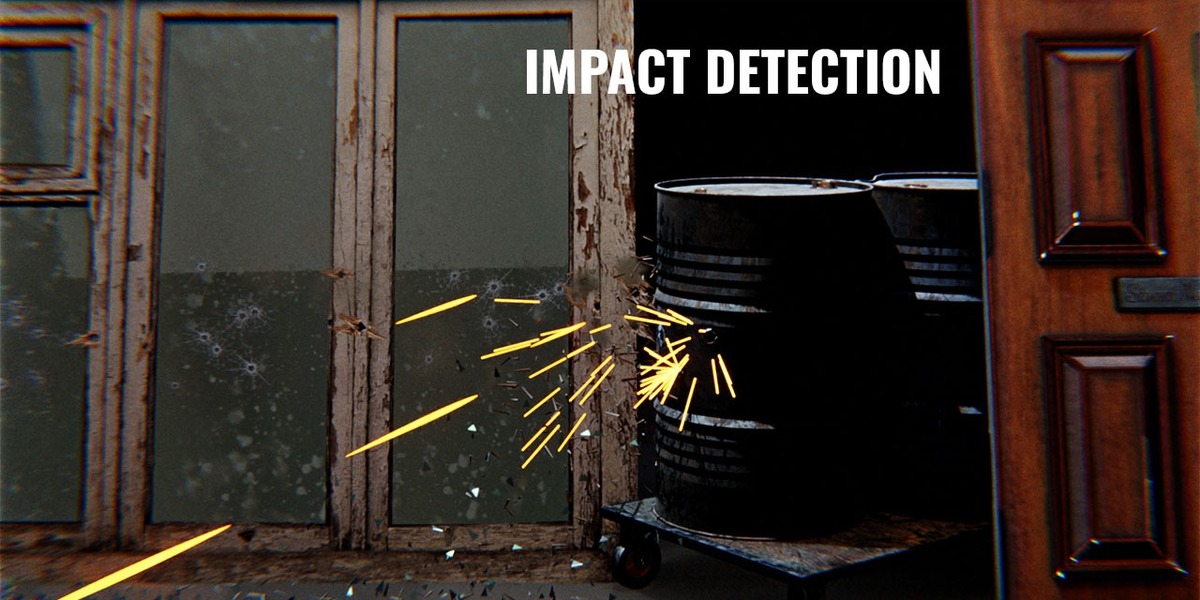
Every surface reacts differently
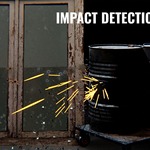
Assign collections — Muzzle GEN detects the surface automatically.
| Concrete marks & fragments | Metal sparks | Glass shards | Wood splinters |
Move the gun. The effects stay true.
Previously emitted smoke, sparks and casings continue moving independently of the weapon. Impact marks follow their receiver objects — they stay on moving targets.
📦 What's included ▸ Installable add-on ZIP ▸ Asset Browser presets with previews ▸ VDB sequences ▸ Textures ▸ English manual | ⚙️ Requirements ▸ Blender 5.2 ▸ Geometry Nodes ▸ Shader materials |