QUICK START
MUZZLE GEN
Add-on 1.2.1Blender 5.2 or later
01 |
Install the ZIP
Edit > Preferences > Add-ons > menu > Install from Disk, or drag the add-on ZIP into the Blender window. Enable Muzzle GEN Library.
|
02 |
Library
The library is extracted and registered automatically. If needed, click Install / Register Library in the add-on preferences. Default location: Documents / GEN Library / Muzzle GEN.
|
01 |
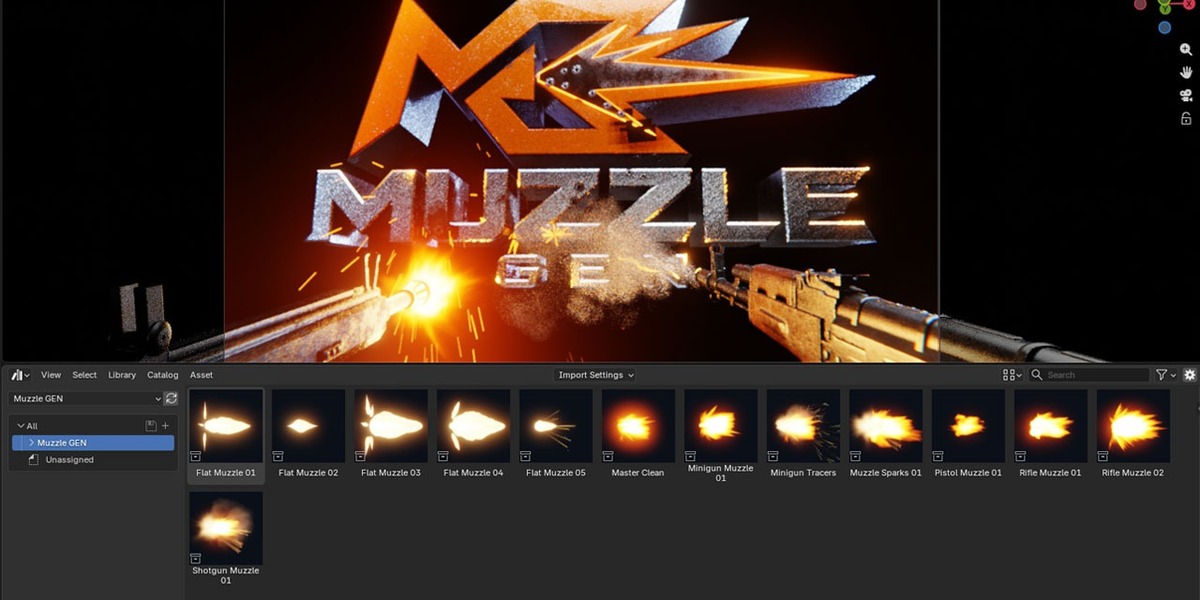
Drag a preset
Asset Browser > Muzzle GEN / Presets > Append > drag into the viewport.
|
02 |
Place the controller
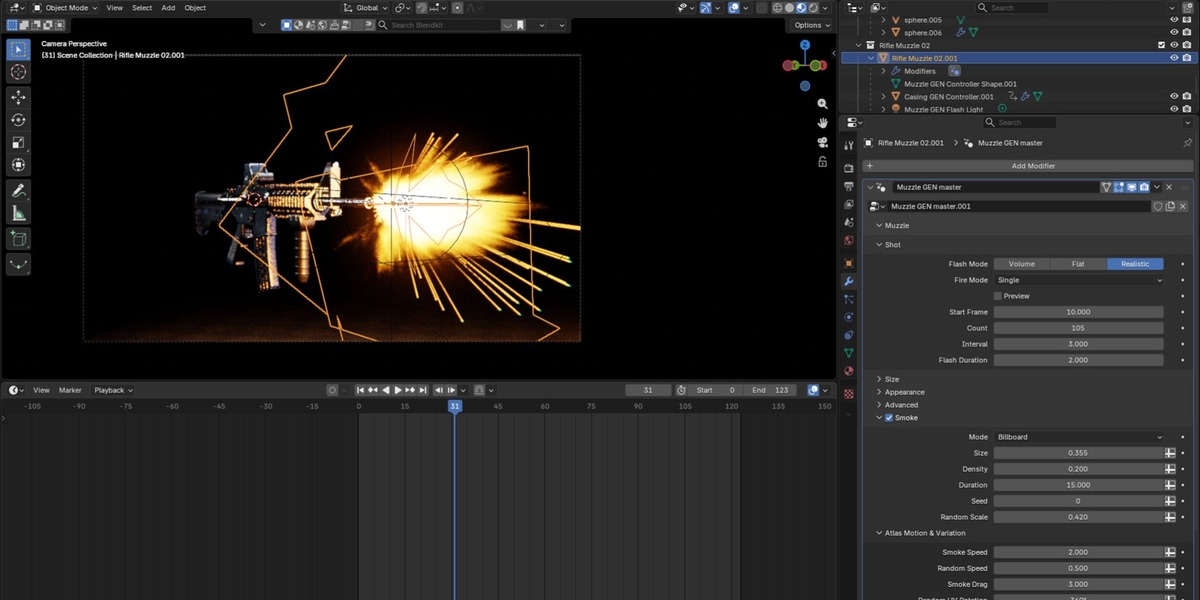
Put the main controller at the muzzle; local +Z points along the barrel. Settings: Modifiers > Muzzle GEN master.
|
03 |
Set the shots
Start Frame, Shot Count, Shot Interval. Turn Preview off and play from the scene start.
|
04 |
Casings
Place the casing controller at the ejection port and enable Sync Muzzle.
|
| Manual |
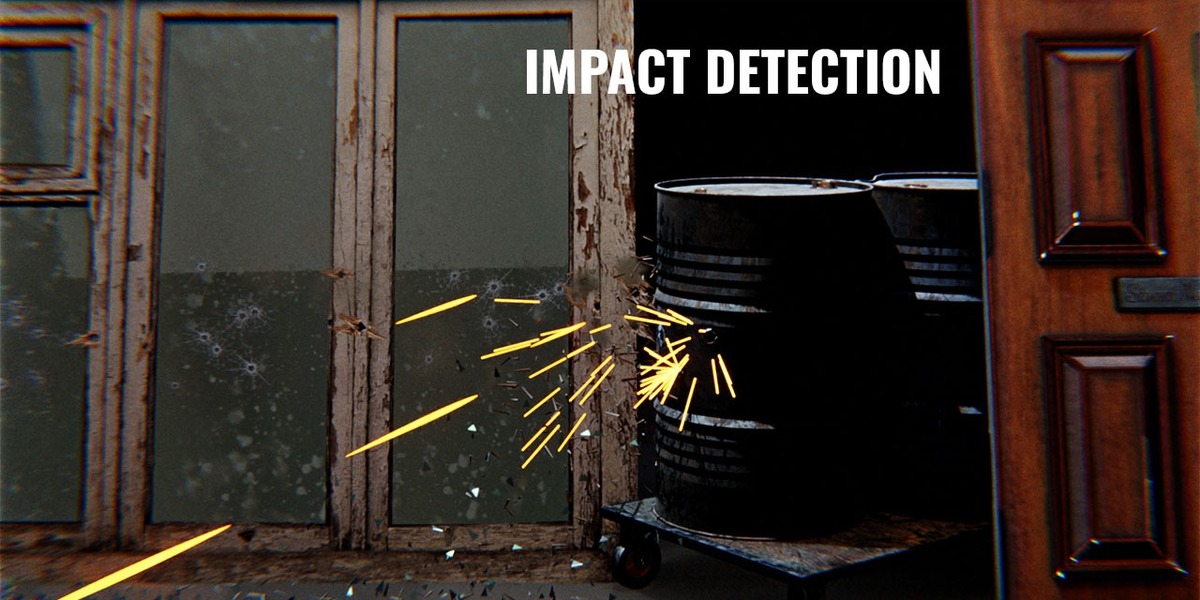
Choose Default Surface and add receiver objects to Hit Collection. |
| Auto |
Assign Concrete, Metal, Glass and Wood collections; the nearest surface determines the effect. |
| Direction / Target |
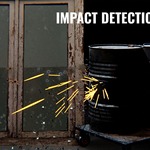
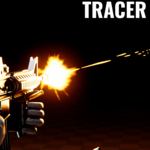
Fire along local +Z, or aim at an object/empty. Tracers use the same spread and impact points. |
GOOD TO KNOW
Units and files
| Frames |
Shot timing, Flash Duration, Smoke Duration, Ejection Delay, muzzle spark trails |
| Seconds |
Lifetimes, impact spark trails |
| Metres / m·s |
Distances / speeds. Gravity 1 = Earth gravity |
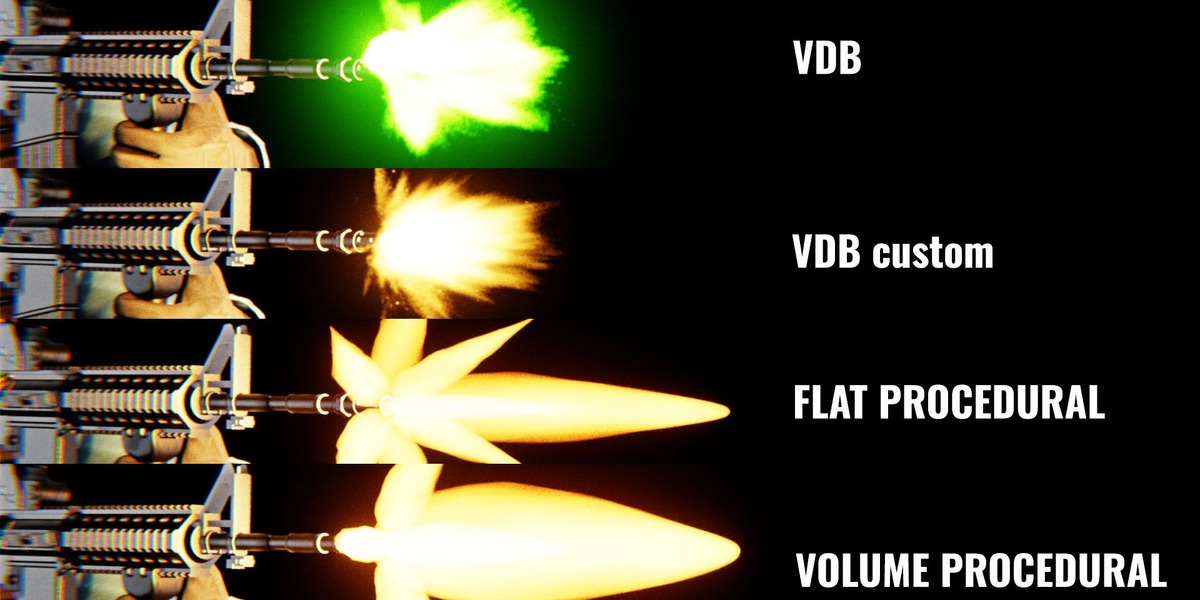
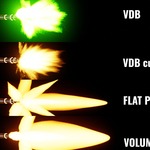
VDB files stay in the installed library — keep that folder in place. Use a fresh Append for independent materials.
TROUBLESHOOTING
Quick fixes
| Changes not applied |
Delete the simulation cache/bake and replay from the scene start. |
| Only a few casings |
Check Sync Muzzle, Count and Lifetime, then reset the cache. |
| No hits |
Register receiver meshes, check direction and Hit Max Distance. |
| Grey settings |
They belong to another mode; atlas motion is disabled for VDB. |
| Missing VDB |
Restore the installed library folder or relink its files. |
| Materials change together |
Use a fresh Append or make the materials single-user. |
Enable Motion Blur (try Shutter 0.5), add compositor Glare / Bloom, use Filmic / High Contrast. Asset import does not copy scene settings.
Full parameter reference is in the included English manual (PDF) · Made by AA Academy
 AA - Artem Academy