 Pixonomic



Twenty-two tabs.
None of them where you want it.
You install add-ons because they make you faster.

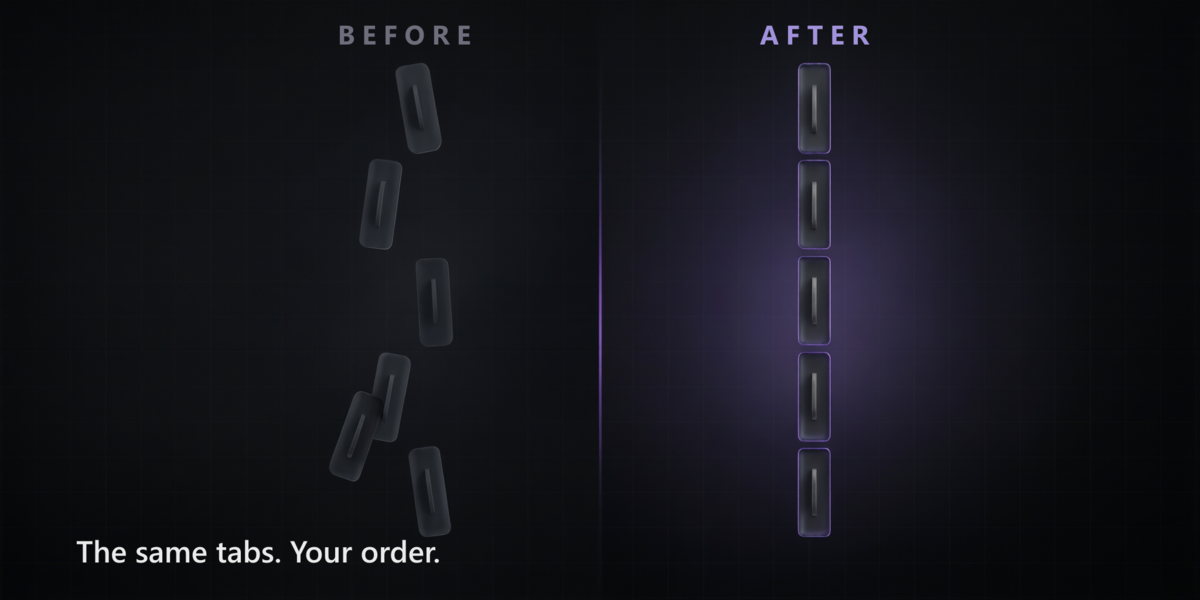

Then one day you open the sidebar and there is a wall of tabs in an order nobody chose — and the one you reach for every ten minutes is the one you have to hunt for.
Blender builds that bar in whatever order its panels happened to register. There is no preference for it. There is no API for it.
N-Panel SideOrder is the setting Blender never shipped.
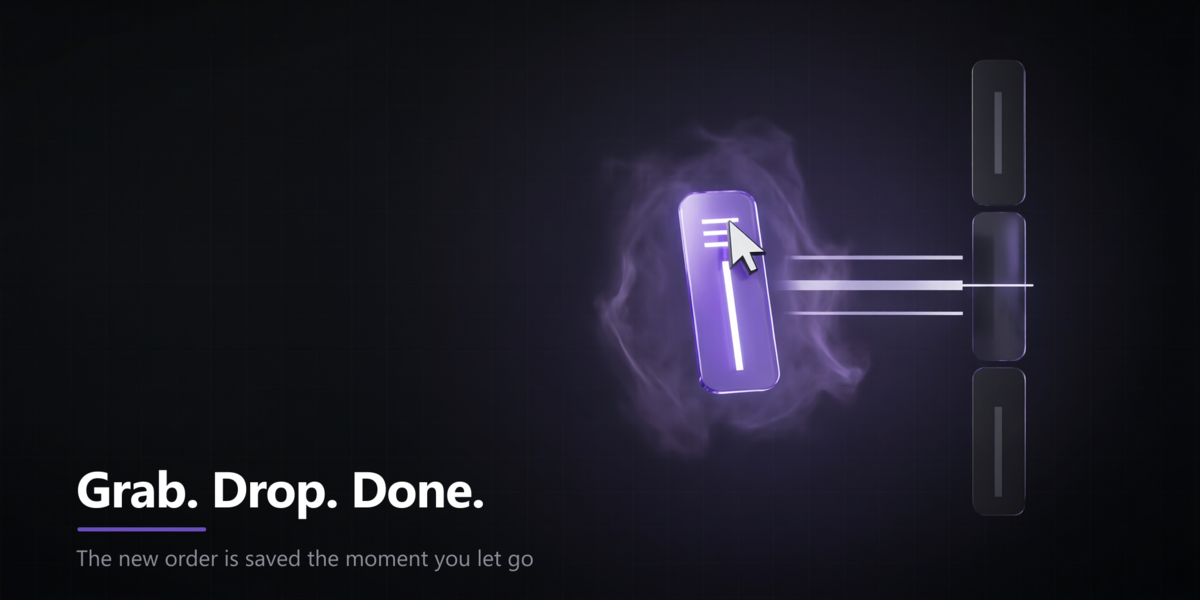
Grab a tab. Drop it where it belongs. It stays there.
Grab. Drop. Done.
1Press one button in the 3D Viewport header. The sidebar tabs turn into handles.
2Drag one where you want it. The others part to make room.
3Let go. The order is applied and saved. Right then. Nothing else to press.
You are dragging on the real tab bar, in place — not filling in a list buried in preferences, applying it, and going somewhere else to check what happened.
Tab names are always shown in full. If they do not all fit, the text shrinks rather than getting cut — you have to be able to read what you are grabbing.
Everything else, in one list
| Drag to reorder | Rearrange straight on the sidebar, as long as you like |
| Move & jump | Up, down, straight to the top or the bottom |
| Sort A→Z | The whole bar in alphabetical order, in one click |
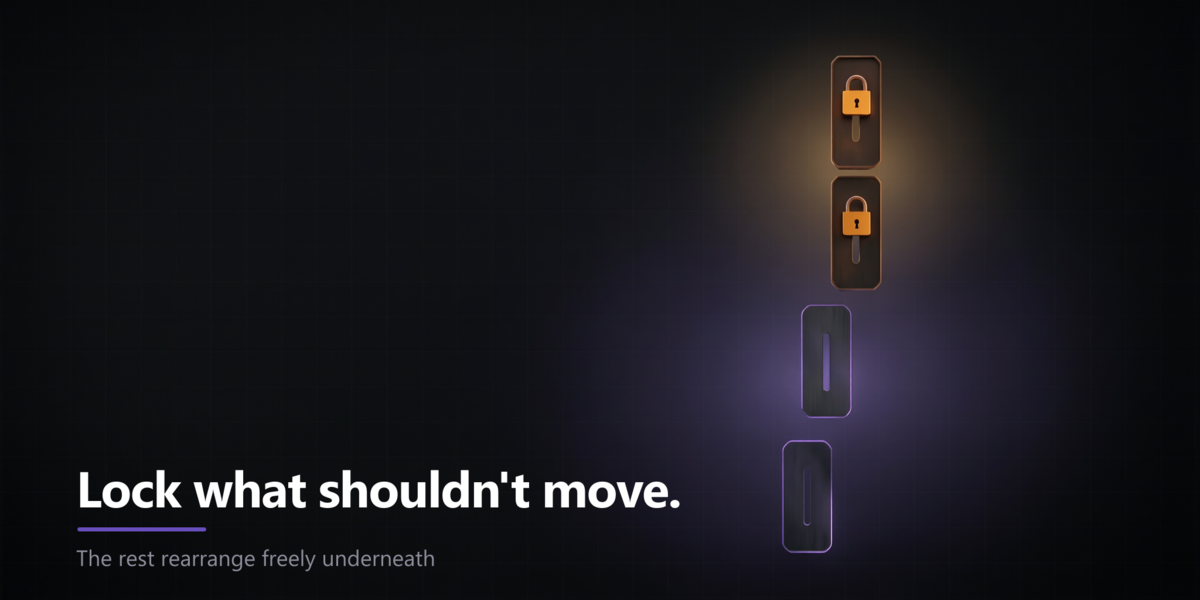
| Lock a tab | Any tab you want left exactly where Blender put it |
| Reset | Back to the order you started with, whenever you want |
| Clean up | Forget the tabs of add-ons you have removed for good |
It keeps up with your add-ons
Enable a new one and its tab appears flagged NEW, waiting for you to place it.
Disable one and its tab is remembered, so it comes back to your position when you return.
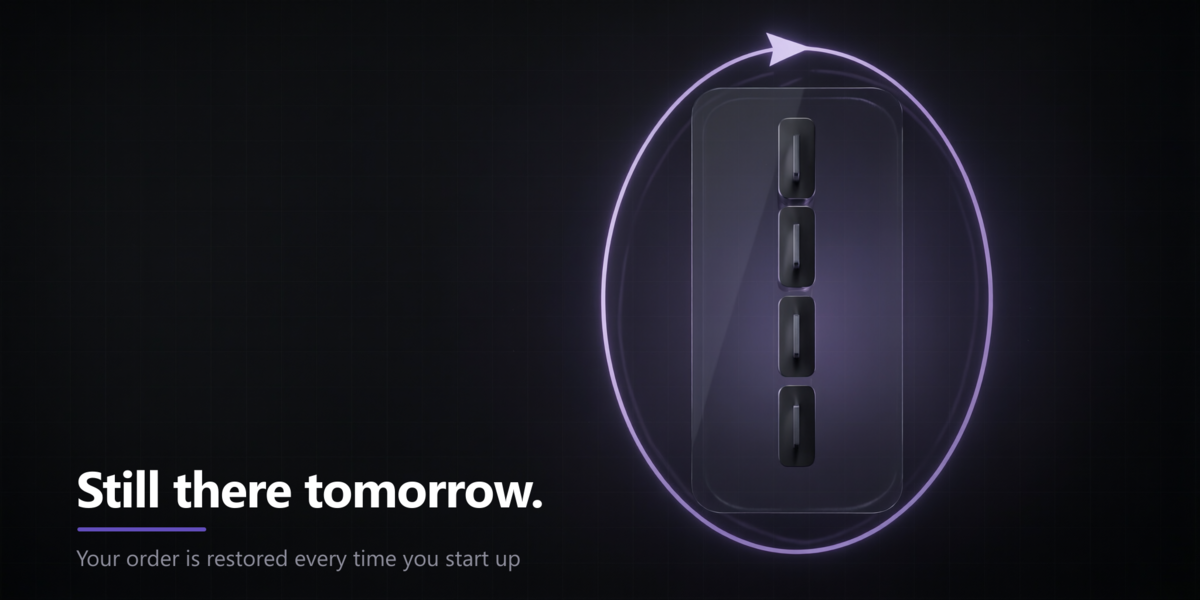
Restart Blender and your order is already there. Every time.
Some add-ons register panels that never actually draw, and those contribute phantom tabs. Those are filtered out, so the list shows what you really see.
It tells you what it cannot move
A few tabs are held in place by panels written in C rather than Python. Nothing on the Python side can move them — the Item tab is the well-known case.
SideOrder detects those, marks them with a pin, and says so. It does not pretend to have moved something it did not. Lock the tab, order the rest around it, get on with your work.
Safe by design
Reordering means re-registering panels, which is delicate. So it is done carefully:
- Each tab is handled on its own — a failure in one never aborts the rest.
- Anything unregistered is always put back, even when something goes wrong.
- After a pass, the set of registered panels is identical to what it was before.
- The order of panels inside a tab is preserved.
- Panels that other add-ons have appended survive the round trip intact.
Specifications
Blender 4.2 LTS+ Verified on 4.5 and 5.1 Windows · macOS · Linux No dependencies No account · no internet · no telemetry GPL-2.0-or-later
What it does not do
So you know before you buy:
- It orders tabs. It does not rename, merge or hide them.
- It covers the 3D Viewport sidebar. Other editors are not exposed yet.
- The Item tab cannot be moved by any add-on, this one included.
- Disabling the add-on leaves your order in place — use Reset to Blender Default to undo it.
Put the tab you need first.
Your sidebar. Your order.