 Pixonomic




Will this break my other add-ons?
No. Reordering re-registers panels, and the operation is built so that the set of registered panels after a pass is identical to the set before it. Each tab is handled on its own, so a failure in one never touches the others, and anything unregistered is always put back. Panels that other add-ons have appended survive the round trip — that is verified, not assumed.

Why won't the Item tab move?
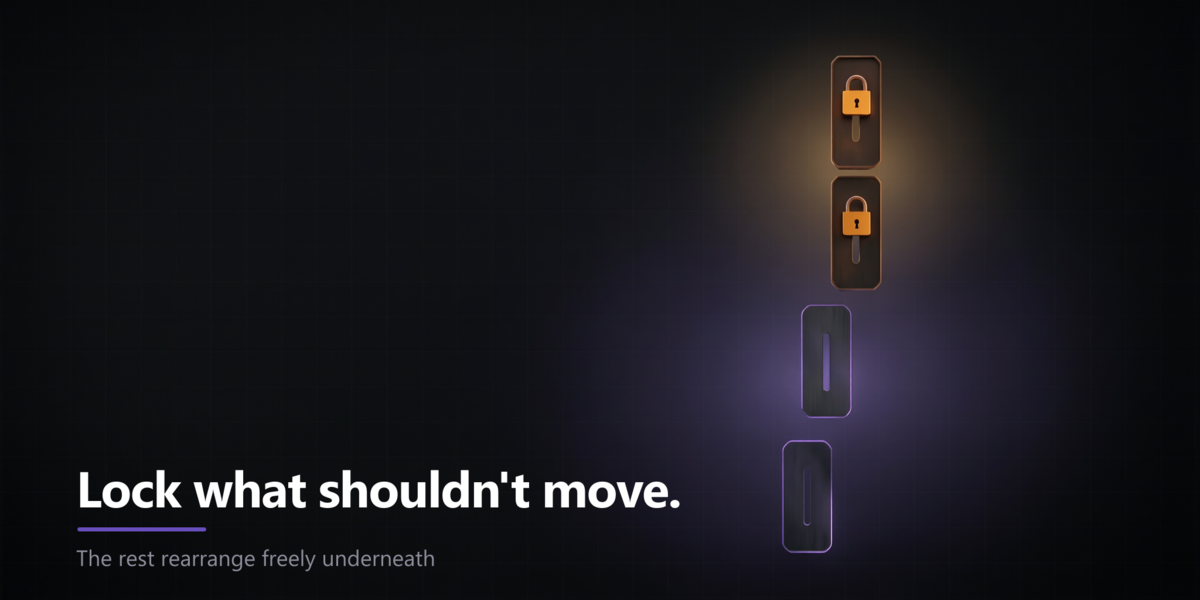
Because its Transform panel is written in C, not Python, and no add-on can re-register it. It pins its tab wherever Blender put it. This is a limitation of Blender itself with no Python-side workaround, and it applies to every add-on of this kind. SideOrder detects such tabs, flags them with a pin and tells you, rather than failing quietly. Lock it and order the rest around it.
Does it work in the Shader Editor or other sidebars?
Not yet. This release covers the 3D Viewport sidebar only. The engine underneath is editor-agnostic, so other editors are possible later, but do not buy it for that today.
Can it rename, merge or hide tabs?
No. It orders them. If what you need is renaming or merging, this is not the tool.
What happens to my order if I remove the add-on?
Your order stays as it is — nothing breaks, and no tabs disappear. If you want Blender's original order back, press Reset to Blender Default before removing it.
Do I have to press Apply every time?
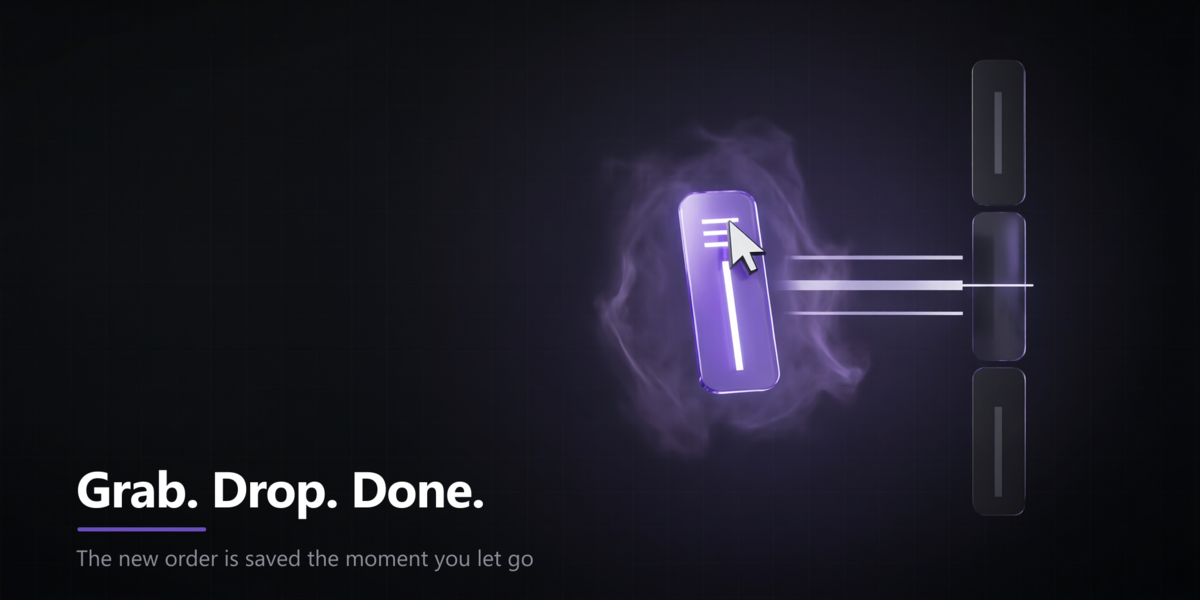
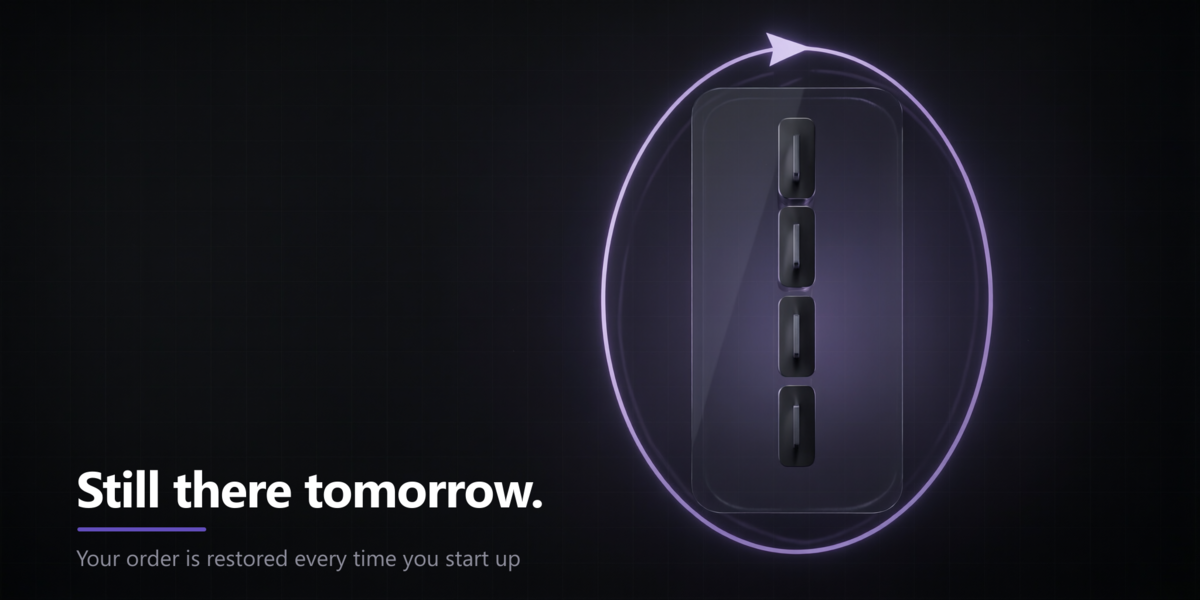
No. Dragging applies and saves immediately, and Apply on change is on by default for the list. You only press Apply by hand when you have turned that option off, or after placing a tab from an add-on you enabled mid-session.
$9
Have questions about this product?
Login to message
| Blender Extension Compatible | Yes |
| Published | 18 days ago |
| Blender Version | 4.2 - 5.2 |
| Extension Type | Add-on |
| Render Engine Used | Cycles |
| License | GPL |
Discover more products like this
tabs tab order Sidebar viewport user interface n-panel ui drag and drop organization reorder productivity