 Nilson Borges


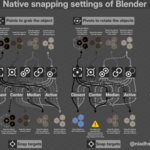
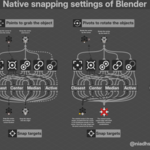
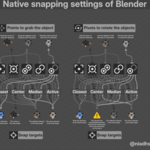
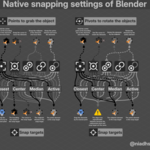
Thank you for your patience! The update for Blender 4.2.1 and later is now complete!
Introduction:
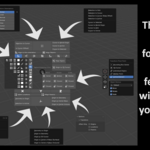
This add-on consolidates Blender's primary native snapping tools into a single radial menu. It was designed to make access to these tools intuitive and easy to use. Blender offers a range of snapping tools for precise modeling of any 3D artwork. This add-on was developed based on the results of snapping combinations made between pivot points and snap targets.
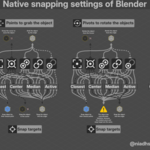
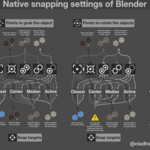
The combinations were mapped for each type of context, and one graphic created served as the basis for the development of this add-on; in the same way, the development of the add-on served as the basis for making this graphic.
The usefulness of snapping tools depends on the context and the number of objects or elements selected.
Graphics don't exactly show all possible outcomes, because, after a certain point, the results seem to be more random than something programmed to be like that.
For example, in some cases, the position of the 3D Cursor as the pivot point (for Rotate and Scale) can change the behavior of the same snap target; in other cases, the absence of an active selection (in object or edit mode) ignores the snap settings to “Active” and behaves as if it were “Median”. Perhaps the “Median” snap target is the virtual active of two selections (or more), when there is no active object defined.
This add-on will not harm performance in large scenes, because the tools are from Blender itself.
What this add-on does is automatically configure Blender (with its default features) for the user, according to the movement they want to make, saving you time and work.
Installation
Install the file like any other add-on.
In the add-on preferences, choose your preferred shortcut. Make sure the shortcut is not already being used by Blender.
By default, the shortcut is Shift + X.