 RFKits
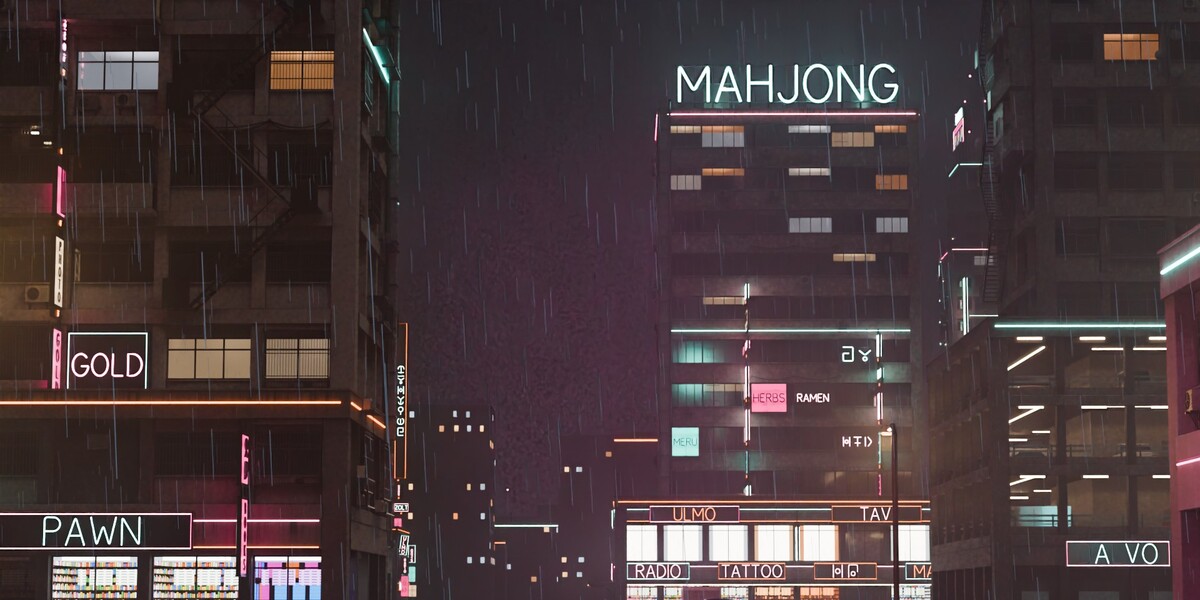
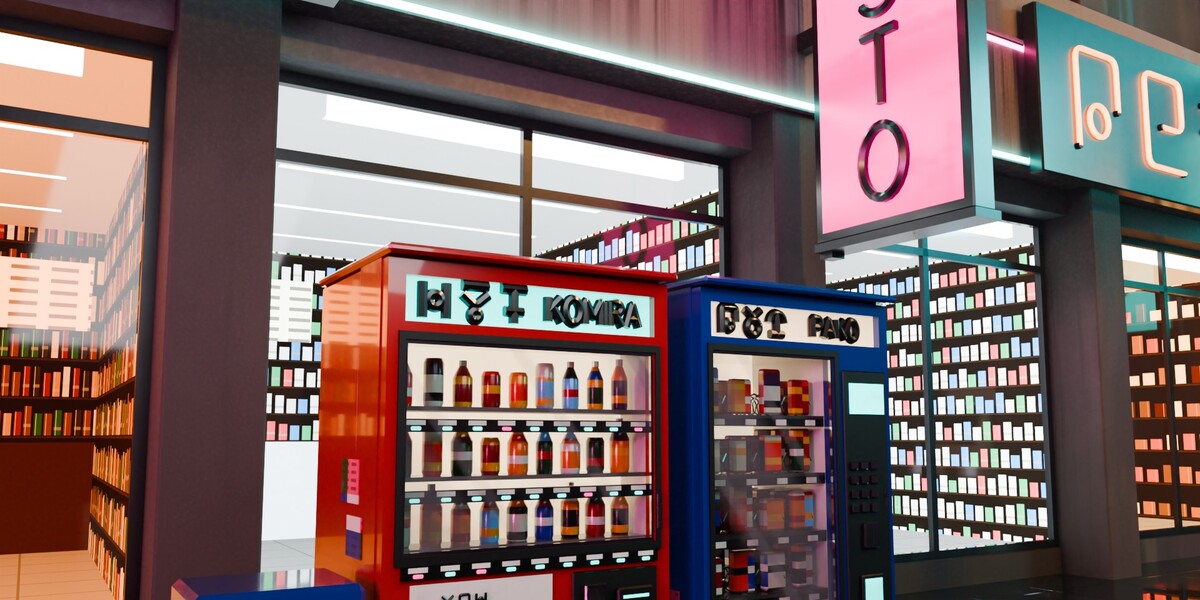
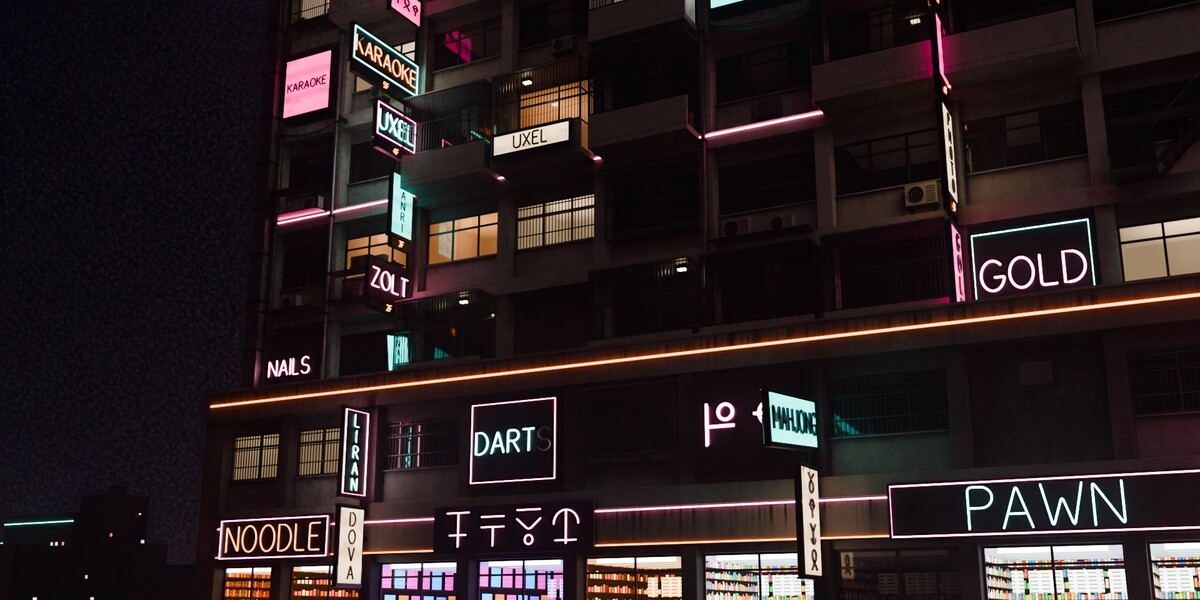
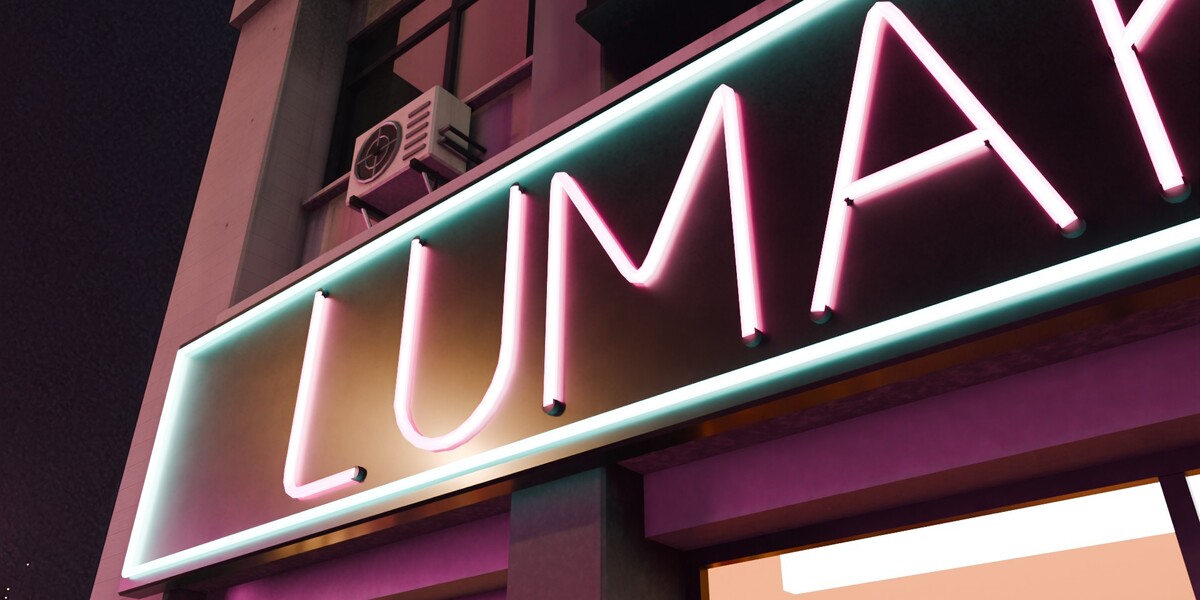
What is in the download
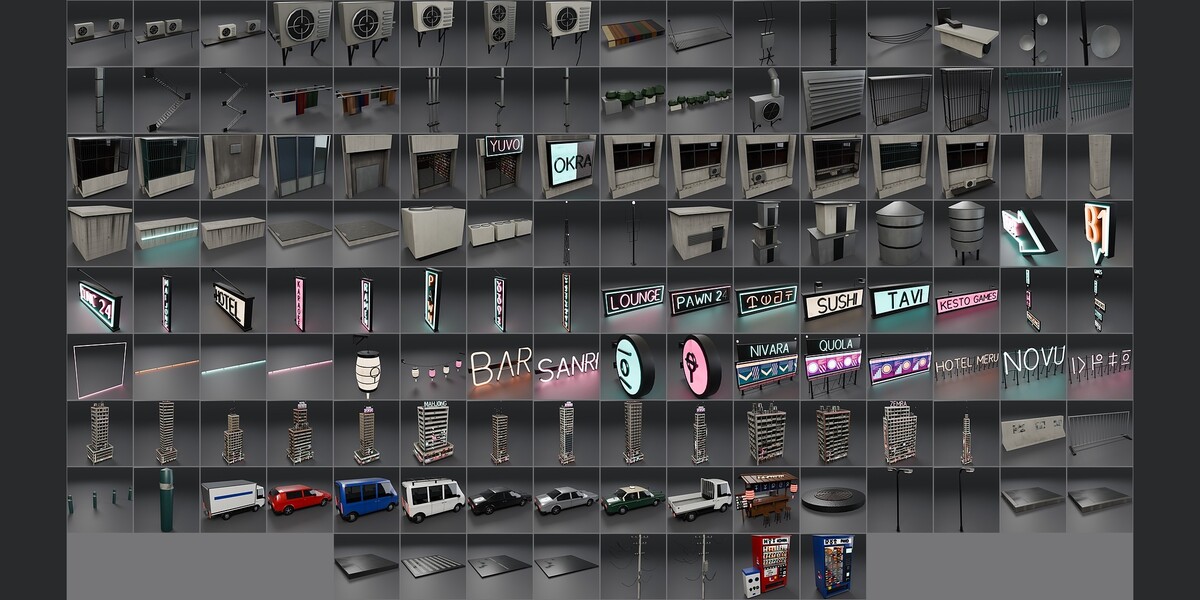
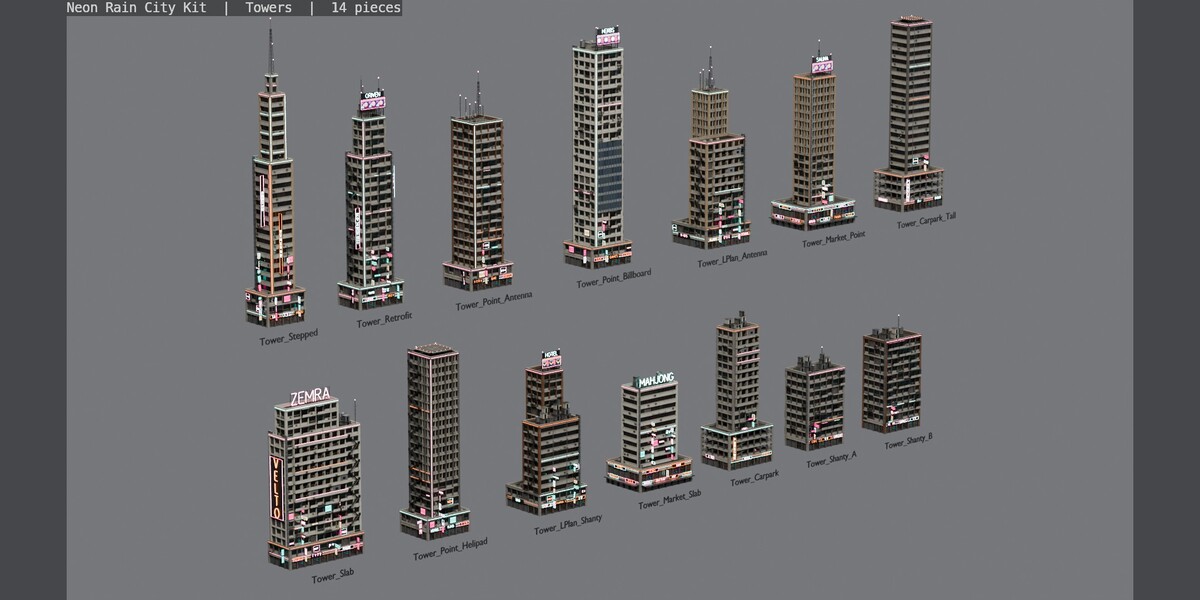
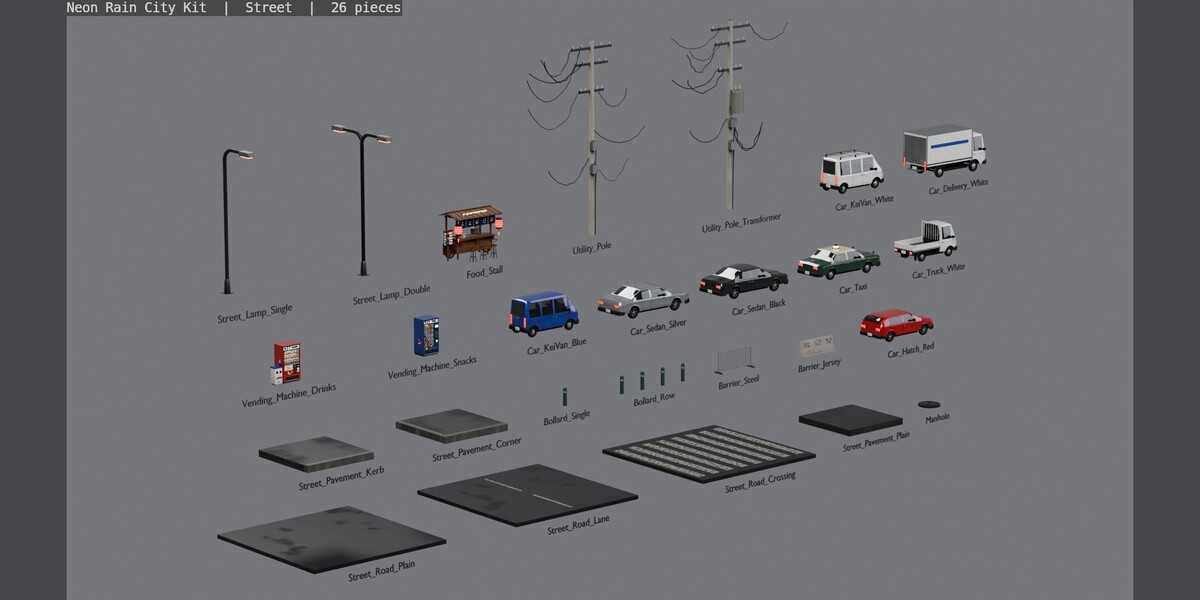
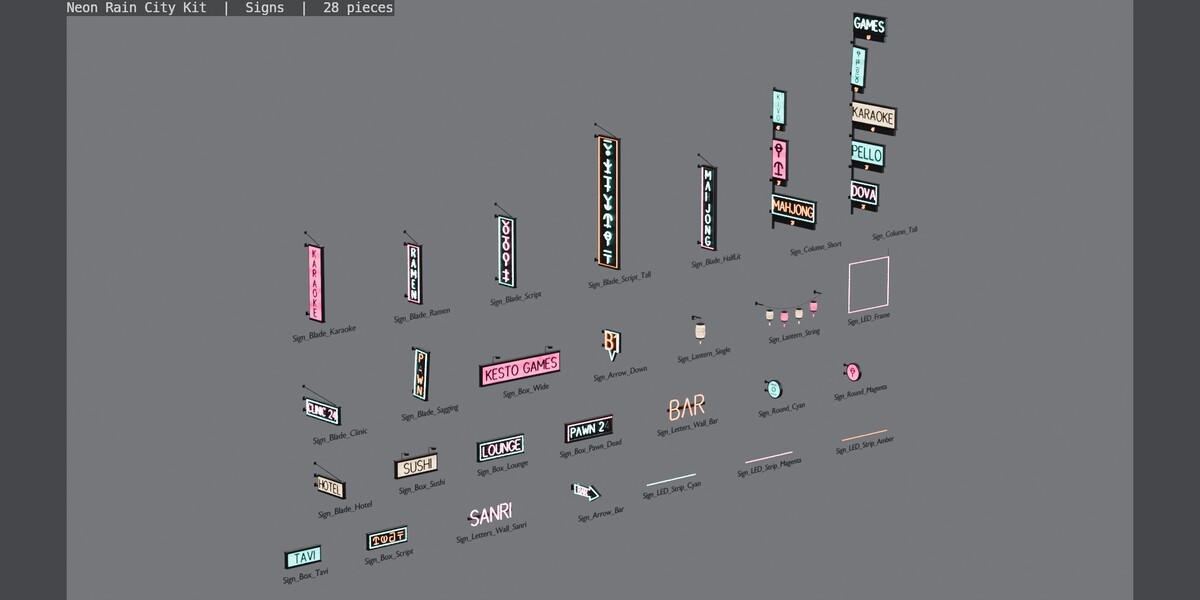
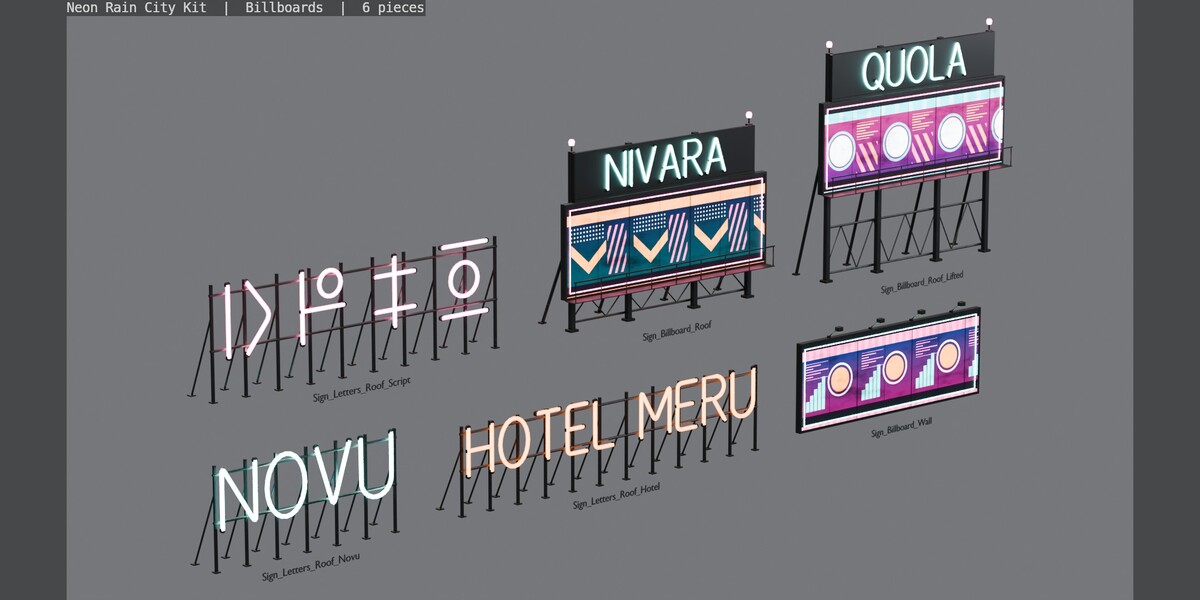
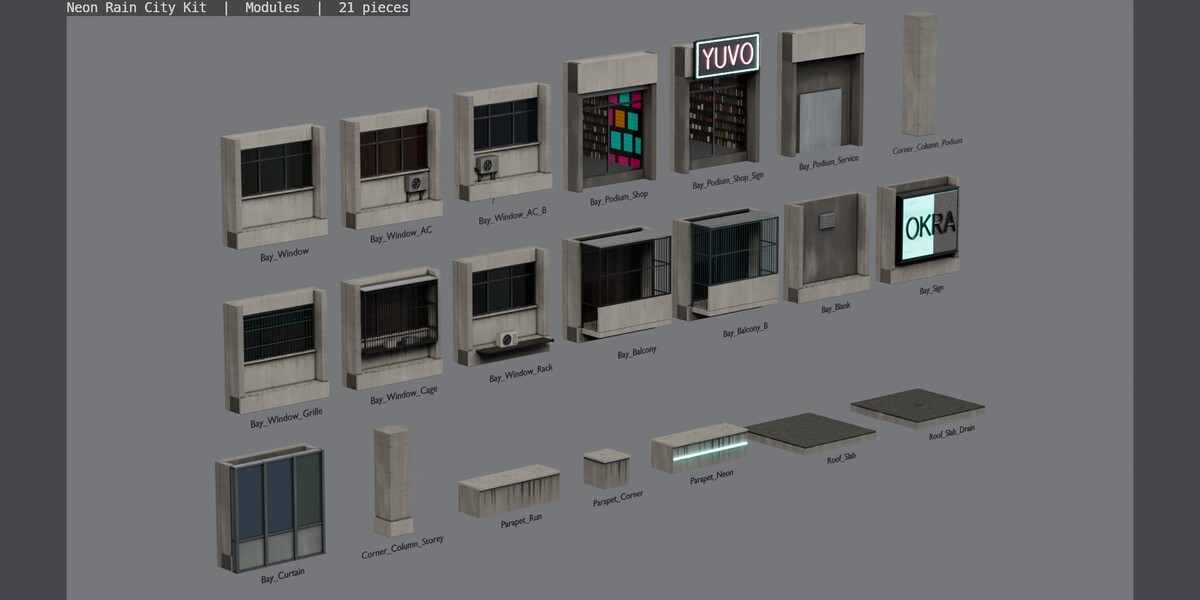
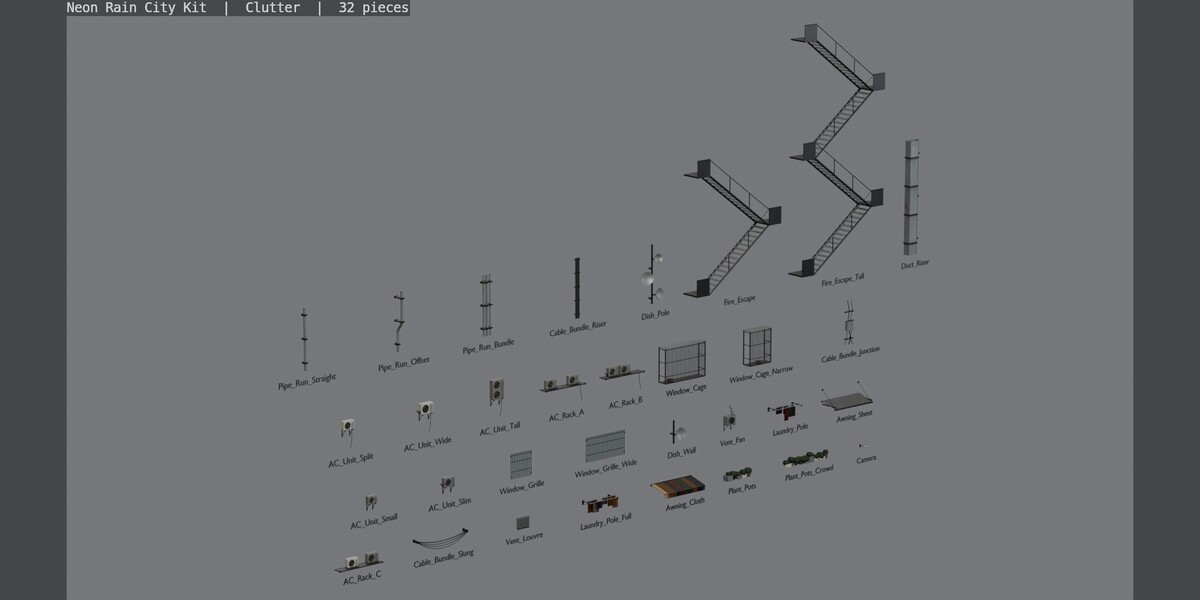
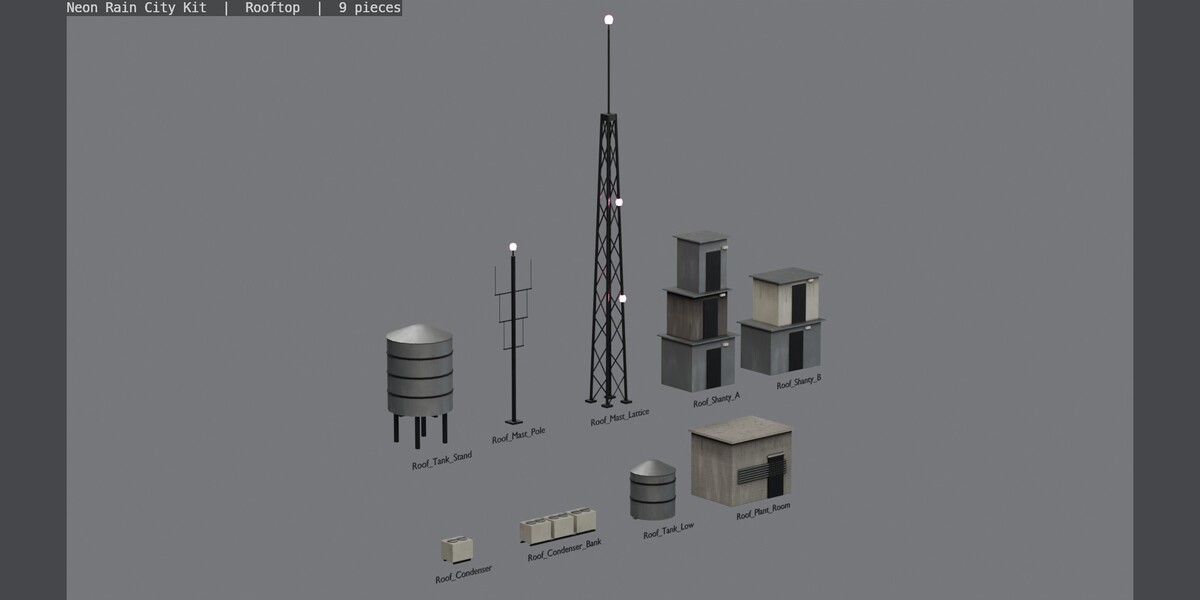
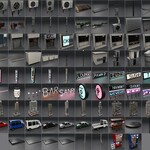
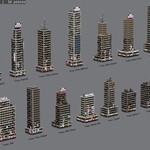
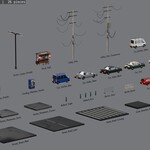
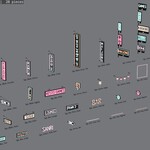
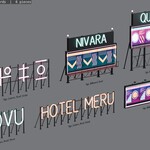
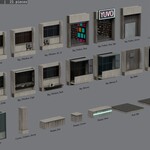
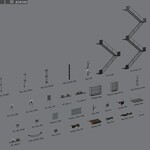
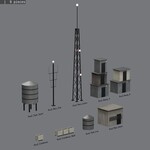
- blend/: the Asset Browser library for Blender 5.2 or later, with the procedural materials: all 136 pieces, each marked as an asset with a preview, sorted into 7 catalogues (Towers, Modules, Signs, Billboards, Clutter, Rooftop, Street).
- previews/: a preview image of every piece.
- index.html: a visual index of every piece; open it in a browser.
- README.txt and LICENSE.txt.
Getting started
- Unzip the download, then in Blender open Edit > Preferences > File Paths > Asset Libraries, add the blend/ folder, and drag pieces from the Asset Browser into your scene. You can also open the .blend directly.
- Everything is in metres with Z up and transforms applied, one object per piece. Turn on snapping with a 0.5 m increment: facade bays are 4 m wide, storeys 4 m tall and the shop podium 5 m, so bays, corner columns, parapets and roof slabs line up without nudging.
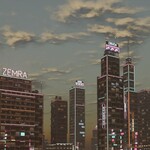
- The towers are ready to place whole, with the pivot at street level in the middle of the podium. The modules build towers of your own; the signs, clutter, rooftop and street pieces dress them.
- Object names are NRC_ and materials NRC_.
Day and night
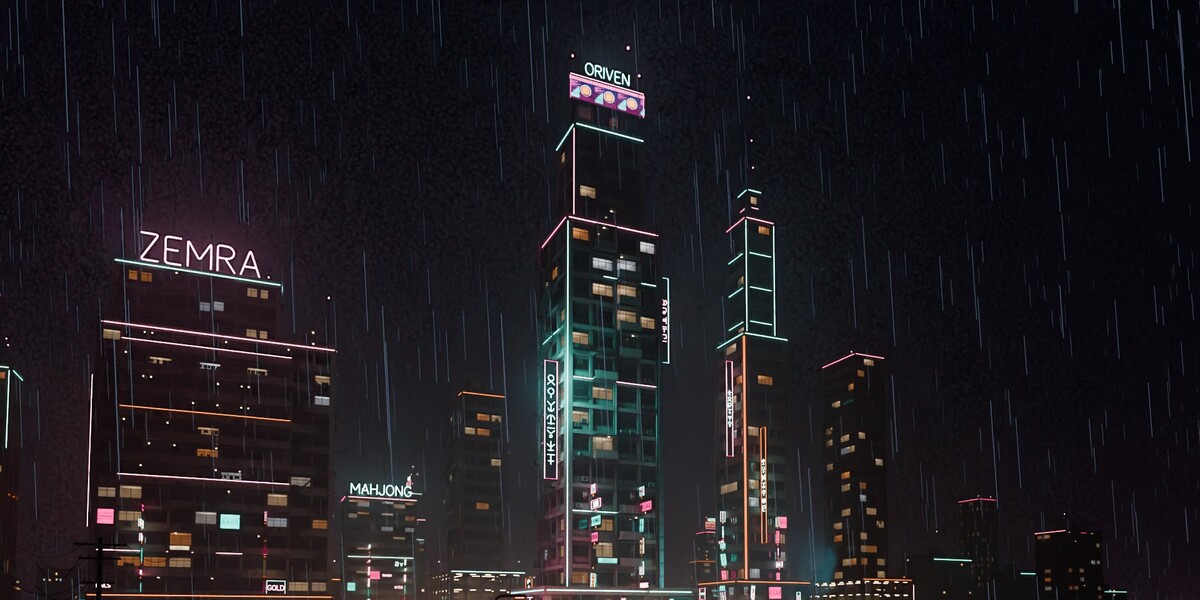
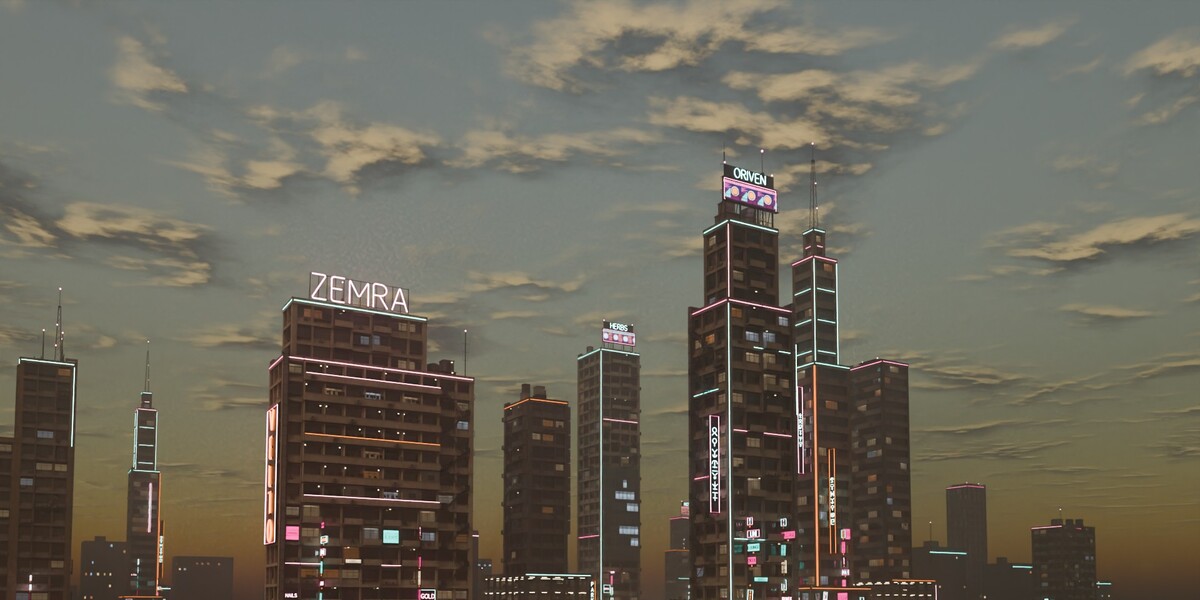
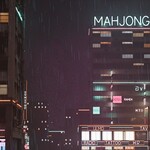
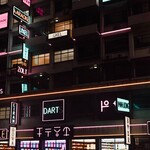
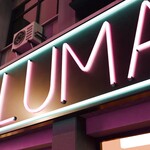
The neon tubes, sign panels and billboards always glow. The flats' windows, the offices and the street lamps light up when your scene has a custom property af_glow set to 1 (Scene Properties > Custom Properties > New, name it af_glow, value 1). Without it, or at 0, they stay dark, for a day scene. The night shots in the gallery use 1.
Materials
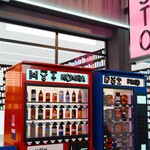
72 procedural materials with rain runs and soot, driven by world-metre UVs so they keep their scale on any piece and can be baked. Car and vending-machine glass is see-through.
Support
Questions or problems: [email protected]
 Included
Includes 12 months of
- Support from RFKits
- Product updates
Extend this product’s Support Period +12 months: 50% of product price
Have questions before purchasing?
Login to message
| Published | about 6 hours ago |
| Blender Version | 5.2 |
| Render Engine Used | Cycles |
| Misc Data | Uvs-Unwrapped |
| License | Royalty Free |
Discover more products like this
kitbash neon buildings architecture brutalist urban cyberpunk rain modular-kit night city city