 Mars0hod
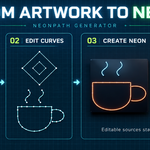
Create editable neon signs from text, curves and artwork.
NeonPath Generator brings lettering, neon tubes, holders and backplates into one workflow. Create signs for interiors, storefront concepts, title graphics and product scenes — and keep their source editable.
Your fonts. More languages.
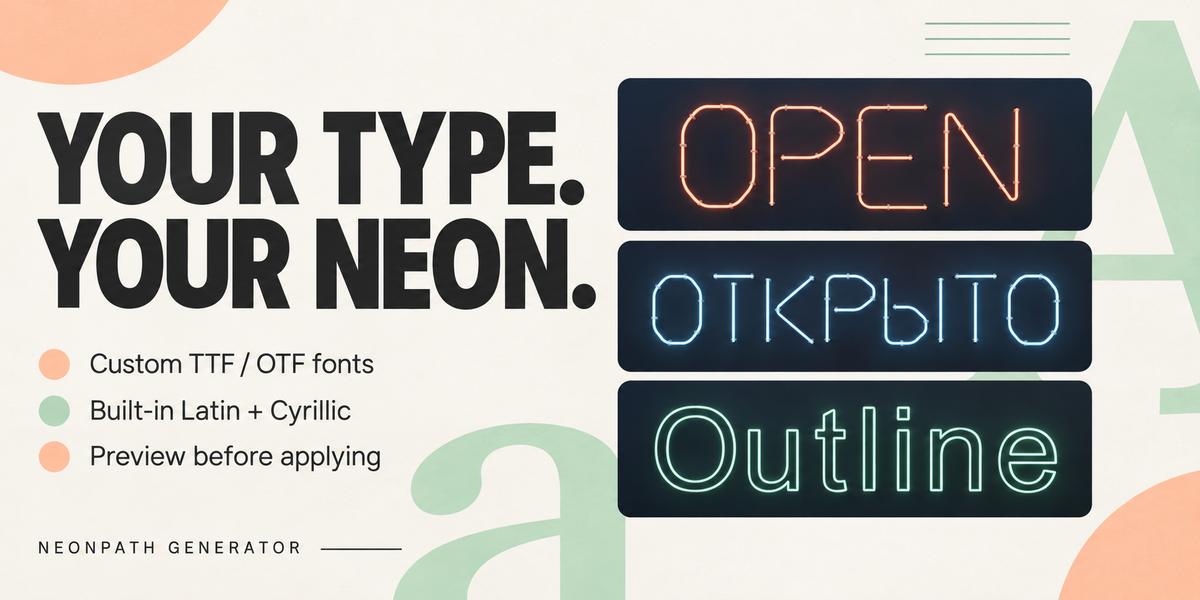
Load your own TTF or OTF fonts, preview them before applying, and create multilingual lettering in Outline mode. Keep recent and favorite fonts available in your scene.
Built-in Tube Neon supports uppercase Latin and Cyrillic, numbers and punctuation. Outline mode expands your lettering options through compatible fonts. Character coverage and text shaping depend on the selected font and Blender’s text support.
Four ways to start
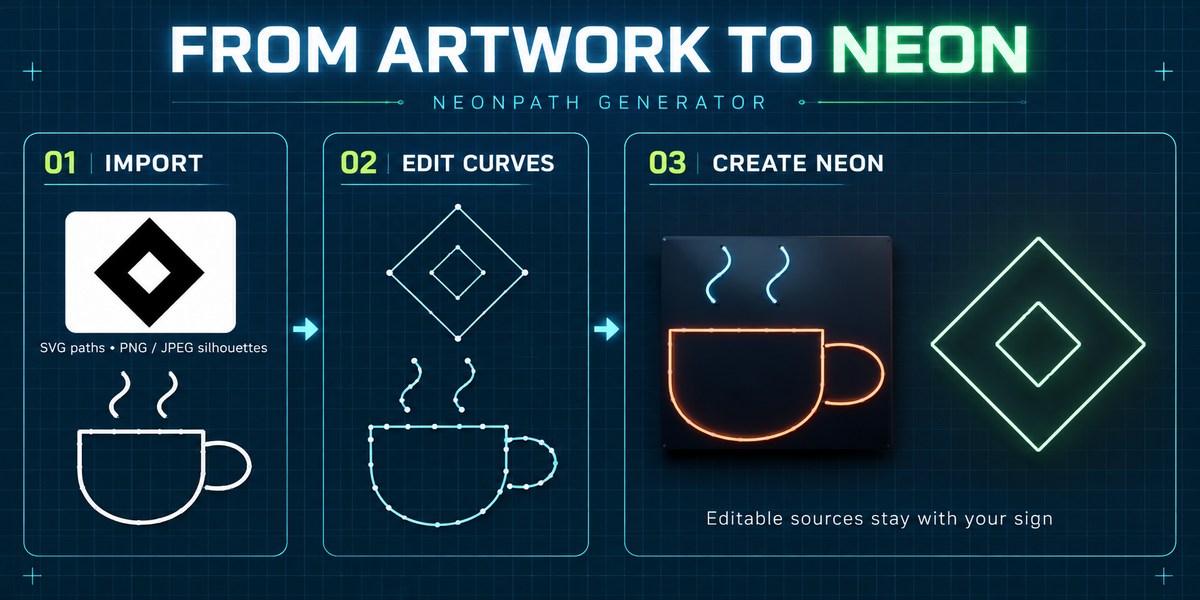
Text: use built-in tube lettering or outlines from your own fonts.
SVG: import supported plain paths and basic shapes.
Images: trace PNG or JPEG silhouette boundaries into editable curves.
Curves: generate neon from existing planar POLY or BEZIER curves.
Customize the complete sign
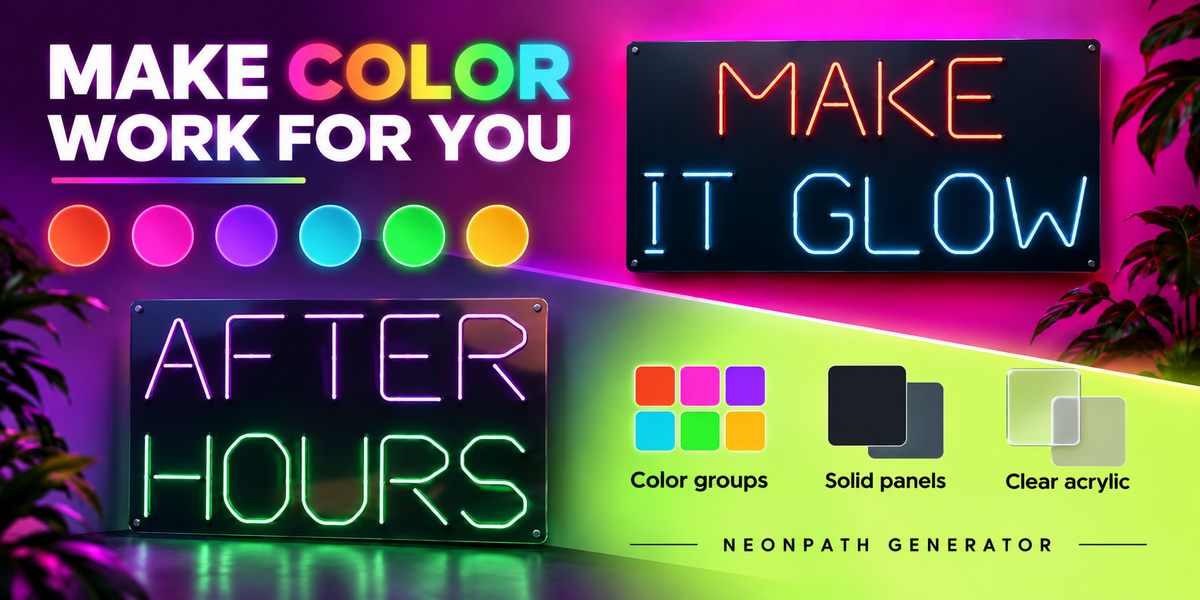
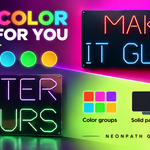
Adjust tube diameter, composition width, spacing and alignment. Use a single neon color or up to six color groups.
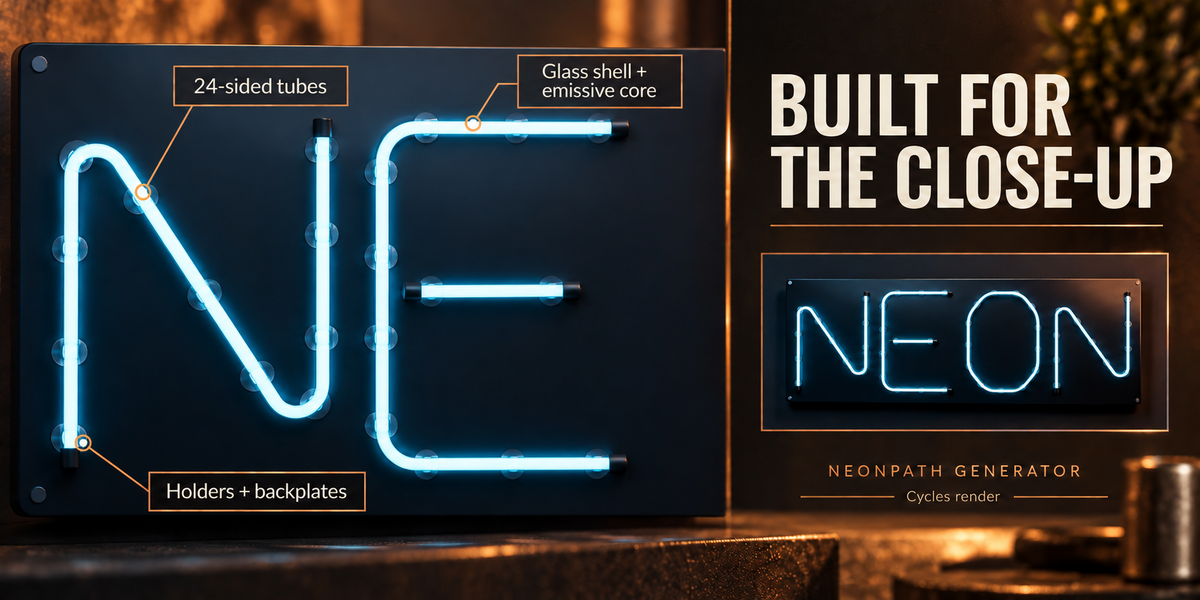
Add solid or clear acrylic backplates, with rounded rectangle and convex outline options. Choose standoff clips, metal saddles or board clips, with adjustable spacing and clearance.
New signs use the highest geometry quality preset, Close-up, by default: 24 sides around the tubes. Standard and Draft modes remain available for lighter editing.
Keep your workflow editable
Update signs after editing their source curves.
Preview fonts before applying them.
Save and reuse look presets.
Duplicate signs and place them against mesh surfaces.
Bake ordinary mesh copies while retaining editable originals.
Apply geometry changes automatically or stage them before updating.
Glass and glow
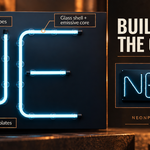
Choose a diffused emissive tube or a glass shell with a separate glowing core. Cycles uses physical refraction; Eevee uses an approximation. Compositor glow is available through an explicit setup action.
Compatibility
Requires Blender 5.2.2 or later. Tested with Blender 5.2.2 on Windows 10. Other versions and operating systems have not been verified.
The main interface supports English and Russian. Some technical messages remain in English. Interface languages are separate from the multilingual text you can create with compatible fonts.
What you receive
One installable add-on ZIP containing NeonPath Generator 1.2.0, its Python source, README and GPL-3.0-or-later license.
Fonts, promotional scenes and demo scenes are not bundled.
Workflow notes
Image tracing is designed for simple, high-contrast artwork and traces boundaries rather than centerlines. SVG import supports plain vector geometry. Generated signs are visual models, not fabrication specifications.