Ninja Cut
 Thiago Lage


Which versions of Blender does it work with?
It was developed and tested on Blender 5.2. The add-on declares 4.2 as its minimum.
Do I need to install anything else?
No. Ninja Cut only uses what ships with Blender: no extra libraries, no account and no internet connection.
Where is the panel after I install it?
In the 3D Viewport, press N and open the Ninja Cut tab in the sidebar. The buttons stay grey until you select a mesh.
The pin does not fit, or it is too loose. What do I change?
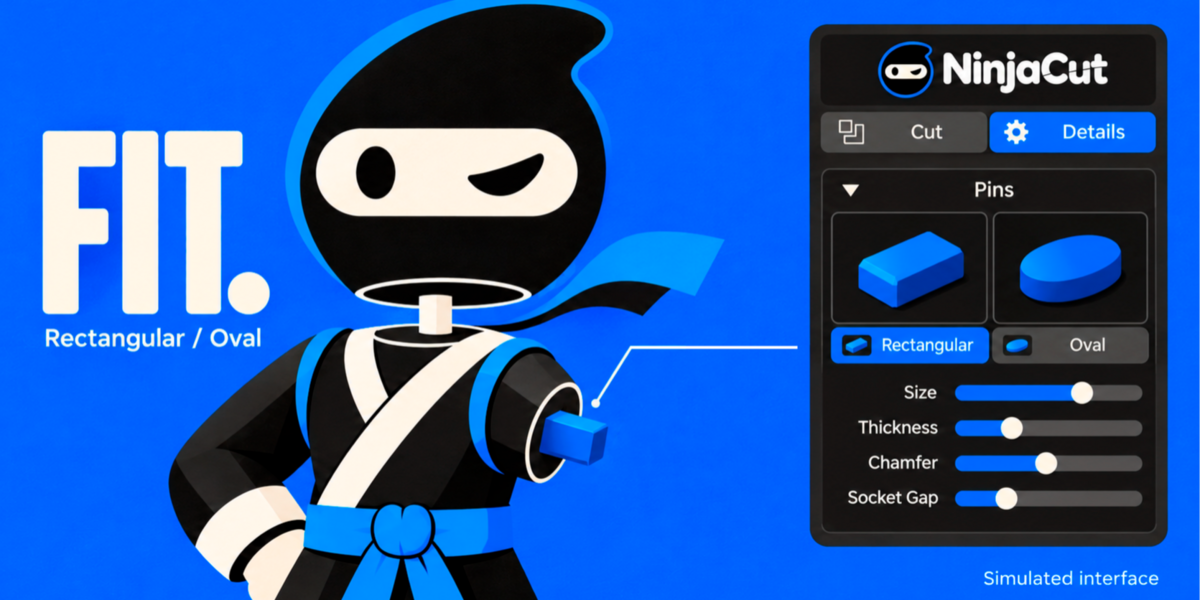
Socket Gap, in the Pins section of the Details tab. Raise it if the parts will not go together, lower it if the joint is loose. Print a small test cut first and adjust from there.
Can I cut a model that is not watertight?
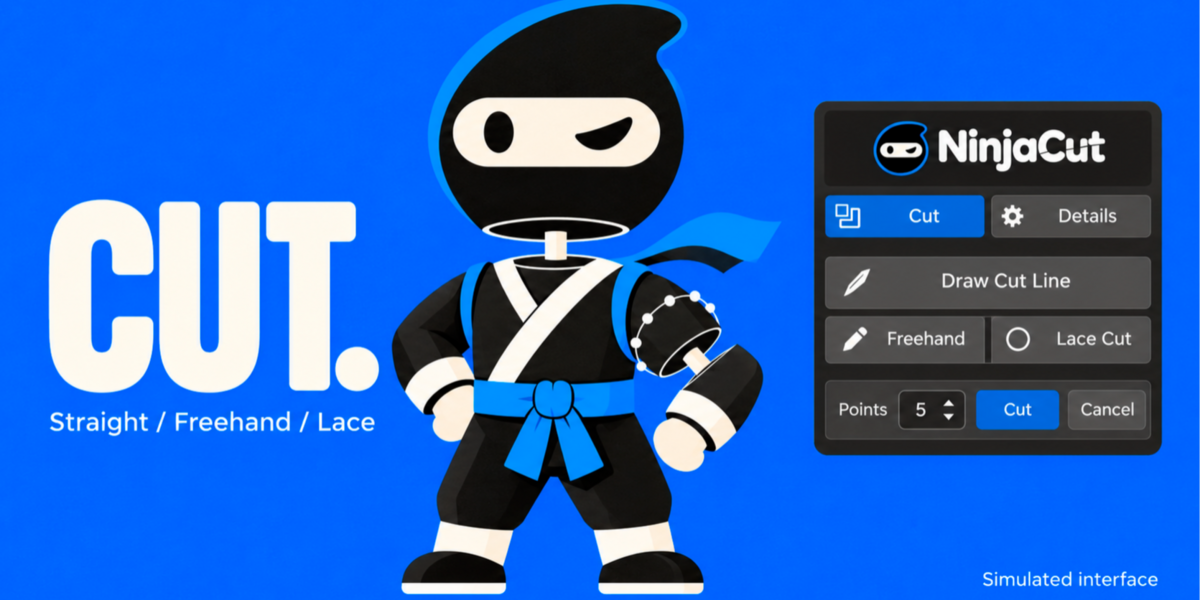
Yes. It is cut and capped, and Ninja Cut warns you about the open edges it found. A closed mesh gives the cleanest result, so fix the model first if you can.
My STL comes out at the wrong size.
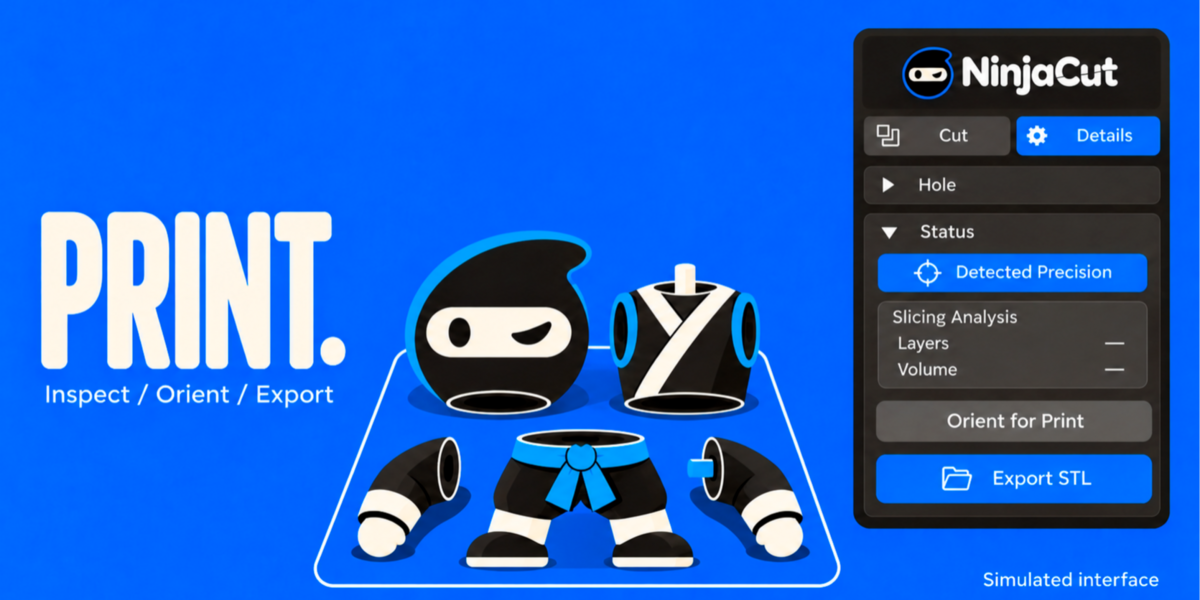
Check Scene > Units. Lengths follow the unit scale of the scene, and the STL is written in millimetres. Set the scene to Metric with a scale that matches your model.
Can I put more than one pin on a cut?
Each cut pair has one pin and socket. Cut again for another pair.
Can I use it to make holes for magnets?
Yes. The Hole section sets diameter, depth and direction, previews the hole on the surface, and adds it when you confirm.
Have questions about this product?
Login to message
| Published | 34 minutes ago |
| Blender Version | 5.2 |
| Extension Type | N/A |
| Render Engine Used | Arnold, Blender-Internal, Blender-Game-Engine, Cycles, Eevee, Freestyle, Luxrender, Mental-Ray, Octane, Vray, Yafaray |
| License | GPL |
Discover more products like this
split model print in parts boolean cut cut mesh alignment pins STL export cosplay miniatures 3d printing slice model socket dowel