 Adriflex
Can Nitro Retopo handle models with millions of triangles?
Yes. For smoother drawing and retopology, go to Prepare Surface and click Create Optimized Copy. In one click, Nitro Retopo decimates a copy to a default budget of 100,000 triangles or fewer and keeps your original mesh intact.
What makes this workflow different?
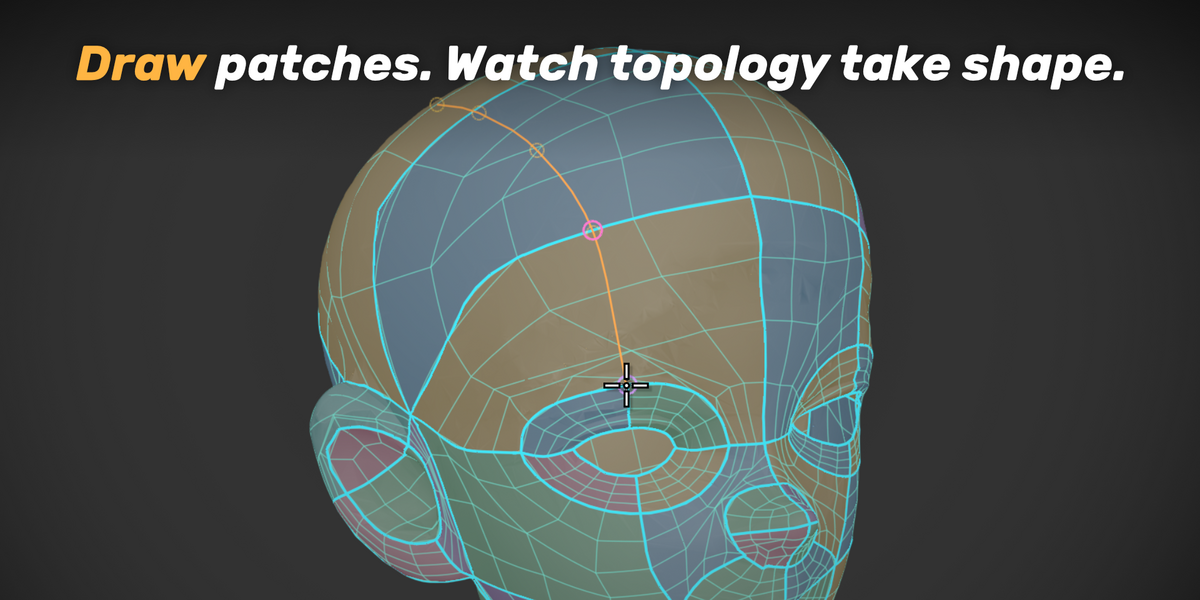
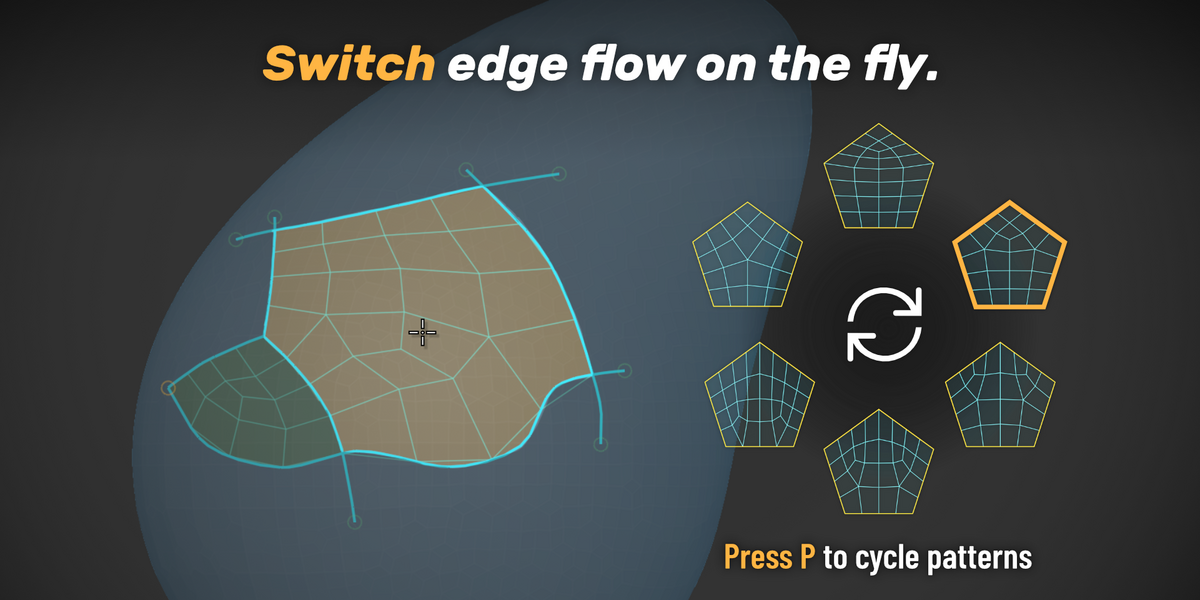
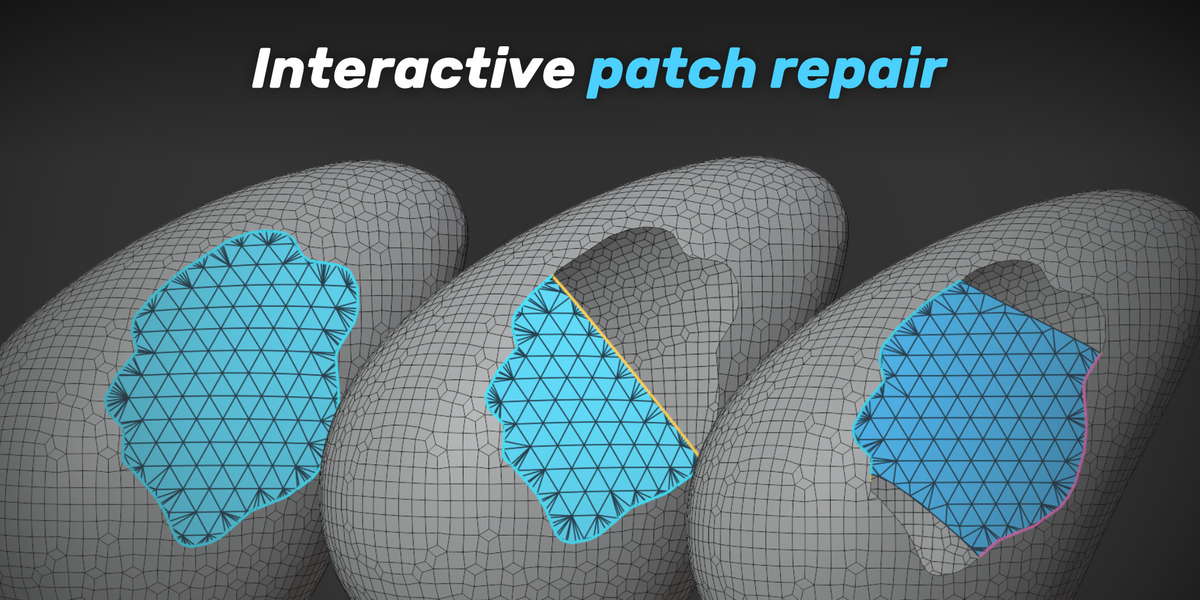
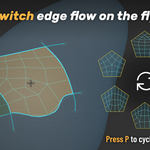
Multiply patches by dividing the surface. A few cuts can turn a large area into several patches, saving you from building them one by one. You then choose how the quads flow inside each patch.
Can I suggest features or get help with a bug?
Yes! Send ideas or issues through Superhive. Nitro Retopo is actively maintained, and I aim to resolve bugs quickly. For bugs, include your Blender/add-on versions and steps to reproduce.
Can I combine Nitro Retopo with other retopology tools?
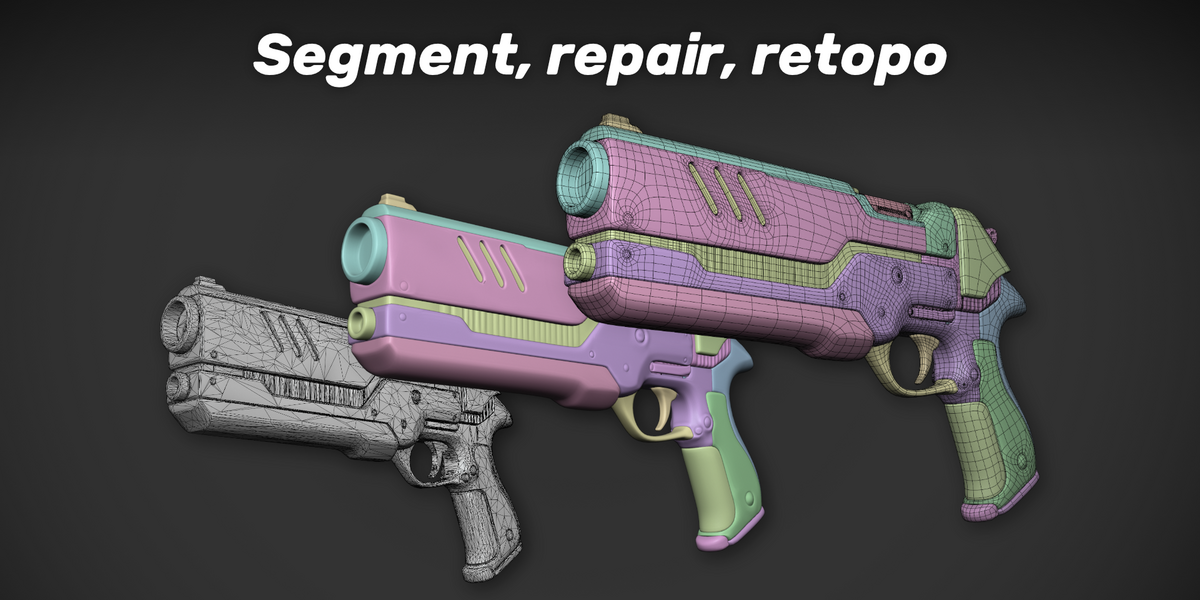
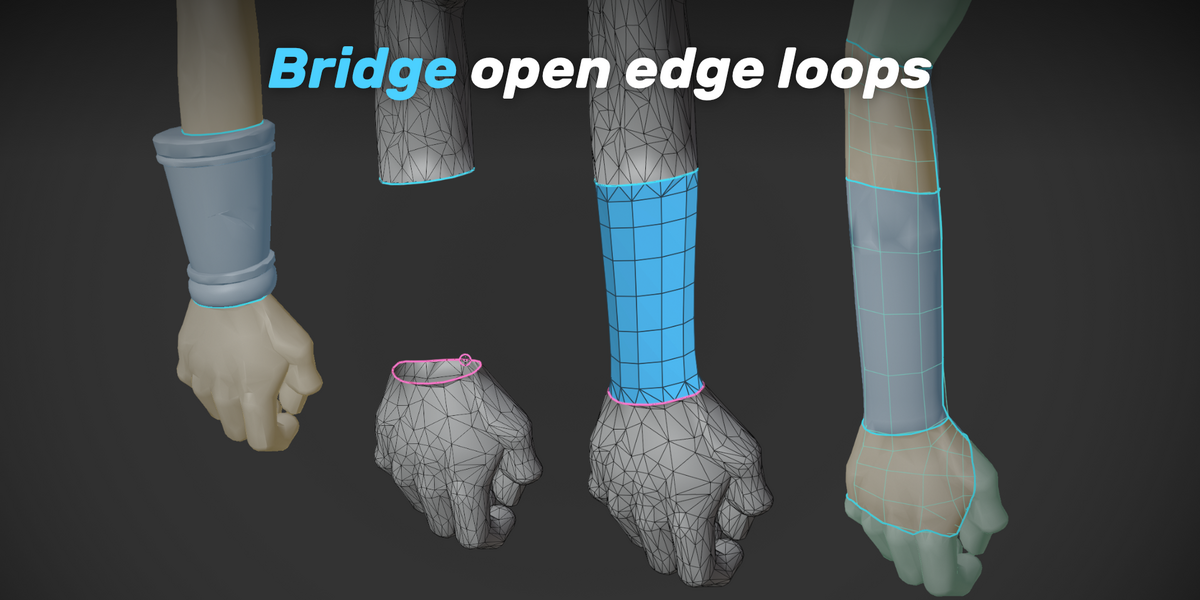
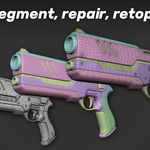
Yes. Segment and repair with Nitro Retopo, then use Quad Remesher or your preferred tools on the separated parts. You can also start with a mesh segmented elsewhere, or use Nitro Retopo for the whole workflow.
Have questions about this product?
Login to message
Discover more products like this
segmentation SDF retopology Sculpt 3D Scan mesh repair mesh cleanup AI generated models