 Adriflex
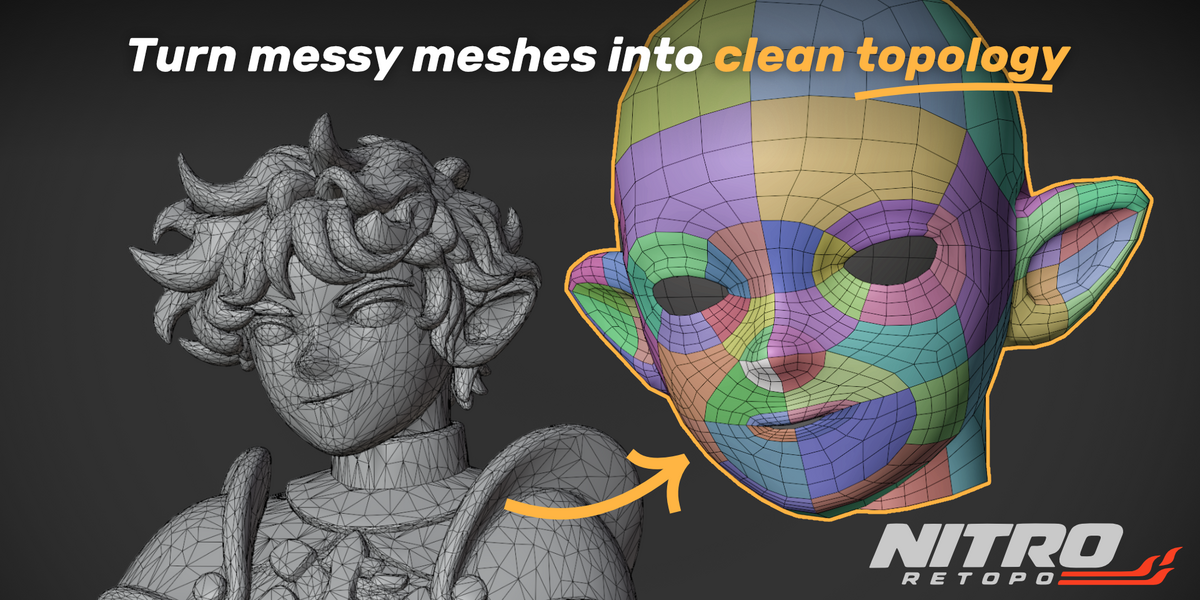
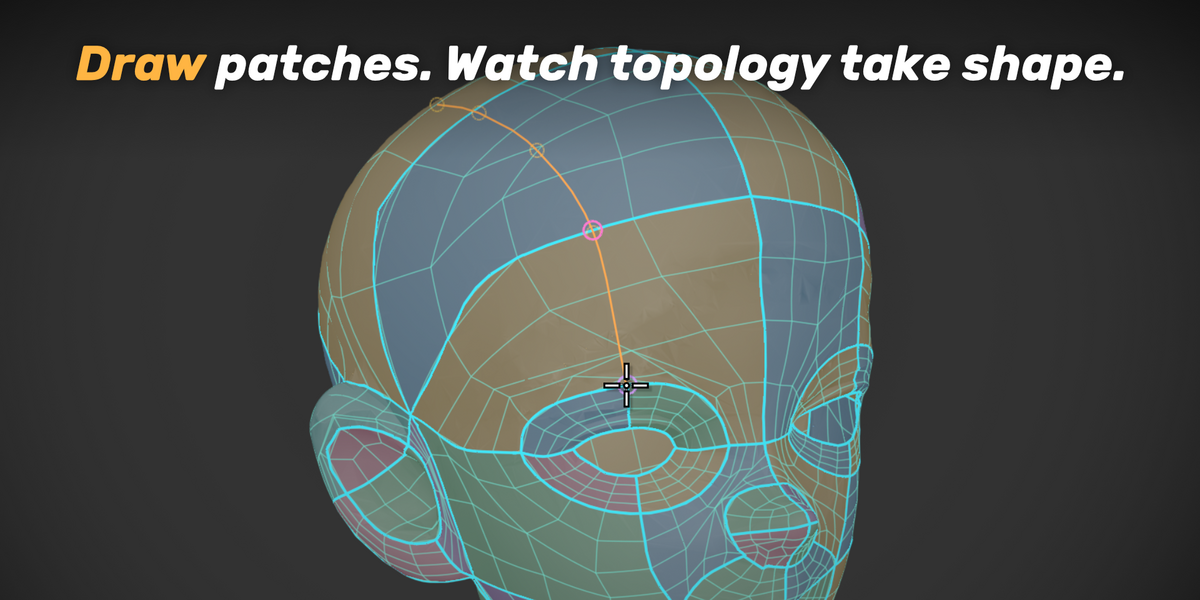
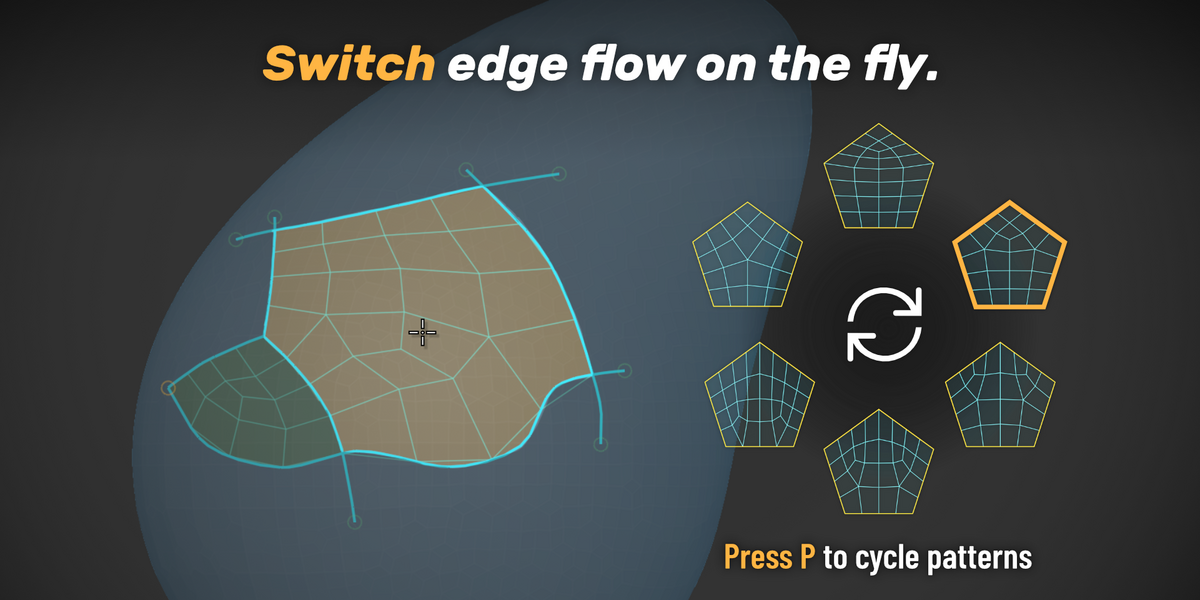
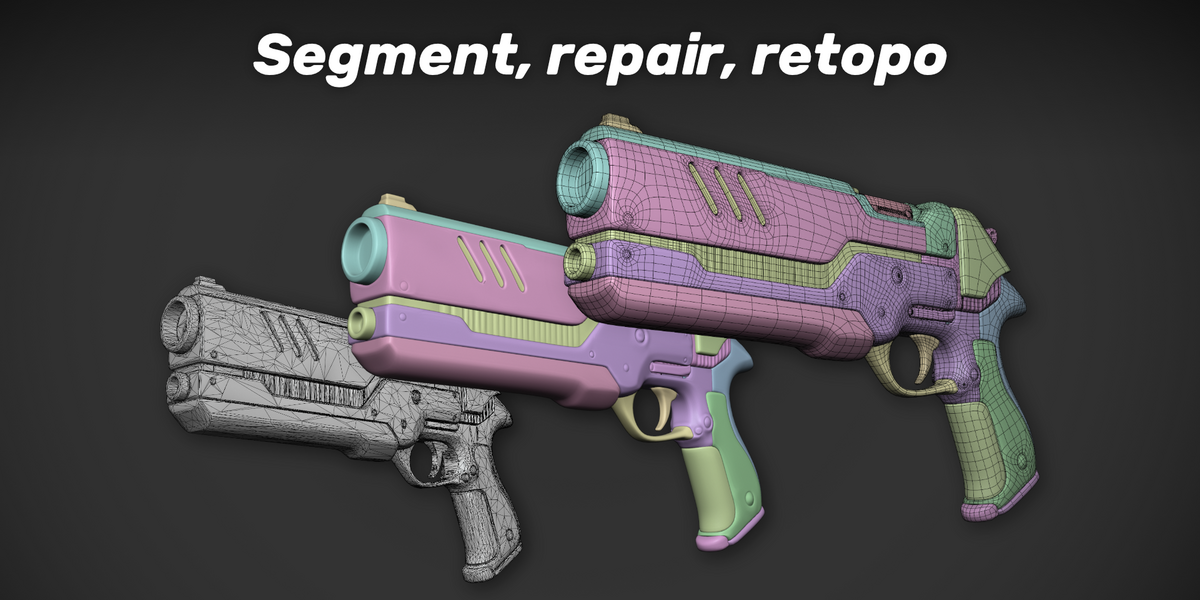
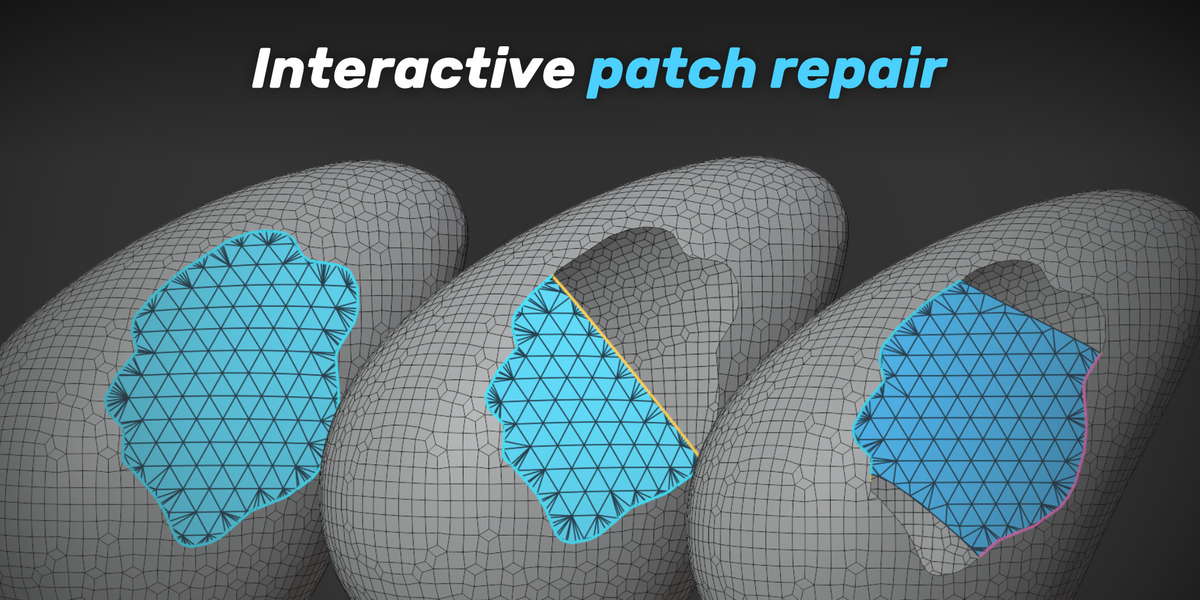
• Added support for Blender 5.3. Blender 5.2 remains the minimum version.
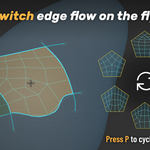
• New viewport toolbar with tool cards that show their keyboard shortcuts.
• Reworked cut calculations and topology previews for a more responsive drawing workflow.
• New Medic tool for fixing small issues in Draw Mode.
• Experimental Overlay mode for sketching patch boundaries without cutting into the source mesh.
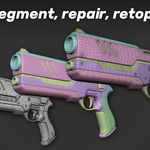
• New Split Cut tool: draw editable contours on high-poly meshes and separate parts while preserving the original.
• Four workflow panels: Mesh Cleanup, High Poly Tools, Prepare Surface and Nitro Retopo.
• Improved selection-based cleanup, Fill Holes controls and mesh density feedback.
• Surface Path renamed Shortest Path, plus contour editing and reliability fixes.
• Customize 26 shortcuts across Draw, Repair and Simplify, with key capture, disable/reset controls and help that follows your settings. Held tools retain a single key and their existing gesture modifiers.
• Blender navigation takes priority by default, including Alt navigation with Industry Compatible. Optional shortcuts can launch the three tools.
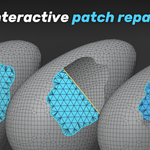
• Repair Multi-Edge Faces fixes supported face connections from a selected face, including supported four-face pinches, without moving existing vertices.
• Simplify repairs small enclosed gaps covered by the brush and protects unsupported wire attachments. Existing cuts and outer borders stay protected.
• Fix invalid brush-radius warnings when painting over empty space in a gap.
• Cuts on open borders are displayed in solid cyan for clearer feedback.
All preparation tools from 1.5.0 are retained. Gap repair is conservative and not a general hole-filling or non-manifold repair solution. Inspect repaired areas, especially where another surface lies behind an opening.
Requires Blender 5.2 or later.
A clearer preparation workflow for dense or fragmented meshes, including AI-generated models.
• Verify Mesh: check triangle count and disconnected parts when you need it. Advice appears above 20 disconnected parts or your configured triangle budget (100,000 by default).
• Merge by Distance: weld nearby vertices across disconnected parts before optimizing. The new preparation button works on the whole active mesh, opens a distance setting and supports Undo. Other objects are left unchanged.
• Guided preparation: Verify Mesh, Merge by Distance and Create Optimized Copy are grouped together, with each message next to the relevant action. Checks refresh after merging or creating an optimized copy.
• No analysis just from selecting an object: checks run only when you click Verify Mesh or complete a preparation action. A mesh within the configured triangle budget is not prompted to optimize again.
• Clearer feedback: messages adapt to the sidebar width, stay compact and let you know that optimization may take a moment.
Requires Blender 5.2 or later. Preparation advice is non-blocking. Keep an original copy, use a small merge distance and inspect the result: disconnected parts can be intentional.
New tools and improvements for drawing, local cleanup and repair.
• Preserve Cuts in Simplify: keep cut boundaries and connections when simplifying local topology. Redundant cut points and triangles are reduced where safe, with a conservative fallback for difficult repaired areas.
• Alt+B clipping: Cut Through now cuts all layers inside the viewport clipping volume while leaving geometry outside it untouched. Patch colors, 3D cuts and repair previews follow the same clipping volume.
• Open boundaries with J: hold J and click a highlighted cut branch to disconnect it locally while keeping the faces in the same object. Faster, more reliable picking and a yellow highlight.
• Delete patches with X: hold X and click to remove a patch or island. Undo restores it, and unchanged topology previews are reused to reduce refresh time.
• Natural boundaries: open mesh borders are recognized as patch boundaries and shown in orange. Partial seam marking no longer introduces false corners.
• Sculpt Face Sets from Cuts: turn cuts and existing Face Set boundaries into sculpting regions on the current mesh, without generating retopology. Includes a fix for the first creation of Face Sets.
• Improved U-Patch: better closure spacing and surface continuity, plus fixes for application conflicts with existing source faces.
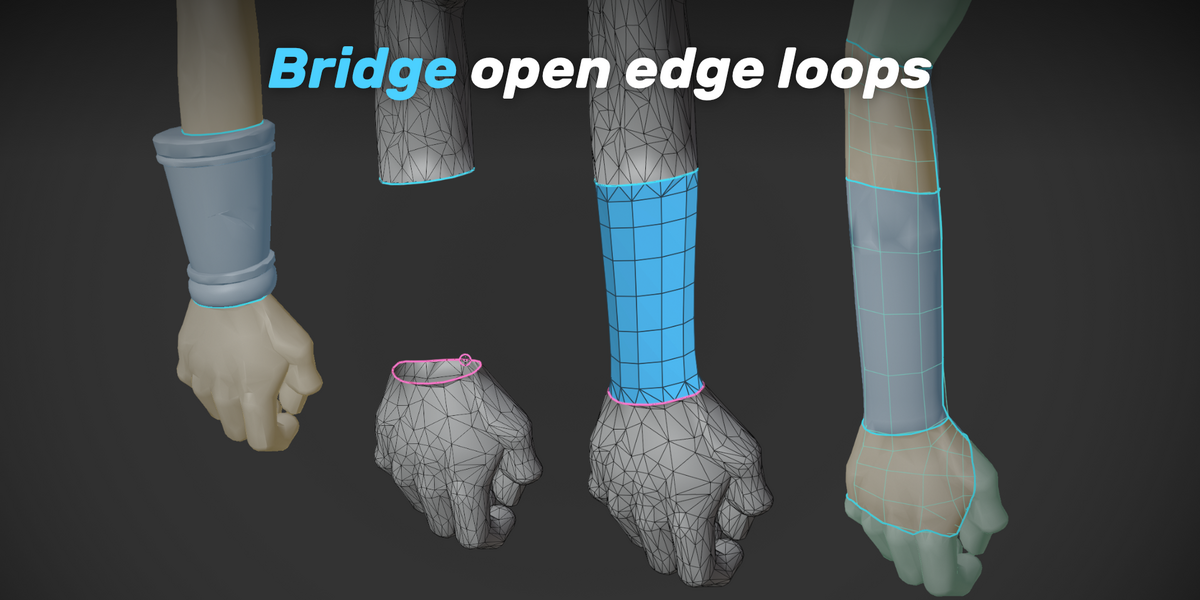
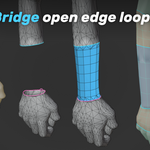
• Improved Bridge: more consistent row spacing and boundary density, with quad connections when boundary samples match. Recreate existing previews to use the new layout.
• More reliable Cap: fixes for previews that could not be applied because of conflicting source faces or edges.
• Editable results with orientation warnings: orientation conflicts no longer block the entire generation. Affected faces are flagged and selected for manual repair; the warning does not automatically repair them.
• Scene-local output: each scene keeps its own generated collection and retopology results, including when source objects are shared between scenes.
• Drawing and workflow fixes: keep the final curve shape when confirming clicked strokes, separate disconnected islands with S, access symmetry below the mode controls, use Alt+Z during Simplify, and exit modal tools cleanly when their target is hidden.
Requires Blender 5.2 or later. Surface Path and Show Mesh Problems remain experimental. Simplify may refuse changes that cannot safely preserve the cuts; repair tools do not guarantee removal of every geometric overlap.
This update adds more precise cleanup controls and smoother tool switching.
• Precise erasing: hold Shift+E to erase individual cut segments. E still erases a whole branch.
• Improved Simplify Surface: better cleanup of local degenerate faces and small border defects, while protecting explicit corners, hidden geometry and unpainted areas.
• Smoother tool transitions: switch directly from Repair to Simplify, then use Finish to leave Simplify.
• Experimental Surface Path: use Alt+click in Draw, choose an endpoint and preview a path across the surface before pressing Enter to cut. The route is approximate, with a 200,000-triangle limit.
• Experimental Show Mesh Problems: highlight non-manifold junctions and near-zero-area faces without modifying the mesh. This optional overlay is limited to 500,000 faces and is not a complete mesh validity check.
Requires Blender 5.2 or later.
What's new in 1.2.0
• Multi-patch lasso isolation: Hold L and drag in Draw Mode to isolate several patches of the same mesh. Orange highlighting previews the selection. Toggle X-Ray with Alt+Z during the gesture, undo isolation with Ctrl+Z, or reveal all patches with Alt+H.
• Improved Simplify Surface: Create coarser, smoother surfaces with density adapted to neighboring faces and less sensitivity to tiny triangles. Enabled by default; disable Simplify Surface in Advanced Settings to restore the previous behavior.
• Direct tool switching: Switch directly between Draw Cuts and Simplify Topology, or leave Simplify for Repair Mesh. Confirmed edits are preserved and the working copy is reused.
• Native save and mode shortcuts: Use Ctrl+S, Save As, Tab and Ctrl+Tab from Simplify. Pending brush edits are confirmed before saving or changing modes.
• Cleaner Simplify entry: Simplify automatically enters Edit Mode on the working object with its geometry deselected.
• Better triangulation conflict handling: Ambiguous faces are kept intact while the surrounding brush region is simplified, instead of rejecting the entire stroke.
Requires Blender 5.2 or later. Validated on Windows, including installation and upgrade from 1.1.0.
What's new in 1.1.0
• Simplify Topology: a new brush for local mesh cleanup in Object and Edit Mode.
• Smooth and Relax: hold Shift to smooth, R to relax, and F to resize the brush. Keep working across strokes with undo and redo support.
• Local control: support for Alt+B clipping, enclosed regions, temporary wire display, and smoothing along open borders.
• More reliable drawing: improved short connections, seam endpoints, and long anchored point curves.
• Move point curves with Space before applying them. Navigation is locked while drawing to prevent accidental view changes.
• Reorganized sidebar with contextual shortcut help for Draw, Repair, and Simplify.
Requires Blender 5.2 or later. Validated on Windows. Some local brush operations are synchronous and may take time on dense meshes.
Initial release of Nitro Retopo 1.0.0.
Have questions about this product?
Login to message
Discover more products like this
3D Scan AI generated models segmentation mesh cleanup retopology Sculpt SDF mesh repair