 SARASURRANO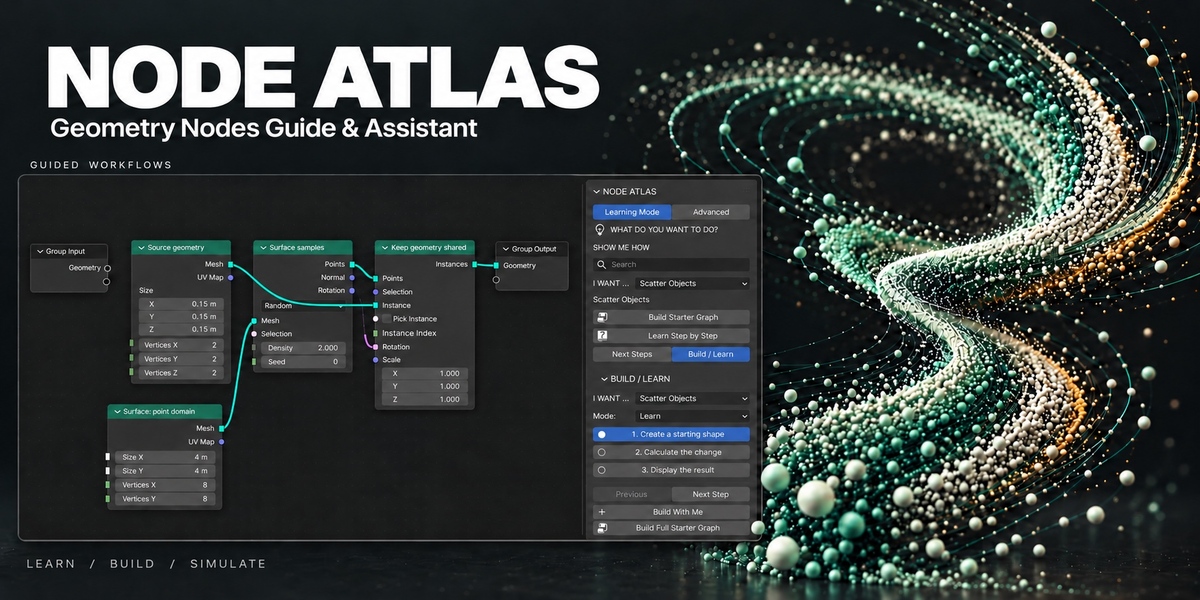
NODE ATLAS
Know what to add next. Understand what you build.
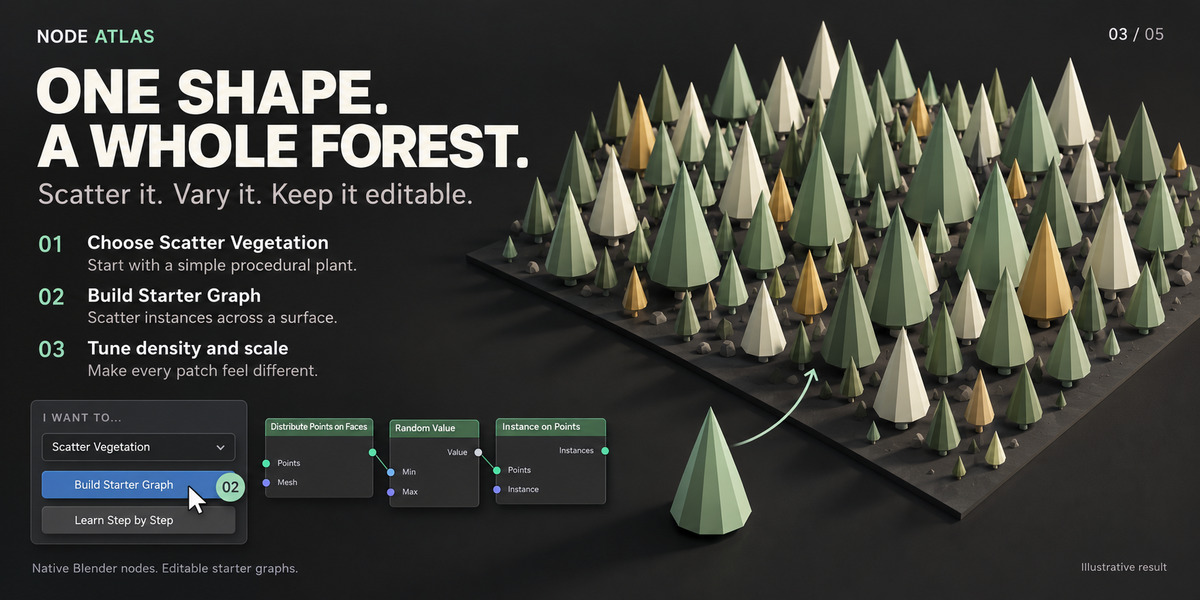
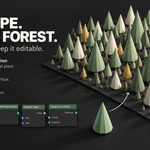
Want to scatter objects, shape terrain, animate particles or grow curves—but don’t know where to start?
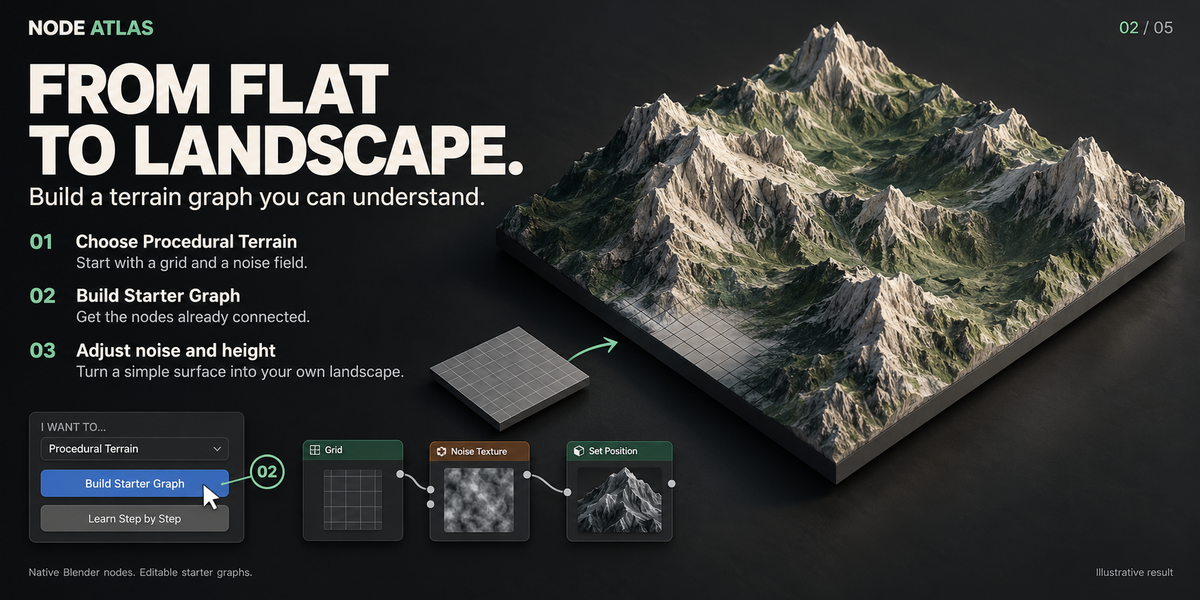
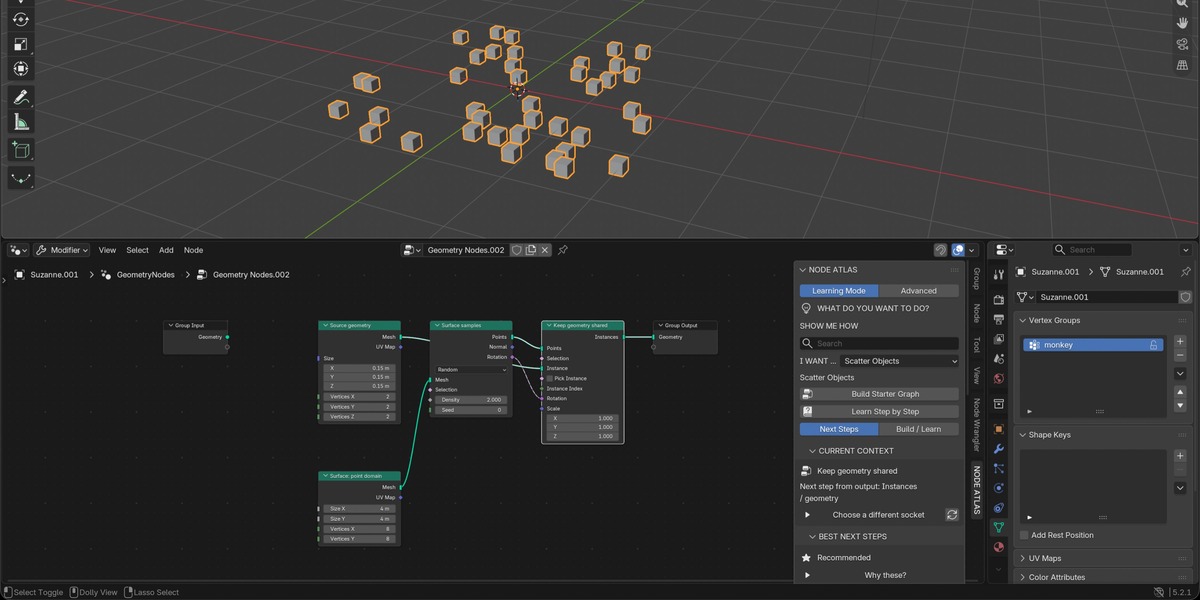
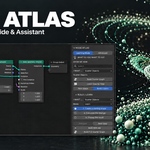
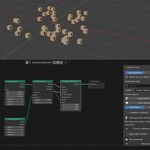
NODE ATLAS helps you take the next step in Geometry Nodes, directly inside Blender. Choose what you want to create, follow clear explanations, and build an editable starter setup you can make your own.
WHAT CAN YOU DO WITH IT?
• Start with an idea
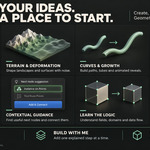
Choose a goal without needing to know the right node names.
• Get useful next steps
Select a node and see suggestions for what to add, with explanations of why it helps.
• Build your way
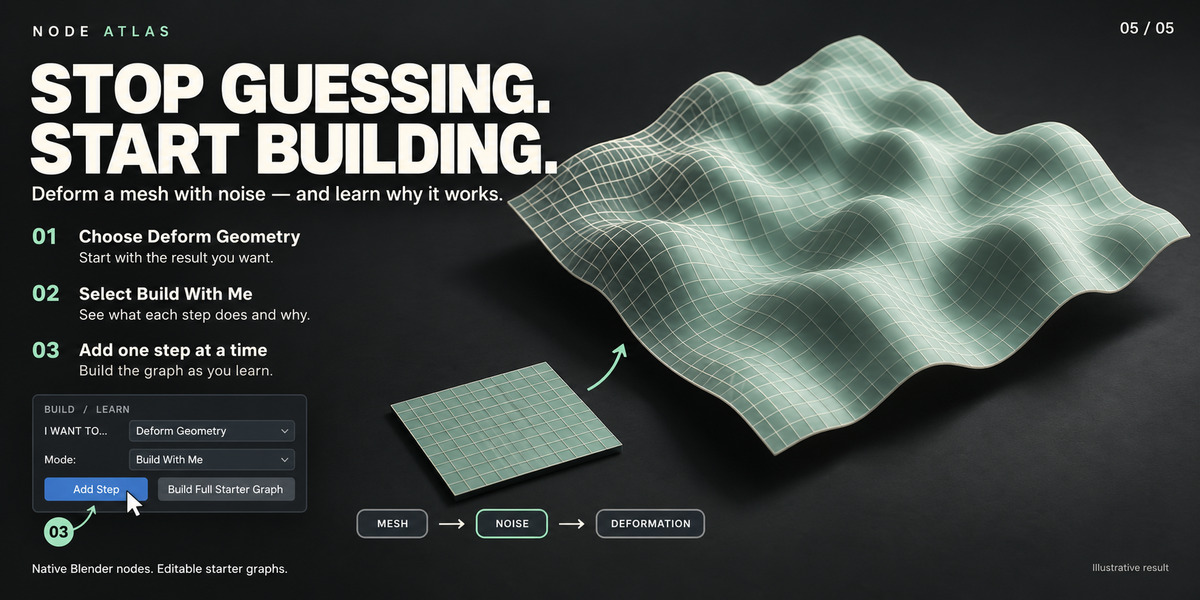
Learn the steps first, build along one step at a time, or create the complete starter graph.
• Explore creative possibilities
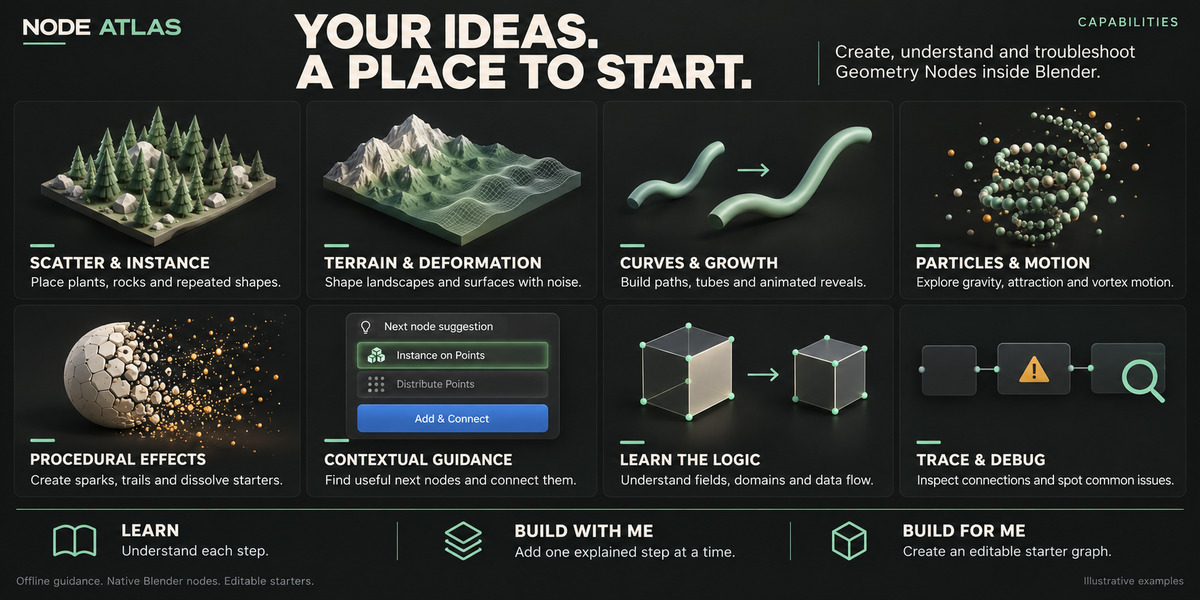
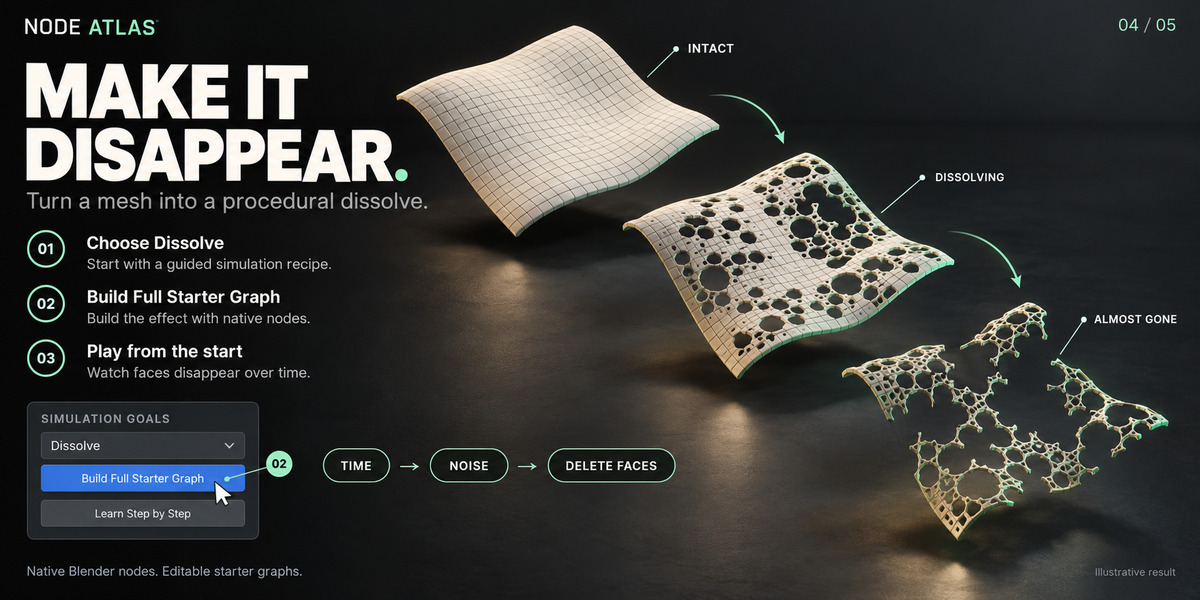
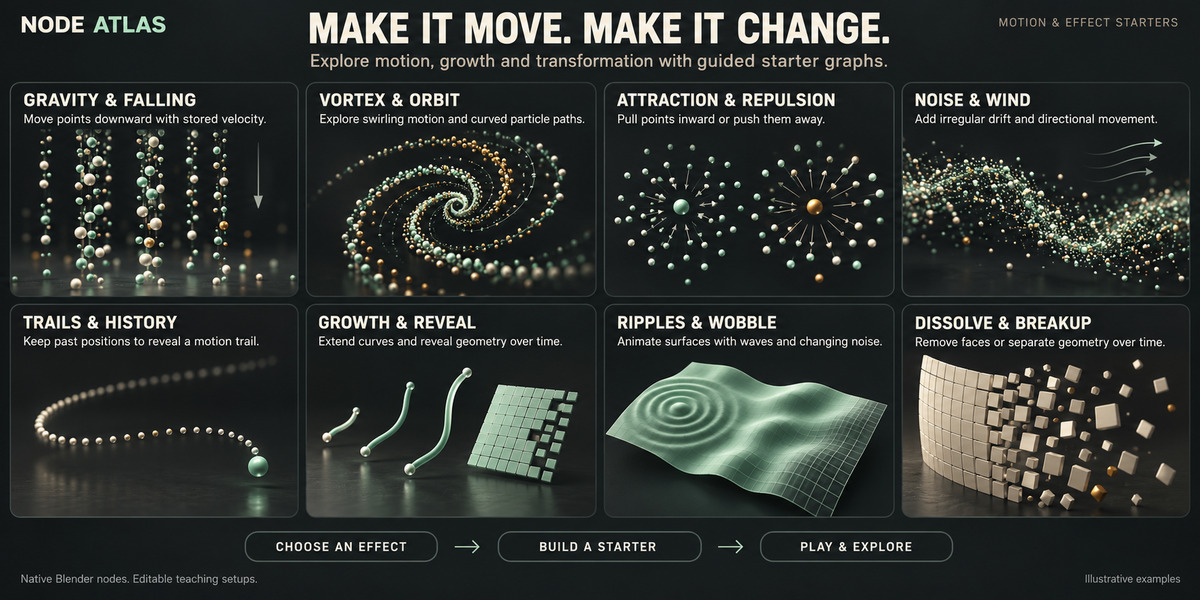
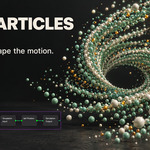
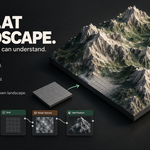
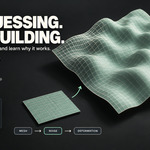
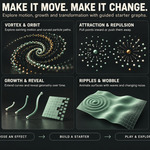
Try scattering, terrain, curves, particle motion, growth, trails and procedural effects.
• Add and connect nodes faster
Use Add & Connect to place a suggested node and create a compatible connection.
• Understand and troubleshoot your work
Follow connections, see what different parts do, and check for common mistakes.
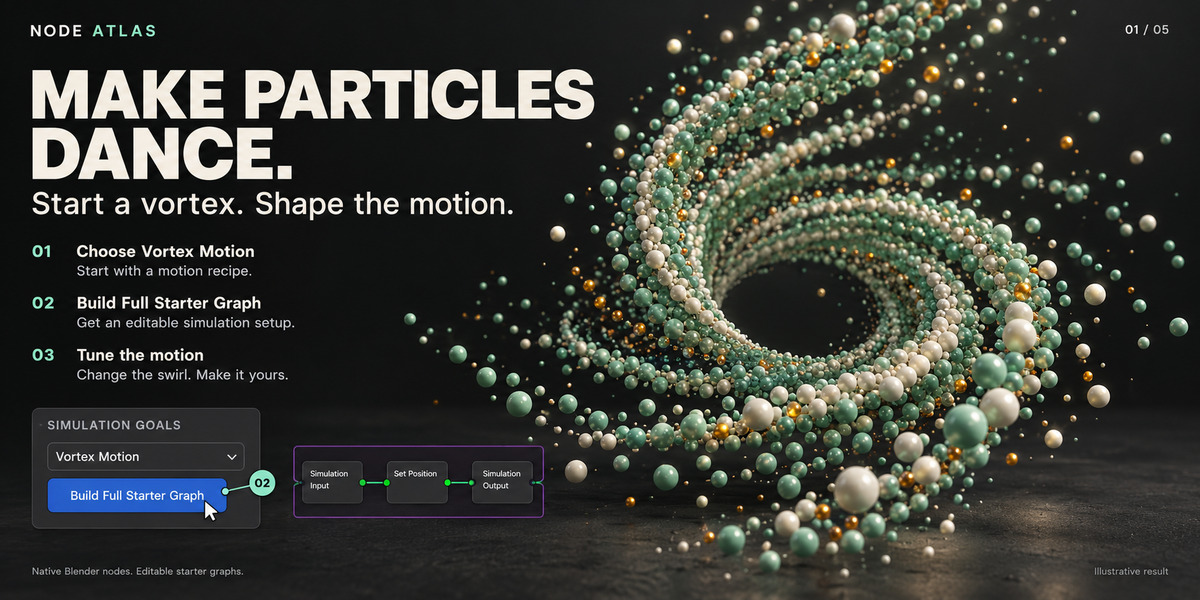
GET STARTED IN THREE STEPS
Choose what you want to create.
Learn the steps or build a starter.
Adjust the result and make it your own.
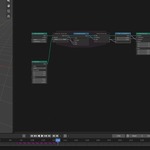
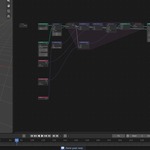
All starter graphs use native Blender nodes and remain fully editable.
KEY FEATURES
• Smart Next Steps — get suggestions for what to add next and understand why.
• Add & Connect — add suggested nodes and create compatible connections.
• Goal-Based Workflows — choose what you want to create without memorizing node names.
• Editable Starter Graphs — start with a working example and make it your own.
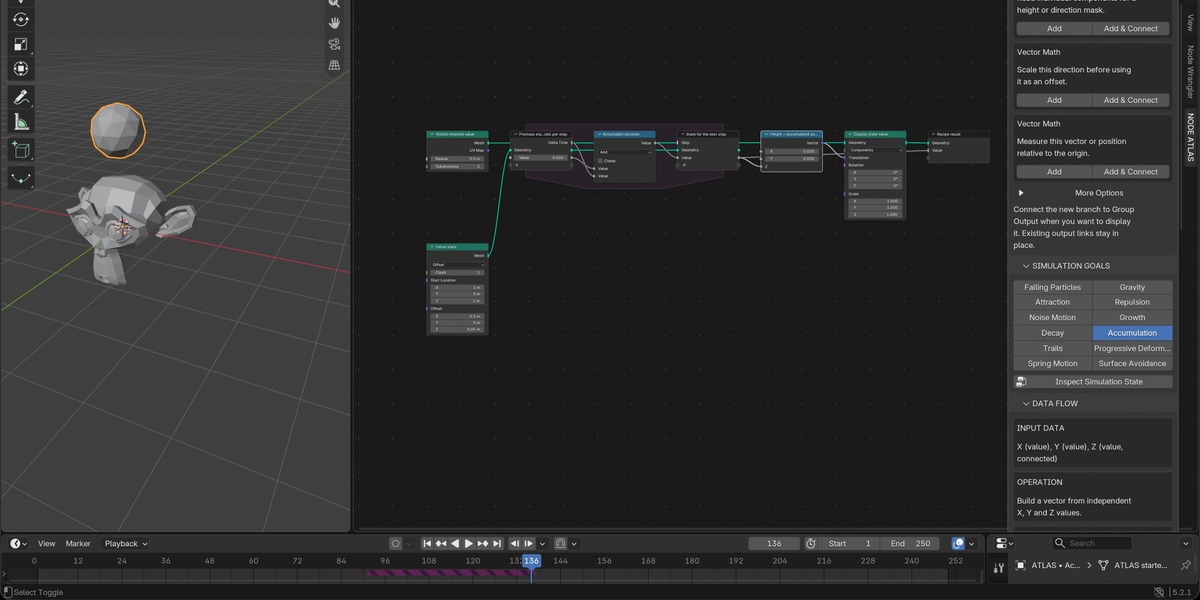
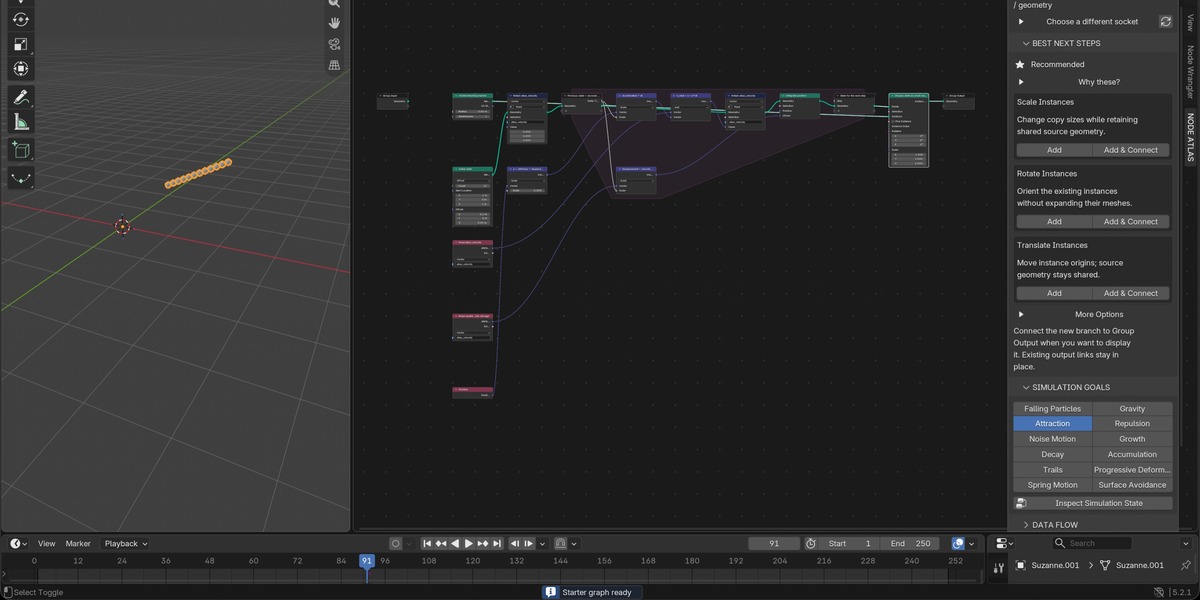
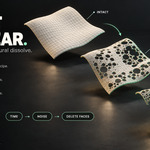
• Simulation & Effects — explore particle motion, growth, trails, dissolve and more.
• Three Learning Modes — learn first, build step by step, or generate a complete starter.
• Graph Explainer & Node Doctor — understand your setup and check for common issues.
• Beginner & Advanced Views — choose detailed explanations or compact guidance.
Works offline. No AI account or API key required.
