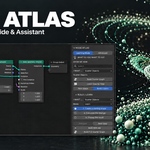
Node Atlas - Geometry Nodes Guide & Assistant
 SARASURRANO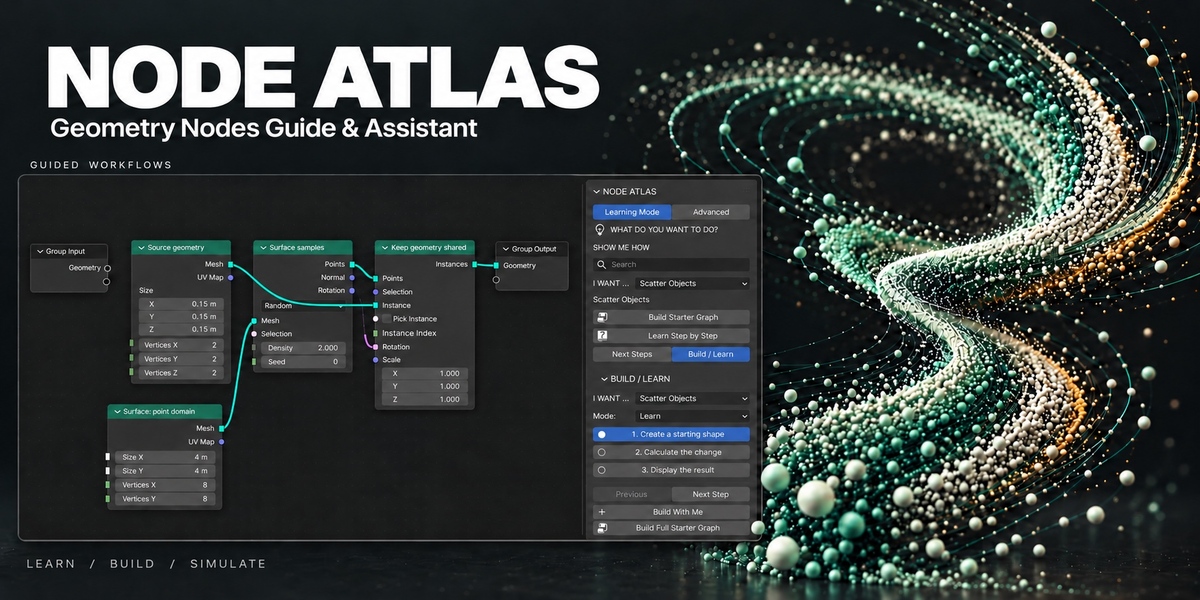
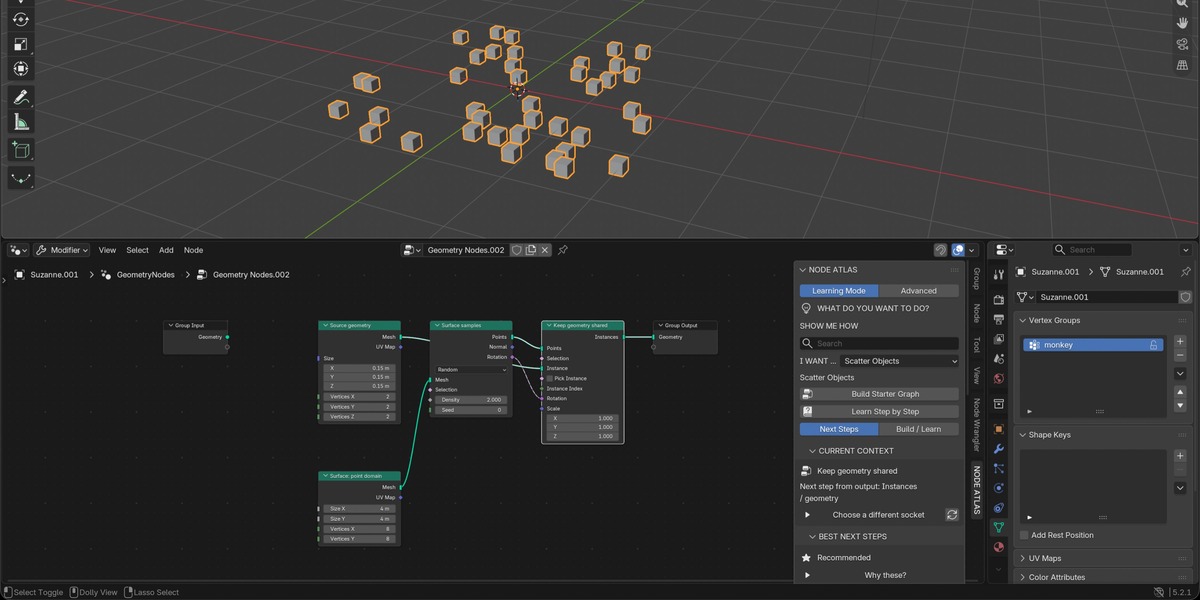
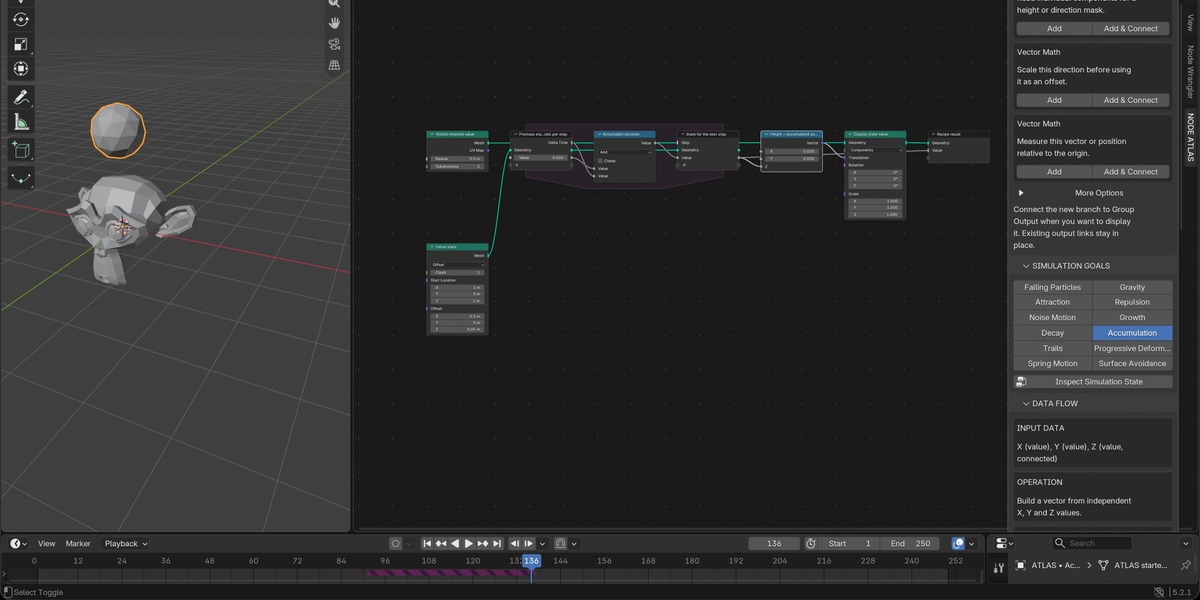
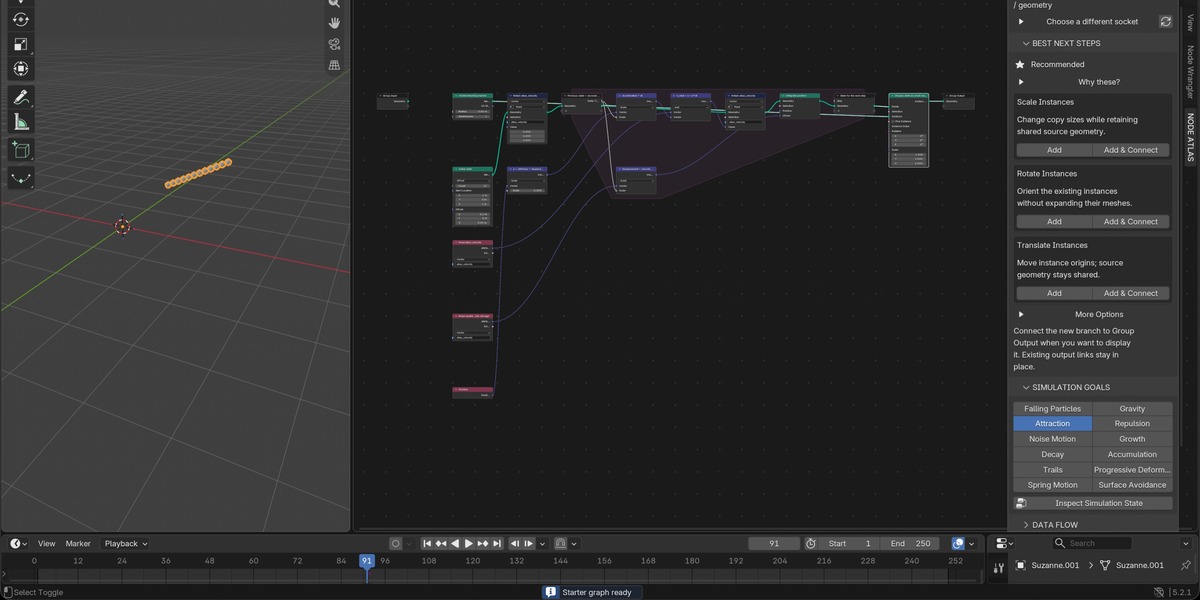
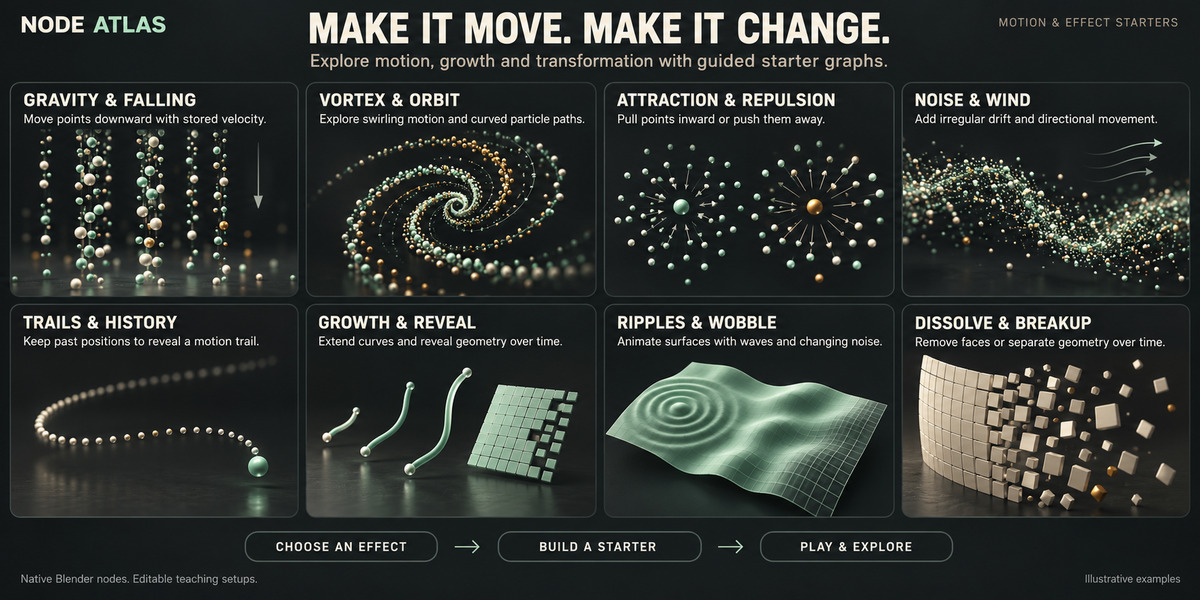




INSTALLATION
- In Blender, open Edit → Preferences → Get Extensions.
- Open the menu and choose Install from Disk.
- Select NODE_ATLAS_v1.0.0.zip.
- Enable NODE ATLAS if Blender does not enable it automatically.
- Open a Geometry Nodes Editor and access NODE ATLAS from the sidebar.
Disable any older NODE ATLAS installation before installing this release.
GETTING STARTED
NODE ATLAS is designed to help you understand what to do next while working with Geometry Nodes.
You can start in three ways:
- Select a node
- Select a socket
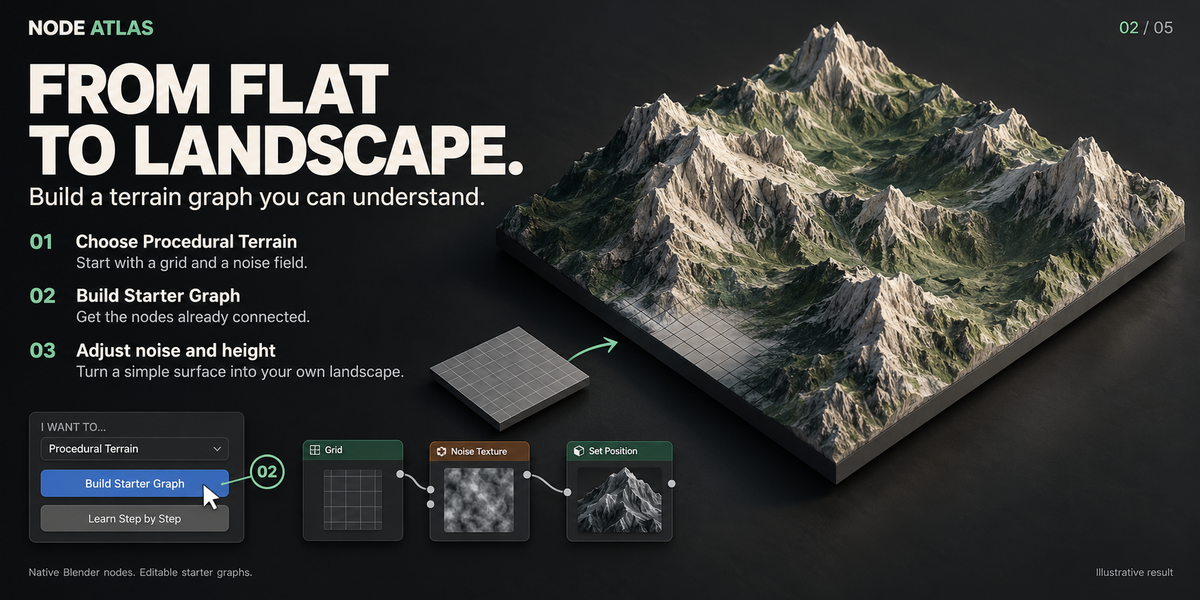
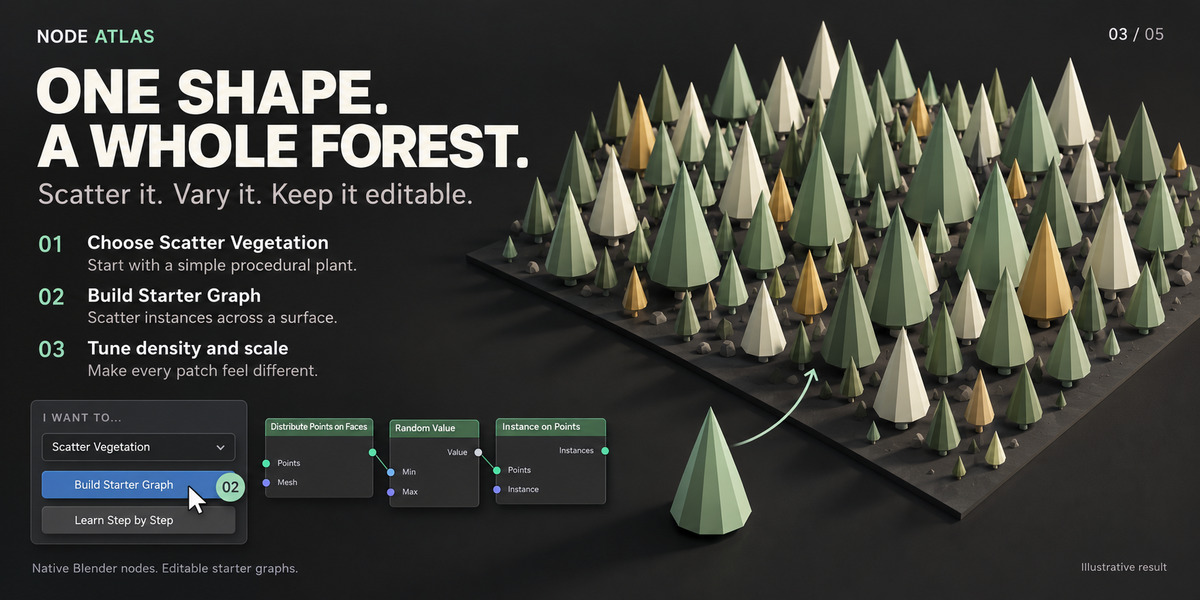
- Choose a goal from I WANT TO…
NODE ATLAS analyzes the current context and suggests relevant next steps, explanations and starter workflows.
CONTEXT-AWARE SUGGESTIONS
When a node or socket is selected, NODE ATLAS can show:
- recommended next nodes
- compatible connections
- common workflow options
- short explanations of what each suggestion does
- why the suggestion is relevant in the current context
Use Add to insert a node.
Use Add & Connect to insert and connect it when a safe connection can be determined.
NODE ATLAS prioritizes useful suggestions rather than showing every technically compatible node.
I WANT TO…
Use I WANT TO… when you know the result you want, but not which nodes you need.
Example goals include:
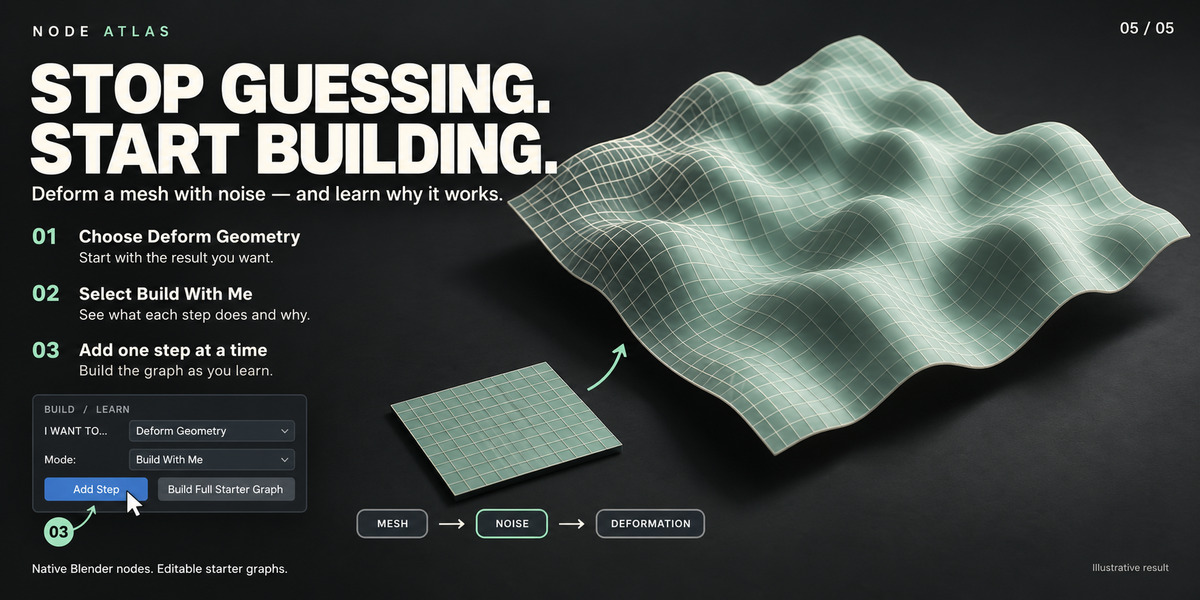
- deform geometry
- scatter objects
- create points
- create instances
- build curves
- select geometry
- animate geometry
- create trails
- create procedural motion
- use Simulation Zones
- create growth or spreading effects
- work with attributes, fields and domains
- create procedural FX-style setups
Each workflow can include:
- a short explanation
- the main concepts involved
- recommended nodes
- a starter graph
- guided learning steps
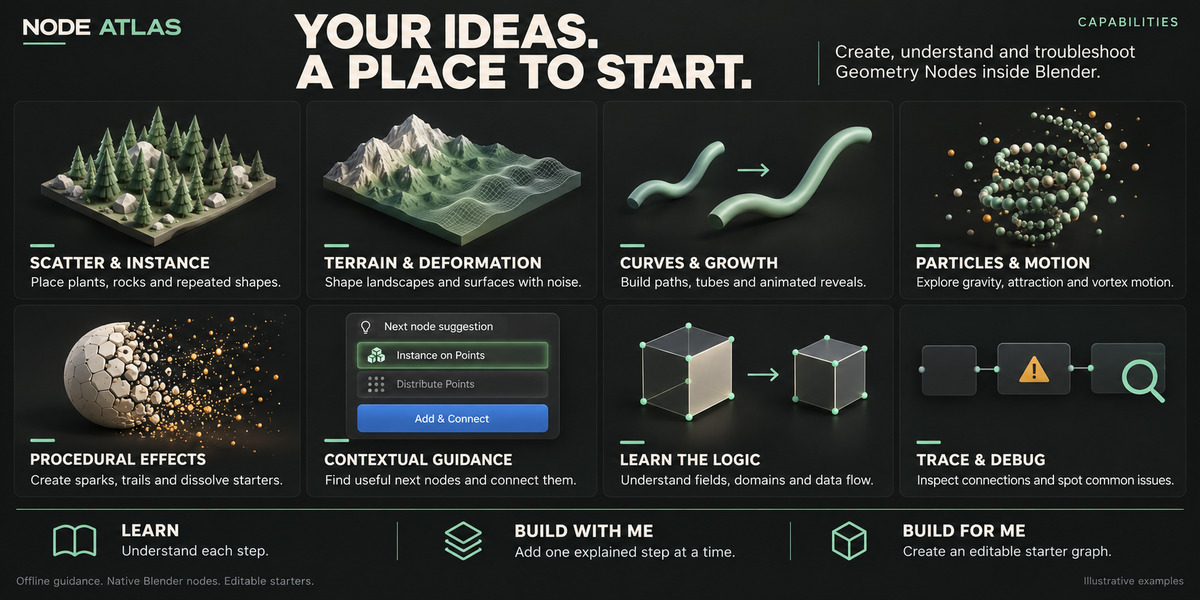
LEARN / BUILD WITH ME / BUILD FOR ME
Where available, workflows can be explored in three ways:
Learn
Understand the concepts and nodes before making changes.
Build With Me
Create the graph step by step while NODE ATLAS explains each stage.
Build For Me
Generate a clean editable starter graph using native Blender nodes.
Starter graphs are intended as learning and workflow foundations, not locked final assets.
SIMULATION ATLAS
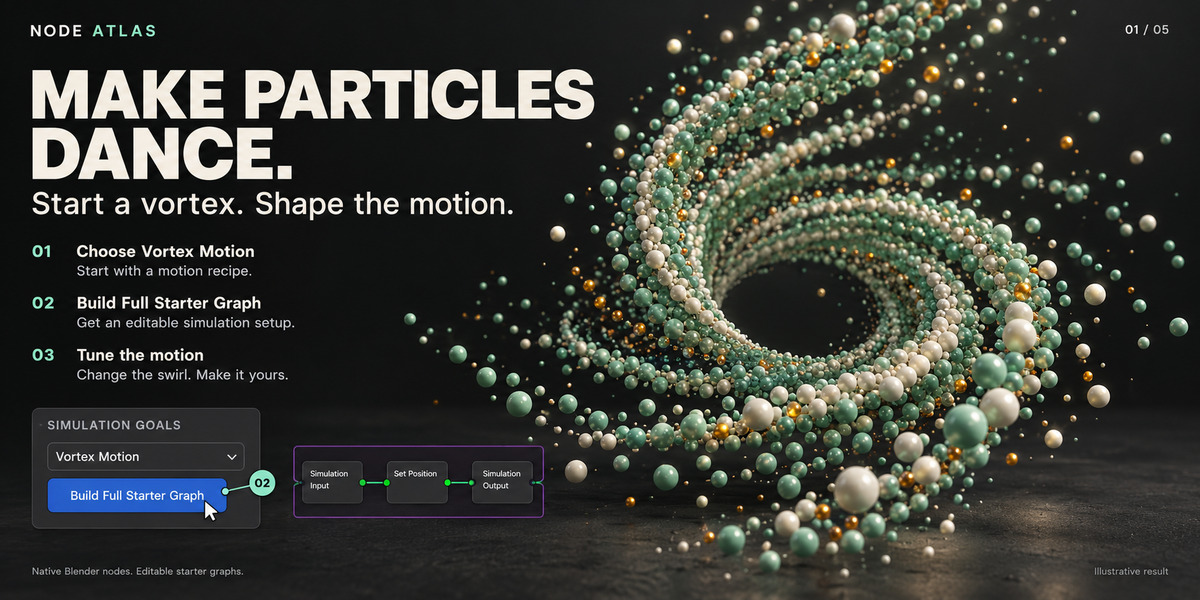
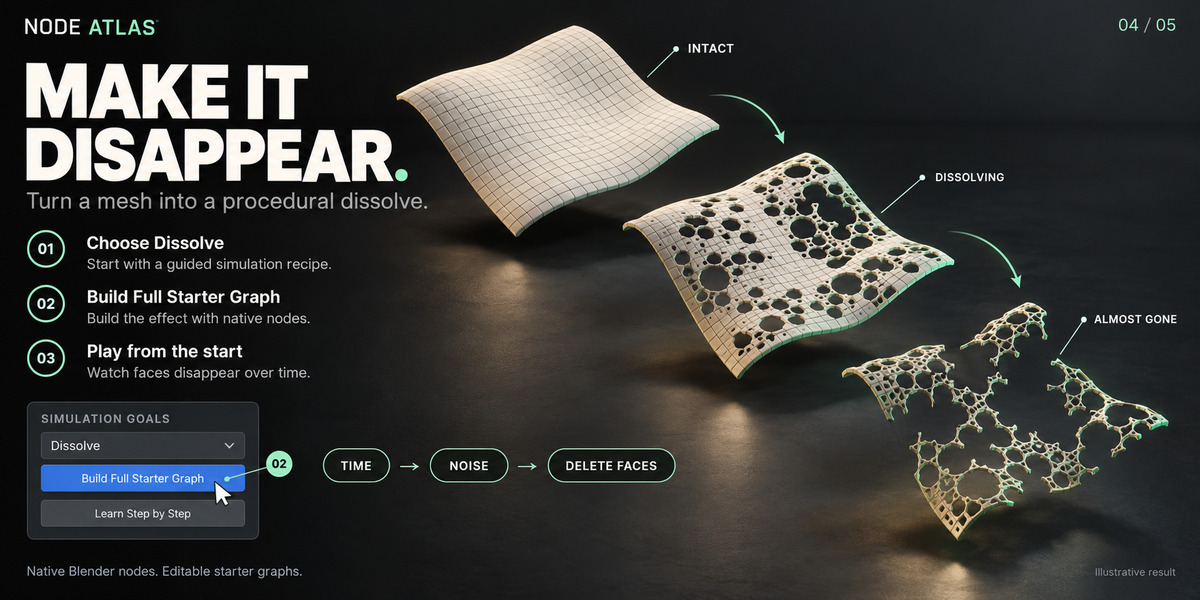
Simulation Atlas provides guided Geometry Nodes workflows for procedural motion and time-based effects.
Available workflow types may include:
- gravity
- attraction and repulsion
- noise-driven motion
- vortex and orbit motion
- growth and decay
- accumulation
- trails and motion history
- progressive deformation
- ripple and wave effects
- surface interaction
- dissolve and breakup-style effects
- sparks and embers
- flame-like motion
- debris motion
Some workflows are procedural approximations, not replacements for Blender’s dedicated physics systems.
For example, flame-like motion is not a Mantaflow fire simulation, and tear-like propagation is not a full cloth tearing solver.
FIELDS & DOMAINS
NODE ATLAS includes explanations for important Geometry Nodes concepts such as:
- Fields
- Attributes
- Named Attributes
- Anonymous Attributes
- Point Domain
- Edge Domain
- Face Domain
- Face Corner Domain
- Instance Domain
- Geometry Components
- Capture Attribute
- Store Named Attribute
These explanations are written to help users understand how data flows through a Geometry Nodes graph.
DATA FLOW
For supported nodes, NODE ATLAS can explain:
- Input Data
- Operation
- Output Data
- Common Drivers
- Common Next Steps
This helps explain not only what a node is called, but what it actually does inside the graph.
GRAPH EXPLAINER
Use the Graph Explainer to analyze selected parts of a Geometry Nodes setup.
Depending on the graph, NODE ATLAS can identify:
- geometry paths
- field calculations
- selection branches
- instance workflows
- conversions
- Simulation Zones
- Repeat Zones
- important transformations
Complex graphs can be ambiguous, so explanations are intended as practical guidance rather than a guarantee of artistic intent.
GRAPH TRACE
NODE ATLAS includes graph-navigation tools such as:
- Trace Upstream
- Trace Downstream
- Dependency Path
These tools help you understand how nodes depend on each other in larger setups.
NODE DOCTOR
Node Doctor checks for common Geometry Nodes workflow problems.
Examples may include:
- unused nodes
- dead branches
- unconnected important inputs
- unnecessary Realize Instances usage
- repeated expensive operations
- excessive conversion chains
- potentially heavy point counts
- expensive raycast or proximity workflows
- Simulation Zone issues
- Repeat Zone issues
Warnings explain why something may be a problem and what to inspect.
NODE ATLAS does not automatically rewrite or optimize your graph without your action.
PERFORMANCE GUIDANCE
NODE ATLAS can highlight patterns that may become expensive, including:
- very high point counts
- excessive instance realization
- dense geometry
- repeated geometry operations
- heavy raycast or proximity usage
- large simulation states
- high Repeat Zone iteration counts
Performance guidance is advisory. Actual performance depends on your scene, hardware and graph.
SEARCH / SHOW ME HOW
Search by node name, concept or goal.
Examples:
- scatter rocks
- move points
- make particles fall
- grow curves
- create trails
- add gravity
- make a vortex
- select top faces
- animate noise
- spread across a surface
Results may include:
- nodes
- concepts
- workflows
- simulation recipes
- starter graphs
- troubleshooting information
NODE ATLAS works locally and does not require an external AI API or subscription.
BEGINNER & ADVANCED MODES
Beginner Mode focuses on:
- clear explanations
- recommended next steps
- guided workflows
- learning concepts
- simpler choices
Advanced Mode focuses on:
- faster contextual suggestions
- socket compatibility
- graph tracing
- dependency analysis
- debugging
- performance guidance
UNDO / REDO
Actions that modify the Geometry Nodes graph are designed to work with Blender’s Undo / Redo system.
NODE ATLAS does not automatically modify your graph without an explicit user action.
SAVE AND REOPEN
Save your Blender project normally as a .blend file.
NODE ATLAS does not replace native Geometry Nodes data. Starter graphs and nodes created by the addon are standard Blender nodes and remain part of your .blend file.
Keep NODE ATLAS installed and enabled to continue using its guidance, analysis and workflow tools.
REQUIREMENTS AND COMPATIBILITY
Blender: 4.2 LTS – 5.2.x
Supported operating systems:
- Windows
- macOS
- Linux
NODE ATLAS is packaged as a Blender Extension Add-on.
 Included
Includes 12 months of
- Support from SARASURRANO
- Product updates
Extend this product’s Support Period +12 months: 50% of product price
Have questions before purchasing?
Login to message
| Published | 6 days ago |
| Blender Version | 4.2 - 5.2 |
| Extension Type | Add-on |
| Render Engine Used | Cycles, Eevee |
| License | GPL |
Discover more products like this
advanced geometry nodes gemetrynodes nodetools debugging 3D Simulation 3D blender learning advanced Blender nodes 3DWorkflow blender learning tool proccedural 3D Motion 3D nodes