 st1ksi
HIGH-RESOLUTION NODE SCREENSHOTS
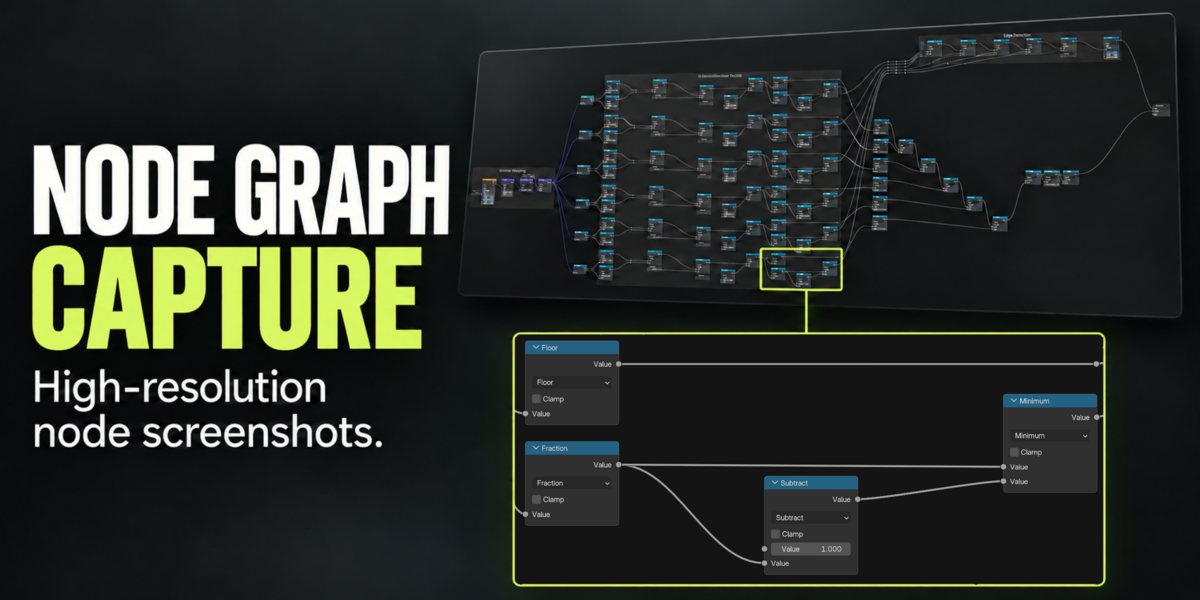
Your whole graph.
Every detail.
Turn large Blender node trees into one detailed PNG. Capture beyond the visible editor area while keeping the familiar look of your nodes, labels and connections.
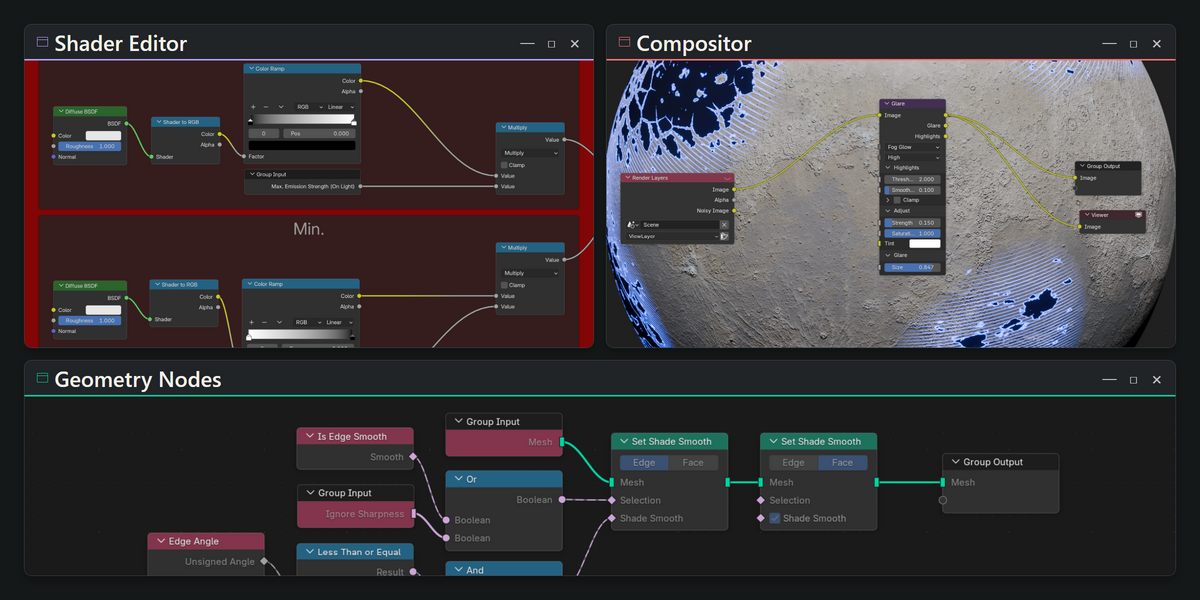
Work directly in the node editor you already have open. Your view, selection and temporarily hidden interface settings are restored after capture.
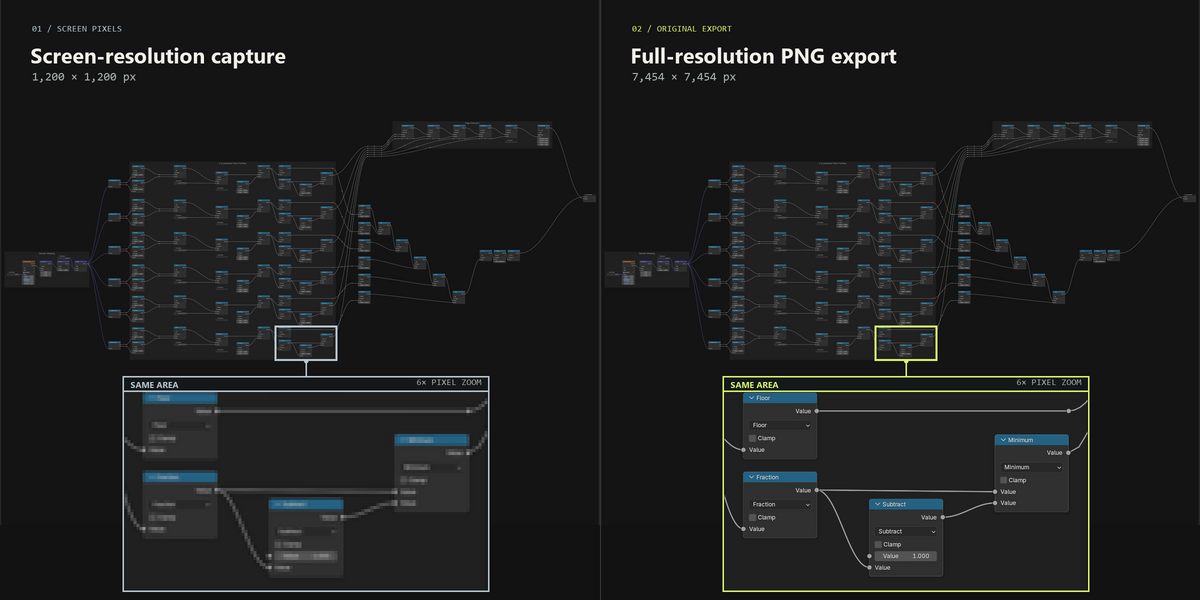
The difference is in the details.
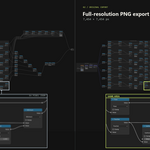
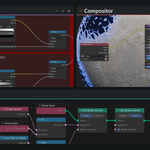
02 / COMPAREA screenshot zoomed out to fit the graph loses the small print. Capture the whole layout at a readable scale, then share it in a single image.
Guaranteed gap-free stitching.
Capture tiles are checked for alignment and assembled without gaps, overlaps or resampling.
Long connections, kept clear.
Keeps long wires visible when their connected nodes move fully offscreen during capture, preventing greyed-out or missing segments.
See Documentation for the remaining Blender wire-visibility limitation.

Go ahead. Look closer.
Explore a real PNG exported by the add-on.
Real PNG export · scroll to zoom · drag or hold middle mouse to move.
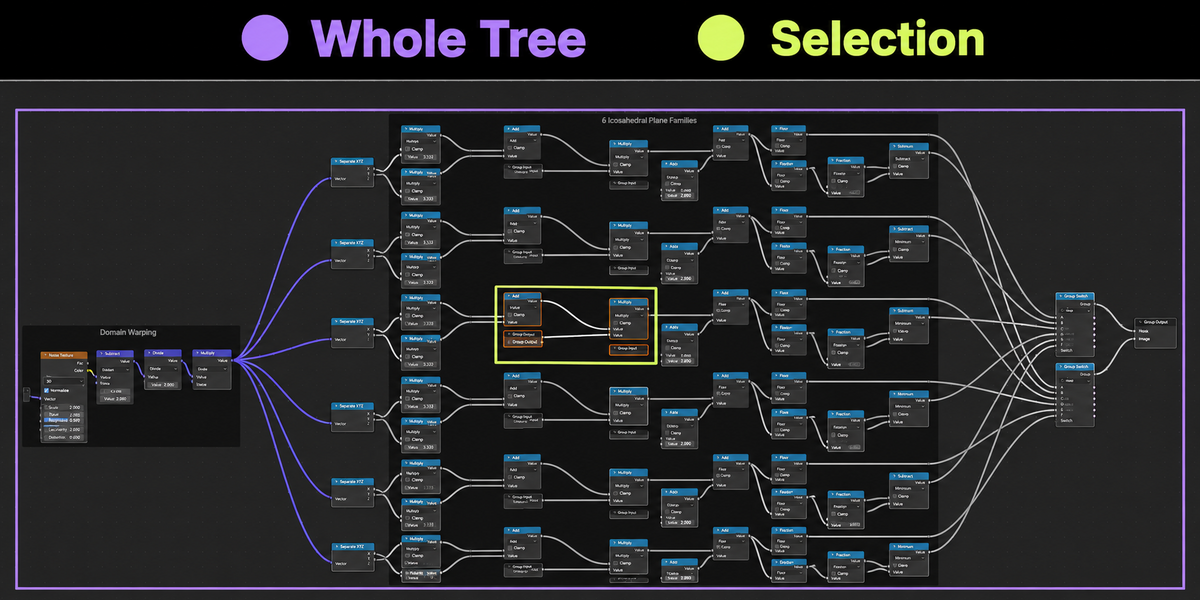
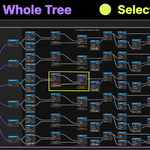
The whole tree. Or just your selection.
Whole Tree
Capture the entire currently open node tree, including the parts outside your view. A purple outline previews the capture area and its padding.
Selection
Capture the area around selected nodes. Select a Frame to include its contents and nested Frames. A lime outline previews the capture area and its padding before you export.
Readable detail, automatically.
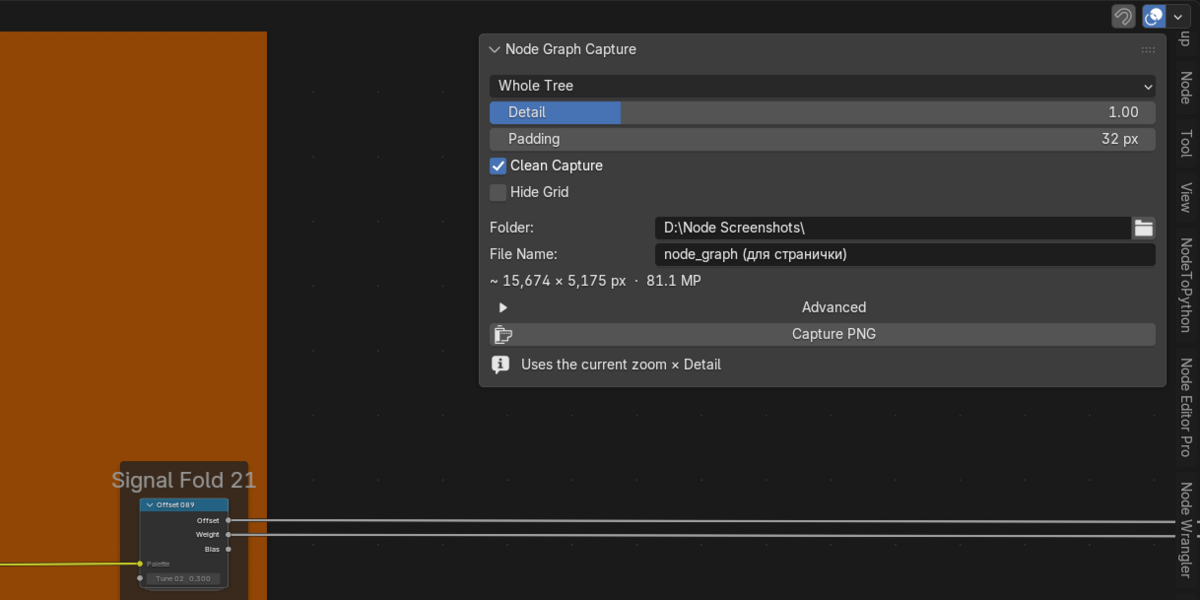
Auto Detail chooses a readable capture scale independently of your current zoom. Adjust Detail while it is on, or switch it off to capture at your current zoom. Add padding or hide the grid as needed. Your settings are remembered automatically and shared across projects.
READY TO
CAPTURE?
Install the ZIP. Open a node editor. Press N → Capture.
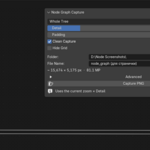
Leave Auto Detail enabled, choose Whole Tree or Selection and set an output folder. Leave File Name empty for automatic naming, then click Capture PNG. Use Open PNG to view the result. No extra dependencies to install.
For Blender 4.2–5.2
Tested on Windows / OpenGL in Blender 4.2.0, 5.0.1 and 5.2.3. Other operating systems and graphics backends have not yet been validated.
PNG output. Native Blender zoom limits apply. Large captures need temporary space on the output drive. See Documentation for capture notes and known limitations.
Node Graph Capture
by st1ksi
