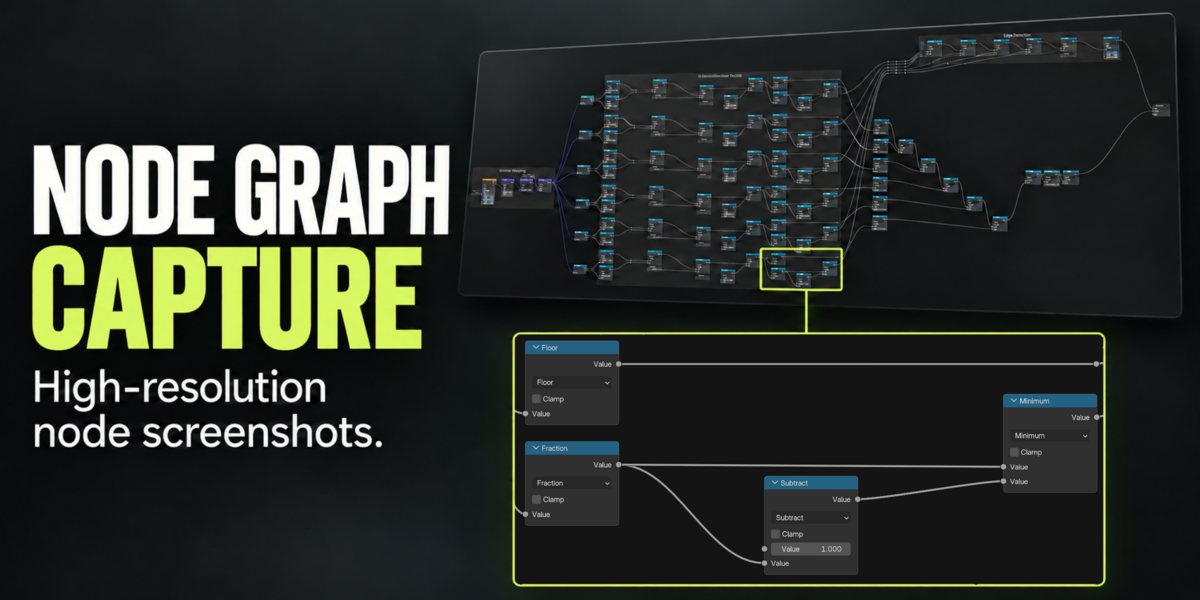
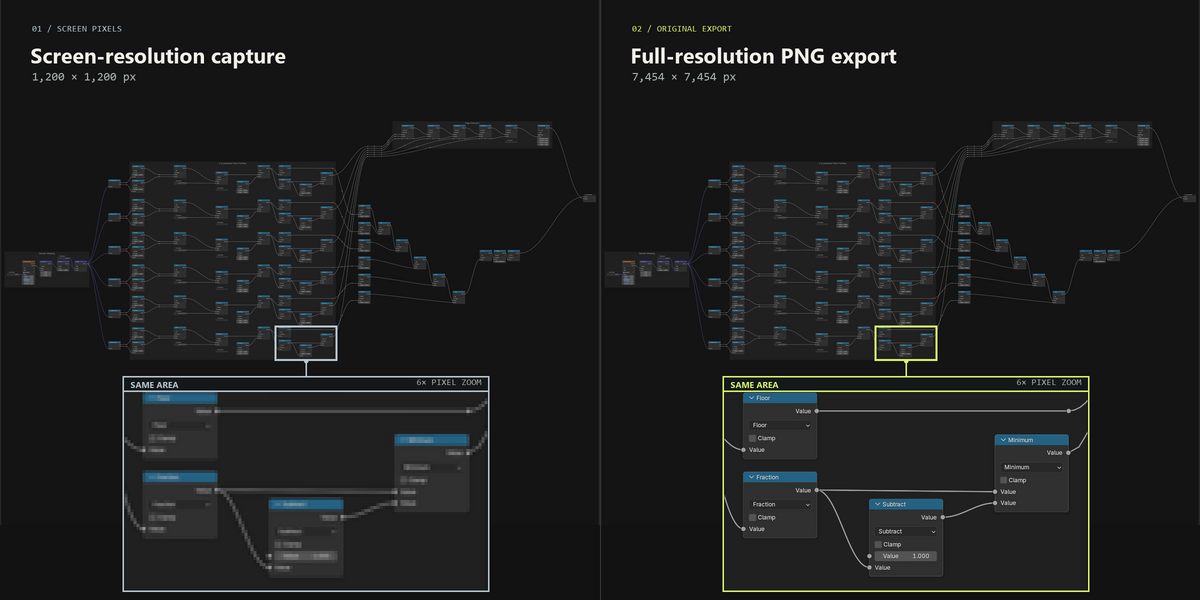
Node Graph Capture (Screenshots)
 st1ksi
Version 1.2.0
- Automatically saved, shared settings — your capture settings now follow you across projects.
- Automatic filenames based on the current material or node group. Custom names remain supported.
- Open PNG button and optional automatic opening after a successful export.
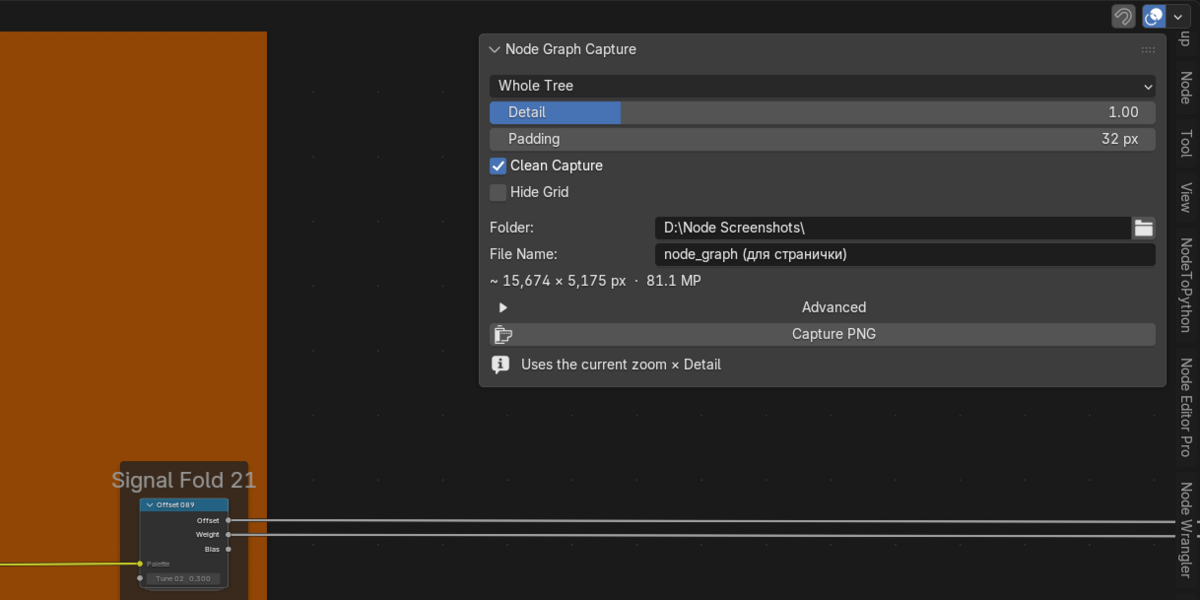
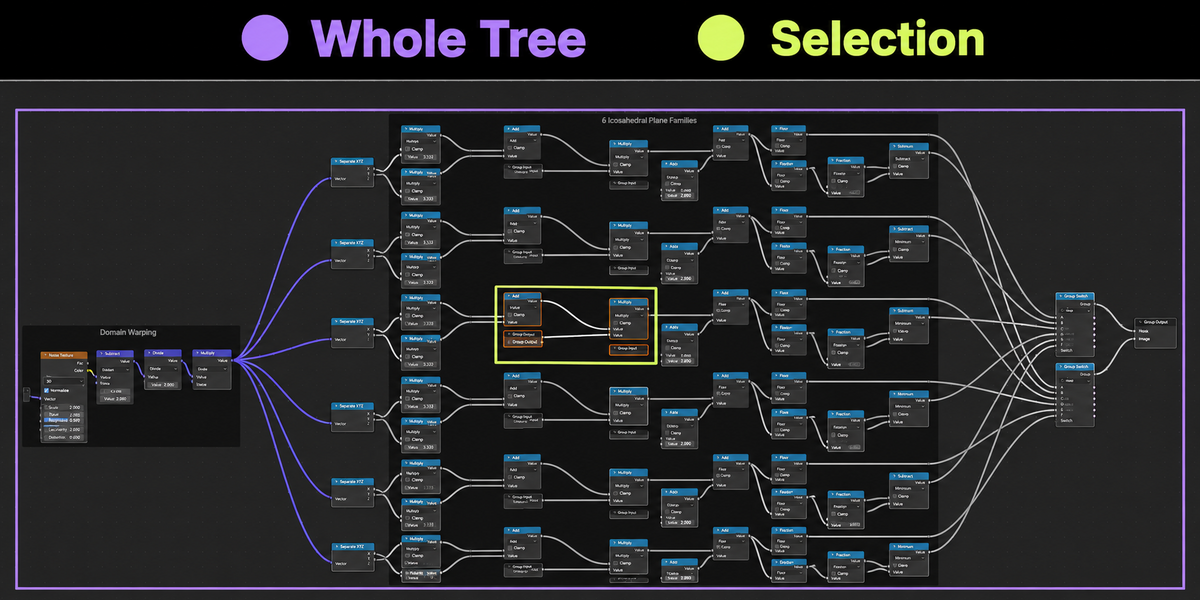
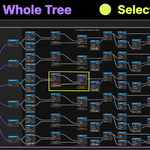
- Live capture outlines — purple for Whole Tree, lime for Selection. Both include Padding and work with Auto Detail enabled or disabled.
- Always Show Bounds option under Advanced keeps the outline visible when the Capture tab or sidebar is closed. Outlines never appear in exported images.
- Clean Capture is now automatic — the checkbox has been removed. Temporary interface changes are restored after capture.
- More consistent bounds calculation across the preview outline, resolution estimate and exported area.
Have questions about this product?
Login to message
| Blender Extension Compatible | Yes |
| Published | 6 days ago |
| Blender Version | 4.2 - 5.2 |
| Extension Type | Add-on |
| License | GPL |

Discover more products like this
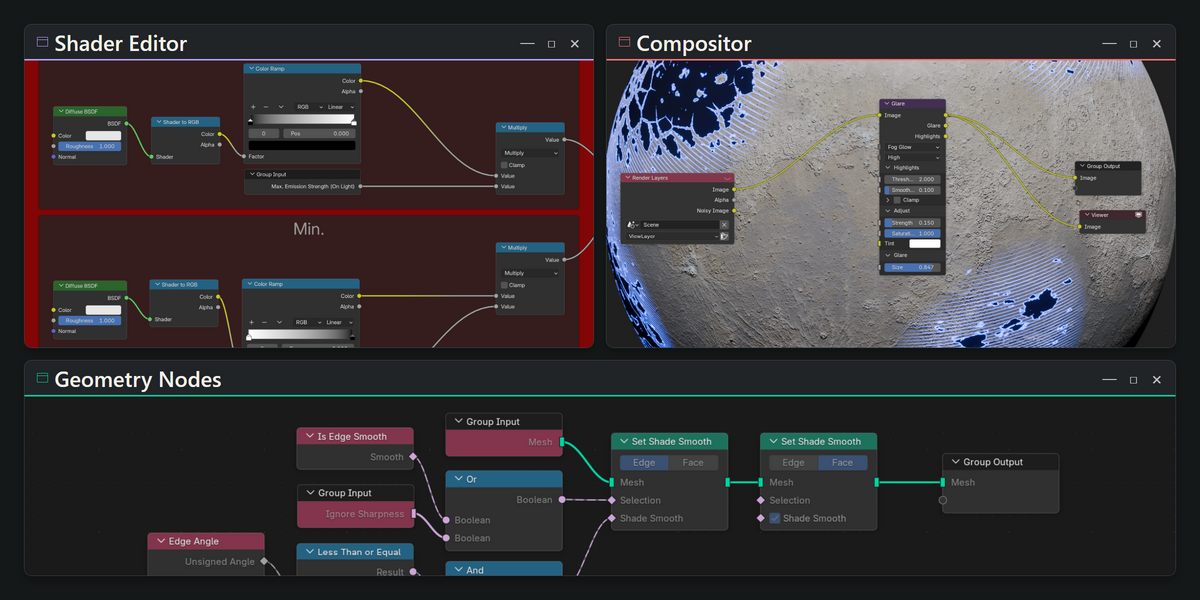
shader editor node screenshot compositor geometry nodes node-tree Node Editor png export documentation high resolution Workflow Node Graph screen capture