Node Graph Capture (Screenshots)
 st1ksi
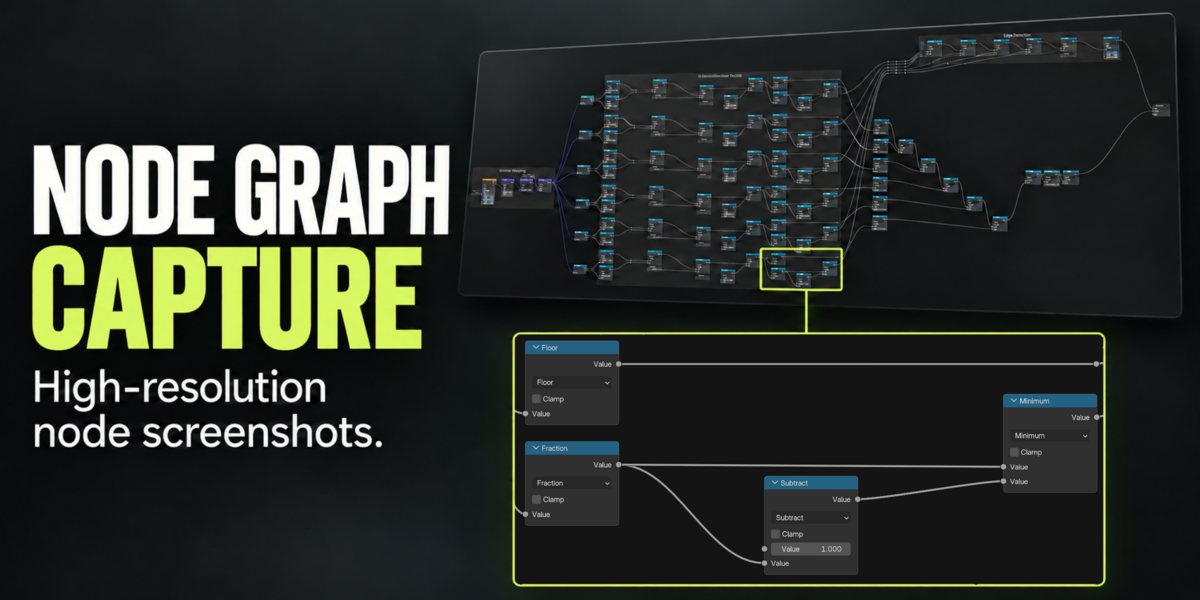
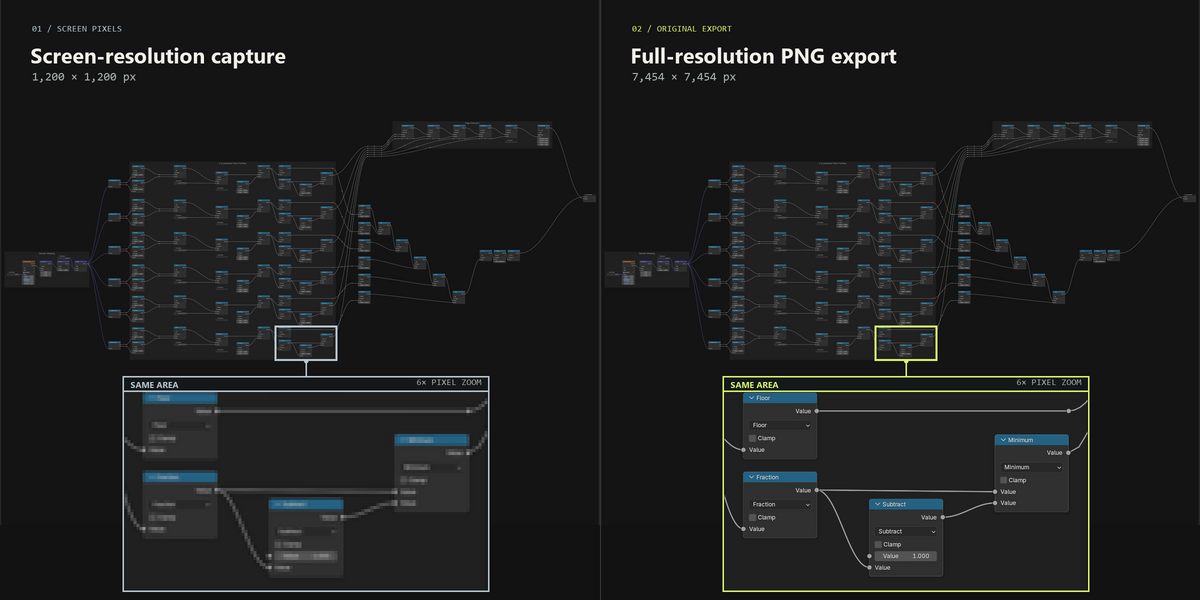
Installation
- Download the extension ZIP. Keep it zipped.
- In Blender, open Edit → Preferences → Add-ons, use the menu in the top right and choose Install from Disk.
- Select the ZIP and enable Node Graph Capture if it is not already enabled.
To update, install the newer ZIP over the existing extension. Restart Blender if the previous code is still loaded.
Your first capture
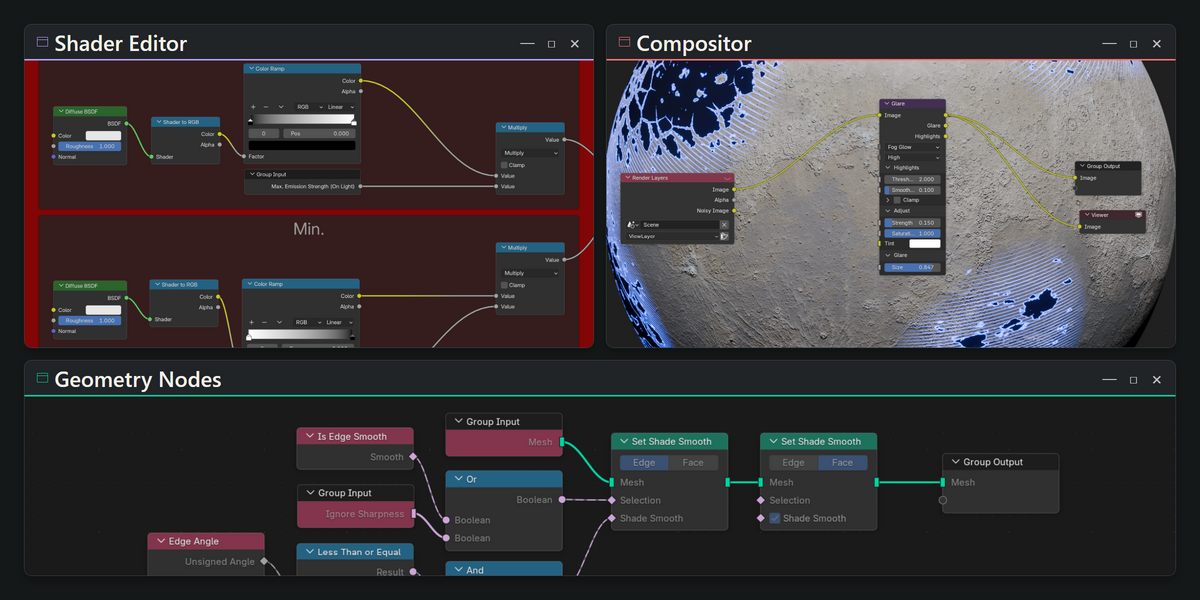
- Open the node tree you want to capture in Shader Editor, Geometry Nodes or Compositor.
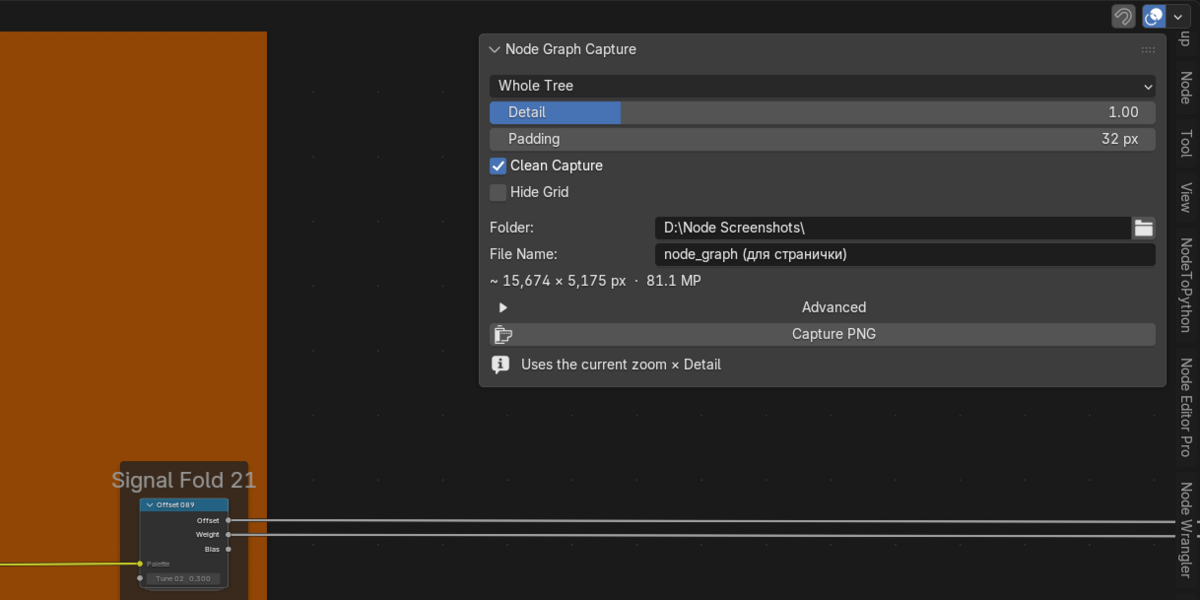
- Press N in that editor and open the Capture tab.
- Zoom to a scale where the node labels are readable. Detail multiplies this current zoom; Blender's native zoom limits still apply.
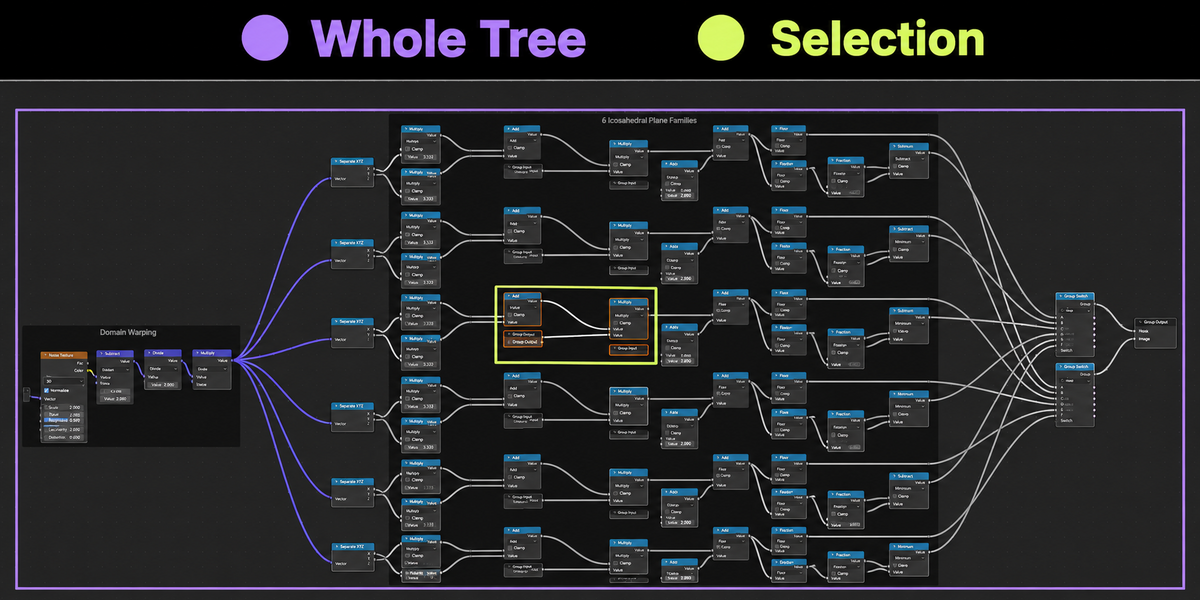
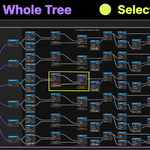
- Choose Whole Tree or Selection. Adjust Padding, Clean Capture and Hide Grid if needed.
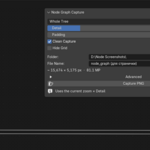
- Set Folder and File Name, then click Capture PNG. Keep the editor available for drawing until capture finishes.
Esc or Cancel Capture cancels the task. Existing output files are preserved; repeated names receive a number. Use Open Folder to find the PNG.
Capture notes
What does Selection include?
It captures a rectangular area around the selected nodes. Other nodes inside that rectangle remain visible. Selecting a Frame includes its contents, including nested Frames.
Does Whole Tree open every nested group?
It captures the tree currently displayed in the editor. Open an internal group to capture its contents separately.
Can I capture without a full-screen editor?
Yes. Use the node editor in your normal workspace. The capture needs Blender's interface to draw; headless/background mode is not supported.
How much disk space is needed?
Temporary RGB data needs approximately 3 bytes per output pixel, plus the finished PNG. A 100-megapixel capture therefore needs about 300 MB of temporary space. Temporary files are stored on the chosen output drive and removed after the job.
How are long connections preserved?
The add-on keeps long wires visible when their connected nodes move fully offscreen during capture. One Blender limitation remains: a connection can still dim when both sockets are offscreen while both connected nodes remain partly visible.
Are there other known limitations?
View restoration can differ by less than one pixel. Unusual third-party node previews may need an additional redraw wait under Advanced.
Compatibility
The current release targets Blender 4.2–5.2. It has been tested in 4.2.0, 5.0.1 and 5.2.3 on Windows with OpenGL. Intermediate versions were not individually tested. Other operating systems, graphics backends and future Blender versions have not been validated. A Blender 3.6 legacy version is not included.
No additional Python packages are required. The extension uses components supplied with Blender.
Have questions about this product?
Login to message
| Blender Extension Compatible | Yes |
| Published | 6 days ago |
| Blender Version | 4.2 - 5.2 |
| Extension Type | Add-on |
| License | GPL |

Discover more products like this
Workflow high resolution screen capture documentation compositor png export geometry nodes node screenshot Node Graph node-tree Node Editor shader editor