 Diego Gangl



Spend Less Time
Untangling Nodes.
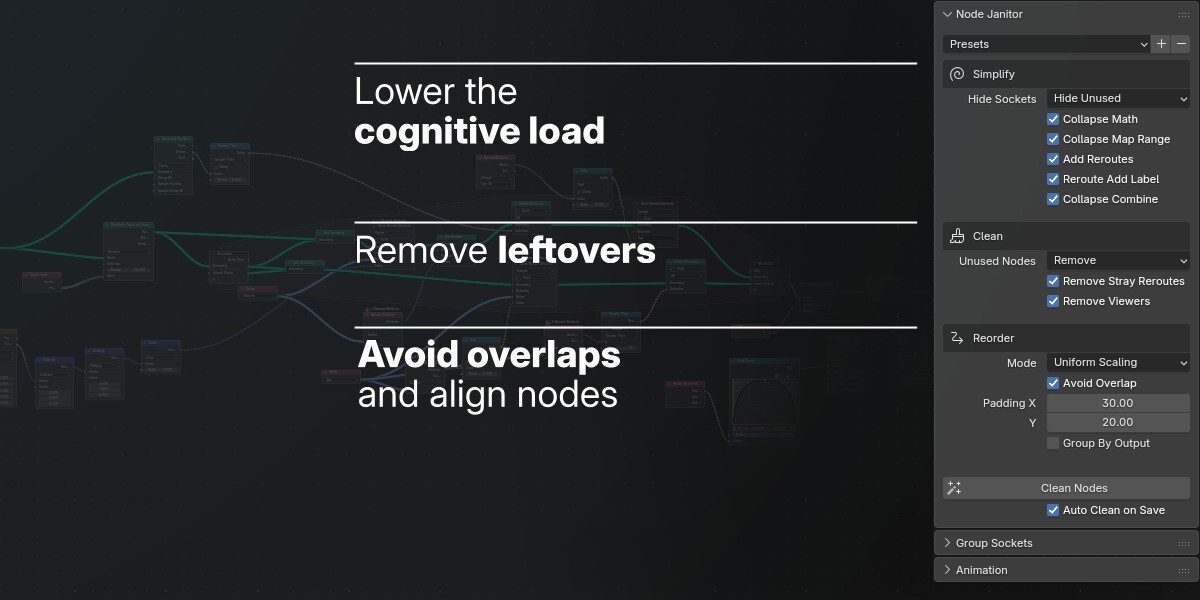

Node Janitor cleans up and organizes your node networks, so you can focus on building, experimenting, and creating — instead of fighting node spaghetti.
Save time and stay in flow
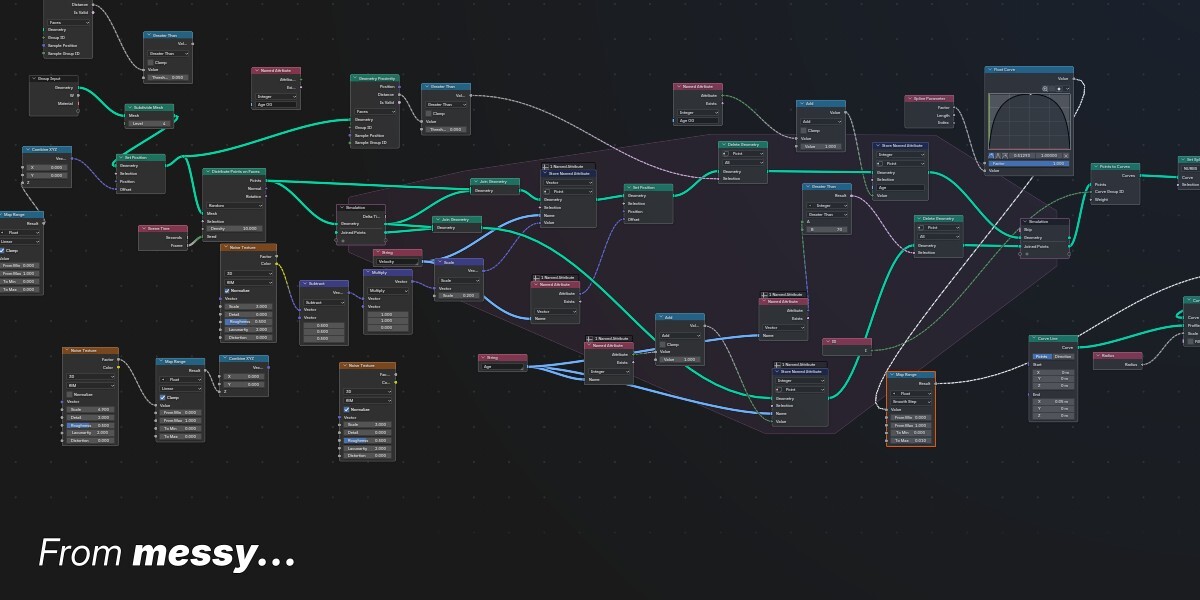
Experiments on the side gather like debris. Unused nodes linger. Connections stretch for miles across the editor, and slowly the node network looks more and more like a ball of yarn.
Cleaning everything up by hand breaks your creative flow. Let Node Janitor take care of the busywork and keep your node networks readable.
Less clutter, less mental overhead
Remove the unnecessary
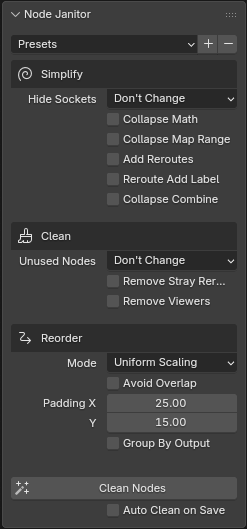
Get rid of unused nodes, stray reroutes and leftover viewer nodes. Choose how unused nodes should be handled, and keep your network focused on what matters.
Make complex networks easier to read
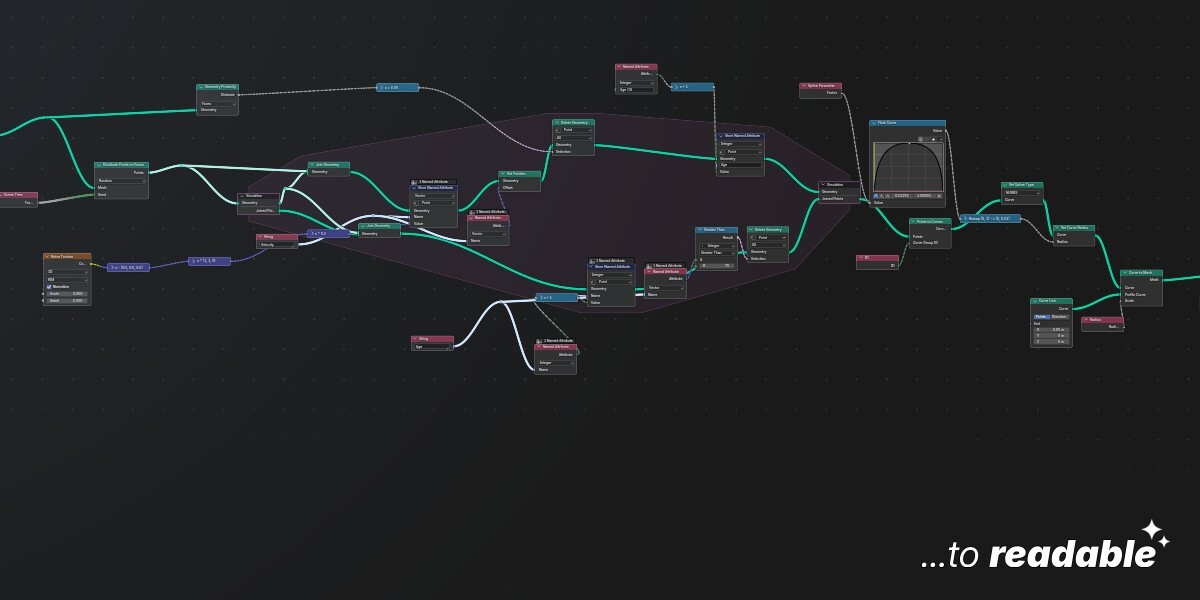
Collapse Math, Map Range, and Combine nodes to reduce visual clutter. Each node gets a label that represents the math or remap operation. Add reroute nodes to help organize connections and make the flow of your node tree easier to follow.
Organize without starting over
Reposition nodes to improve the layout of your network. Fine-tune spacing, manage overlaps, and organize nodes around their outputs to make complex setups easier to navigate.
Clean nodes automatically
Enable automatic cleanup on save and let Node Janitor handle the maintenance while you work. Keep your node networks tidy as part of your existing workflow.
Your nodes, your rules
Every node tree is different. Get control over what gets cleaned, how nodes are arranged, and how much space they need.
- Choose which cleanup operations to run.
- Remove, mark or group unusued nodes in a frame.
- Adjust layout and spacing, while avoiding overlaps.
- Add reroute nodes with or without labels.
