Node Preview Switcher
 INSDesign
How do I upgrade and install Node Preview Switcher 1.3.0?
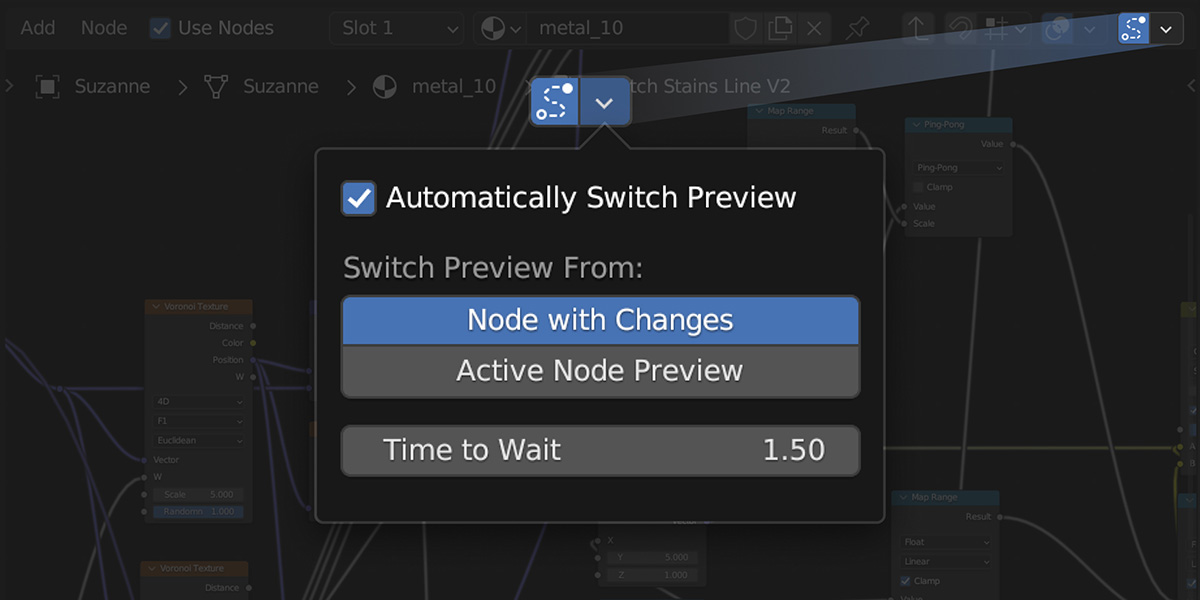
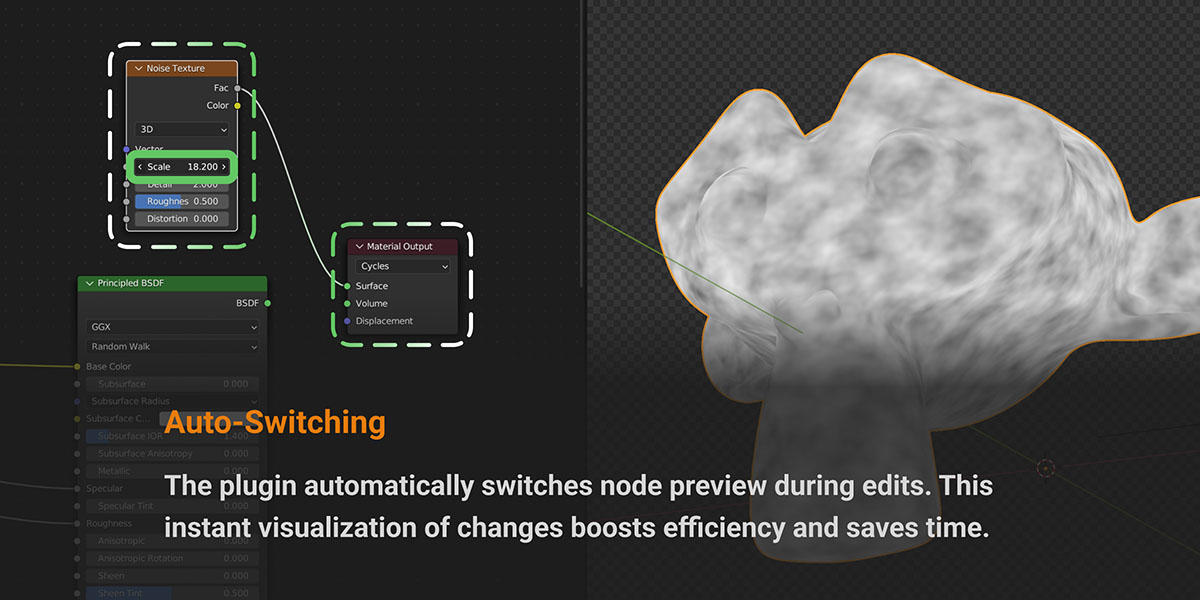
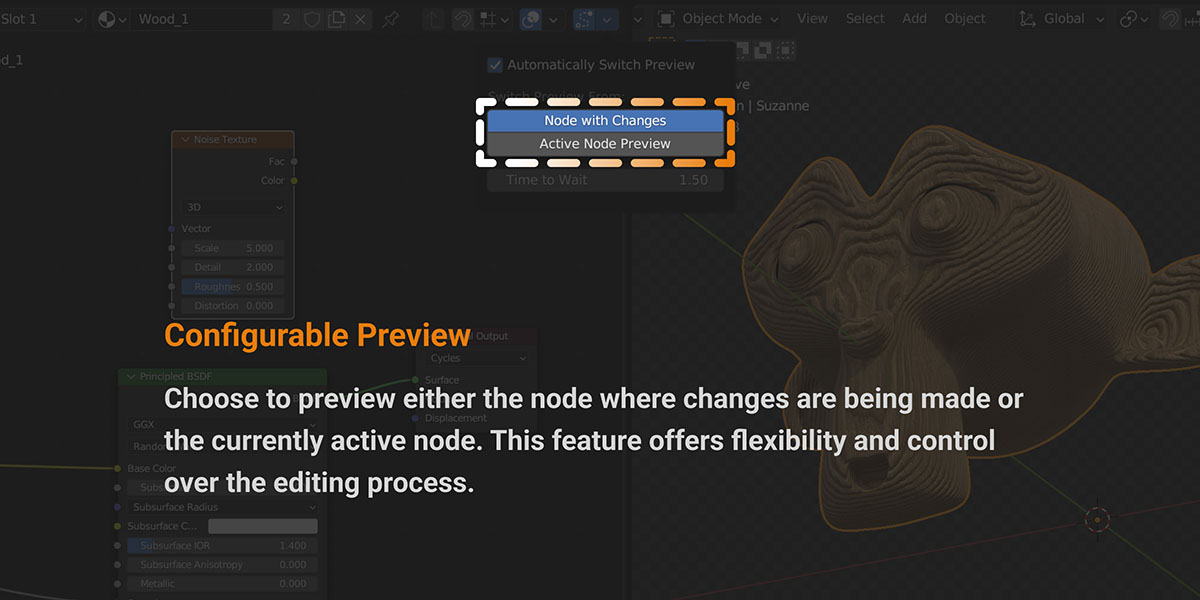
Use Blender 5.2 or newer (tested on 5.2.2 LTS). Disable any older Node Preview Switcher copy in Preferences > Add-ons. Download node_preview_switcher-1.3.0.zip without extracting it, drag the ZIP into Blender, and confirm installation. You can also use Preferences > Get Extensions > Install from Disk. For installation from your Superhive purchases, connect your Superhive extension repository first. Open the Shader Editor, use Material Preview or Rendered shading, enable tracking, and edit a node parameter. Selecting or moving a node does not trigger automatic preview. Older downloads remain in the version history for earlier Blender releases.
Have questions about this product?
Login to message
| Blender Extension Compatible | Yes |
| Sales | 50+ |
| Dev Fund Contributor | |
| Published | about 3 years ago |
| Blender Version | 5.2 |
| Extension Type | Add-on |
| Render Engine Used | Cycles, Eevee |
| License | GPL |
