 martinworks


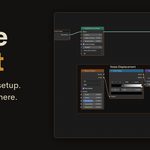
Stop rebuilding the same node setups.
You have built that noise displacement before. That worn metal shader. That
glow stack in the compositor. Somewhere, in some other .blend, it already
exists, and finding it means digging through old files or rebuilding it from
memory.
Node Vault saves any node setup to a visual, thumbnail based library, then
rebuilds it in any file with a single click.
How it works:
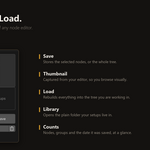
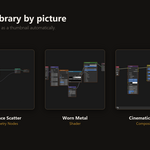
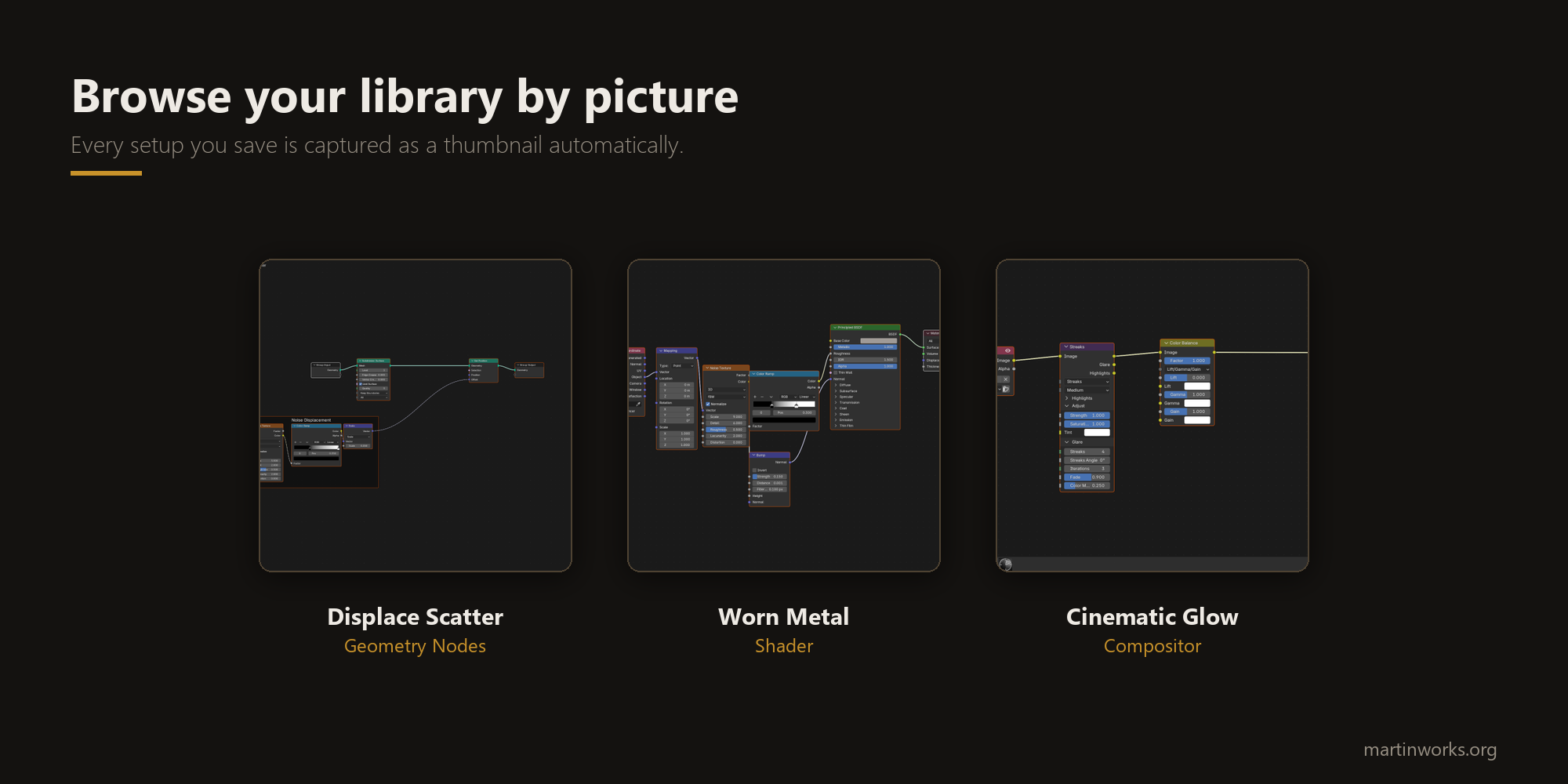
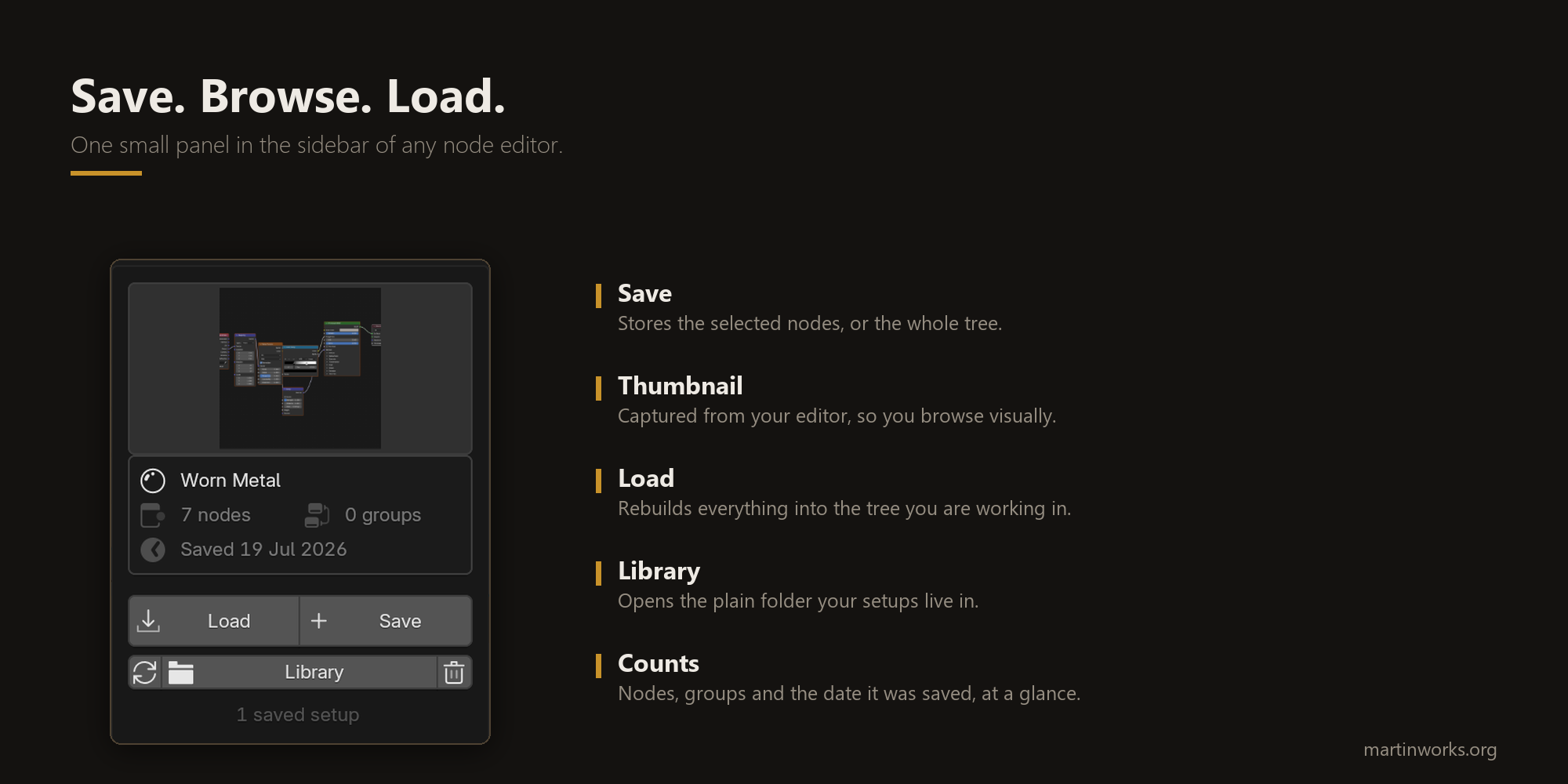
Select some nodes and click Save. Node Vault captures a thumbnail of your node
editor automatically, so you browse your library by picture instead of
guessing from filenames. Open any other project, pick the setup from the
gallery, click Load, and the whole thing rebuilds itself: values, links,
frames, node groups and all. Loaded nodes arrive selected, so you can grab and
place them immediately.
Works in every node editor:
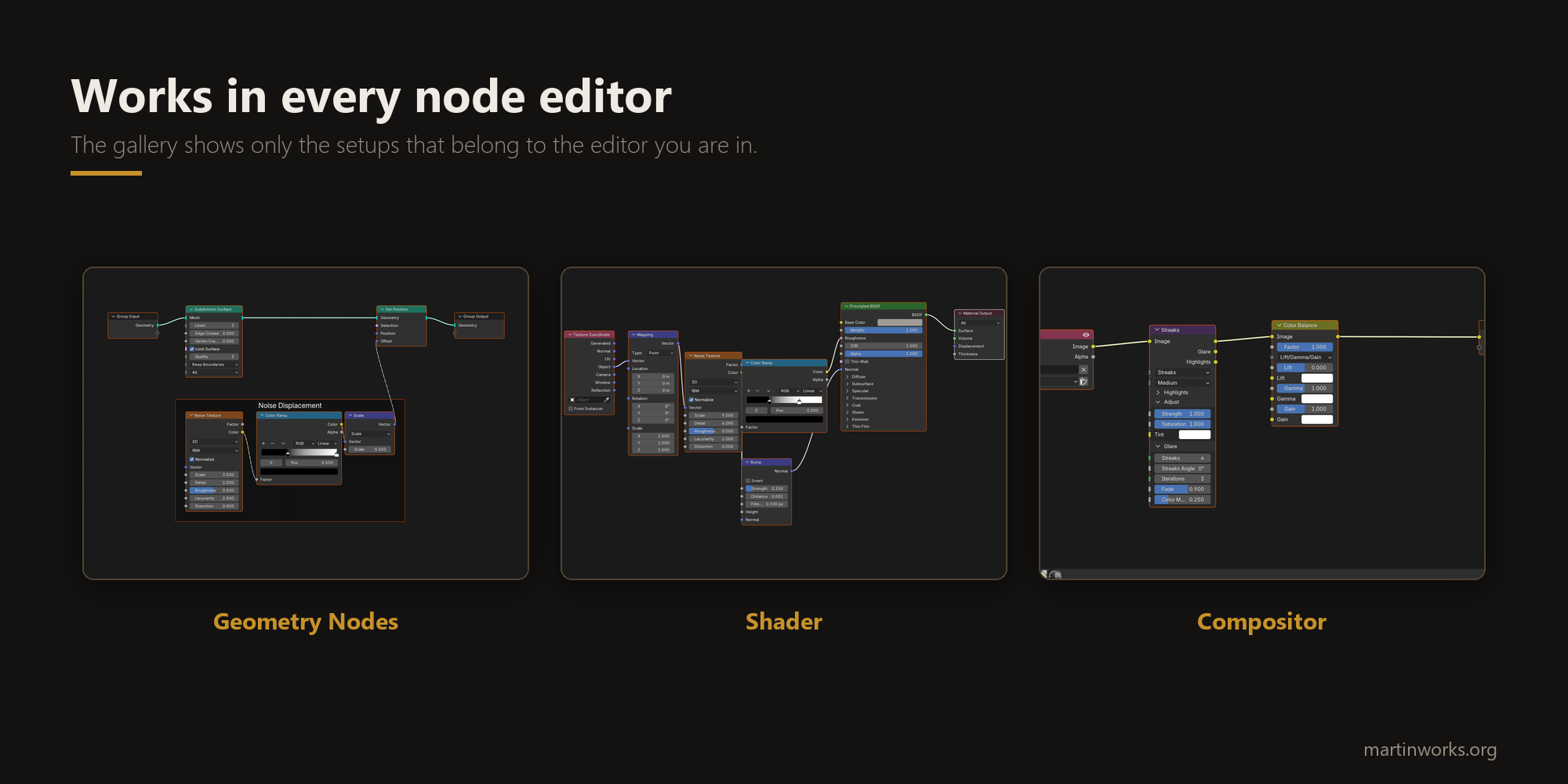
- Geometry Nodes
- Shader Editor
- Compositor
- Texture nodes
The gallery filters itself to whichever editor you are in, so your geometry
setups never clutter your material list.
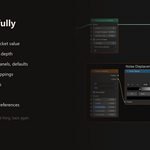
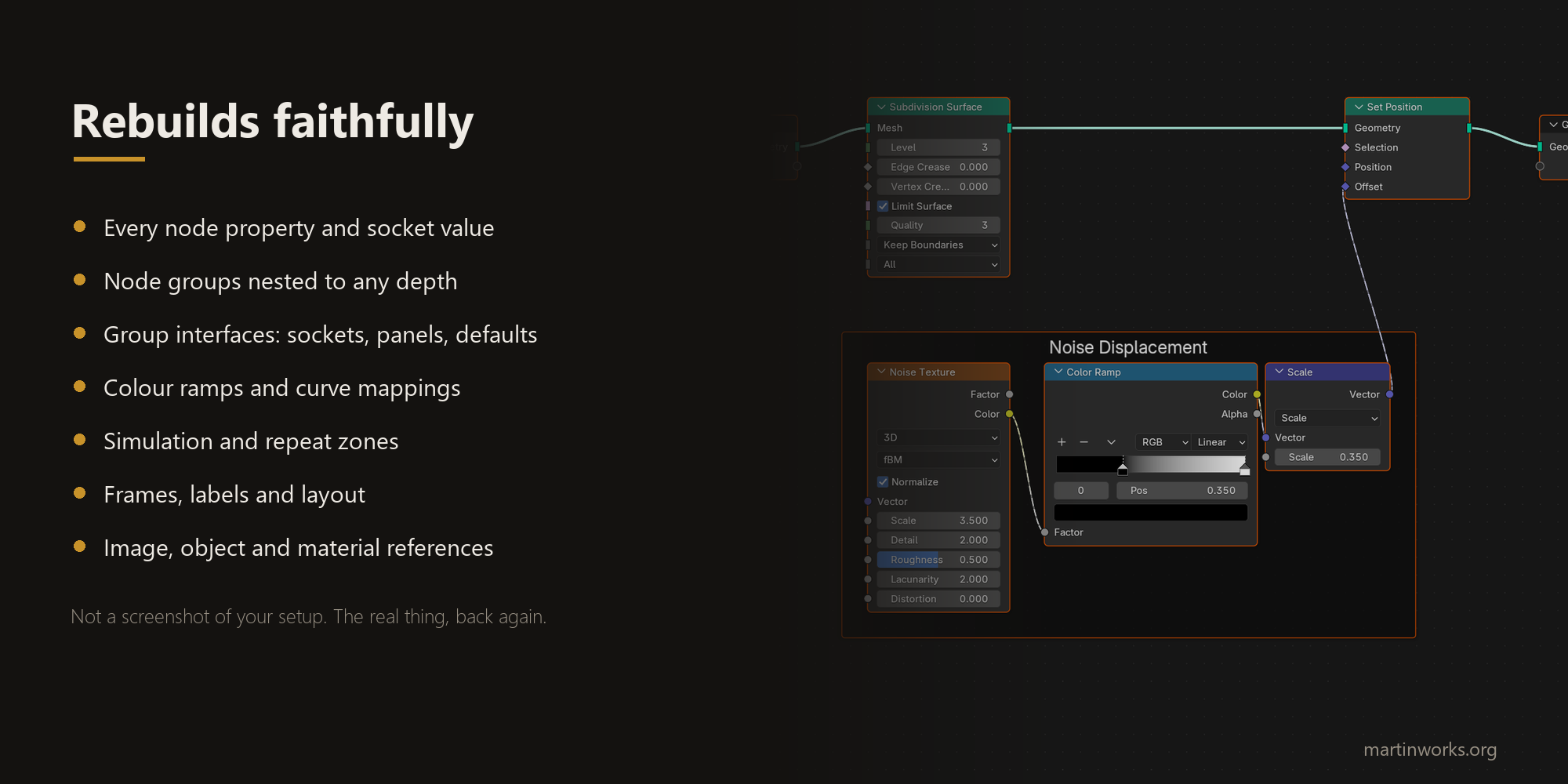
Rebuilds faithfully:
- Every node property and socket value
- Node groups nested to any depth, with their full interfaces: sockets, panels, defaults, min and max values
- Color ramps and curve mappings
- Simulation and repeat zones
- Frames, labels and layout
- Image, object and material references by name, with images reloaded from disk when needed
Smart shader loading:
Load a material setup onto an object that has no material and Node Vault
creates one for you, clears out the default Principled BSDF, and connects your
setup to the Material Output. No more making a material just to delete its
contents. Every part of that is a toggle if you would rather do it yourself.
A library that is actually yours:
Every saved setup is two small files: a JSON file and a PNG thumbnail, in a
normal folder that you choose. Back it up. Point it at Dropbox or Google Drive
and your library follows you between machines. Share a setup with a teammate
by sending them two files. No account, no cloud, no lock-in.
Performance:
Saving is instant at any size. The setups you build day to day rebuild in a
second or two. Organize complex work into node groups, which is good practice
anyway, and even large setups stay fast.
Compatibility:
- Blender 4.2 and newer, including 5.x. Tested on 4.5 LTS, 5.1 and 5.2 LTS.
- Installs as a modern extension: drag the zip into Blender, or use
- Preferences > Get Extensions > Install from Disk.
Included:
- The Node Vault extension
- A plain language How To Use guide (PDF)
