 Skava
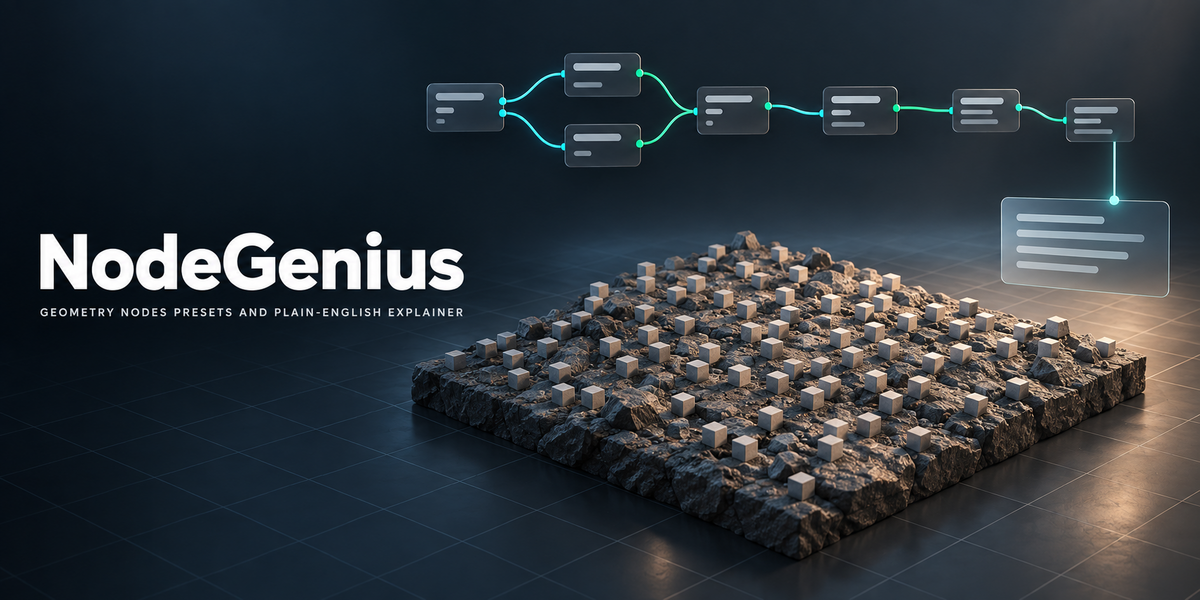
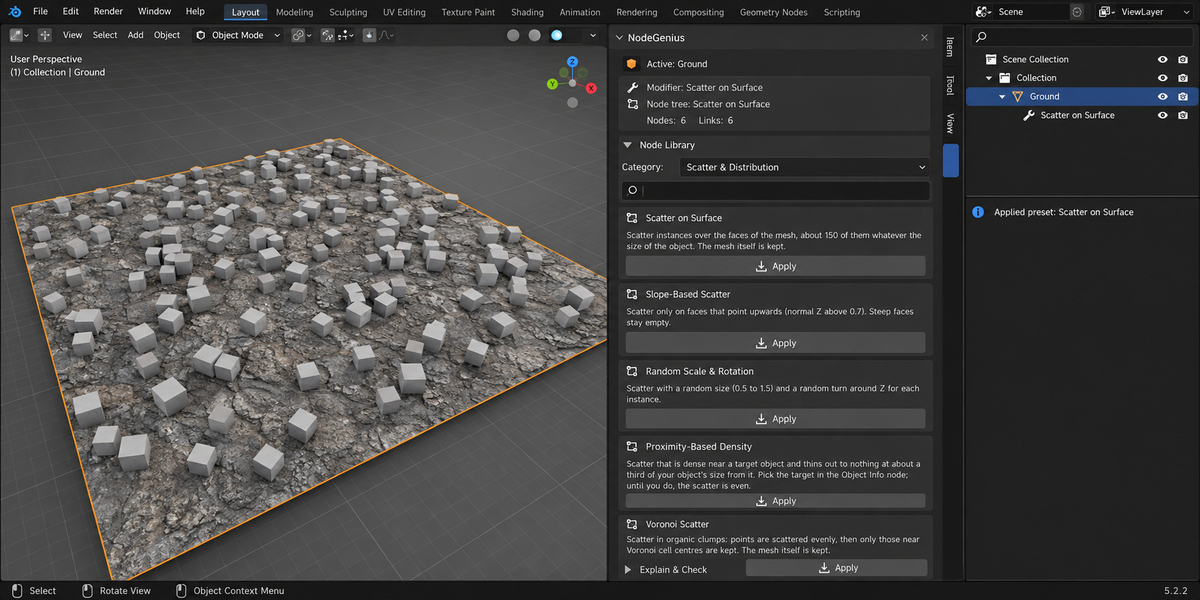
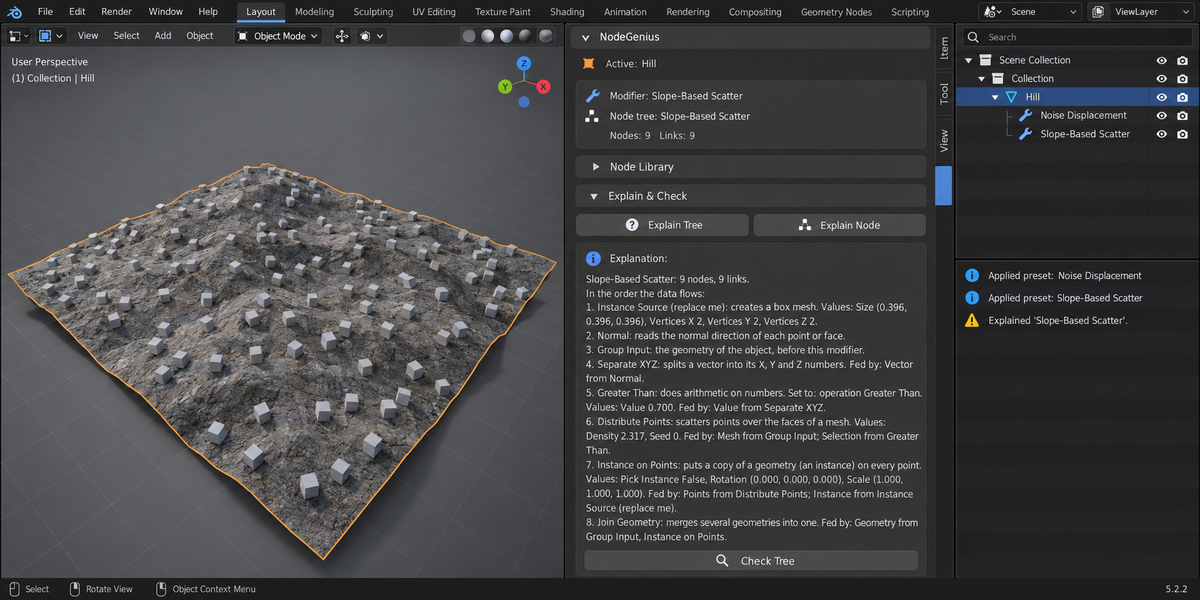
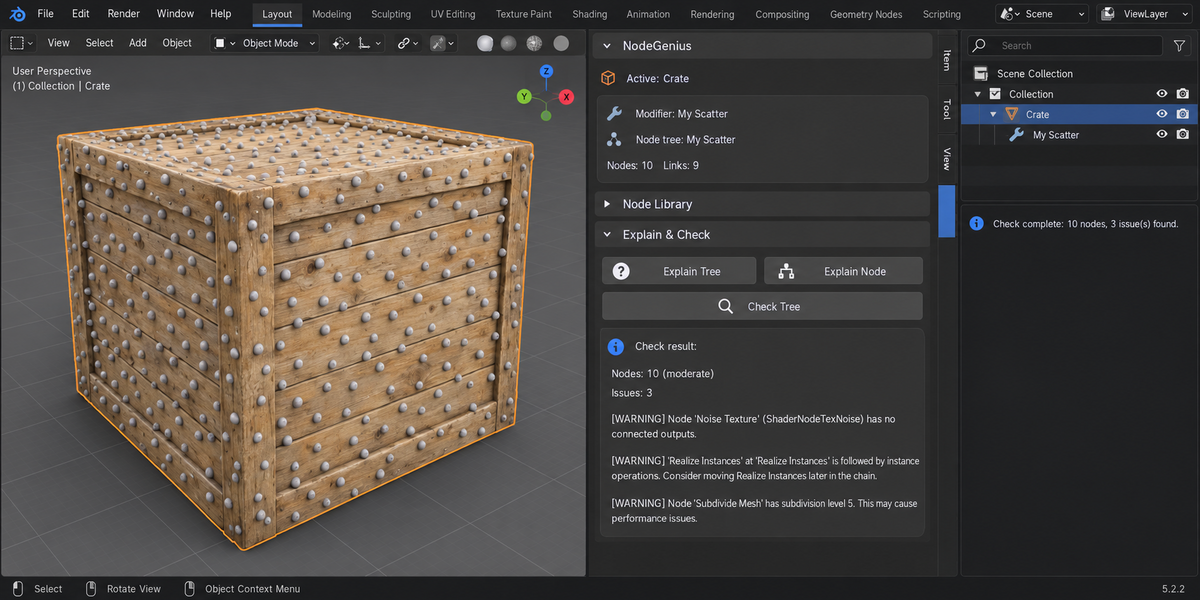
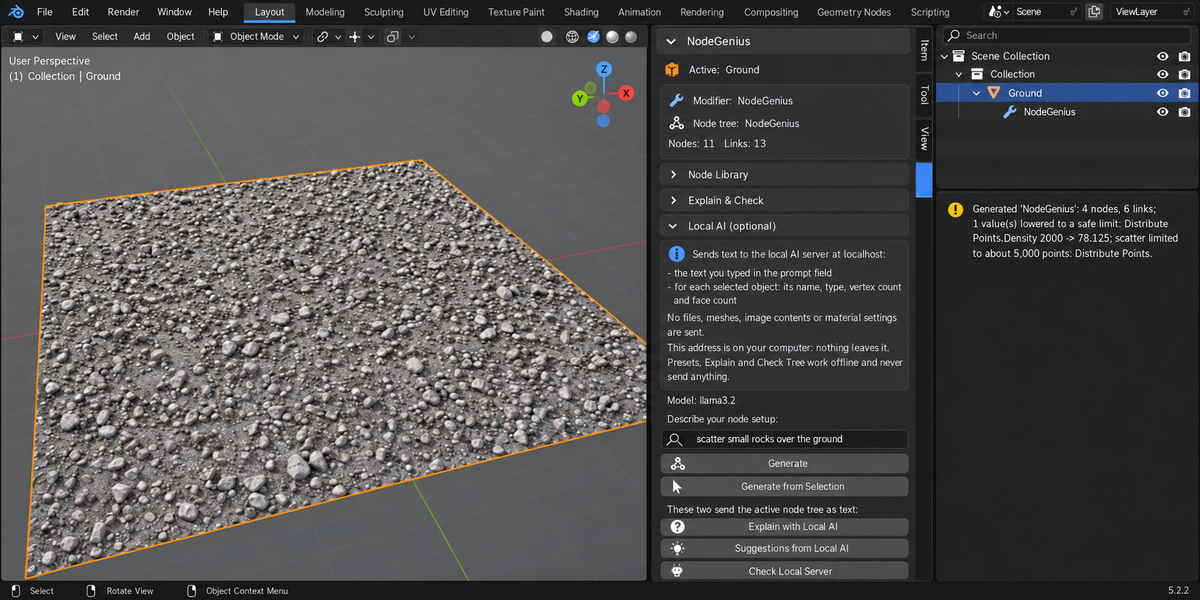
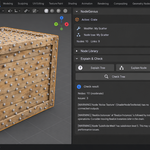
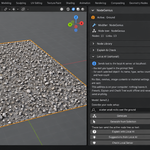
Keep the ZIP zipped. Edit → Preferences → Add-ons, press the arrow button in the top right corner, choose Install from Disk..., pick the ZIP and tick NodeGenius. Press N in the 3D Viewport: the NodeGenius tab appears in the sidebar.
Blender 4.2 LTS and later, tested on 4.2 and 5.2.
No. The library, Explain and Check Tree run entirely inside Blender and never send anything. The optional text-to-nodes module is off by default and talks only to a language model running on your own computer (Ollama or LM Studio on localhost).
They were removed in 1.1.0. The add-on no longer contacts any online service. After updating, restart Blender: on first start 1.1.0 also deletes the key that 1.0.0 kept in the add-on preferences. Text-to-nodes now works only with a language model on your own computer, and it is optional.
It depends entirely on the model you run. Small local models often name nodes or sockets that do not exist. NodeGenius builds only what exists in your Blender and reports how many nodes and links it had to skip. It does not trust the numbers either: values that would multiply geometry are kept to a safe limit whether the model types them or computes them with other nodes, every scatter is limited to about 5,000 points, nodes whose size cannot be told in advance (volumes, file import, repeat zones) and nodes that can take minutes (UV Unwrap, Pack UV Islands) are refused, and a tree that could add more than two million vertices is refused. Unless the tree is clearly light, it is timed once in a second, background Blender on your computer and refused if that test run takes more than 3 seconds (about 4 seconds in your Blender; the two times differ from run to run, so a tree that would take 2.5 to 4 seconds is sometimes refused). If the answer cannot be built into a tree that reaches the Group Output, nothing at all is added. If you want a dependable result, start from a preset.
That is the placeholder instance. A scatter needs something to instance, so NodeGenius plugs in a small Mesh Cube, sized to your object and labelled "Instance Source (replace me)". Connect your own asset through an Object Info node to swap it.
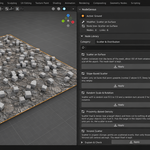
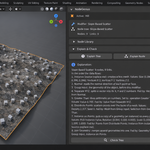
It has built-in notes for about ninety common Geometry Nodes. Any other node is still listed with its name, its values and what feeds it, marked as having no built-in note.
Yes. GPL-3.0-or-later applies to the add-on code; the node groups you create are yours.
Have questions about this product?
Login to message
| Published | 5 months ago |
| Blender Version | 4.2 - 5.2 |
| Extension Type | N/A |
| Render Engine Used | Cycles, Eevee |
| License | GPL |
Discover more products like this
procedural node-library Blender Nodes gn-presets geometry nodes displacement scatter node-explanation node-check learning Node presets node-explainer