 VertexModeler Inc.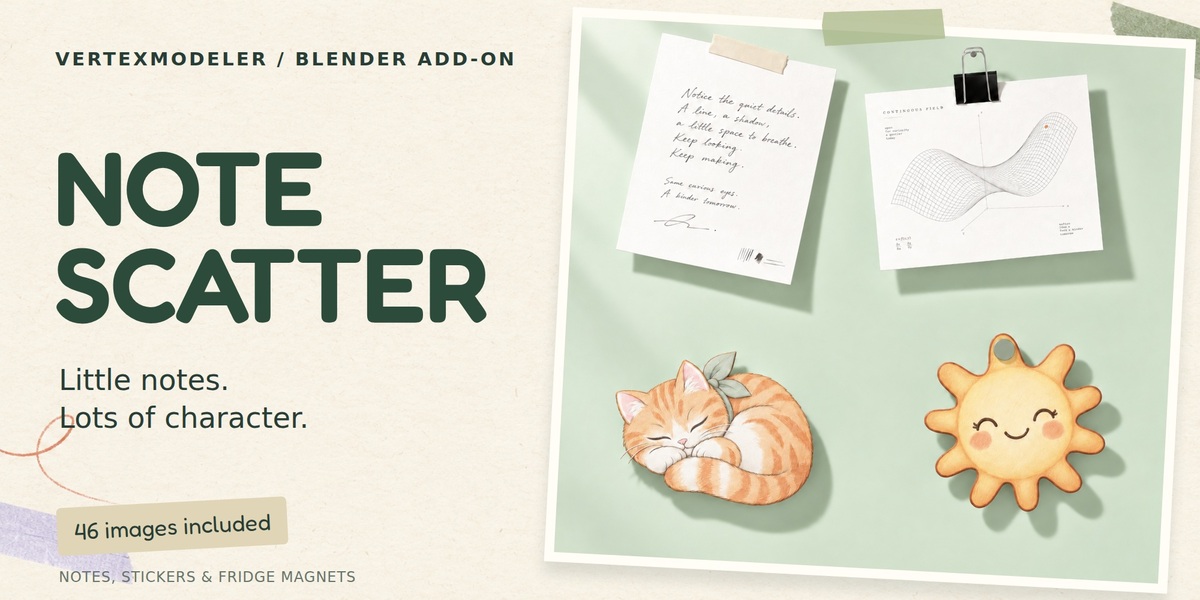



Little notes. Lots of character.
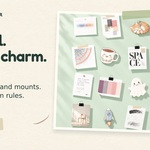
Turn your images into little pieces of scene personality. Note Scatter creates image notes, transparent stickers and fridge magnets for Blender, with natural curls, folded corners and a choice of mounts.
46 bundled images / 8 mounting types / Batch + click placement

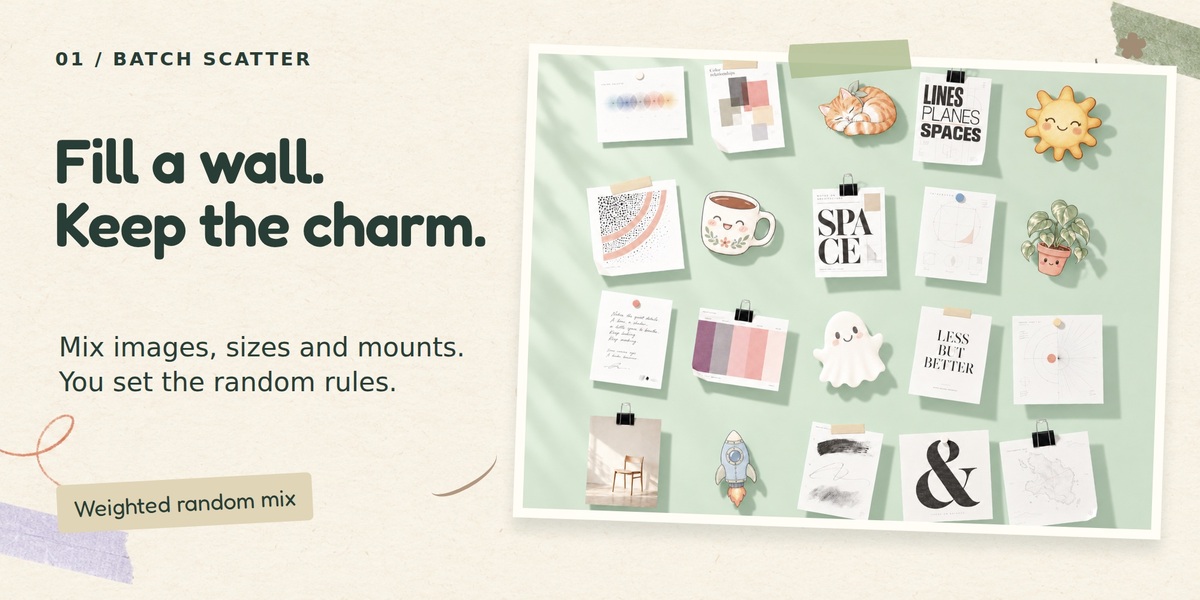
A wall of little happy accidents.
Scatter a batch of notes while keeping each image in proportion. Choose the images and mounts you want, then adjust relative weights, size ranges, spacing and rotation. Keep a seed for repeatable results.
Batch scatter — in action

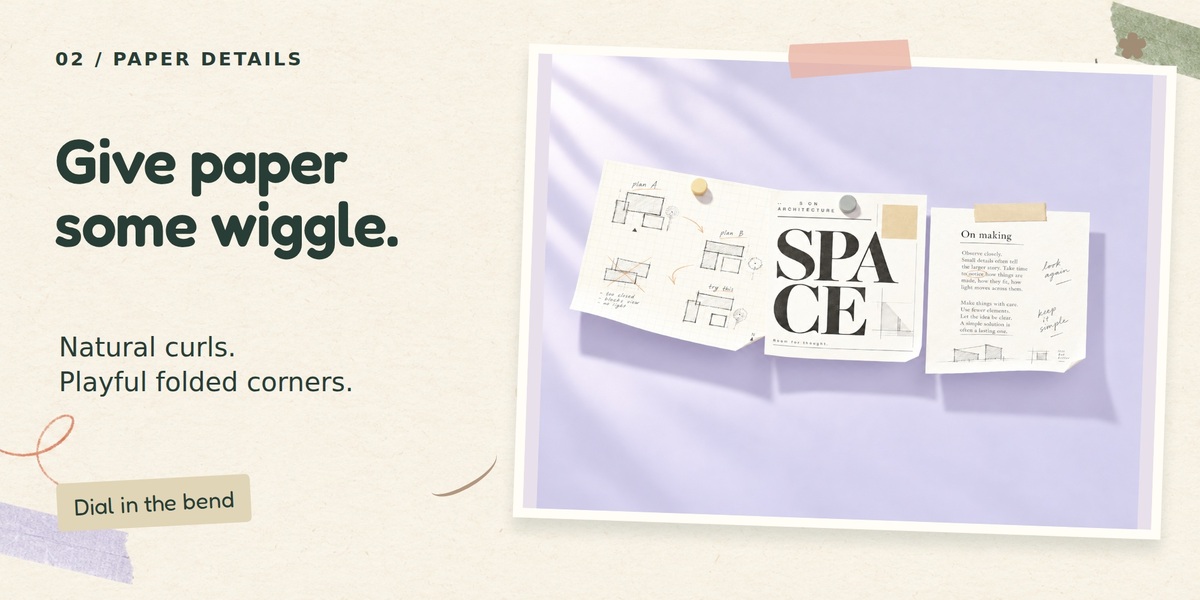
Paper with a playful side.
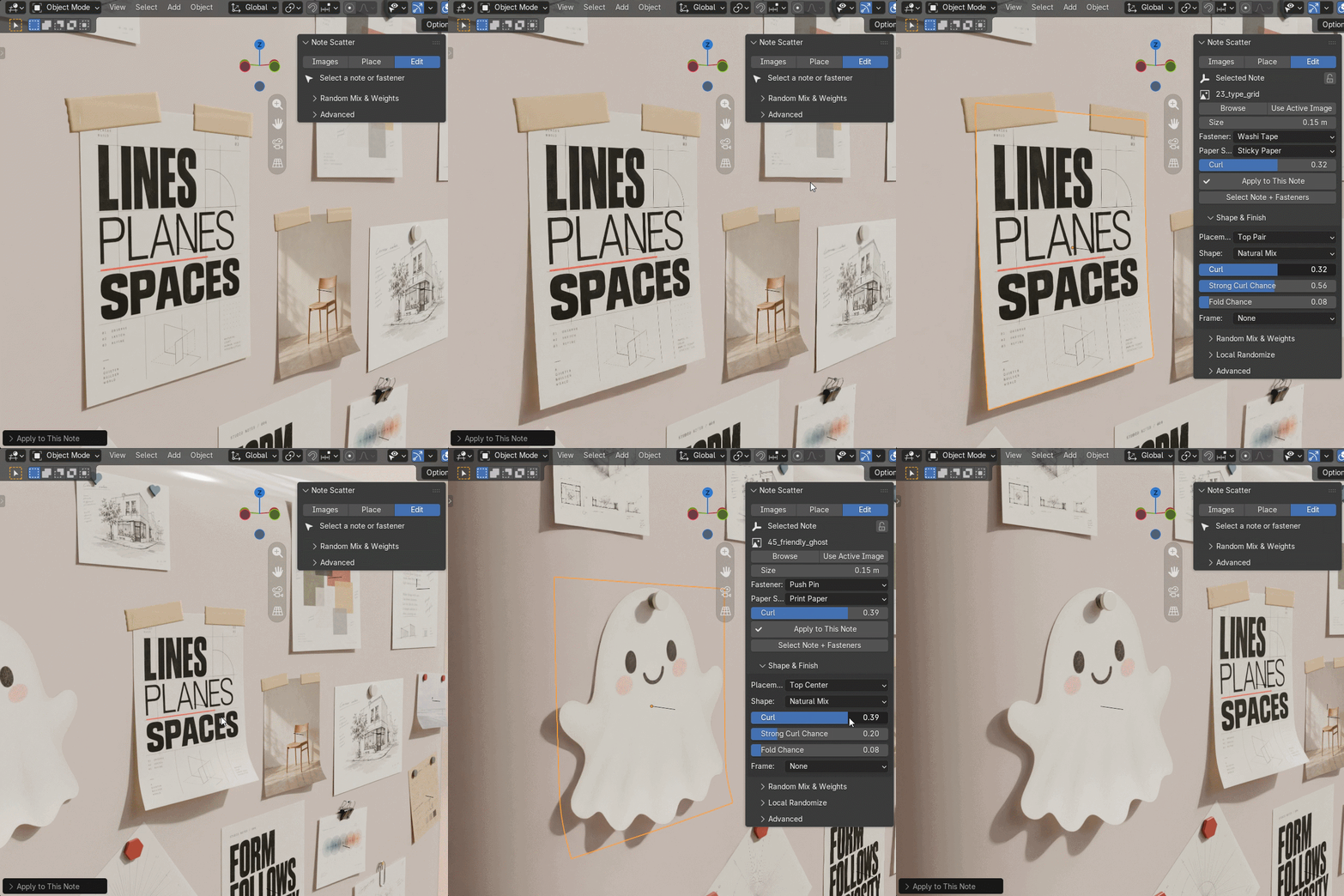
Give notes a soft lower curl, a rolled side or a gentle twist. Adjust bend strength, stronger-curl probability and folded corners. Paper stocks change the feel; the deformation is procedural and needs no cloth simulation.
Curls & folded corners — in action

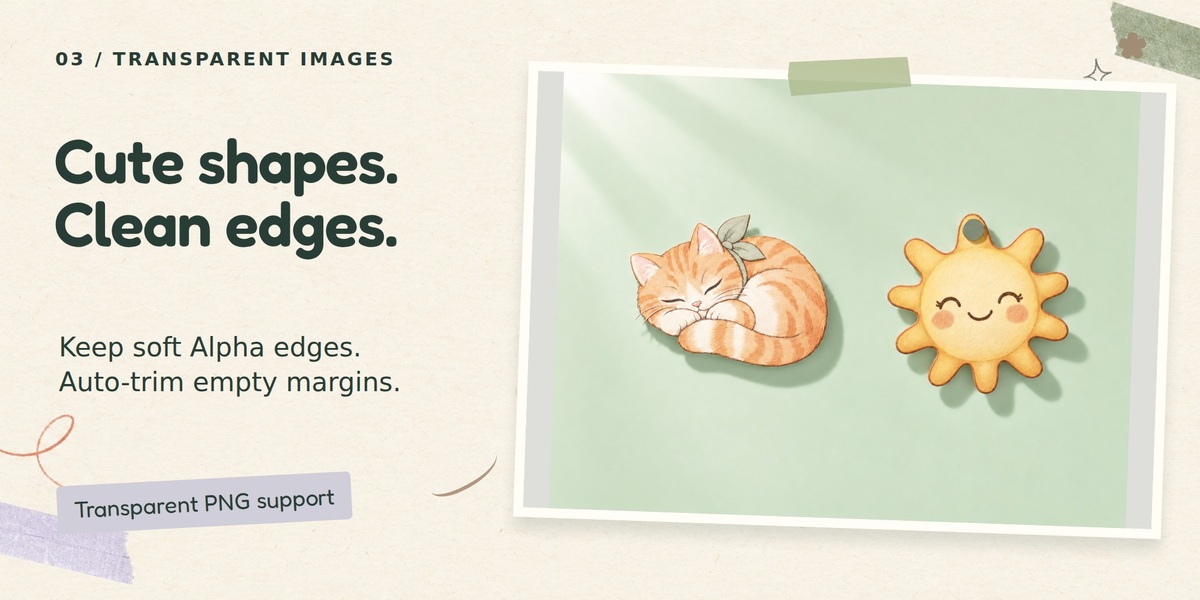
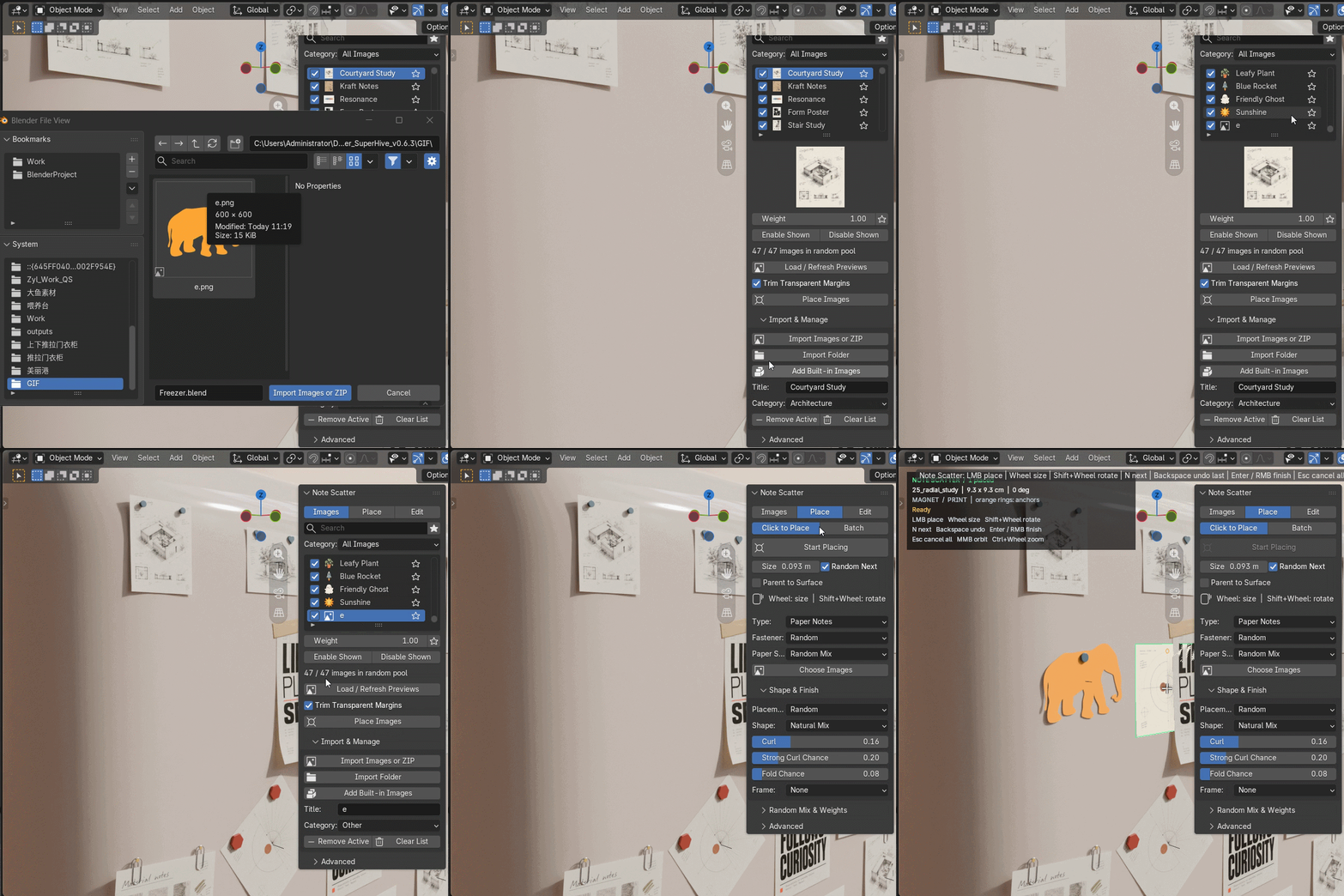
Your cutouts, without the empty canvas.
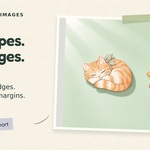
Use transparent PNGs with smooth image Alpha edges. Automatically trim empty outer margins without overwriting the original. In Random mode, irregular cutouts use simpler compatible mounts and a single-point layout. Prefer a particular mount? Choose it manually.
Transparent PNG workflow — in action

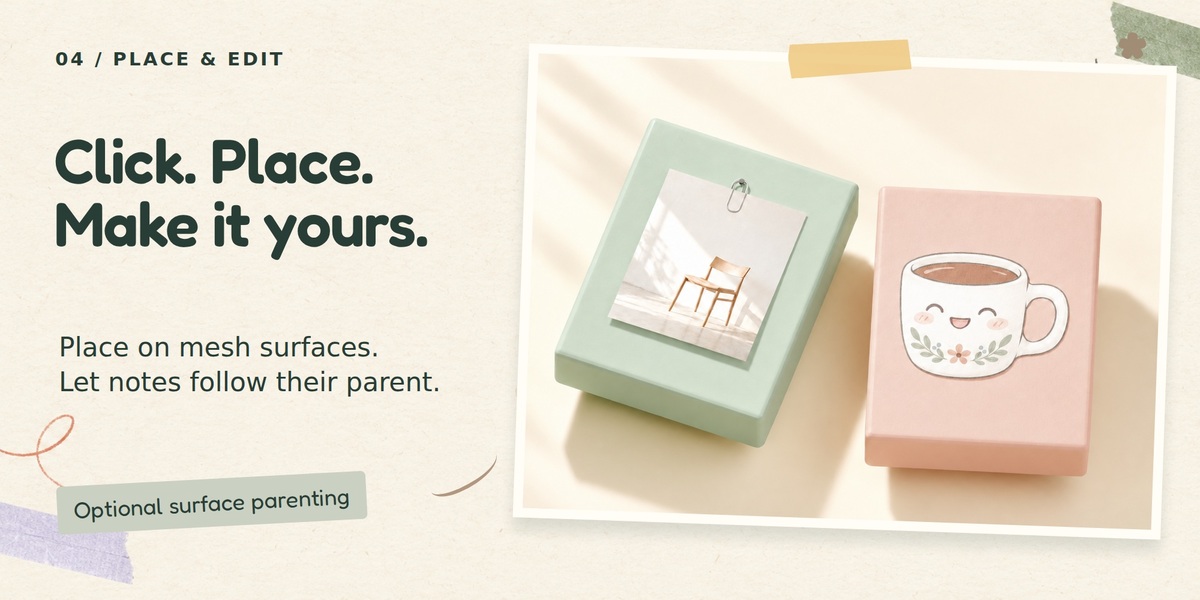
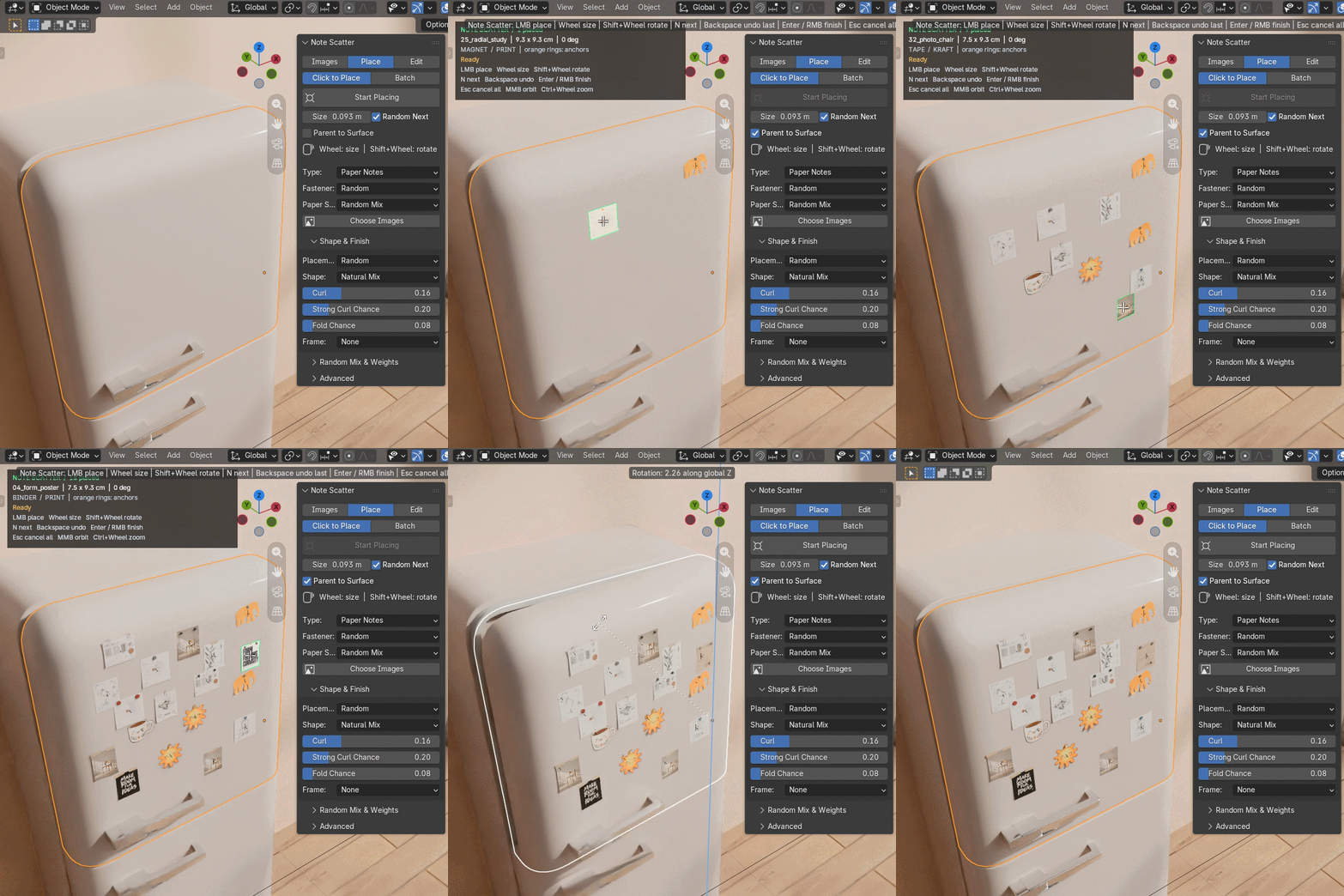
Place one. Make it yours.
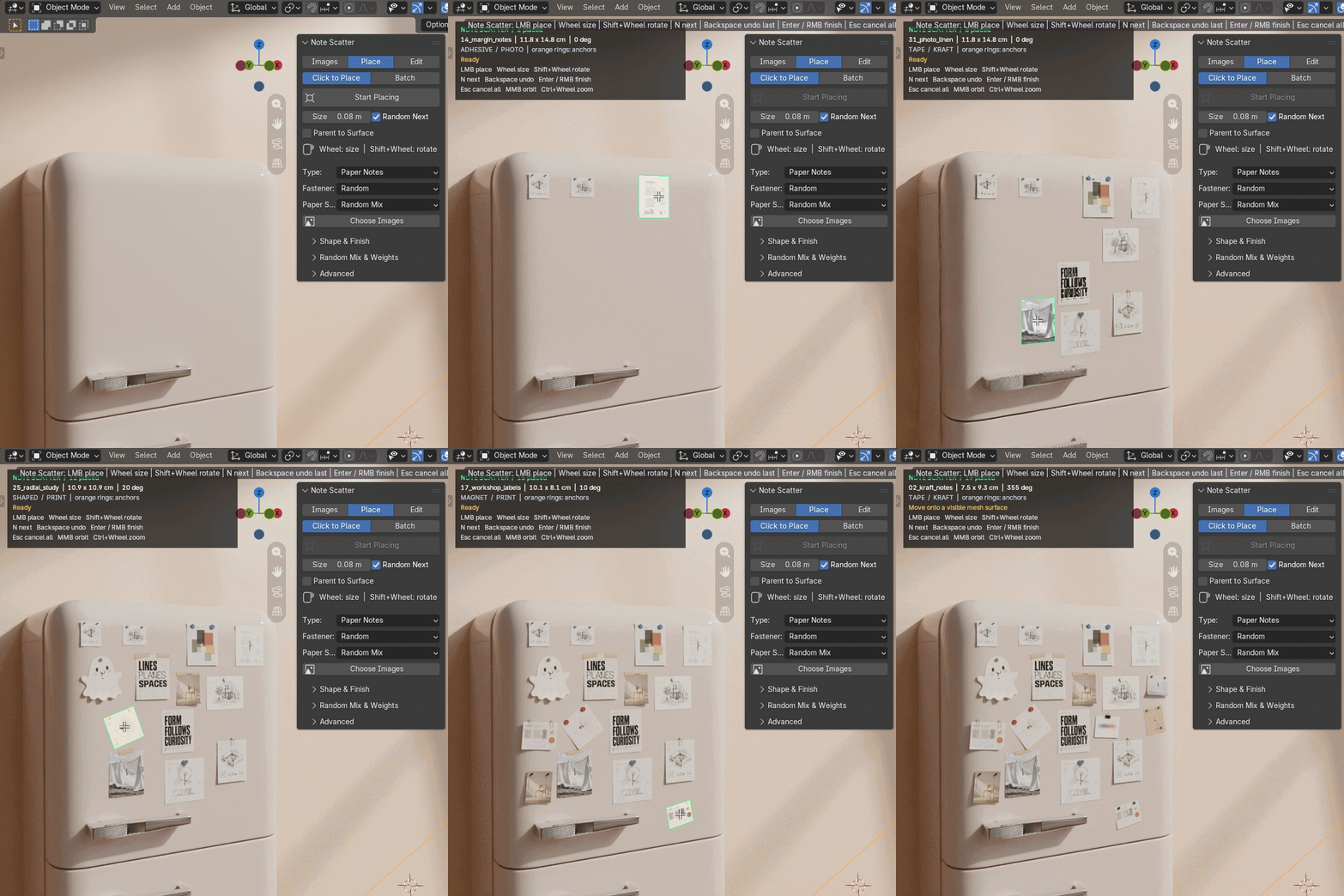
Click onto mesh surfaces with a deformed image preview and attachment markers. Adjust size and rotation before placing. Enable Parent to Surface when you want each note to follow its support object. Edit individual notes or randomize parts while keeping their positions.
Click placement & parenting — in action

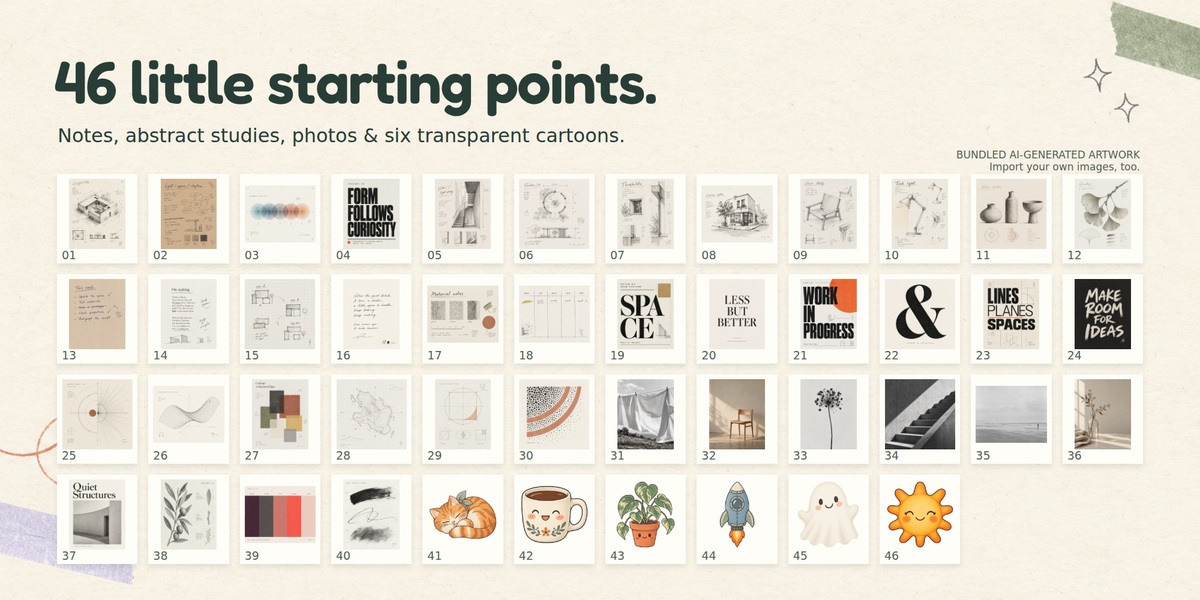
46 images to get the ideas going.
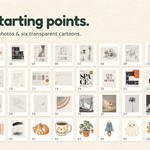
Start with 40 studio-inspired notes, abstract studies and photographs, plus six transparent cartoons. All bundled artwork is AI-generated. Import your own images or an image ZIP to make the scene your own.
Small controls. Plenty of possibilities.
- Magnets, pins, tape, hidden adhesive, binder clips, paper clips, staples and shaped magnets.
- Print, sticky-note, kraft and photo paper stocks.
- Sticker white borders, photo borders and Polaroid-style frames with optional captions.
- Image favorites, categories and per-image random weights.
- Lock notes, edit one at a time or randomize selected parts.
- Shared detailed clip meshes reduce repeated geometry.
What you get
Note Scatter v0.6.3, 46 compressed image assets, an editable demo scene, a complete written guide and FAQ. The installer is approximately 5.23 MB. No additional Python dependencies or online service are required during use.
Target: Blender 5.2 LTS. Cycles and EEVEE materials are supported. Thin Wall appears only when the active Cycles environment provides the required socket. Image Alpha is shown in Material Preview or Rendered shading.
Placement follows a local surface plane; it does not wrap the entire note around a curved mesh or simulate collisions. Surface parenting follows object transforms, not mesh deformation. Use individual edits or local randomization for surface-parented batches.
Product images present styled scenes. The page uses decorative paper graphics. Bundled image provenance is included; the artwork is not labeled as third-party CC0. Add-on source code is supplied under GPL-3.0-or-later.
