Note Scatter — Notes, Stickers & Magnets
 VertexModeler Inc.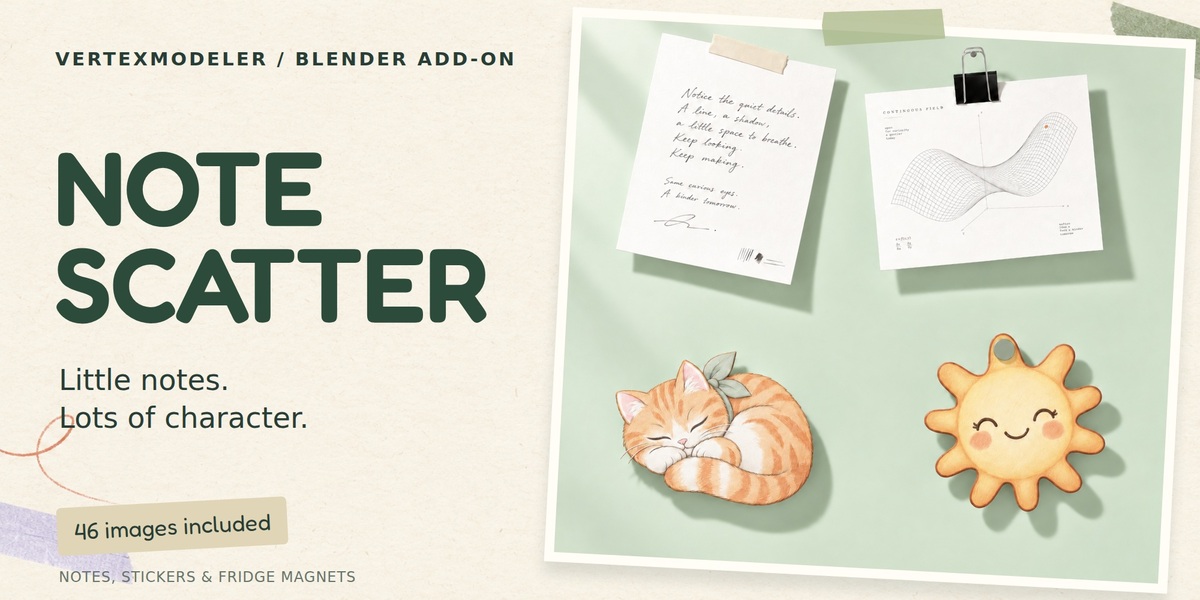




Why is Update Batch disabled after parenting to surfaces?
A planar reshuffle would break the placement across different surfaces. Use single-note edits or Local Randomize for these batches.
Will the notes follow a moving object?
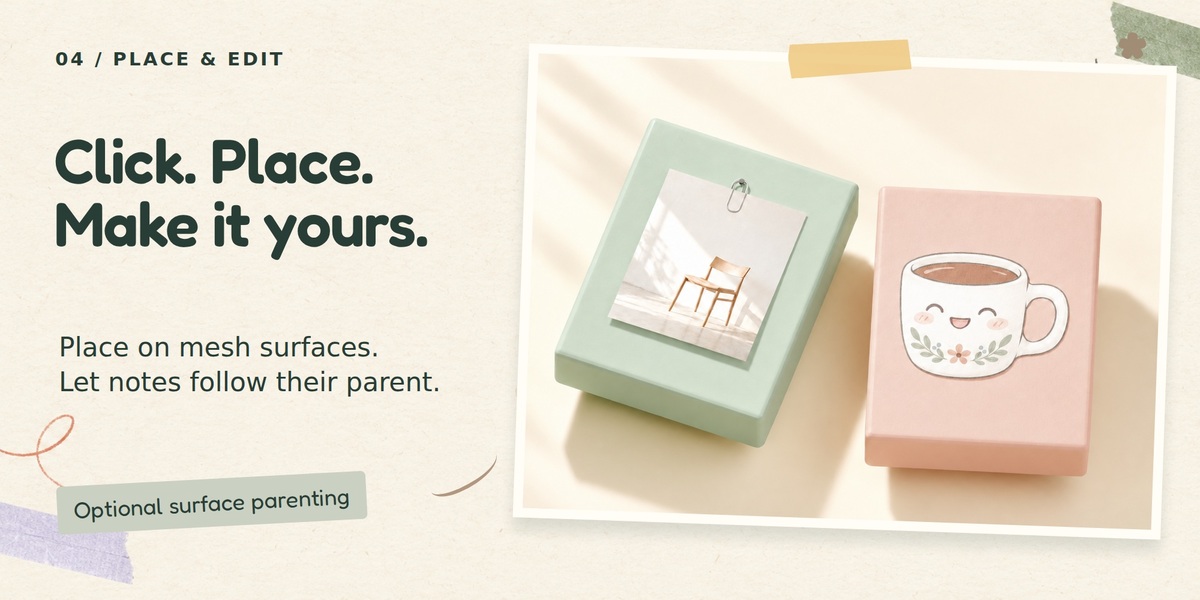
Enable Parent to Surface before starting placement. Each note is parented to its hit mesh while keeping its world placement. It follows object transforms, not mesh deformation.
What is the difference between Enter and Esc?
Enter or right-click keeps the notes placed in the current session. Esc removes that session's notes. Backspace or Ctrl+Z removes only the last note while the placement session is active.
How do I place a note precisely?
Start Click to Place, hover a visible mesh, use the wheel for size and Shift+wheel for rotation, then click. R rotates by 15 degrees and N changes the image.
Is this a cloth simulation?
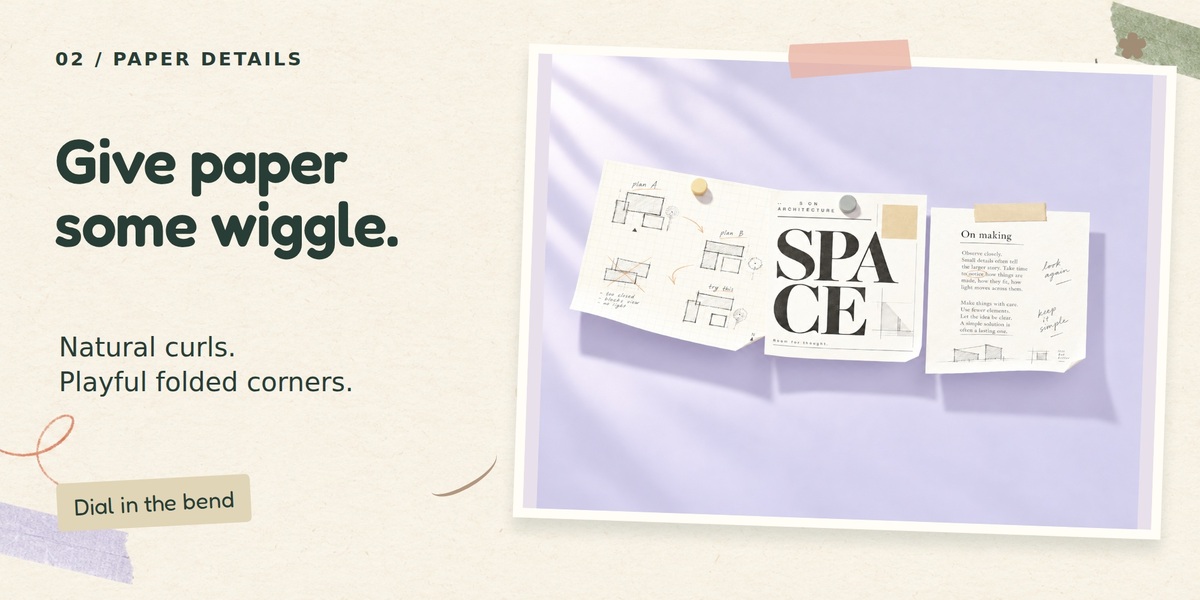
No. Curls and folds are procedural. There is no cloth solver, collision solver or paper-wrinkle system.
Can I make most notes flat and only a few curled?
Yes. Adjust the Natural Mix shape weights and Strong Curl Chance. Fixed shape choices and mounting constraints still take priority.
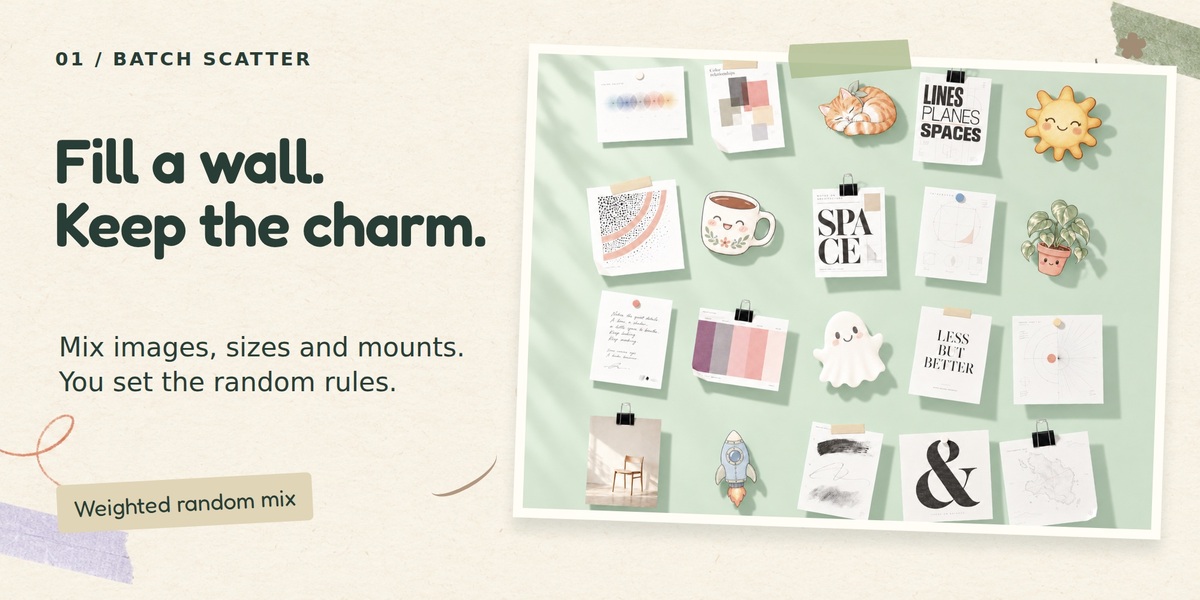
What do the random weights mean?
They are relative chances, not guaranteed quantities. A weight of 3 is roughly three times as likely as 1. Unchecked or zero-weight entries are excluded. Every Image mode uses each eligible image once.
Why do some notes have no visible mount?
Hidden adhesive is intentionally invisible from the front. Rigid photo magnets also do not need a separate front mount. Exclude hidden adhesive from the random pool if you want a visible mount on each paper note.
Why does an irregular cartoon not randomly get a binder clip?
The random mounting pool filters out inappropriate edge clips for irregular Alpha cutouts and uses simpler compatible mounts. A manually specified mount still overrides the rule.
Does automatic trimming change my original file?
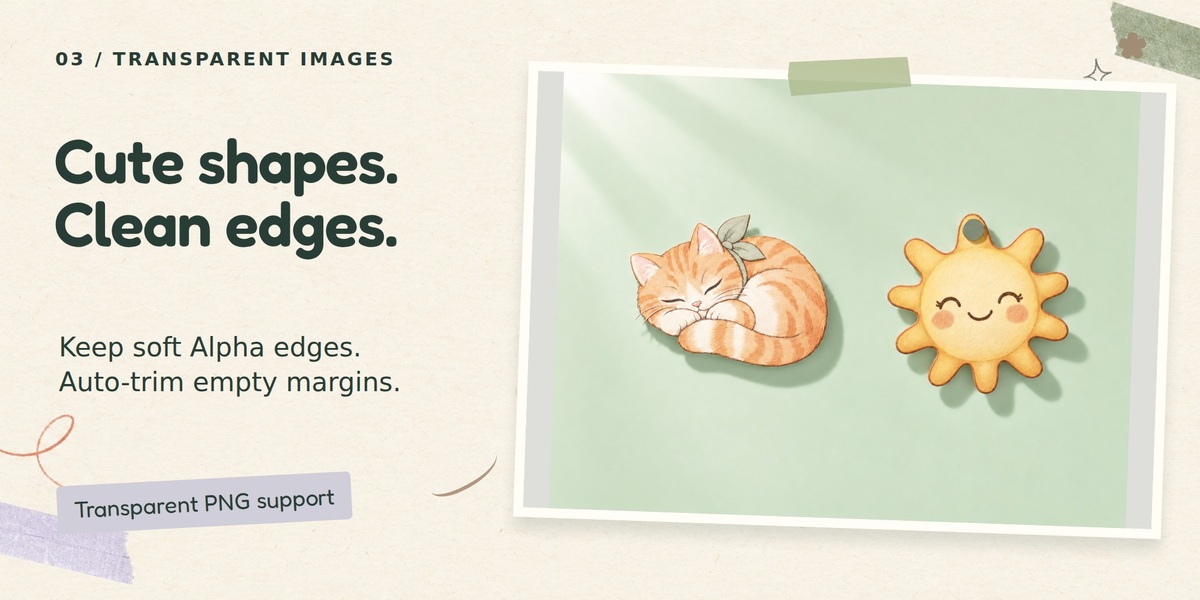
No. It makes a separate processed image, preserves the source and keeps two pixels of padding around nonzero Alpha content. You can disable trimming.
Why can I see a rectangle around a transparent image?
Solid and Edit modes show the underlying mesh. Use Material Preview or Rendered mode for Image Alpha. Check that the file contains actual Alpha, not an opaque white background or painted checkerboard.
Does it keep my image proportions?
Yes. Size refers to the longest side, with the other side fitted to the image. Transparent trimming and borders can change the final aspect ratio.
Can I use my own images?
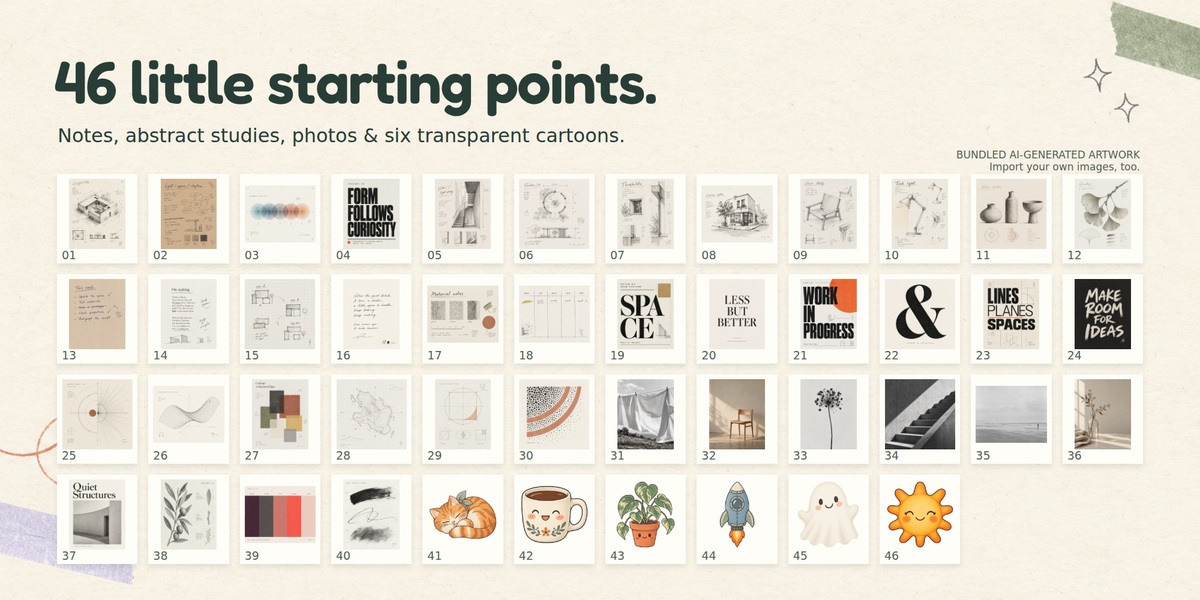
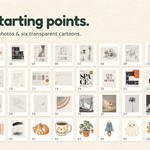
Yes. Import supported images, folders or an image ZIP. The bundled collection is optional.
How do I install it?
Install Note_Scatter_v0.6.3.zip from Blender Preferences > Add-ons > Install from Disk, then enable it. Do not install the complete seller/marketing archive. Restart Blender after an upgrade.
Which Blender version is this package for?
The current target is Blender 5.2 LTS. Backend development checks used Blender 5.2.1 LTS. Do not assume older Blender releases are fully validated simply because the extension manifest allows installation.
$12$9.24
 Included
Includes 12 months of
- Support from VertexModeler Inc.
- Product updates
Extend this product’s Support Period +12 months: 50% of product price
Have questions before purchasing?
Login to message
| Blender Extension Compatible | Yes |
| Published | 5 days ago |
| Blender Version | 5.0 - 5.2 |
| Extension Type | Add-on |
| Render Engine Used | Blender-Internal, Cycles, Eevee, Vray |
| License | GPL |
Discover more products like this
blender addon surface placement productivity scatter sticky notes procedural paper scene decoration Interior notes Stickers Fridge Magnets