 Tivan Hajiloo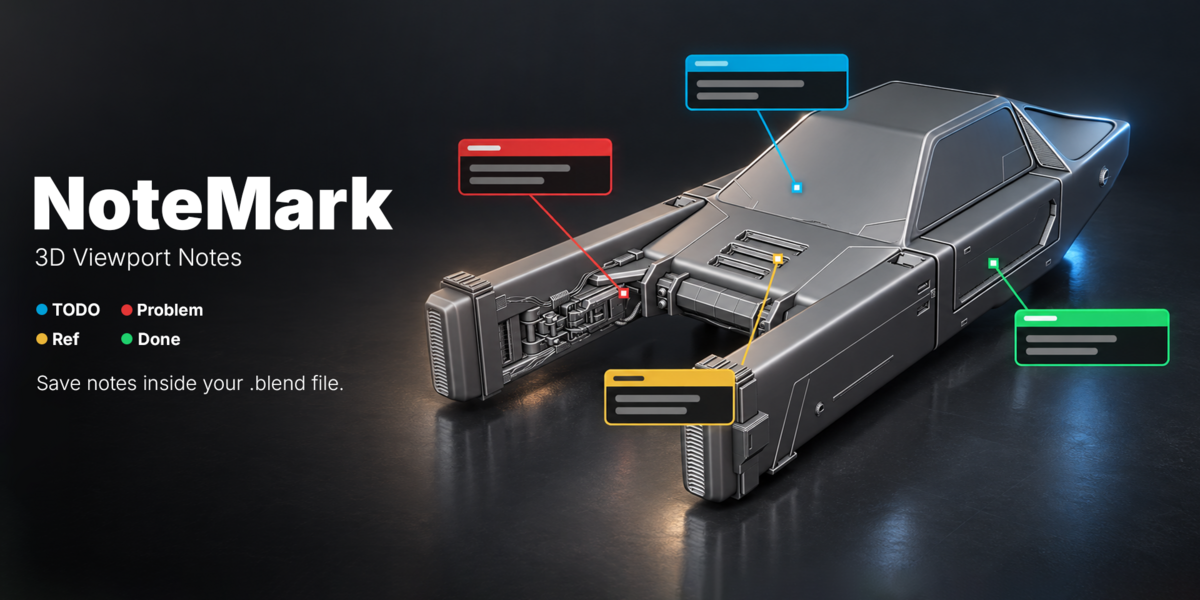
NOTEMARK · BLENDER ADDON
Keep your ideas
in the scene.
Sticky notes inside Blender’s 3D Viewport.
Mark tasks, flag problems, and keep feedback
exactly where it belongs.
4 note categories · Global scale · Saved in your .blend
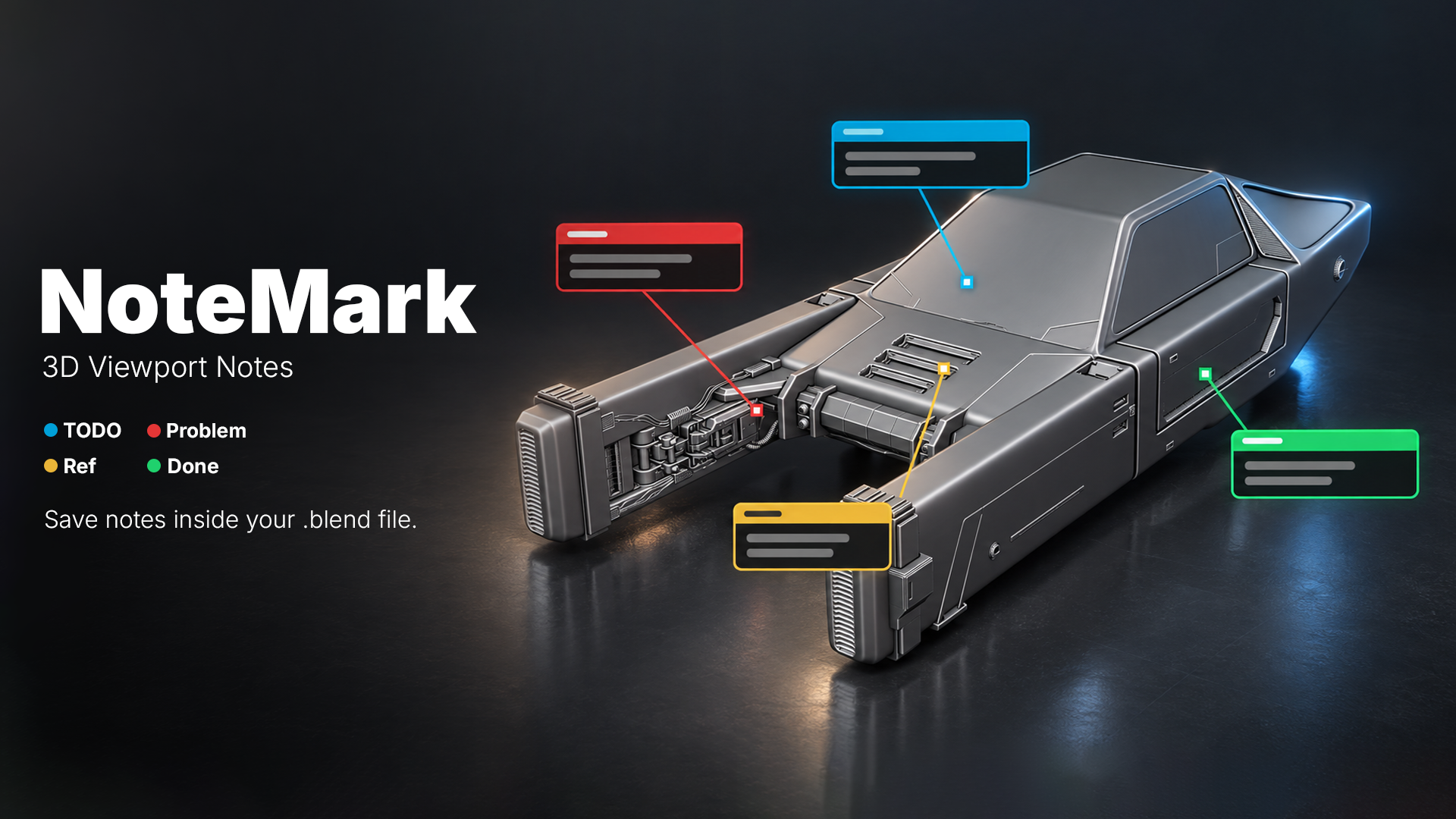
Four colors. Clear intent.
From the next step to the final check.
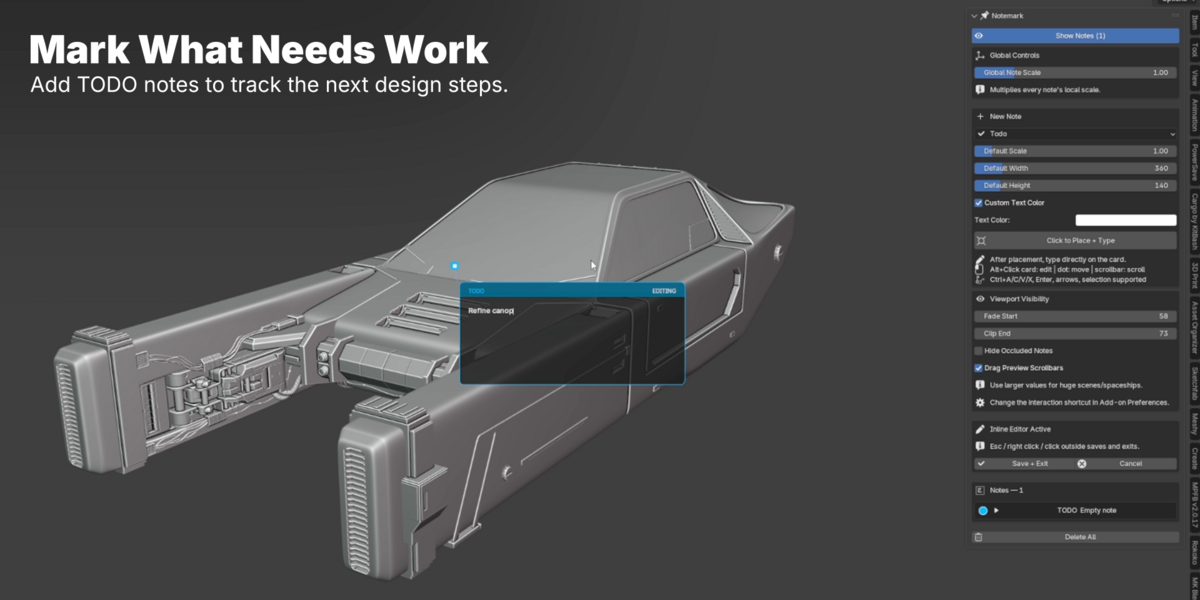
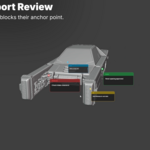
TODO
What’s next.
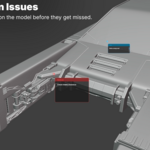
Add thickness to vent slats.
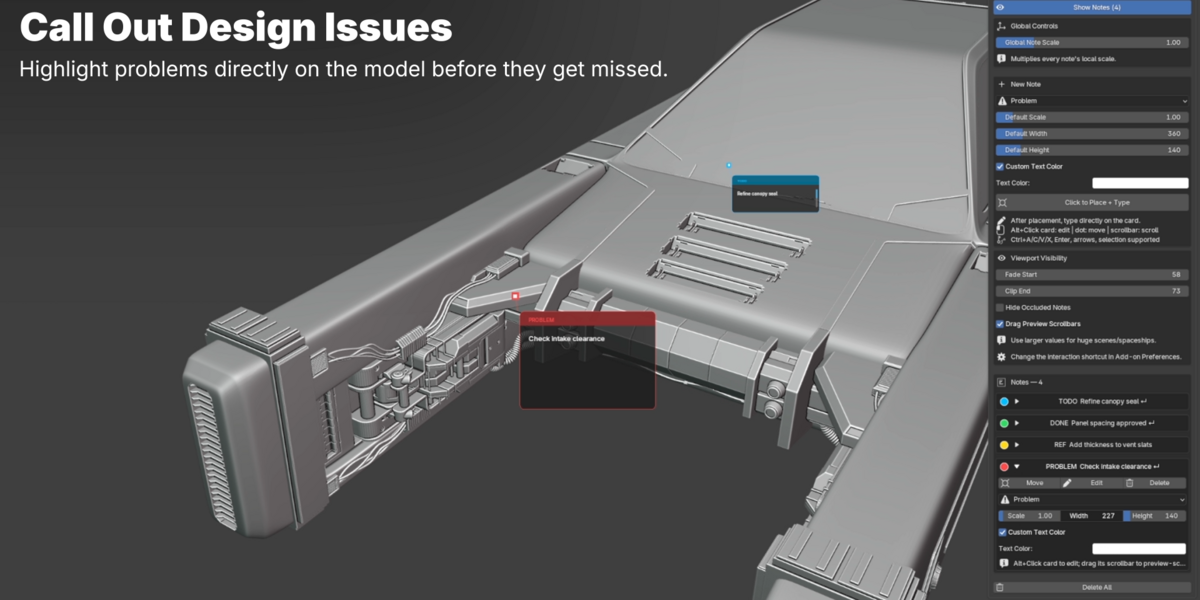
PROBLEM
What needs fixing.
Check intake clearance.
REFERENCE
What to remember.
Match the cockpit trim finish.
DONE
What’s ready.
Panel spacing approved.

PLACE · TYPE · MOVE
Your ideas.
In place.
Place a note and type directly on its card. Move its anchor beside the detail that matters.

GLOBAL + INDIVIDUAL SCALE
One control.
Every note.
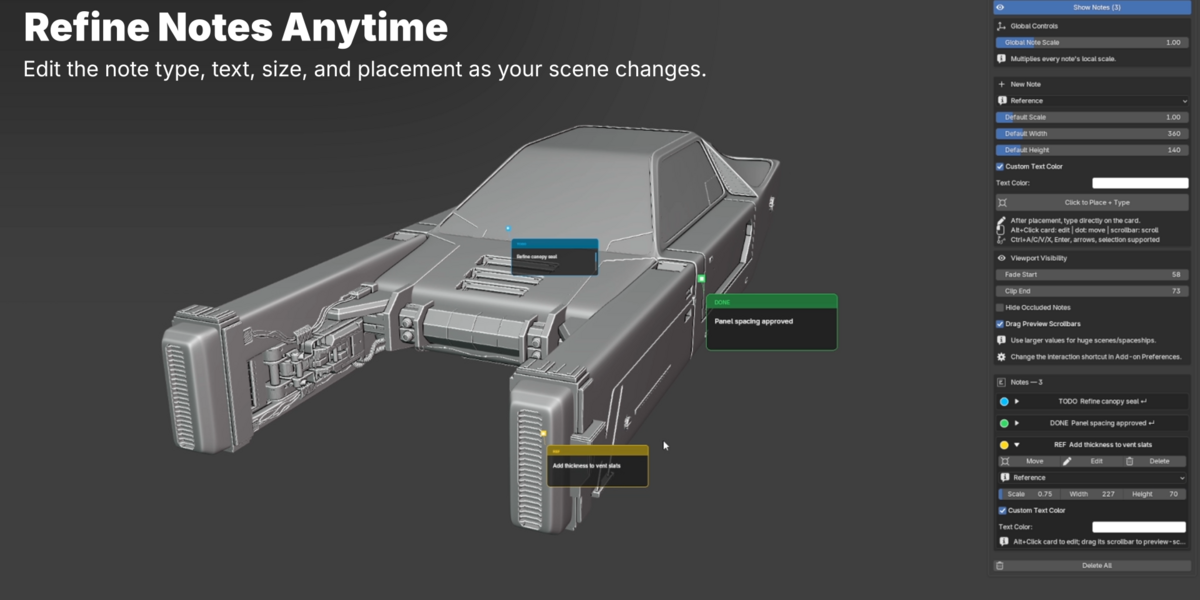
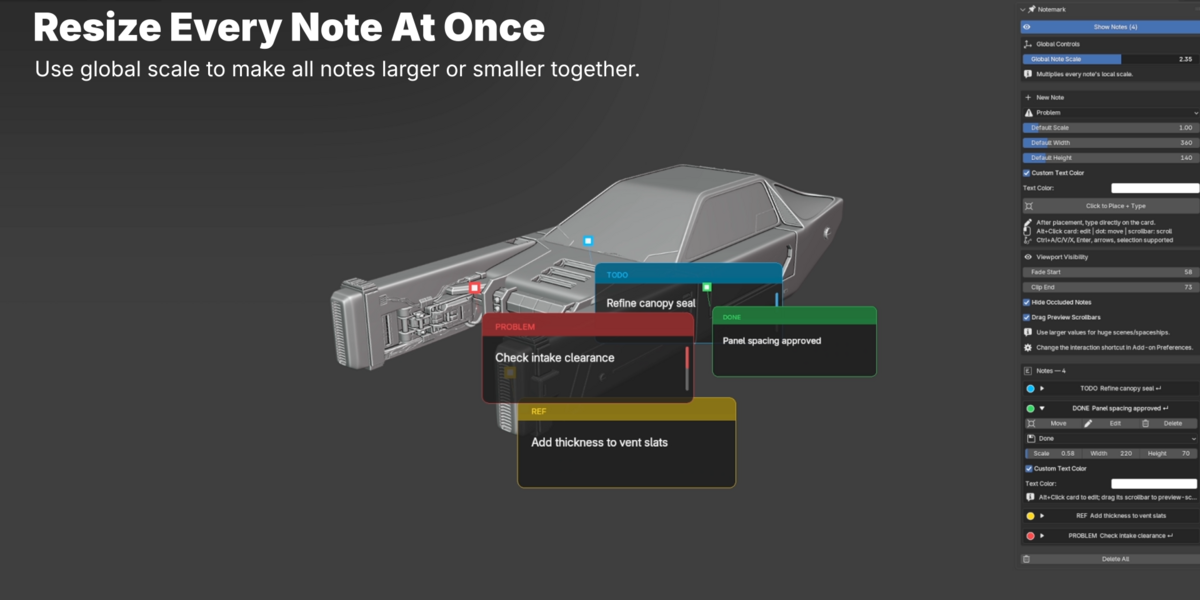
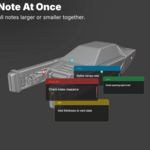
Resize all notes together while keeping their individual scale settings. Fine-tune each card’s width and height for the right fit.

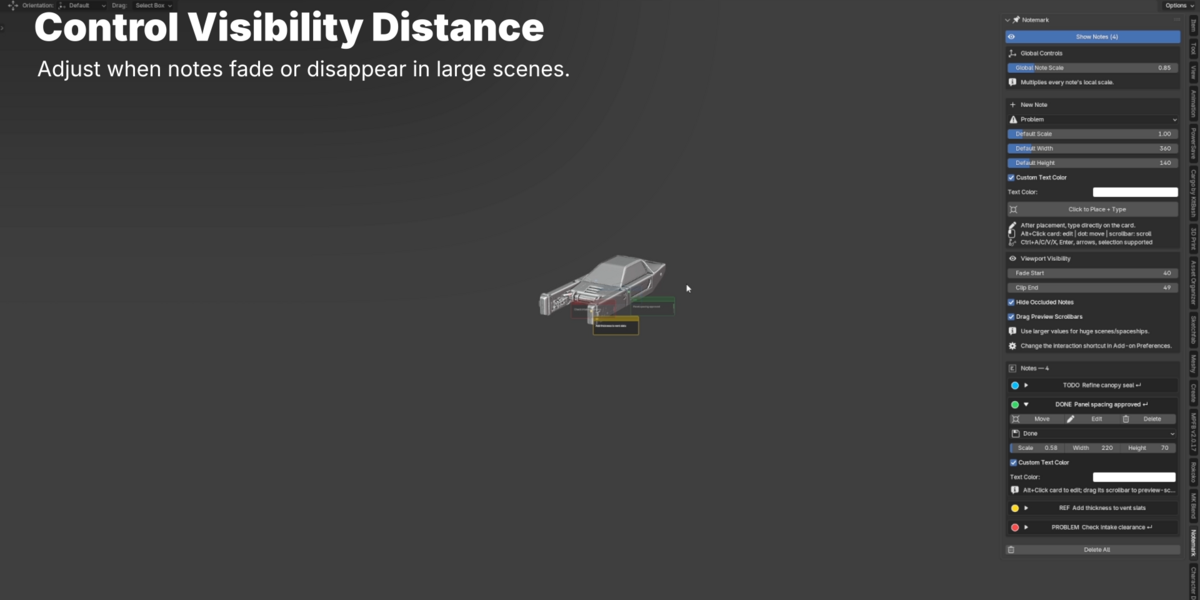
VISIBILITY CONTROL
Focus on what’s
in front of you.
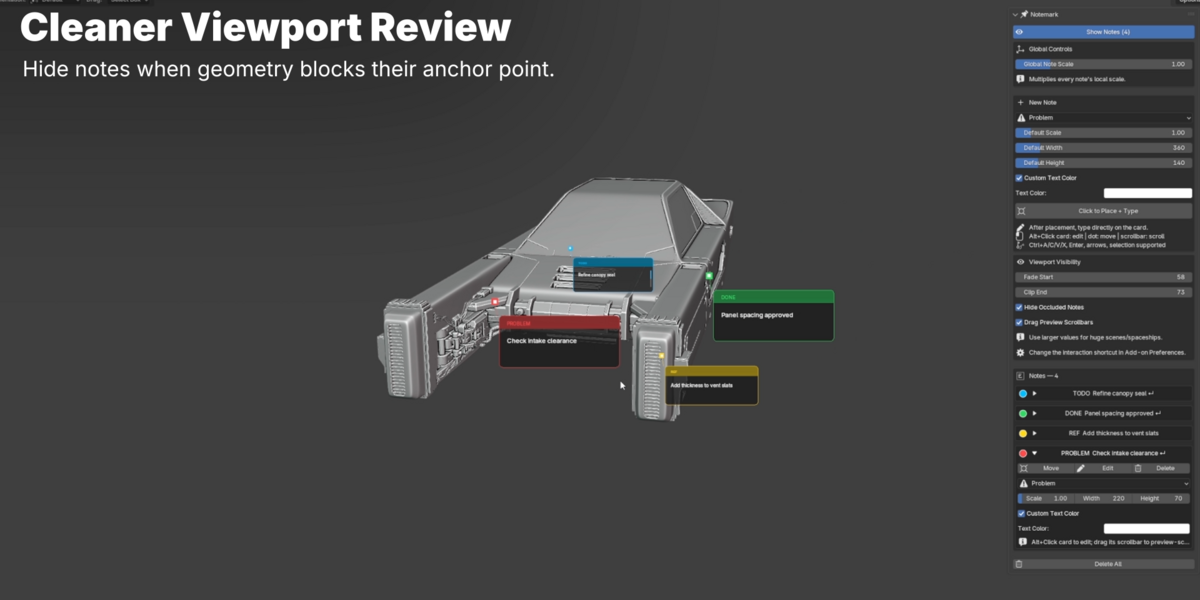
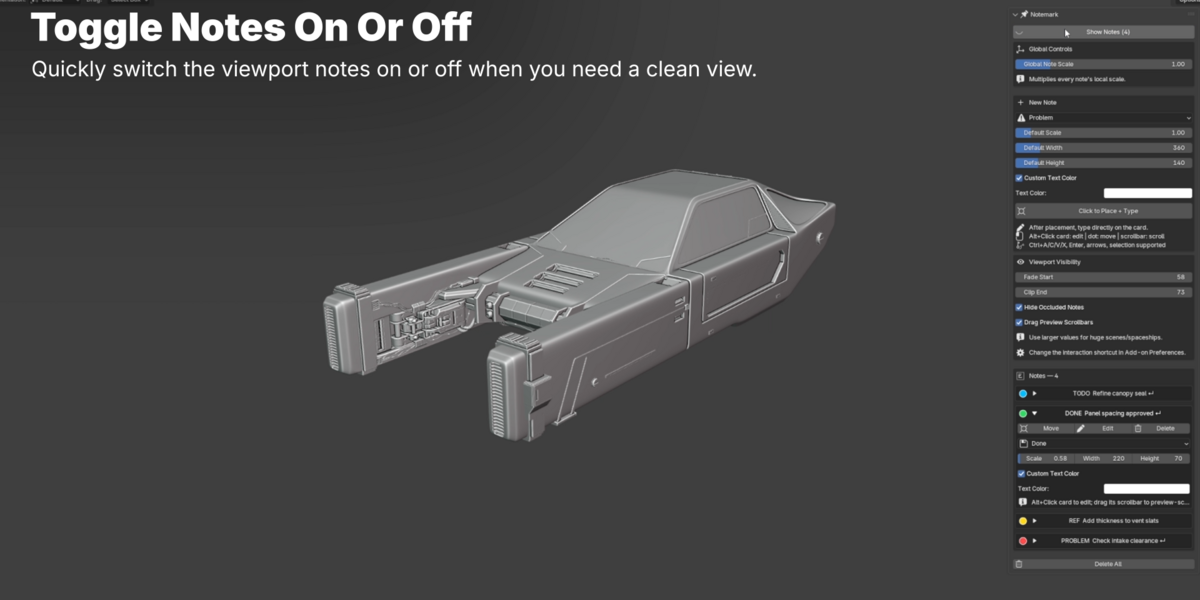
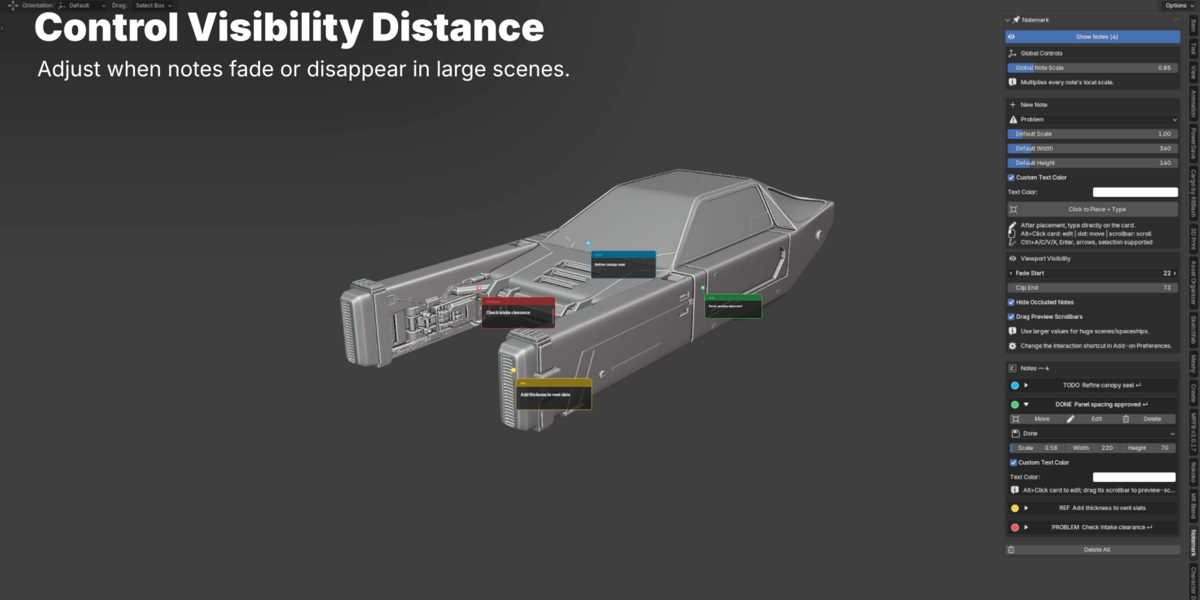
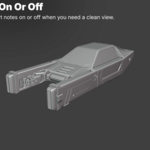
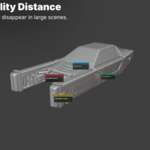
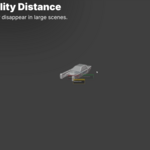
Hide notes behind geometry. Set where they begin to fade and disappear as you move away, or toggle notes off for a clear view.

COLLAPSIBLE SIDEBAR
More notes.
Less clutter.
Expand the note you need. Collapse the rest. Category-colored markers make your sidebar easier to scan.

CUSTOM TEXT COLOR
Make every
word clear.
Choose a custom text color for each note. Adjust card dimensions and scale to suit your scene and your way of working.

EDITING + SCROLLING
A quick reminder.
Or the whole brief.
Paste text, add line breaks, and scroll longer notes inside their cards. Keep the details close without filling your viewport.
SAVED WITH YOUR PROJECT
Close Blender.
Keep the context.
Notes save inside your .blend file. Reopen your project with NoteMark enabled and pick up where you left off.
The practical details.
Blender 4.5 minimum
Validated on Blender 4.5.9 LTS for Windows.
No external dependencies
Install the addon ZIP directly in Blender.
3D anchors. Readable cards.
Anchors sit in world space. Cards face your screen.
Made for the viewport
Notes do not appear in final renders.
NoteMark
Created by Tivan Hajiloo
Questions? Get in touch through Superhive.
