 one99addons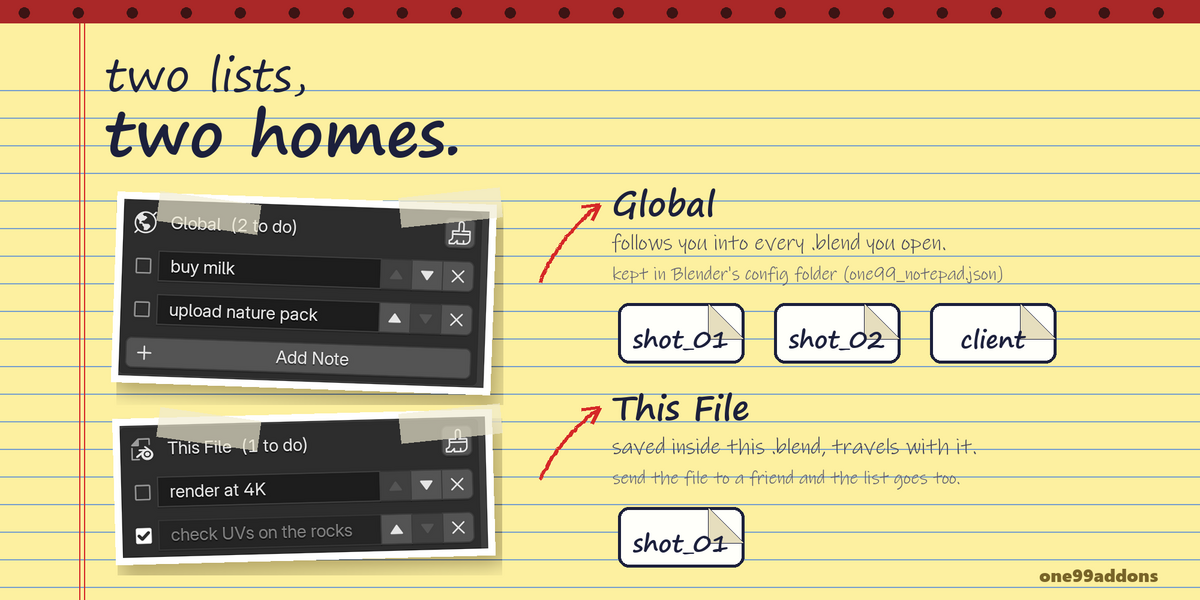
📝 Notepad
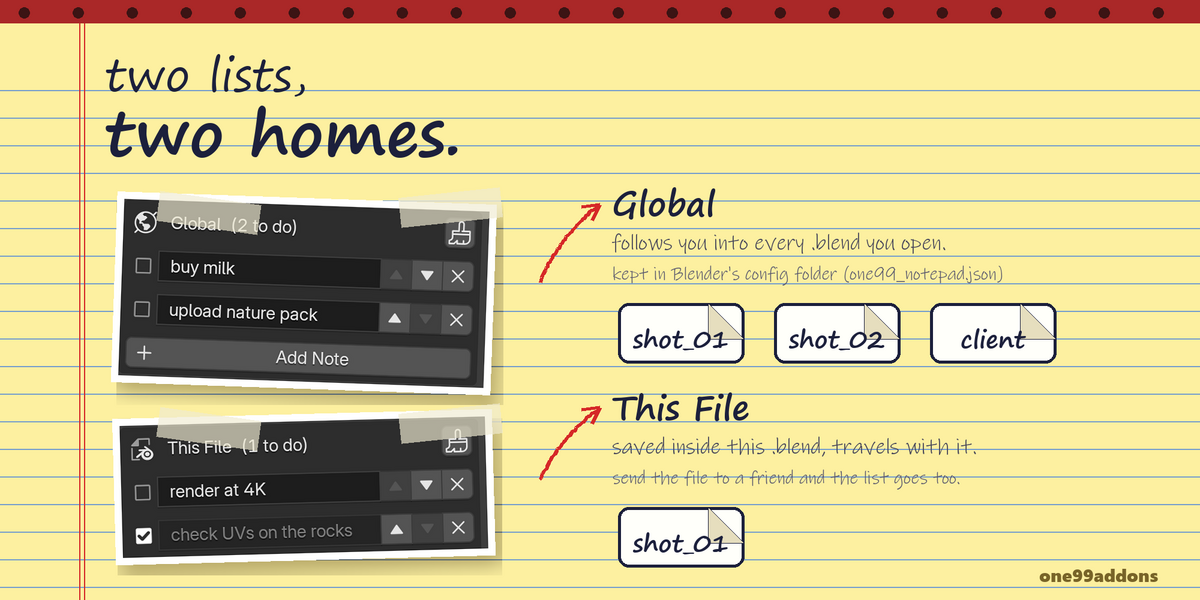
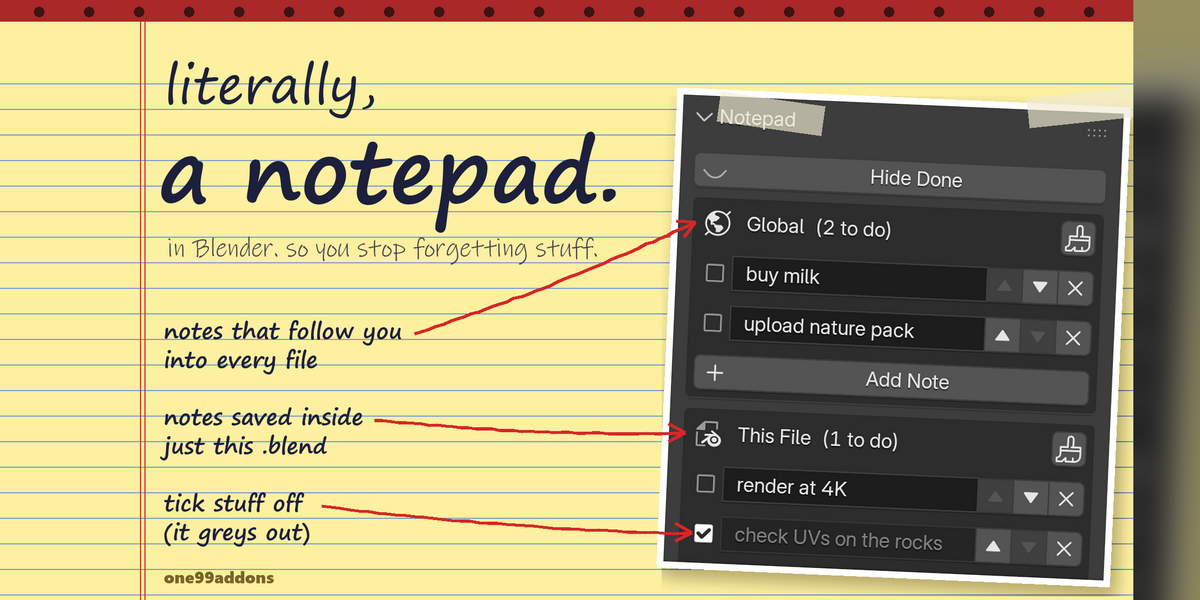
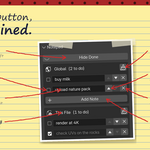
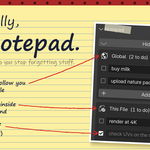
A simple checklist in the sidebar: global notes that follow you into every file, plus notes saved in this .blend.
Write down what is left to do, tick it off when it is done. One list follows you everywhere, the other lives inside the project it belongs to.
The problem
Your to-do list for a scene lives on a sticky note, in another app or in your head. Blender has no simple place to jot "fix the UV seam on the door" and see it next time you open the file.
What it does
- Two lists. Global and This File, one under the other in the sidebar.
- Global notes follow you. They are saved to a small file in Blender's config folder on every change, and show up in every .blend you open.
- File notes travel with the .blend. They are saved inside the file, so when you send the project, the notes go with it.
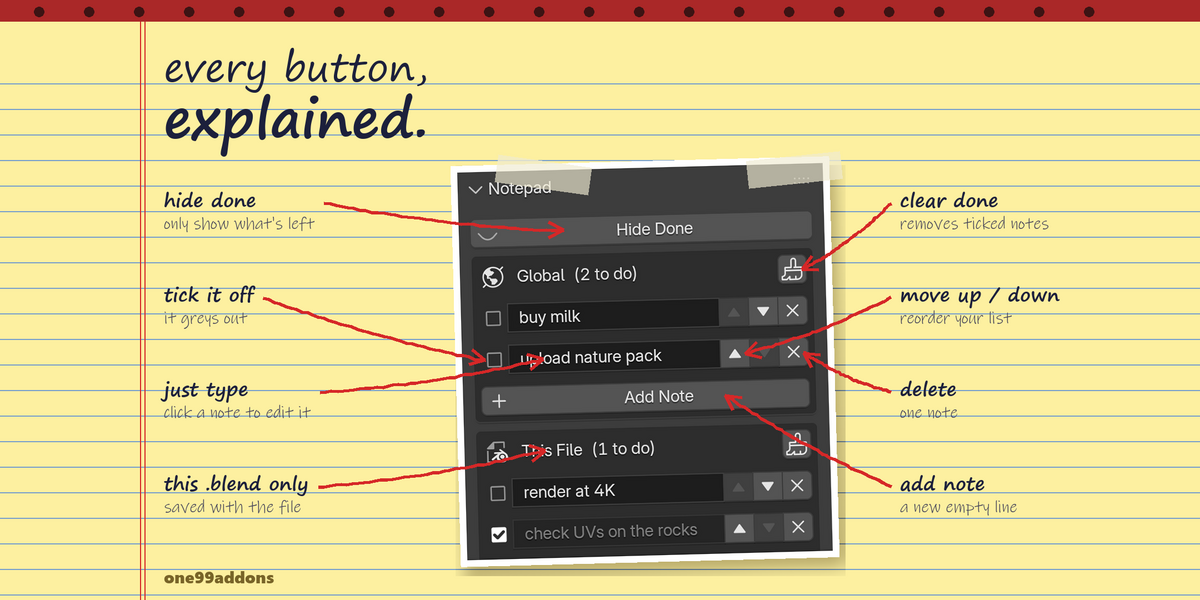
- Tick it off. Each note has a checkbox. Done notes fade out, and the header counts what is left ("3 to do").
- Tidy up. Move notes up and down with the arrows, delete one with X, or clear every ticked note at once with the brush button.
- Hide Done. One toggle hides the ticked notes from both lists.
Settings
Everything is in 3D Viewport > Sidebar (N) > Notes tab.
- Hide Done: hide ticked notes.
- Add Note: under each list.
- Brush button (in each list header): delete every ticked note in that list.
Good to know
- Global notes are stored in one99_notepad.json in Blender's user config folder. Nothing is sent anywhere.
- File notes are stored on the scene, so each scene in a file has its own list.
- No timers, nothing running in the background: it only does something when you click.
Tips
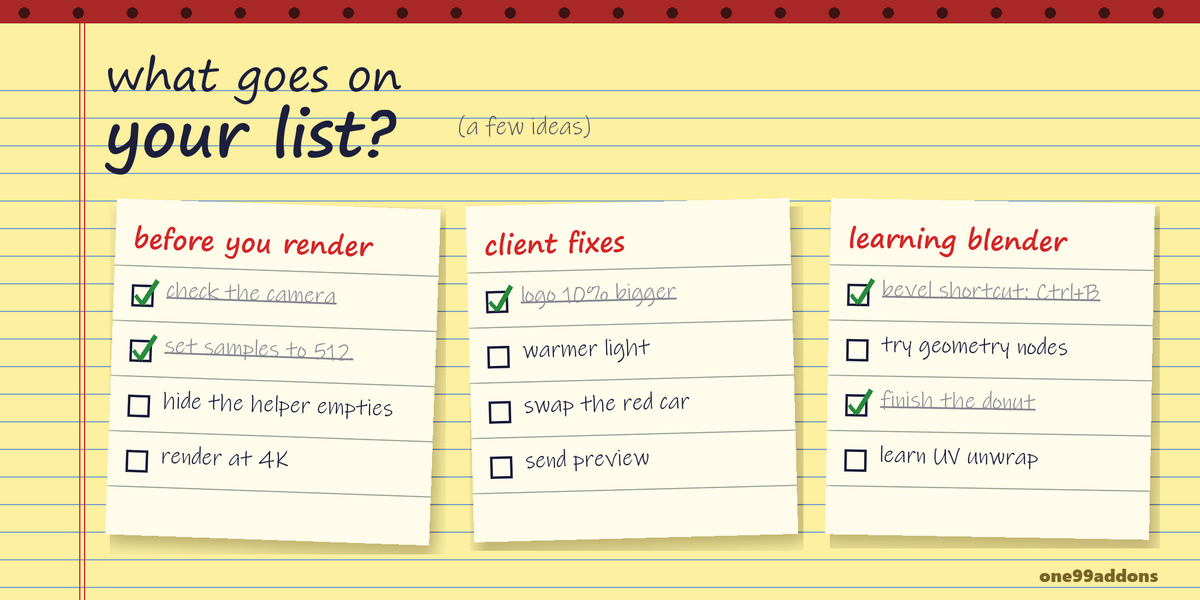
- Use Global for things like "learn geometry nodes" and This File for "fix the door UVs".
- Sending a file to a client or teammate? Leave them a note in This File.
Requirements and install
Blender 5.2 or newer (tested on 5.2, Windows). No internet, no external libraries.
- Download notepad_v1.0.0.zip (do not unzip it).
- In Blender: Edit > Preferences > Add-ons, open the drop-down arrow at the top right, choose Install from Disk... and pick the zip.
- Tick Notepad. Then press N in the 3D Viewport and open the Notes tab.
Limits
Each note is one line of plain text. Global notes live on this computer only, they do not sync between computers. Ctrl+Z works on file notes; a deleted global note is gone for good.
Made by one99addons.