Notepad
 one99addons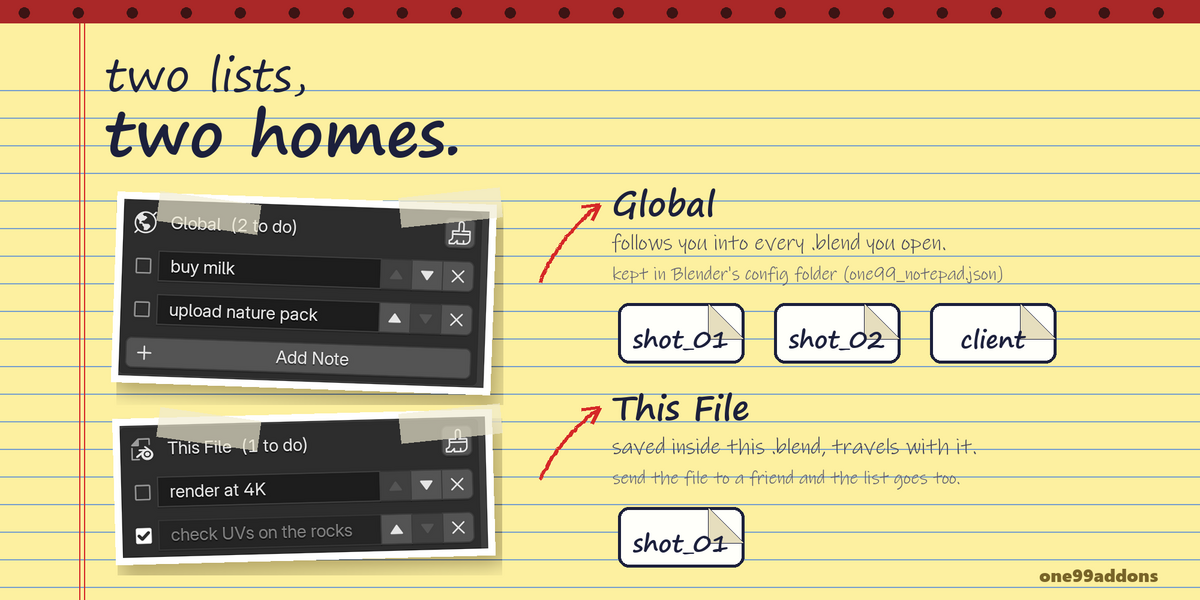
Notepad - Documentation
1. Install
- Download notepad_v1.0.0.zip. Do not unzip it.
- In Blender: Edit > Preferences > Add-ons, click the drop-down arrow at the top right and choose Install from Disk...
- Pick notepad_v1.0.0.zip and tick "Notepad" in the list.
- If Auto-Save Preferences is off, click Save Preferences (bottom left).
2. Where to find it
- 3D Viewport > Sidebar (press N) > Notes tab.
3. How to use it
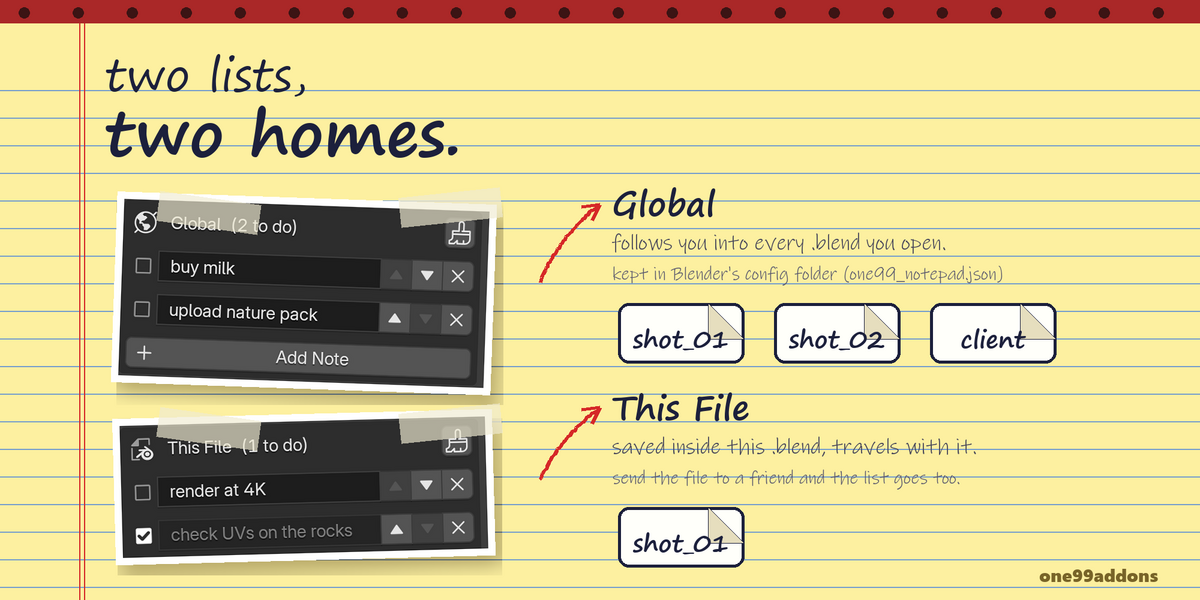
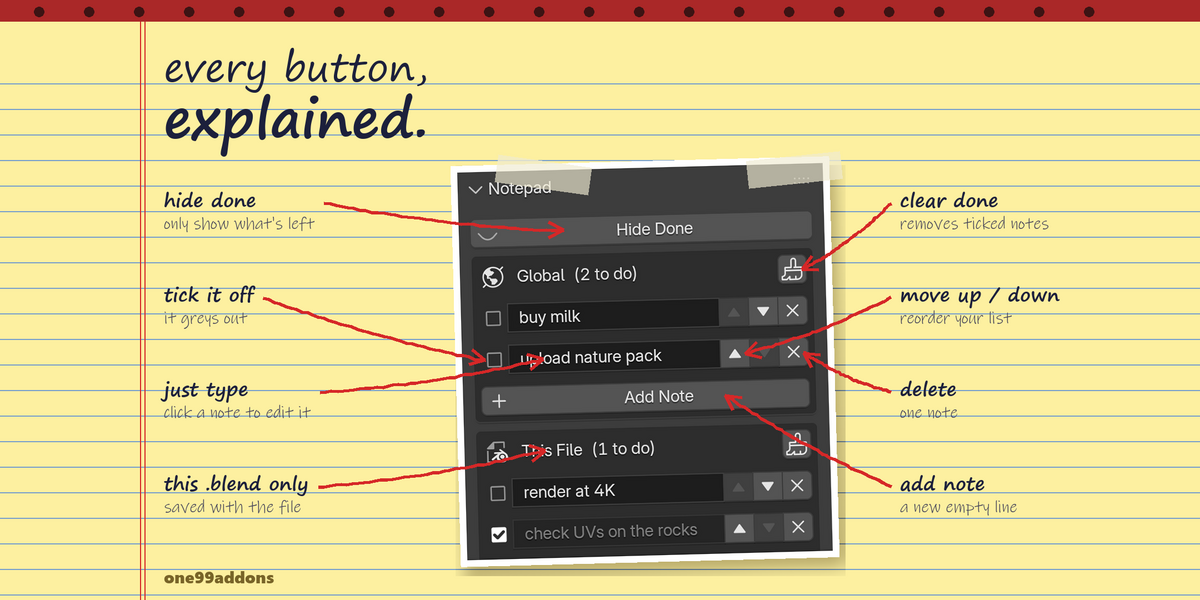
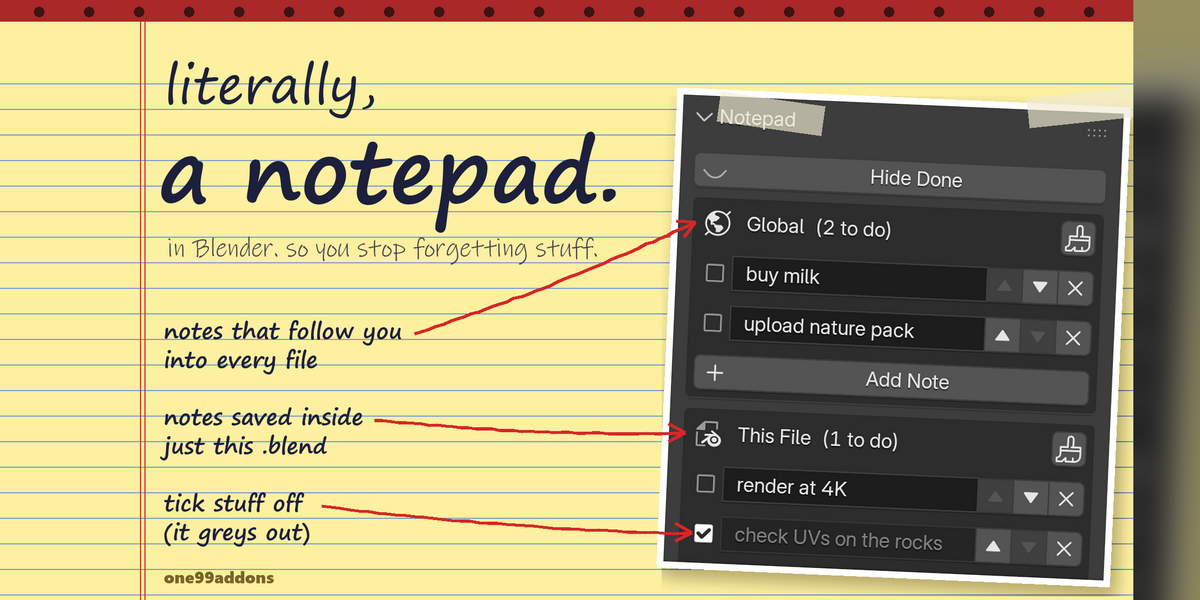
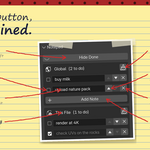
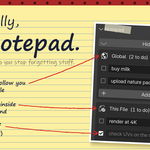
- Click Add Note under Global (notes for every file) or under This File (notes saved in this .blend).
- Type your note in the new line.
- Tick the checkbox when it is done. The header shows how many are left to do.
- Use the up and down arrows to reorder notes, and X to delete one.
- Click the brush button in a list header to delete every ticked note in that list.
- Save your .blend to keep the This File notes. Global notes save themselves.
4. Settings
- Hide Done: hides ticked notes in both lists.
5. Troubleshooting
- My This File notes are gone: they are saved with the .blend, so save the file before closing it. Each scene has its own list, check you are in the same scene.
- My global notes are gone: they live in one99_notepad.json in Blender's config folder for this Blender version (for example %APPDATA%\Blender Foundation\Blender\5.2\config on Windows). A different Blender version uses a different config folder.
- I can't find the panel: it is in the 3D Viewport sidebar only. Press N with the mouse over the 3D Viewport and open the Notes tab.
- Install error? Make sure you picked the .zip itself, not an unzipped folder, and that you are on Blender 5.2 or newer.
6. Updating
- Download the new zip from your Superhive library, uninstall the old version in Edit > Preferences > Add-ons, restart Blender, then install the new zip.
- Your global notes are kept, they are stored outside the add-on.
7. Uninstall
- Edit > Preferences > Add-ons, expand Notepad and choose Uninstall.
- The global notes file (one99_notepad.json in Blender's config folder) stays. Delete it if you want those notes gone too.
Support
- Have a question, a bug or an idea for a new feature? Mail me at [email protected]. Please include your Blender version and operating system.
$1.99
Have questions about this product?
Login to message
| Published | about 8 hours ago |
| Blender Version | 5.2 |
| Extension Type | N/A |
| Render Engine Used | Cycles |
| License | GPL |
Discover more products like this
Workflow notepad Sidebar reminders task list notes checklist productivity todo To Do List