Object Groups
 Tachyon Studio
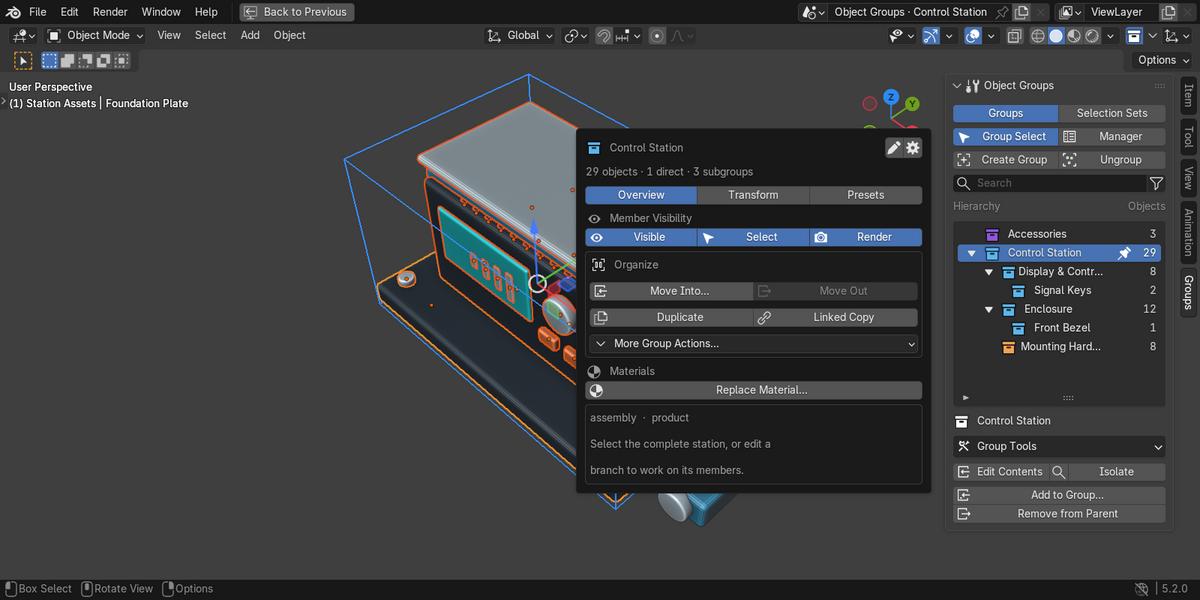
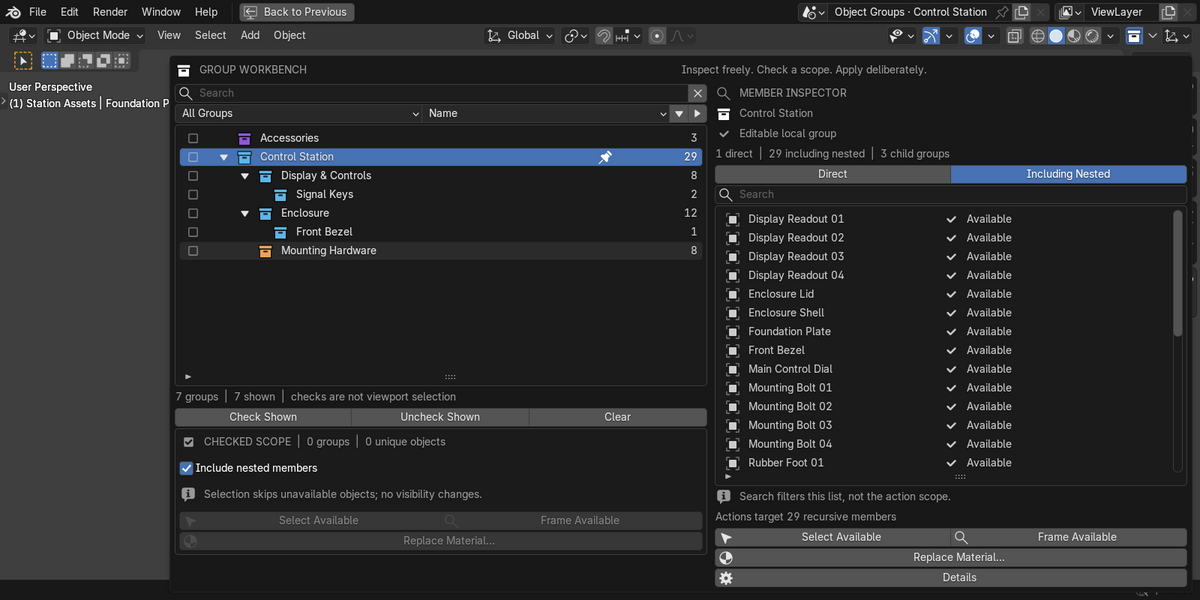
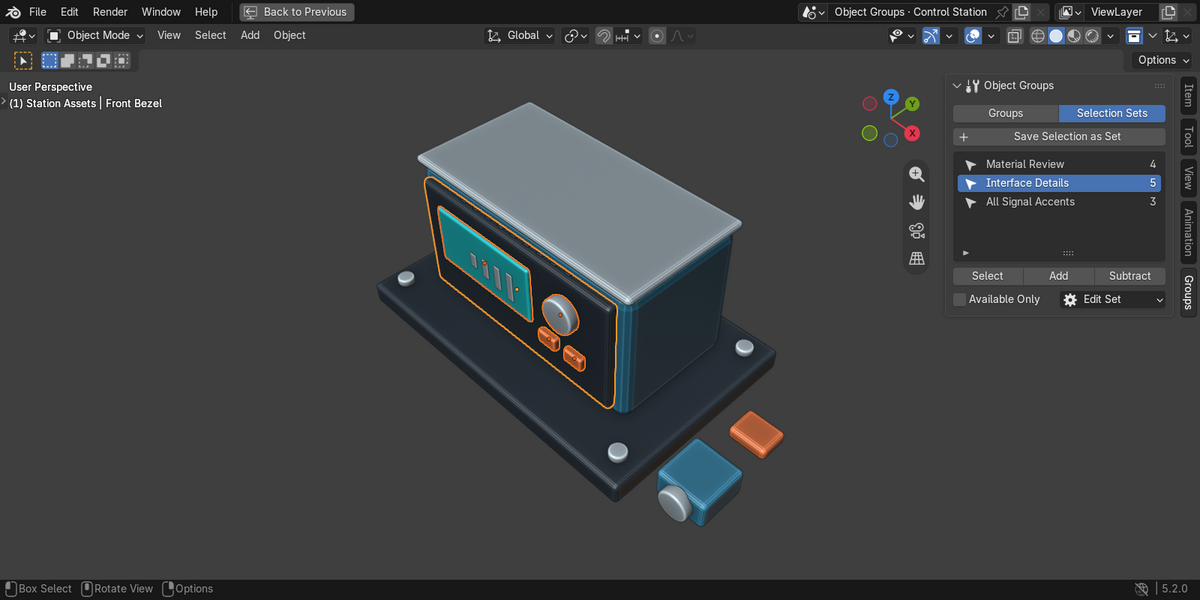
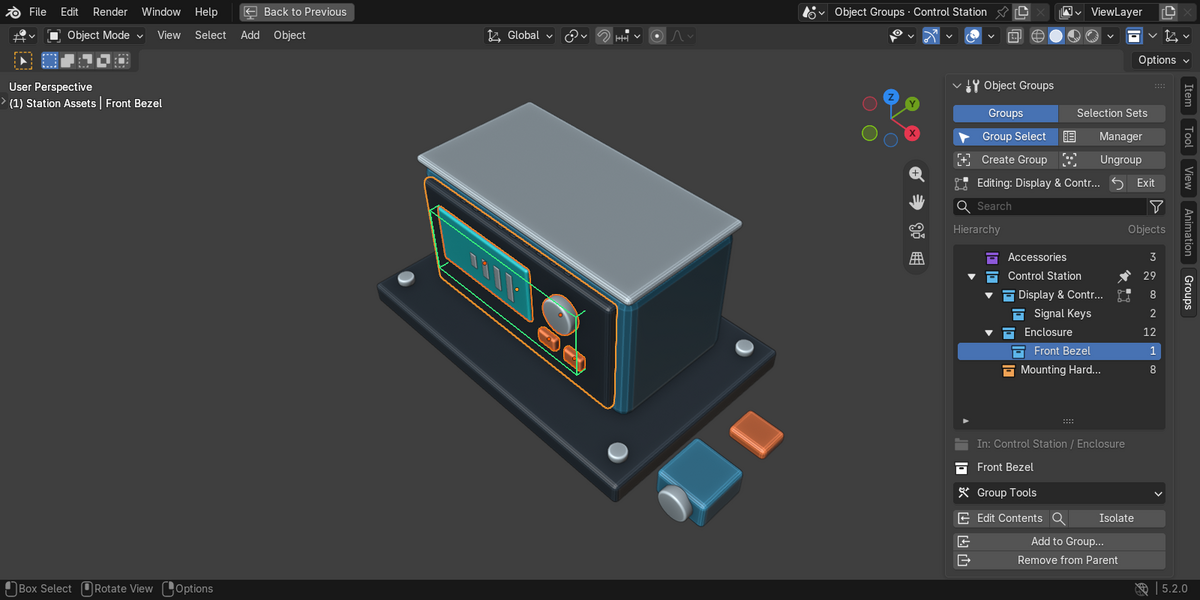
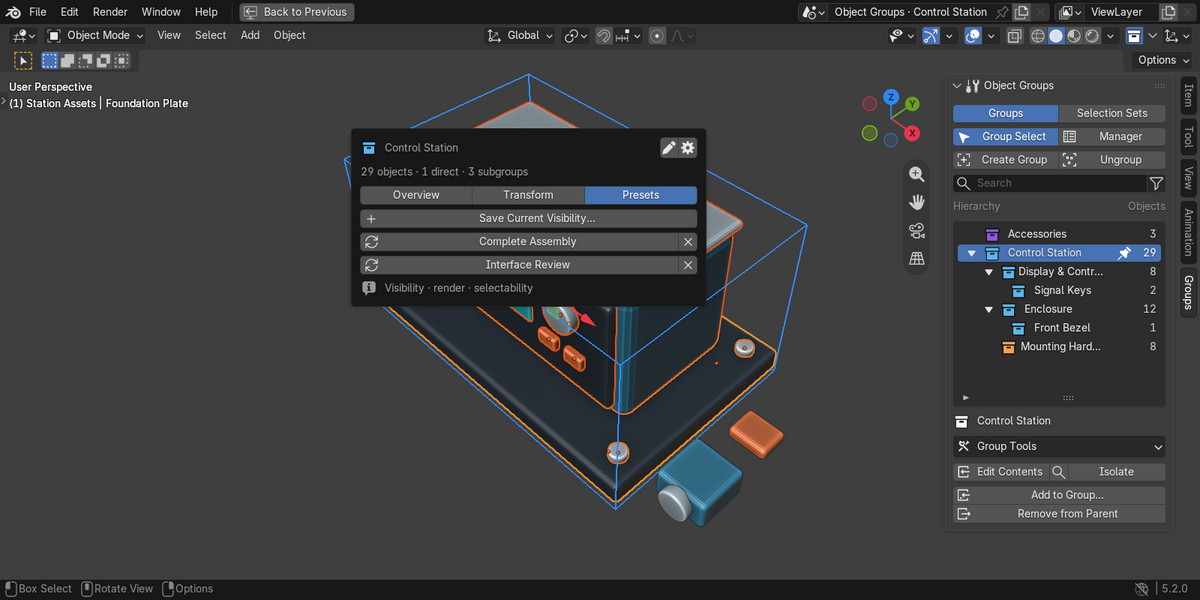
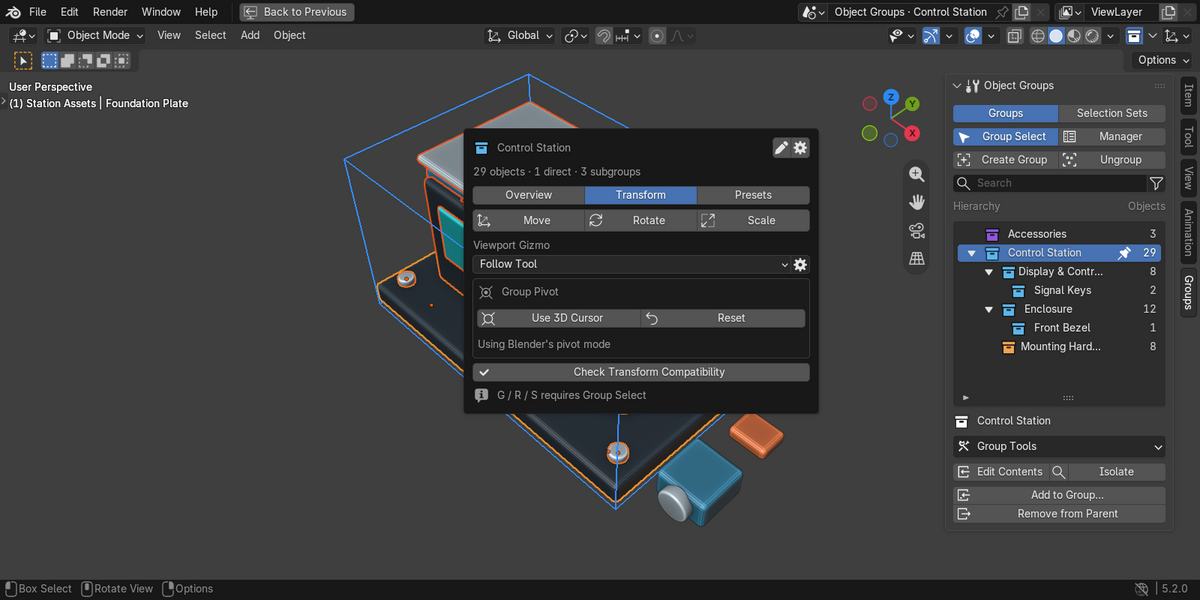
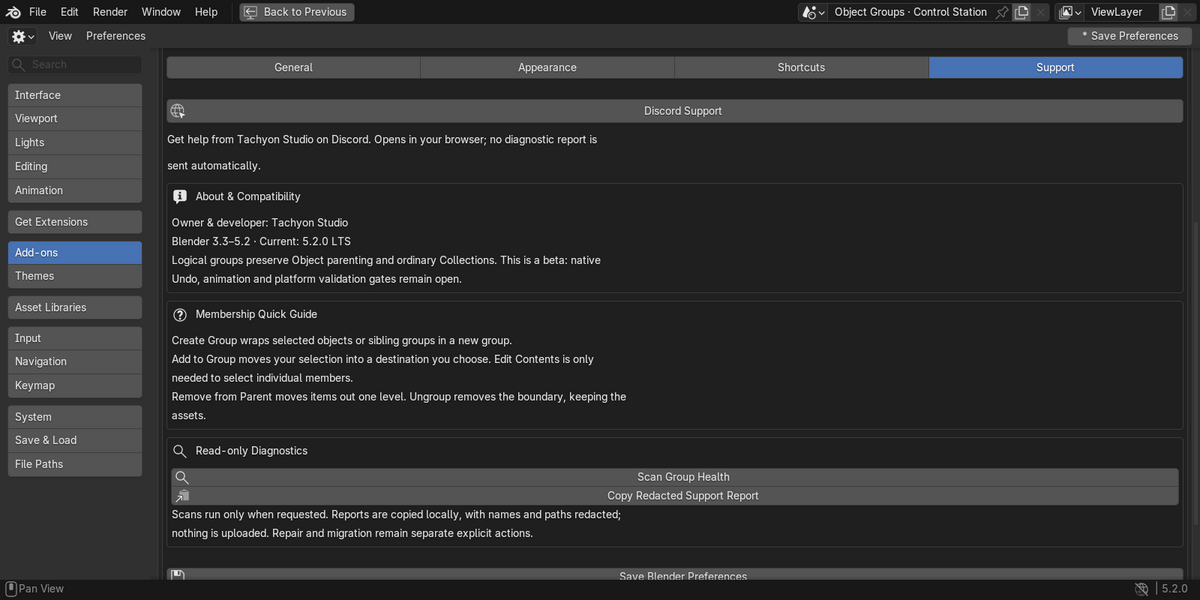
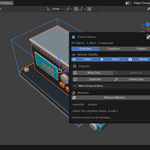
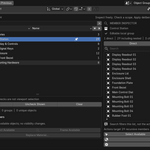
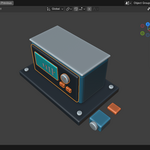
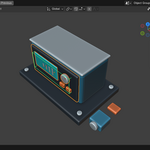
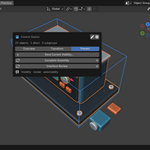
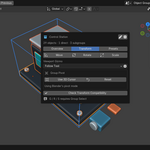
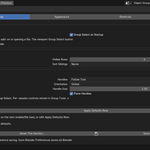
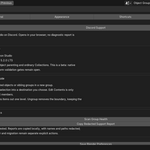
Enable the add-on, switch a 3D Viewport to Object Mode, press N and choose Groups. It has its own tab, not a section inside Item or Tool. Check Preferences → Add-ons if the tab is missing. Restart after an update if the old UI remains.
Use the legacy 3.3–4.1 ZIP in those versions; use the Extension 4.2–5.2 ZIP in newer versions. Install the ZIP without extracting it. Do not install both. Extract the separate documentation/demo ZIP normally; it is not an add-on installer.
Neither. Logical groups use tagged Collections for membership while preserving object parenting and ordinary Collections. They add no controller Empty. A group does not become a new animation channel.
Yes. Click one group name, Shift-click another and click Create Group. They must share the same parent, or both be roots. More than two sibling groups work too. Move groups to a common level if needed.
No. Select what you want to move, choose Add to Group…, then choose the destination. Edit Contents is only needed when you want to select individual parts inside a closed group. Entire selected groups remain intact as nested groups.
Select the nested group and use Remove from Parent. It moves out one level and stays a group. Group Tools → Overview → Move Out performs the inspected-group version of this action.
Use Ungroup. It keeps objects and moves child groups up one level. Delete Group & Objects is a separate destructive command and is not an ungroup shortcut. A safety warning may require linking group-only objects to an ordinary Scene Collection first.
The row highlight means inspection. A name click selects; a background click inspects without changing selection. The Manager’s checkboxes are another distinct scope. Hidden/locked/excluded members can block complete selection without blocking inspection.
It has one direct logical group owner. Use Selection Sets for overlapping saved selections. Set recall selects exact objects rather than expanding closed groups.
Exact selection checks the entire target. Available Only or Select Available explicitly permits skipping unavailable objects. These options do not unhide or unlock them. Inspect visibility, View Layer exclusion and Scene membership before retrying.
Some material slots are stored on shared object data. Replacing them could affect objects you did not choose. The add-on blocks that write; it does not silently make data single-user or create overrides.
No. They capture member visibility, render visibility and selectability, not transforms, keyframes, Collection exclusions or Local View. Membership/topology changes or a Scene/View Layer rename require a new capture.
Definitions are conservatively treated as structurally read-only. Local wrappers can organize them without editing the library. Automatic Library Override creation and resync are not provided.
The transform broker keeps a safety checkpoint. After a confirmed transform, the second Undo is a no-op; cancellation leaves a no-op Undo checkpoint too. Lost-window/native-modal recovery is not proven. See the manual before relying on transforms or auto-keying.
Windows is the tested platform. macOS and Linux have not been tested. For custom keymaps and third-party selection operators, review conflicts in Preferences → Shortcuts and check group selection in your setup.
No external service or separate Python dependency is needed for normal use. Diagnostic reports are copied locally on request. Review them before sharing. The Discord button opens the invite in your browser only when clicked; it does not join or send a report.
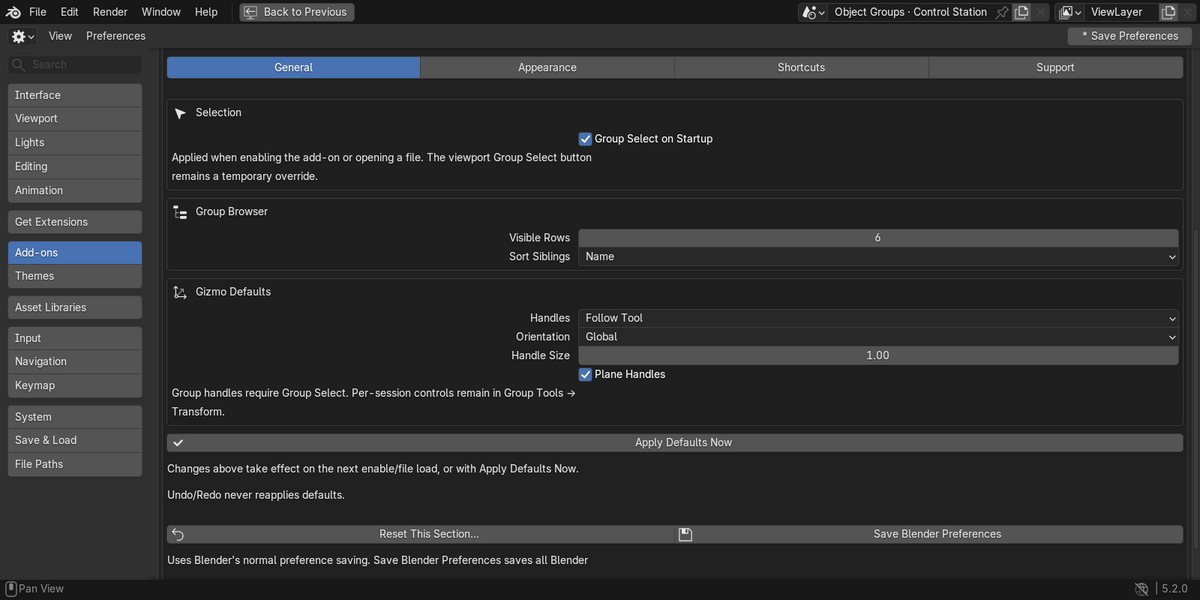
Use Preferences → Add-ons → Object Groups, or Group Utilities → Preferences…. The General, Appearance, Shortcuts and Support pages include startup defaults, white/native icons, outlines, conflict checking and diagnostics. Support: Tachyon Studio Discord. Include the add-on/Blender versions, OS and reproduction steps. Support/update duration is governed by the approved marketplace listing; these documents make no lifetime guarantee.
Your assets remain, but its UI and group-aware behavior are unavailable. Back up your file before uninstalling. Do not remove hidden group data manually as a substitute for Ungroup.
The add-on’s readable Python source is included under GPL-3.0-or-later, with the full license text. The companion demo is supplied under the same license. No per-seat restriction, DRM or proprietary no-redistribution term is added to the GPL code by this kit. Review the included license and the final marketplace support terms separately.
-
$5.24 $6.99
For 1 person (1 seat). Commercial use included.
-
$20.97 $27.96
For a team of up to 6 people (6 seats). Commercial use included.
-
$52.43 $69.90
For a studio of up to 20 people (20 seats). Commercial use included. Need more than 20 seats? Contact us directly.
Have questions about this product?
Login to message
| Blender Extension Compatible | Yes |
| Published | 14 days ago |
| Blender Version | 3.3 - 5.2 |
| Extension Type | Add-on |
| Render Engine Used | Cycles |
| License | GPL |
Discover more products like this
nested groups selection sets Workflow scene organization grouping Object Management product-modeling