 Tachyon Studio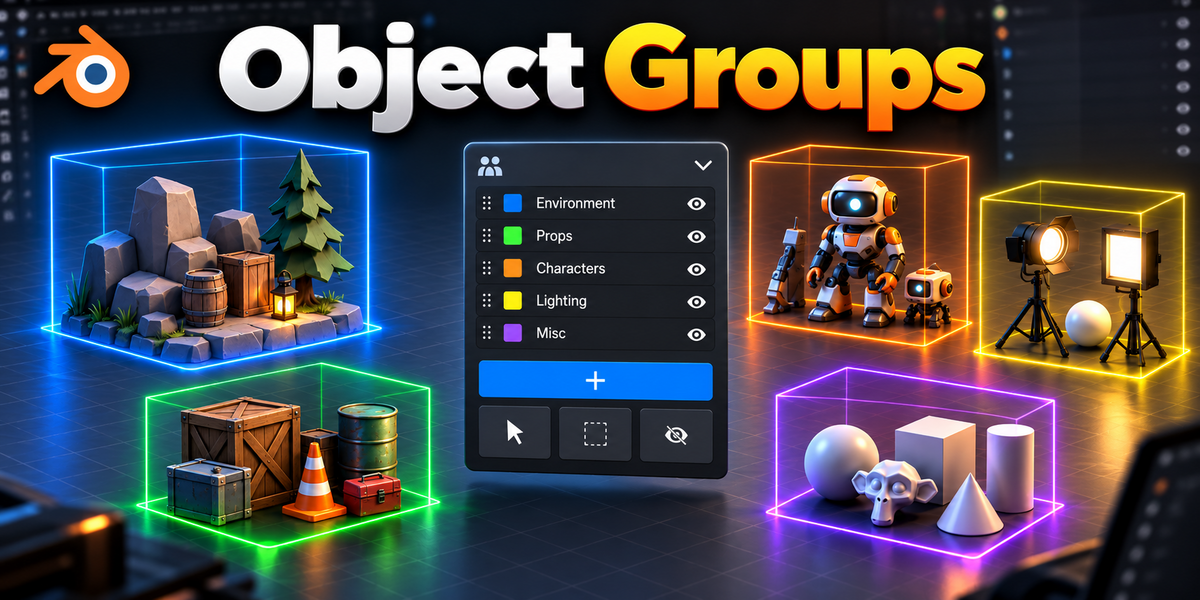



TACHYON STUDIO · SCENE ORGANIZATION
Object Groups
Organize the assembly. Keep your scene structure.
Nested groupsSelection setsBlender 3.3–5.2THE IDEA
Work with nested assemblies, then step inside to edit their parts. Logical groups and overlapping selection sets preserve your existing parenting and Collections—without controller objects.
US$6.99 · v0.6.10 · Blender 3.3–5.2 · Windows tested.
Tested on Windows. macOS and Linux have not been tested.

EVERYDAY GROUPING
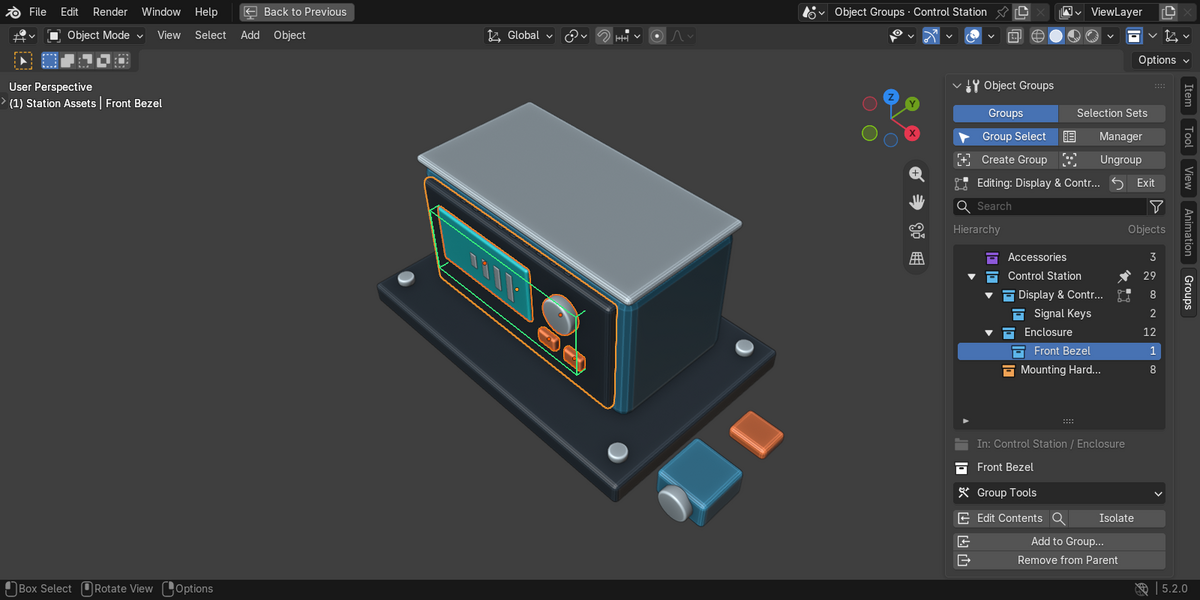
Everyday grouping in one compact tab
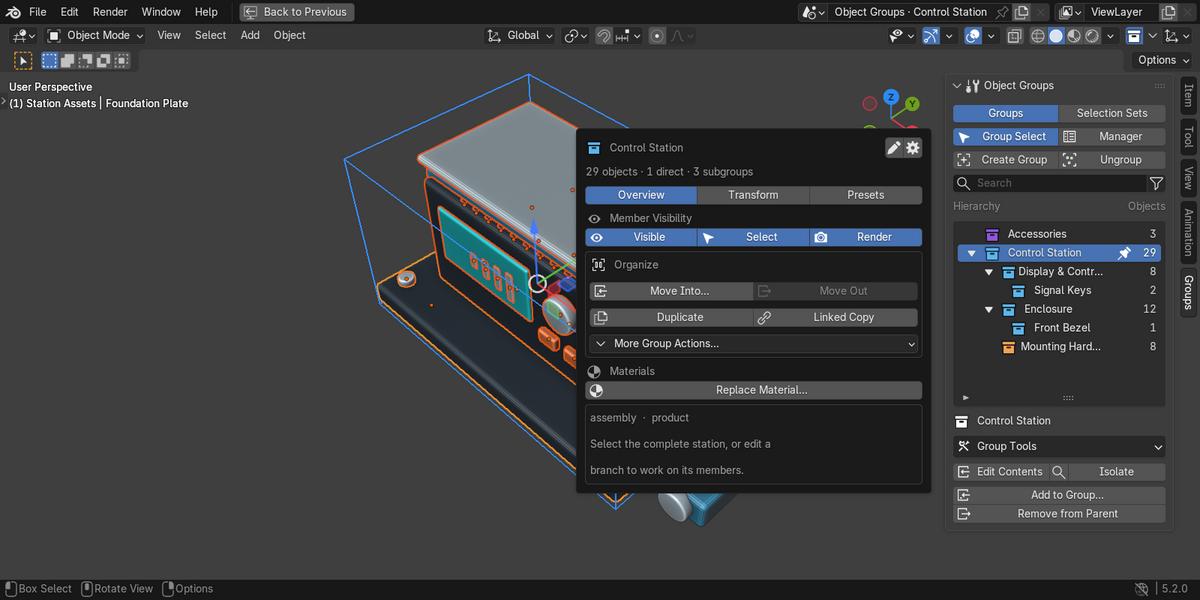
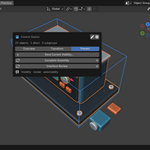
Create nested groups. Group objects or combine sibling groups under a new parent.
Select whole assemblies. Group Select starts on; Edit Contents accesses individual members.
Move membership deliberately. Choose a destination with Add to Group; Remove from Parent lifts items one level.
Ungroup without deleting assets. Keep objects and lift child groups one level.
Read the hierarchy. Expand, search, filter favorites and inspect member counts.
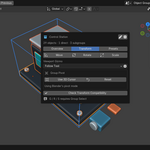
Daily actions stay in the Groups tab; Group Tools opens the deeper controls.
THE TOOLKIT
More than a folder list
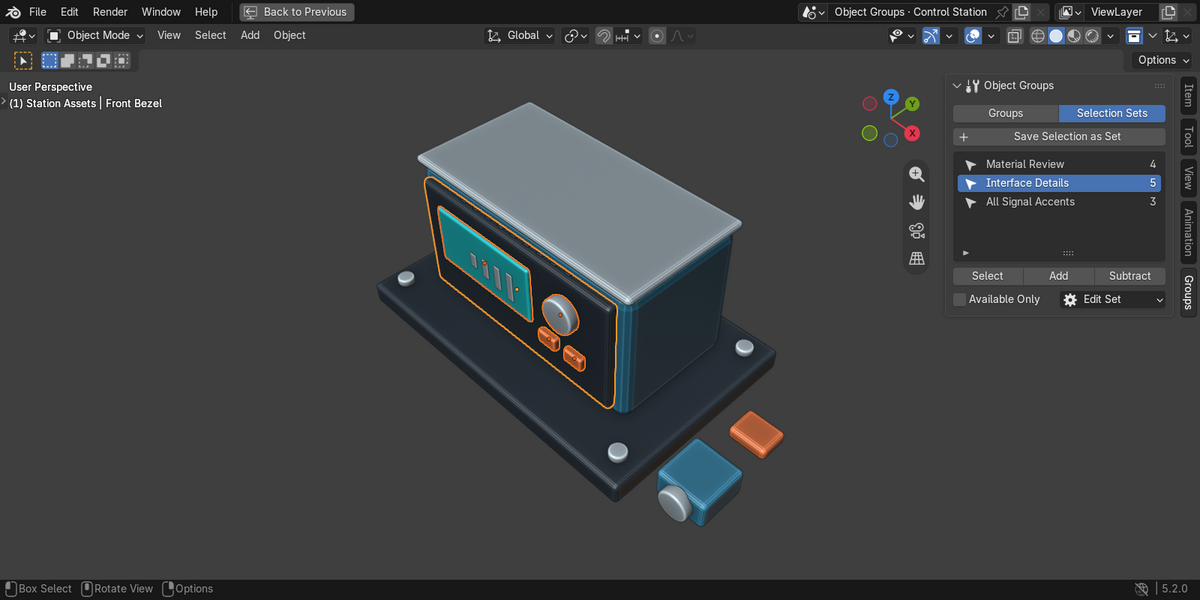
Selection Sets save overlapping selections independently of the group tree.
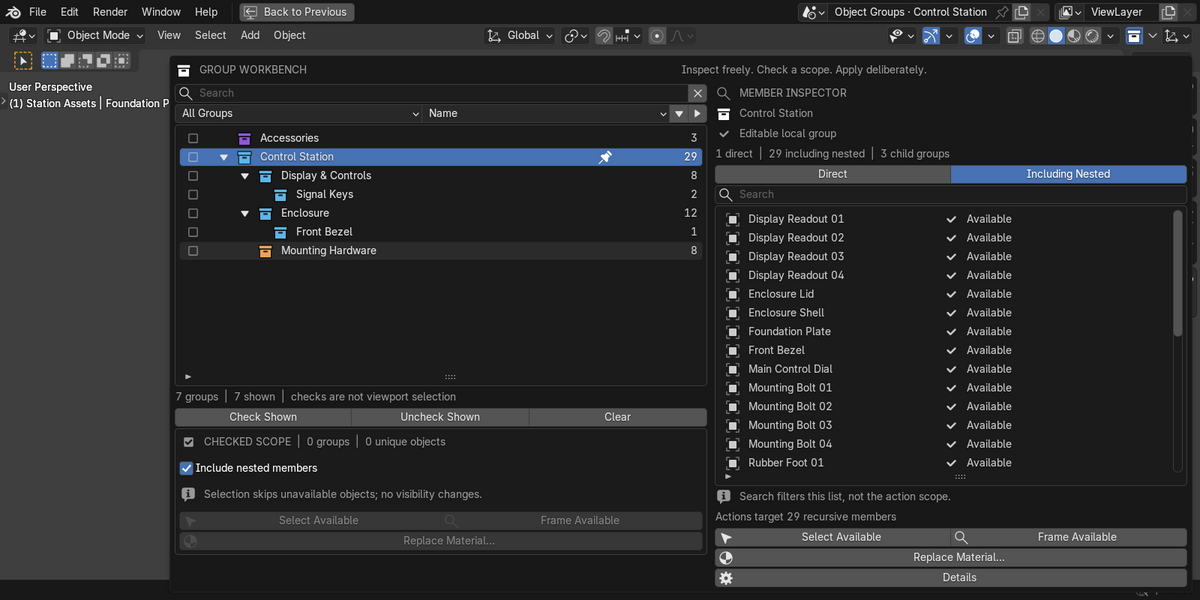
Group Manager expands the hierarchy view, member inspection and checked batch scopes.
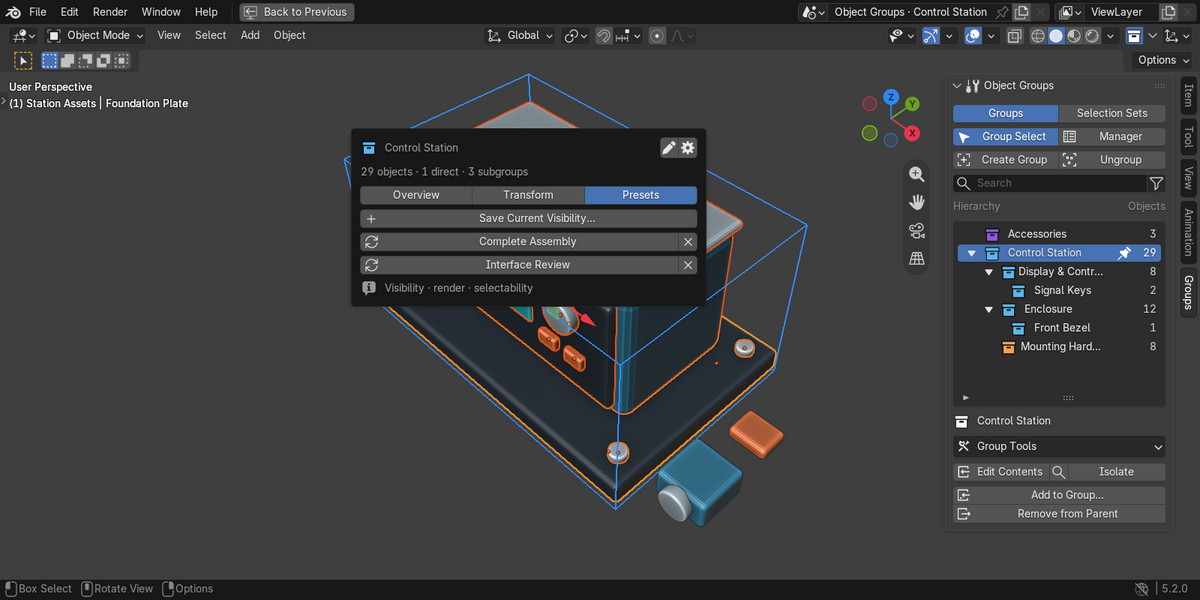
Group Tools handles duplication, visibility, materials, metadata and presets. Auto Group organizes by shared properties; Batch Rename previews changes.
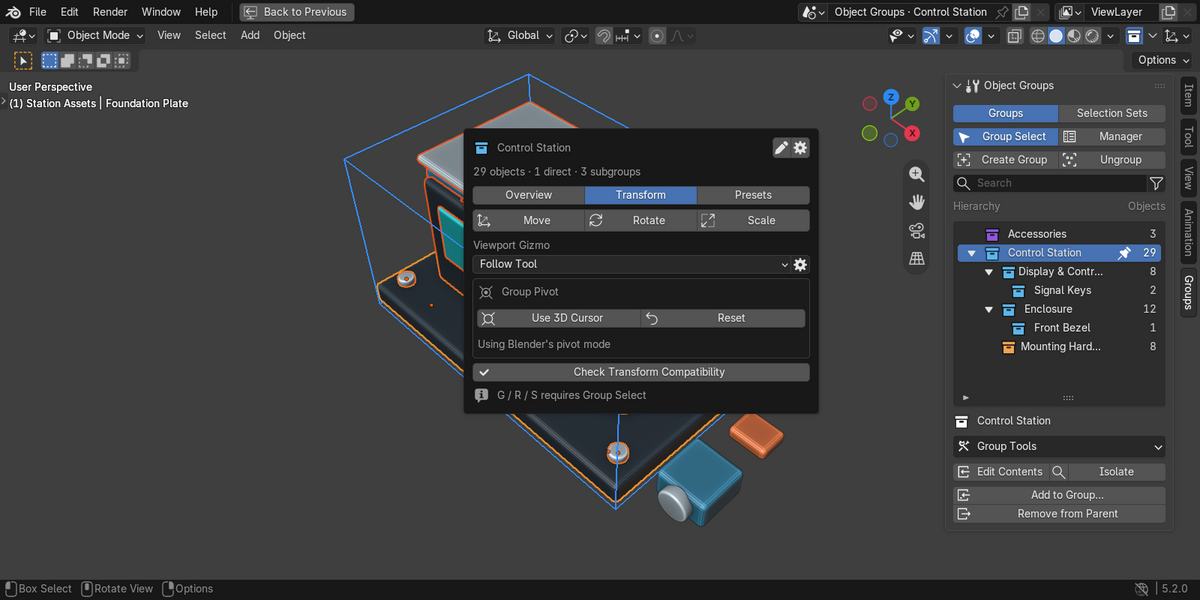
Move, rotate and scale groups with custom pivots and oriented handles. Review transform limitations below.
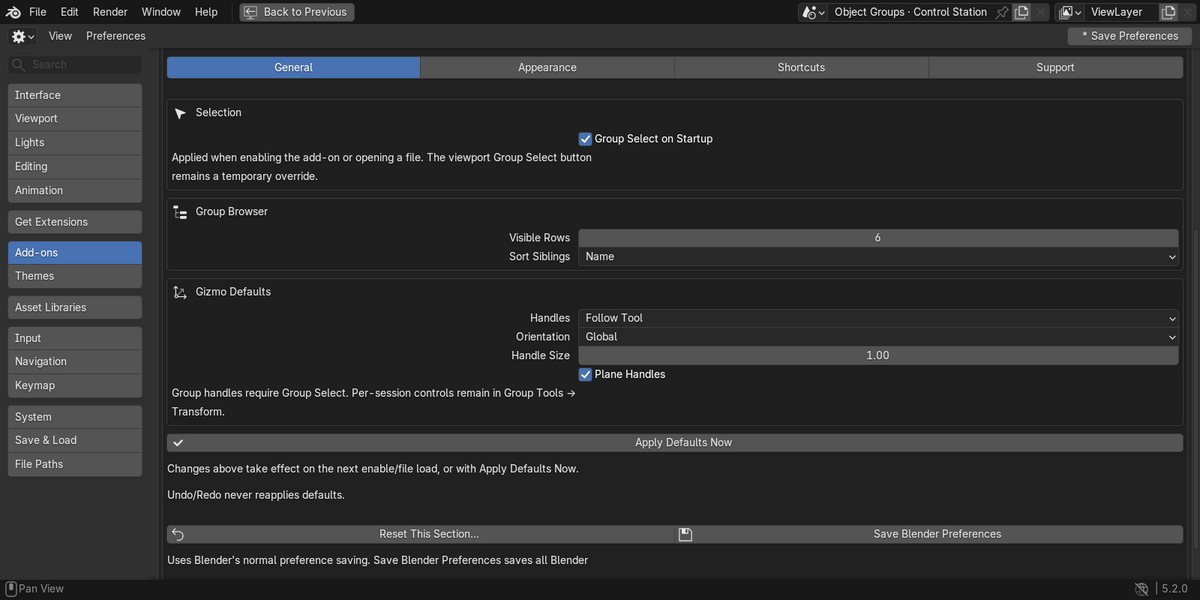
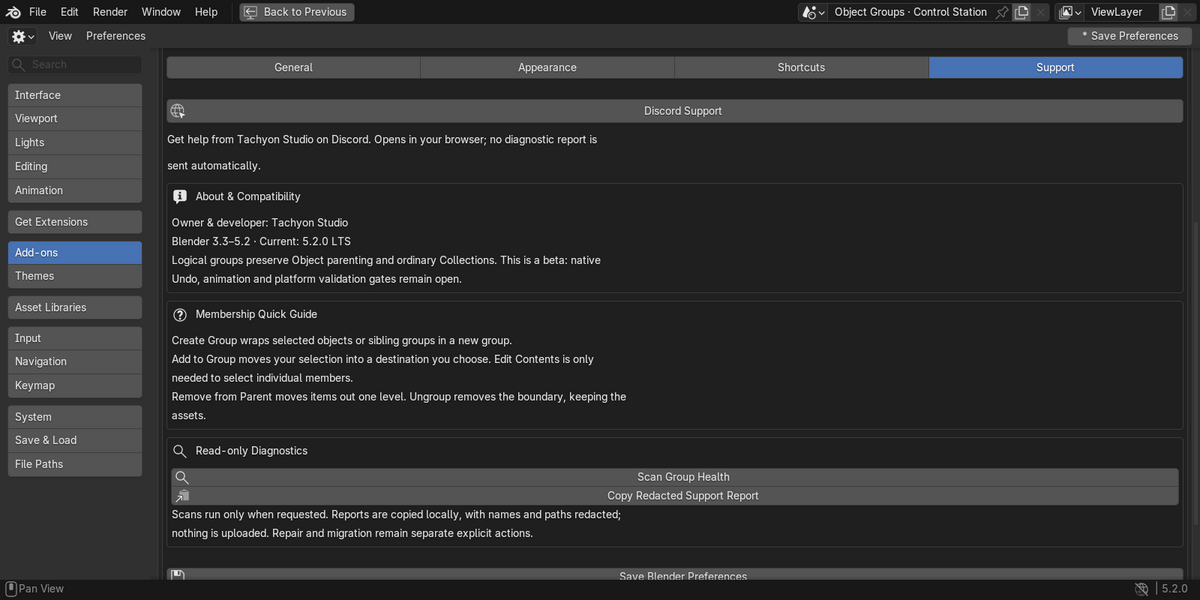
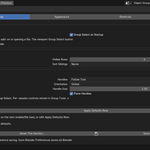
Preferences organizes behavior, appearance, shortcuts and support, including white icons and saved defaults.
YOUR DOWNLOADS
Included
- One legacy installer for Blender 3.3–4.1.
- One Extension installer for Blender 4.2–5.2. Install only the matching ZIP.
- Written quick start, full manual, FAQ and release notes.
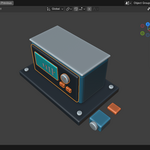
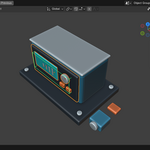
- A self-contained control-station demo with nested groups, selection sets, visibility presets, camera and lights.
- Editable Python add-on source under GPL-3.0-or-later.
No separate Python packages or external service are needed to use the add-on. Support is available through Tachyon Studio's Discord; opening that link does not automatically send diagnostics.
COMPATIBILITY
Compatibility and usage notes
Blender 3.3–5.2 through two installers. Windows tested; macOS and Linux untested.
- Brokered transforms add an extra no-op Undo checkpoint and lack Repeat/Adjust Last. Recovery after losing the invoking window or modal handler is unproven.
- Test native transforms and auto-keying in your project; constraints, drivers, locks or context may prevent transforms.
- Keymaps, third-party tools, Local View and View Layers can affect available members.
- Library/override definitions are read-only; local wrappers do not automate override creation or guarantee resync.
- Logical membership, not Outliner rows, controllers, animation channels or Geometry Nodes instance editing. Selection Sets are static.
Test on a scene copy. Objects and Collections remain, but group behavior requires the add-on.
MADE BY TACHYON STUDIO
A clearer way to work with assemblies.
Object Groups 0.6.10 · GPL-3.0-or-later
Tachyon Studio DiscordRead the manualTHE TACHYON STUDIO COLLECTION
Go beyond
Object Groups.
Check your assets. Plan your exports.
Find the next tool for the way you work.

Or choose a focused tool.
One specific job. One dedicated add-on.


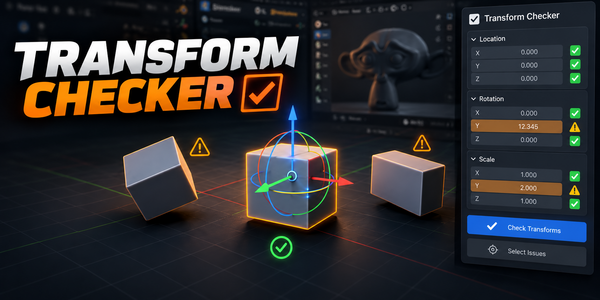
There is more in the studio.
See the full collection ↗Sold separately. These products are not included with or required for Object Groups.
Use Ultimate Utilities or its Core/Export Checker/Fast Export standalones, not both.