 ztrztr


1. Installation & Compatibility
Blender 4.2+, 5.0 & 5.1+ (New Extensions System): Step-by-step for Get Extensions > Install from Disk...
Blender 4.0 & 4.1 (Standard Addons System): Step-by-step for Preferences > Add-ons > Install...
Supported Platforms: Windows, macOS, and Linux.
2. Complete Sidebar (N-Panel) Breakdown
Workflow Presets: One-click configurations for Trees & Foliage, Rocks & Boulders, Debris & Trash, and Wall Props.
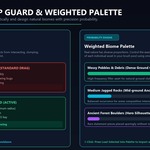
Asset Palette & Probability Weights: How to configure the UIList with custom occurrence sliders (e.g.,
70
%
70% small pebbles,
20
%
20% medium rocks,
10
%
10% large boulders).
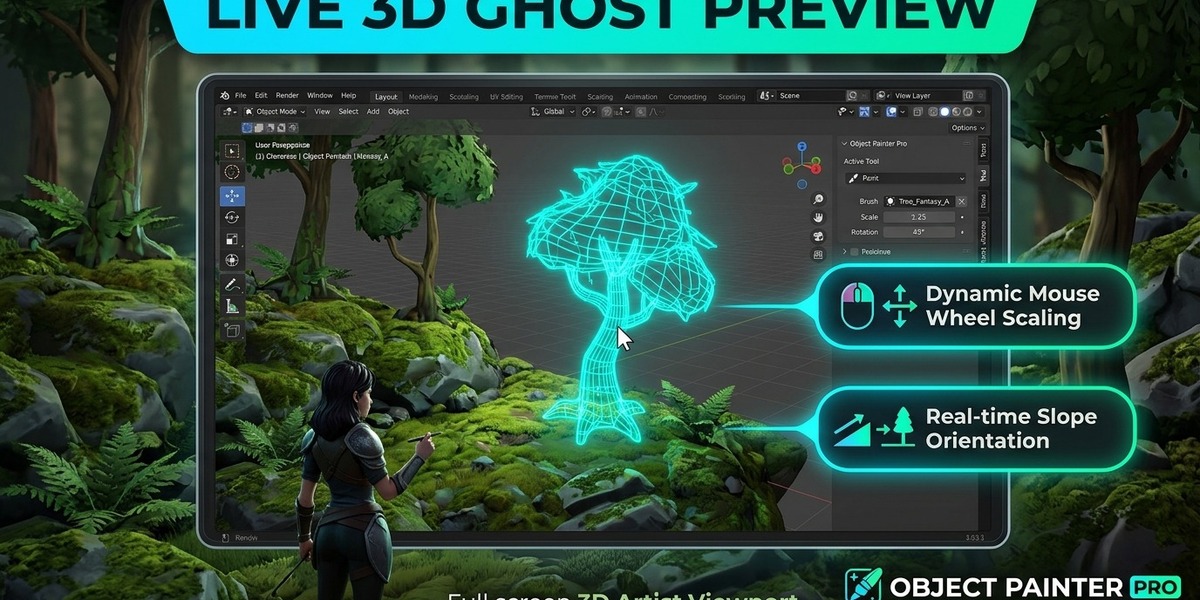
Placement & Stroke Behaviors: Single Click (Stamp) vs. Continuous Drag (Spray) with stroke travel spacing.
Transform Randomization: Uniform/non-uniform scale limits, random 360° yaw spin, and organic tilt jitter.
Surface Alignment: Blending between World Upright (
0.0
0.0) and Surface Normal (
1.0
1.0), plus surface offset vectors.
Smart Overlap Engine: Spatial KDTree clearance calculations that guarantee a minimum distance between instances.
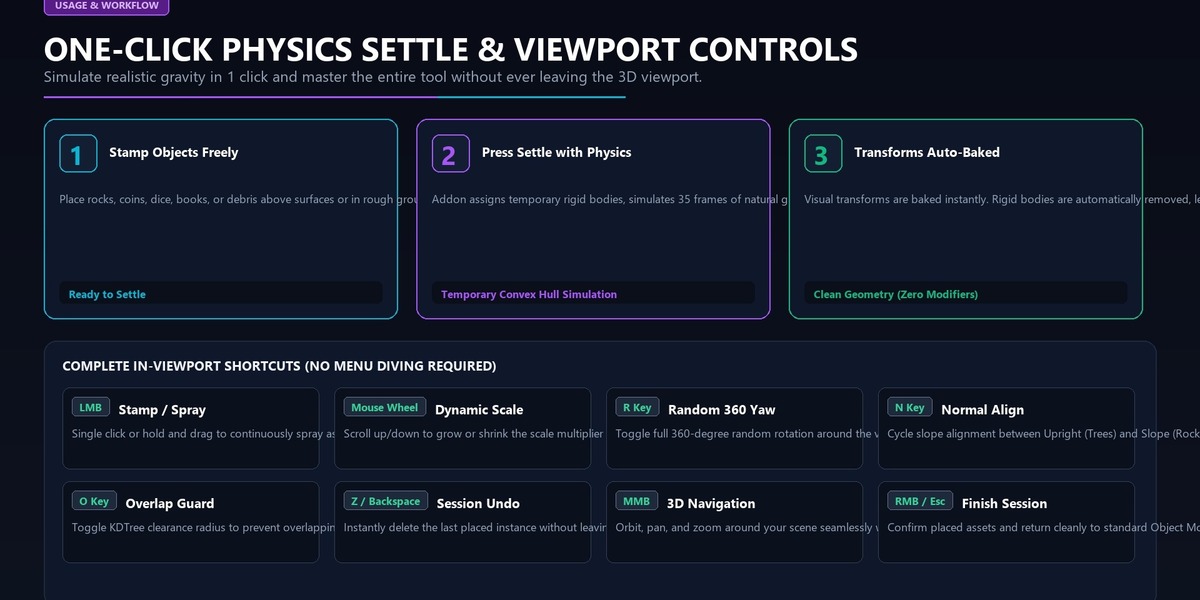
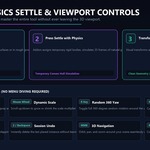
Physics Drop & Settle: Temporary rigid-body collision, simulation stepping, visual transform baking, and automatic modifier cleanup.
Memory Optimization: Explanation of Linked Duplicates (Alt+D) and dedicated collection routing.
3. In-Viewport Modal Hotkeys Reference Table
A quick-reference table for viewport navigation and live adjustments:
Hotkey Action Description
LMB (Click) Stamp Places one randomized asset at cursor location
LMB (Hold & Drag) Continuous Spray Continuously spawns assets along mouse path
Mouse Wheel Up / Down Dynamic Scale Increases or decreases scale multiplier by
±
0.05
±0.05
R Key Toggle Yaw Toggles 360° random vertical axis spin on/off
N Key Cycle Normal Align Cycles normal alignment (
0.0
→
0.5
→
1.0
→
0.0
0.0→0.5→1.0→0.0)
O Key Overlap Guard Toggles clearance distance barrier on/off
Z / Backspace Session Undo Deletes the last placed instance in the active session
MMB (Hold & Drag) 3D Navigation Orbit, pan, and zoom freely without exiting the brush
RMB / Esc Finish & Exit Confirms placed objects and returns to Object Mode
4. Best Practices & Pro Workflows
Pivot Prep: Pairing with our companion pivot_to_bottom script so assets sit flush against surfaces without floating.
Two-Pass Biome Layering: Macro pass for large anchor rocks, micro pass for dense pebbles and moss.
Vertical Architecture: Aligning kitbash panels to curved walls and inverted ceilings with Specific Object filtering.
Have questions about this product?
Login to message
| Published | about 10 hours ago |
| Blender Version | 4.0 - 5.2 |
| Extension Type | N/A |
| Render Engine Used | Cycles, Eevee |
| License | GPL |
