 ztrztr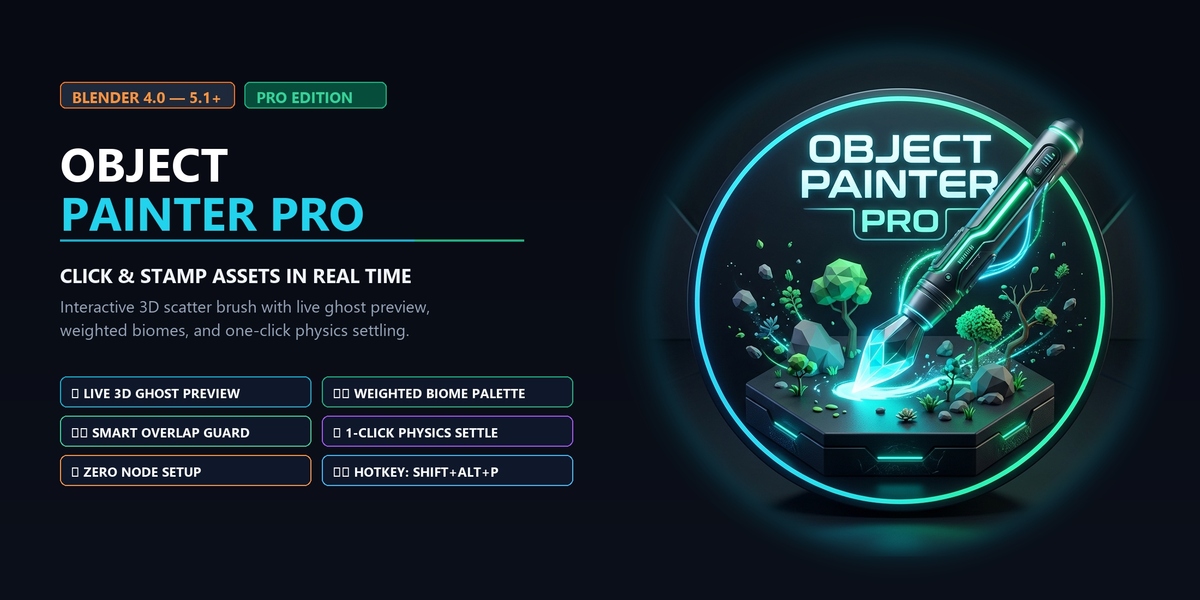

🌪️ The Problem With Traditional Asset Placement
Detailing an environment in Blender usually forces you into one of two extremes:
The Tedious Manual Way: Press Alt+D, enable snapping, manually orient, rotate each rock, tweak scale, fix clipping, and repeat 500 times.
The Overly Complex Procedural Way: Open Geometry Nodes, wire up distribution nodes, set up weight paints, fiddle with math multiplies—only to find you still can't just put one specific rock right where you want it.
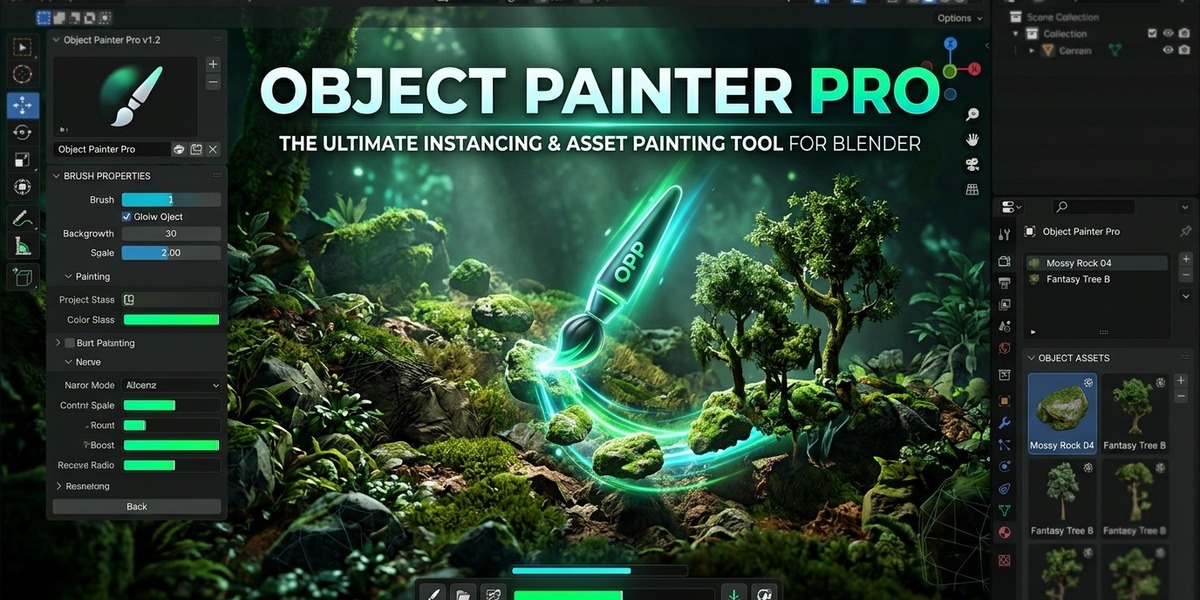
⚡ The Solution: Object Painter Pro
Select your assets, press Shift + Alt + P, and click anywhere in your 3D viewport. Watch trees, rocks, debris, bolts, or kitbash parts stamp with natural random rotation, real-time mouse wheel scaling, automatic slope alignment, and zero geometry clumping.
🌟 Top Pro Features
🎯 1. Real-Time Viewport Ghost Preview
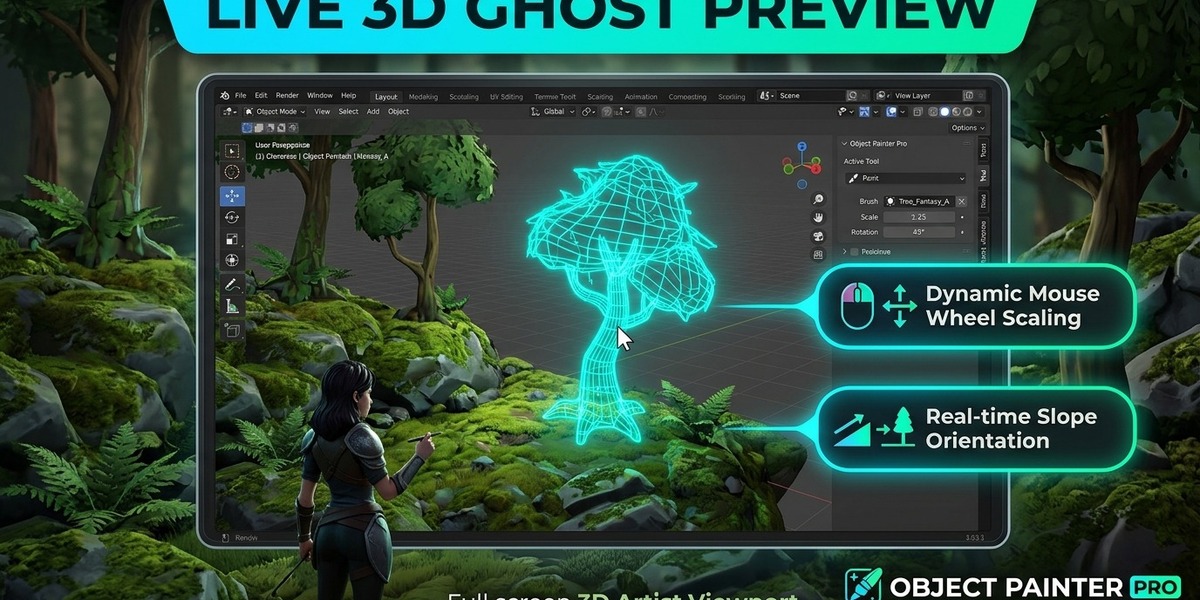
No more blind clicking or guessing where assets land. A dynamic 3D holographic wireframe follows your mouse cursor across surfaces in real time, reflecting the exact scale, slope angle, and randomized yaw rotation before you click.
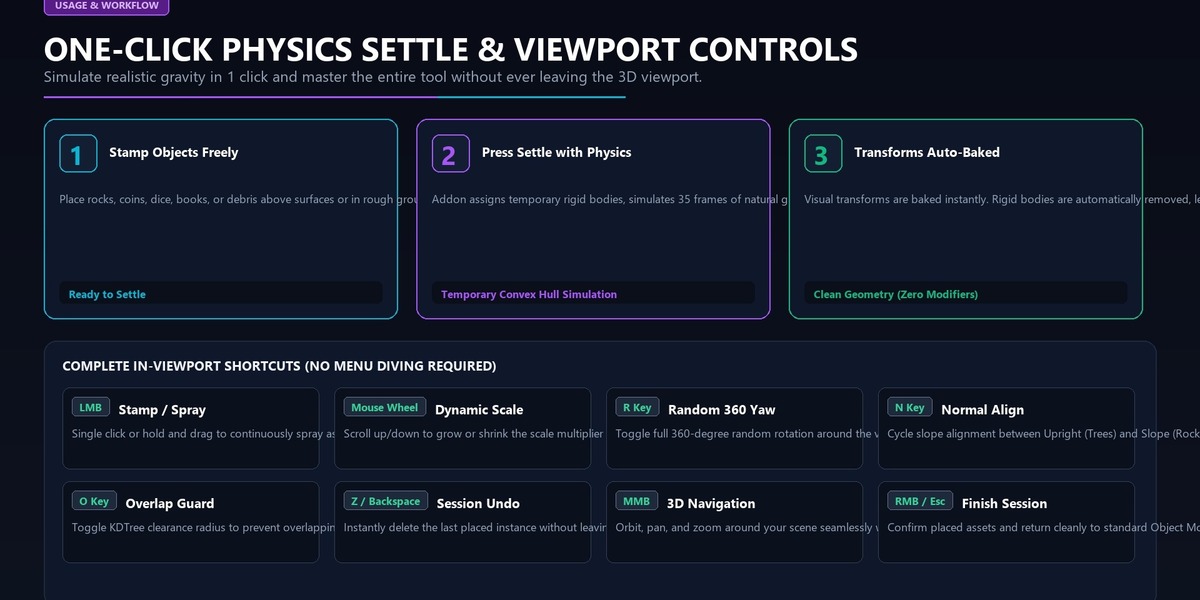
Roll Mouse Wheel Up/Down: Dynamically grow or shrink the scale multiplier while hovering!
Press R: Toggle 360° random spin on or off.
⚖️ 2. Weighted Asset Distribution (Biome Control)
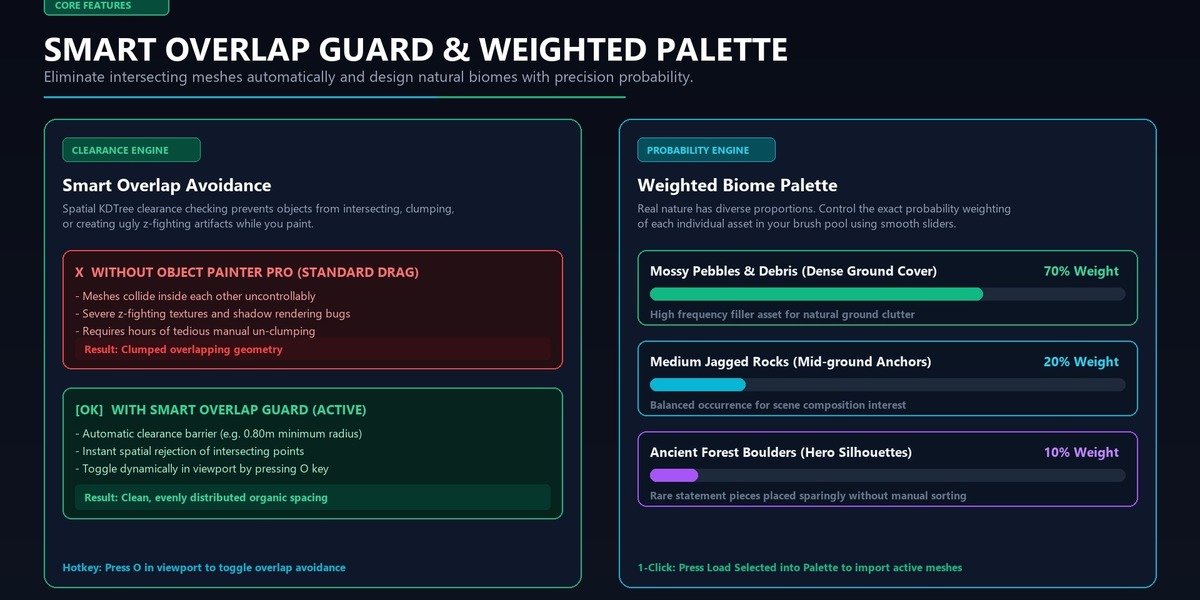
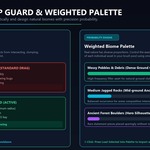
Real natural environments aren't a 50/50 coin flip. Object Painter Pro features an intuitive Weighted Palette where you define the exact occurrence ratio for each asset:
[■■■■■■■■■■■■■■] 70% Small Mossy Pebbles (Ground cover & density)
[■■■■] 20% Medium Jagged Rocks (Mid-ground anchors)
[■■] 10% Ancient Boulders (Rare hero silhouettes)
The brush uses high-performance probability sampling to guarantee realistic, organic distribution across your scene.
🛡️ 3. Smart Overlap Avoidance (No Intersecting Meshes)
Tired of rocks and trees clipping through each other during drag-painting?
Object Painter Pro features an integrated spatial clearance engine.
Set your desired Min Distance (e.g. 0.8m), and the painter automatically rejects placements that would penetrate nearby instances.
Toggle instantly during painting by pressing O.
🎳 4. One-Click "Drop It" Physics Settle
Need debris, dice, coins, fallen books, or rocks to naturally tumble and nestle into crevices, bowls, or stairs?
Stamp your objects above or on the surface.
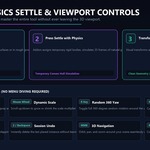
Click Settle with Physics.
The addon applies temporary rigid-body collisions, simulates 35 frames of natural settling, bakes the final positions, and auto-removes the physics modifiers. Your scene stays 100% clean!
🚀 5. Ultra-Lightweight Memory (Linked Instances)
Every painted object uses linked mesh data (Alt+D) by default. You can scatter 10,000+ trees or stones across a scene with minimal RAM usage, tiny .blend file sizes, and blisteringly fast GPU render times.
