 Tesselune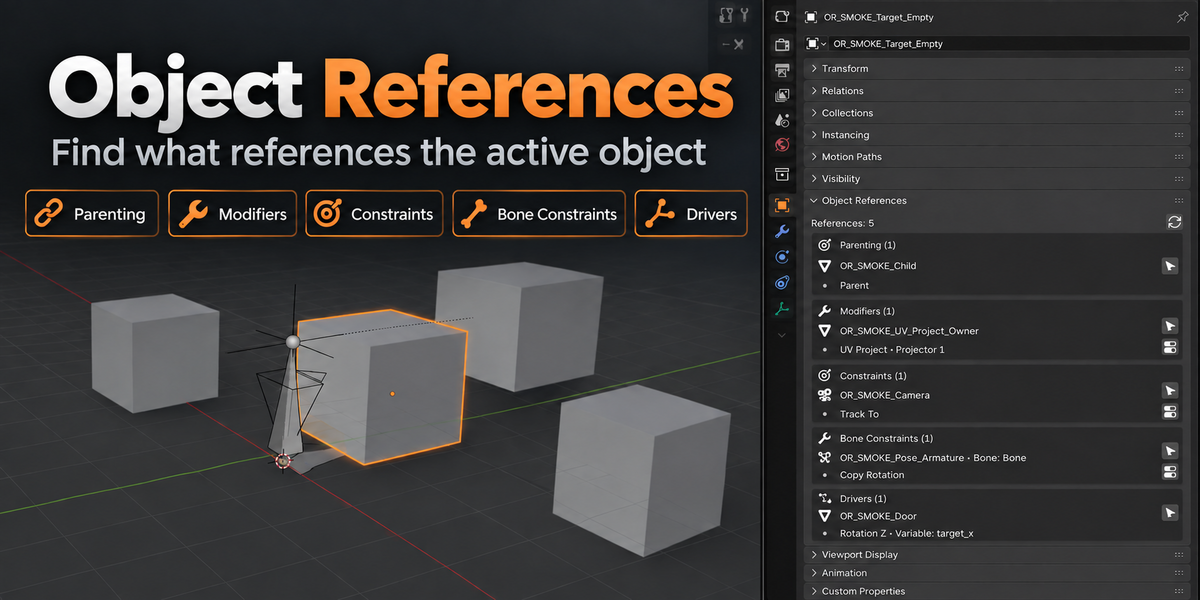
Object References
Object References is a lightweight Blender extension for reverse lookup of object references.
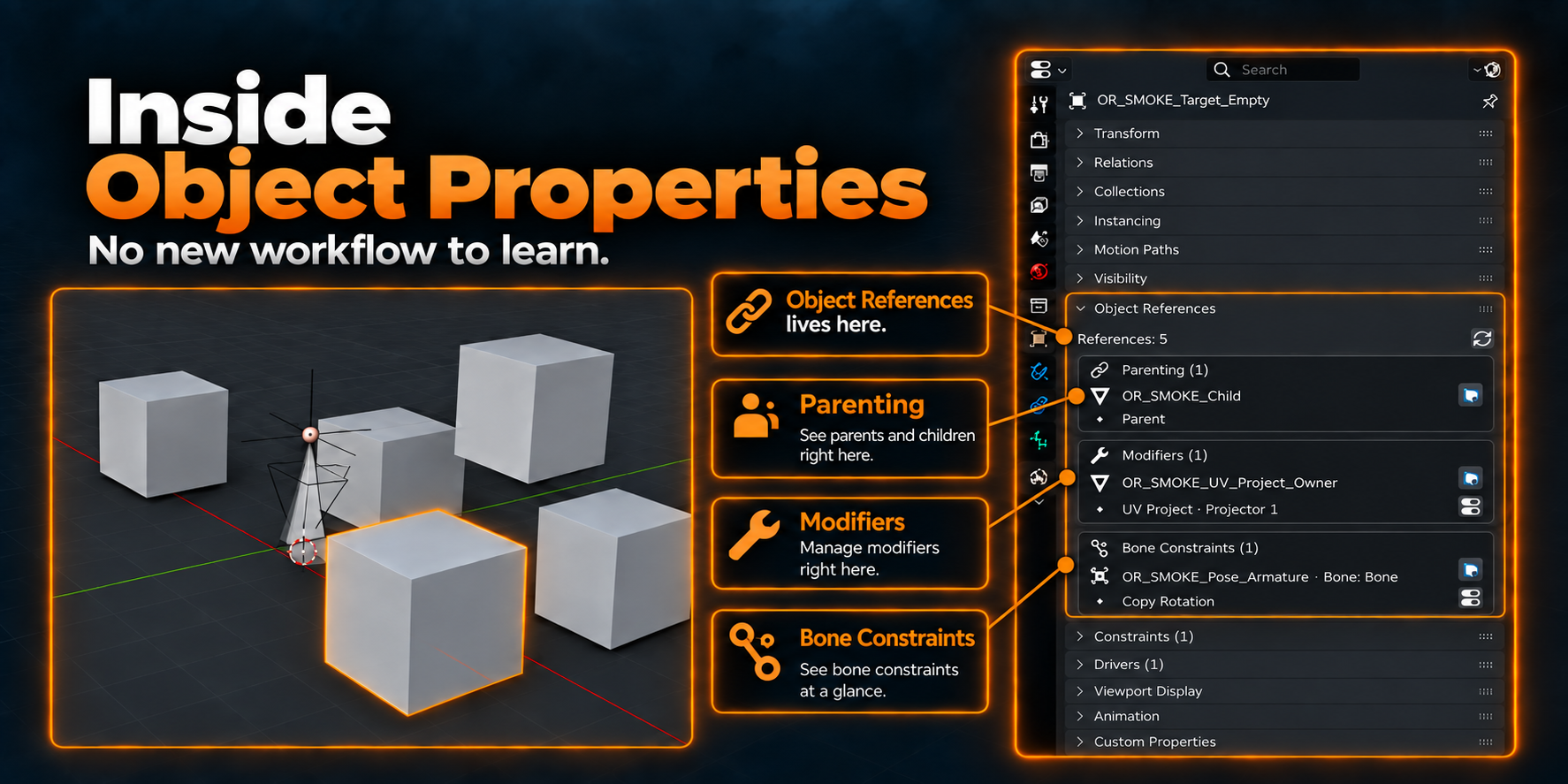
Instead of manually searching through a scene, you can select an object and immediately see what is using it from Object Properties. It helps you inspect dependencies faster while staying inside a native Blender workflow.
Why This Exists
Blender already stores object relationships, but finding them can take time when a target object is used by modifiers, constraints, drivers, or parenting.
Object References brings that information into one place, so you can inspect dependencies from the selected object without hunting through the Outliner or opening multiple editors.
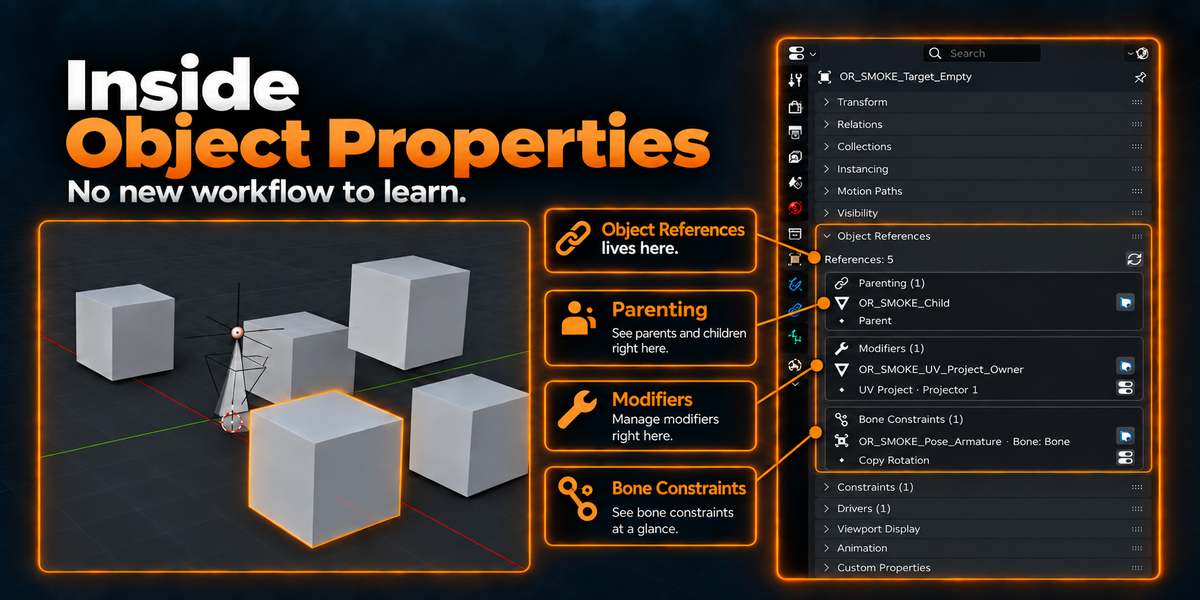
Because it lives inside Object Properties, it fits into the workflow you already use. There is no separate browser or custom workspace to learn.
Core Feature
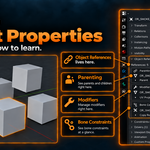
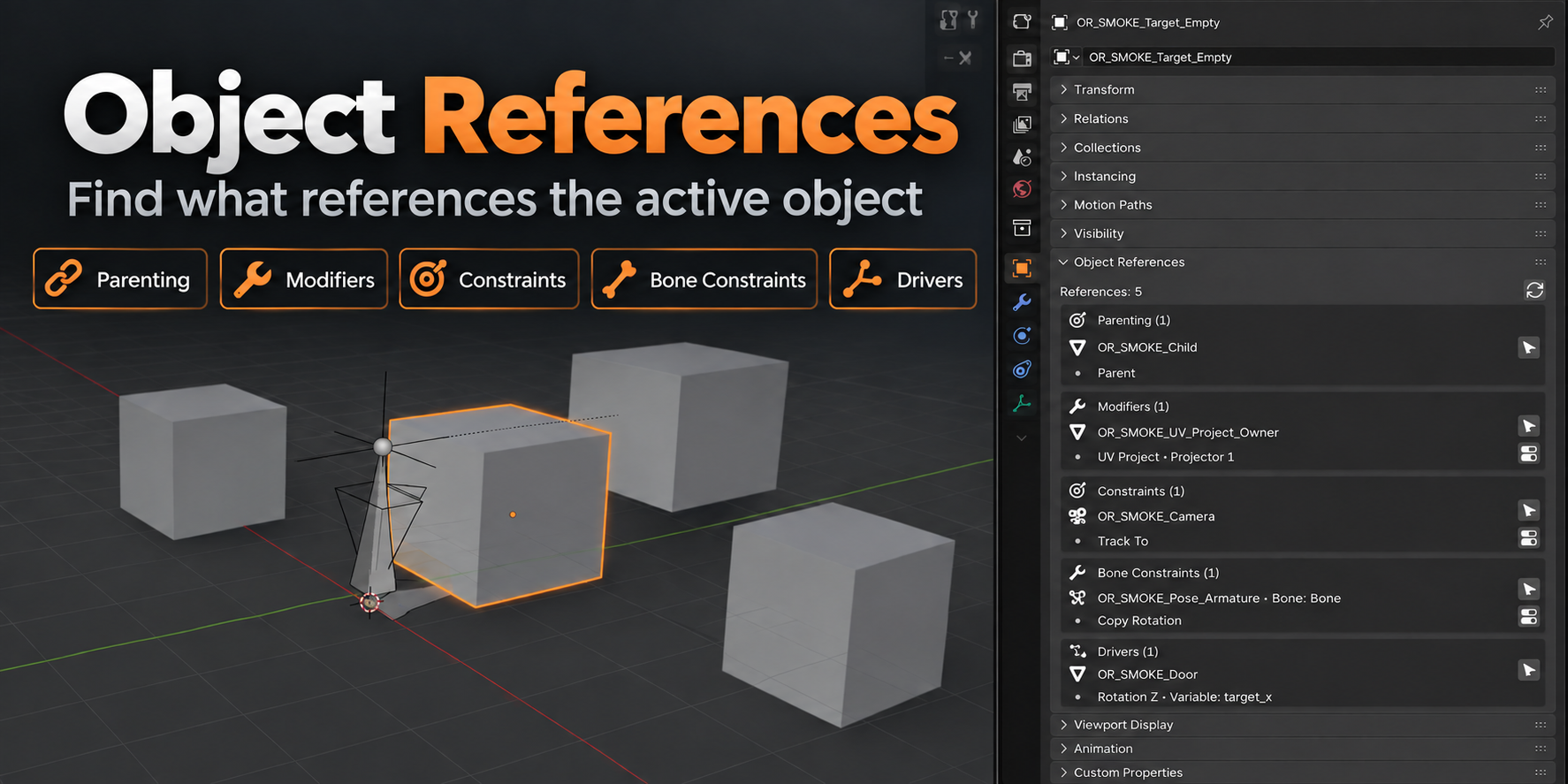
Select an object, open Object References, and see where that object is being used.
The add-on groups references by type so you can understand the relationship structure at a glance.
Object References can detect:
- Parenting
- Modifiers
- Object Constraints
- Bone Constraints
- Driver variable targets
Each concrete reference is listed separately, so multiple references from the same owner are not collapsed into a single result.
Secondary Features
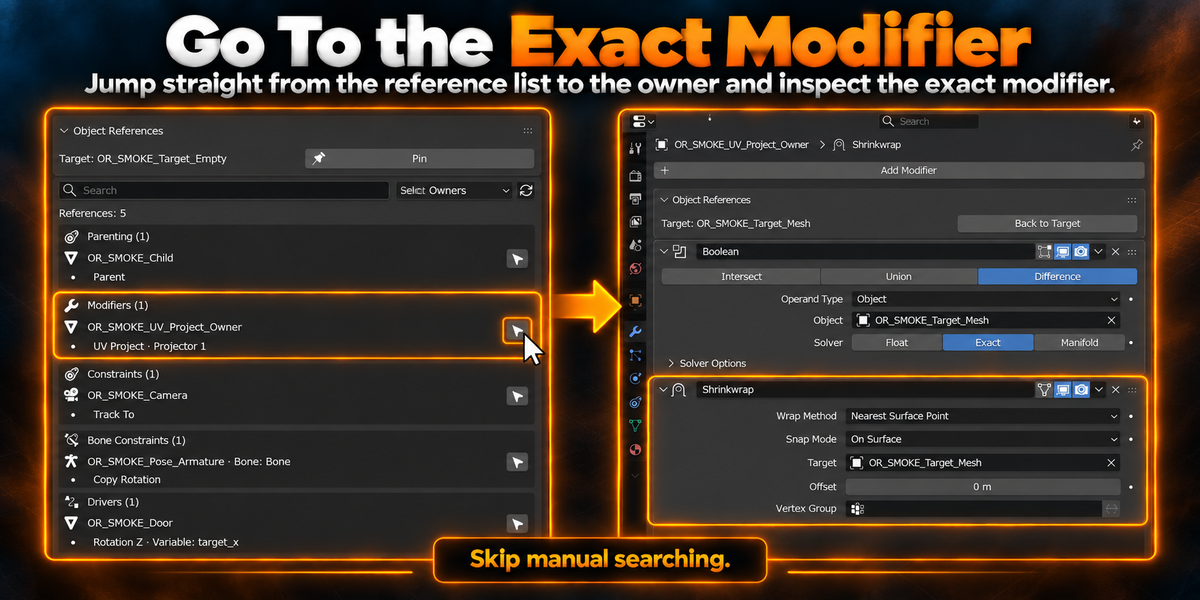
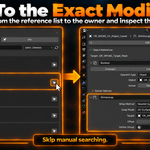
Jump directly to the exact Modifier
When the selected object is used by a modifier, you can jump straight to the owner object and the relevant modifier panel.
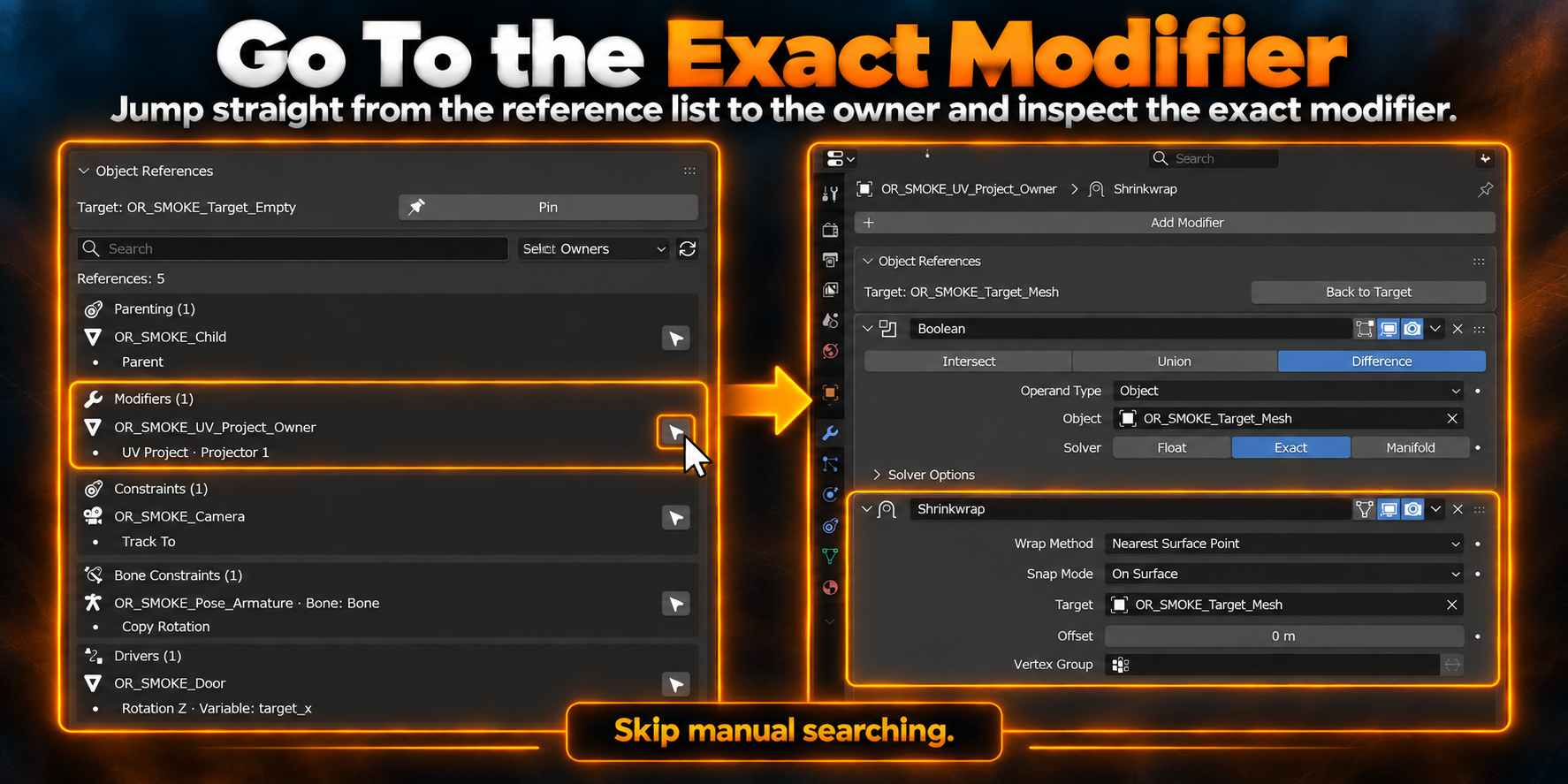
This reduces the time spent finding the correct object and then locating the exact modifier manually.
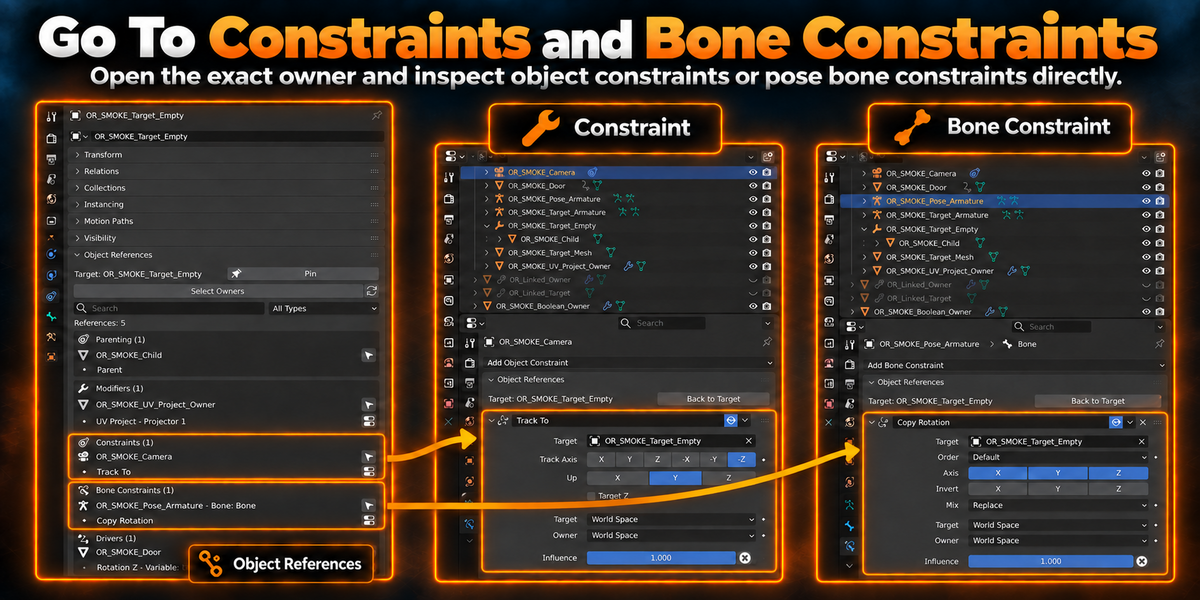
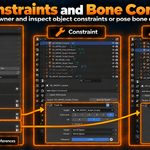
Open object Constraints and pose Bone Constraints directly
For supported constraint references, you can move from the reference list to the exact owner and inspect the relevant constraint immediately.
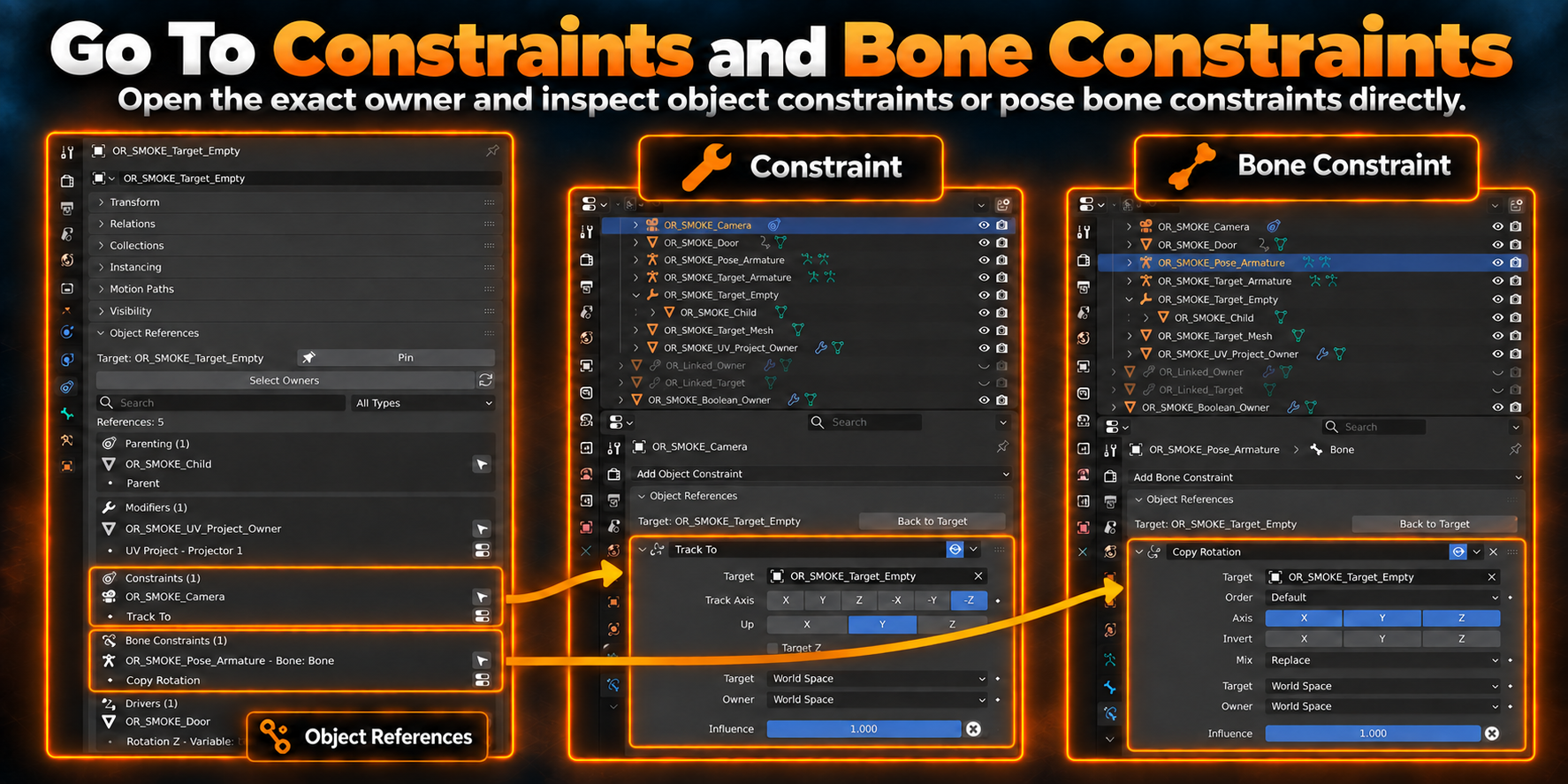
This is especially useful when the same target object is reused in several dependency types across the scene.
Native Blender Workflow / Integration
Object References extends Blender’s existing workflow instead of replacing it.
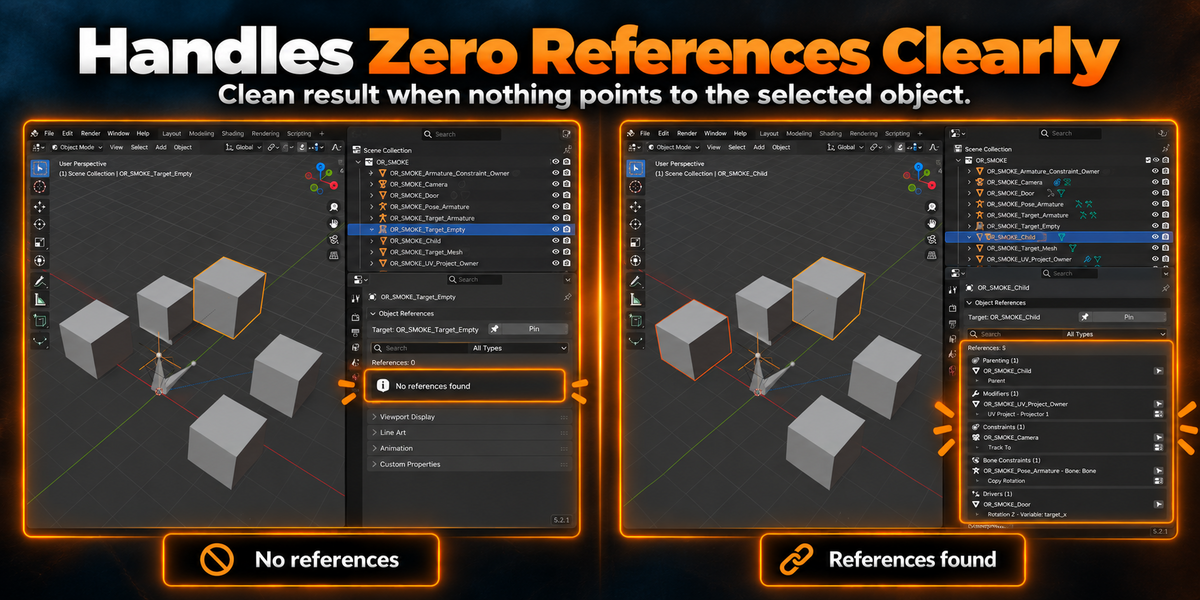
It works from Object Properties, keeps the interaction focused on the currently selected target, and also handles empty results clearly.
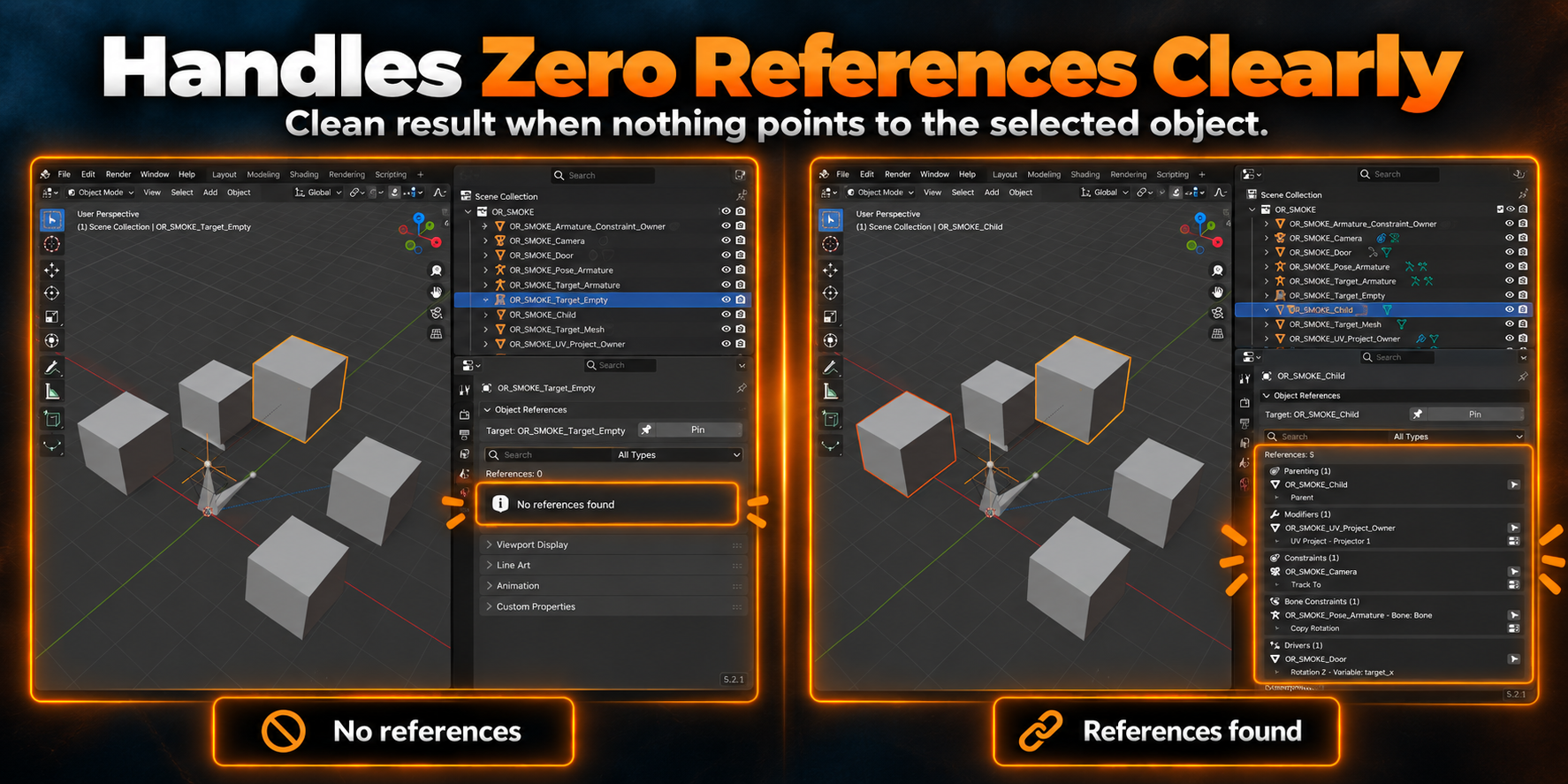
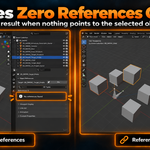
When nothing points to the selected object, the panel shows a clean zero-reference result instead of leaving you guessing whether the scan failed.
Typical Workflow
- Select the object you want to inspect.
- Open Object Properties > Object References.
- Review the grouped references.
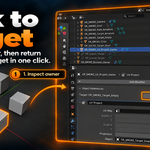
- Select the owner or jump to the exact supported item.
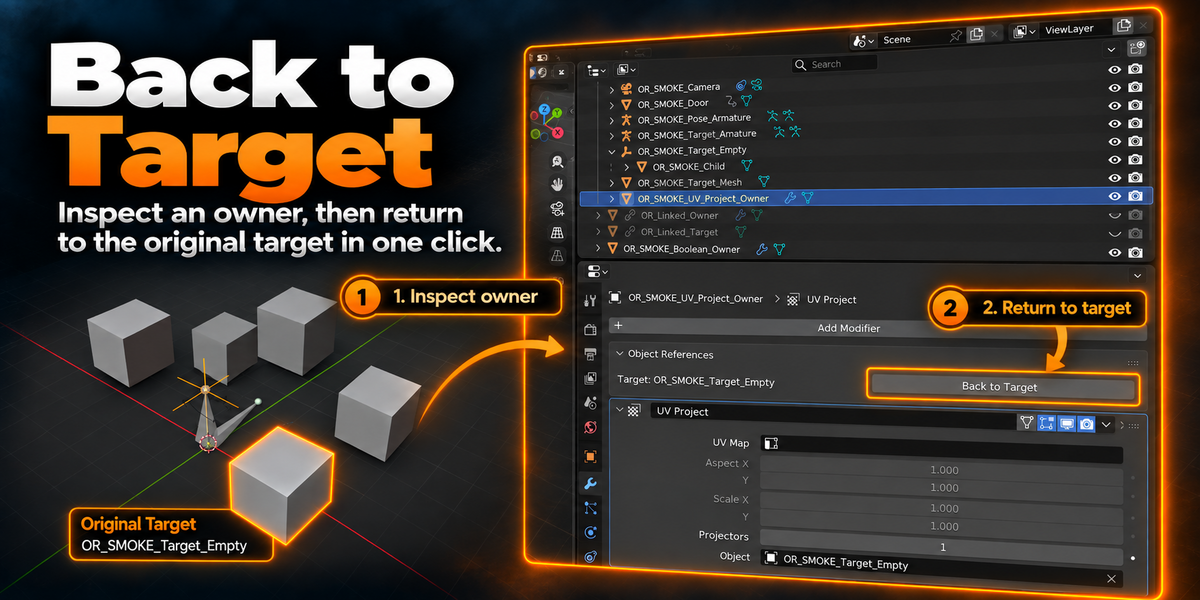
- Return to the original target and continue working.
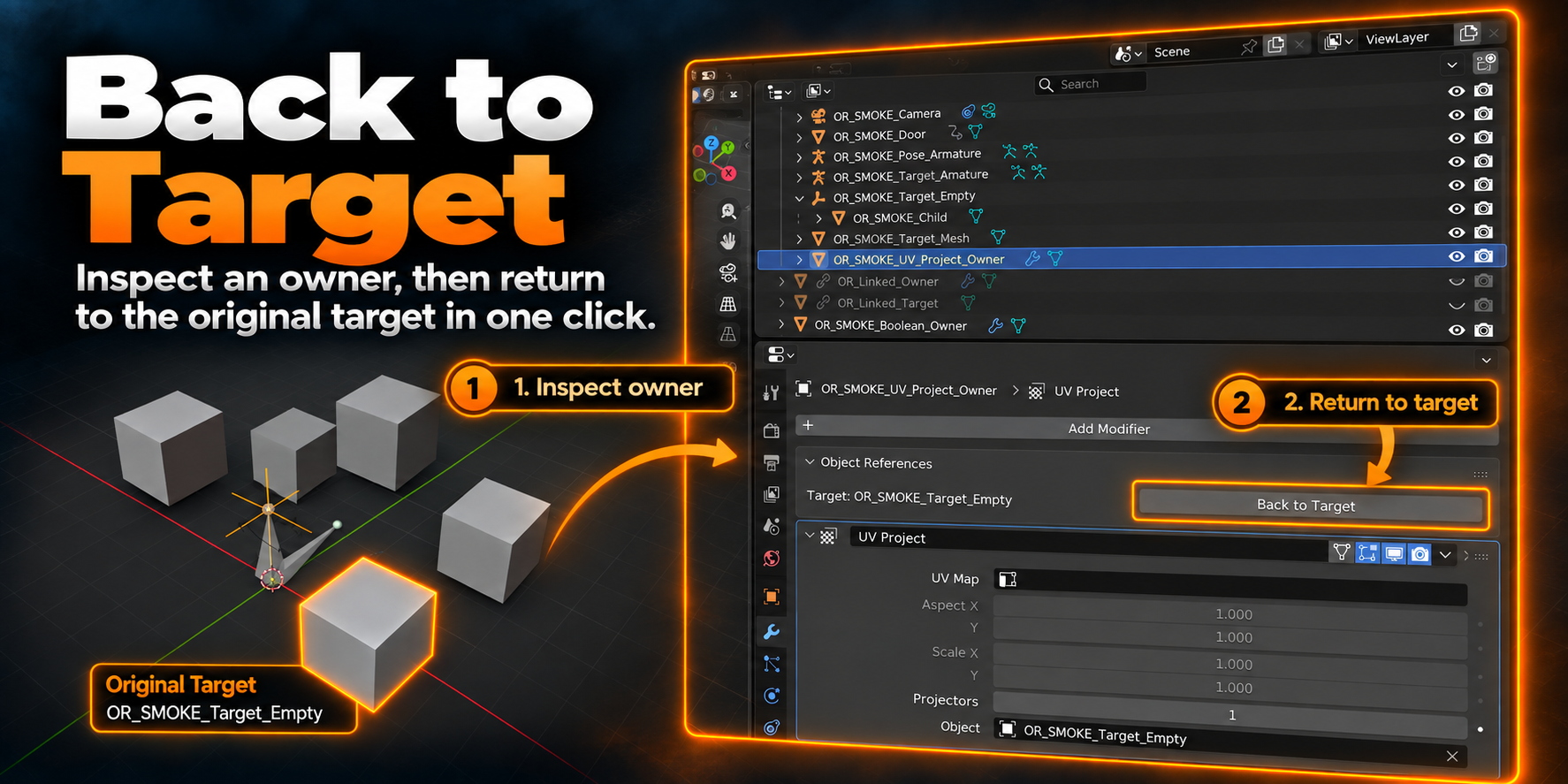
This makes it easier to check a dependency, inspect the owner, and return to the original target without losing context.
Who It Is For
Object References is useful for:
- Artists working in scenes with many linked relationships
- Users who need to inspect modifiers, constraints, and drivers more quickly
- Technical artists checking scene dependencies
- Anyone who wants a faster way to understand how an object is being used
- Blender users who prefer tools that stay close to native UI and workflow
Compatibility
Confirmed test versions:
- Blender 4.5.13 LTS
- Blender 5.0.1
- Blender 5.1.2
- Blender 5.2.1 LTS
Please refer to the product compatibility fields for the supported listing range shown on Superhive.
Notes / Limitations
Object References is designed to help you inspect references safely and clearly.
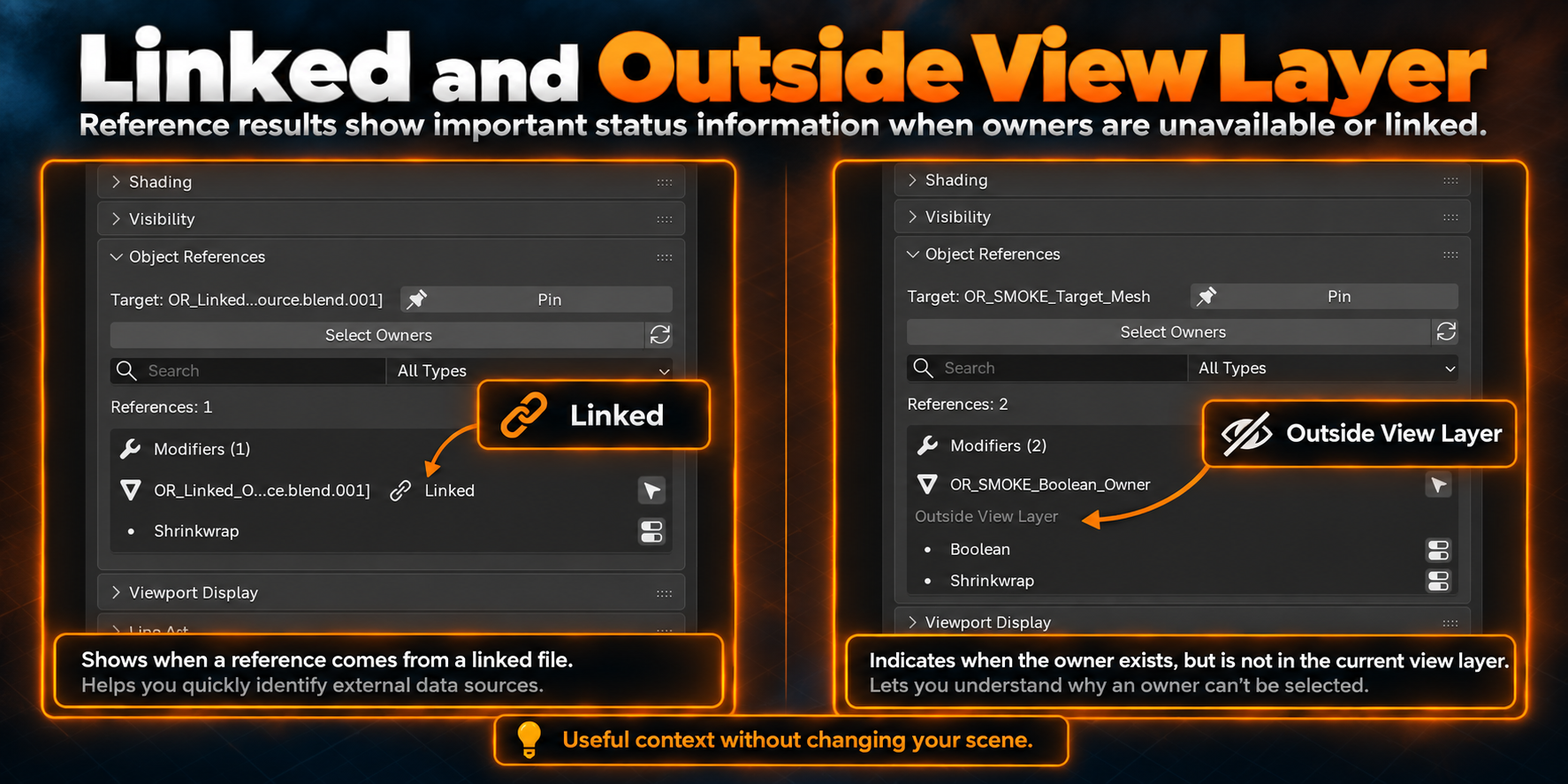
Notes:
- The add-on is focused on object reverse lookup
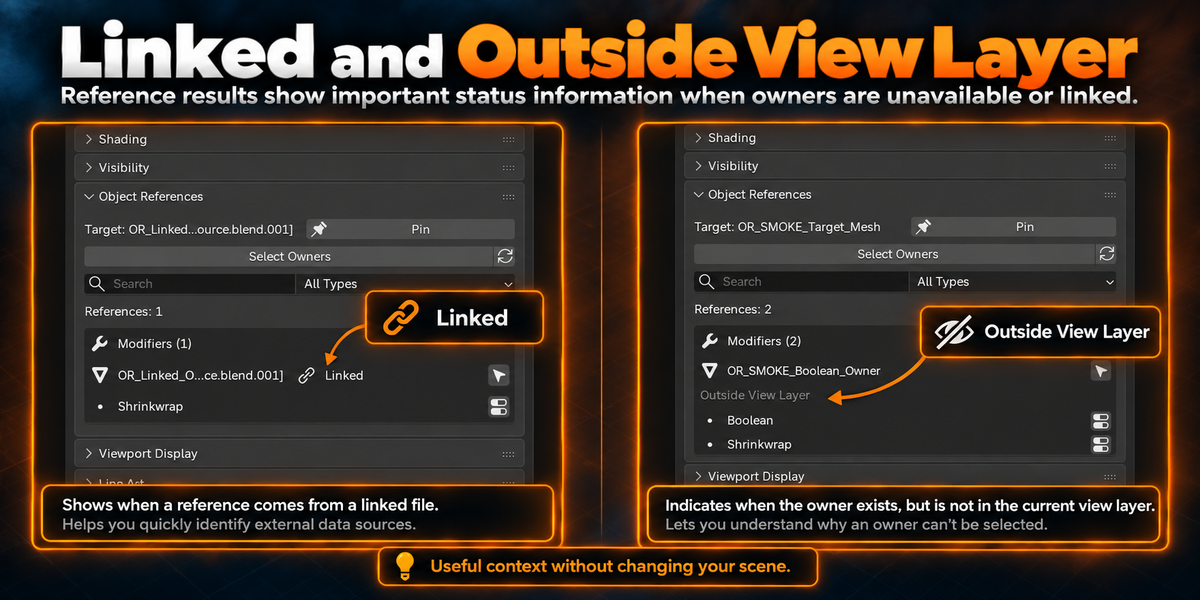
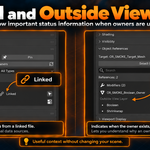
- Linked or unavailable owners can still be shown in the results
- Some owners may not be directly selectable depending on their state, such as Linked or Outside View Layer
- Direct jump actions are available for supported reference types
- The tool is intended to work alongside Blender’s native behavior, not replace it
- If needed after scene changes, use Refresh to rebuild the list
Support / Updates
Maintenance updates and compatibility checks can continue for supported Blender versions as the tool evolves.
A small workflow utility for users who want faster dependency inspection while keeping Blender familiar.