 Tesselune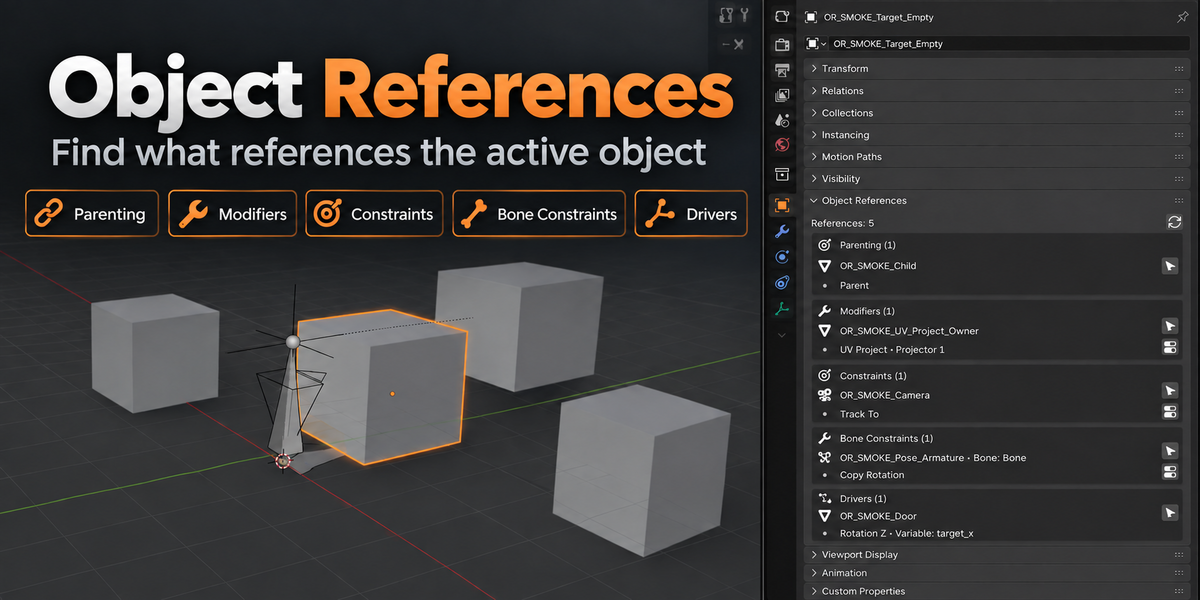
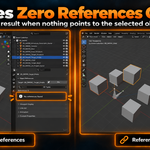
Does Object References support Geometry Nodes or materials?
Not in version 1.0.0.
Geometry Nodes internal object references, Material usage, Image usage, Node Group usage, Shader/Compositor node references, and arbitrary custom add-on data are outside the current V1 scope.
Why does Go To not appear for every reference?
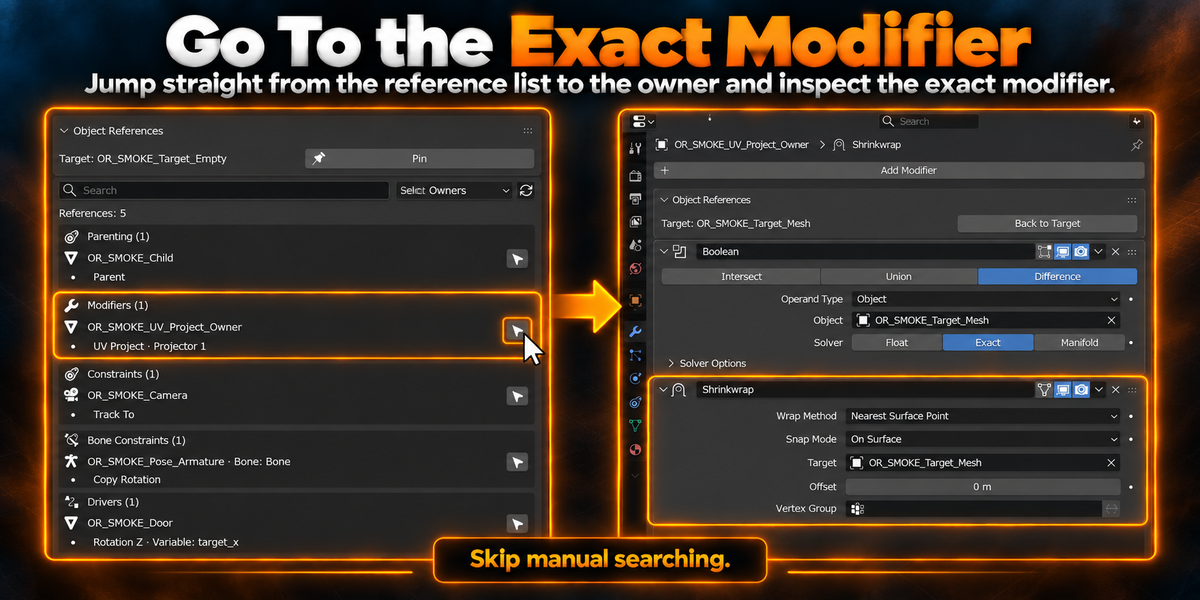
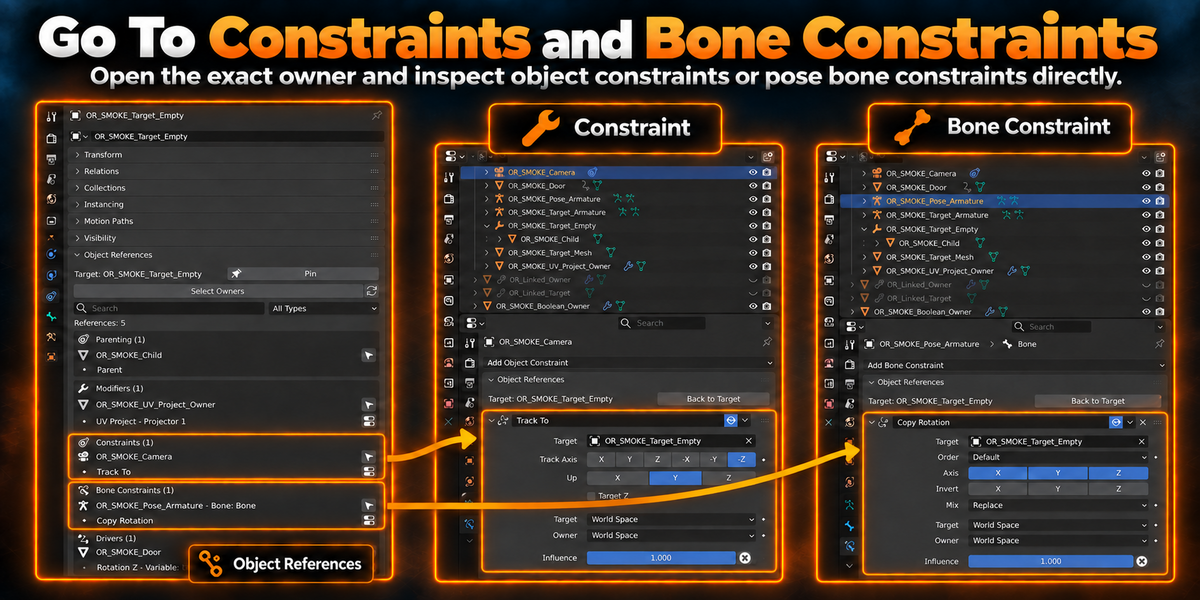
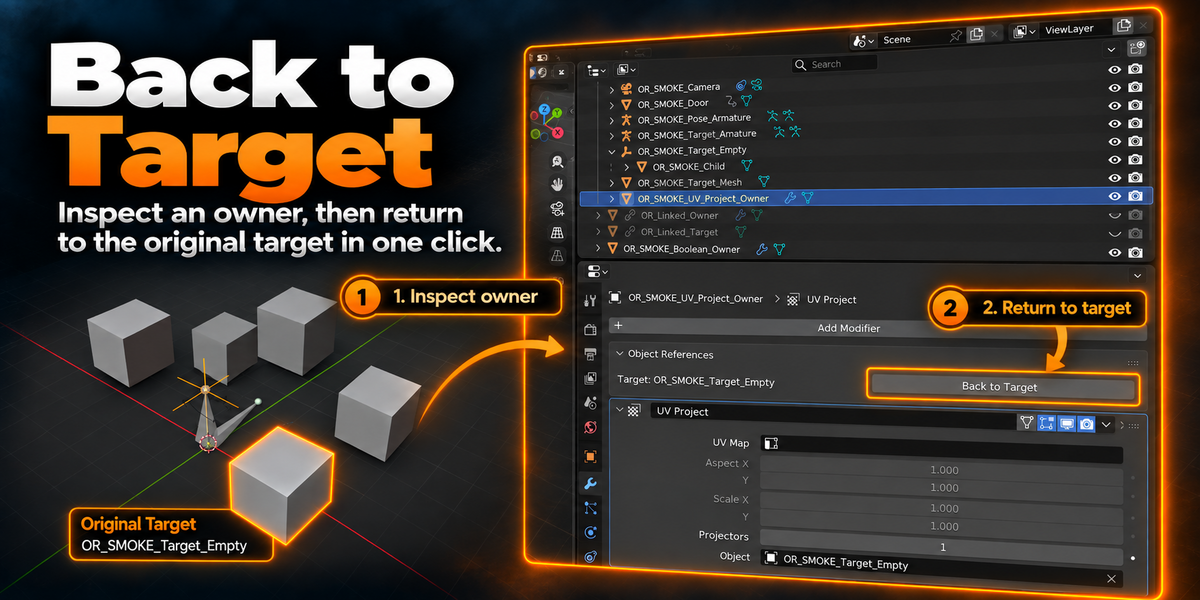
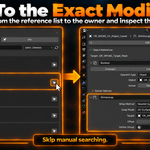
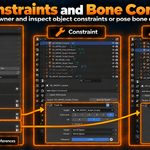
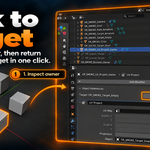
Direct Go To navigation is available for Modifiers, Object Constraints, and Pose Bone Constraints.
Parenting and Driver references use Select Owner instead, because there is no single equivalent destination panel that Object References can safely open for those reference types.
Which Blender versions are supported?
Object References 1.0.0 supports Blender 4.5.11 through Blender 5.2.x.
The release has been validated on Blender 4.5.13 LTS, 5.0.1, 5.1.2, and 5.2.1 LTS.
Does Object References modify my scene or linked data?
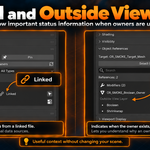
Scanning is read-only.
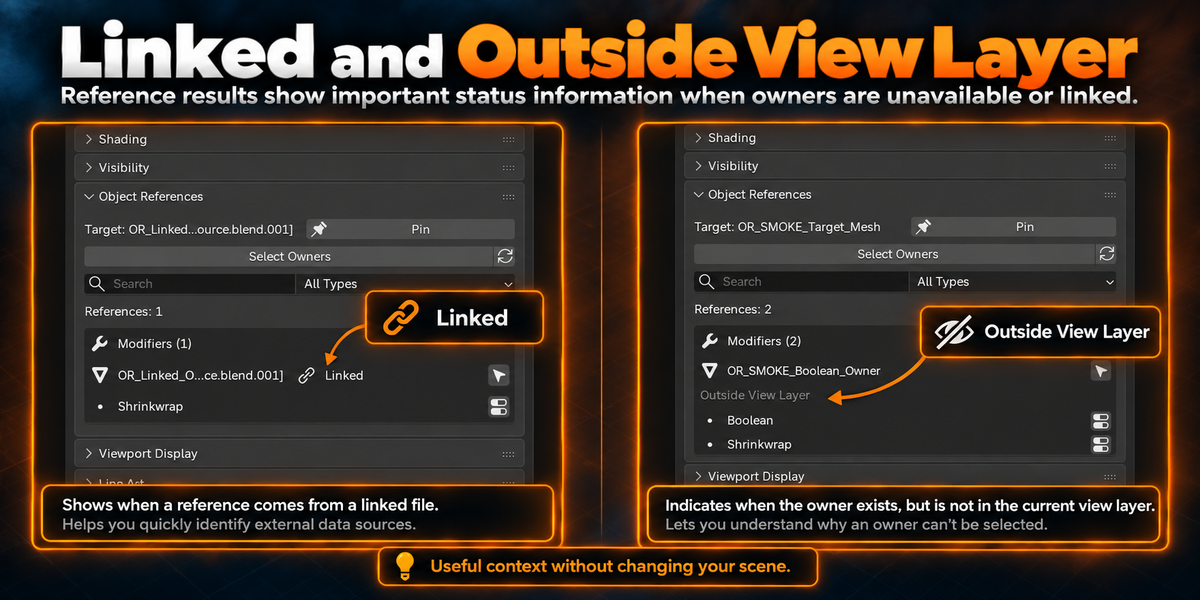
Object References does not automatically create Library Overrides, unhide objects, enable excluded collections or View Layers, or edit linked library data.
Navigation only changes selection and the relevant Blender Properties context when you explicitly use a navigation button.
What types of references can Object References find?
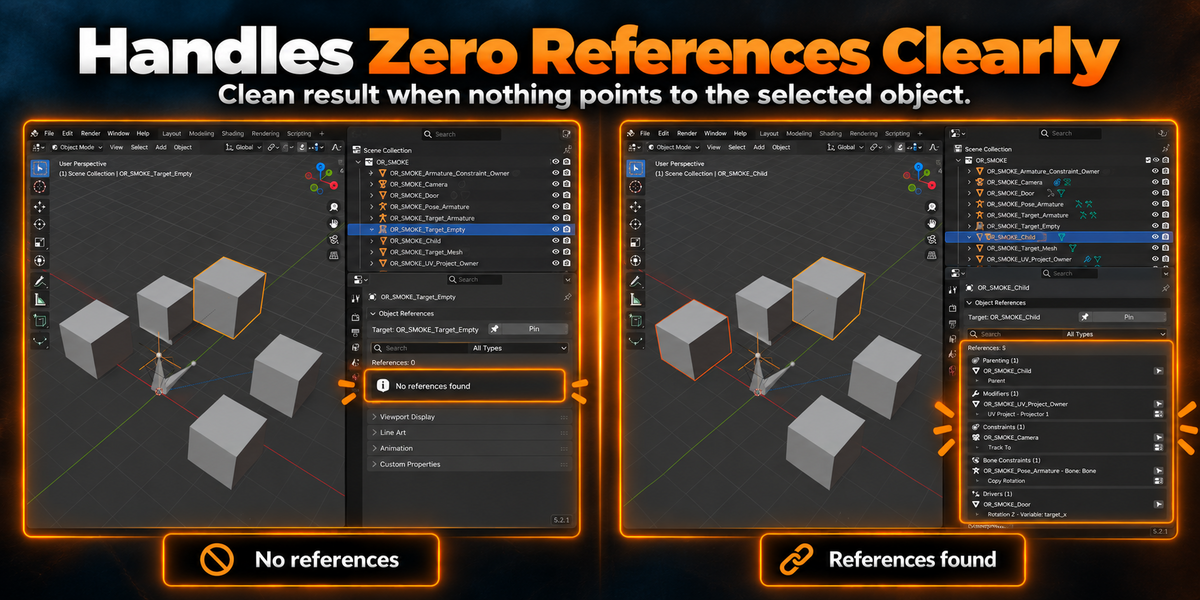
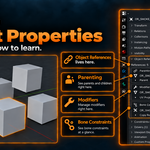
Object References 1.0.0 supports Parenting, Modifiers, Object Constraints, Pose Bone Constraints, and Driver variable targets.
Each concrete reference is listed separately, so multiple references from the same owner are not collapsed into one result.
Where do I find Object References after installation?
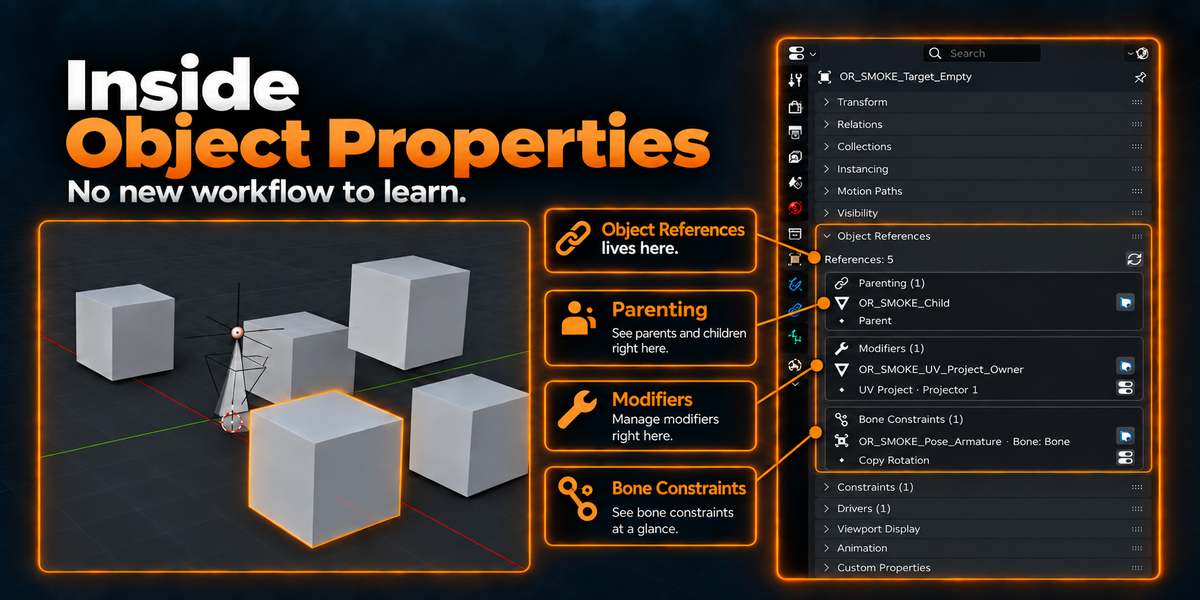
Select an object and open Object Properties → Object References.
The panel is closed by default. Expand it to see the references to the active object.
$7
Have questions about this product?
Login to message
| Blender Extension Compatible | Yes |
| Published | 3 days ago |
| Blender Version | 4.5 - 5.2 |
| Extension Type | Add-on |
| Render Engine Used | Cycles |
| License | GPL |
Discover more products like this
bone-constraints constraints Workflow object references parenting reverse lookup modifiers drivers addon Object Properties blender dependencies