Object Replacer
 Zuhair Umer



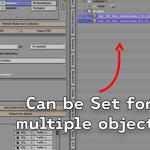
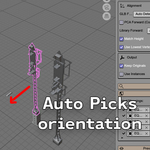
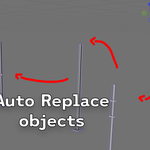

The replaced object is facing the wrong direction
Use Flip Facing in the Post-Replace Fixes section. If it's upside down, use Flip Upside Down instead. If it's consistently wrong across all objects, try changing the GLB Forward or Library Forward axis in the Alignment settings.
The replaced object is floating above or sinking into the ground
Try enabling Use Lowest Vertex as Anchor. This is more accurate than the bounding box bottom for geometry with uneven bases.
My objects aren't being detected. Why?
Make sure you've set a Library Collection first, and that your keyword rules have keywords filled in. Without keywords, nothing will match.
Where is the panel?
View3D > Sidebar > Object Replacer tab. Press N to open the sidebar if it's hidden.
$5
Have questions about this product?
Login to message
| Published | 3 months ago |
| Blender Version | 3.6 - 5.2 |
| Extension Type | N/A |
| Render Engine Used | Cycles |
| License | GPL |
Discover more products like this
3d replace productivity find-and-replace workforce find replace Replace object 3dartistproductivity Workflow addon