Object Scatter
 Tachyon Studio



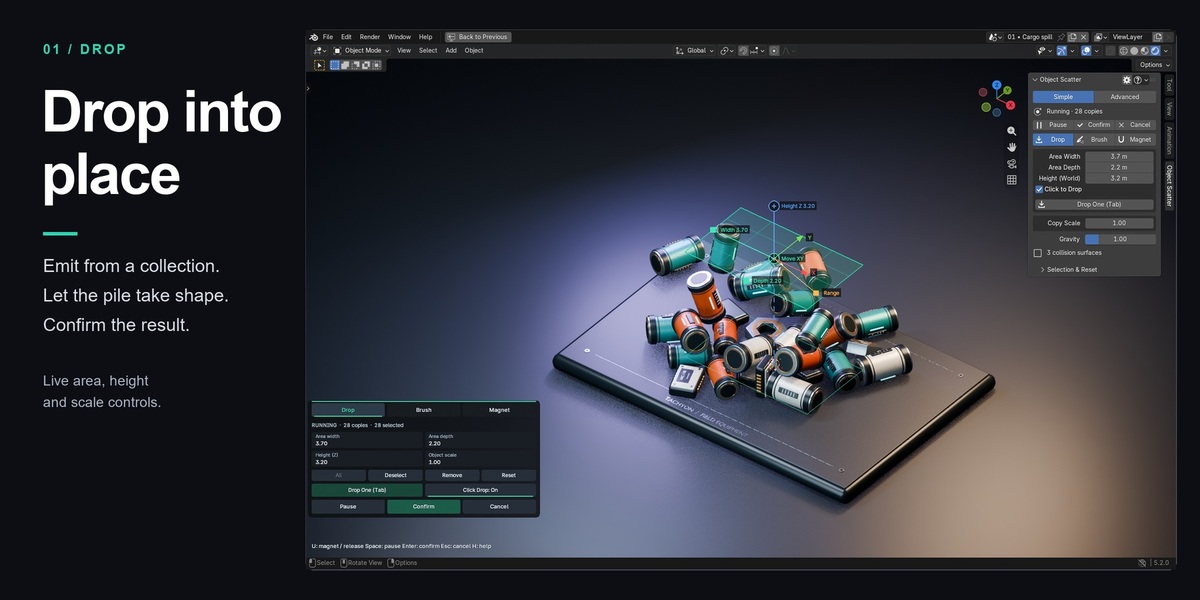
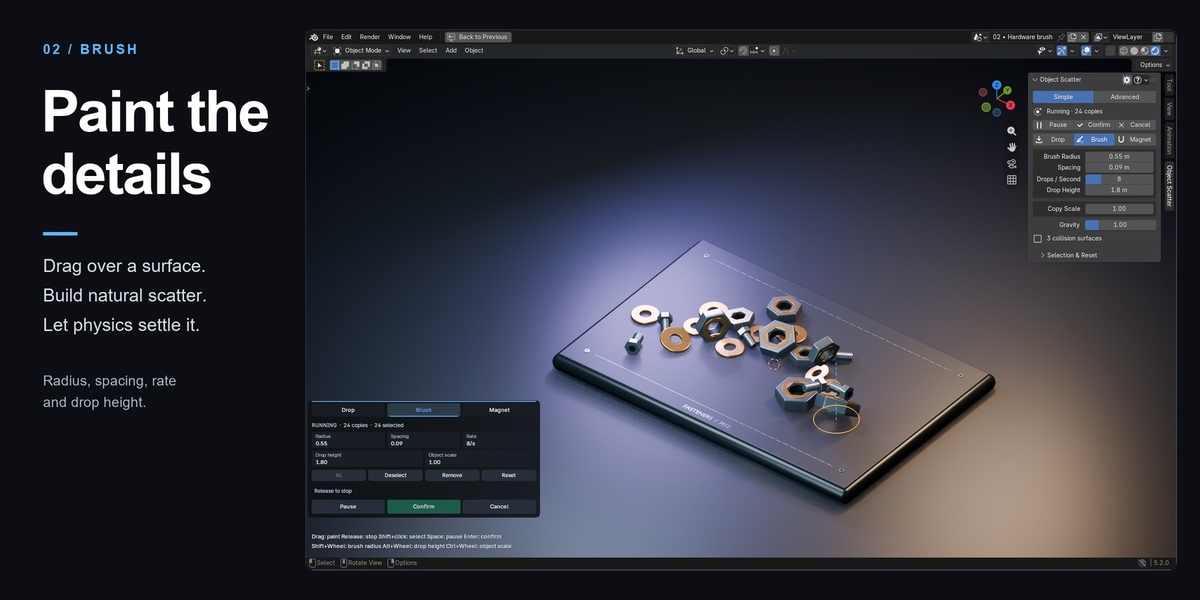
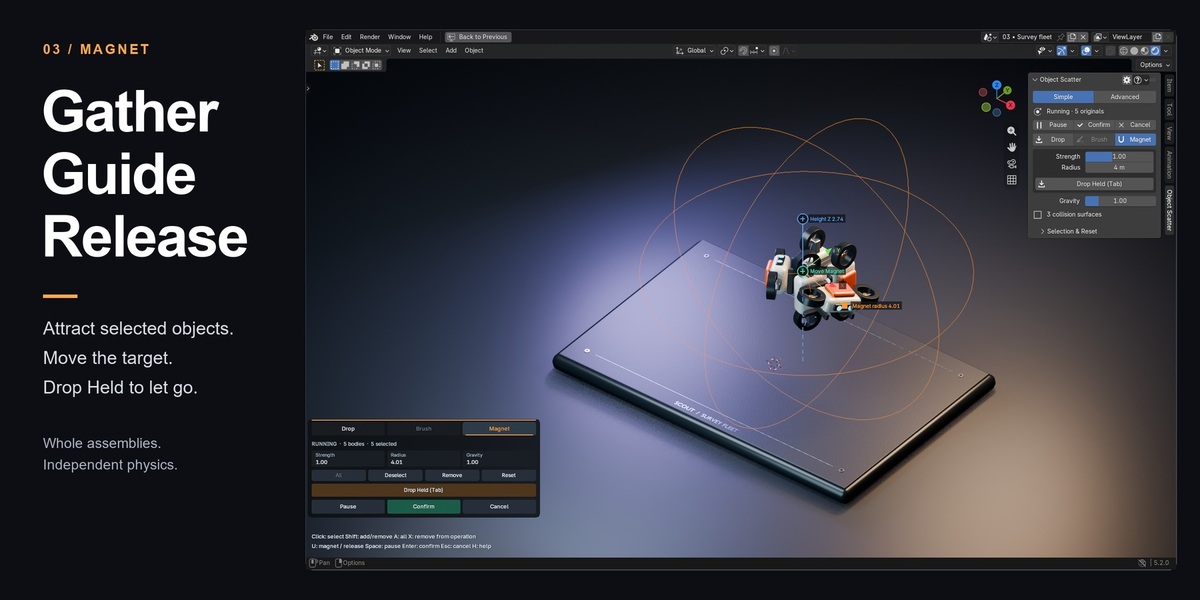

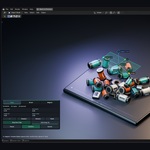
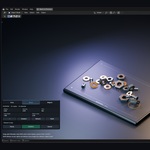
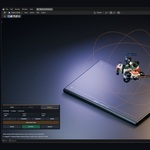
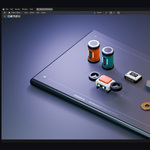
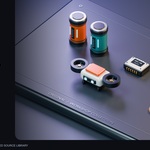
It places mesh assets with Drop, Brush and Magnet, then keeps static results. Use a source collection for copies or select existing editable meshes and Empty hierarchies to move originals.
The universal installer supports Blender 3.x–5.x, starting at 3.0. Windows installation and core workflows were tested in 16 builds from 3.0.1 through 5.2.0. See the Documentation tab for exact builds and coverage. macOS, Linux and future releases have not been qualified.
Install object_scatter-0.8.33-universal.zip in every supported Blender version. Keep it zipped. Blender 3.0–4.1 uses Preferences → Add-ons → Install; Blender 4.2+ uses the menu → Install from Disk. Extract object-scatter-0.8.33-documentation.zip separately for reading and examples.
Enable it in Edit → Preferences → Add-ons. In the 3D Viewport, switch to Object Mode, press N and open the Object Scatter tab. Use Simple for the main controls or Advanced for additional sections.
Copies from Drop or Brush need an enabled source collection. Drop Selected and Magnet Selected use existing selected meshes or Empty parents and do not need Copy Sources. Both workflows need eligible collision surfaces.
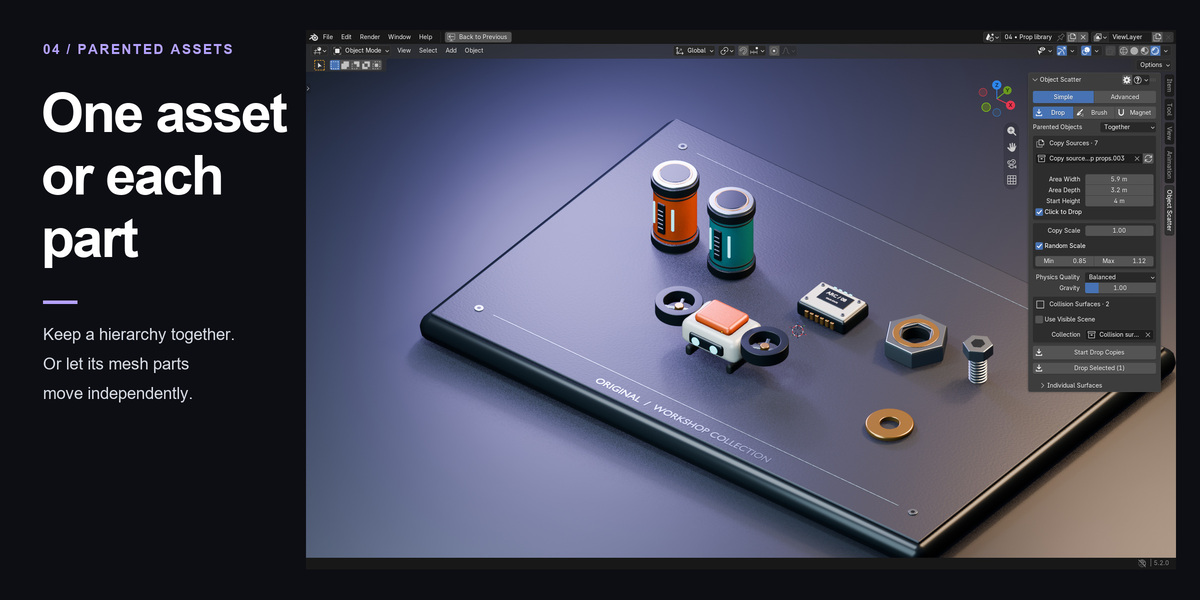
Yes. Choose Parented Objects → Together before starting. Copies combine the complete mesh/Empty hierarchy into one evaluated mesh; selected placement keeps original objects and parent links. Separately samples independent mesh parts for copies and simulates selected parts independently. Selecting a child can include its whole hierarchy.
While running, Confirm stops emission and waits for motion to settle. While paused, Confirm applies the visible pose immediately, even in midair. If settling reaches its timeout, inspect the paused result and Confirm that pose or Resume.
Yes. Copy Scale and Random Scale are shared by Drop and Brush in both Simple and Advanced. Min/Max multiply the base copy scale uniformly across XYZ and affect future copies. They do not resize selected originals or already emitted objects.
Evaluated mesh snapshots capture modifiers automatically when needed, at session start. Geometry Nodes must output realized mesh geometry. Realize instances and convert curves or points to meshes in the node graph. Start a new operation after changing source geometry.
Use Visible Scene captures eligible visible meshes from the active view layer. Copy sources, their hierarchy members and custom proxies are excluded. For selected placement, moving parts are excluded. Keep floors outside Copy Sources for copy workflows, or choose manual receivers.
Copy workflows create new objects; simple copies can share mesh data with their sources, so later mesh edits may affect them. Selected placement moves originals after Confirm while preserving meshes, modifiers and parent links. Cancel restores the starting arrangement. Back up production scenes before updates.
After Confirm, native Undo restores the starting arrangement and Redo restores committed poses. Finish or cancel before global Undo. A saved interrupted copy operation can retain saved preview poses; reopening interrupted selected placement restores originals. Recovery cannot restore unsaved interaction or lost velocities.
This build has Windows coverage listed in the Documentation tab. Selected placement rejects animation, constraints, rigid bodies and unsupported hierarchies. Receivers remain static. Very small Draft simulations may time out. Dense meshes and large piles can be slow; use simple proxies and smaller sets. Physics results can differ between Blender releases.
No account, activation service or internet connection is required for placement. Discord is an optional support link. Support reports are saved locally and are not uploaded automatically.
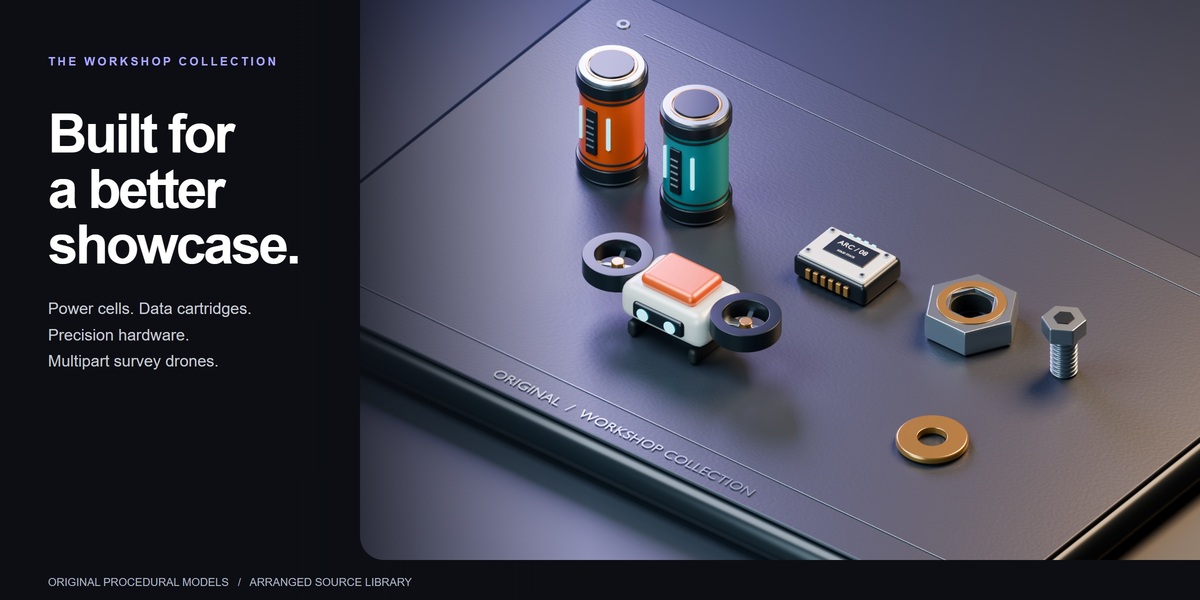
The single universal installer contains the addon, readable source, license and written guides. The separate documentation archive contains a full manual, quick start, FAQ, release notes, and three procedural example scenes saved in Blender 3.0.1 format with a pack-local library. These are small learning fixtures, not a production asset library. The separate Workshop Showcase ZIP adds original sci-fi props and a Blender 5.2 studio scene, with a Blender 3.0.1 prop library for older supported versions.
Message Tachyon Studio through Superhive or visit https://discord.gg/D5guG5f9wB. Include addon version, exact Blender version, OS, reproduction steps and a screenshot/error. Remove private information before sharing files. No guaranteed response time or lifetime-update promise is made in this documentation.
All three include the same complete addon, documentation and workshop downloads. Individual is for one person, Team for up to six, and Studio for up to twenty. Commercial use is included. The included GPL-3.0-or-later license governs code rights; purchase-tier wording does not remove those rights. Support terms are separate.
-
$9.99
For 1 person (1 seat). Commercial use included. Complete addon, documentation and workshop downloads.
-
$39.96
For a team of up to 6 people (6 seats). Commercial use included. Complete addon, documentation and workshop downloads.
-
$99.90
For a studio of up to 20 people (20 seats). Commercial use included. Complete addon, documentation and workshop downloads. Need more than 20 seats? Contact us directly.
Have questions about this product?
Login to message
| Blender Extension Compatible | Yes |
| Published | 1 day ago |
| Blender Version | 3.0 - 5.2 |
| Extension Type | Add-on |
| License | GPL |
Discover more products like this
Brush magnet scene assembly placement parented assets drop rigid body physics scatter