 Tachyon Studio

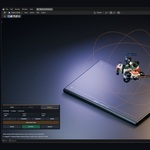
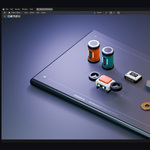
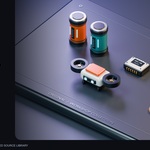


TACHYON STUDIO · PHYSICS PLACEMENT
Object Scatter
Drop, brush and magnet-place your assets. Shape the arrangement in the viewport, then keep the pose you like.
Drop · Brush · Magnet — Blender 3.x–5.x — One universal installer

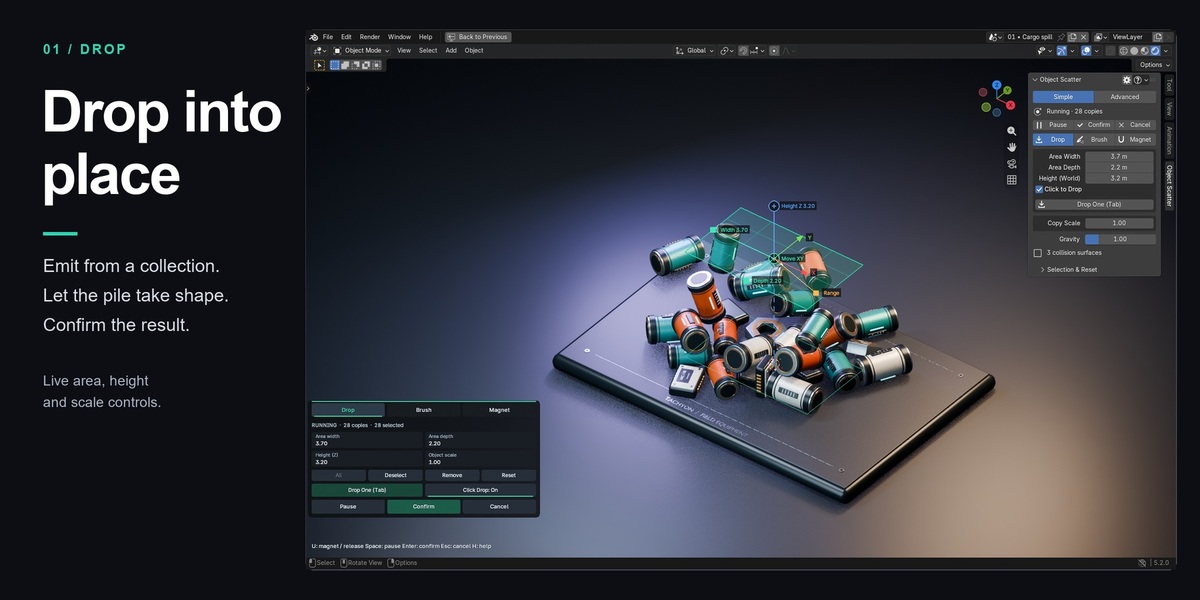
Drop into place
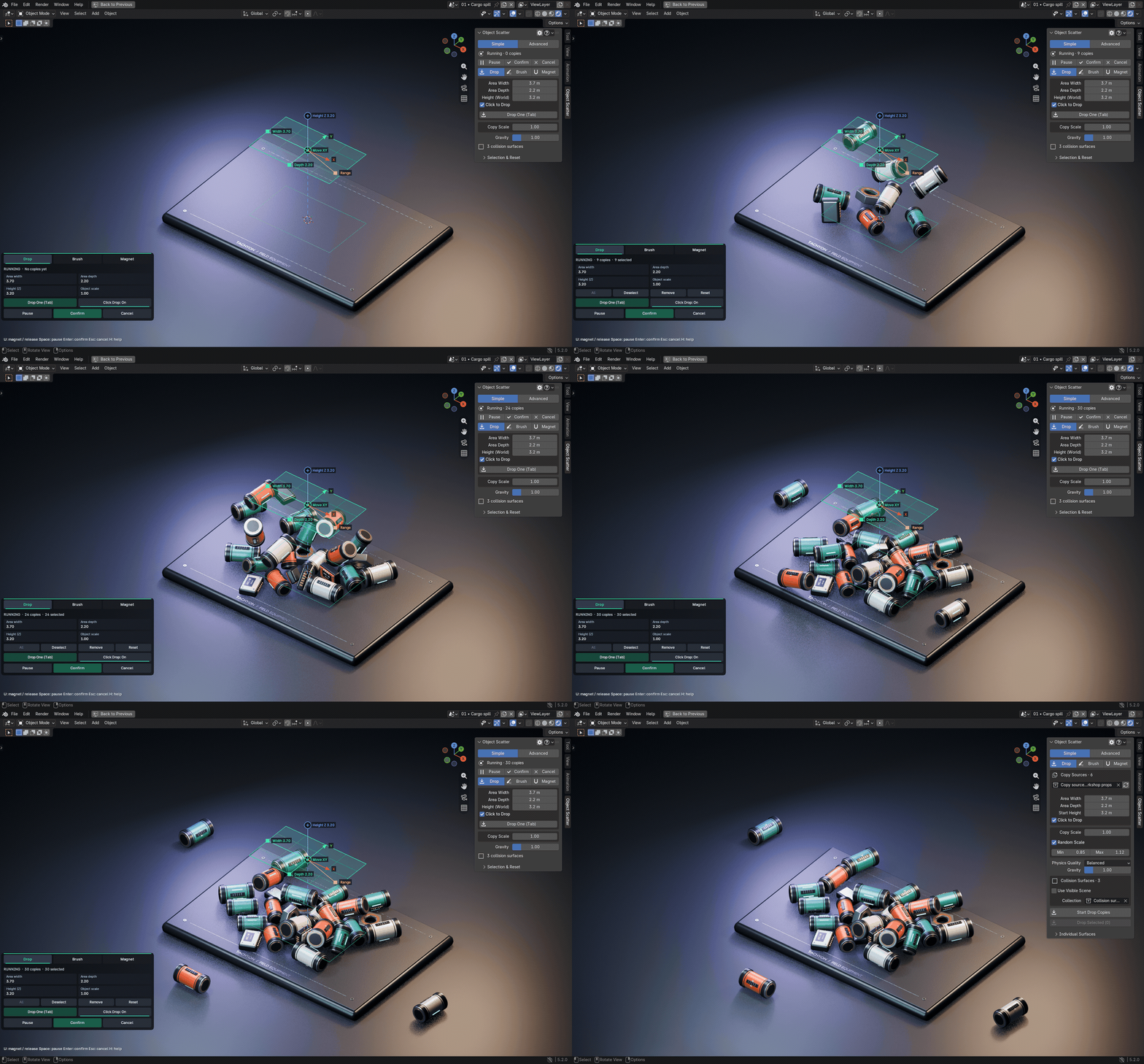
Choose a collection of source meshes, position the drop area and emit copies into your scene. Use Click to Drop for individual placements or drop selected originals directly. Physics shapes the pile; you decide when to Confirm.

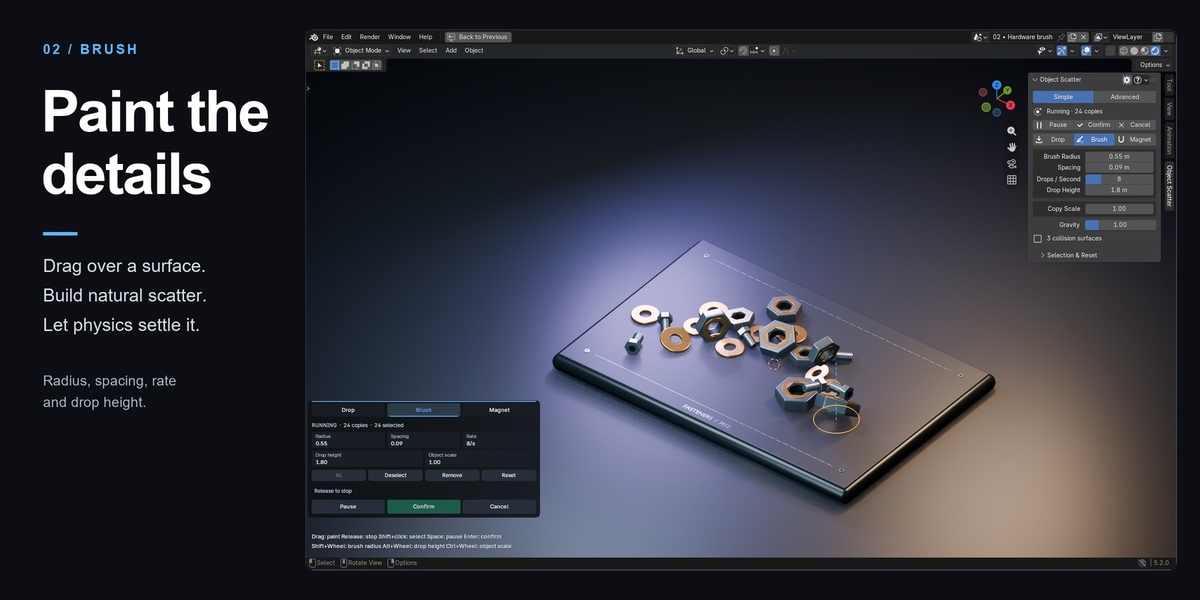
Paint the details
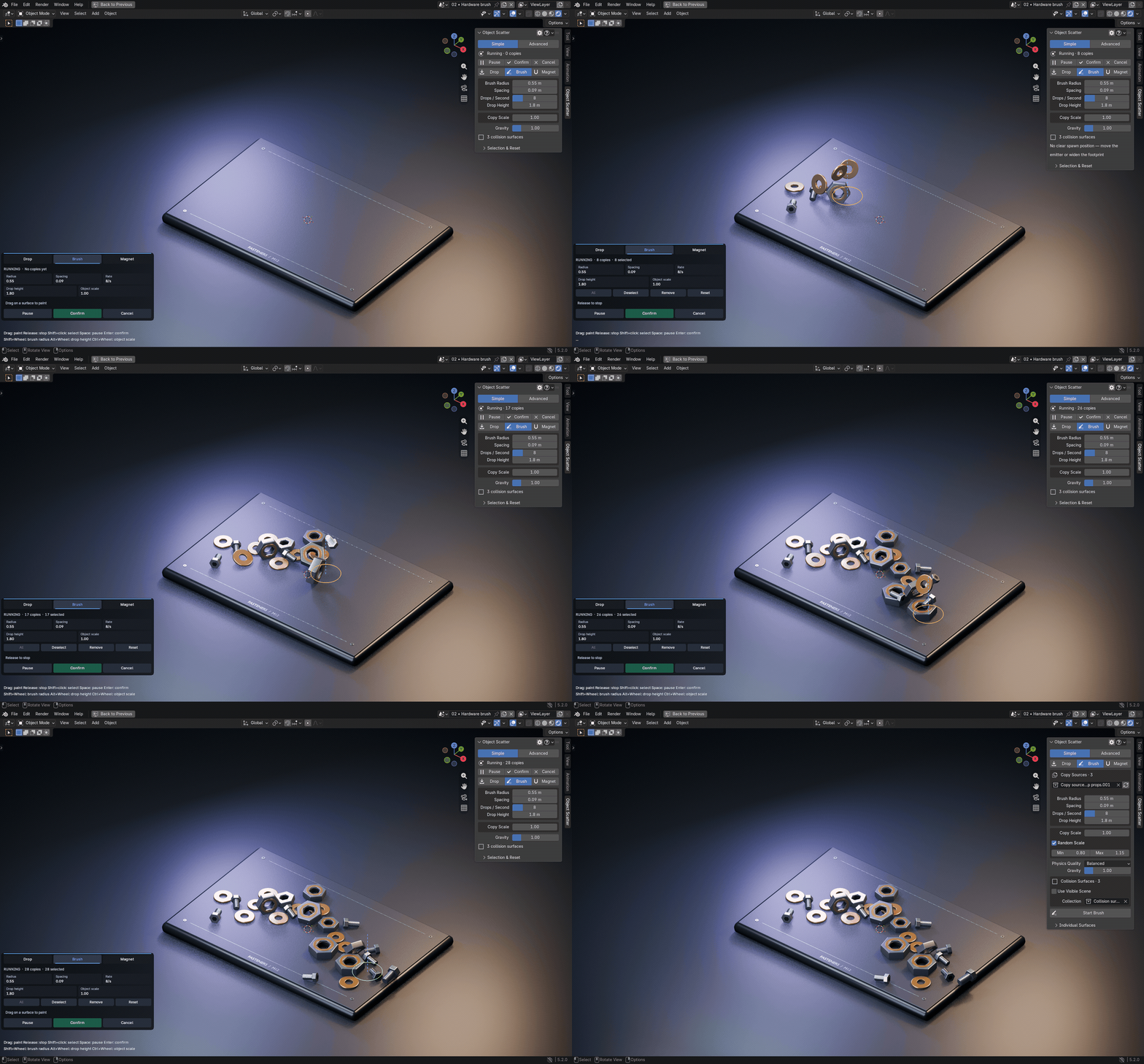
Drag over a collision surface to paint falling copies. Adjust Brush Radius, Spacing, Drops / Second and Drop Height to shape the stroke. Shared Copy Scale and Random Scale add size variation to future drops.

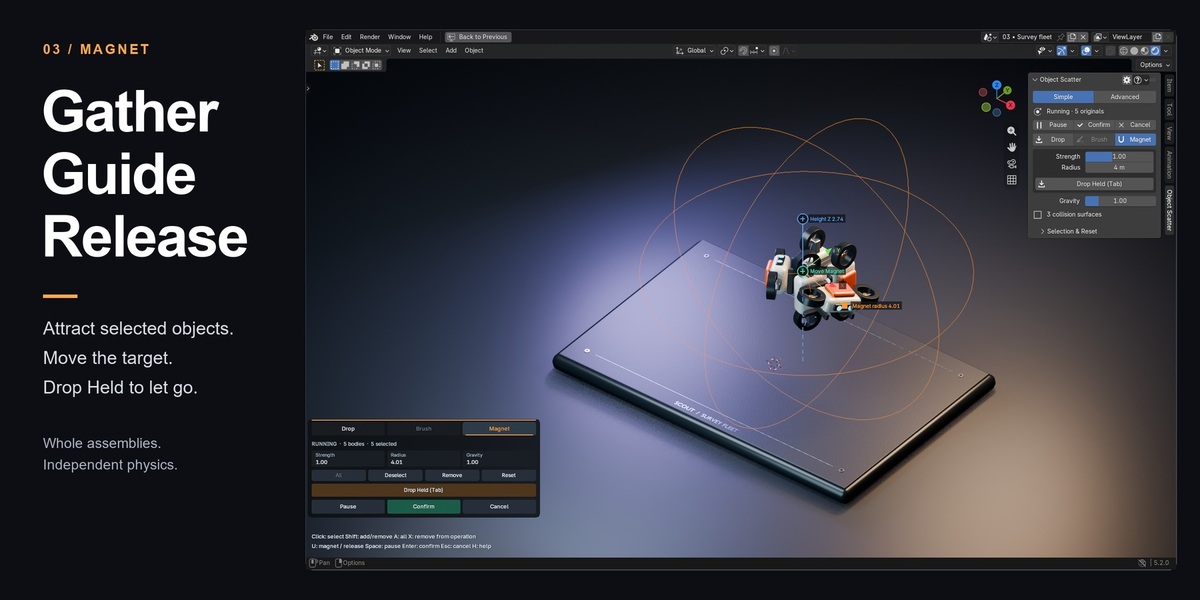
Gather. Guide. Release.
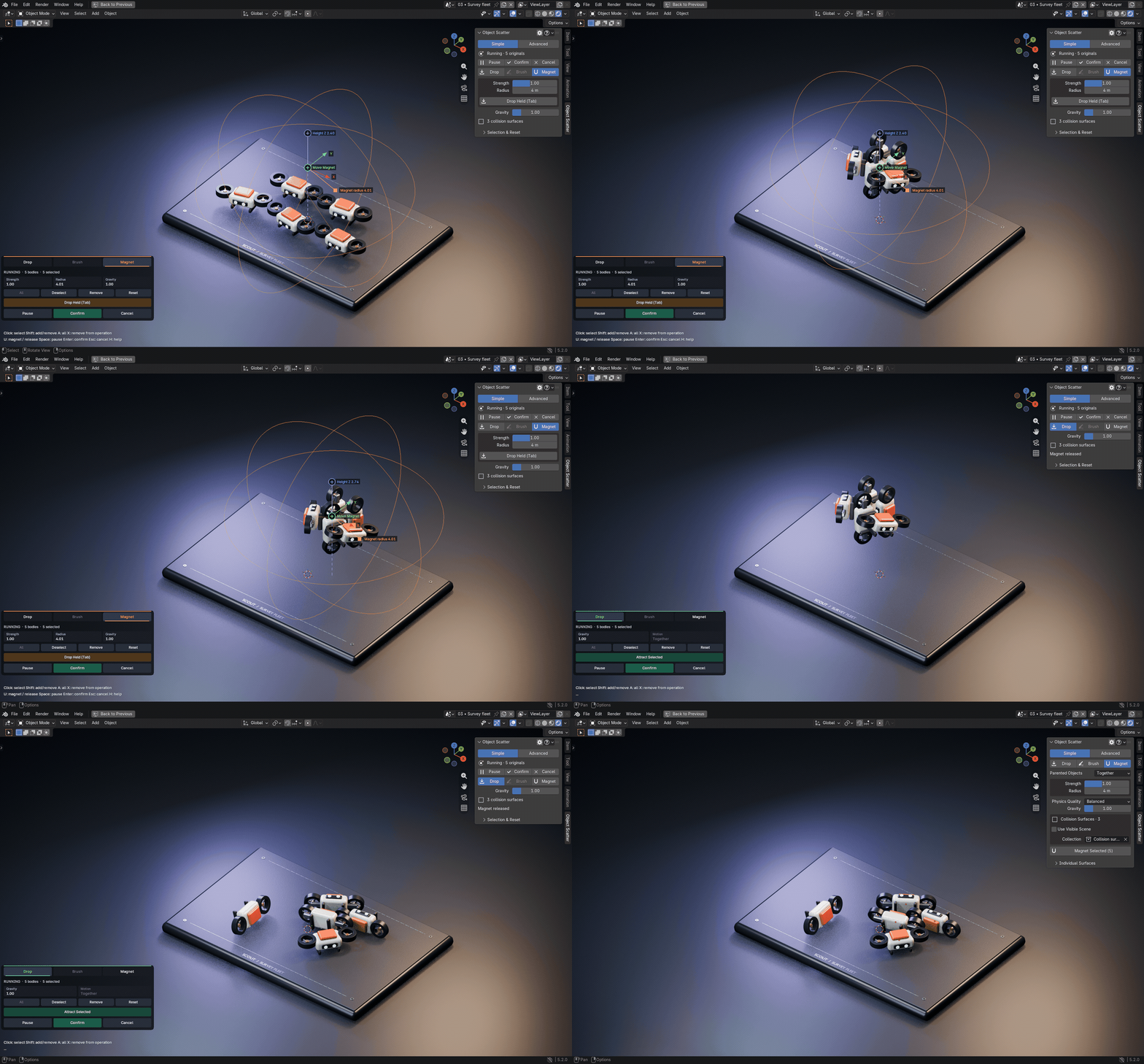
Use Magnet Selected to attract existing objects, or switch an active placement to Magnet. Move its target and tune Strength and Radius. Drop Held releases the objects so they can fall and settle.
Whole assets or separate parts
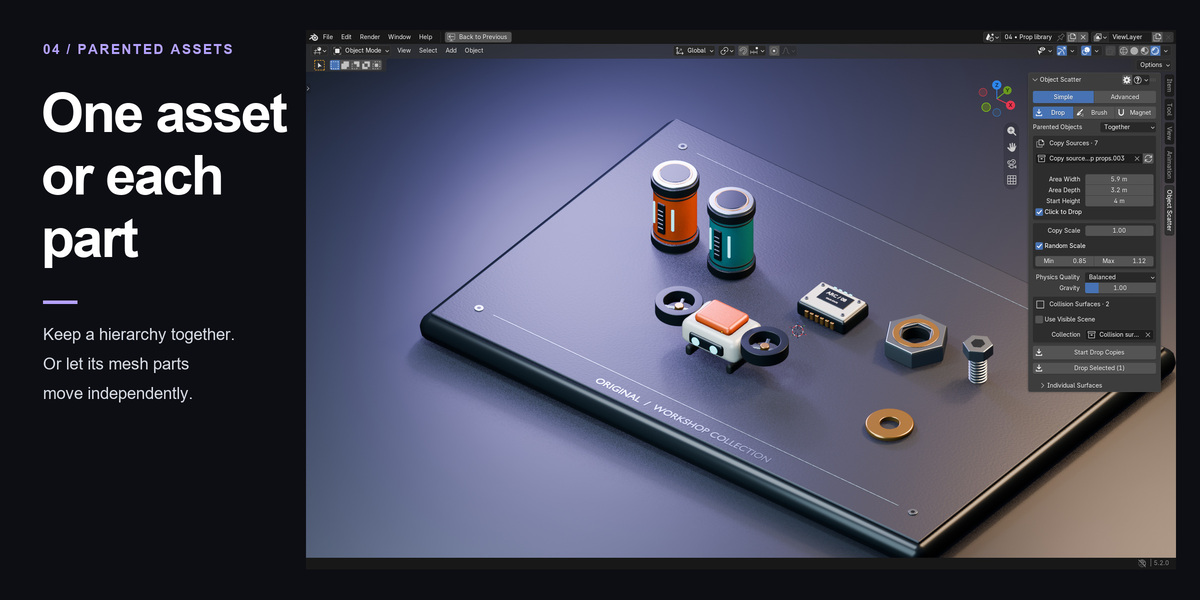
Choose Together to treat a supported mesh/Empty hierarchy as one physics body. Choose Separately for independent mesh parts. Selected placement retains original objects and parent links; copies of a complete hierarchy become a combined evaluated mesh.
A clear placement workflow
- Open the Object Scatter tab in the 3D Viewport sidebar. Choose Drop, Brush or Magnet.
- Choose copy sources or select existing objects. Set your collision surfaces manually or use Use Visible Scene.
- Work with the viewport controls. Simple keeps the main settings close; Advanced exposes weights, variation, collision proxies and physics details.
- Confirm while running waits for settling. Pause → Confirm keeps the visible pose immediately. Cancel discards the operation or restores the selected originals.
Draft is the default physics quality. Balanced and Detailed are available when contacts need more precision. Object Scatter produces static arrangements, not animation bakes.
Included with every option
- object_scatter-0.8.33-universal.zip — one complete addon installer, with readable Python source and GPL-3.0-or-later license.
- object-scatter-0.8.33-documentation.zip — full manual, quick start, FAQ, release notes and three learning scenes saved in Blender 3.0.1 format.
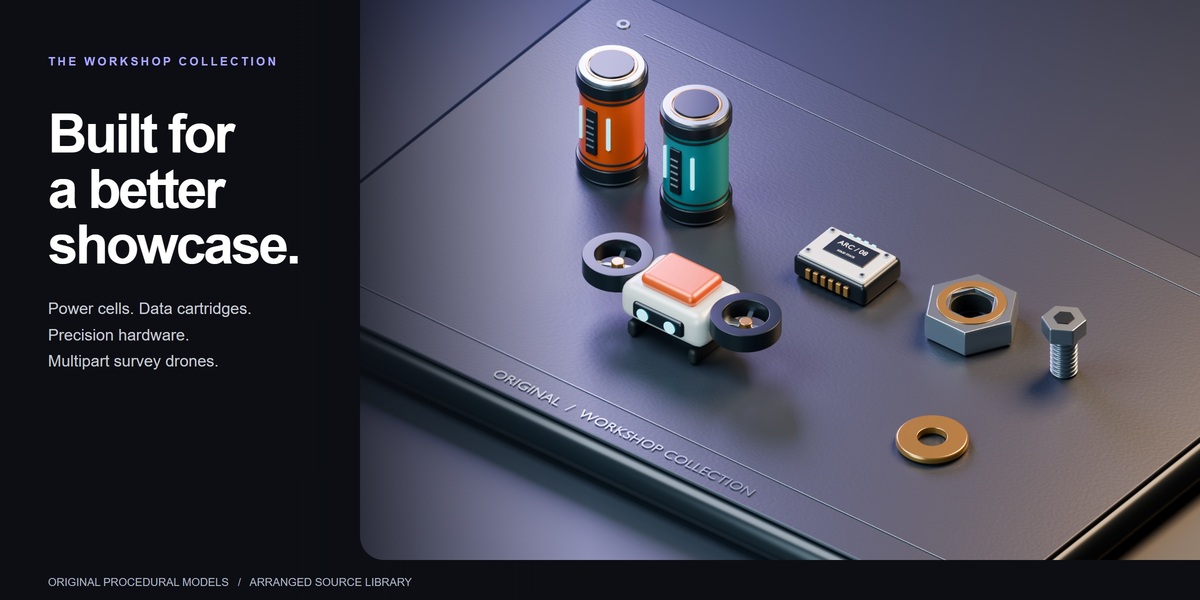
- Object-Scatter-Workshop-Showcase.zip — original workshop props and a four-scene presentation. The full studio scene requires Blender 5.2; the separate prop library is saved in Blender 3.0.1 for use across the supported versions.
Compatibility and practical limits
Windows installation and core workflows were checked in 16 Blender builds from 3.0.1 through 5.2.0, with native viewport checks in 3.0.1, 3.6.23, 4.3.2 and 5.2.0. macOS, Linux and future builds remain untested. Newer Blender scene features still require the version that supports them.
Receivers stay static during placement. Selected originals must be local editable meshes or supported Empty hierarchies without object animation, constraints or existing rigid bodies. Geometry Nodes must output realized mesh geometry. Very small Draft simulations can reach the settle timeout; inspect the paused pose or adjust quality and margins. Dense meshes and large piles cost more simulation time.
Individual, Team and Studio
All three purchase options include the same complete addon and downloads. Individual is for one person, Team for up to six, and Studio for up to twenty; commercial use is included. The included GPL license governs code rights. Support terms are separate from purchase-tier wording.
Help and development
Read the Documentation and FAQ tabs, message Tachyon Studio through Superhive, or join Discord for support. Include the addon and Blender versions, OS, reproduction steps and error text. Placement works offline and requires no activation account.
Developed with substantial AI coding assistance under creator-directed features, testing feedback and UX revisions. The gallery uses original Blender models, real renders and native addon captures. Animated demos show real addon physics with scripted input and controlled capture timing. Source-library lineups are arranged; the Drop and Brush result scenes were generated through the addon.