Obssidian MCP Doctor
 Obssidian Art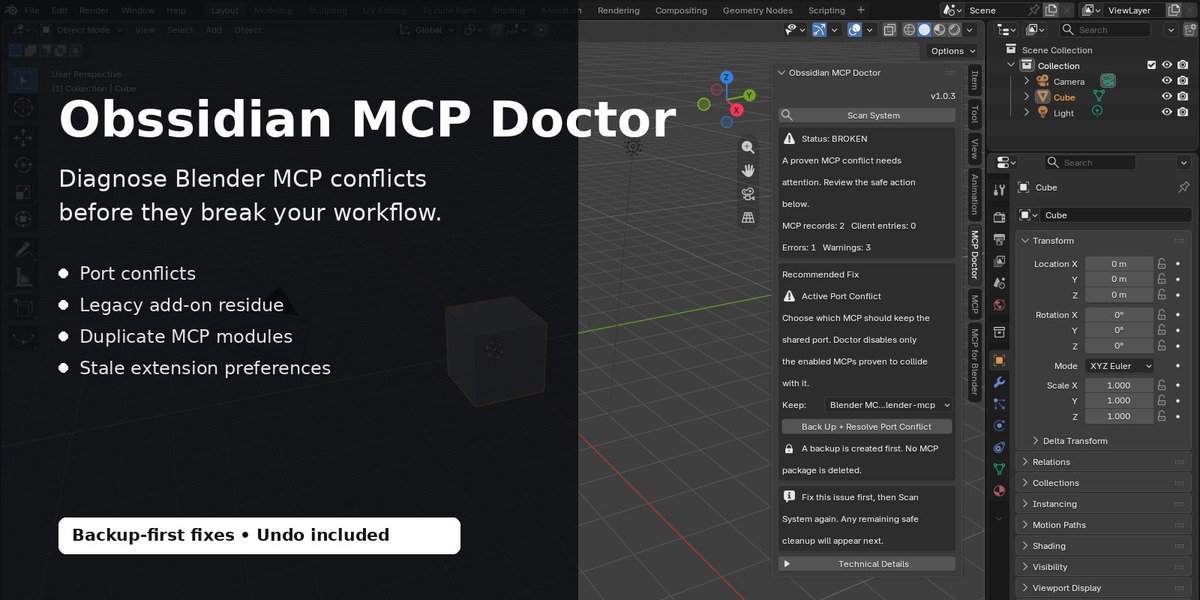
Documentation
Obssidian MCP Doctor v1.0.3
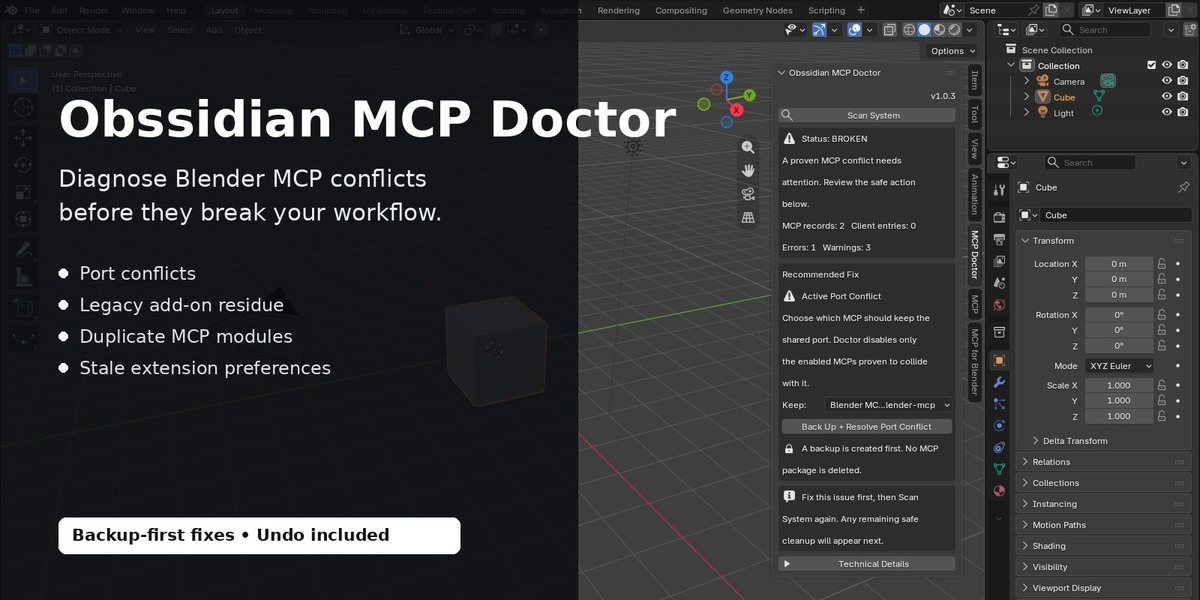
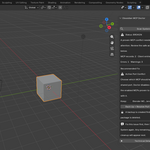
Obssidian MCP Doctor is a diagnostic and recovery add-on for Blender users working with one or multiple MCP integrations.
It helps identify conflicts caused by duplicate MCP installations, legacy add-ons, stale Extension preferences, shared ports, broken client configurations, and outdated paths.
Compatibility
- Blender 4.5 or newer
- Windows
- Linux
- Blender Extensions
- Legacy Blender add-ons
- Claude Desktop
- Cursor
- VS Code
- Codex
Individual third-party MCP add-ons may require a newer Blender version or additional Python dependencies. MCP Doctor does not bypass requirements imposed by those third-party MCPs.
Installation
- Download
obssidian_mcp_doctor_blender_v1_0_3.zip. - Open Blender.
- Go to Edit > Preferences > Get Extensions.
- Open the menu and choose Install from Disk.
- Select the downloaded ZIP.
- Enable Obssidian MCP Doctor if required.
- Open the MCP Doctor panel inside Blender.
- Click Scan System.
Do not extract the ZIP before using Blender's Install from Disk option.
Status System
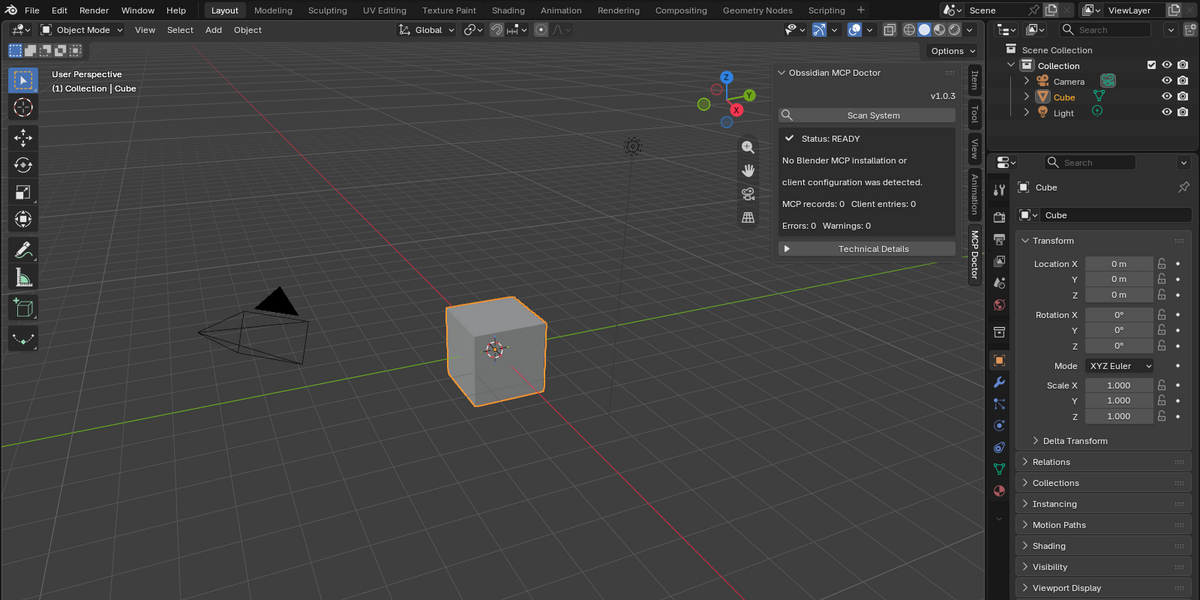
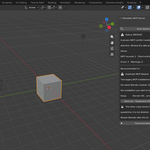
READY
No critical MCP conflicts are currently detected.
WARNING
MCP Doctor found something that should be reviewed, but it may not currently prevent your workflow from running.
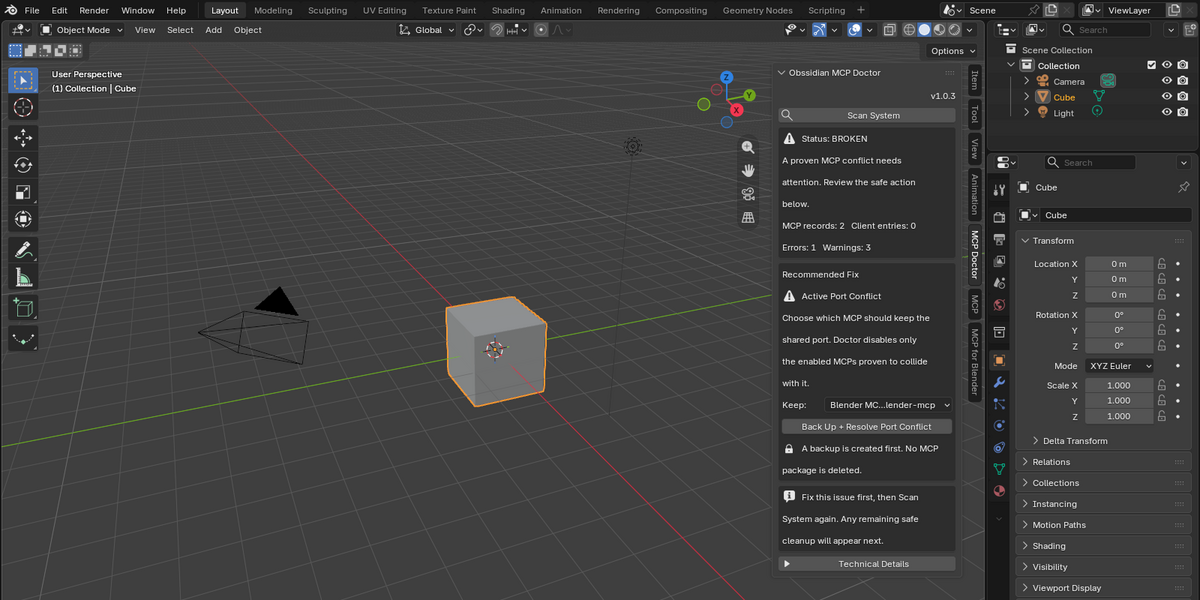
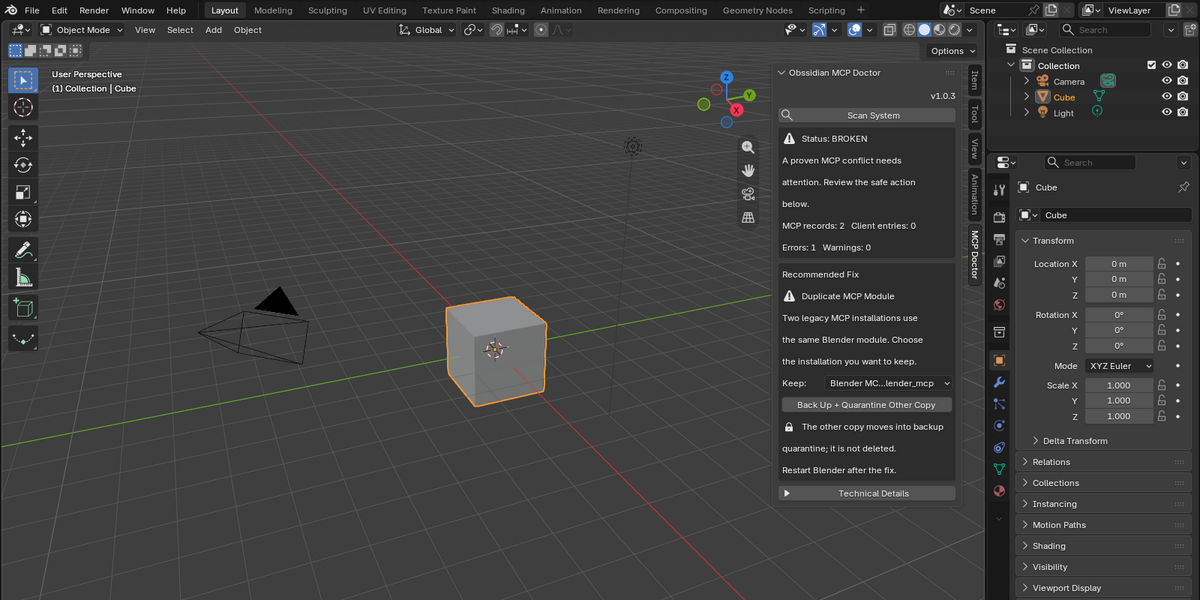
BROKEN
An active conflict or invalid configuration was detected that can prevent one or more MCP integrations from working correctly.
What MCP Doctor Checks
MCP Doctor can detect:
- Multiple enabled MCP add-ons using the same port
- Common MCP ports such as 9876, 9877, 9879, 8765, 8800 and 8400
- Legacy MCP add-ons left behind after updating or removing an Extension
- Duplicate Blender MCP modules
- Old
blender_mcp.pyinstallations alongside newerblender_mcp/installations - Stale Extension preferences pointing to files that no longer exist
- Invalid or outdated executable paths
- MCP configurations used by multiple AI clients
- Malformed MCP configuration files
- MCP port values stored inside environment variables
- Known Blender MCP installation patterns
Safe Repair Workflow
MCP Doctor uses a backup-first approach.
For supported problems:
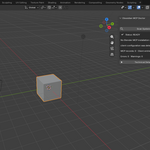
- Click Scan System.
- Review the recommended issue.
- If multiple MCP installations are involved, select the one you want to keep.
- Run the recommended repair.
- MCP Doctor creates a backup before making the supported change.
- Scan again to verify the result.
MCP Doctor prioritizes one recommended repair at a time to reduce the chance of performing fixes in the wrong order.
Port Conflicts
When two enabled MCP add-ons attempt to use the same port, MCP Doctor can identify the conflict and allow you to select which MCP should remain active.
The conflicting add-on is disabled safely rather than deleted.
Duplicate / Legacy MCP Installations
An old MCP installation may remain inside Blender even after a newer Extension is installed or removed.
MCP Doctor can detect cases such as:
blender_mcp.py
existing alongside:
blender_mcp/
When supported, the unwanted copy can be moved to MCP Doctor's quarantine instead of being permanently deleted.
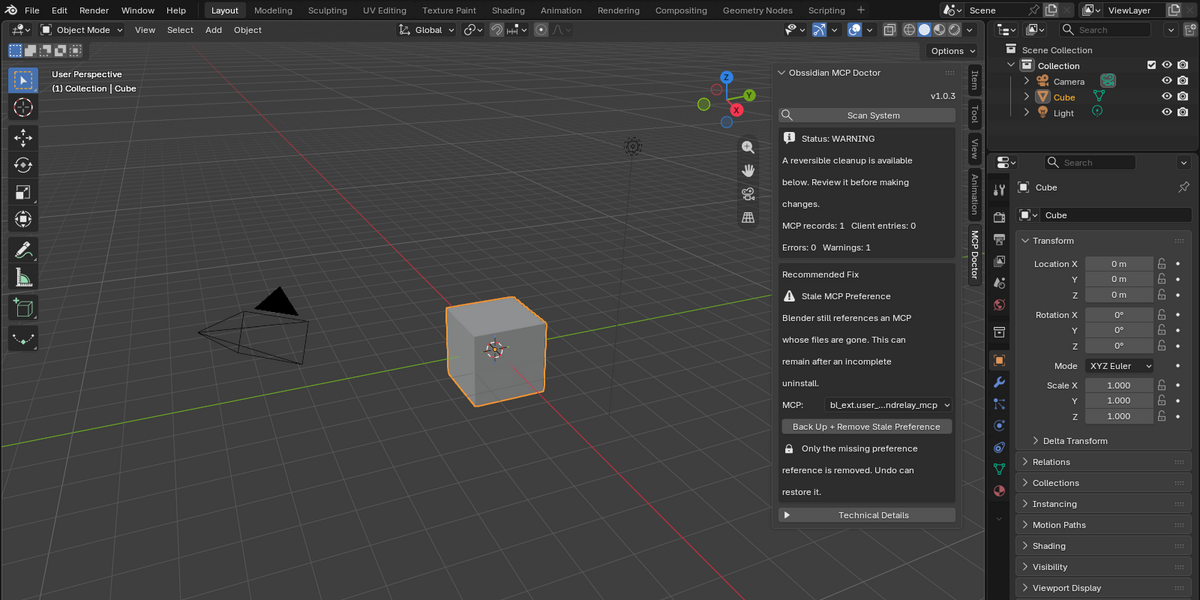
Stale Extension Preferences
Sometimes Extension files are removed while Blender still keeps their registration in its preferences.
MCP Doctor can detect these stale references and remove the invalid preference after creating a backup.
Undo
Supported repairs include Undo.
Undo can restore:
- Disabled MCP add-ons
- Quarantined legacy installations
- Removed stale preferences
The recovery state is designed to survive Blender restarts.
If an external program or the user manually deletes a backup/quarantine file, MCP Doctor will report the restoration failure rather than silently overwriting or fabricating missing data.
Client Configuration Diagnostics
MCP Doctor can inspect supported configuration patterns for:
- Claude Desktop
- Cursor
- VS Code
- Codex
It can detect malformed configuration files, missing paths, duplicated MCP server configurations and relevant port assignments.
MCP Doctor does not automatically rewrite all third-party client configurations in v1.0.3.
Privacy and Diagnostic Reports
MCP Doctor runs locally.
Diagnostic reports are designed to avoid exposing sensitive environment values. Values that may contain credentials or tokens are redacted from exported reports.
Always review a diagnostic report before sharing it publicly.
Important Third-Party Compatibility Note
MCP Doctor can diagnose your Blender MCP environment, but it cannot make a third-party MCP compatible with a Blender version that the MCP itself does not support.
For example, if an MCP requires Blender 5.1 or newer, installing that MCP in Blender 4.5 may fail independently of MCP Doctor.
This is a requirement of the third-party MCP, not an MCP Doctor error.
Recommended Workflow
Scan System → Review Status → Apply Recommended Fix → Scan Again
Use Undo whenever you need to return to the previous supported state.
Support
If you encounter an issue, please provide:
- Blender version
- Operating system
- MCP Doctor version
- MCP Doctor diagnostic report
- Name of the MCP integration involved
- A short description of what happened
Do not send passwords, API keys, authentication tokens or other private credentials.
 Included
Includes 12 months of
- Support from Obssidian Art
- Product updates
Extend this product’s Support Period +12 months: 25% of product price
Have questions before purchasing?
Login to message
| Blender Extension Compatible | Yes |
| Published | 3 days ago |
| Blender Version | 4.5 - 5.2 |
| Extension Type | Add-on |
| License | GPL |