VFXGuide
about 2 years ago
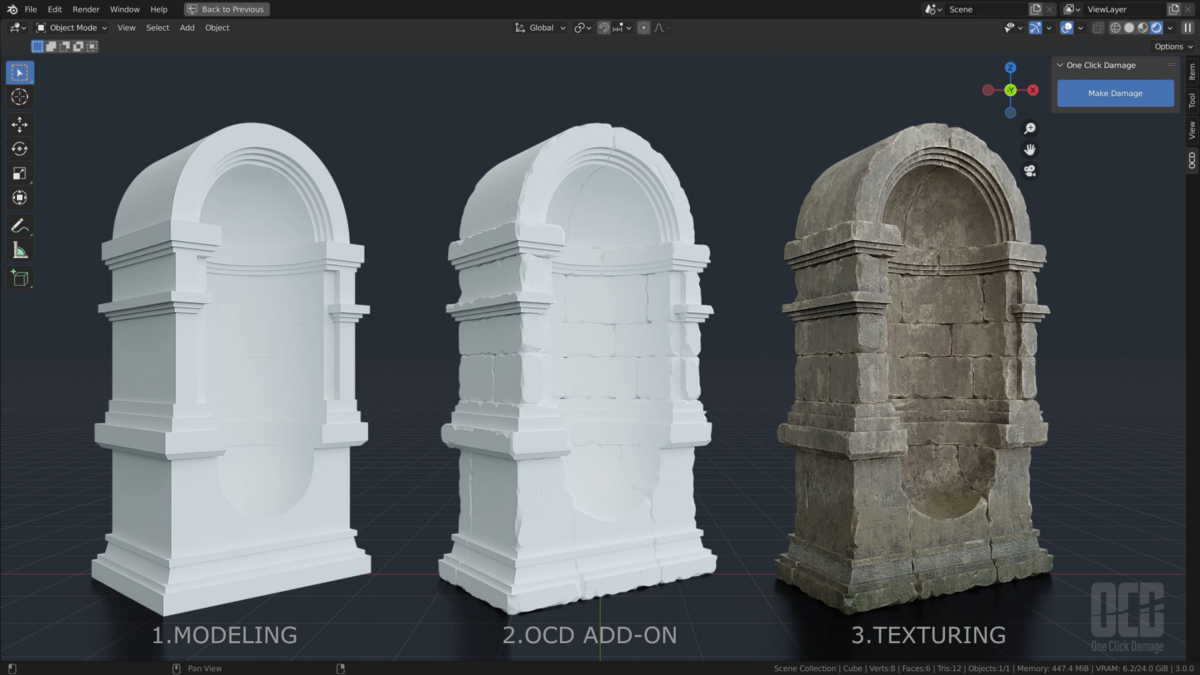
For support, please use the Discord server or the "Ask a Question" button on Blender Market.
This item has an average rating of 4 from 62 ratings by the community.
Purchase this item to leave a review!
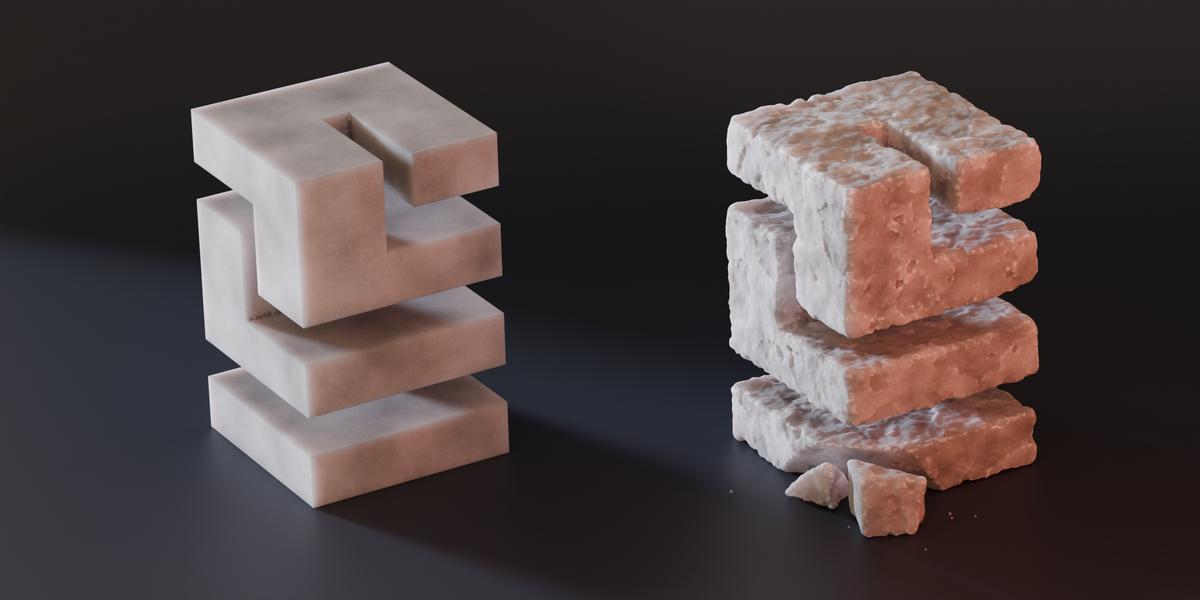
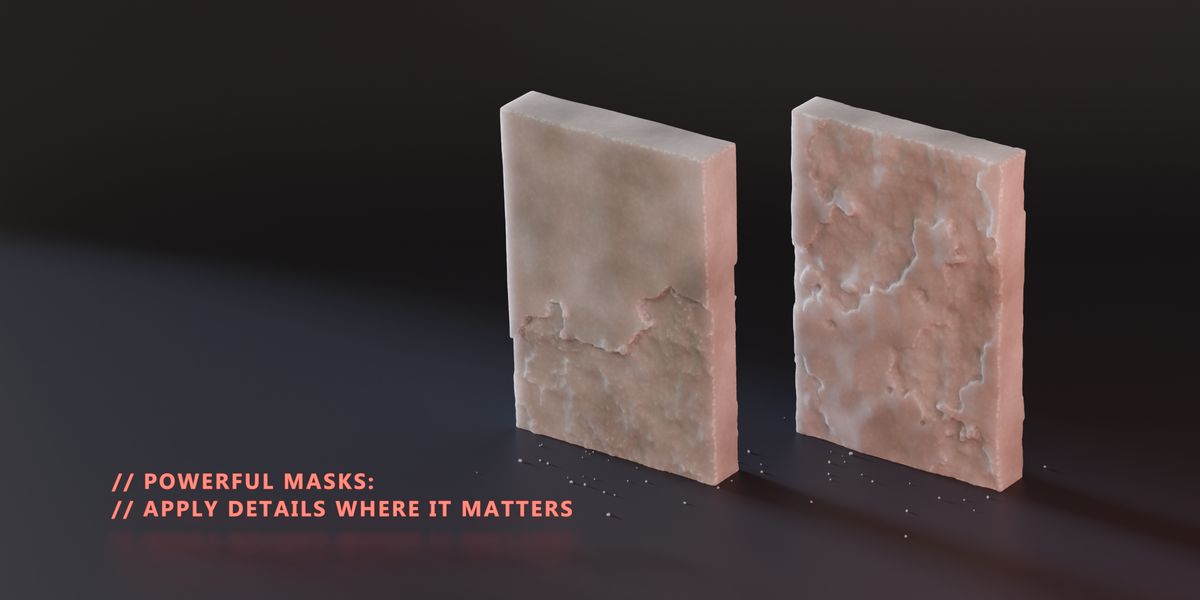
Worth the money, but it really lacks some parameters. I managed to get it to work by manually changing some of the values, but those values really need to be parameters.
1) Scale: There is a scale parameter, but even smallest possible value (0.0001) doesn't work on a small meshes (1m less). The only way I could get it to work, was by scaling my mesh 10x higher, applying scale and then applying the damage. Please fix the scale parameter, so it can work on meshes of any size without rescaling.
2) Resolution, default value results in a very stylized look, it is possible to change a voxel size on a hidden temp mesh, which can add some resolution, but also add more mess in geometry, so you then need to remesh the base mesh as well. Would really like to see some improvements on it and also having it as a parameter without need on changing it manually.
3) Displacement intensity (Depth of the damage)
4) More option to change the look of the noise (contrast, warp intensity, octaves etc.) Not so necessary as the above mentioned, but still would be nice.
Really clever, useful and affordable. Would love the ability to use negative values so some of the noises could be subtracted from the object (a few of them 'add' detail to the mesh) – and as someone has said, have a seed value to randomise the effect. But really, for just $12, you'd be mad not to!
Great addon !
I wishes there was a ''seed'' parameter (w ?) to change to location of the damage.
Also if there was a way to work with a beveled model.
So just a little to simple for the time being.
Not really necessary but interesting. Always stylized. Lets see if it goes beyond 1.0. Thank you for the product!
It works nice
I really liked the plugin. However, if I try to use a few objects, the program closes itself. I am using version 4.2.0. How can I solve the self-shutdown problem?
VFXGuide
about 2 years ago
For support, please use the Discord server or the "Ask a Question" button on Blender Market.
It's an interesting addon, I can see it being useful for architectural or concept visualization but not much else. Way too few settings (for example, even at the lowest % of "damage", this "breaks off" waaay too much of the geometry for my taste), not really suitable for low poly or game engine models... very situational, kind of regret buying it
VFXGuide
almost 3 years ago
Thanks for your feedback. The add-on has many settings to fit different needs. If you need help using it, just let me know. Also, there's an online manual you can check out.
I can't adjust the scale of the damage...
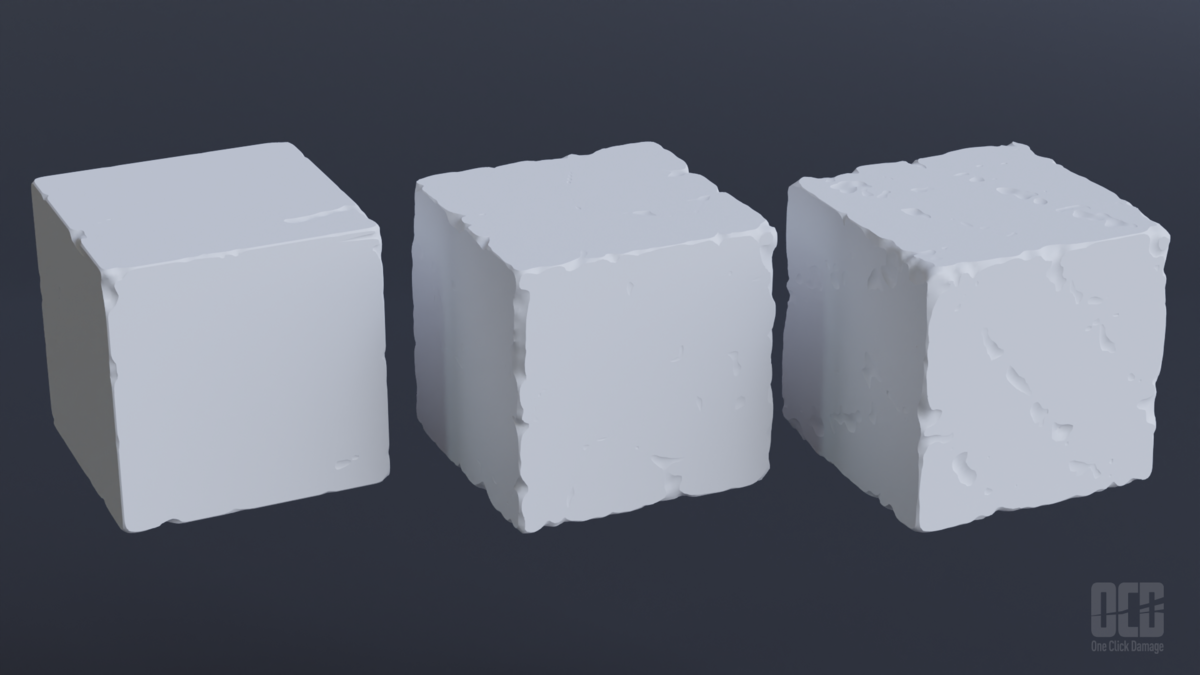
A big cube makes a nice looking damage, but when it comes to the actual size, it becomes lumpy. I'm asking the producer how to deal with this, but can it be solved? I will give the rating if it can be resolved. As it is now, it is not even 1 star. What is the point of those who are giving 5 stars?UPDATE Sept 7, 2023: OCD can be assigned to primitive objects in one shot, but when it comes to complex objects, you have to take a moment to assign the desired damage.Even with the above, I think it is a good add-on, but I thought the explanation of how to do it should be written in a way that is easy to understand.One-click may be the selling point of this add-on, but it is meaningless if the damage is not as intended.The creator was very sincere in his response. Thank you very much.
First and foremost, it works.
Before purchasing, you should be aware of the following issues:
1. After applying OCD you cannot use SUBSURF straight away because it creates a very messy mesh, and applying the modifier just makes it more messy - so cleanup is needed.
2. It doesn't like many faces... I tested it on a cube that was divided five times and it worked kind of slowly. It took between 10 and 30 seconds for each calculation and change. (I have a beastly machine so it is not a hardware issue)
Hence, it is an easy solution, but I will probably keep my SHADER workflow with displacement.
VFXGuide
over 4 years ago
If you need even more details and want to use displacement, apply Remesh modifier after OCD. no need to cleanup and subsurf.
not perfect, but fast and clear method. I hope it also apply the concave part, (not only convex), but looks like techically impossible..
Lite version offers limited features compared to the full version.
personal or commercial usage
Have questions about this product?
Login to message
| Blender Extension Compatible | Yes |
| Sales | 17500+ |
| Rating |
62 ratings
|
| Published | over 4 years ago |
| Blender Version | 4.5 - 5.2 |
| Extension Type | Add-on |
| License | GPL |
3d environment OCD Generator blender procedural procedural summer24 winter24 blender procedural damage 3dmodeling bfcm24 spring24