VFXGuide
over 4 years ago
Please use our Discord server for support
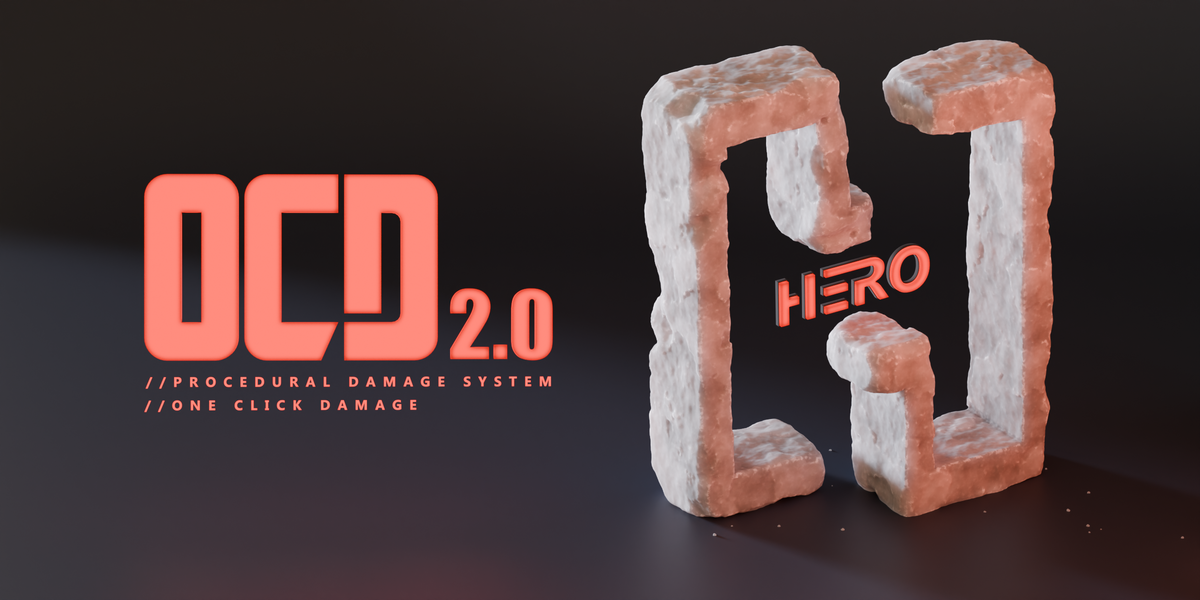
This item has an average rating of 4 from 62 ratings by the community.
Purchase this item to leave a review!
This it not working on my 3.01 mac version..when I hit the button it turns the mesh into an outline and then the button wont function any more...can you please advise?
VFXGuide
over 4 years ago
Please use our Discord server for support
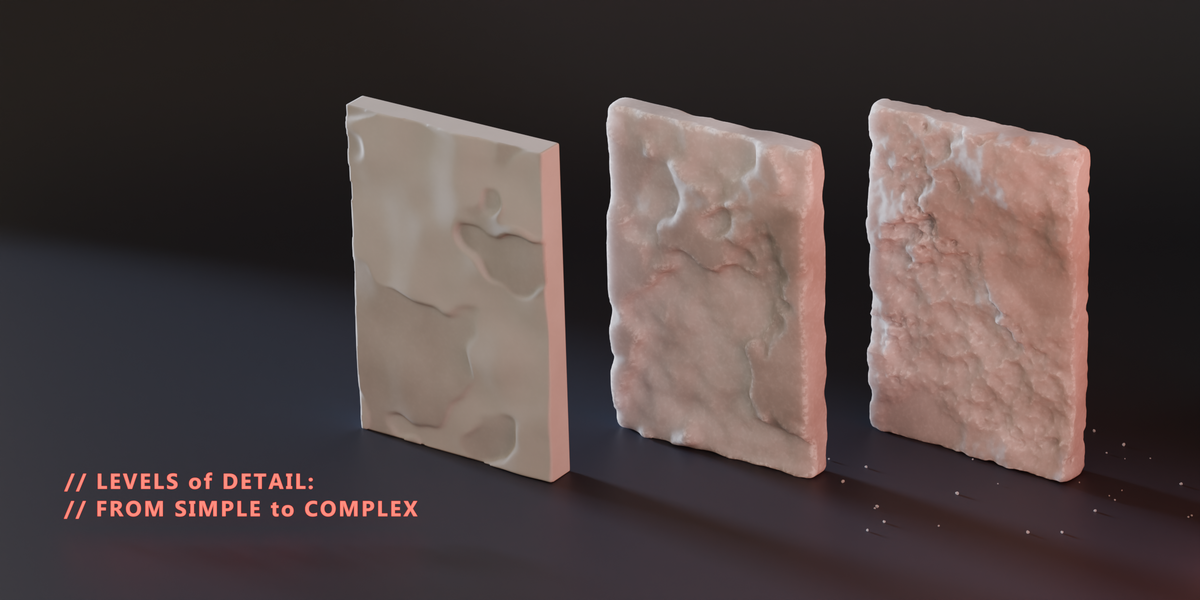
It used to be revolutionary and simple to use. With one click it just worked, you got some small options on top. Now its a bloatware. One click? Forget about it. Sliders with quick results? Not any more, wait for the remesh solver to stop working each time you touch the slider. Lag lag and more lag on top of already lagging features. With each consecutive version its moving away from the roots of simple tool designed to quickly enhance. It of course does what advertised, but it's not what I paid for years back. I paid for simple tool that worked fast. I want what I paid for not this. I want OCD back. We got to a point it's now faster to go to sculpt mode. Good job. Exact opposite of what it did. Don't be fooled. It's not one click anymore.
Nop sorry.
I've tried it. But nop...
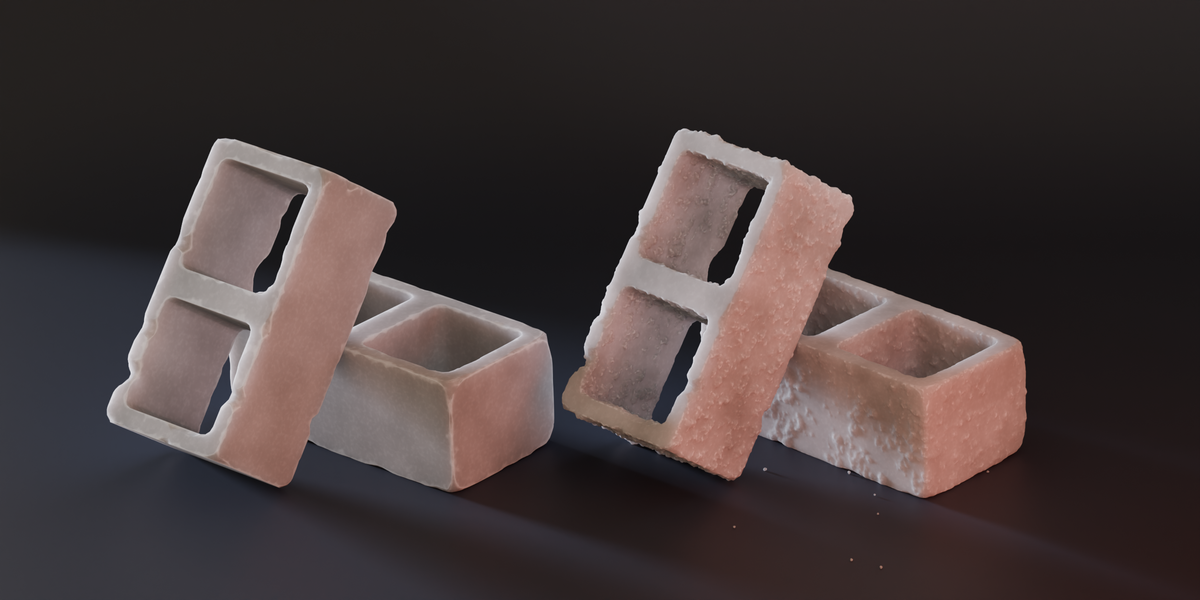
If u would like to make a highpoly model, for a blender basic cube. Yeah sure it works well then. But still costs 20$.
The addon doesnt rly know how to handle wireframes or UV-s or seams or normals or something more complex shapes then brick or a cube
. Whatever. If u're a game designer, or something like where the optimized models needed. This isn't your addon.
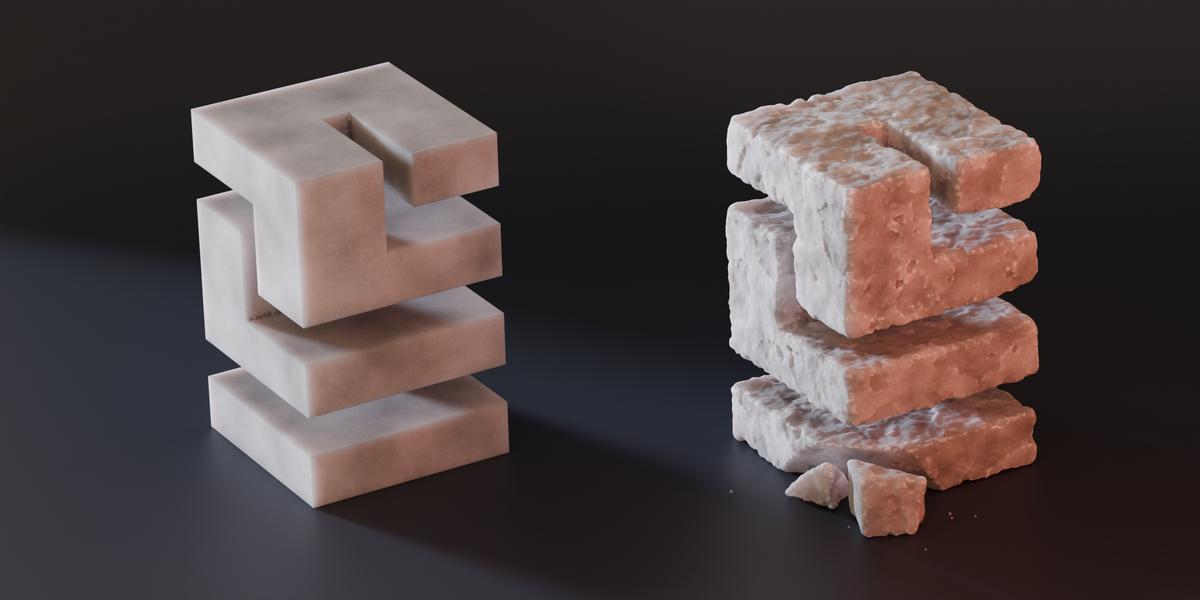
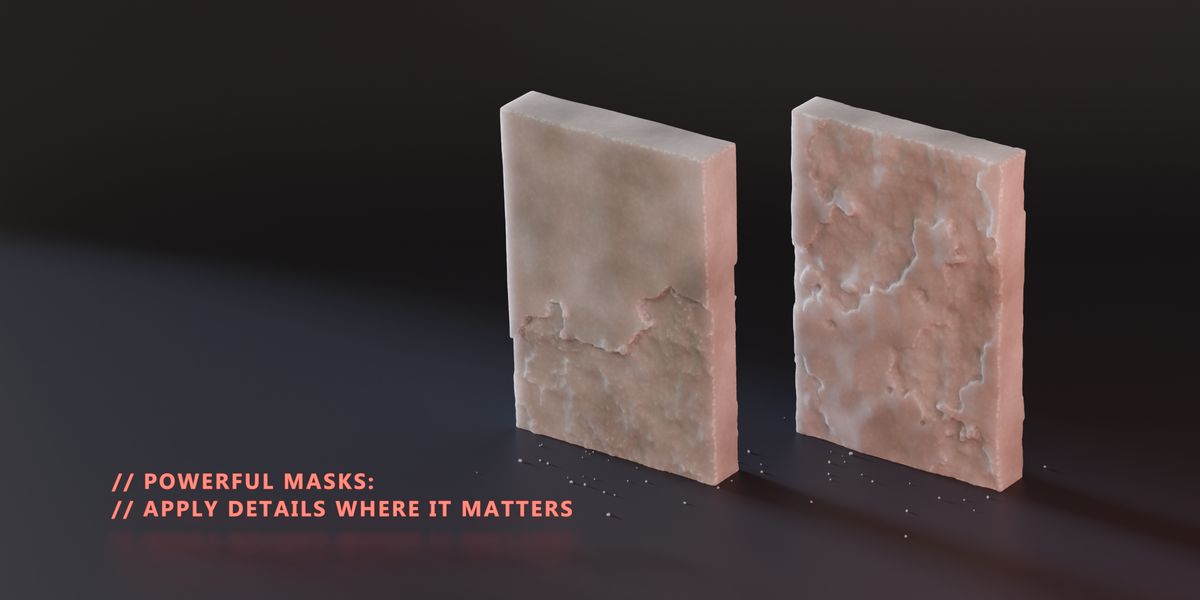
Works with the simplest of meshes and even then 0% already damages much of the mesh. With the boolean options added you can preview what your mesh could look like with the exact solver, but after applying it will use the fast solver anyway. Even if you cancel the addon will apply hard edges to your model. If you want to get it to "cut down on sculpting time" like I did, probably don't. Not in the state that it's in now.
VFXGuide
almost 3 years ago
Thanks for your feedback. The level of damage can be adjusted with the settings. For a quick preview, the add-on uses the Fast solver, but if you choose 'Exact solver' in the preferences, it will apply that when finalizing. If you're having any trouble or need guidance, please let me know. I'm here to help.
This addon used to work very well, no problems at all, but since the new version, it's not worth using anymore! A shame at that price !
would have left a 5 star review if every video online showing the LITE version (that was free) as having automatic inside and outside texturing, only for the latest version of LITE to be a $1.50 and to have that crucial feature removed. I bought it, not worried about the $1.50, happy to support a creator and the incredible tool, based off of the expectations set by every video featuring the LITE version on YouTube, only to find out after installing and messing around that the feature was now removed. Came back to the page and saw it was not included on the description. So I guess technically not false advertisement, but I'd imagine when a lot of more recent attraction to the app is coming from people who've heard about it from YouTube videos, they'd assume the LITE version would have the features showcased. Unfortunately I have to leave a 1 star as the situation just leaves me feeling a bit bamboozled. I find this very discouraging and disappointing.
VFXGuide
over 2 years ago
I'm sorry for the confusion. I don't control YouTube videos about my add-ons except those on my official channel. For accurate info, the product description and online manual are the way to go – and I'm here to answer any questions before purchase. Appreciate your feedback.
I have a T shaped objects, intended to be a house, but so far its just a letter T with no top nor bottom faces. applied this, it inverted some of the faces permanently, the boolean objects were often inverted too, just a mess all around. in the time it took me to clean up that T letter shape, i couldve made better damage myself
VFXGuide
over 2 years ago
The OCD add-on requires objects with fully connected faces for proper operation. Please consult the online manual for detailed usage instructions and to avoid potential issues.
Doesn't work properly. Makes meshes look much too blocky and doesn't look like damage at all:
before OCD: https://i.imgur.com/Vj1DJE2.png
after OCD: https://i.imgur.com/ycd3P9w.png
VFXGuide
almost 3 years ago
https://vfxguide.net/troubleshooting.html
On Blender 3.6.3 at lest the scaling doesnt really work and trying to use it on more complex meshes besides cubes it kinda just butchers it. I dont understand why it works on the same size box but not on another same sized hard edge but more complex object. The scales are applyed, but the edge damages are huge and totally random. Seems it has been like this for a while, looking at other reviews. The full version is also pretty expensive compared to the value and other products on the market. Will change review if this becomes fixed.
VFXGuide
almost 3 years ago
I'm always here to provide full support on how to use OCD with any specific object to achieve the best results. Reach out via Blender Market messages, Discord, or email.
P.S. You can't change your review here.
I really never review add ons but I had to come here to say this. TRASH. If you use this on anything more complex than a cube, you are screwed. Better save your work because even with a 4090 and an i9 this add on when invoked will freeze your computer. Again I say, TRASH.
Lite version offers limited features compared to the full version.
personal or commercial usage
Have questions about this product?
Login to message
| Blender Extension Compatible | Yes |
| Sales | 17500+ |
| Rating |
62 ratings
|
| Published | over 4 years ago |
| Blender Version | 4.5 - 5.2 |
| Extension Type | Add-on |
| License | GPL |
bfcm24 summer24 Generator 3d environment 3dmodeling spring24 winter24 procedural blender procedural damage blender procedural OCD